


The best automation tool depends on what must happen after a trigger. Compare Zapier and Make for connecting business apps, n8n for technical workflows with a self-hosting option, Power Automate for Microsoft and desktop processes, and Retool or Airtable when people need an interface around the work. Gumloop and Activepieces are worth comparing for team AI agents. Pipedream is an integration option for developers, while Workato addresses larger enterprise orchestration. Vellum’s current product is a personal AI assistant, not the LLM-operations platform described in older versions of this guide.
This guide compares 11 automation platforms by current product scope and the limits a buyer should check. We reviewed official product and plan pages on October 3, 2026. This is source-based research, not hands-on testing, a scored ranking or a promise that an automation will work in your account. Screenshots show the vendors’ own pages. Check the exact connector, plan and permissions before giving a tool access to real data.
Automation tools, software and platforms: which category do you need?
Workflow automation connects an event to a defined sequence of actions. An AI workflow adds model-based extraction, classification or generation. An agent may choose steps dynamically, so it needs stricter boundaries and review. Robotic process automation operates a desktop interface where an API may be missing. An internal app gives people a screen for reviewing records and approving the next action. These are related jobs, but they should not be sold as interchangeable software.
Start with a sentence such as, “When an approved form arrives, create one CRM record and notify the responsible teammate.” Identify the system that owns the record, who approves it and what should happen if the same form arrives twice. If the goal is publishing, see our social media automation comparison; for campaigns and lifecycle messaging, see the AI email automation guide. Those specialist tools may solve the job without a general integration layer. For CRM-specific constraints, compare our Salesforce integration tools, including connector permissions and paid-plan requirements.
What to consider before choosing an automation tool
- Automation type: Connect apps, process documents, run an agent, operate a desktop, or build a review interface?
- Technical fit: Can the team maintain expressions, code, authentication and deployments, or does it need a visual editor?
- Integration depth: Verify the exact trigger and action, not just the app’s logo in a connector catalog. Check pagination, custom fields, attachments and API limits.
- Cost model: Tasks, executions, credits, seats, bot licenses and external users are different units. Model the same workload in each plan.
- Ownership: Separate workflow export, application source, record export and self-hosting. None automatically guarantees the others.
- Maintenance: Name the owner for failed runs, expired credentials, schema changes and a vendor outage.
If your main need is an application rather than a background process, compare app-building software and no-code builders first. A connected workflow does not by itself provide a complete customer-facing product.
Compare the 11 automation tools by fit
The table separates product categories rather than assigning unsupported scores. Plan details change, so the provider profiles link the exact current plan page. Scroll sideways on a phone.
| Platform | Product category | Reader fit | Cost check |
|---|---|---|---|
| Vellum | Personal AI assistant | Individual work across tools | Check the current plan terms for the exact product and usage. |
| Zapier | App workflows and AI orchestration | Teams connecting common business apps | Check the current plan terms for the exact product and usage. |
| Gumloop | Team AI agents and connected workflows | AI-assisted document and operations work | Check the current plan terms for the exact product and usage. |
| n8n | Technical workflows and AI agents | Teams that need code and deployment control | Check the current plan terms for the exact product and usage. |
| Retool | Internal apps, workflows and agents | Data-heavy tools with a human review interface | Check the current plan terms for the exact product and usage. |
| Microsoft Power Automate | Cloud and desktop process automation | Microsoft-centric teams and desktop processes | Check the current plan terms for the exact product and usage. |
| Pipedream | Developer workflows and embedded integrations | API integrations inside apps and agents | Check the current plan terms for the exact product and usage. |
| Activepieces | Flows and team AI agents | Teams comparing visual flows with governed AI | Check the current plan terms for the exact product and usage. |
| Make | Visual workflows and AI orchestration | Multi-step data routing in a visual canvas | Check the current plan terms for the exact product and usage. |
| Workato | Enterprise integration and orchestration | Cross-team workflows with governance needs | Check the current plan terms for the exact product and usage. |
| Airtable | Shared data workspace with workflows | Record-centered collaboration and operational apps | Check the current plan terms for the exact product and usage. |
1. Vellum: Personal AI assistant
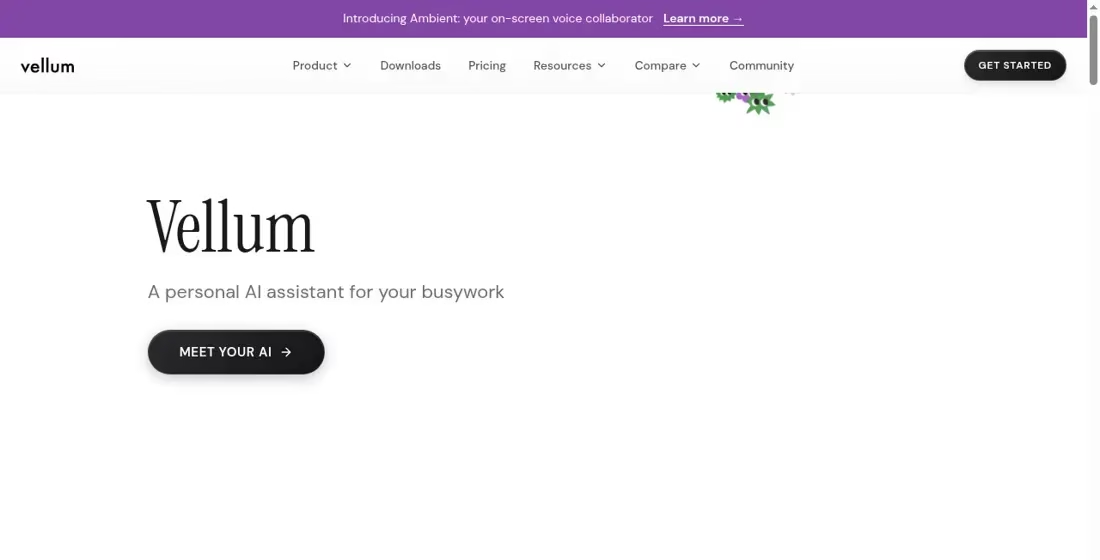
Best-fit discussion: Vellum’s current homepage describes a personal AI assistant that remembers working context and acts across tools. This is a material change from the LLM-operations description in the older article. Its current plan page describes hosted computer and usage choices, along with a self-hosting route. Do not use the historical $250 team-plan quote to budget for this current product.
What to verify: Compare the allowed tasks, local or cloud deployment, credential handling and permission prompts. A personal assistant is not automatically a shared enterprise integration service. Clarify which actions can run without review and how you inspect or stop them.
Pricing and limits: The current page lists assistant plans and usage details. Hosting, storage and usage are relevant; read the exact configuration rather than applying an old LLM-platform price.
Vellum official site | Current plan details
2. Zapier: App workflows and AI orchestration
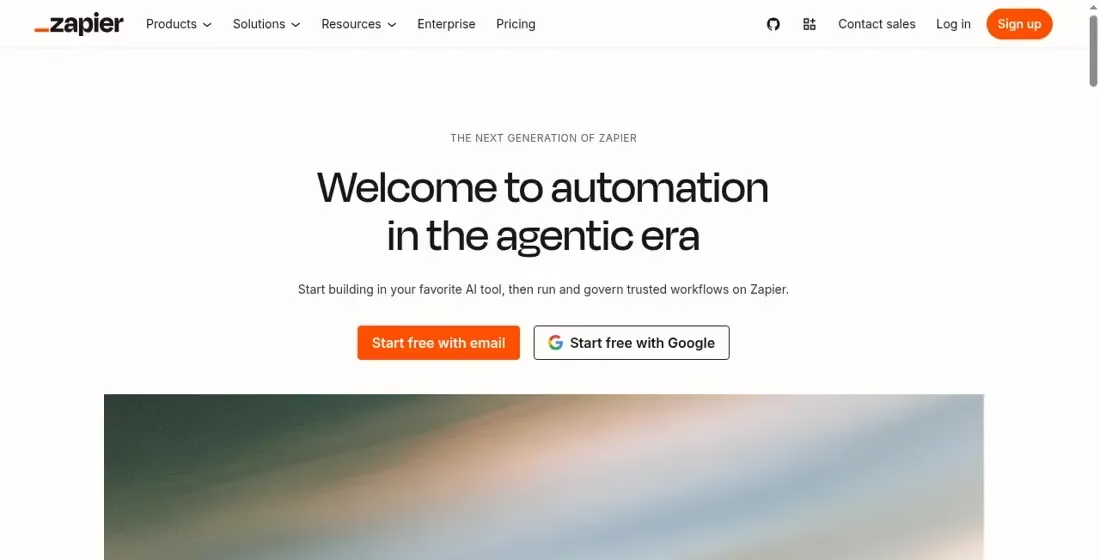
Best-fit discussion: Zapier’s current product includes workflows, agents and governance around connected apps. The familiar trigger-and-action workflow remains a useful starting point for jobs such as creating a CRM record from an approved form or notifying a teammate after a status change. Its current offering is broader than the old claim that it has no front-end interface and only runs basic background tasks.
What to verify: Verify the connector’s specific trigger and write action, custom-field support and the permissions requested. Check the relevant plan for multi-step logic, approval needs, usage and governance. A large connector catalog is not proof that every feature in each connected app is supported.
Pricing and limits: Use the live plan selector for the products and usage you need. Avoid combining a historical task quote with newer agent or app features and calling that the final cost.
Zapier official site | Current plan details
3. Gumloop: Team AI agents and connected workflows
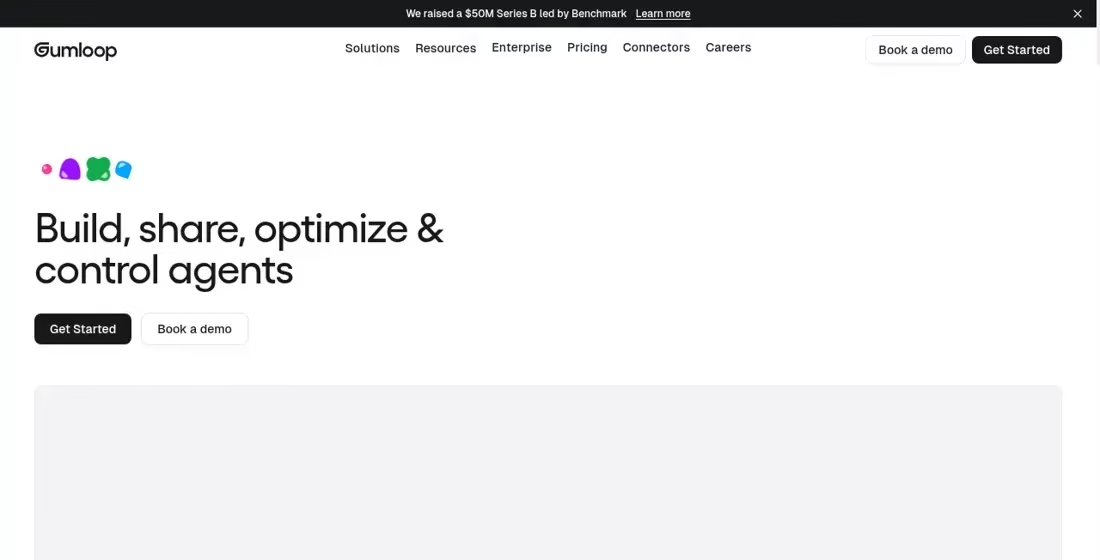
Best-fit discussion: Gumloop now emphasizes building, sharing and controlling agents across a company. Its product materials describe agents connected to apps, triggers and team controls, with enterprise access and monitoring options. Document classification, extraction and routing remain useful use cases, but the old description of a fixed set of model nodes is too narrow for its current positioning.
What to verify: Pilot both easy documents and ambiguous examples. Define when the agent stops for a person, especially before it writes to customer systems. Ask which access controls, deployment options and audit features are included in the exact plan rather than treating enterprise marketing as a feature of every account.
Pricing and limits: The fetched pricing page did not expose enough plan detail for a reliable numerical quote. Check the current allowance, credit accounting and enterprise terms directly.
Gumloop official site | Current plan details
4. n8n: Technical workflows and AI agents
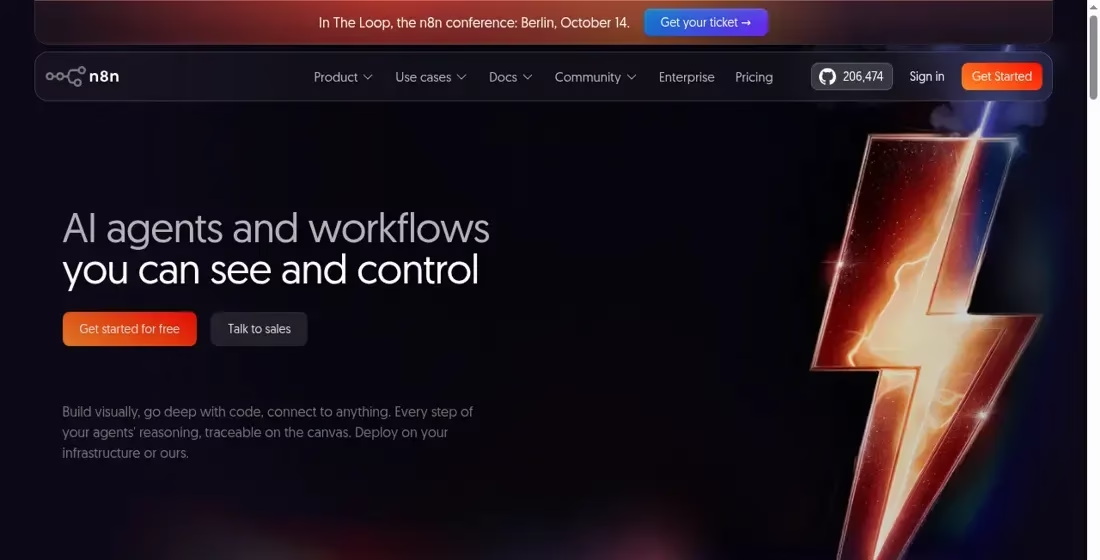
Best-fit discussion: n8n combines a workflow editor with code and API work. Its current site describes JavaScript or Python steps, agent workflows, testing and deployment on the vendor’s infrastructure or your own. It is a useful candidate when the team needs to inspect logic, handle custom integrations and manage a workflow beyond a short trigger-action chain.
What to verify: Decide whether your team will run the infrastructure. Self-hosting requires patching, backups, secrets, monitoring and recovery. Check the license and the commercial features separately. Do not translate source availability into unrestricted resale or assume the Community Edition includes every enterprise control.
Pricing and limits: The current commercial page bases pricing on workflow executions and also lists a self-hosted Community Edition. Compare execution limits, concurrency, retained history and hosting costs for your workload.
n8n official site | Current plan details
5. Retool: Internal apps, workflows and agents
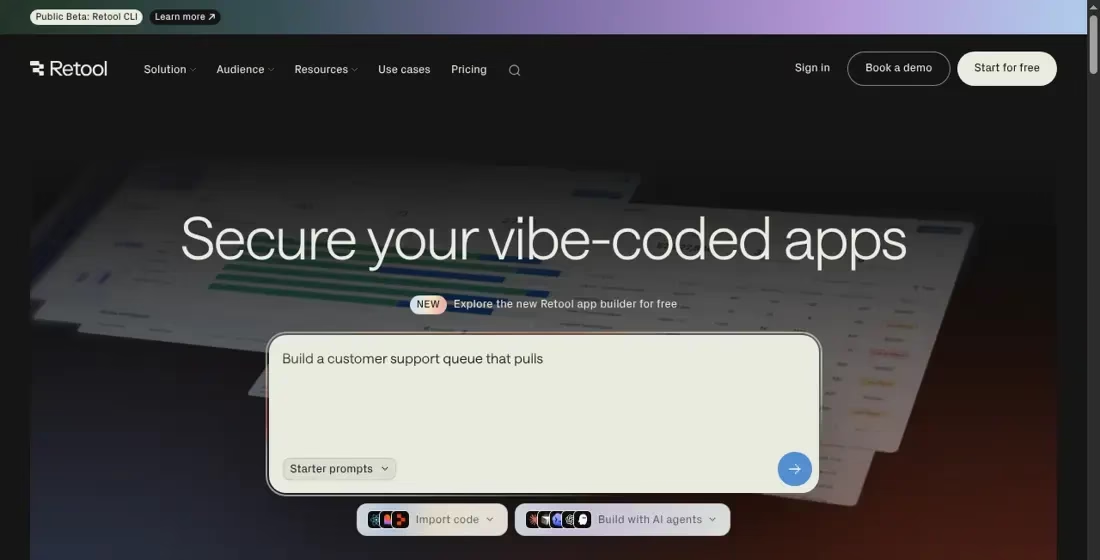
Best-fit discussion: Retool is useful when automation needs an interface, such as a support console, inventory dashboard or approval queue connected to databases and APIs. Its current offering covers apps, workflows and agents. That makes it different from a background-only integration: people can view records, decide what happens next and use a purpose-built operational screen.
What to verify: Design roles and row-level access before adding production data. Confirm whether the user is a builder, internal user or external user for licensing. Separate the app’s AI credit use from agent runtime and workflow usage. Validate self-host availability for the chosen plan rather than assuming every tier can run on your infrastructure.
Pricing and limits: Retool’s current table separates user types, app AI credits and agent billing. Read the cloud or self-host section that matches the deployment and compare the total for all required users.
Retool official site | Current plan details
6. Microsoft Power Automate: Cloud and desktop process automation
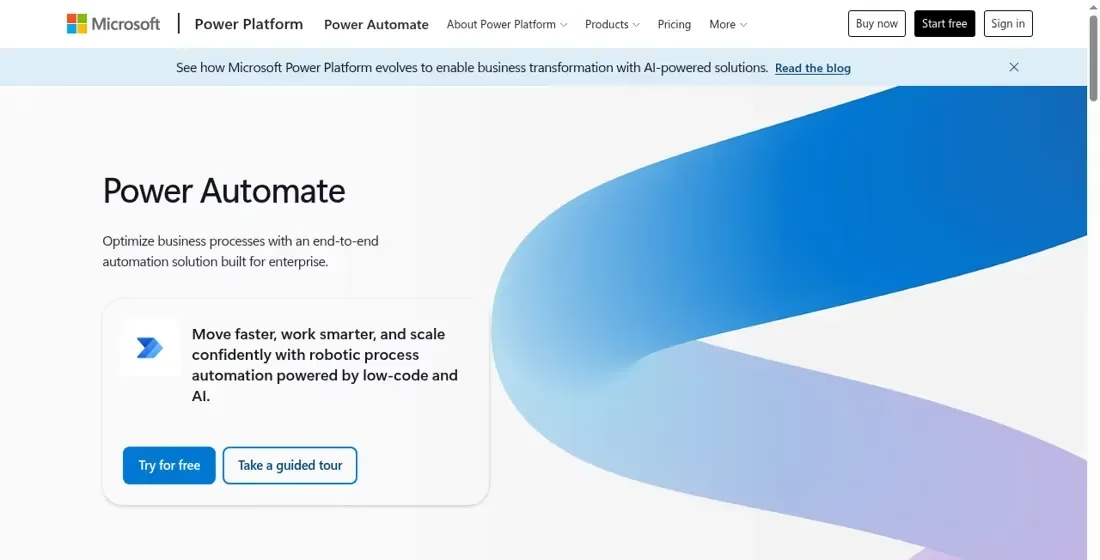
Best-fit discussion: Power Automate covers cloud flows and desktop automation, which can matter when a business process crosses both connected services and desktop software. The current plan page distinguishes individual-user capabilities, unattended process automation and hosted process automation with a Microsoft-managed virtual machine. Those are different deployment and licensing choices.
What to verify: Write down whether the flow is attended or unattended, which connectors it uses and which tenant owns it. Confirm the required licenses, environment and data policies with the person who manages Microsoft services. A user plan should not be presented as interchangeable with a bot or hosted runtime.
Pricing and limits: Use the official plan comparison for the exact user, process or hosted-process arrangement. Prices shown for one licensing unit should not be multiplied as though every flow is licensed the same way.
Microsoft Power Automate official site | Current plan details
7. Pipedream: Developer workflows and embedded integrations
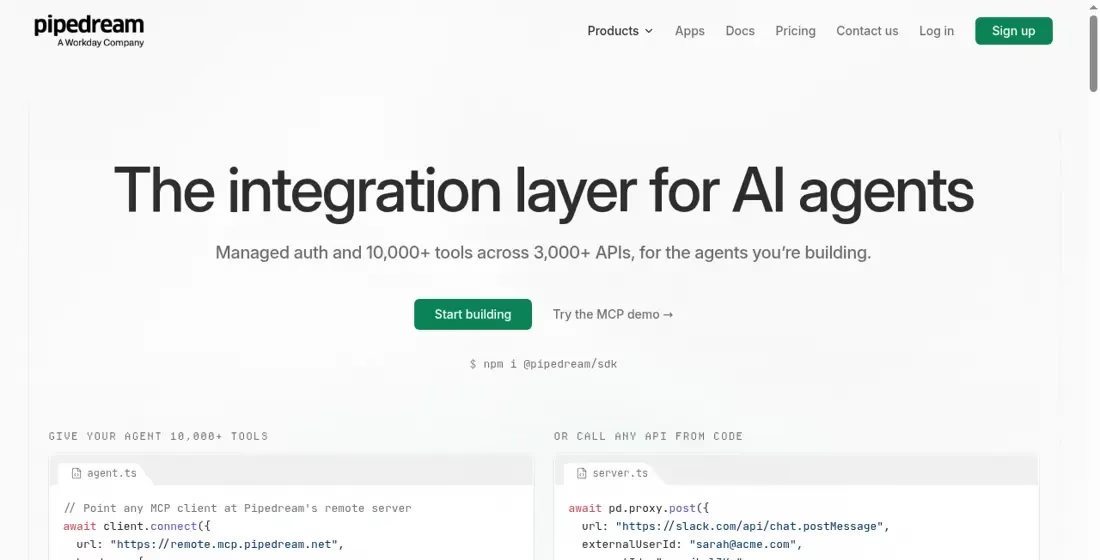
Best-fit discussion: Pipedream’s current homepage highlights the integration layer for AI agents, with managed authentication and app actions. Its product materials also describe a workflow builder and developer integration toolkit. It is a candidate for engineers who need API-oriented behavior and connected accounts inside their product, rather than a purely non-technical automation interface.
What to verify: Separate using workflows for your own operations from embedding Connect for external users. Define who owns each connected account, token refresh, API failure and tenant boundary. An embedded integration needs account isolation and revocation behavior, not merely a working demo action.
Pricing and limits: The current pricing page explicitly describes Connect production users and usage credits. It is not a verified universal quote for every Pipedream workflow product. Confirm the specific product before budgeting.
Pipedream official site | Current plan details
8. Activepieces: Flows and team AI agents
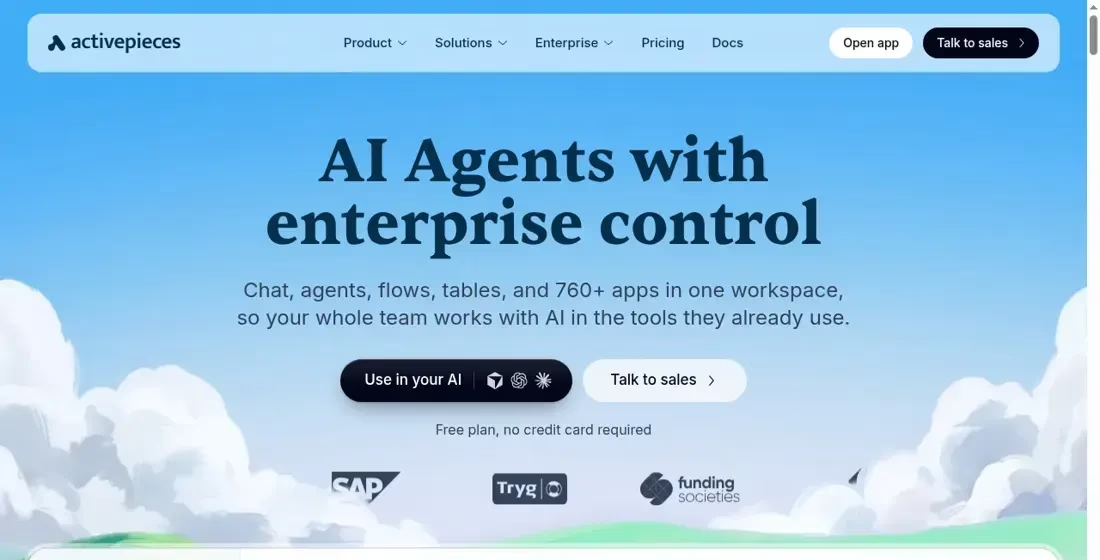
Best-fit discussion: Activepieces’ current offering brings agents, flows, tables and connected apps into one workspace. Its materials describe reusable app connections, custom code for difficult steps and team controls. It remains relevant to readers comparing visual automation options, but current credit and agent features should replace the historical $9 execution-plan description.
What to verify: Verify the exact piece and action, then test a failed connection and a retry. Its site says connector pieces are MIT-licensed; that does not mean every service, hosted plan or enterprise feature has the same license. Check deployment, releases, audit logs and access controls for the tier you need.
Pricing and limits: The current pricing page lists daily credits on Free and different capacity and team controls on paid plans. Model the credits your flow consumes rather than assuming unlimited flows means unlimited runs.
Activepieces official site | Current plan details
9. Make: Visual workflows and AI orchestration
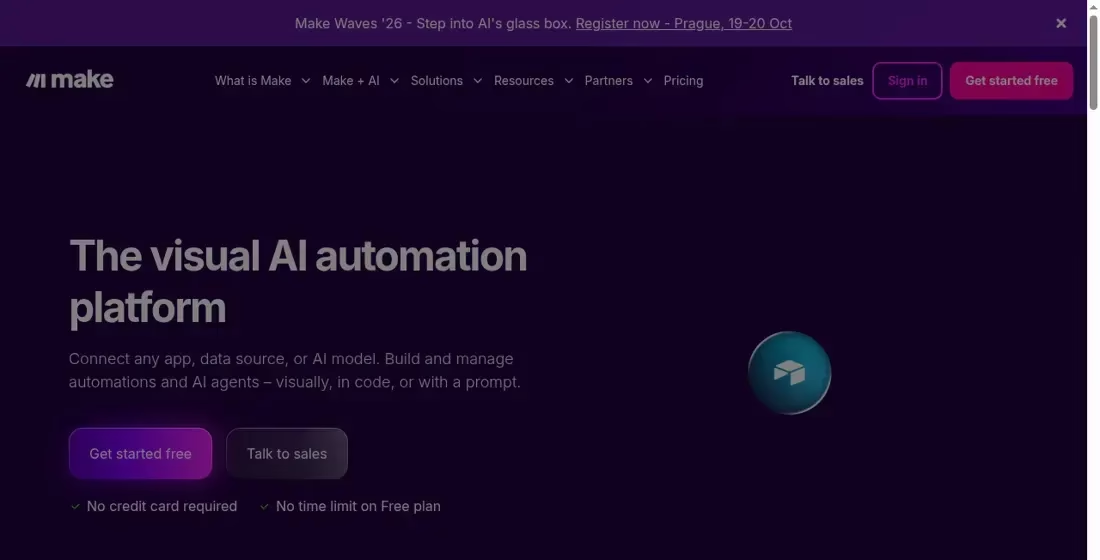
Best-fit discussion: Make describes a visual automation platform for connecting apps, data and AI models, with building through a visual editor, code or prompts. It is useful to compare for branching workflows, transformations and processes where a team wants to see the route from source to destination. Its current billing language is credits, not the older operations-only shorthand.
What to verify: Inspect each module’s data and error route. A visually tidy scenario can still mishandle duplicates or partial completion. Plan for API rate limits and credit exhaustion. Keep a review stage for any AI-produced action that could affect a customer or important record.
Pricing and limits: Make explains that scenario actions consume credits and some AI features use more. The plan page also describes stopped scenarios and extra-credit options. Use expected records and actions per record to compare capacity.
Make official site | Current plan details
10. Workato: Enterprise integration and orchestration
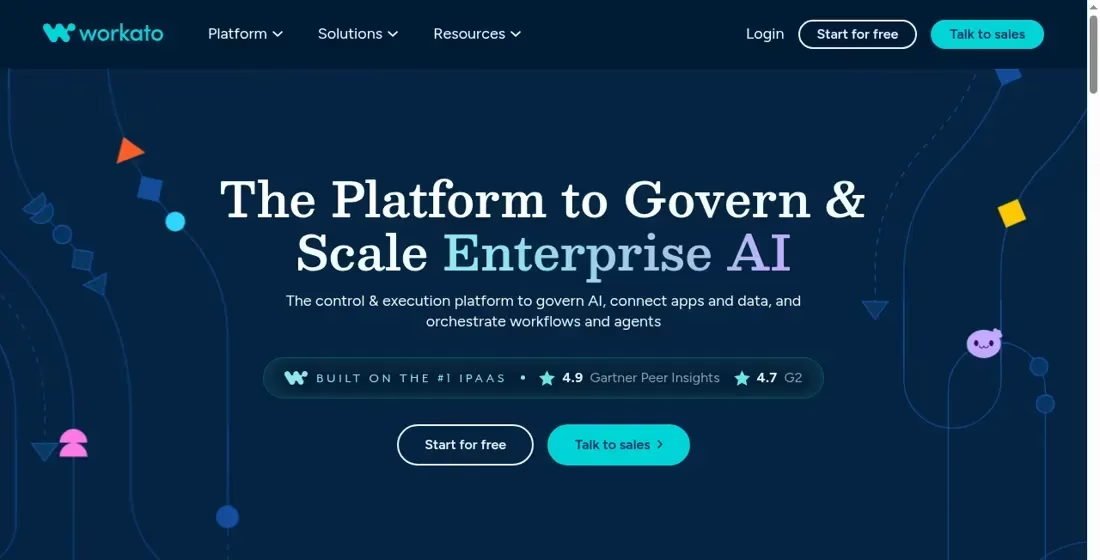
Best-fit discussion: Workato’s current homepage focuses on governing and scaling enterprise AI while connecting apps and data and orchestrating workflows and agents. It is a candidate when the decision includes organizational controls and operational ownership across teams, rather than only the fastest way to connect two small apps.
What to verify: Ask for a scoped demonstration of the required connectors, identity controls, environments, logs and recovery process. Confirm which capabilities are direct product features, licensed additions or implementation work. Compare the ownership and support plan as carefully as the connector catalog.
Pricing and limits: The official pricing page is not a complete public quote for a defined project. Request a scoped proposal with usage, environments, support and implementation assumptions rather than publishing an invented starting price.
Workato official site | Current plan details
11. Airtable: Shared data workspace with workflows
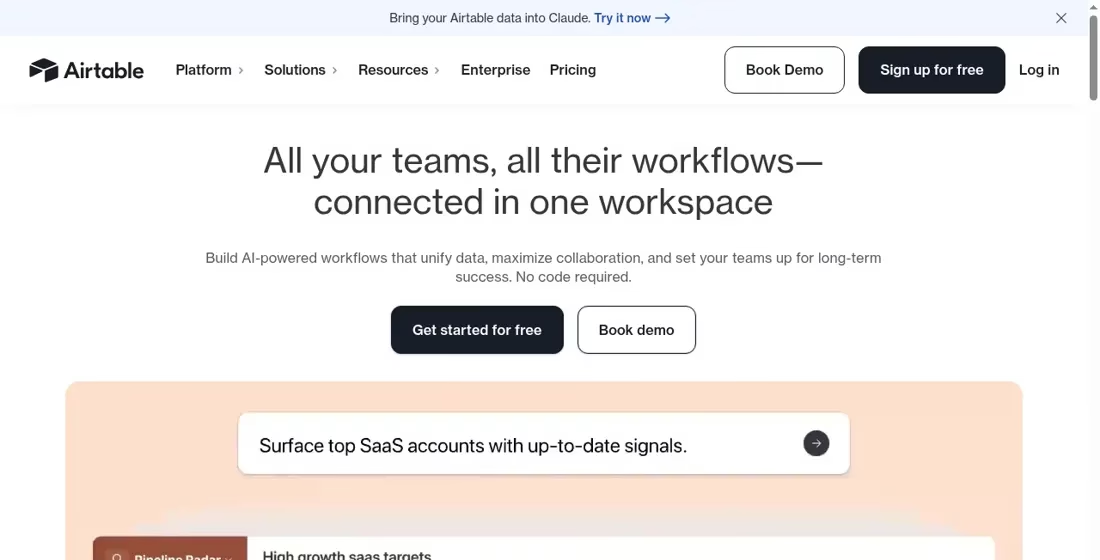
Best-fit discussion: Airtable’s current homepage describes a connected workspace for team workflows and AI-powered work. It is useful when the records and the interface around them are central: intake, pipeline tracking, content operations or review queues. It appeared only in the old comparison table; this profile makes its different role explicit.
What to verify: Design the data model, linked records and permissions before automating every edit. Check who can change the structure and what happens when an automation updates the same record that triggered it. For cross-system work, test the exact connector and do not assume a shared table replaces a dedicated integration platform.
Pricing and limits: Check the current plan for collaborators, records and automation allowances. User licensing and runtime limits are separate questions, so compare both for the intended team.
Airtable official site | Current plan details
How to compare the cost of an automation platform
Do not compare two starting prices until you compare the work they include. A single workflow can use several billable steps in one product and one execution in another. AI generation may add credits or a separate model bill. An internal app may charge for builders, internal users or external customers. An unattended desktop bot may require a different license from an attended flow.
Write down a small and a busy workload: incoming records, steps per record, retries, model calls, active users and scheduled runs. Include the cost of your database, hosting and monitoring if you self-host. Check whether the service stops, queues work or charges an overage at the limit. Make’s current plan page, for example, explains that scenarios stop running without credits and describes options for extra-credit purchasing. That is an operating rule, not just a price.
Free automation software and self-hosted options
Free plans are useful for a bounded pilot, but production limits still matter. Activepieces currently lists a daily credit allowance on Free. Make lists a Free plan and bills scenario actions in credits. n8n offers a standard self-hosted Community Edition as well as commercial plans. Self-hosted does not mean no cost: someone must run the server, apply updates, back up data and respond to failures.
Read the license as well as the feature list. A source-available product, open-source connector and exportable workflow are different things. Do not promise customers unrestricted resale or embedding because a repository is visible. Likewise, do not assume a hosted service provides data residency, private networking or audit logs on every plan.
Build a pilot that reveals failures
Use fictional data for the first pilot. Connect one source and one destination, then test a normal record, an empty field, a large attachment, a duplicate event and a rejected API call. Verify that retrying a failed run does not create a second invoice, contact or message. Keep an identifier from the original event so the destination can detect duplicates.
For AI work, create a small review set containing easy examples and exceptions. Record when the workflow should stop for a person rather than guess. A classification model may be useful for routing, but a confident wrong answer should not automatically trigger a payment, delete a record or contact a customer. Preserve the input, output and approval record where your privacy requirements permit it.
Decide who receives a failed-run alert and how quickly the work must recover. A nightly reporting workflow and an urgent support workflow need different operating plans. Measure successful completed jobs and manual repair time, not just the number of workflows you created. We have not performed these tests on the products listed here; they are a buyer’s test plan.
For a customer-facing conversation rather than a back-office trigger, compare chatbot development services and platforms. Separate the bot’s conversation design, permissions and human handoff from the automations it calls.
IT automation, workload automation and browser automation
If the requirement is a service desk rather than a trigger-action workflow, compare ServiceNow alternatives for IT service management. Check tickets, assets, change management and migration separately from general app automation.
Some searches for “IT automation tools” mean infrastructure provisioning, endpoint administration or scheduled batch jobs. This list focuses on business workflows, app integration, agents and internal interfaces. Do not choose a marketing integration tool as a substitute for your infrastructure or job-scheduling requirements. Write those requirements separately, including operating systems, secrets, maintenance windows and recovery guarantees.
Similarly, a browser extension that clicks through one website is not a drop-in replacement for an enterprise integration platform. For searches about Automa or Automate.io alternatives, first identify which triggers and actions the old workflow used. Migrate the behavior, not just the product name. Browser scripts can break when the page layout changes; APIs can also change, but they usually provide clearer error handling and versioned contracts.
Frequently asked questions
What are examples of automation tools?
Zapier and Make connect business apps; n8n builds technical workflows; Power Automate covers cloud and desktop processes; Retool and Airtable put interfaces around data; Pipedream provides developer integrations. AI-agent products such as Gumloop, Activepieces and the current Vellum product serve a different part of the work. Choose the category before the brand.
Which automation software is easiest?
The simplest choice is the one your team can maintain for the exact workflow. A short visual trigger-action process may be easier than a custom script, but a complicated visual flow can be harder to debug than a small reviewed program. Try the same representative job in two products and inspect a failed run before paying.
Can I automate without coding?
Many products provide visual builders and ready-made connections. Custom APIs, unusual data formats and advanced permission rules can still require technical help. Check the exact action and the error path during the pilot rather than assuming every advertised integration is no-code for your use case.
Which tools are alternatives to Workato or Power Automate?
For cloud integration, compare the relevant capabilities in Zapier, Make, n8n or Pipedream. For enterprise controls, compare Workato’s scope with the commercial governance features of the others. If you need unattended desktop automation, do not assume an API workflow builder replaces Power Automate’s desktop licensing and runtime.
Can an AI automation produce a complete brief?
A workflow can collect permitted inputs, draft a brief and route it for review. Define its allowed sources, factual checks and approval stage. A generated document is not proof that its claims are correct. Keep confidential inputs and publishing destinations inside the permissions agreed for the workflow.
What should I check before granting access?
Use the least access needed, inspect requested scopes, separate production from test connections and check who can see logs. Confirm where inputs and outputs are stored, what the model provider receives and how to revoke access. Vendor security claims are a starting point for review, not a substitute for your own requirements.
Bottom line
Pick one workflow, define its failure and approval paths, and compare two or three products in the right category. Keep the first pilot small. A tool earns its place when it completes the job reliably at an acceptable operating cost, not when it has the longest connector list or the most confident AI demo.


Leave a Reply