


Shiftsmart is a US shift-work app, not a global work-from-home marketplace. Its onboarding page requires workers to be at least 18, eligible to work in the US, fluent in English and equipped with a smartphone and payment account. Pay timing also starts after a shift is reviewed: Shiftsmart says review usually takes 24-72 hours, with longer reviews for some audit work; only then does the chosen transfer clock begin. If you want another source of local shifts, the 15 active platforms below have different roles, city coverage and pay rules. We checked official product pages and support articles on September 29, 2026, not actual shift availability in a particular ZIP code.
Shiftsmart onboarding requirements
Quick picks by kind of work
- Instawork: hospitality, events and light industrial roles, with position approval for skilled jobs.
- Wonolo: warehouse and general labor in listed US markets; per-shift payment is generally 1-5 business days.
- GigSmart Get Gigs: varied short shifts; requester approval controls when payment begins.
- Veryable: manufacturing and warehousing Ops with next-day Branch payout according to its support center.
- Qwick: hospitality shifts in selected cities; check 1099 versus W-2 status and current payout rules.
- Also check Indeed Flex, PeopleReady JobStack, Upshift, Bluecrew, credential-based ShiftMed, WorkWhile, Bacon, Hyer, Traba and GravyWork in your local market.
At-a-glance comparison
| App | Typical work | Payout clock | Coverage/eligibility check |
|---|---|---|---|
| Instawork | Hospitality, events, warehouse | Weekly; eligible Instapay option | Nearby shifts and position approval |
| Wonolo | Warehouse, labor, events | Generally 1-5 business days | Listed US cities, age 18+, SSN/EIN |
| GigSmart | Short local shifts | After requester approves timesheet; Branch payout | Check local postings and Branch setup |
| Veryable | Manufacturing, warehouse | Next day after Op via Branch | Local Ops; background check |
| Qwick | Hospitality | 1099 standard up to 7 days; eligible instant option | Active city, role and employment type |
| Indeed Flex | Temporary local shifts | Shift jobs through mobile app | Local availability and pay depend on job |
| PeopleReady JobStack | Day labor and local assignments | Jobs offered through JobStack for Work | Assignments and pay depend on branch and job |
| Upshift | Hospitality and other shifts | Flexible shifts by location | Approval and market coverage vary |
| Bluecrew | Supply-chain and warehouse work | Shift and hourly jobs through Employbridge | Not every region or role has openings |
| ShiftMed | Healthcare shifts | Nursing and healthcare jobs | Credentials required; not general labor |
| WorkWhile | Warehouse, manufacturing, hospitality, events | Next-day pay advertised; W-2 options differ | 30+ US metro areas claimed; check local shifts |
| Bacon | Local labor, events, warehouse | Pay after shift; confirm actual deposit timing | Apply to posted shifts; business must approve |
| Hyer | Stocking, merchandising, events, warehouse | Instant payout advertised for eligible tasks; W-2 differs | 18+, SSN, smartphone, background check; local tasks |
| Traba | Industrial, warehouse and forklift roles | Eligible Quick Pay as soon as 30 minutes; otherwise check terms | Role, skills and local placement determine access |
| GravyWork | Hospitality, dining and events | Weekly Friday pay stated on operator about page | Local open shifts; confirm market and onboarding |
The quoted timelines are operator policies, not a guarantee that a shift is available or that every worker qualifies for rapid pay. Bank delivery and verification can add time.
1. Instawork: Broad hospitality and events
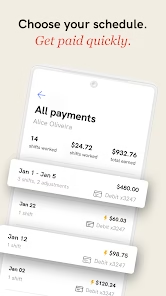
Instawork lists flexible shifts across positions, from general labor and event setup to food service. Its position-approval help says entry-level categories are often approved automatically, while skilled roles such as bartender or line cook require review before booking. Its pay help distinguishes weekly W-2 and 1099 schedules and Instapay on eligible shifts; a bank deposit is not necessarily available at the instant a worker clocks out.
Choose it if: there are open shifts near you and you can complete required position approvals. Check the Available Shifts screen: the operator says city coverage grows and nearby supply depends on location.
Instawork official availability or product page
2. Wonolo: General labor and warehousing
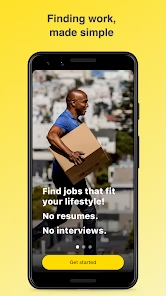
Wonolo lists US cities and jobs including warehouse, general labor and event work. Its FAQ requires age 18+, a valid SSN or business EIN, and a smartphone for clock-in/out; some jobs may require a background check. The same FAQ says payment is generally 1-5 business days after completion, but sometimes longer. Do not recycle the old article’s “same-day pay” claim.
Choose it if: your city appears on Wonolo’s current list and the available shifts fit your experience. Check the specific job’s requirements before assuming signup means immediate access.
Wonolo official availability or product page
3. GigSmart: Varied short shifts
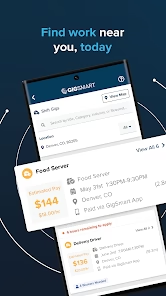
GigSmart Get Gigs arranges short shifts through its active worker app. The support center says the requester has up to three full business days to approve a completed timesheet. After approval, Branch Wallet standard payout can take up to two business days, while Branch Direct rapid payout can arrive within minutes if configured. Setup in Branch before the shift matters.
Choose it if: you want to browse varied local shift types and can accommodate approval time. Check the posted estimated pay and the actual offer terms before accepting.
GigSmart official availability or product page
4. Veryable: Warehouse and manufacturing
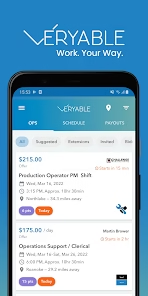
Veryable focuses on manufacturing and warehousing Ops, which workers browse and bid on. Its worker page says access requires a background check, tax form and payment method. Its support center says Branch Direct or Wallet payouts arrive the day after the Op ends, including weekends and bank holidays, usually between 11 a.m. and 1 p.m. Central time. That is a platform statement, not a promise that every local bid is accepted.
Choose it if: industrial shifts fit your skills and there are live Ops within reasonable travel distance. Check safety requirements, location and shift length before bidding.
Veryable official availability or product page
5. Qwick: Hospitality specialists

Qwick focuses on hospitality and publishes a market list. Its September 2, 2026 help article says eligible 1099 shifts may use instant pay, as little as about 30 minutes after verified time, for a 4% convenience fee. Standard 1099 transfer may begin up to seven days after the shift, with another one or two business days for bank delivery. W-2 wages follow weekly payroll instead. An older support article still says 3% for instant pay, so the newer dedicated pay page is the safer reference and the final app screen should settle the fee.
Choose it if: your city is active and hospitality work fits your experience. Check your 1099/W-2 designation and payout option before booking.
Qwick official availability or product page
6. Indeed Flex: Temporary local shifts
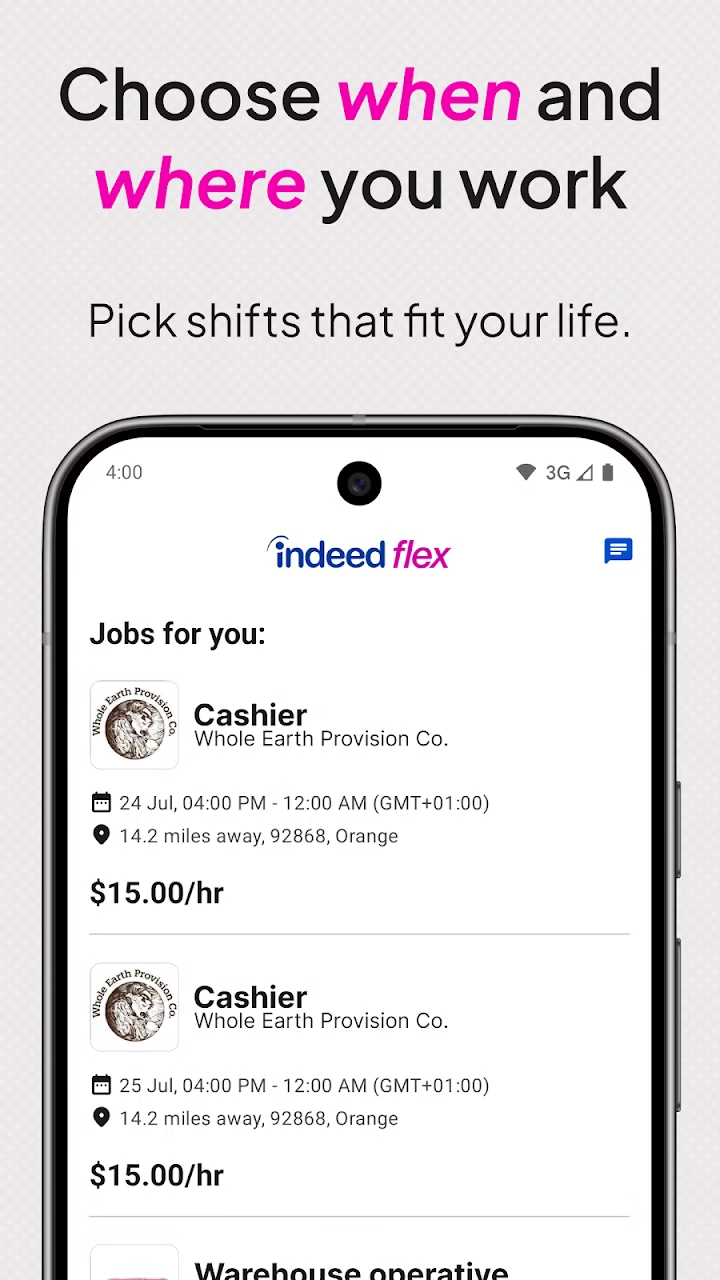
Indeed Flex describes temporary jobs and flexible shifts through its worker app. Openings and eligibility depend on your market and the individual job.
Choose it if: your city has relevant temporary jobs. Check the posted shift, onboarding and payout terms before accepting.
Indeed Flex official information
7. PeopleReady JobStack: Day labor and local assignments
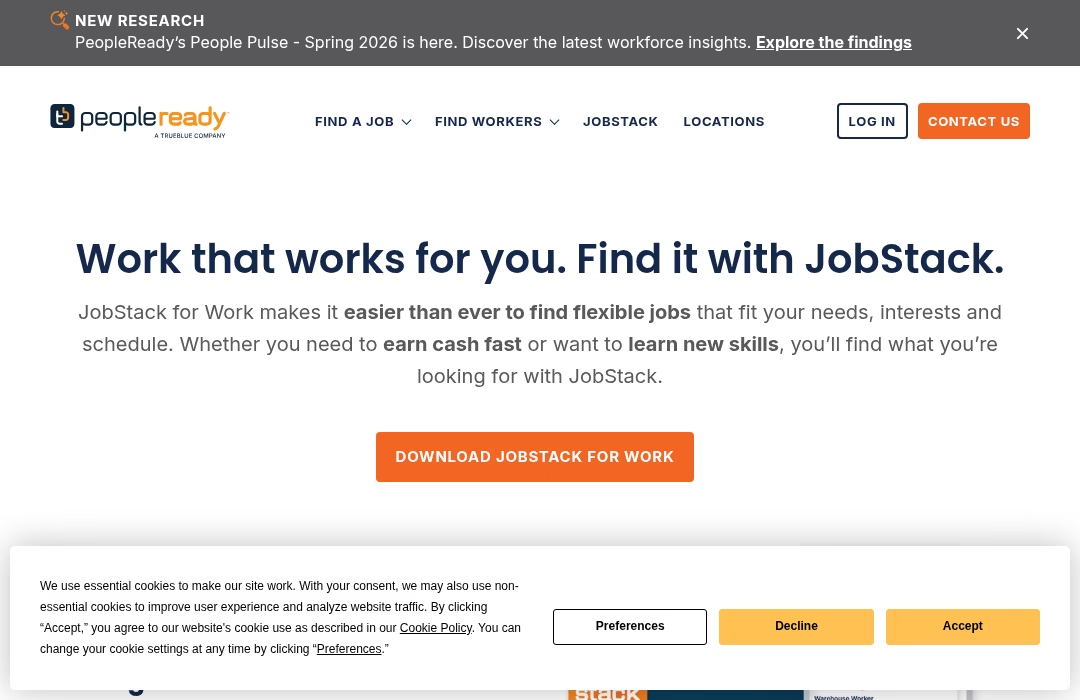
PeopleReady operates JobStack for Work to match workers with local temporary jobs. Its official page shows an active worker service; check your nearby jobs rather than assuming national coverage means local openings.
Choose it if: general labor or short local assignments suit you. Confirm site, job requirements and pay terms in the posting.
PeopleReady JobStack official information
8. Upshift: Hospitality and other shifts
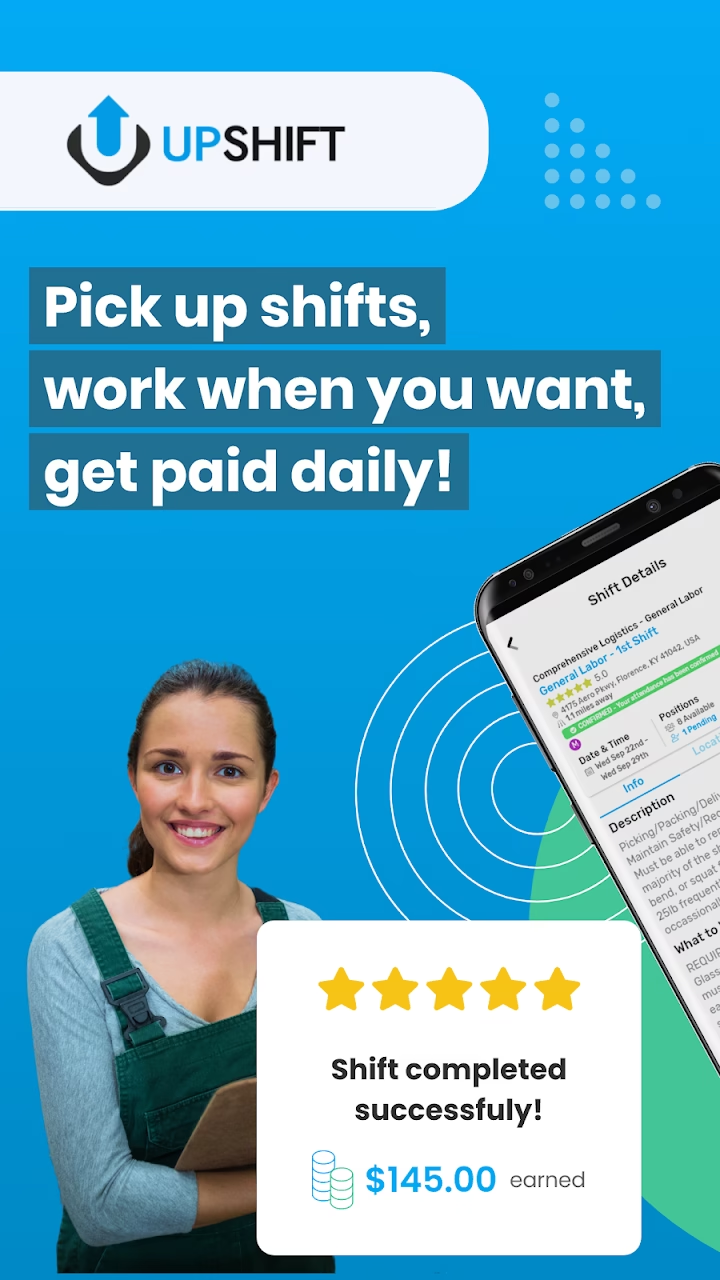
Upshift offers flexible work shifts through its worker platform. Its page emphasizes choosing when and where to work, but real openings vary by city.
Choose it if: your local market and role appear in the app. Check onboarding, job requirements and payout terms before accepting.
9. Bluecrew: Supply-chain and warehouse work
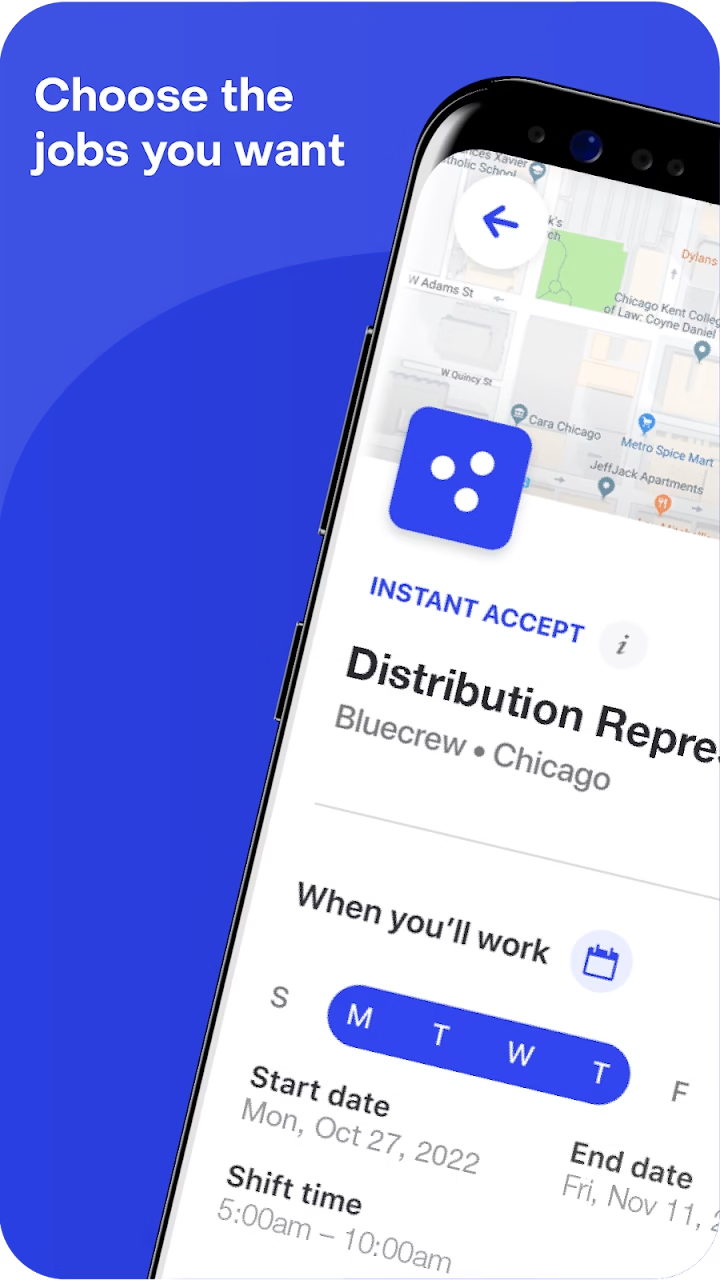
Bluecrew currently points workers to Employbridge job search for supply-chain work. This is a narrower fit than a generic on-demand shift marketplace, so filter by your area and desired role.
Choose it if: logistics and warehouse assignments suit you. Check the exact posting and employer terms.
10. ShiftMed: Healthcare shifts
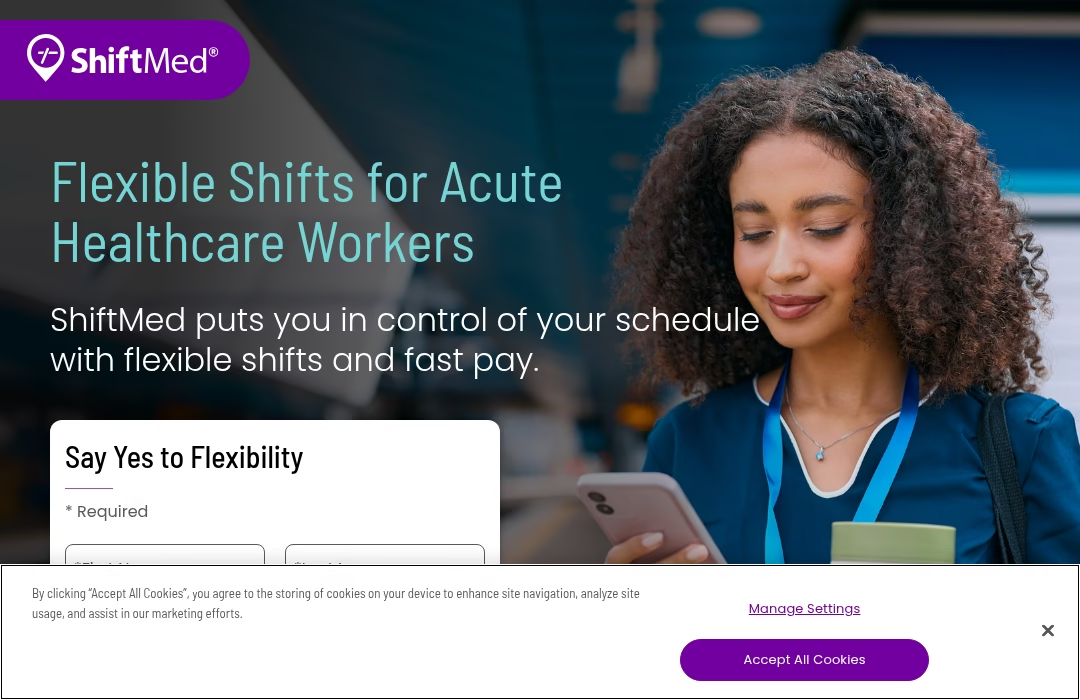
ShiftMed offers a healthcare-focused jobs platform. Unlike Shiftsmart general shifts, these opportunities depend on professional qualifications and local openings.
Choose it if: you hold the needed healthcare credentials. Check license requirements, facility details and the payout terms of each shift.
11. WorkWhile: Flexible shifts across sectors

WorkWhile describes flexible shifts in warehousing, manufacturing, hospitality, events and retail across more than 30 US metro areas. Its worker page advertises next-day pay, but its W-2 support page distinguishes daily and weekly payroll choices, and daily pay follows shift approval. Do not assume the headline promise applies to every worker or every shift.
Choose it if: its live listings match your location and schedule. Check the shift’s employment classification and payout selection before accepting.
WorkWhile official worker page
12. Bacon: Apply for local shifts
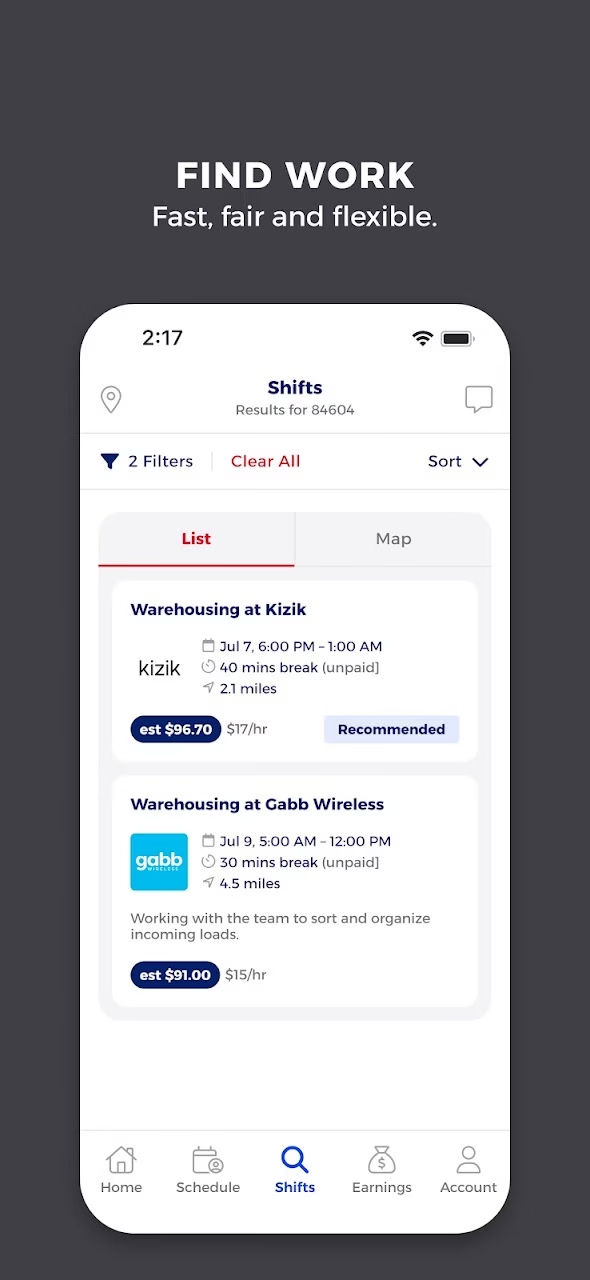
Bacon’s worker page shows a feed of local shifts with company, hours, pay and work type. Workers apply, then the business decides whom to accept. Examples on the page include event and warehouse work. It says workers are paid quickly after a shift, without giving a reliable bank-arrival clock on that page.
Choose it if: the posted role suits your skills and the site is reachable. Confirm acceptance, work location and the payout method rather than treating an application as a booked shift.
13. Hyer: Retail and warehouse tasks
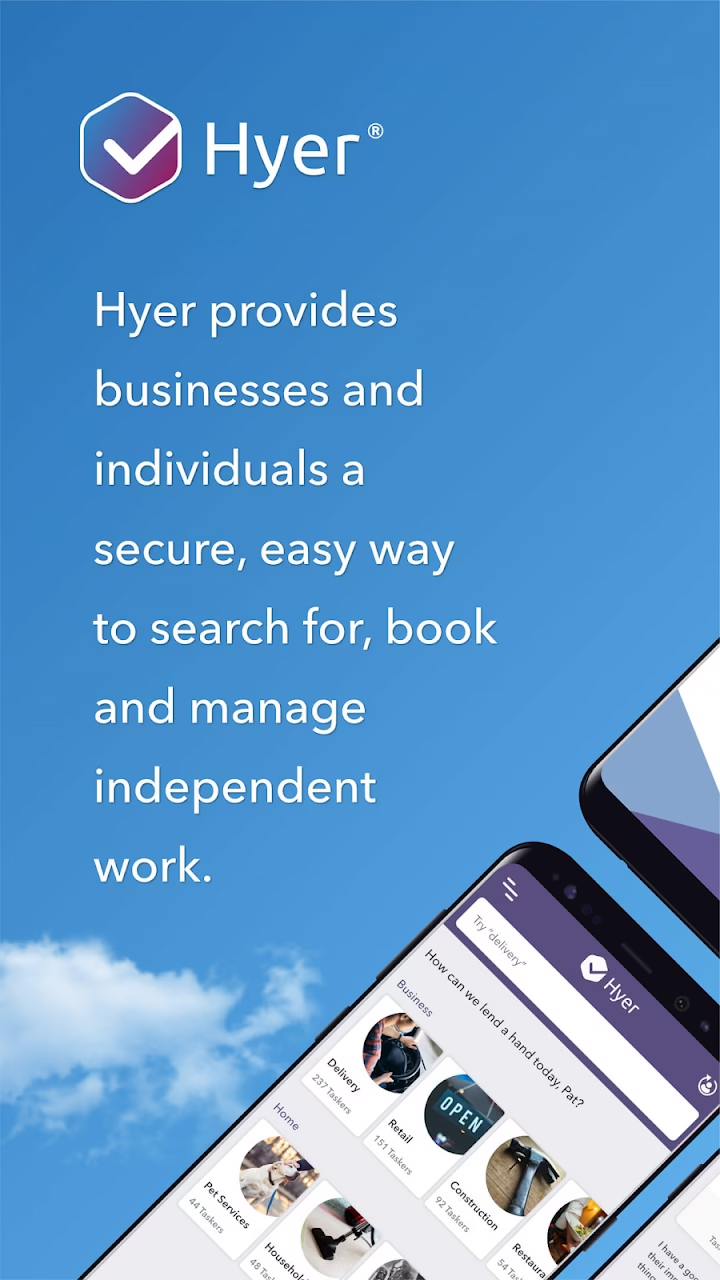
Hyer connects taskers with local stocking, merchandising, event, warehouse and hospitality tasks. Its worker FAQ requires age 18+, a valid Social Security number, smartphone and background clearance; it lists tasks in certain US states but that is not proof of an opening nearby. Hyer also offers W-2 tasks through separate onboarding and payroll, so do not assume every job uses the independent-contractor instant-payout option.
Choose it if: task listings are present in your area and you can finish the relevant onboarding. Check the 1099 or W-2 label and payout terms for each task.
14. Traba: Industrial jobs and shifts
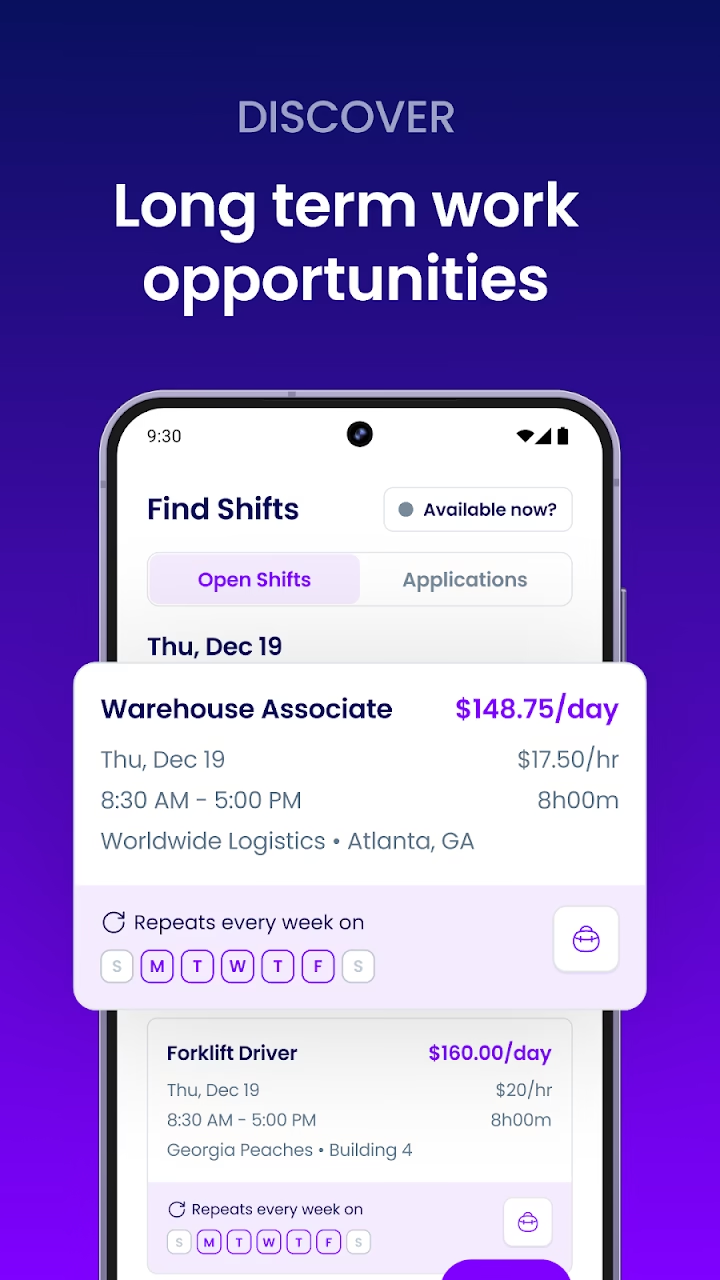
Traba’s worker page focuses on industrial shifts and longer placements, including forklift work. It says eligible workers may access Quick Pay as soon as 30 minutes after qualifying shifts. This is conditional, not a default promise; the worker checklist also requires a completed profile before booking.
Choose it if: the industrial roles and travel fit you. Review qualifications, site details and the posted pay before accepting.
15. GravyWork: Hospitality shifts

GravyWork invites hospitality workers to create a profile and claim local jobs in its app. Its about page describes weekly Friday pay after the first shift and says its workers are W-2 employees. That is a different fit from an instant-cash gig app, and city-level openings still need a live check.
Choose it if: hospitality shifts and weekly payroll fit your needs. Confirm the local shift, onboarding requirements and actual payroll details before accepting.
GravyWork official worker page
GravyWork official pay and employment information
How to find a shift you can actually work
Enter your actual location in each app. A national brand may have no active jobs near your ZIP code this week. Filter by role, distance, shift start, transport and whether a background check or position approval is still pending. Read the posted hourly or fixed pay, cancellation rules, clock-in instructions, dress code and site contact. Decide whether the take-home pay is worth the commute, parking, required gear and any fast-payout fee. Keep a record of the accepted shift and your clock-in/out times in case a timesheet needs review.
Employment and tax treatment vary by platform and shift. Do not assume every app is 1099 work, or that every rapid transfer is free. A payout advertised as “instant” may start only after verification or an approved timesheet. If you are outside the US, check local eligibility before signup: the alternatives in this guide are presented as US-local shift options, not guaranteed international listings.
Frequently asked questions
Which app pays fastest after a shift?
Veryable states next-day payment after an Op via Branch. Qwick and Instawork offer faster options only for eligible shifts/accounts, and GigSmart starts its transfer process after requester approval. Compare the full clock from completed work to your bank, not only the final transfer speed.
Can I work today and be paid today?
Possibly on an eligible shift, but no platform here guarantees it. Onboarding, available postings, shift acceptance, verification and payout setup all matter.
Is Shiftsmart available outside the US?
Its onboarding policy requires eligibility to work in the United States. Most alternatives here focus on local US markets; check each service’s eligibility. Check each service’s current location and work-authorization rules before applying.
Do I need a background check?
Requirements vary by job and platform. Shiftsmart says some roles may require one, Wonolo says specific jobs may, and Veryable lists it among platform access requirements.
Why do I see no shifts in the app?
Coverage may be limited to certain cities, and open jobs change quickly. Check that location permissions, role approval and notification settings are complete. Qwick states users outside its listed cities will not see shifts.
Which alternatives cover warehouse and hospitality work?
For warehouse or industrial shifts, check Veryable, Wonolo, WorkWhile, Bacon, Hyer and Traba. For hospitality or events, check Instawork, Qwick, Upshift, WorkWhile, Hyer and GravyWork. These are categories offered by the platforms, not evidence of open shifts in your area. Compare local listings and the full payment clock before applying.
Related Just Create App guides
September 2026 update: choosing apps like Shiftsmart by pay and worker status
Updated September 30, 2026. The 15-app guide above is retained. This update adds the details that matter when choosing jobs like Shiftsmart: when money actually reaches you, whether a shift is contractor or employee work, and whether the opportunity is local or remote. These are checks of official platform pages, not hands-on shift tests, earnings results or a guarantee of jobs near you.
If you need a Shiftsmart alternative, choose by three practical filters: an accepted shift in your area, the full payment timeline, and the employment terms for that exact shift. Instawork and Qwick fit hospitality comparisons; Veryable fits industrial work; Bluecrew and Upshift deserve attention if you prefer employee arrangements. No national ranking can replace the listings and requirements in your local app.
How long does Shiftsmart take to pay?
According to Shiftsmart’s payment timeline, completed shifts normally take 24-72 hours to review. Audit and mystery-shopping work can take up to seven days. After approval, instant pay is described as roughly 30 minutes, while a standard bank transfer takes 3-5 business days. Automatic Sunday transfers are listed as free. These are separate stages: a 30-minute transfer does not mean 30 minutes after finishing the work.
Missing photos or an incomplete task list can require manual verification. Keep your task evidence and clock-in/out records, and finish payout verification before relying on a deadline. Shiftsmart’s payout requirements call for a bank account or traditional debit card linked to a bank account. CashApp, PayPal, Zelle and checks are listed as unsupported payment methods. A familiar payment app is not automatically a supported destination.
The help page gives several different support thresholds: it asks workers not to contact support before 48 hours, while its ticket checklist specifies 72+ hours, a non-rejected shift and a configured Stripe account. Read the current checklist for your case rather than treating one short headline as a universal support deadline.
Fast-pay alternatives: compare approval, transfer and fees separately
The useful question is not simply “Which app pays instantly?” Ask when the payout clock starts, how much becomes available, what it costs, and whether your account and shift qualify. Official details checked on September 30, 2026:
| Platform | What happens before or during payment | What to check before depending on it |
|---|---|---|
| Shiftsmart | Usually 24-72-hour review, then roughly 30-minute instant pay or 3-5-business-day standard transfer. | Review status, payout verification, actual instant-pay terms in the app; audit work can take longer. |
| Instawork | Eligible 1099 Instapay can reach a debit card within an hour; checking-account delivery can take up to three business days. | Eligibility starts seven days after the second completed shift. The official policy lists a 5% fee, or $5 in California. Not every shift qualifies. |
| Qwick | Eligible 1099 instant pay can arrive in about 30 minutes after verified time. Standard transfer can start up to seven days after work, then take another 1-2 business days. | The September 2, 2026 policy lists a 4% instant-pay fee. Standard pay has no fee; account eligibility matters. |
| GigSmart | Requester approval can take three full business days. After approval, Branch Wallet takes up to two business days; Branch Direct is described as minutes. | Have Branch configured beforehand. Rapid transfer cannot remove the timesheet-approval stage. |
| Veryable | The help center states next-day Branch payout after the Op, including weekends and bank holidays. | Review the Op and your payment setup. Winning a bid and completing the work still come first. |
| WorkWhile | 1099 payments are processed 24 hours after the scheduled shift end. W-2 daily payroll is processed on weekdays and depends on approval. | Daily versus weekly payroll, classification and eligibility. Processing and receipt are not interchangeable. |
| Bluecrew by Employbridge | Weekly pay, with On Demand Pay offering access to up to 75% of earnings. | Early access is not the entire paycheck. Read current enrollment, available balance and transfer terms. |
These details come from Instawork’s Instapay policy, Qwick’s 1099 payment policy, GigSmart’s shift-payment guide, Veryable’s payout guide, WorkWhile’s classification and pay guide and Employbridge’s Bluecrew guide. Check the final app terms before accepting a shift; bank processing, verification and policy changes can affect the result.
Why instant pay can be less than a full shift’s earnings
Instawork’s W-2 Instapay pilot is available only in selected markets and covers 60% of estimated gross earnings, not the whole paycheck. Its help page describes a 5% fee outside California and a separate $5 charge in California. The rest goes through weekly payroll with taxes and deductions. A worker who needs the full balance today should not plan around the word “Instapay” alone. The same principle applies to Bluecrew’s “up to 75%” early-access option.
Do not use a fast-pay feature to compare hourly rates without allowing for its cost. Compare the actual shift offer, expected hours, transfer fee, commuting and required gear. We have not tested payouts ourselves and do not give a promised hourly income for any of these apps.
Contractor versus employee: which apps offer W-2 shifts?
Shiftsmart’s partner page describes partners as independent contractors, not employees of Shiftsmart or its customers. Its tax help says it does not withhold income tax, Social Security or Medicare. Treat the displayed earnings as income that may still need tax planning, rather than a ready-to-spend after-tax amount. Get tax advice for your own situation; this comparison is not tax or legal advice.
- Upshift: its worker page says Upshifters are W-2 employees and describes employee benefits. Flexible scheduling does not mean contractor status.
- Bluecrew: Employbridge says workers are Employbridge employees, paid weekly, with W-2 protections and benefits subject to the stated terms.
- GravyWork: its about page says its talent are W-2 employees and describes weekly Friday pay after the first shift.
- Instawork and WorkWhile: these have both W-2 and 1099 payment rules. WorkWhile specifically says suitably onboarded workers can accept both types through the same app. Read the shift label rather than assigning one status to the brand.
- Hyer: the September 2026 W-2 guide distinguishes contractor tasks from W-2 work through Ascen, its employer of record. W-2 wages go through Ascen payroll, not Stripe.
- Veryable: its official FAQ describes a standard contractor model, but also a W-2 model in selected states, including Illinois. “Veryable is always 1099” is too broad.
Before working, identify the employer or contracting party, tax withholding, injury coverage, overtime terms, cancellation rules and payroll schedule. A benefits headline does not mean every worker is eligible for every insurance plan. Conversely, a contractor shift is not automatically better merely because it pays faster. Use the arrangement that fits your need for flexibility, predictable payroll and support if something goes wrong.
Instawork vs Shiftsmart: which fits your next shift?
Shiftsmart’s partner page emphasizes nearby shifts with payment details shown upfront; its standard worker arrangement is independent contracting. Instawork offers a wider comparison by position and employment type, with distinct W-2 and 1099 payroll rules and role approval requirements. Compare the local listings first, then the specific payment method. Instawork’s eligible one-hour debit payout has onboarding and fee conditions; Shiftsmart’s rapid transfer normally follows a review period. Neither is a guaranteed source of same-day work and same-day money.
For a broader shortlist, compare our apps like Instawork, Veryable alternatives and job apps like Bluecrew guides alongside the current official shift terms.
Shiftsmart work-from-home jobs: what is actually supported?
Important clarification to the opening overview: Shiftsmart is not a general global remote-job marketplace, but that does not mean it has never offered remote projects. An official survey-caller landing page describes phone surveys from home, and its virtual contact-center page describes that service for businesses. Those pages show a type of work, not proof of an open job today.
The survey-caller page lists US work eligibility, physical presence in the US, English, a smartphone, a Mac or Windows computer and a strong internet connection. It describes an application, welcome call and virtual training. The page is undated and includes placeholder testimonial text, so we do not treat its advertised hourly rate or testimonials as verified current worker outcomes. Check whether the project is actively recruiting and confirm the present requirements before applying.
If you are searching for apps like Shiftsmart for remote work, do not assume the 15 local-shift alternatives above will solve that need. A warehouse, restaurant or retail shift requires going to the worksite unless its actual listing says otherwise. Search for a clearly labeled remote role and verify country or state eligibility, equipment, training, pay and whether the work is employment or contracting. Remote is a work location, not a promise of worldwide access or immediate income.
What companies use Shiftsmart?
Shiftsmart’s virtual contact-center page displays customer logos and a Small Business Administration case study. Treat these as examples in the operator’s marketing, not a current list of clients hiring through your account. The business shown on an actual shift and its instructions are more relevant to a worker than an old customer logo. A large brand on a website does not establish open shifts, a direct job at that company or the identity of your contracting party.
Other work apps, similar names and regional alternatives
People searching for other apps similar to Shiftsmart often also compare Upshift, GigSmart, WorkWhile and JobStack. Use the profiles above: Upshift is worth checking for W-2 flexibility; GigSmart for varied local shifts with a requester-approval payment stage; WorkWhile for role and payroll choices; PeopleReady JobStack for local assignments. Nearby supply, approval and the actual offer matter more than downloading every work app.
Some searches lead to different products or different countries. Staffie describes food-and-beverage shifts across Singapore and weekly pay. Stint describes flexible hospitality work for students in the UK. They can be relevant regional ideas, but they are not extra US replacements and eligibility must be checked locally.
“Apps like Shift,” “TryShift alternatives” and “apps like Smartshift” can refer to unrelated software. Shift is a browser product; smartShift is SAP custom-code transformation software. Neither belongs in a list of shift-job marketplaces. If you mean shift work rather than those products, start with the 15 verified worker services above. We also do not add Shiftgig solely because it appears in old alternatives lists: its current worker signup and job availability were not verified in this update.
How to find jobs on the Shiftsmart Partner app near you
Use the official partner page to reach the app, create or sign into your own account, finish the relevant onboarding and open the Shifts tab. Read the location, role, start time, tasks and payment details before selecting work. A signup is not a shift booking, and an application awaiting acceptance is not scheduled work. Hyer’s W-2 guide makes that distinction explicit: selection still requires complete onboarding and a Scheduled task status.
For Shiftsmart login problems, start from the official app or partner page rather than an unofficial page asking for your password or payment details. If you see no jobs near you, check your project onboarding, role approval and the local listings. Shiftsmart expressly gives no minimum-work or local-availability guarantee. Signing up with a second platform can expand your search, but do not accept overlapping shifts you cannot attend.
Are Reddit discussions and work-from-home reviews enough to choose?
Personal reviews can give you questions to ask, but an old report about one city, project or payout is not the policy for your shift. For apps like Shiftsmart discussed on Reddit, compare the date, location, work type and whether the writer is describing standard or expedited payment. Then check the official policy linked in this guide and the current app terms. We have not independently verified review authors, worked their shifts or reproduced their earnings.
The best choice is the app with a real shift you can complete, a clear payment path and terms you understand. Prioritize confirmed work and manageable costs over a list promising effortless money or instant pay for everyone.


Leave a Reply