



Editorial review: September 29, 2026. This is about Headway the product-changelog service at headwayapp.co, NOT the Headway book-summary app. USD plan prices are vendor snapshots and may vary by billing term. No hands-on testing is claimed.
Headway gives a product team a public changelog page, an in-app widget, categories and basic presentation options. That is enough if your only goal is a tidy record of what shipped. The reason to move is usually specific: you need targeted announcements, feedback tied to shipped features, reporting, or several release audiences. This guide compares ten active tools by those jobs, not by a padded count of unrelated project-management apps. If you came here for the book-summary service named Headway, these are not its alternatives.
Quick answer: which Headway alternative fits?
| Tool | Best fit | Current starting path | Watch out for |
|---|---|---|---|
| AnnounceKit | In-app widgets + targeted updates | 15-day trial; Essentials $89/month monthly or $79/month annual rate | Advanced segmentation is on Growth |
| Beamer | Release engagement at scale | 14-day trial; Starter $59/month monthly or $49/month annual rate | MAU caps; feedback/NPS can cost extra |
| Canny | Feedback-to-shipped loop | Free with 25 tracked users; Pro from $79/month annual rate | Tracked-user limits, not total visitors |
| Frill | Ideas, roadmap and announcements together | 14-day trial; Startup from $25/month | Check tier limits on Ideas and advanced privacy |
| LaunchNotes | Release operations across teams | 14-day demo-led trial; Growth $249/month billed annually | Two users/one page on Growth; annual commitment |
| Noticeable | Lightweight page and widget | Free: one project, one widget, watermark | Free excludes custom domain and scheduling |
| FeedBear | Simple feedback-board-to-changelog loop | Check current plans | Roadmap updates and full release announcements differ |
| Sleekplan | Drafting updates from shipped work | Check current plans | Review auto-generated copy before publishing |
| Featurebase | Segmented in-app product updates | Check current plans | Check feature access for your tier |
| Productlane | Release notes tied to customer-support workflow | Check current plans | Check migration and integration fit |
This comparison is based on the vendors’ public documentation, not a controlled product test. Prices are USD before tax, as shown September 29, 2026; always inspect checkout and your required user/page/MAU quota.
What Headway already does well
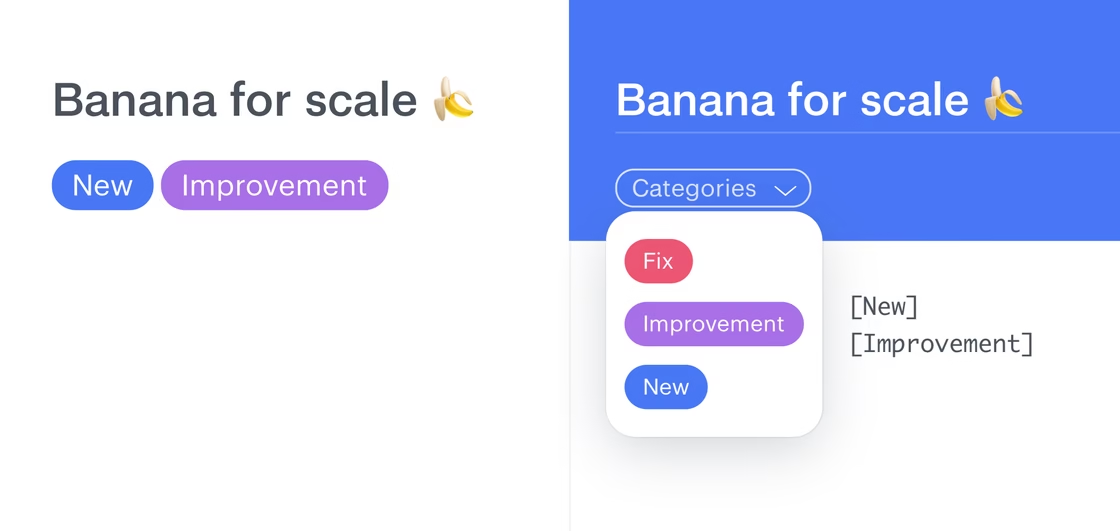
The official Headway changelog site still describes a public page, customizable categories, branded pages, Slack/Twitter integrations, team posting, scheduled publishing, privacy controls and a widget with an eyecatcher badge. Its public page clearly describes a free set of features, including unlimited changelogs, public-page customization, widget customization, categories and eyecatcher. The site did not expose a clear current Pro price in the accessible public page during this review; the older article’s $29/month claim is not repeated here.
Keep Headway if those features cover your release process and your team does not need campaign targeting or feedback management. A tool switch costs time: old changelog URLs, embedded widget code, notification subscribers, categories and analytics all need checking. Do not switch just because another platform lists more features.
Headway official product page https://headwayapp.co/
1. AnnounceKit – best for multi-channel product announcements
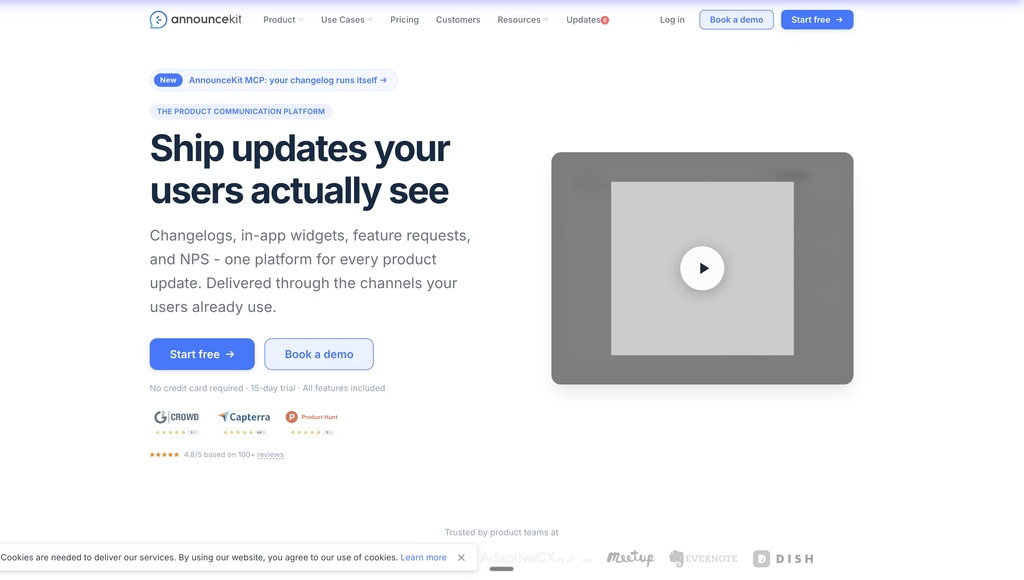
AnnounceKit packages a changelog page with in-app widgets, email updates, comments, reactions and a product roadmap on Essentials. The vendor lists Essentials at $89/month on monthly billing or $79/month as the annual-billing rate. Growth adds user tracking, segmentation and feature requests at $149/month monthly or $129/month annual rate. A 15-day trial exposes Scale features without a card; after it ends, the vendor says the project becomes read-only until upgrade.
Use it when a release needs more than a public URL: a visible in-app widget for active users, email for subscribers, and targeted updates for the relevant customer segment. A B2B product can announce an admin-only feature to admins rather than sending everyone the same release. Check the exact plan first: the targeted segmentation in that example is not Essentials. The vendor states flat per-project pricing rather than a per-seat or MAU charge, but plan and fair-use limits still matter.
AnnounceKit plan details https://announcekit.app/pricing
2. Beamer – best for release engagement with a larger active audience
Beamer combines an in-app and standalone changelog, boosted announcements, analytics and appearance controls. Starter is listed at $59/month on monthly billing or $49/month at the annual rate, with 5,000 monthly active users included. Pro lists $119/month monthly or $99/month annual rate and 10,000 MAUs, adding comments, reactions and basic segmentation. Its page describes a 14-day trial. Feedback and NPS appear as separately priced add-ons, so do not treat the base plan as an all-inclusive feedback suite.
Choose Beamer if you want to track how a release is seen, and you can model audience size before buying. A product with 20,000 active users should price that real audience instead of judging the $49 headline. The MAU model is the material difference from AnnounceKit’s per-project offer. A changelog on its own does not guarantee adoption; decide what event counts as a useful read or action and inspect analytics against that goal.

Beamer pricing and MAU tiers https://www.getbeamer.com/pricing
3. Canny – best when customers request features before you announce them
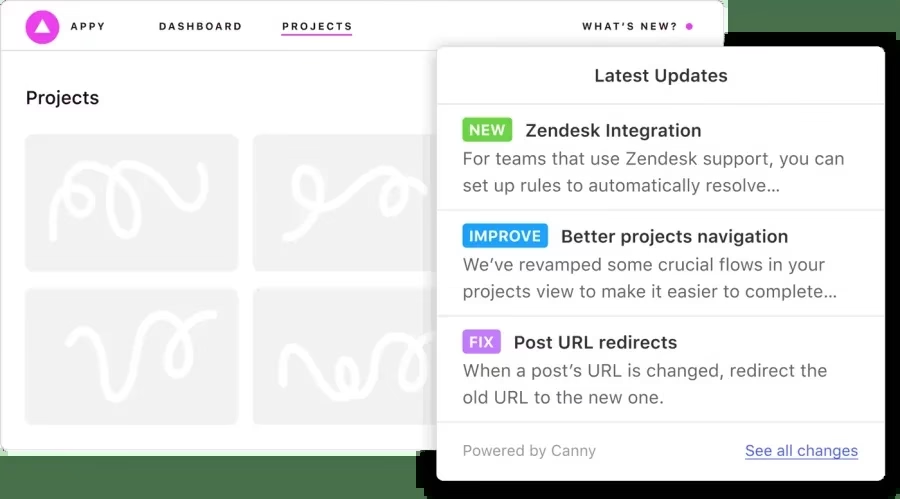
Canny’s core is customer feedback: collect, deduplicate and prioritize requests, then connect shipped work to a public product changelog. Its free plan lists 25 tracked users and unlimited feedback; Pro begins at $79/month billed annually in the displayed configuration. A tracked user is someone connected with feedback, such as a voter or commenter, not every person who visits your app. Once a limit is hit, the vendor says tracking new users stops unless the cap is changed.
A useful workflow is request → roadmap decision → shipped update → notify the people who asked. Canny is a good replacement if that loop is your real problem. If you publish release notes but rarely solicit feature requests, Canny adds a system you may not use. Check access/privacy tiers for sensitive customer feedback before choosing the free plan.
Canny pricing and tracked-user definition https://canny.io/pricing
4. Frill – best combined ideas board, roadmap and announcements
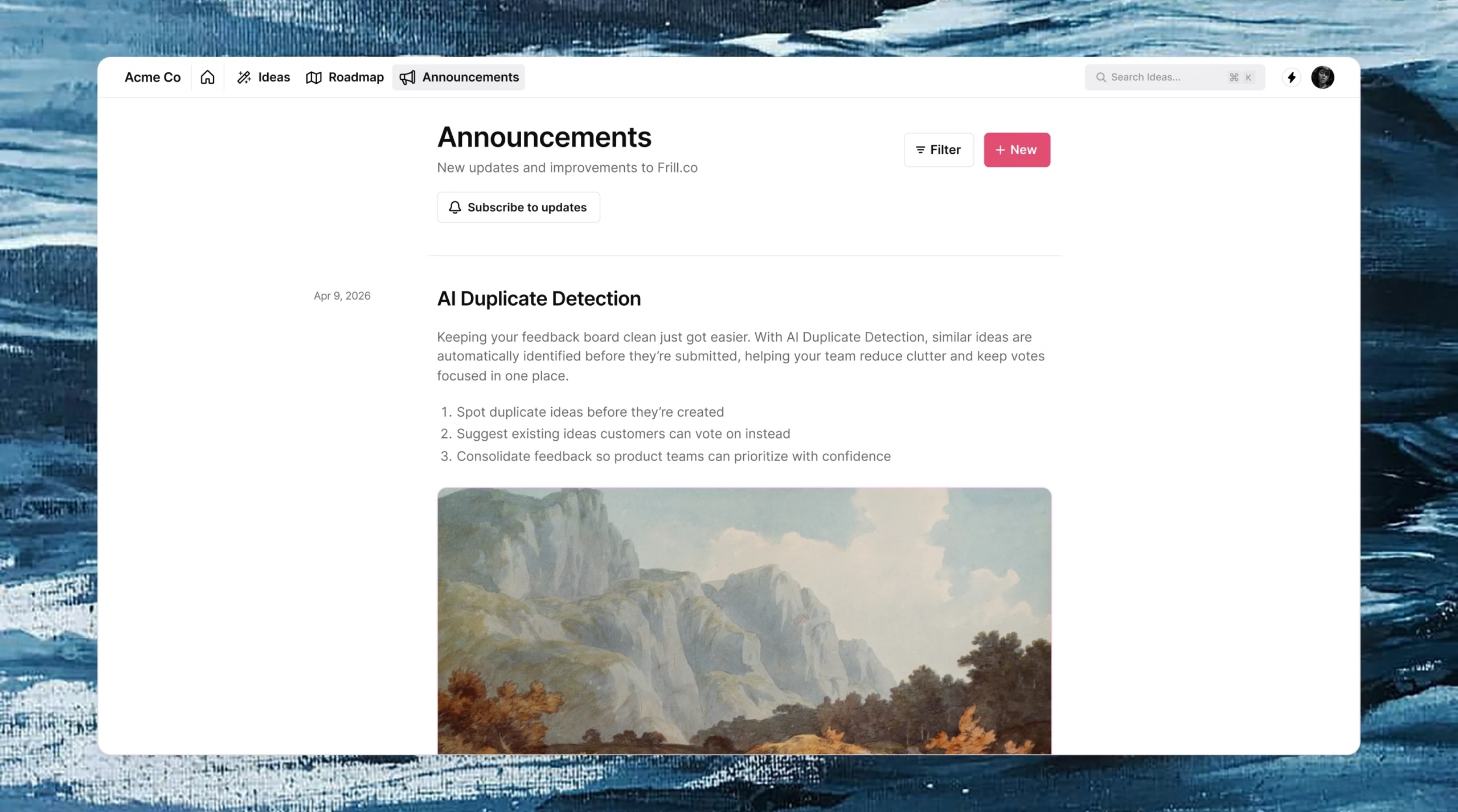
Frill connects three surfaces: customer Ideas, a Roadmap and Announcements. Its announcement page describes an in-product widget, subscriber email, reactions, scheduled posts and ways to update feature voters when something ships. The pricing page advertises a 14-day trial without a credit card and plans starting at $25/month; its Startup tier lists 50 Ideas and one Survey, while higher tiers increase allowances and privacy/white-label options.
For a small SaaS team, that integrated loop can remove the manual task of searching who asked for a feature when a release goes live. The $25 entry price is not a promise that every advanced announcement, segmentation or white-label requirement fits on Startup. Check the plan comparison against your actual publishing flow. Frill is less attractive if you need only a static release archive and no feedback board.
Frill pricing and tier limits https://frill.co/pricing
5. LaunchNotes – best for coordinated releases across products
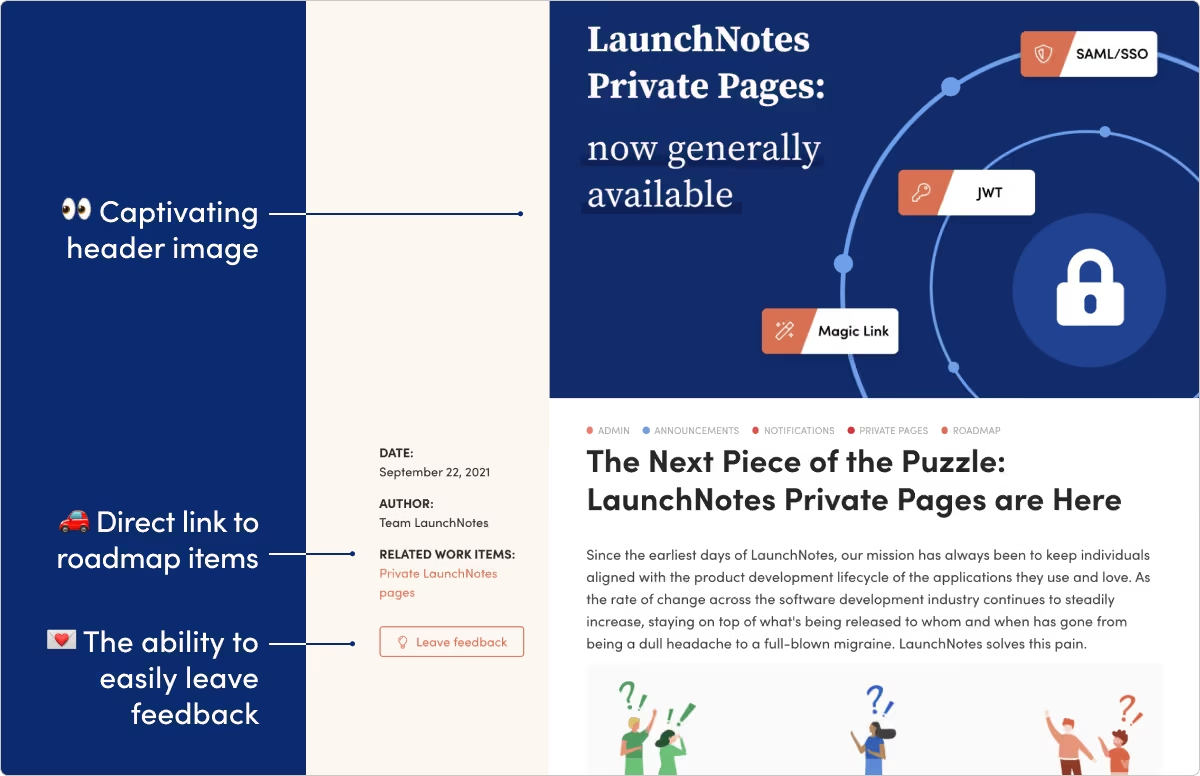
LaunchNotes is a heavier release-communications workspace. The vendor lists Growth at $249/month billed annually, including one LaunchNotes page, two users, Smart Draft AI Writer, in-app widget and roadmap; Premium is custom priced. Its 14-day trial starts with a 30-minute product demo. This is not a budget alternative to a basic changelog widget. It is for teams where PM, engineering, customer success and marketing need shared release planning and audience-specific communication.
Before migrating, price the actual number of pages, users and product lines. Test whether release approval, customer targeting, integrations and permissions cover your process. AI drafting can shorten the first pass, but someone still has to confirm what actually shipped, which customers can use it, and when. The annual commitment and onboarding time are material trade-offs.
LaunchNotes pricing and trial terms https://www.launchnotes.com/pricing
6. Noticeable – best free starting point for a branded update channel
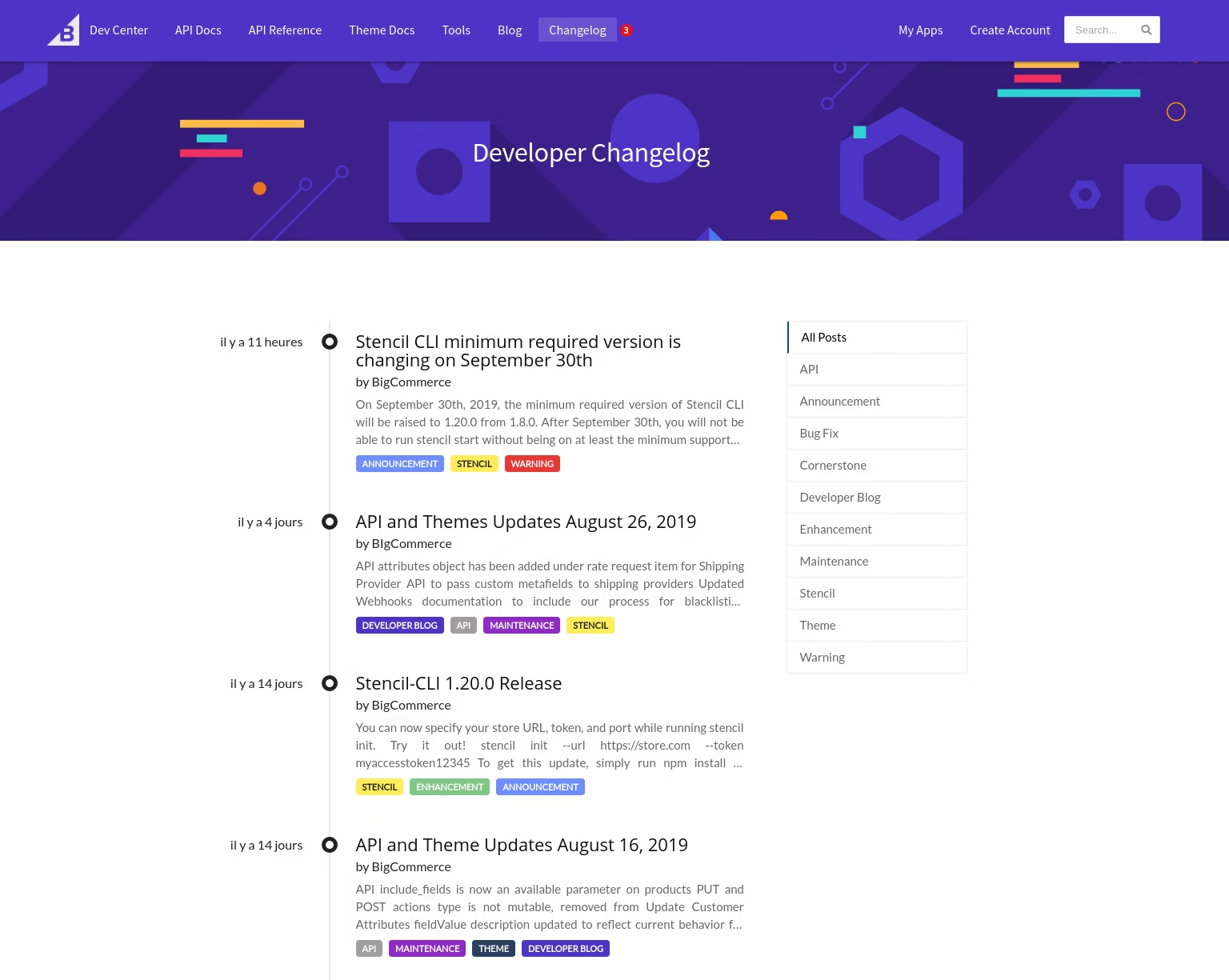
Noticeable offers a Newspage and embedded widget. Its plan matrix lists a Free tier with one project, one widget and a watermark; Starter introduces a custom domain and email sending, while Growth adds scheduled publications, analytics and reactions. The public pricing page’s text extraction did not expose a reliable dollar figure for paid tiers at review time, so we will not invent one. Confirm the live checkout quote before comparing cost.
This is a useful test if your priority is a visible release archive and a widget before building a full feedback operation. Its own guide distinguishes an evergreen public page from an in-app badge and targeted email: choose which audience must see each type of update. The free plan’s watermark and lack of domain support matter if the changelog must look fully first-party.
Noticeable detailed plan matrix https://noticeable.io/pricing
7. FeedBear – best for a simple feedback-to-release loop
FeedBear’s changelog page connects its feedback board and roadmap to public release announcements. It says people involved in a roadmap item get status emails, while the changelog can announce broader updates, including bug fixes. These are separate audiences.
A small SaaS team could move a requested feature to done, then publish a clear changelog entry so users beyond the original voters see it. Test whether your subscribers, categories and old URLs can move before replacing Headway.
Choose FeedBear when an uncomplicated feedback board and changelog matter more than complex audience segmentation.
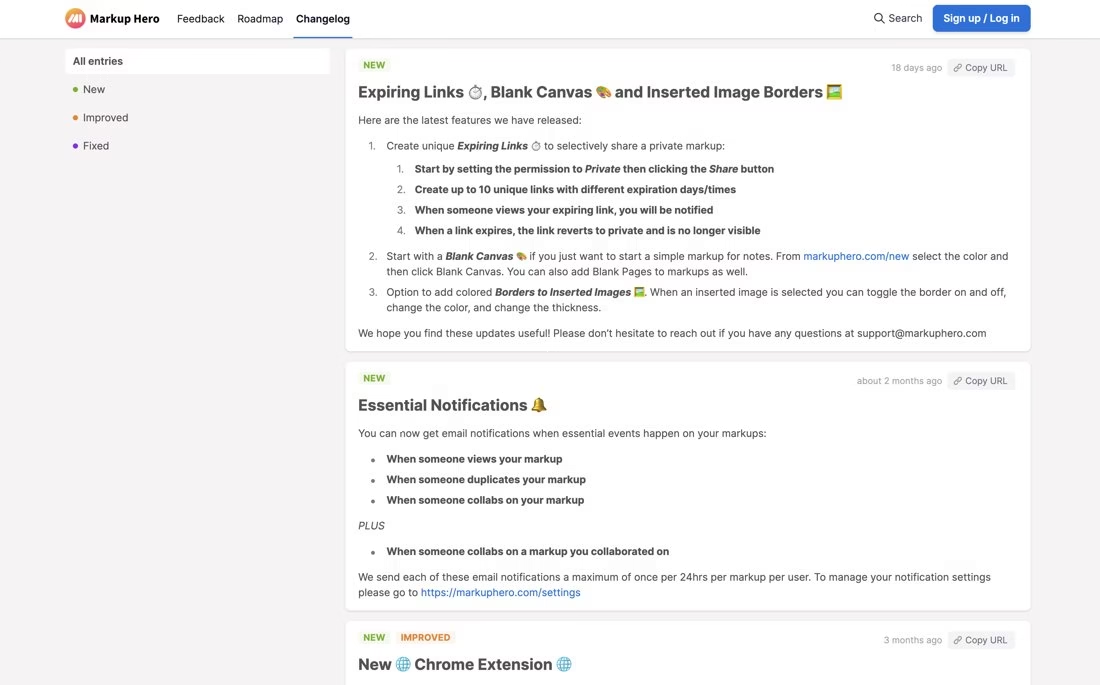
Official product and feature details https://www.feedbear.com/changelog
8. Sleekplan – best for drafts tied to shipped roadmap items
Sleekplan describes composing changelog updates from shipped work, publishing subscriber email and showing an in-app popup. The product page also describes embedding the changelog and offering an RSS feed.
Try drafting from a completed roadmap item, then manually check availability, rollout stage and who can use the feature before publication. Automation should not announce a feature before it reaches your users.
Choose Sleekplan if release-note drafting is your bottleneck. Verify the specific plan and automation controls before switching.
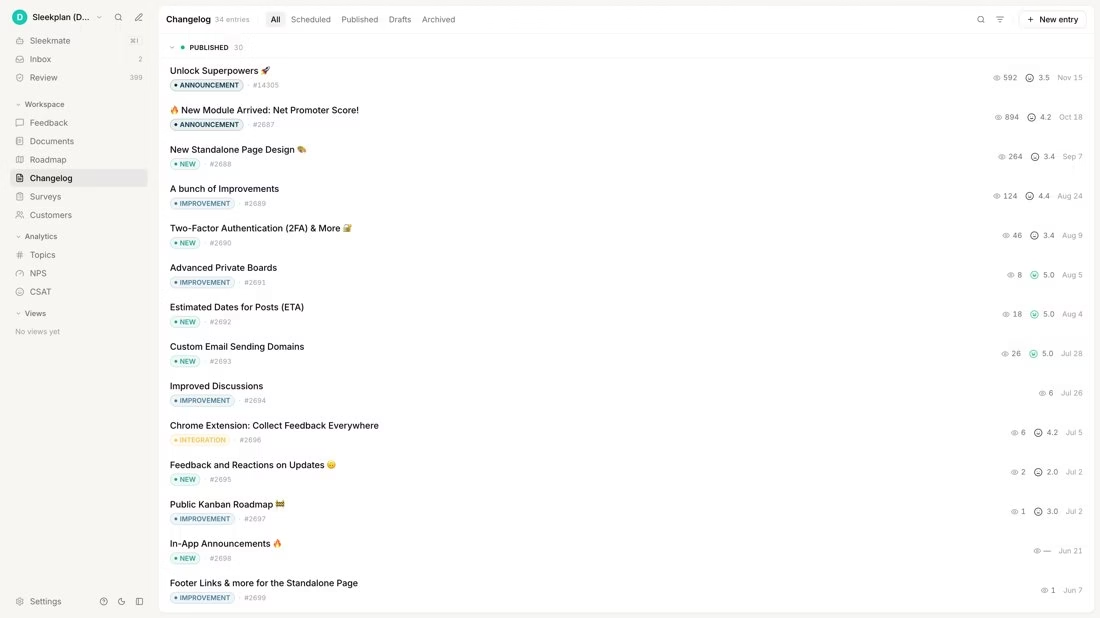
Official product and feature details https://sleekplan.com/changelog
9. Featurebase – best for release targeting across channels
Featurebase offers a public changelog page, in-app announcements, email updates and release segmentation on its product page. It also connects updates back to feedback. This is a wider communication workflow than Headway’s basic page and widget.
Publish a test release for one user segment and check the in-app experience and subscriber email. Verify the audience filter and plan access, not just the presence of a feature on a marketing page.
Choose Featurebase when different customers should see different announcements. Confirm migration for older posts and notification subscribers.
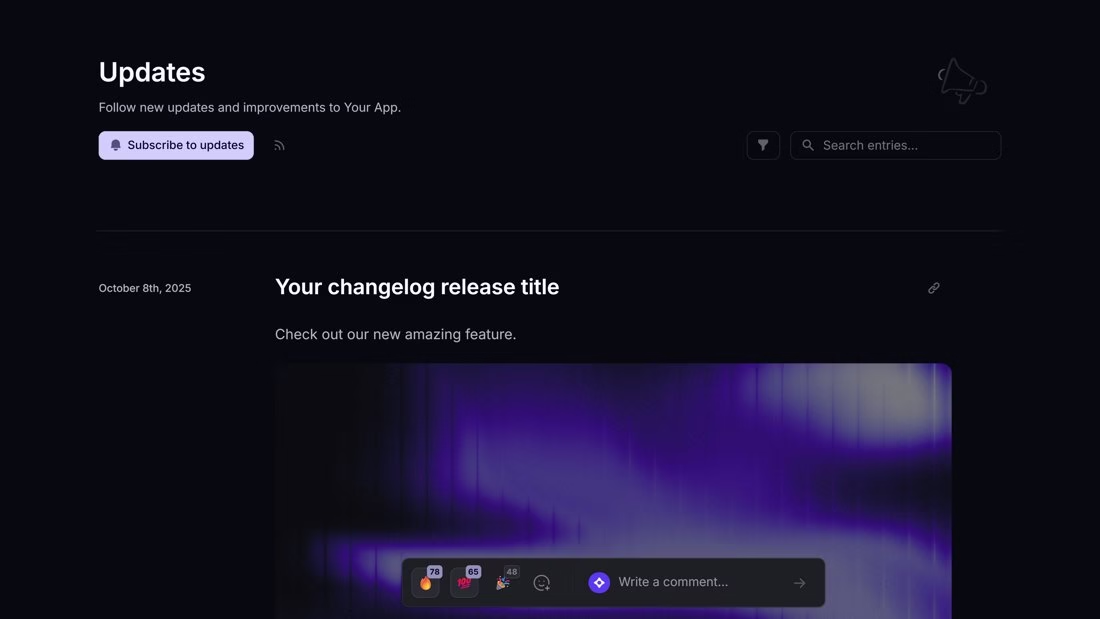
Official product and feature details https://www.featurebase.app/features/announce-updates
10. Productlane – best for changelogs alongside customer support
Productlane’s changelog page shows an editor, public portal, notification widget, email and Slack broadcast controls, plus an AI-assisted draft path. Its wider product is customer support and feedback with Linear integration.
If support questions regularly become release notes, test whether a resolved request can be linked to a precise shipped update. Review the draft and decide which broadcast channels to use before pressing publish.
Choose Productlane when your team already wants its support and product workflow. A team needing only an inexpensive changelog may find the larger platform excessive.
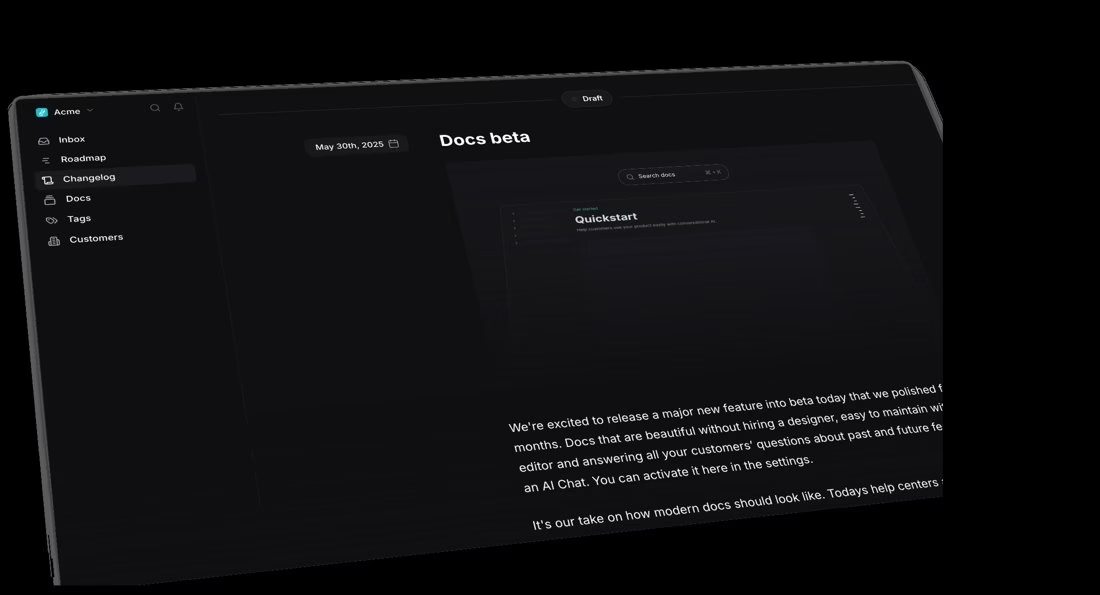
Official product and feature details https://productlane.com/ai-changelog
How to compare changelog software for your product
• Audience: an indexable public archive, an in-app widget for logged-in users and email to subscribers solve different reach problems. Decide which ones you need.
• Targeting: ask if release notes must vary by plan, role, geography or product. Verify that segmentation exists on the tier you can afford.
• Feedback loop: if customer requests lead to releases, link the shipped item back to its voters. Otherwise a standalone changelog may be enough.
• Cost unit: compare project, seat, monthly active user and tracked-feedback-user billing separately. The same headline price can imply a very different bill at scale.
• Migration: inventory old URLs, category labels, subscriber consent, embedded widgets, analytics, API automations, and internal links before switching.
A release-note format users can scan
Lead with what changed and who can use it. Explain the user problem it solves, the steps or plan needed to access it, and one screenshot or short example. Date the update. If a limitation remains or rollout is partial, say so plainly. A short “fixed various bugs” entry cannot help a customer decide whether to try the feature. For security or breaking changes, add direct notice to affected users instead of trusting a passive changelog.
Frequently asked questions
Is Headway the book-summary app?
No. This article compares alternatives to Headway the product changelog tool at headwayapp.co. The book-summary app is a separate service with the same name.
What is the best free Headway alternative?
Canny Free fits a small feedback-to-release workflow with 25 tracked users. Noticeable Free is closer to a basic page and widget, but has a watermark and no custom domain. Headway itself lists free changelog and widget features. Check the limits against your audience.
Which alternative has the best in-app notifications?
AnnounceKit and Beamer both put releases inside the product. Compare AnnounceKit’s segmentation tier with Beamer’s MAU-based plans and boosted announcements using your own audience size. No product was hands-on ranked here.
Can I migrate old Headway changelog posts?
The vendors’ general marketing pages do not establish a one-click import for your site. Before paying, ask support about export/import, old URLs and redirects, email subscriber consent, embedded widget replacement and preserving screenshots.
Are release notes and a roadmap the same?
No. A roadmap describes planned work that can change; release notes state what shipped. Canny and Frill connect both, but keep the status clear so customers do not mistake plans for available features.
Related Just Create App reading
Automation tools for product workflows https://justcreateapp.com/best-automation-tools
Social media automation tools for distribution https://justcreateapp.com/top-social-media-automation-tools







Leave a Reply