




Short answer: choose Shopify (or another hosted platform) when you want to sell soon with a standard catalogue and checkout and low maintenance. Choose a custom website when your products, pricing rules, integrations or buying flow don’t fit a platform and you can fund ongoing development. If you’re unsure, start hosted and go headless or custom only when a specific limit forces it.
This guide compares Shopify with a custom ecommerce website on the things that decide the choice: cost, speed to launch, design freedom, checkout and payments, SEO, performance, security and long-term maintenance. Where we quote prices or platform behaviour, they come from Shopify, WooCommerce and Google documentation, linked in the text. Prices change, so confirm them on the vendor’s page before you commit.
What does “custom website” mean here?
People use the phrase for three different things, and the comparison changes with each.
- Hosted platform storefront. Shopify’s normal setup: a theme built with Liquid templates that Shopify renders and hosts, so there is no server for you to run. See Shopify’s storefront documentation.
- Headless. You keep Shopify for products, cart and checkout, but build the front end yourself on its APIs, for example with Hydrogen, Shopify’s React-based framework. See the Storefront API.
- Fully custom or self-hosted. You build the catalogue, cart and checkout, or assemble them from open-source software such as WooCommerce, and you host and maintain everything.
Shopify vs custom website at a glance
| Factor | Shopify (hosted) | Custom or self-hosted |
|---|---|---|
| Time to launch | Fast. Pick a theme, add products, set up payments. | Slower. Design, build, test and host before the first order. |
| Upfront cost | Low. Monthly plan plus any theme or apps. | Higher. Design and development before launch. |
| Running cost | Plan fee, app fees, payment rates. | Hosting, developers, security updates, monitoring. |
| Design freedom | Themes and sections, deeper with Liquid or headless. | Unlimited in principle. |
| Checkout | Shopify-hosted, extended with apps and extensions. | Yours to build or integrate; you own the risk. |
| Maintenance | Platform updates handled by Shopify. | You or your agency. |
| Best for | Most small and mid-size stores. | Unusual products, complex logic, heavy integrations. |
Cost: what you actually pay
Shopify costs
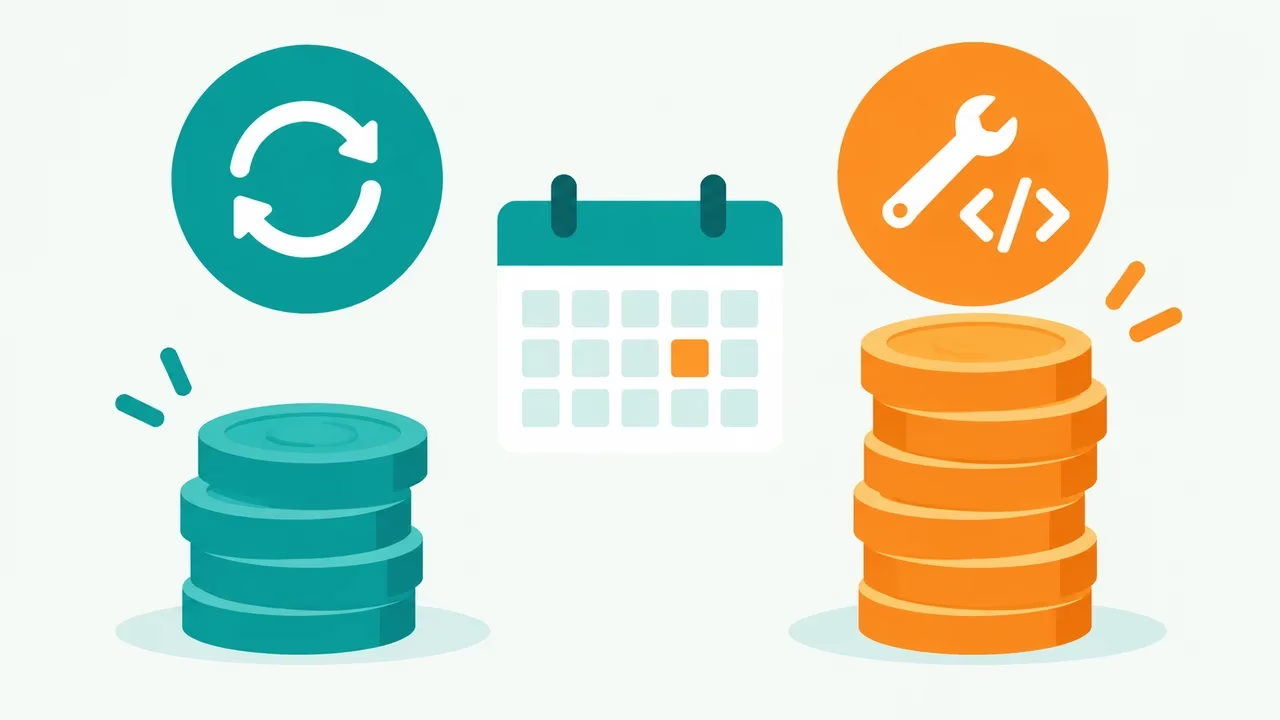
On Shopify’s pricing page at the time of writing (October 2026), plans listed in USD are Basic at $29 a month, Grow at $79 and Advanced at $299, with online card rates starting from 2.9% + 30 cents, 2.7% + 30 cents and 2.5% + 30 cents. Shopify was also showing a trial offer of three days free then $1 a month for three months. Shopify Plus was listed from about $2,300 a month on a three-year term and $2,500 on a one-year term.
Third-party payment gateways add a transaction fee. Shopify’s help center says you aren’t charged third-party transaction fees on orders processed through Shopify Payments, Shop Pay and PayPal Express, and that fees apply if you run Shopify Payments next to another provider. Add paid apps and any theme purchase to your estimate.
Custom costs
A custom site has no platform plan, but you pay for design, development, hosting, a payment provider, security patches, backups and every later change. The size of that bill depends on scope, the team you hire and how often the store changes, so any number we quoted here would be a guess. Ask for written quotes that separate build cost from yearly running cost, and compare both against several years of Shopify fees rather than month one.
Design and flexibility
Shopify themes cover most layouts, and the theme editor lets non-developers change content. If you need more, developers can edit Liquid templates or build a headless storefront. A custom build has no template limits, which helps when the shopping experience is the product, for example a product configurator or a bundle builder. Flexibility also means every pattern is something you design, test and maintain.
Checkout, payments and security
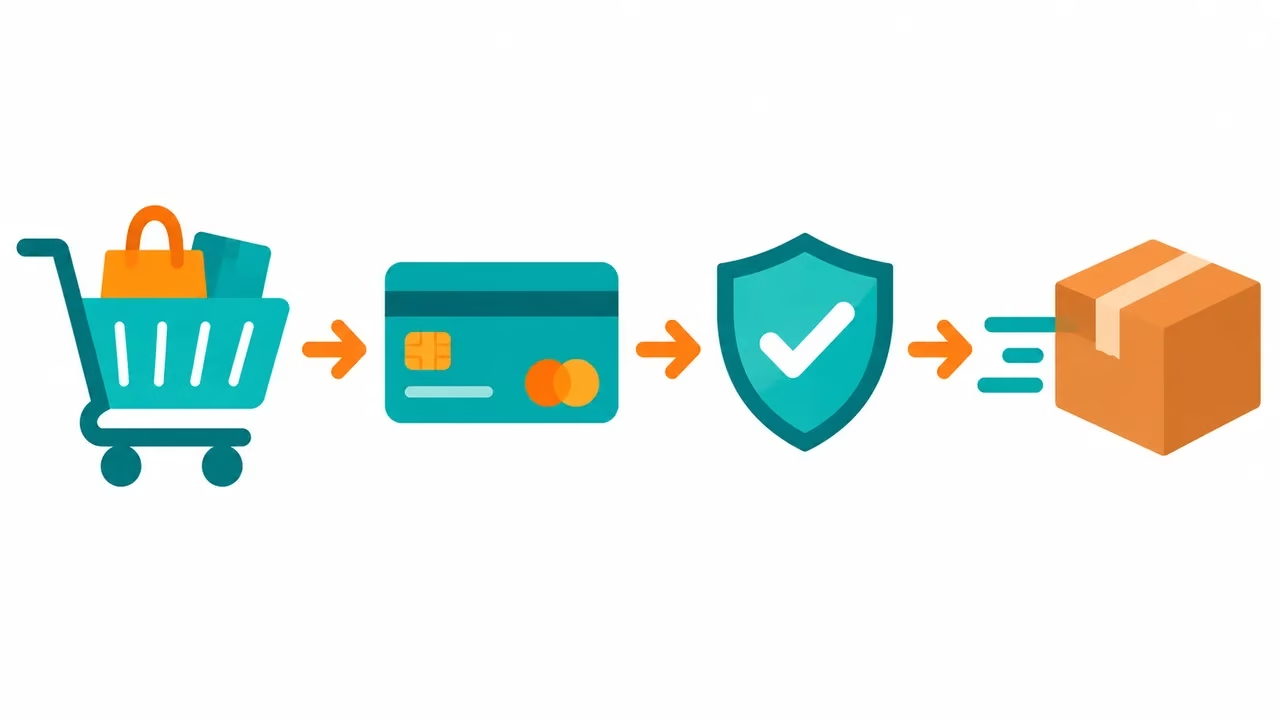
Shopify runs the checkout for you. It checks inventory at each step, and developers can extend it with checkout extensions and Functions without replacing it. On a custom site you choose the payment provider, build or integrate the checkout and prove it works. Card data rules come from the PCI Security Standards Council; most custom stores reduce their exposure by letting a payment provider collect card details, but you still need to ask which validation requirements apply to your setup.
Checkout friction costs sales on any platform. Baymard Institute’s compilation of 50 studies puts the average documented cart abandonment rate at about 70%, so checkout quality matters more than which platform sits underneath.
SEO: does the platform decide rankings?
No. Neither choice ranks a store by itself. What helps is useful pages that match what people search for, clean crawlable URLs, fast pages, structured data and links from other sites. Shopify gives you titles, descriptions, URLs, redirects and a sitemap out of the box, so a small team can do the basics without a developer. A custom site lets you control rendering, URL structure and structured data in detail, but every one of those is also something that can break. If you build headless or custom, test that product pages render for crawlers and that old URLs redirect after any migration.
Performance and Core Web Vitals

Google’s Core Web Vitals measure loading, interactivity and visual stability from real visits. A lean custom build can be very fast, and a bloated one will be slow. A Shopify store’s speed depends mostly on the theme, image sizes and how many apps inject scripts. Measure your own pages with PageSpeed Insights or Search Console’s Core Web Vitals report rather than assuming either option wins.
Maintenance and ownership
Hosted means Shopify handles servers, platform security updates and uptime for the storefront. Self-hosted software puts that on you. WooCommerce’s server requirements list the PHP, database, HTTPS and memory your host must support, and you must keep WordPress, plugins and PHP current. The trade is control: with custom or self-hosted you own the code and data location, while on Shopify you work inside the platform’s rules and pricing.
Platform limits: where Shopify stops and custom starts

A hosted platform is a set of guard rails. That is useful until your plan needs something outside them. These are the limits worth checking against your own requirements before you commit, with the source for each.
- Theme structure. Shopify’s theme structure documentation says a template can hold up to 25 sections and up to 1,250 blocks across them. Most stores never get near this, but very modular landing pages can.
- URL paths. Shopify uses fixed paths such as /products and /collections. Its redirect documentation notes that you can’t redirect those fixed paths or prefixes like /cart and /orders, and that redirects only work from URLs that return a not-found page. If your current site uses a very different URL pattern, plan for that.
- Redirect volume. The same page lists a maximum of 100,000 URL redirects, and 20,000,000 on Plus. A large legacy catalogue is the case where this matters.
- Checkout. You extend Shopify’s checkout with UI extensions, Functions and payments extensions rather than rewriting it. That keeps it upgrade-safe, and it also means an unusual flow has to fit those extension points.
- Back-end logic. Custom pricing, quoting and approval flows usually need an app or a custom backend that talks to Shopify’s APIs.
If none of these touch a must-have on your list, you are unlikely to outgrow a hosted platform soon. If one does, price the workaround, because an app or backend to cover it is part of your real Shopify cost.
Three example situations and what drives the cost

These are illustrative situations, not case studies of real stores, and they contain no invented figures. Each one lists what actually moves the bill.
1. A small maker selling 40 products
Standard catalogue, a handful of variants, photos and a story. This is the textbook hosted case. The cost drivers are the plan fee, the theme, payment rates and the time you spend on photography and product copy. A custom build here would mostly pay for features you don’t need, and you would still need hosting, payment integration and security upkeep. Start with Shopify or a similar platform and revisit if a real limit shows up.
2. A wholesaler with account-based pricing and a back-office system
Different customers see different prices, orders must reach an ERP, and stock comes from several locations. The cost drivers are integration work, data cleaning, and who owns the sync when it breaks. Shopify has built-in B2B features on its higher plans (see the Plus pricing page), so test your pricing rules against them before assuming you need custom. If the rules are more complex than the platform allows, a headless or custom front end on top of your own pricing service is the likely route, and engineering time becomes the main cost.
3. A furniture brand with a 3D configurator
The configurator is the product. The shopper picks materials, dimensions and finishes, and the price and lead time change live. The cost drivers are front-end engineering, the pricing engine and testing across devices. Headless with Shopify’s Storefront API can keep catalogue, cart and checkout hosted while the configurator is built your way. A fully custom stack is only worth it if the hosted cart can’t represent your orders.
If you recognise your own store in the third example, ask developers for a scoped estimate. Our NestJS and ReactJS directories list teams to start from.
Which one should you choose?
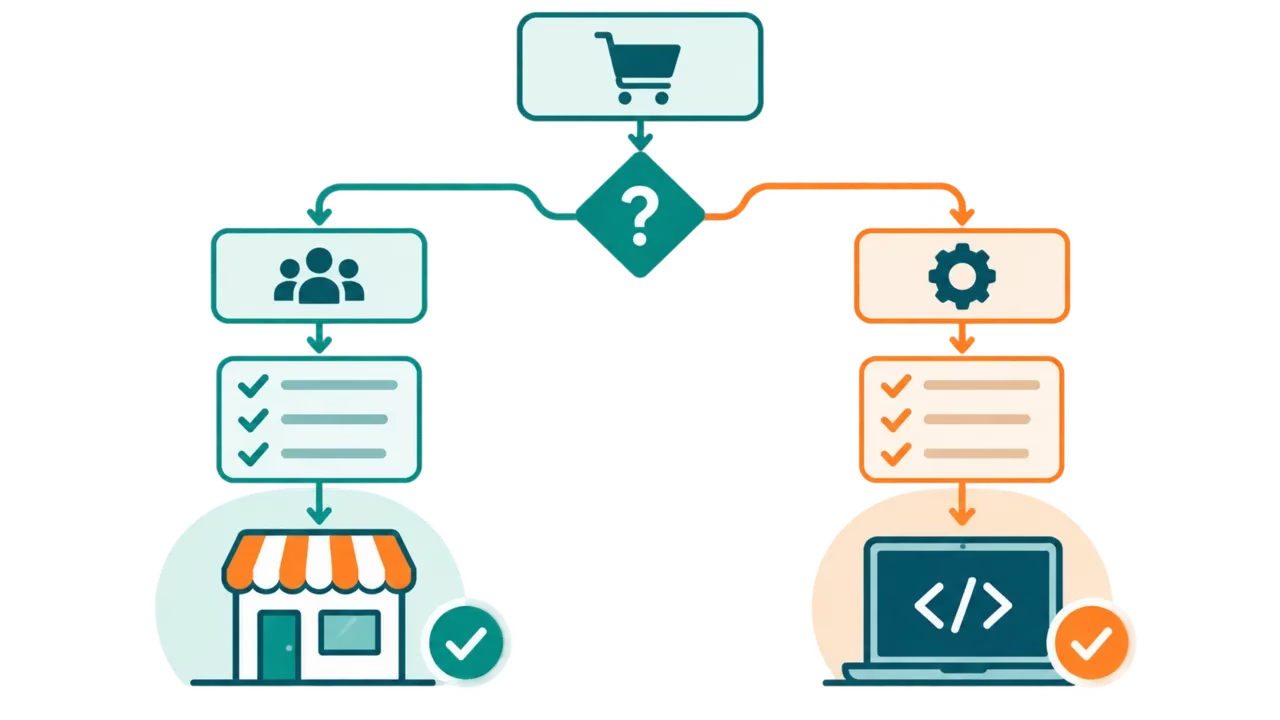
Choose Shopify if
- You want to launch in weeks and test demand before spending on engineering.
- Your catalogue is standard: products, variants, collections, discounts.
- You don’t have developers on staff and want the platform to carry updates and uptime.
- You sell across channels such as online store, retail and social and want one back end.
Choose a custom website if
- Your pricing, quoting or product configuration can’t be modelled in a standard catalogue.
- You need deep integration with ERP, inventory or fulfilment systems that apps don’t cover.
- The shopping experience itself is your differentiator.
- You have, or will hire, developers and budget for ongoing work.
Consider the middle route
Headless keeps Shopify’s product management and checkout while freeing the front end, and WooCommerce suits teams already running WordPress. If you need developers for either, our directories can help you shortlist: see Shopify app development companies, WooCommerce development companies, ReactJS development companies for headless fronts, and Squarespace development companies if a simpler site builder fits better. Other platforms are covered in our BigCommerce agencies list.
Think in three-year totals
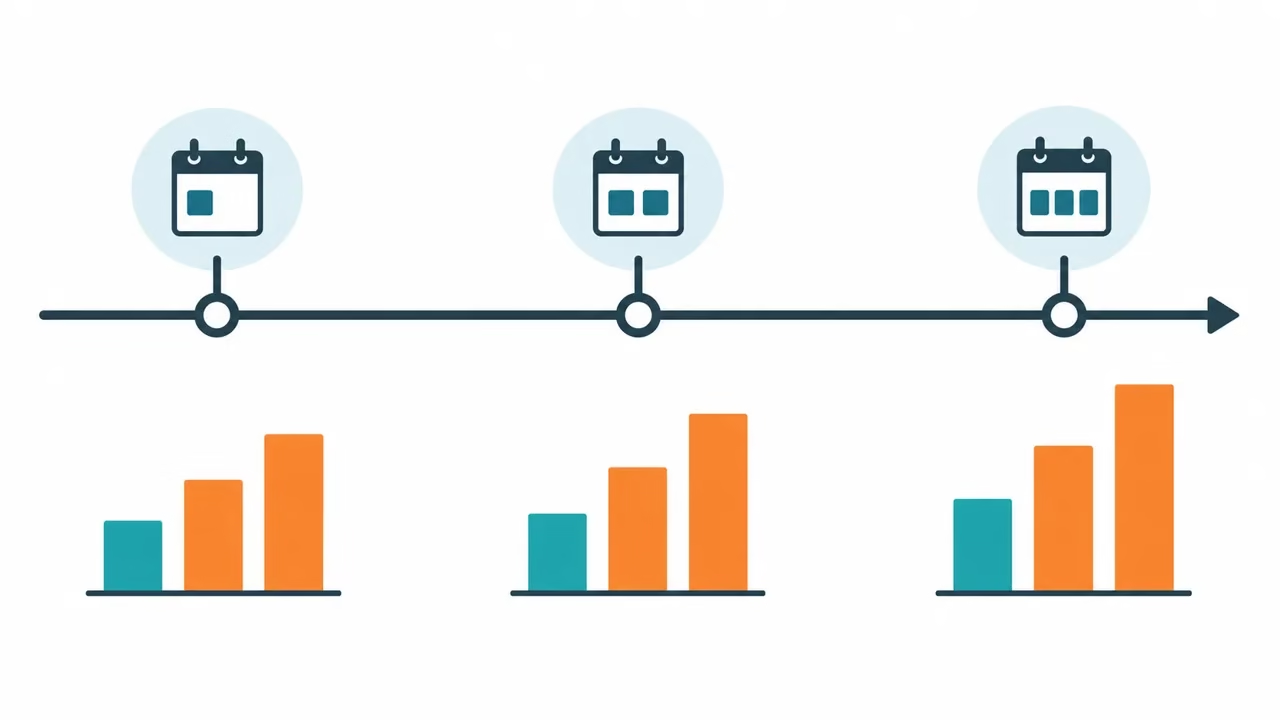
Month-one cost is a poor guide. Build a simple three-year table for each option with the same rows, fill it with real quotes, and compare the totals.
| Cost line | Hosted (Shopify) | Custom or self-hosted |
|---|---|---|
| Platform or hosting | Plan fee from the pricing page | Hosting and CDN quotes |
| Design and build | Theme purchase or designer, if any | Agency or developer quote |
| Payments | Card rates, plus third-party fees if used | Payment provider rates |
| Apps and plugins | Monthly app fees | Licences and integration work |
| Security and updates | Mostly included for the platform | Developer hours or a retainer |
| Changes and new features | Theme edits or apps | Developer hours per change |
The pattern to look for is not which column is smaller today. It is which column grows faster as you add products, markets and features.
Migration: moving between Shopify and a custom site
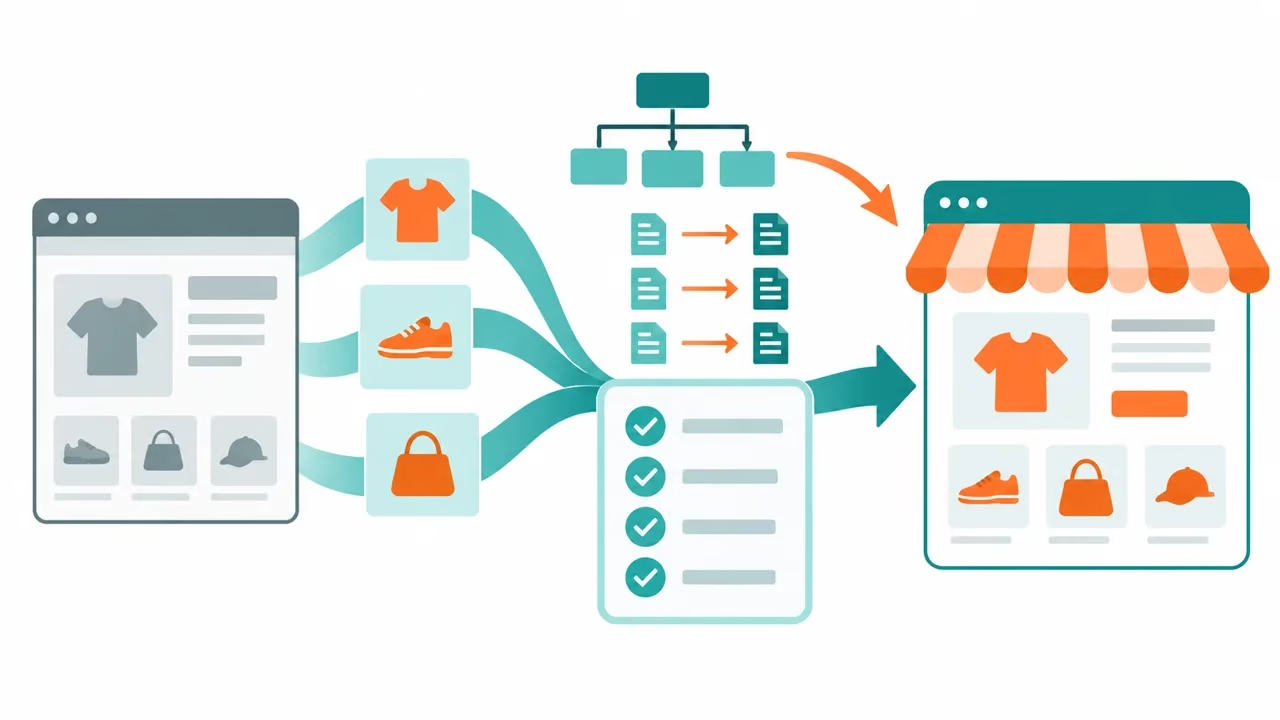
Moving later is possible, and it is mostly an exercise in not losing what already works. Treat it as a project with these parts.
- Export your data. Shopify supports bulk product transfer with CSV files, described in its import and export guide. Customers and orders usually need a separate export or an app, so confirm what your new system can import.
- Map every old URL to a new one. Google’s guide to moving a site with URL changes recommends preparing the new site, building a URL mapping, setting server redirects from old to new URLs, and then monitoring traffic on both.
- Change one thing at a time. The same Google guide advises against changing domain, CMS and layout all at once. If you can, replace the platform first, then redesign.
- Test checkout end to end. Place test orders for each payment method, shipping zone and tax case before you switch traffic.
- Watch Search Console. After the switch, check crawl errors, the index coverage report and impressions for your top pages for several weeks.
A migration done well keeps your URL list, titles and content intact where possible. A migration done badly drops pages that were bringing in visitors. The risk is the same in both directions, from Shopify to custom and from custom to Shopify.
A simple decision checklist
- List the five things your store must do. Mark any a standard hosted checkout cannot do.
- Get a Shopify cost estimate: plan, theme, apps and payment rates from the pricing page.
- Get a written custom quote split into build and yearly running cost.
- Compare three-year totals, and add the cost of one developer-week for every future change.
- Pick the option with the shortest path to a first order. Revisit when a real limit appears.
Common mistakes to avoid
- Choosing custom for pride, not need. A bespoke build feels premium, but customers don’t see your code. They see speed, clarity and a checkout that works.
- Counting only the monthly plan. Apps, themes, payment rates and developer hours all belong in the estimate.
- Skipping the redirect plan. Any move that changes URLs without redirects can drop pages that bring in visitors.
- Letting apps pile up. Each Shopify app can add scripts to your pages. Review them regularly and remove those you don’t use.
- Building before validating demand. If you aren’t sure the product sells, test on a hosted platform first.
- Ignoring who maintains it. A custom site with no named owner for updates and security becomes a liability within months.
Pre-launch checklist for either route
- Every product has a unique title, description and clear images with alt text.
- Product, collection and policy pages have unique title tags and meta descriptions.
- Canonical URLs, XML sitemap and robots rules are checked, and the sitemap is submitted in Search Console.
- Product structured data is present and validated with Google’s Rich Results Test.
- Mobile layout, checkout and payment methods are tested on real phones.
- Core Web Vitals are measured on the main templates: home, collection, product, cart.
- Redirects from old URLs are tested, if you are migrating.
- Shipping, tax, returns and privacy pages are written and linked in the footer.
- Order emails, refunds and a failed payment are tested with real test transactions.
- Analytics and Search Console are verified before launch day.
Related guides on Just Create App
- No-code app builders compared if you want to build without coding.
- AI tools for small business to speed up product copy and support.
- Automation tools and social media automation tools for marketing once the store is live.
- SaaS development resources and our apps hub for more platform choices.
- Custom software development companies in Australia and Angular and AngularJS development companies if you need a custom team.
Ecommerce SEO checklist that applies to Shopify and custom stores
The platform you choose does not decide rankings, but how well you execute the basics does. Use this checklist on a Shopify store, a WooCommerce site or a fully custom build. Each item is a task you can assign and check, and none depends on which platform you pick.
Product pages that answer the buyer’s questions
Write a unique description for each product instead of pasting the supplier’s text. Cover what it is, who it is for, materials or specifications, sizing or compatibility, delivery and returns, and the questions you get most often. Use a clear, specific title and a descriptive image file name and alt text, so image search and screen readers both understand the page. If a page has nothing to say that others do not, merge it or remove it.
Collection and category pages
Category pages often match broader searches, such as “leather wallets”, better than single products do. Give each important collection a short introduction that explains how to choose, a clean heading and links to related collections. Avoid auto-generated pages with no products or only one, because they add noise without value.
Structured data and rich results
Google documents structured data for products, and a correct setup can make price, availability and review information eligible for richer search results. Eligibility is not a guarantee. Check your markup with Google’s Rich Results Test, make sure the price and stock status in the markup match what the page shows, and fix errors reported in Search Console.
Filters, variants and duplicate URLs
Filters and sort options can create a huge number of near-identical URLs. Decide which versions deserve to be indexed, set canonical URLs for the rest and avoid linking to endless filter combinations. On a custom or headless build, test this early, because a team that has never run a store may not think about it.
Internal links and site structure
Link from your guides and category pages to the products they discuss, and back again. A buyer’s guide that links to relevant collections helps people and helps Google understand which pages matter. Keep important products within a few clicks of the home page.
Speed, mobile and crawlability
Test your key templates, not just the home page, in PageSpeed Insights and check the Core Web Vitals report in Search Console. On Shopify, review apps that add scripts, because each one can slow every page. On a custom build, test that product pages render for crawlers, not only for people with fast browsers.
A migration safeguard
If you are moving platforms, export your list of indexed URLs and top landing pages first. After launch, confirm that each important old URL returns a redirect to the right new page, and watch Search Console for crawl errors in the first weeks.
Questions to ask a developer or agency before you commit to a custom build
A custom website can be the right choice, and it is also the choice with the most ways to go wrong after launch. A good developer will answer these questions without hesitation. Treat vague answers as a warning, and get the answers in writing.
Scope and what is included
- What exactly will be built: catalogue, cart, checkout, customer accounts, admin tools, reports?
- Which features are included in the quote, and which are listed as extras?
- What happens if requirements change halfway through?
- How will you test the site before launch, and who signs off?
Ownership and handover
- Who owns the code, the design files and the data when the project ends?
- Will the site run in hosting and under accounts that you control?
- Is there documentation so another developer can take over?
Security and payments
- Which payment provider will collect card details, and which PCI validation requirements apply to your setup?
- Who applies security updates to the framework, plugins and server, and how often?
- How are back-ups taken, stored and tested?
Search and performance
- How will product pages render for search engines?
- Who sets up redirects, a sitemap and structured data?
- What performance targets will you test against, and how?
Running costs and support
- What are the monthly hosting, maintenance and support costs once the site is live?
- What is the response time for urgent bugs, and who is on call?
- What would it cost to add a feature a year from now?
Red flags
Be careful with a fixed price quoted before anyone has seen your catalogue, a team that cannot show a store they built and still maintain, no mention of testing, security or hosting, and pressure to sign quickly. If you cannot get clear answers, compare with a Shopify build, which already covers hosting, checkout and security for a monthly fee.
Frequently asked questions
Is Shopify better than a custom website?
For most small and mid-size stores, yes, in the sense that a hosted platform like Shopify gets you selling sooner and removes hosting, checkout and payment security work. A custom website fits when your catalogue, pricing, integrations or buying flow cannot be handled by a platform, and you can pay for ongoing engineering. The test is simple: write a list of what your store must do, then check which items a standard Shopify store cannot do even with apps. If the list is short, start on Shopify. If it is long and central to your business, such as a product configurator or account-based pricing, a custom build starts to make sense.
How much does Shopify cost compared with a custom ecommerce site?
On Shopify’s pricing page at the time of writing (October 2026), Basic is $29 a month, Grow $79 and Advanced $299, with online card rates from 2.9% + 30 cents, 2.7% + 30 cents and 2.5% + 30 cents. Shopify Plus was listed from around $2,300 a month on a three-year term and $2,500 on a one-year term. Add paid apps and any theme purchase. A custom build has no plan fee, but carries design, development, hosting, security and maintenance costs that depend on scope, so we do not quote a number. Ask for written quotes that separate the build cost from the yearly running cost, and compare both with several years of Shopify fees. Check Shopify’s pricing page before you decide because prices change.
Can a custom ecommerce site rank better in Google than Shopify?
Not by default. Rankings depend on content, links, page speed, crawlable structure and how well pages match what people search for, and both approaches can do those things well. A custom site gives more control over technical SEO, such as rendering, URL structure and structured data, but that control also makes it easy to get something wrong. Shopify gives you titles, descriptions, URLs, redirects and a sitemap out of the box, so a small team can cover the basics without a developer. Judge platforms by whether your team can execute the checklist above, not by a claim that one ranks better.
What is the difference between Shopify, headless and custom?
Shopify’s standard route is a theme written in Liquid that Shopify hosts. Headless keeps Shopify for products, cart and checkout, but builds your own front end through its APIs, for example with Hydrogen. Fully custom means you build or assemble the catalogue, cart, checkout and admin yourself, or use another platform such as WooCommerce. Headless gives design freedom while keeping Shopify’s checkout, but it also means you now maintain a front-end application and a Shopify store. It makes sense when a theme cannot deliver the experience you need, not as a default.
Is WooCommerce a custom website or a platform?
WooCommerce is an open-source ecommerce plugin for WordPress, so it sits between the two options. You own the code and hosting and can customise a lot, but you maintain updates, security and performance yourself. WooCommerce’s server requirements list the PHP, database, HTTPS and memory your host must support, and you must keep WordPress, plugins and PHP current. It suits teams that want control and already know WordPress, and it is a poor fit for teams that want someone else to carry the maintenance.
Who handles payment security on Shopify and on a custom site?
On Shopify, checkout and card data are handled by Shopify’s hosted checkout. On a custom site, card handling is your responsibility, so most teams hand card entry to a payment provider and still need to meet PCI DSS obligations for their setup. Ask your payment provider which validation level applies to you, and ask your developer how card details are kept out of your own servers. Security does not end at launch: someone has to apply updates and monitor the site.
Can I start on Shopify and move to custom later?
Yes. Products, customers and orders can be exported, and a common path is to keep Shopify as the back end and replace the storefront with a headless build when themes become limiting. Plan the move around URL redirects so you keep existing search traffic, and run the old and new versions side by side in testing before launch. Starting on Shopify is also a way to learn what your customers need before you pay for a custom build.
Will I lose my Google rankings if I switch platforms?
You can, if URLs change without redirects or content is dropped. Google’s site-move guidance recommends mapping every old URL to a new one, setting server redirects, changing one thing at a time and monitoring traffic on both URLs afterwards. Done carefully, many sites keep most of their visibility, but nobody can promise the outcome. Export your top landing pages before the move, check them one by one after launch, and watch Search Console for crawl errors.
Does Shopify limit how many redirects or sections I can use?
Shopify’s help center lists up to 100,000 URL redirects per store, or 20,000,000 on Plus, and up to 25 sections per template with up to 1,250 blocks across them. It also lists fixed paths such as /products and /collections that cannot be redirected, and redirects only work from URLs that return a not-found page. A typical store never reaches these limits, but a large legacy catalogue or a very modular landing page might. Check the current help pages for your plan before you commit.
How long does it take to launch each option?
We do not quote timelines because they depend on catalogue size, design and integrations. What we can say is the shape: a hosted store with a theme and a standard checkout can be set up in the time it takes to add products and content, while a custom build adds design, development, testing and payment integration before you can sell. Ask any agency for a phase plan with deliverables and dates, and be careful with a promised date before they have seen your requirements.
What should I ask a developer before building a custom store?
Ask what is included in the price, who owns the code and data, who handles security updates and back-ups, how payment cards are handled, how search engines will see the product pages, and what monthly running costs follow launch. The checklist in the section above lists these questions in full. Get the answers in writing and compare at least two quotes.
What should I decide first when choosing?
Write down what your store must do that a standard hosted checkout cannot, who will maintain it, and how much monthly cost and risk you can carry. If the list of must-haves is short, start hosted. If the list is long, check each item against Shopify’s documented limits, then against the cost of building and maintaining it yourself over three years.
Bottom line
Shopify is the lower-risk default for most stores because it turns checkout, hosting and security into a monthly fee. Custom is worth it when a documented requirement cannot be met any other way. Decide on cost over several years and on who will maintain the site, not on launch day alone.


Leave a Reply