


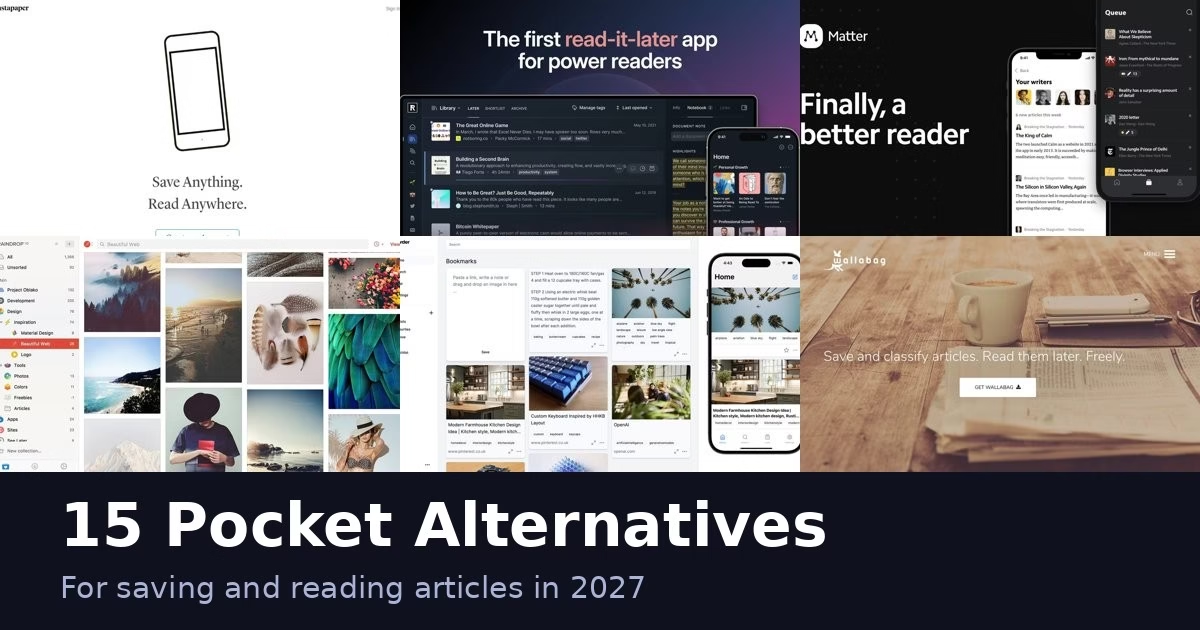
Pocket shut down on July 8, 2025, and Mozilla closed the export window in October 2025, so you cannot count on getting a fresh copy of your old Pocket library. If you already saved an export file, keep it. If you did not, plan to start your new reading list from scratch. Mozilla explains the shutdown on its official blog.
These 15 apps cover the main reasons people used Pocket: clean reading, offline access, highlights, and keeping a long list of saved links under control. They are not all direct replacements. Some are reading apps, some are bookmark libraries and some you host yourself. Every description below comes from the product’s own site, and we have not run hands-on tests of these apps. Plans and prices change, so check each official page before you pay.
Quick picks
- Closest to Pocket in spirit: Instapaper
- Best for highlighting and review: Readwise Reader
- Newsletters and articles together: Matter
- Apple-only, native feel: Flyleaf, Plinky or DoubleMemory
- Self-hosted and open source: wallabag, Readeck, Karakeep, Linkwarden or linkding
- Apple-only bookmark manager with archiving: Anybox
- Bookmark library with a read-later queue: Raindrop.io
Comparison at a glance
| App | Type | Platforms named on its site | Self-hosted |
|---|---|---|---|
| Instapaper | Reader | iOS, Android, computer, eReaders | No |
| Readwise Reader | Reader | See official site | No |
| Matter | Reader and feeds | See official site | No |
| Flyleaf | Reader | iOS, macOS | No |
| wallabag | Reader and archive | Web, self-hosted | Yes |
| Readeck | Reader and archive | Browser extension, Android, iOS | Yes |
| Raindrop.io | Bookmark manager | See official site | No |
| Karakeep | Bookmark manager | iOS, Android, Chrome, Firefox | Yes (self-hostable) |
| Plinky | Link saver | iPhone, iPad, Mac | No |
| DoubleMemory | Bookmarks and reader | Mac, iOS | No (local-first) |
| Obsidian Web Clipper | Clipper | Browser extension | No |
| Recall | AI knowledge base | See official site | No |
| Linkwarden | Bookmark manager and archive | Web, self-hostable, mobile apps announced | Yes (self-hostable) |
| Anybox | Bookmark manager | macOS, iOS | No (iCloud sync) |
| linkding | Bookmark manager | Web, Firefox and Chrome extensions | Yes |
The 15 apps
1. Instapaper

Instapaper describes itself as a simple tool for saving web pages to read later on iOS, Android, a computer or eReaders. That eReader mention is the detail that sets it apart from most apps on this list.
It stays close to what Pocket did: save a page, read a clean version later. If you want that and nothing more, this is the nearest match in spirit.
Best for: readers who want a plain save-and-read tool, including people who read on an eReader.
2. Readwise Reader
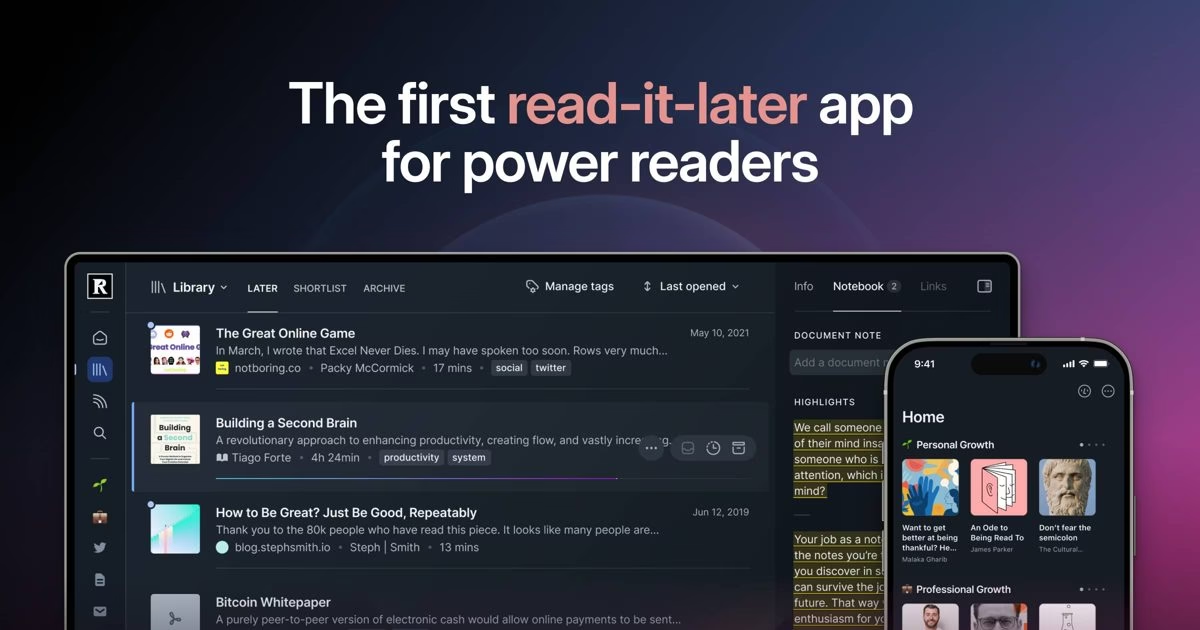
Readwise calls Reader a read-it-later app built for power readers. Its pitch is to save everything in one place, search instantly and highlight in the same app.
It goes well beyond a reading list, so it suits people who highlight and review what they read. Check the current plans on the official page before you commit.
Best for: heavy readers who highlight and want search across everything they saved.
3. Matter
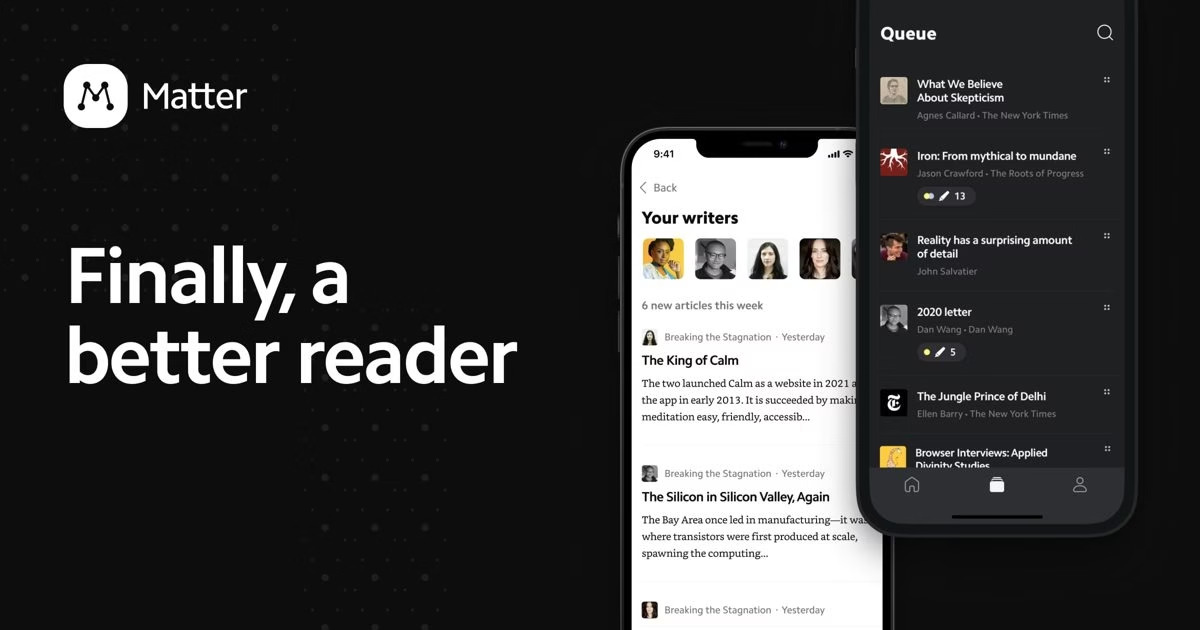
Matter brings newsletters, feeds and read-later into one interface, in its own words. If you read newsletters as much as web articles, one inbox for both is the draw.
Best for: people who want newsletters, feeds and saved articles in one place.
4. Flyleaf
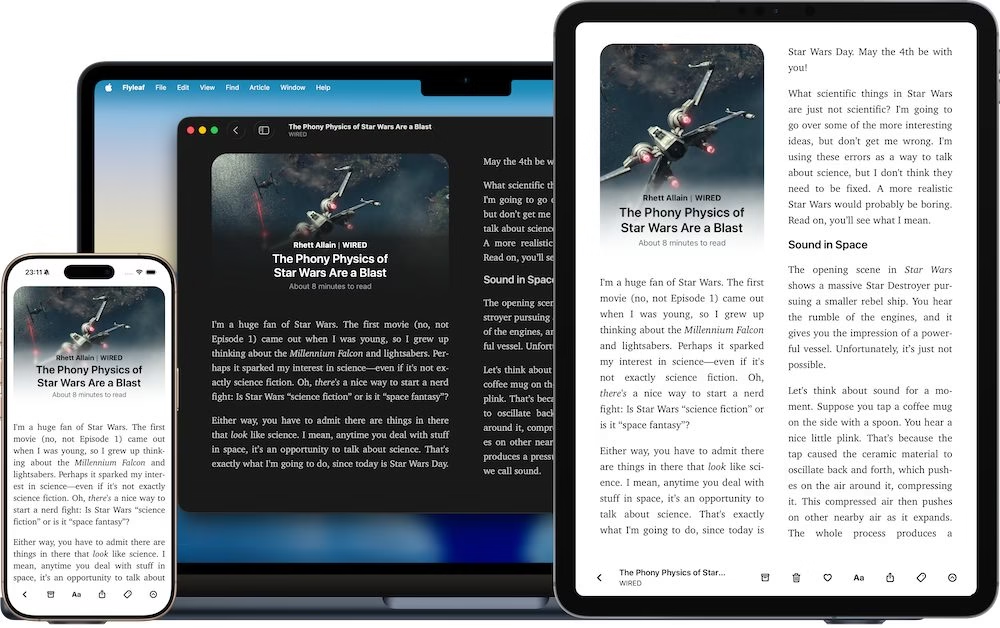
Flyleaf is a read-later app for iOS and macOS with a native design, iCloud sync and book-style pagination. It runs on Apple devices only, so skip it if you also use Android or Windows.
Best for: iPhone, iPad and Mac readers who like a book-style reading view.
5. wallabag
wallabag is a self-hostable application for saving web pages. Its site lists import from Pocket among its import options, which only helps if you already have an old export file, because Pocket closed its export window after the shutdown.
Self-hosting means you run the server yourself. That gives you control of your data and also the upkeep.
Best for: people comfortable running their own server who want full control of their archive.
6. Readeck
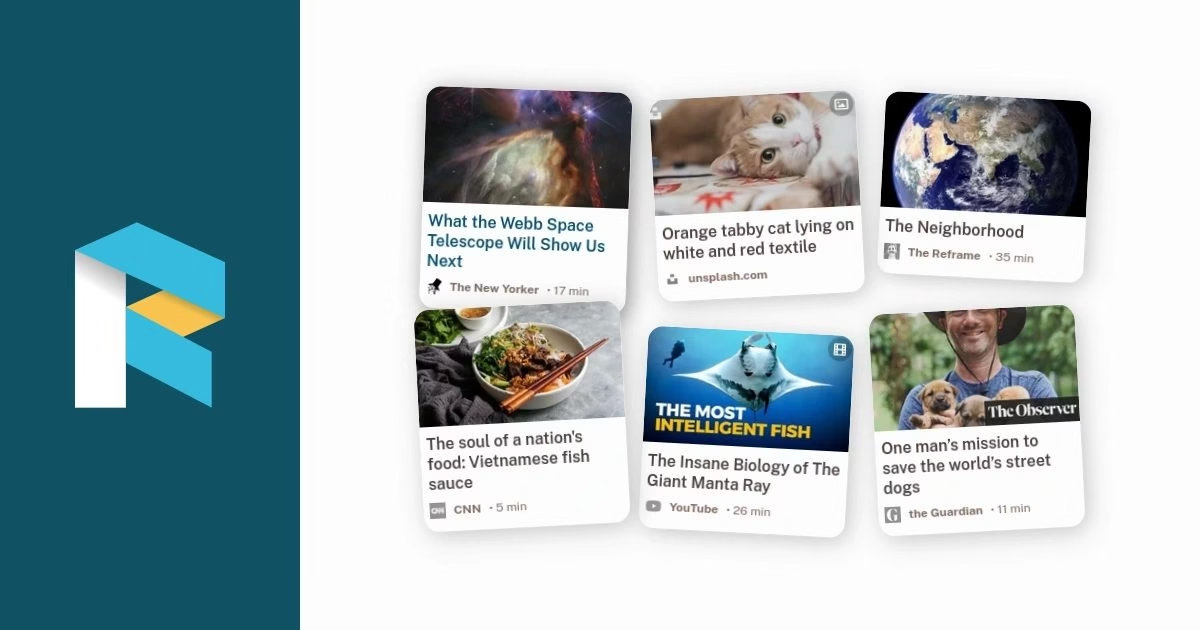
Readeck keeps your reading list on a server you control. Its official apps page lists a browser extension plus native Android and iOS clients, with typography controls, highlights and annotations, and offline reading on mobile.
Best for: self-hosters who want official mobile apps and a browser extension for their own server.
7. Raindrop.io
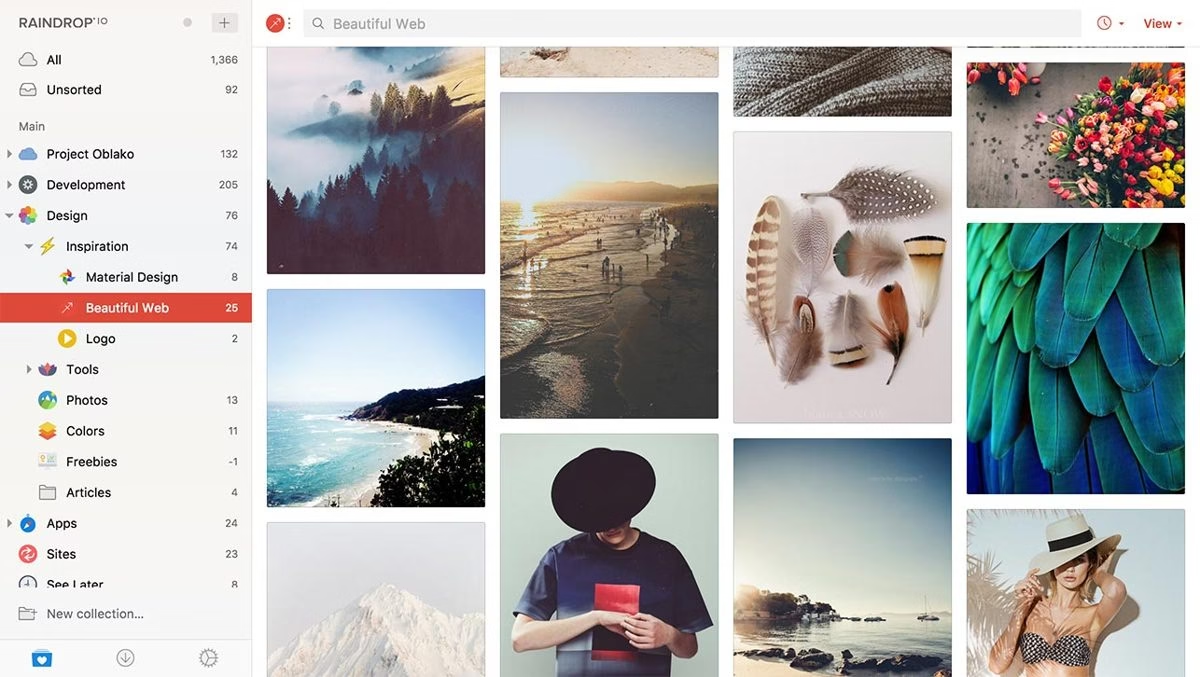
Raindrop.io is an all-in-one bookmark manager. It positions itself for inspiration, read later and media, so it treats saved pages as a visual, organized library rather than a plain queue.
Best for: people who save many kinds of links and want folders, tags and a visual layout.
8. Karakeep
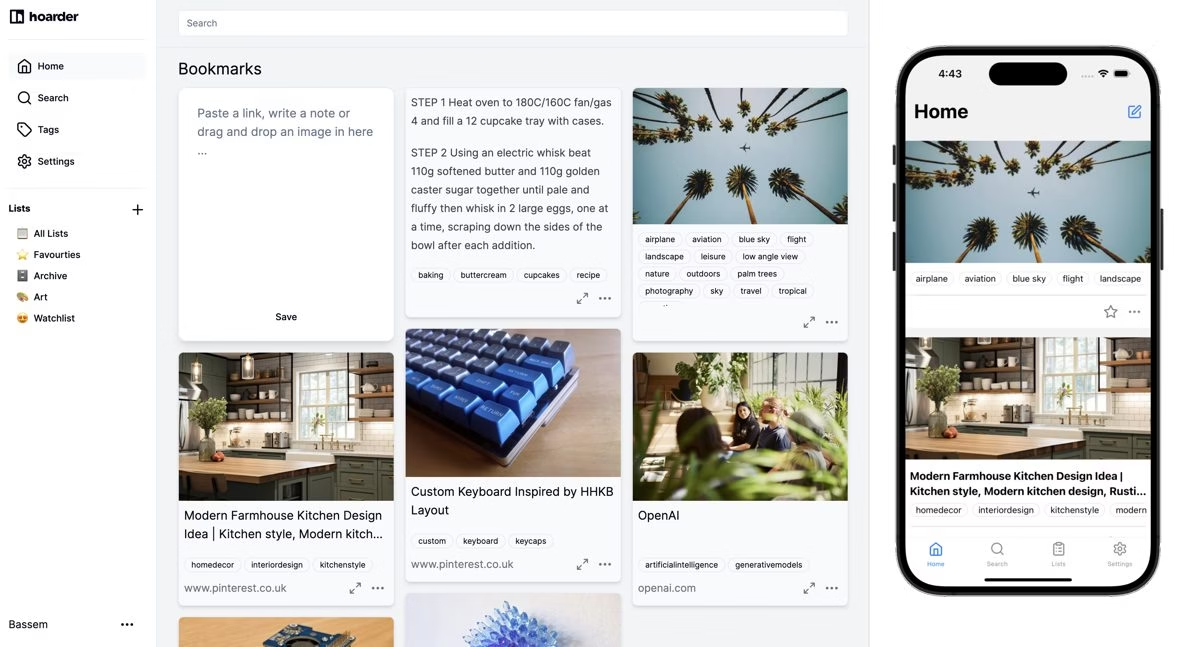
Karakeep is an open-source bookmark manager for links, notes and images. It can tag your bookmarks automatically with AI, it is self-hostable, and it has apps for iOS and Android plus Chrome and Firefox extensions.
Best for: self-hosters who want open-source software with mobile apps and automatic tagging.
9. Plinky
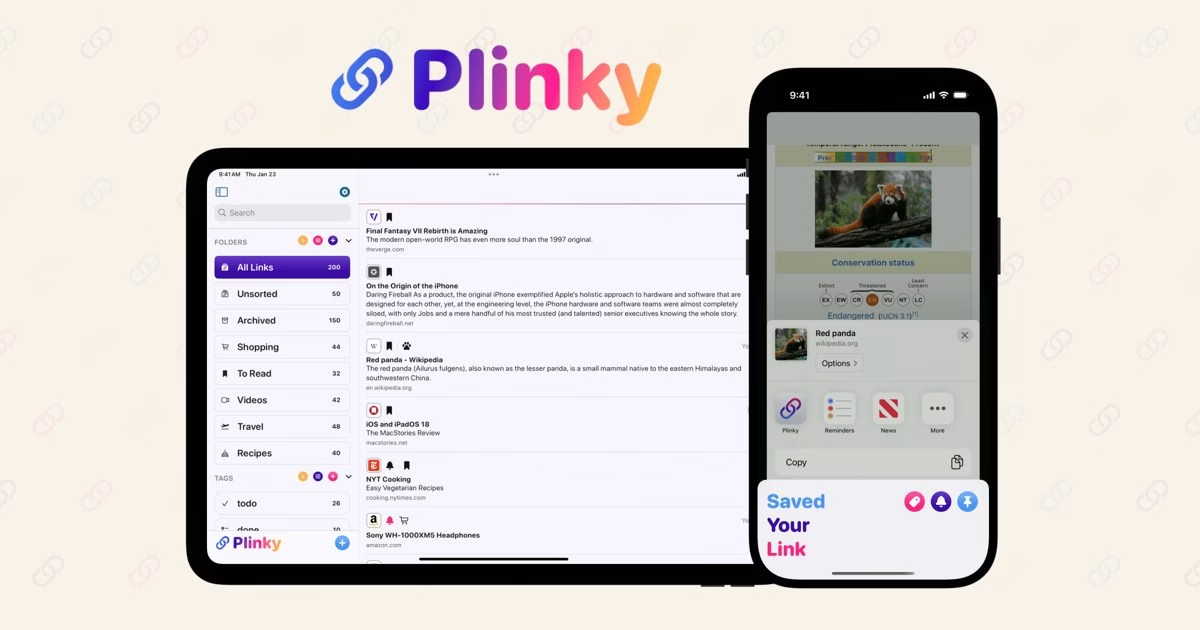
Plinky offers one-tap saving from any app or browser, plus folders, tags, search and reminders so you actually revisit what you saved. It is built for iPhone, iPad and Mac.
Best for: Apple users who save links and forget them, and want reminders to come back.
10. DoubleMemory
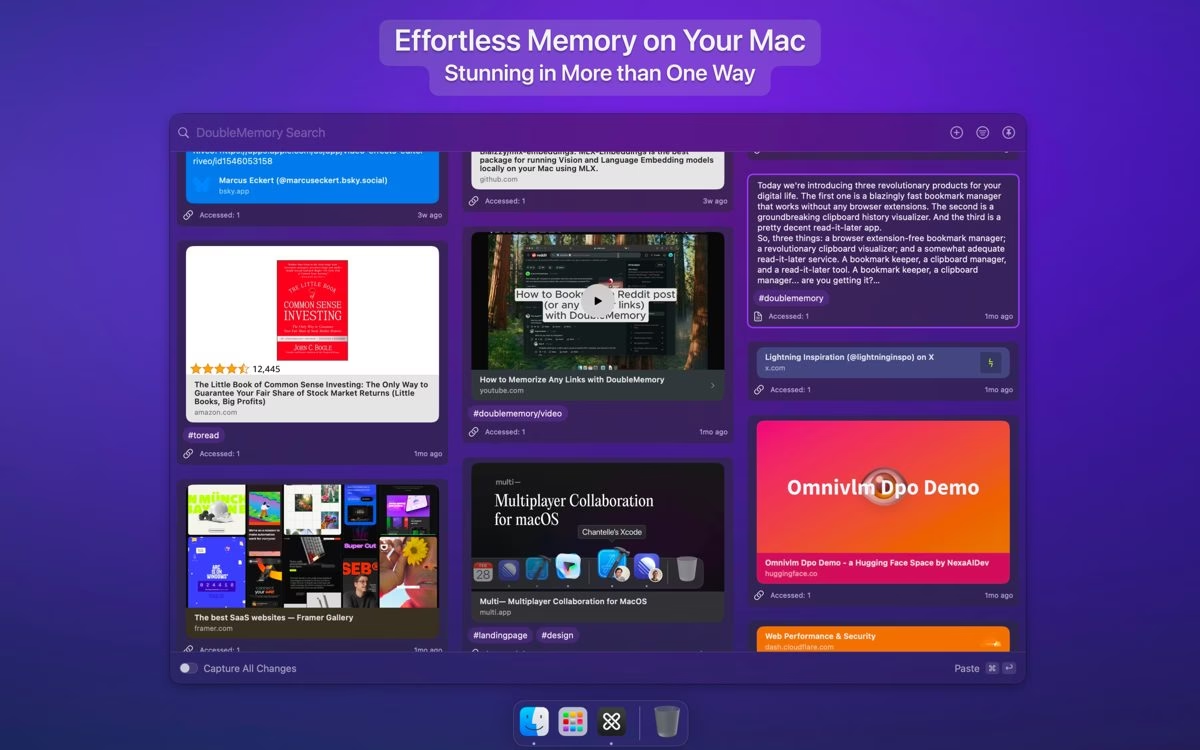
DoubleMemory is a local-first bookmarking and read-it-later app for Mac and iOS. It captures links and notes with shortcuts, search and tags, and syncs through iCloud.
Best for: Mac and iPhone users who prefer a local-first app over a hosted service.
11. Obsidian Web Clipper
Obsidian Web Clipper official site
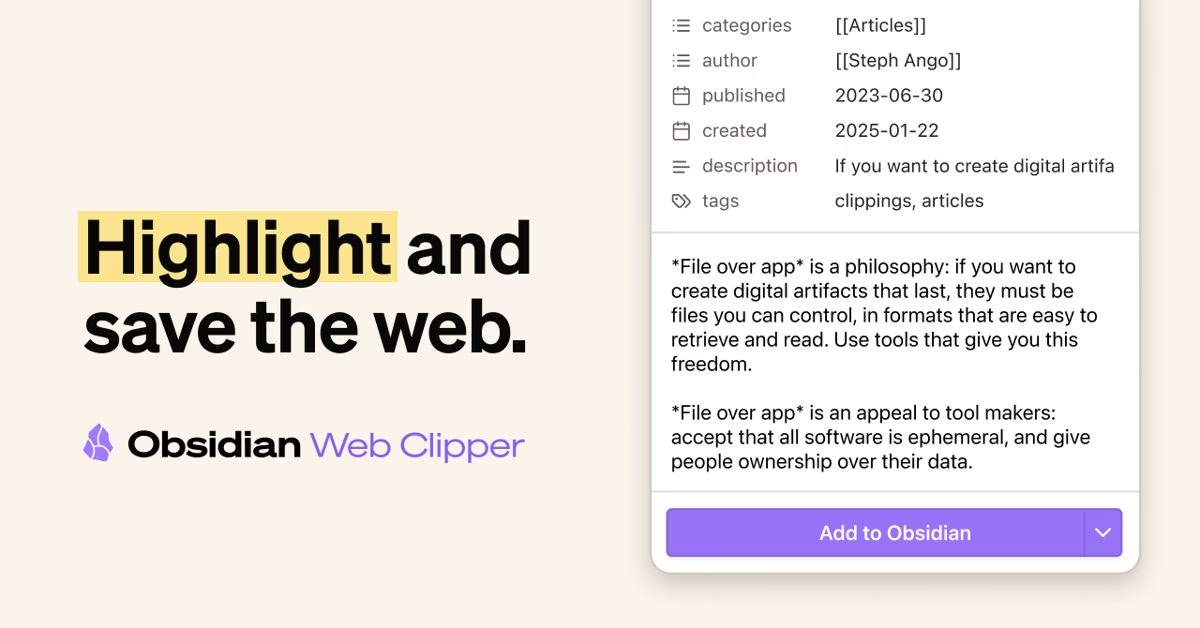
Obsidian Web Clipper is a browser extension to highlight and capture web pages. It fits if you already keep your notes in Obsidian and want saved articles to land there instead of in a separate reading app.
Best for: Obsidian users who want clipped pages to become notes.
12. Recall

Recall is a personal AI knowledge base. You save articles, videos, podcasts, PDFs and notes, then summarize them and chat with them using ChatGPT, Claude or Gemini, according to its homepage.
It is closer to a research library than a reading queue. Check the official page for what the free and paid plans include.
Best for: people who want to summarize and question what they save, not just read it.
13. Linkwarden
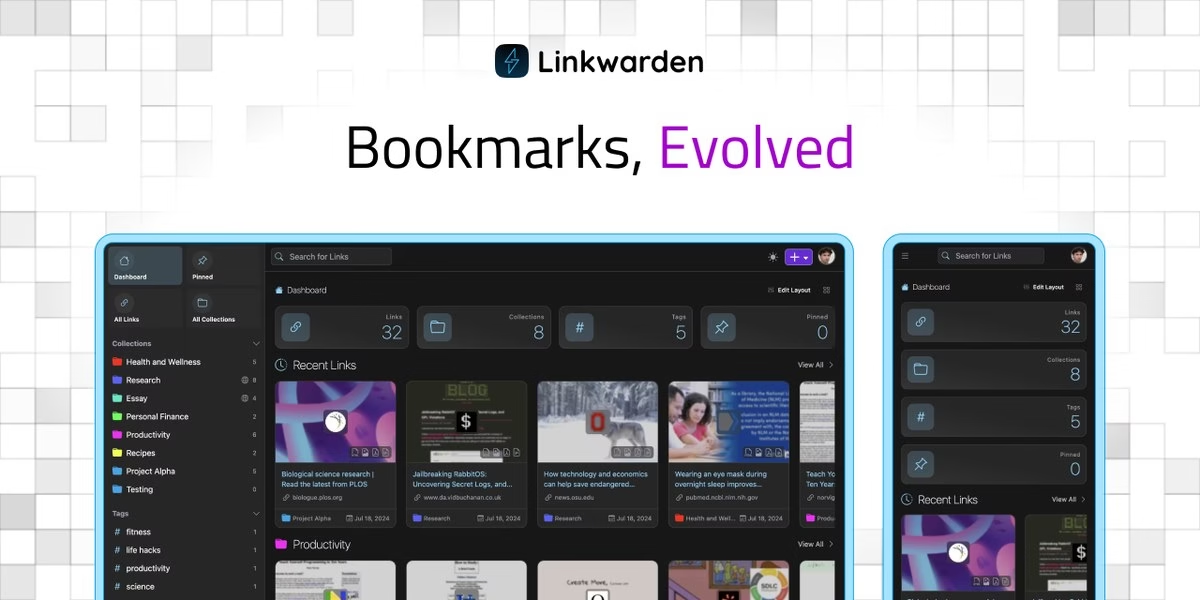
Linkwarden says it helps you collect, read, annotate and fully preserve what matters. It backs up saved pages in multiple formats, including full HTML, so a page still opens after the original disappears.
It is open source and self-hostable, has a reader view for highlights and annotations, can tag bookmarks with AI, and can follow RSS feeds inside your collections. Its site also announces mobile apps for iOS and Android.
Best for: people who want saved pages preserved for good, with highlights, shared collections and the option to self-host.
14. Anybox
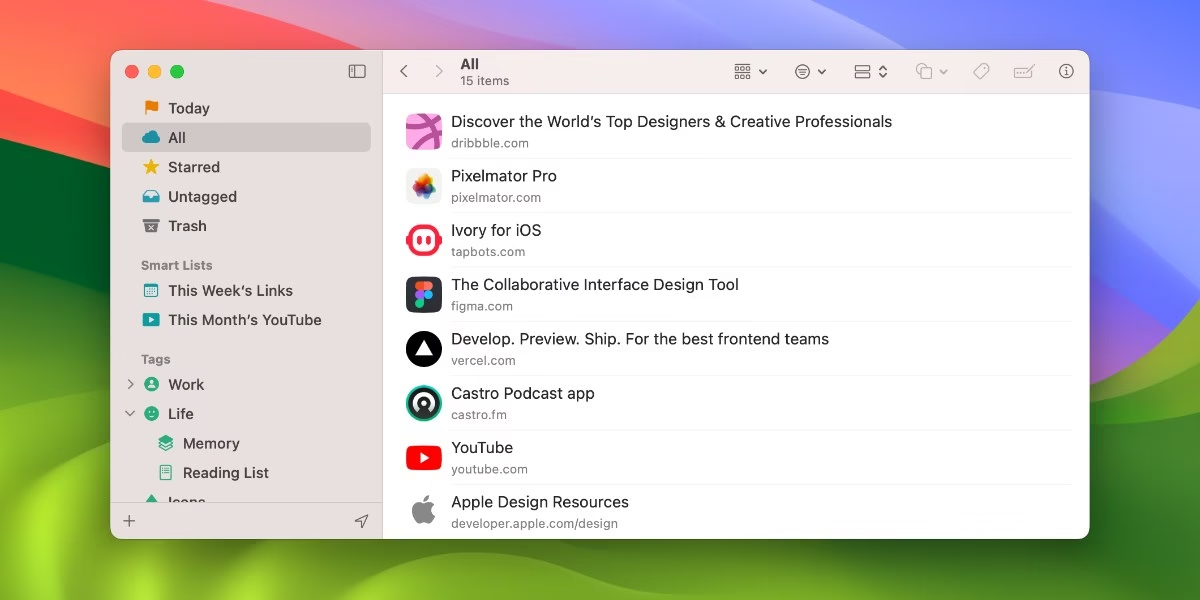
Anybox is a bookmark manager for macOS and iOS, built with native Apple frameworks. Its site lists fast offline search, a Quick Save action that grabs the current tab, nested tags and folders, smart lists and iCloud sync.
It can also archive a bookmark as a PDF, a web archive or a screenshot, and it works with Siri Shortcuts and AppleScript. It is for Apple devices only, and its free plan has limits, so read the plan details on the official site.
Best for: Mac, iPhone and iPad users who want a native bookmark manager with archiving.
15. linkding
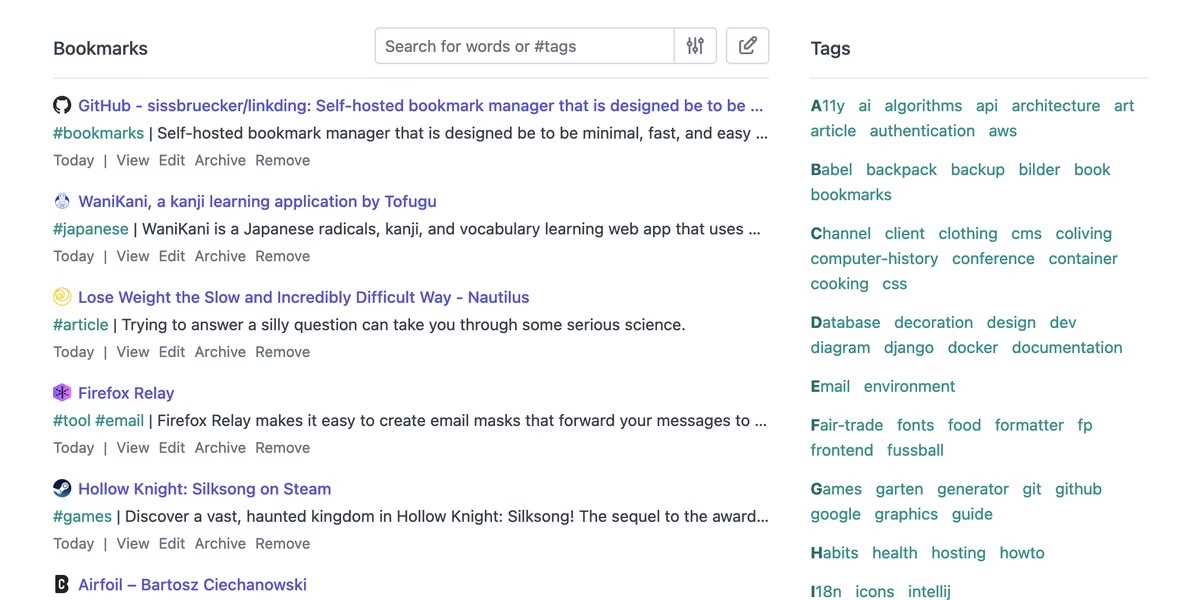
linkding is a self-hosted bookmark manager designed to be minimal, fast and easy to set up. It fetches titles, descriptions, icons and preview images for saved sites, and it can snapshot a page as a local HTML file or on the Internet Archive.
It supports several users, bulk editing, and import and export in the Netscape HTML format. Extensions for Firefox and Chrome let you add and search bookmarks from the browser.
Best for: self-hosters who want a lightweight bookmark manager with archiving and browser extensions.
How to choose
- Decide what you actually did in Pocket. Reading clean articles later points to Instapaper, Readwise Reader or Matter. Keeping a big pile of links points to Raindrop.io or Karakeep.
- Check your devices. Flyleaf, Plinky, DoubleMemory and Anybox are for Apple devices. Instapaper and the self-hosted options list wider support.
- Be honest about self-hosting. wallabag, Readeck, Karakeep, Linkwarden and linkding give you control, but you run the server and keep it updated.
- Test saving a messy article first. Save a long article with images and a paywalled page, then see how the app displays it before you move your whole habit over.
- Check import and export. Pick an app that lets you export your saved items, so you are never stuck the way Pocket users were.
FAQ
Can I still export my Pocket library?
Not reliably. Pocket shut down on July 8, 2025, and the export window closed in October 2025. If you kept an export file, tools such as wallabag list Pocket import. If you did not, start fresh.
What is the closest replacement for Pocket?
Instapaper is the closest in spirit because it focuses on saving pages and reading them later. Readwise Reader is the stronger pick if you highlight and review.
Do I need to self-host?
No. wallabag, Readeck, Karakeep, Linkwarden and linkding can be self-hosted, but Instapaper, Readwise Reader, Matter and Raindrop.io are ready to use without running a server.
Are these apps free?
Several offer free plans or free software, and several have paid tiers. Pricing changes often, so read the current plan details on each official site.







Leave a Reply