


Salesforce holds your customer data, but the rest of your business runs in ERPs, marketing platforms, databases, and support tools. Salesforce integration tools move that data between systems automatically – no manual exports, no re-keyed orders, no stale reports.
We reviewed the official product and pricing pages of the leading Salesforce integration software in September 2026 and picked the ones worth your time. This is desk research from current vendor documentation, not hands-on testing; pricing and features change, so check the official site before you buy. If you are also picking automation software beyond Salesforce, see our guide to the best automation tools.
Salesforce integration pilot: permissions, delay and failed records
Reviewed October 5, 2026. The Zapier Salesforce requirements and Heroku Connect limits below were checked against current official documentation. Other retained vendor prices have not been revalidated in this pass and are not current quotes.
Before buying, connect a test environment and choose a small set of records. Check create, update, duplicate and failed-record cases. Agree which system owns each field and how conflicts are handled, then measure end-to-end delay rather than assuming every connector is real-time.
Zapier’s Salesforce setup requires a paid Zapier plan, My Domain, app approval and the connecting user’s object and field permissions. A working login is not proof that every required field can be read or updated. Check the current Salesforce prerequisites with your administrator.
Heroku Connect’s demo plan allows 10,000 synchronized rows across mappings and a minimum 10-minute polling interval. Its documentation warns that using the same integration user for multiple add-ons can exhaust token limits and cause repeated authorization pauses. Read the plan and connection limits and the polling and accelerated-polling behavior before promising an update delay.
Assign someone to review failures, revoke credentials and restore the workflow after a schema change. Compare wider business workflows in our automation tools guide; a connector list is not a substitute for an operations plan.
Salesforce integrations list: the best tools at a glance
| MuleSoft – Salesforce-owned enterprise platform; from $2,000/mo |
| Boomi – enterprise iPaaS; subscription or pay-as-you-go, quote |
| Workato – enterprise automation with AI; custom quote |
| Zapier – easiest no-code connector; free plan |
| Make – visual scenario builder; free plan with 1,000 credits/mo |
| Jitterbit – iPaaS plus API management; annual contract, custom |
| Celigo – flat-rate iPaaS with prebuilt Salesforce flows; quote |
| Tray.ai – AI orchestration platform; Pro and custom tiers |
| Astera – no-code data integration; packages on request |
| Rapidi – prebuilt Salesforce-to-ERP sync; from $335/mo billed annually |
| Heroku Connect – Salesforce-to-Postgres sync; free Demo Edition |
| SyncApps by Cazoomi – CRM-to-marketing sync; free trial |
1. MuleSoft – best enterprise Salesforce integration platform
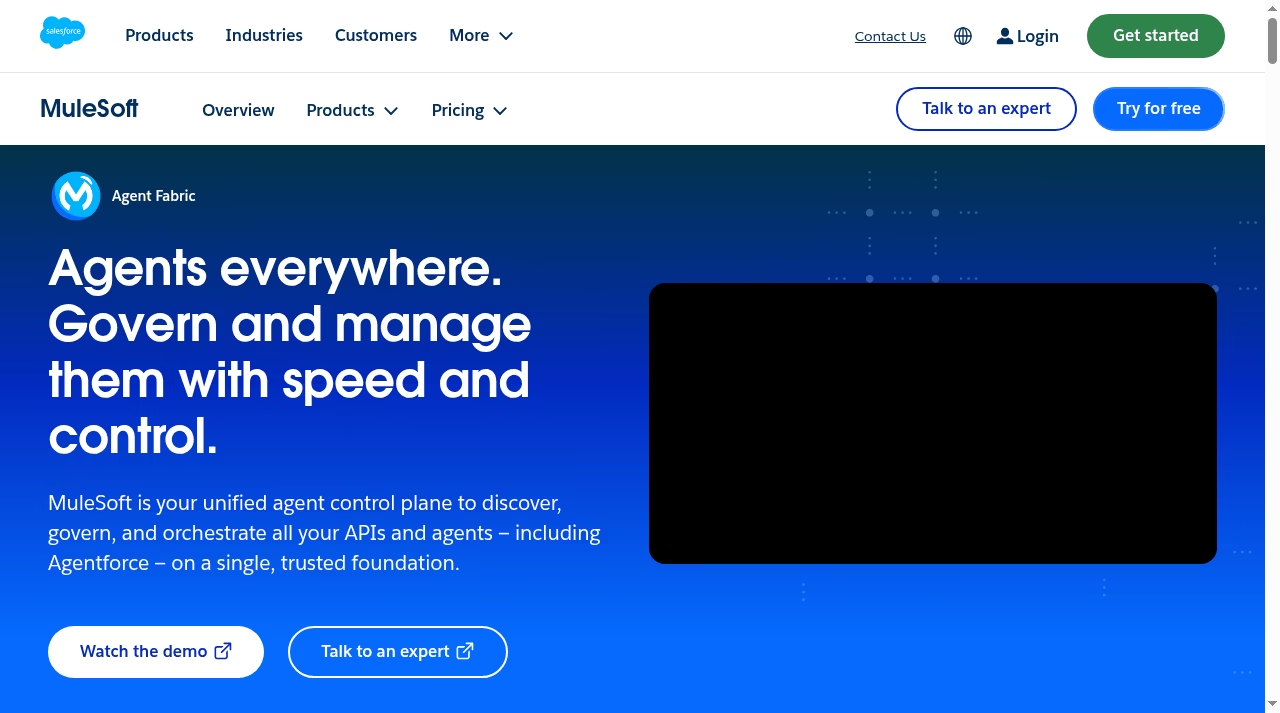
MuleSoft is Salesforce’s own integration platform, so nothing fits the ecosystem more natively. Its Anypoint Platform connects Salesforce to SAP, Oracle, databases, and custom APIs with prebuilt connectors and an API-led architecture built for large companies.
- Deepest native Salesforce alignment of any tool on this list
- Pricing starts around $2,000/month and scales with usage
- Strong API management, governance, and monitoring built in
Limitation: priced and built for enterprises – overkill for a small team that just needs a few automations. Official site: mulesoft.com
2. Boomi – best established enterprise iPaaS
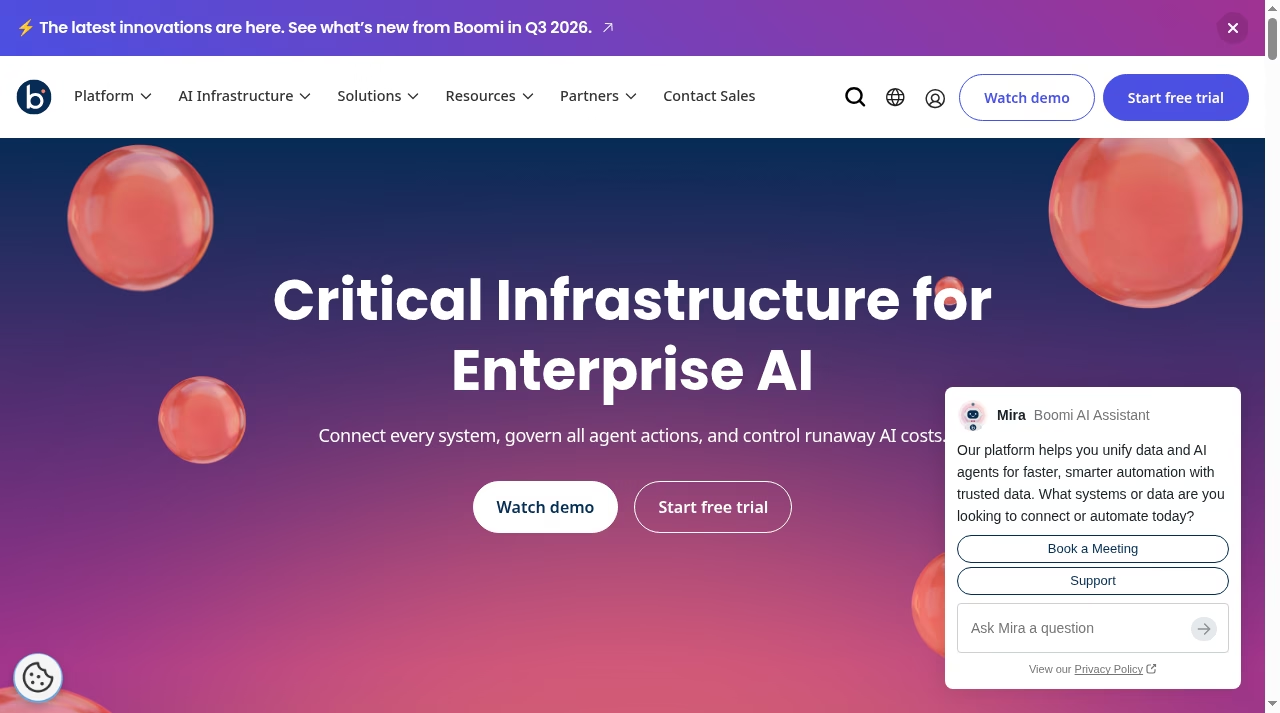
Boomi is one of the oldest names in integration, with a huge connector library and a mature platform for hybrid (cloud plus on-premise) environments. Its Salesforce connector handles real-time and batch sync, and the platform now leans into AI agent management too.
- Large library of prebuilt connectors including deep Salesforce support
- Subscription and pay-as-you-go options; exact pricing by quote
- Handles on-premise systems many cloud-only tools can’t reach
Limitation: the interface shows its age, and meaningful deployments usually need a partner or internal integration specialist. Official site: boomi.com
3. Workato – best for enterprise workflow automation
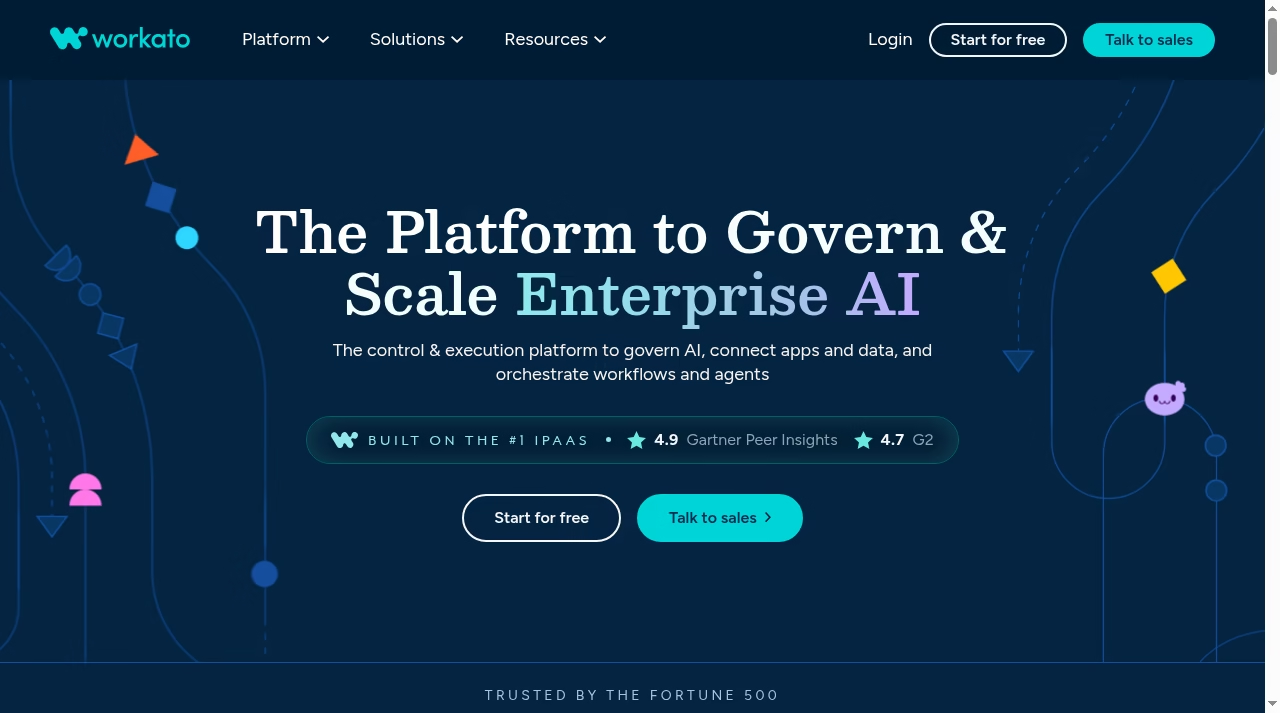
Workato combines integration with business-process automation: “recipes” that react to Salesforce events and chain actions across hundreds of apps. It is a favorite of revenue and operations teams that want IT-grade governance with a no-code builder.
- 1,000+ connectors with strong Salesforce triggers and actions
- Custom pricing by quote, aimed at mid-market and enterprise
- AI-assisted recipe building and enterprise security controls
Limitation: no self-serve free tier and pricing starts well above small-business budgets. Official site: workato.com
4. Zapier – simple Salesforce workflows on a paid plan
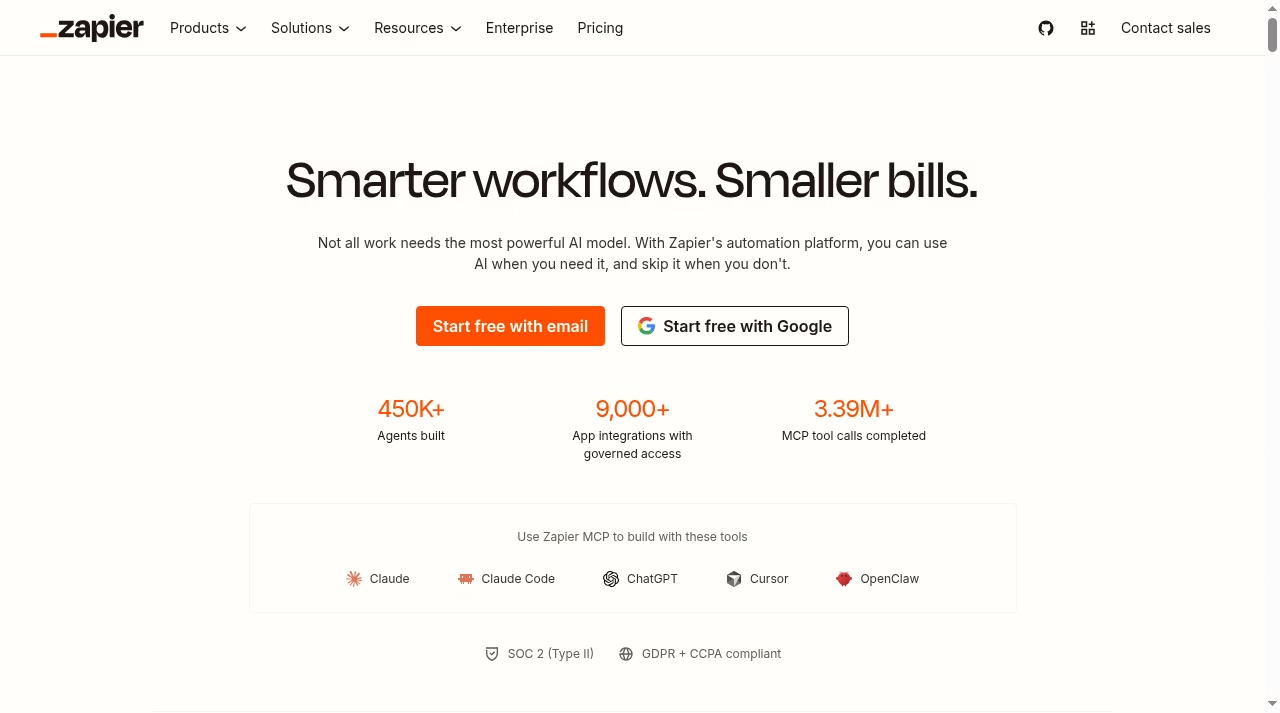
Zapier can connect Salesforce to other apps through trigger-action workflows, but Salesforce is a premium app on Zapier and requires a paid Zapier plan. Its official setup guide also requires a supported Salesforce edition, My Domain, app approval and the connecting user’s object/field permissions. Do not treat Zapier’s general free plan as free Salesforce access.
- Salesforce requires a paid Zapier plan; general free-plan access does not cover this premium app
- 8,000+ app connections, the largest catalog on this list
- Setup takes minutes, not weeks
Limitation: not built for heavy data sync or complex transformations – think triggers and actions, not an integration backbone. Official site: zapier.com
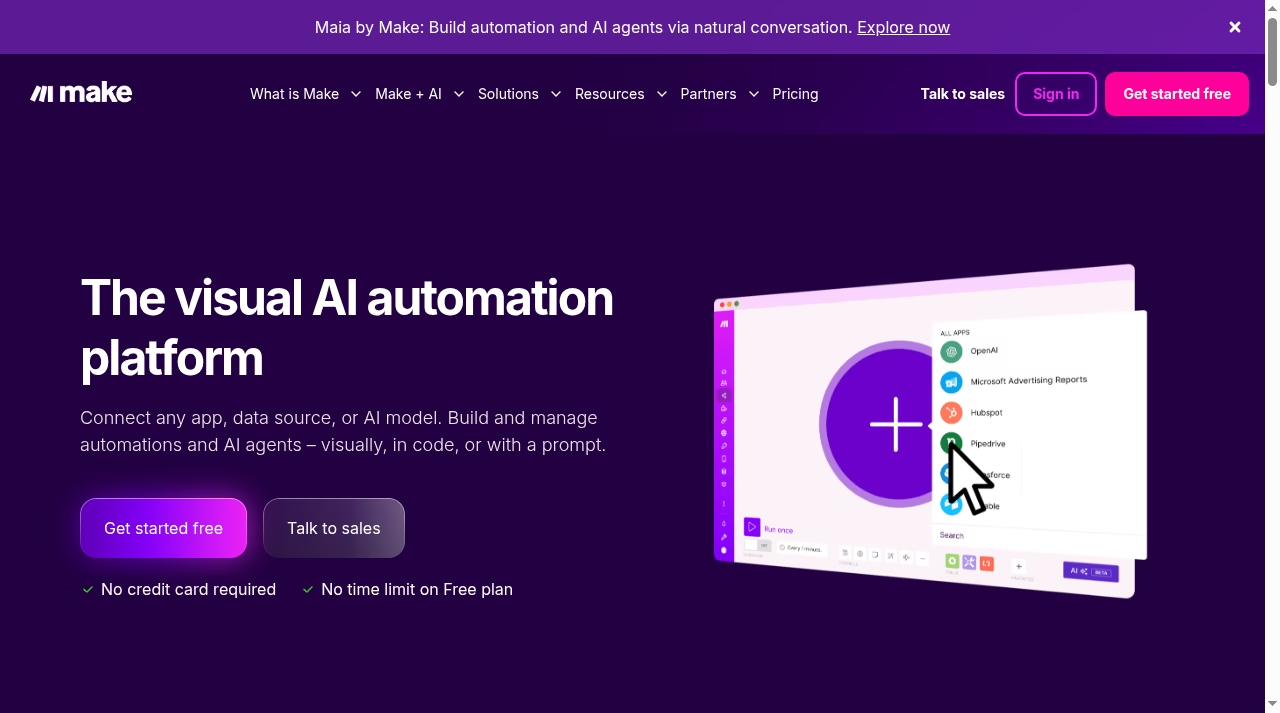
5. Make – best visual builder on a budget
Make gives you a drag-and-drop canvas where Salesforce modules plug into branching scenarios with filters, iterators, and error handling. It handles more complexity than Zapier at a lower price, which makes it a strong pick for ops-minded teams watching costs.
- Free plan with 1,000 credits per month
- Visual scenario builder with real branching and data transformation
- Paid plans stay affordable compared with enterprise iPaaS
Limitation: the canvas has a learning curve, and very large scenarios get hard to maintain. Official site: make.com
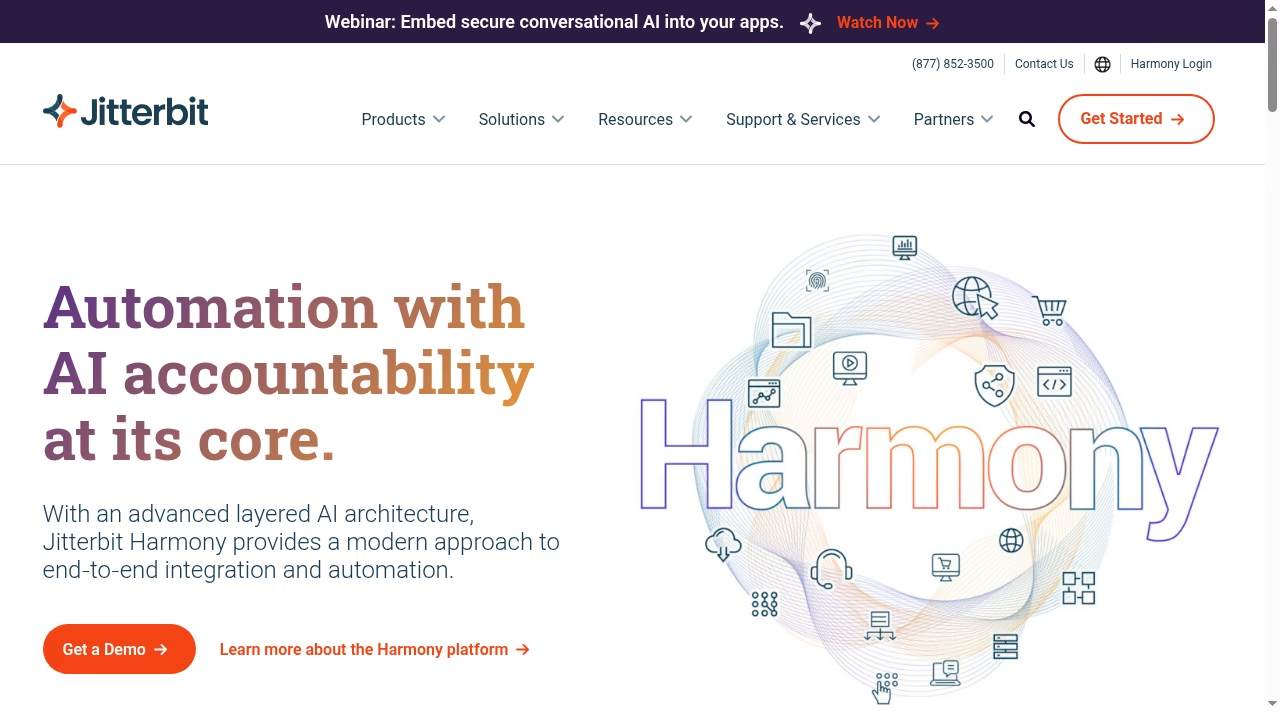
6. Jitterbit – best iPaaS with built-in API management
Jitterbit’s Harmony platform combines integration, API creation, and app building in one stack. For Salesforce teams that need to expose their own APIs to partners – not just consume other systems – Jitterbit covers both sides in one contract.
- Prebuilt Salesforce connector with templates for common flows
- Annual contracts with custom pricing based on connections
- API Manager included for publishing and securing endpoints
Limitation: quote-only annual pricing and an enterprise sales process slow down evaluation. Official site: jitterbit.com
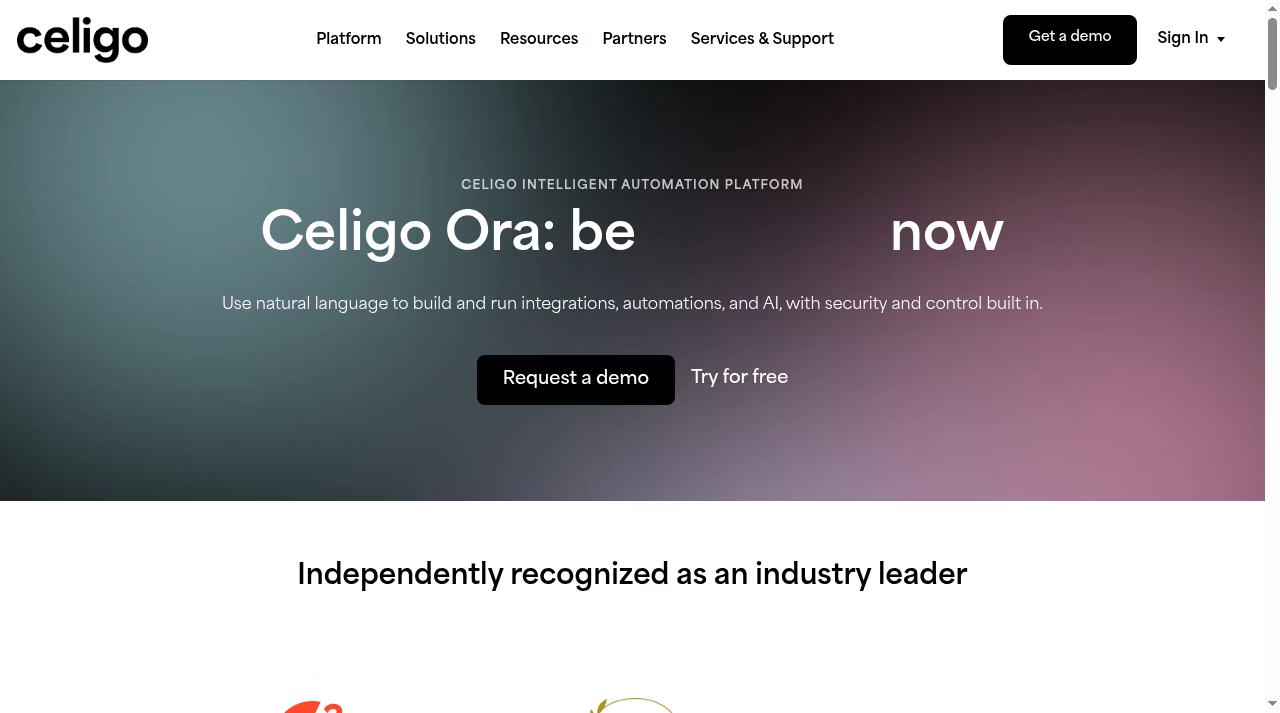
7. Celigo – best flat-rate iPaaS with prebuilt Salesforce flows
Celigo ships ready-made integration apps for common Salesforce pairings – NetSuite, Shopify, Amazon, Zendesk – so you configure rather than build. Its flat-rate pricing model appeals to teams tired of per-connection billing surprises.
- Prebuilt integration apps for popular Salesforce pairings
- Flat-rate pricing instead of per-connector metering
- New AI-assisted flow building with natural language
Limitation: pricing is still quote-based, and the prebuilt apps matter less if your systems are unusual. Official site: celigo.com
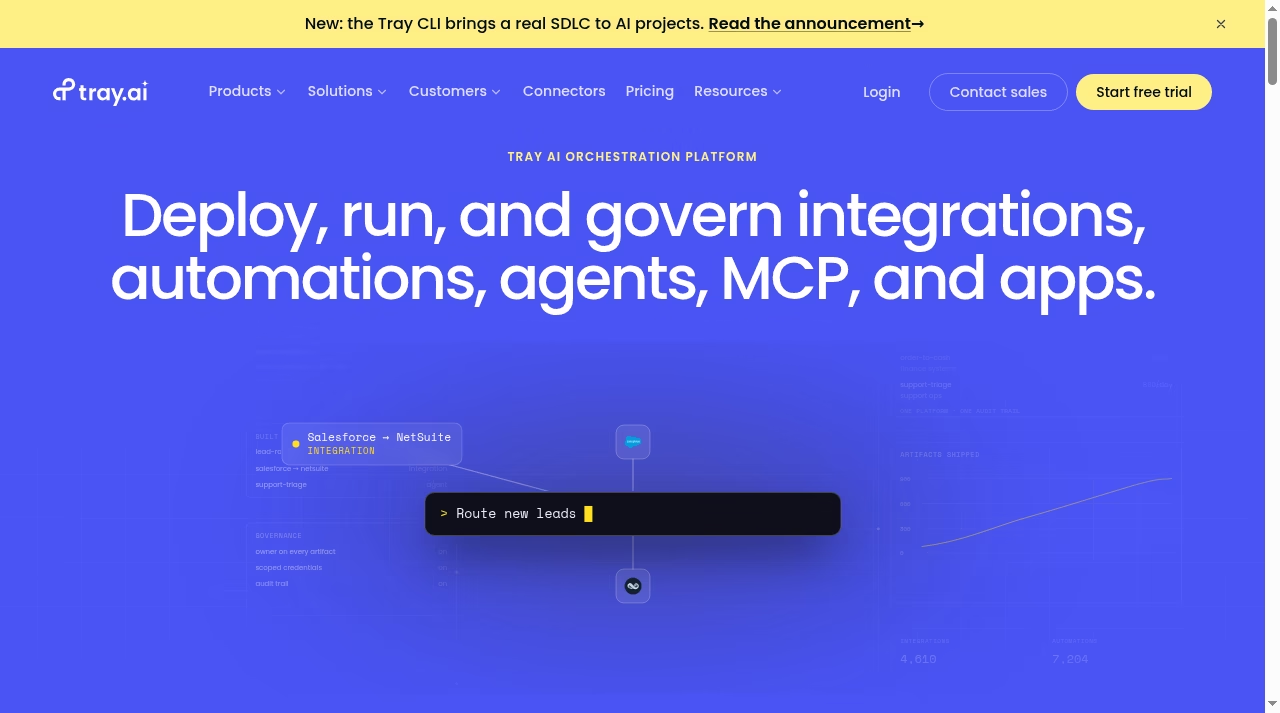
8. Tray.ai – best for AI-driven orchestration
Tray.ai has rebuilt itself around AI: beyond classic Salesforce connectors, it orchestrates AI agents, MCP servers, and apps under one governance layer. If your roadmap includes AI agents acting on Salesforce data, Tray is built for exactly that.
- Pro tier for getting started, plus custom enterprise plans
- Agent and MCP governance built into the platform
- Strong fit for modern stacks mixing SaaS, data, and AI
Limitation: the AI-first focus means classic ETL-style bulk jobs are less central than at data-focused rivals. Official site: tray.ai
9. Astera – best no-code Salesforce data integration tool
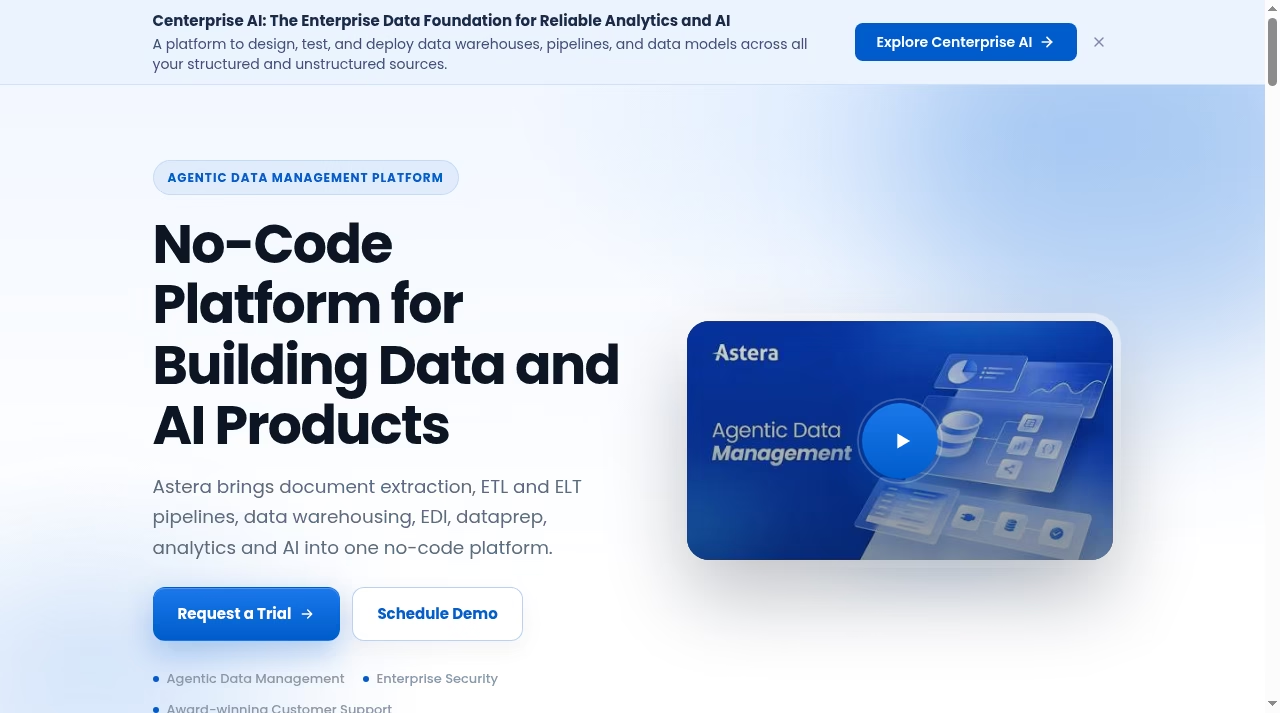
Astera focuses on the data side: extracting, transforming, and loading Salesforce data into warehouses, plus document extraction and EDI in the same no-code platform. For reporting pipelines feeding from Salesforce, it covers more of the journey than app-connector tools.
- No-code ETL/ELT pipelines with Salesforce connectors
- Pricing by package, quoted per deployment
- Combines document extraction, warehousing, and data prep
Limitation: heavier than you need for simple app-to-app automations. Official site: astera.com
10. Rapidi – best prebuilt Salesforce-to-ERP integration
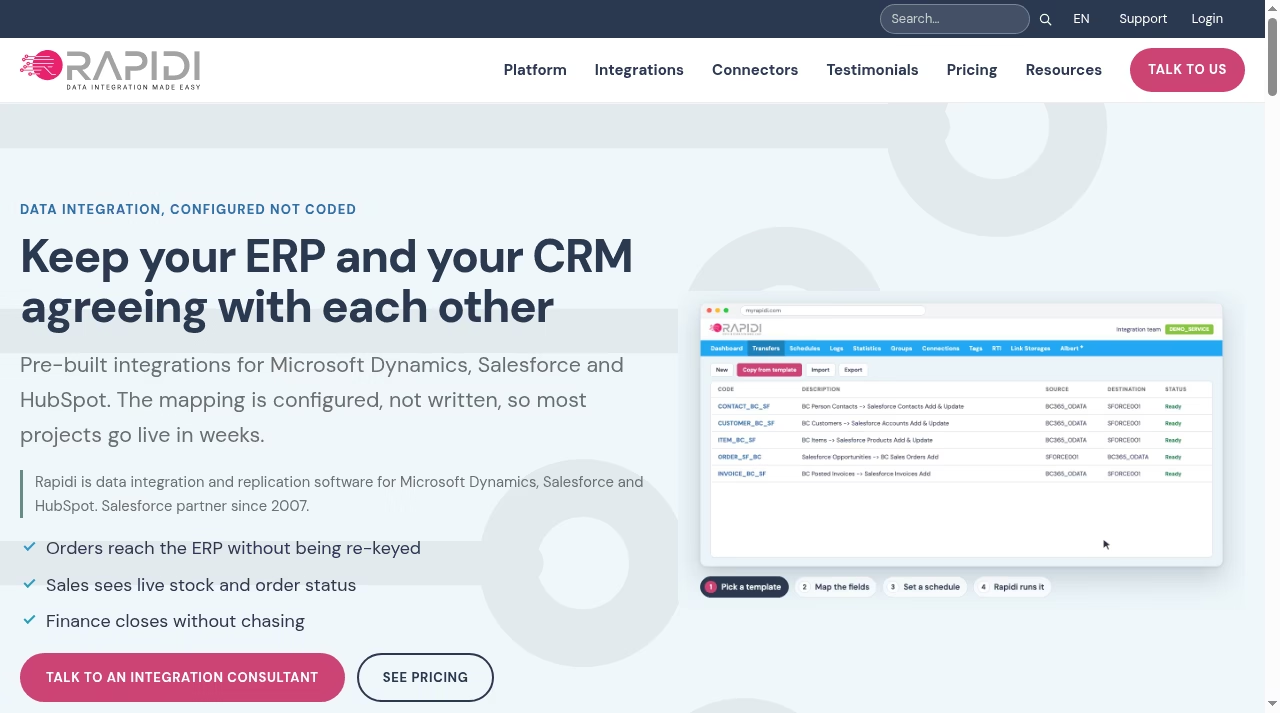
Rapidi does one thing well: keeping Salesforce and Microsoft Dynamics ERPs in sync with pre-configured templates. Mapping is configured rather than coded, and the company has been a Salesforce partner since 2007 – most projects go live in weeks.
- Prebuilt templates for Salesforce-to-Dynamics scenarios
- Pricing from $335/month billed annually
- Transparent pricing page, rare among integration vendors
Limitation: narrow focus – if your stack isn’t Salesforce plus Microsoft Dynamics or HubSpot, look elsewhere. Official site: rapidionline.com
11. Heroku Connect – best Salesforce-to-Postgres data sync
Heroku Connect synchronizes Salesforce objects and Heroku Postgres tables. It is not a general-purpose integration platform and should not be described as universally real-time: polling mode and mapping configuration affect latency. The official demo plan allows up to 10,000 synchronized rows and a minimum 10-minute polling interval; paid enterprise and shield plans require a contract.
- Free Demo Edition for evaluation; paid enterprise or shield Connect plans require a contract
- Bidirectional sync between Salesforce objects and Postgres tables
- Point-and-click mapping, no integration code to maintain
Limitation: only syncs Salesforce and Postgres – it is not a general integration platform. Official site: heroku.com/connect
12. SyncApps by Cazoomi – best for CRM-to-marketing sync
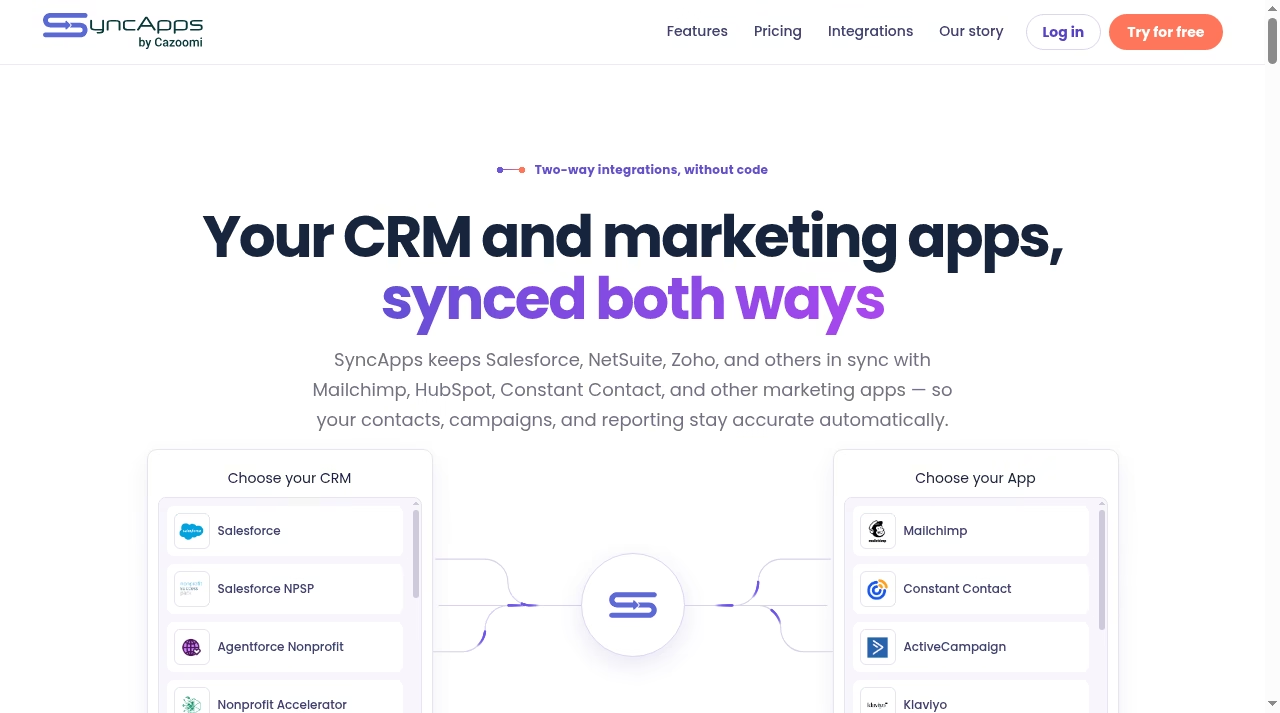
SyncApps keeps Salesforce in two-way sync with marketing platforms like Mailchimp, Constant Contact, ActiveCampaign, and Klaviyo – so contacts, campaigns, and reporting stay accurate on both sides without list exports.
- Purpose-built Salesforce-to-marketing-app sync, two-way
- Free trial to test your exact pairing before paying
- Covers Salesforce NPSP and nonprofit editions too
Limitation: focused on CRM-plus-marketing sync rather than general-purpose integration. Official site: syncapps.cazoomi.com
How to choose a Salesforce integration tool
Match the tool to the job
Simple trigger-action automations (new lead, send Slack message) fit Zapier or Make. Continuous data sync between Salesforce and an ERP or database calls for an iPaaS like MuleSoft, Boomi, Celigo, or Jitterbit – or a purpose-built tool like Rapidi or Heroku Connect. If AI agents will act on your Salesforce data, look at Tray.ai or Workato.
Check the real pricing model
Per-task, per-connection, per-endpoint, and flat-rate models produce very different bills at scale. Free-plan availability must be checked per connector; Salesforce on Zapier requires a paid plan, and Rapidi publishes its pricing openly – for everyone else, expect a sales conversation before you see a number.
Plan for who will maintain it
No-code tools let ops teams own their flows. Enterprise platforms assume an integration specialist or partner. Be honest about which team you have before signing an annual contract.
FAQ: Salesforce integration software and services
What are the best Salesforce integrations?
The best Salesforce integrations depend on the target system: Zapier and Make for everyday apps, MuleSoft and Boomi for enterprise systems, Rapidi for Microsoft Dynamics ERPs, Heroku Connect for Postgres, and SyncApps for marketing platforms. The table at the top of this article is a quick Salesforce integrations list by use case.
What is the difference between Salesforce integration tools and integration services?
Integration tools are software you buy and run – the products in this list. Top Salesforce integration services are consultancies and agencies that design and build integrations for you, usually on top of these same platforms. If you lack in-house expertise, buying a service on top of a tool like MuleSoft or Boomi is common.
Are there Salesforce integration tool on a paid Zapier plans?
Yes. Zapier requires a paid plan for Salesforce. Heroku Connect offers a demo plan with row and polling limits; verify the Salesforce connector and plan requirements for any other tool. Free tiers cap volume and features, so treat them as starting points, not long-term production plans.
What about SFDX or SFDC integration tools?
SFDX (Salesforce DX) is Salesforce’s developer tooling for building on the platform itself – a different job from connecting Salesforce to outside systems. Developers often pair SFDX with one of the integration platforms above: SFDX manages your Salesforce metadata and code, while the integration tool moves data between Salesforce and the rest of your stack.
Which Salesforce integration platform is best for a small business?
Compare a simple Zapier or Make workflow after checking its connector, Salesforce permissions and plan requirements. Move to Celigo, Jitterbit, or Rapidi when you need continuous sync, error handling, and monitoring that simple automations don’t provide.
The bottom line
For most teams, the shortlist is simple: a simple Zapier or Make workflow after checking connector and plan requirements, MuleSoft or Boomi when enterprise scale justifies enterprise pricing, and a purpose-built option like Rapidi or Heroku Connect when your exact pairing is covered. Verify current pricing on the official sites – vendors update plans often.
Building out the rest of your stack? See our guides to the top AI tools, the best no-code app builders, and the top AI social media management apps.


Leave a Reply