



A flyer maker is useful only if it delivers a file your audience or printer can actually use. The important distinction is not how many templates an app promises. It is whether the free version lets you export your finished design at the size, resolution and format you need without a surprise watermark or paid element. We checked official vendor pages and current Android app listings in September 2026. These are product-page comparisons, not claims that we printed flyers or tested every feature hands-on.
| Tool | Best for | What official pages say about export | Watch before download |
|---|---|---|---|
| Design.com | AI-generated flyers and branded marketing materials | Free flyer designs; PNG, JPG, SVG, EPS, and PDF downloads | Check whether the selected design requires a paid plan before exporting |
| Canva | Everyday layouts | Free flyer maker; downloadable designs | Premium elements watermarked for Free users |
| Adobe Express | Quick branded layouts | Free flyer creation; sharing/download | Premium assets or physical print region |
| VistaCreate | Template variety | Free customizable/downloadable flyers | Confirm target PDF and plan in export menu |
| PosterMyWall | Event promotions | Free basic-quality download | High-resolution file costs extra |
| Desygner | Print PDFs | Claims free high-resolution 300-DPI PDF | Premium templates/stock separate |
| Fotor | Quick template-led flyers | Online flyer templates and editor | Confirm print export and asset license at download |
| Picmaker | Marketing flyer templates | Online template editing | Verify export format and plan restrictions |
| Venngage | Information-heavy flyers | Templates and visual information blocks | Check download rights in current plan |
| Visme | Branded promotional layouts | Online flyer maker and templates | Confirm print-ready PDF and premium assets |
| BeFunky | Photo-led flyers | Flyer templates and photo editing | Confirm export resolution for printing |
A free editor is not a blanket promise of a free print-ready export. Project assets, file type, quality tier and region can change the final result.
1. Design.com: Best for AI-generated flyers and matching branded materials
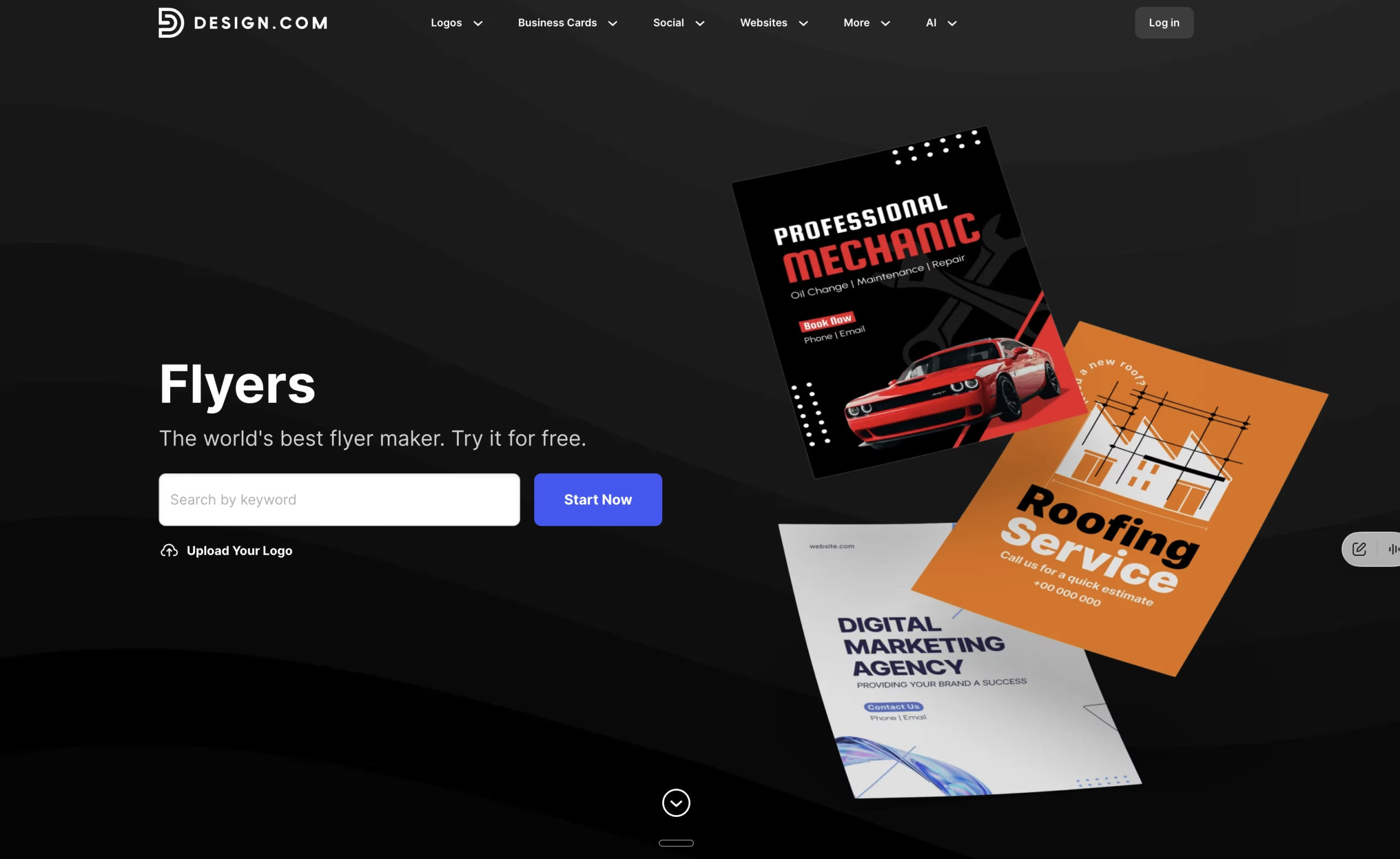
Design.com’s AI flyer generator creates flyer designs in seconds from a business name, keywords, or a short prompt. You can explore thousands of professionally designed templates for events, promotions, and business marketing, then customize fonts, colors, graphics, and layouts using a beginner-friendly editor. Finished flyers can be downloaded in PNG, JPG, SVG, EPS, and PDF formats or ordered as professional prints with matte or glossy finishes and free worldwide shipping.
Use it for: promotional flyers, business events, marketing handouts, and matching branded materials. Check: printing quantities, paper finishes, and delivery options before ordering.
2. Canva.com
Canva’s flyer page offers templates, photo/icon libraries and a blank-canvas path. Its mobile app listing is current. For a one-off local event, start from a free flyer template, replace the stock photo and keep the message short. Canva’s help center is explicit: premium elements show watermarks on Canva Free designs until purchased or unlocked with a paid plan. This is an element issue, not a claim that every free Canva export is watermarked.
Use it for: community events, small-business handouts and quick social variants. Check: whether any selected asset carries a crown/premium label before exporting.
Official Canva flyer information
3. Adobe Express: Best for polished quick layouts
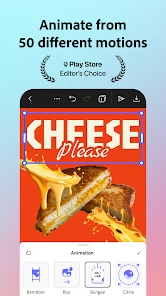
Adobe Express currently calls its flyer maker free and offers editable templates, type, graphics and uploads. Adobe says its physical print option is available for desktop and mobile users in the US, UK, Australia and Canada; that does not mean the app or digital downloads are limited to those regions. Its free and premium plans have different asset libraries.
Use it for: a digital-first flyer with editable typography and image blocks. Check: premium asset badges and the download choices for your account and market.
Official Adobe Express flyer information
4. VistaCreate: Best for template exploration
VistaCreate offers free customizable flyer designs. Its mobile-app page lists Android and iOS and says you can download to your phone. The help center explains the editor’s Export > Download as workflow. Avoid promising that every file type is available under every plan; verify your selected format in the editor.
Use it for: quick template variations and social promotion. Check: print PDF option, bleed and resolution with the printer before sending to press.
Official VistaCreate flyer information
5. PosterMyWall: Best for event promotion
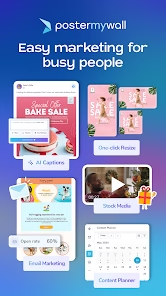
PosterMyWall’s flyer-maker page says you can start on desktop, mobile or tablet and download a basic file free. Its FAQ distinguishes free basic-quality image/video downloads from paid higher-quality files; the landing page offers high-res downloads through purchase or Premium. Its FAQ also notes some designs may contain an artist-attribution or template-art watermark.
Use it for: digital event promotion or fast social collateral. Check: the actual download quality and any watermark before treating it as print-ready.
Official PosterMyWall flyer information
6. Desygner: Best if a print PDF matters
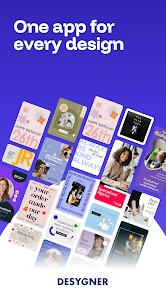
Desygner’s flyer maker advertises hundreds of templates, free creation/download and 300-DPI print-ready PDF export; it says premium templates and stock photos sit on paid plans. This is a vendor claim, not a tested guarantee for every individual project.
Use it for: a print-focused flyer where PDF is the desired handoff. Check: whether your chosen template/stock is free and whether bleed marks match the print shop’s specification.
Official Desygner flyer information
7. Picmaker: Marketing flyer templates
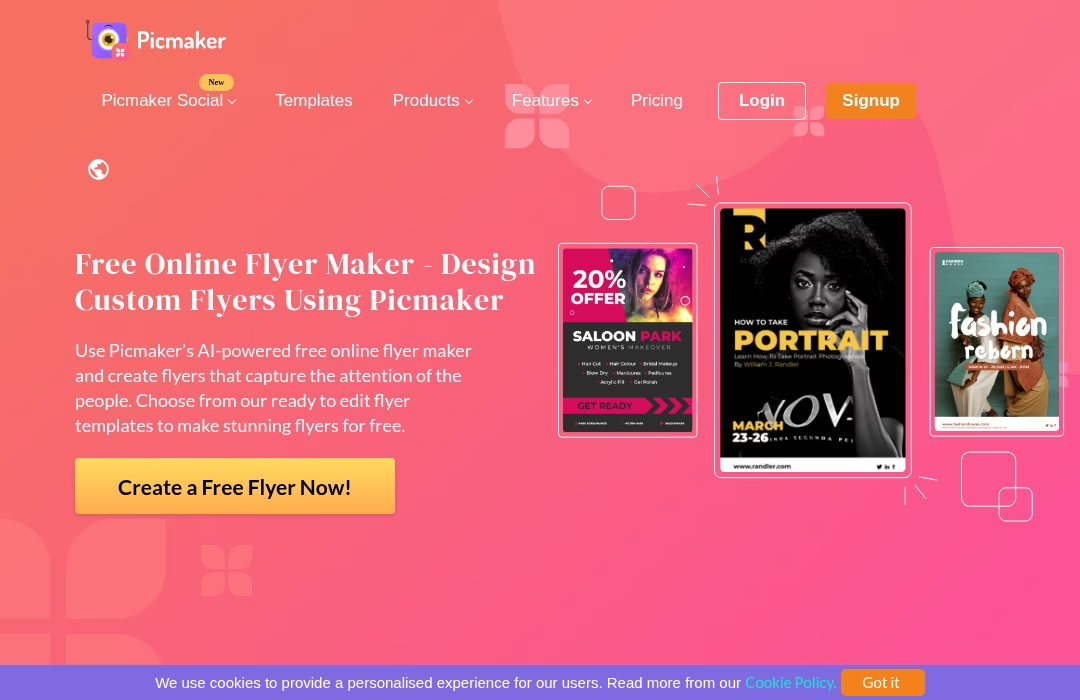
Picmaker has an active flyer-maker page for template-based designs. It is useful for promotional graphics; its finished export options should be checked in the current account.
Use it for: small-business and event graphics. Check: the chosen template, assets and download tier.
8. Venngage: Information-heavy flyers
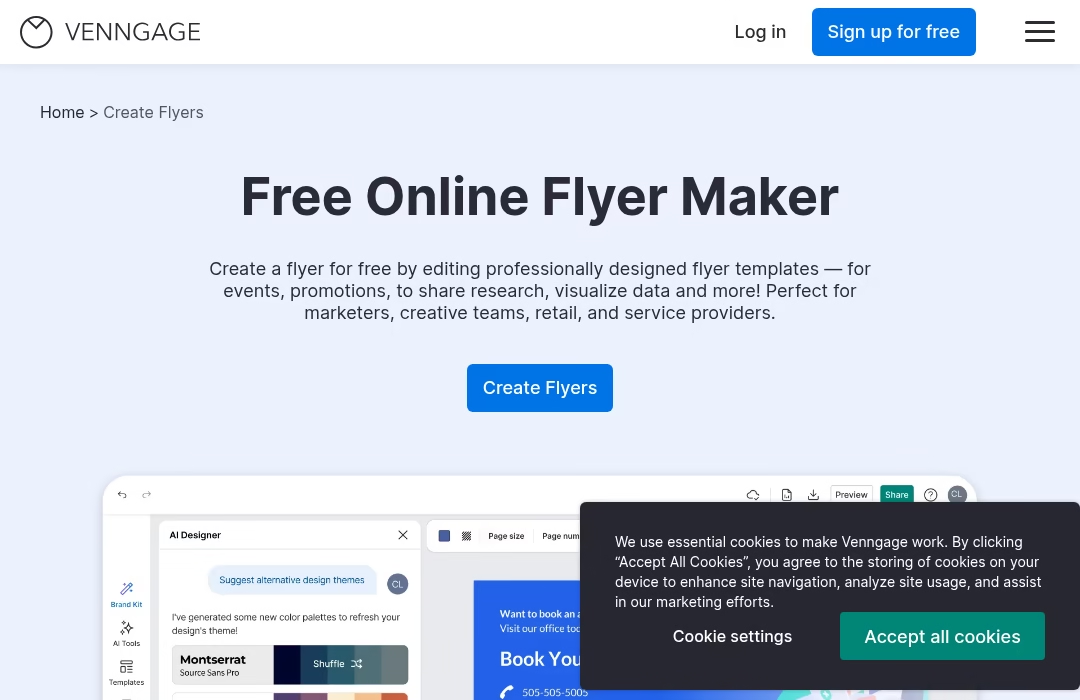
Venngage offers an online flyer maker, including layouts for promotional and informational flyers. Its visual-data tools can help when a flyer has more details than one photo and a headline.
Use it for: organized, text-heavy flyers. Check: available file types and watermark behavior on your plan.
9. Visme: Branded promotional layouts
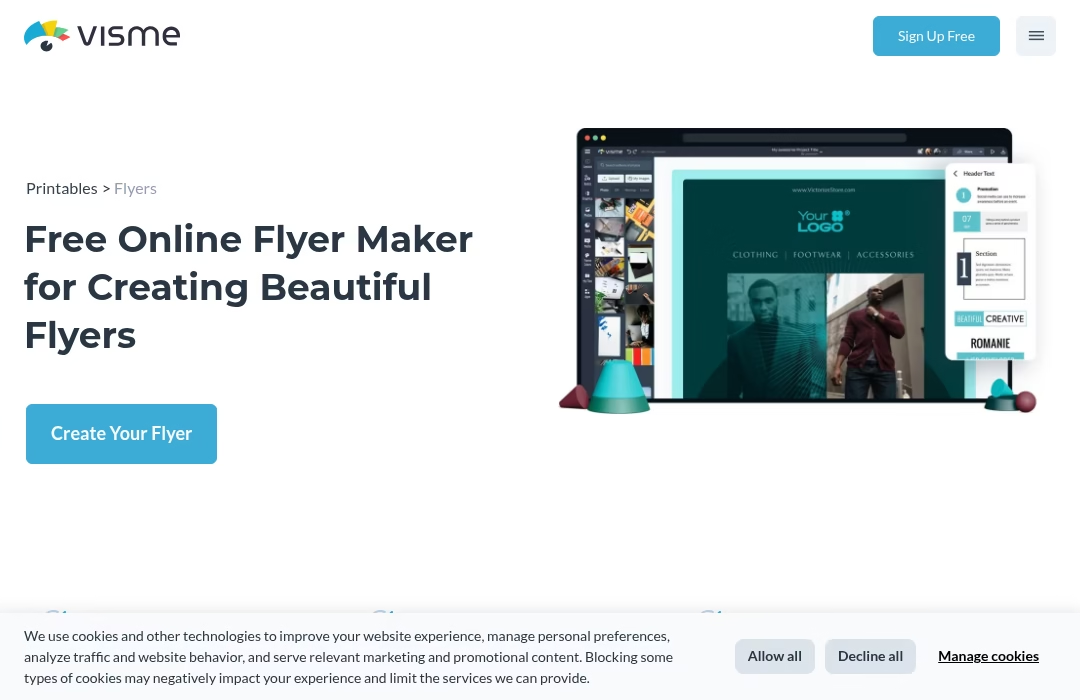
Visme has an active flyer-maker page with templates and online design tools. It is a sensible option for teams that also make presentations and marketing material.
Use it for: branded promotional flyers. Check: required export type, dimensions and account entitlements.
10. BeFunky: Photo-led flyers
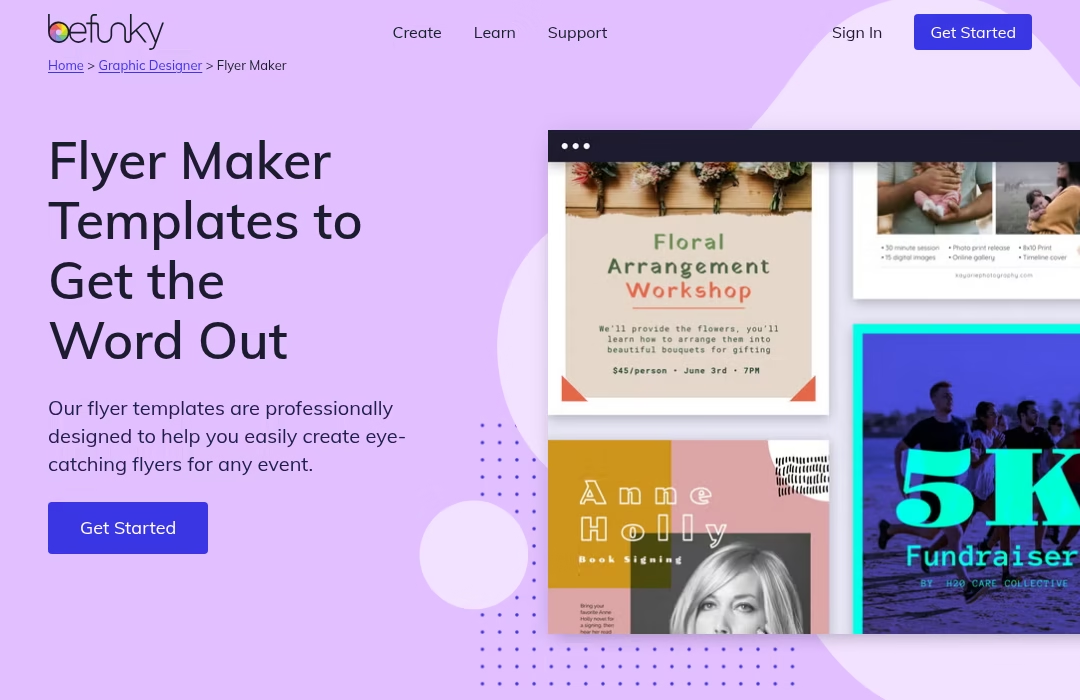
BeFunky combines flyer templates with photo-editing tools on its flyer-maker page. It suits a design that starts from a strong event or product photo.
Use it for: visual event flyers. Check: image rights, output quality and print requirements.
How to make a flyer that works in print and on a phone
Start with one action: visit, register, call or scan a QR code. Put the event name or offer first, then the date, place and action. A flyer that looks good at 100% zoom may fail on a phone, so check the headline and key details at a small size. Keep sufficient contrast, use a readable font and leave room around a QR code. Do not bake critical copy into a low-resolution photo.
For printing, ask your print shop for its trim size, bleed, safe margin, color and PDF requirements. A 300-DPI export claim is not a substitute for checking the actual artwork and images. For a digital flyer, export a readable JPG/PNG or the accepted PDF and open it on a phone before sharing. When a vendor offers a free basic image but charges for high-resolution output, a screenshot is not a print substitute.
Free download and watermark checklist
- Select a free template and free stock elements; upload your own licensed images if needed.
- Open the download preview, not just the design canvas. Look for diagonal marks, logo overlays and small attribution text.
- Confirm the exact output format and resolution; if sending to a printer, confirm bleed and margins.
- Review any payment screen before accepting. Free starter access does not mean high-res export or premium assets are included.
- Open the exported file, zoom in, and test the QR code or URL.
Frequently asked questions
Which flyer maker is genuinely free?
All ten have a free entry point, but the output and asset restrictions differ. Canva watermarks premium elements for Free users, PosterMyWall distinguishes free basic quality from paid high-resolution files, and Desygner says premium stock/templates cost extra. Check the specific design before calling it free.
Can I make a flyer entirely on my phone?
The current Google Play listings show mobile apps for all ten. VistaCreate’s own page also names Android and iOS. Editing a crowded print flyer on a small screen is possible but a final desktop or PDF inspection is wise.
What format should I send to a print shop?
Ask the printer first. A print-ready PDF with the correct trim size and bleed is often preferable to a low-resolution image; do not assume a standard PDF automatically includes bleed or embedded fonts.
Will a free flyer have a watermark?
Not necessarily. Canva says premium elements show a watermark on Free designs. PosterMyWall warns some template art or licensed images can have a watermark. For the others, the official pages checked did not establish a universal “never watermarks” policy, so inspect the exported file.
Is Adobe Spark still the right name?
Use Adobe Express. The older article’s “Adobe Spark” naming is dated; Adobe’s current flyer maker is branded Adobe Express.
Related Just Create App guides


Leave a Reply