

After Effects is the default answer when someone asks how to make motion graphics, but it is also a subscription that never ends, and for a lot of people that is the whole problem. Students, hobbyists, and even working editors write to me asking the same question: what can I use instead that costs nothing? The honest answer in 2026 is “more than you think.” Free tools now cover everything from node-based compositing to browser-based motion design, and a couple of them are genuinely professional grade. I went through the field again today, and this is the list I would hand a friend.
I test and compare software for a living, including the video editing apps I have already ranked on this site, so I know where the bodies are buried in free software: watermarks, paywalled exports, and “free” tools that are really trials. Everything below is free in a way that actually matters, which I will spell out per tool.
In a hurry? Start here
- Best overall free alternative: DaVinci Resolve (with Fusion)
- Best for 3D motion graphics: Blender
- Easiest to start with: CapCut
- Closest to After Effects compositing: Natron
- Best in a browser: Pikimov or Jitter
- Best for Windows on a budget PC: VSDC
The 11 best free After Effects alternatives at a glance
| Tool | Best for | Free model | Runs on |
|---|---|---|---|
| DaVinci Resolve | Full post-production | Free version (Studio $295, per its site) | Win, Mac, Linux |
| Blender | 3D and animation | Open source | Win, Mac, Linux |
| CapCut | Fast social videos | Free tier | Web, desktop, mobile |
| Natron | Node compositing | Open source | Win, Mac, Linux |
| Cavalry | Modern motion design | Free tier | Win, Mac |
| Jitter | UI and brand animation | Free tier | Browser |
| Pikimov | AE-style editing in browser | Free, no sign-up (its site) | Browser |
| Kdenlive | Linux-friendly editing | Open source | Linux, Win, Mac |
| OpenShot | Simple projects | Open source | Win, Mac, Linux |
| Shotcut | Format-heavy workflows | Open source | Win, Mac, Linux |
| VSDC | Windows effects work | Free version | Windows |
1. DaVinci Resolve best free After Effects alternative overall
Full editing, color, audio, and node compositing in one download
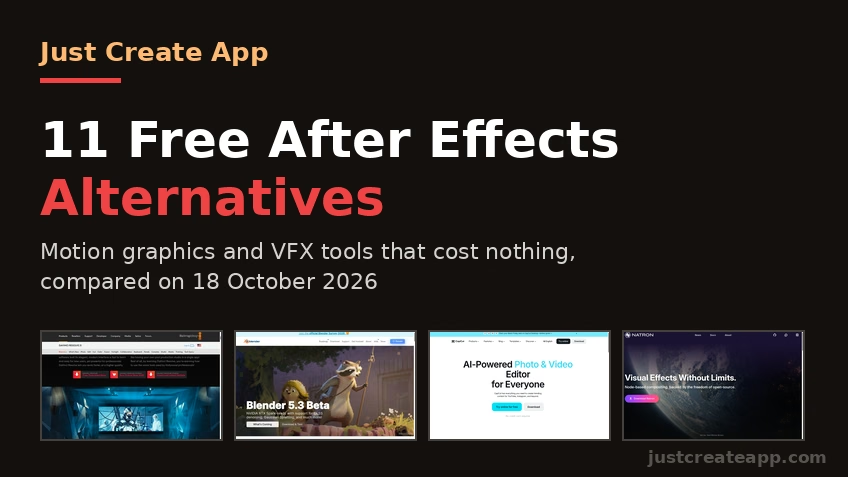
Blackmagic Design’s DaVinci Resolve is the closest thing the industry has to a free professional suite. Its site today puts a big “DaVinci Resolve Free Download Now” button next to the paid “DaVinci Resolve Studio, buy online now $295,” which is exactly the deal: the core product is free, and the Studio upgrade is a one-time purchase rather than a subscription. Inside the free version sits Fusion, a full node-based compositor for the kind of visual effects work people usually buy After Effects for.
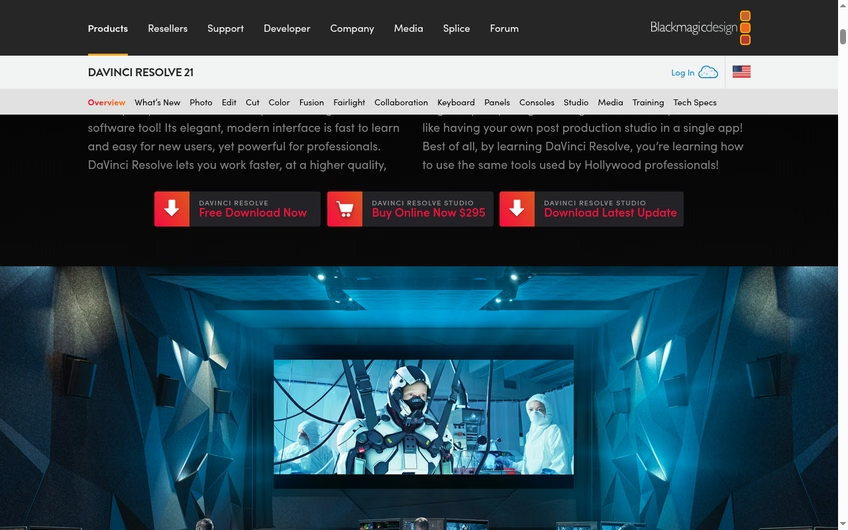
Resolve’s overview tab covers its workflow pages, including Fusion for VFX and Fairlight for audio.
Where Resolve fits
If your work is “edit footage, add effects, grade it, finish,” Resolve replaces both Premiere and After Effects in one install. Fusion has a learning curve, and you will want a reasonably modern GPU, but the ceiling is genuinely Hollywood. I still pair exports with HandBrake for compression when I need smaller files, and it plays nicely with that kind of pipeline.
2. Blender best free option for 3D motion graphics
Open-source 3D, compositing, and animation with no catches
Blender is free, open-source, and astonishingly deep: modeling, animation, a built-in compositor, and the Cycles and EEVEE render engines. The site is currently promoting the Blender 5.3 Beta, and every build is free for everyone, for any purpose. For 3D logo animations, product renders, and animated typography with real depth, nothing on this list comes close at any price, let alone free.
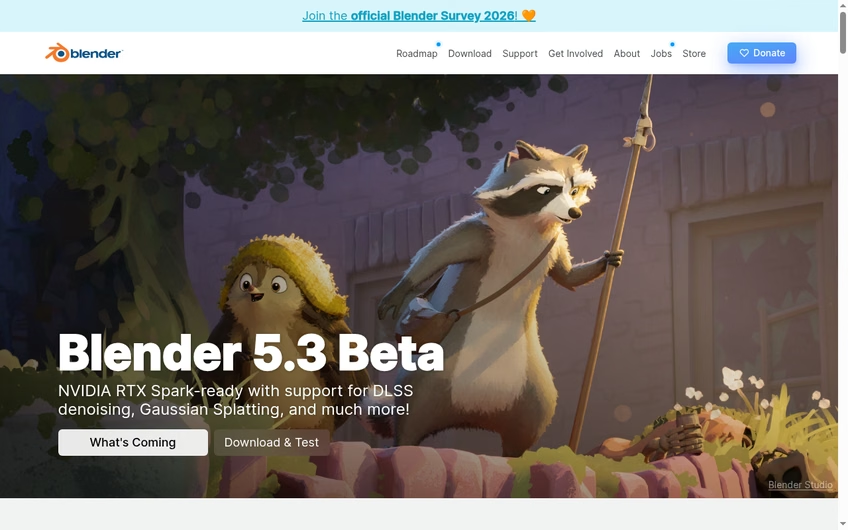
Blender is free for any purpose, which includes commercial client work.
Where Blender fits
Blender is overkill for lower-thirds but unbeatable for dimensional work. It also connects to a bigger maker ecosystem; readers building physical products around their renders often move from Blender into the 3D printing software I have covered, and game-curious readers should see the free game makers that run in a browser too. Budget real time for tutorials; Blender rewards patience.
3. CapCut easiest free alternative for social video
Templates, effects, and AI tools with a gentle learning curve
CapCut is what I recommend when someone wants After Effects-style polish for TikTok, Reels, or YouTube without learning After Effects. Its homepage today leads with “Try online for free” and “No credit card required,” and it runs in a browser, on desktop, and on mobile. Keyframe animation, speed ramping, auto-captions, background removal, and a large effects library are all there in the free tier.
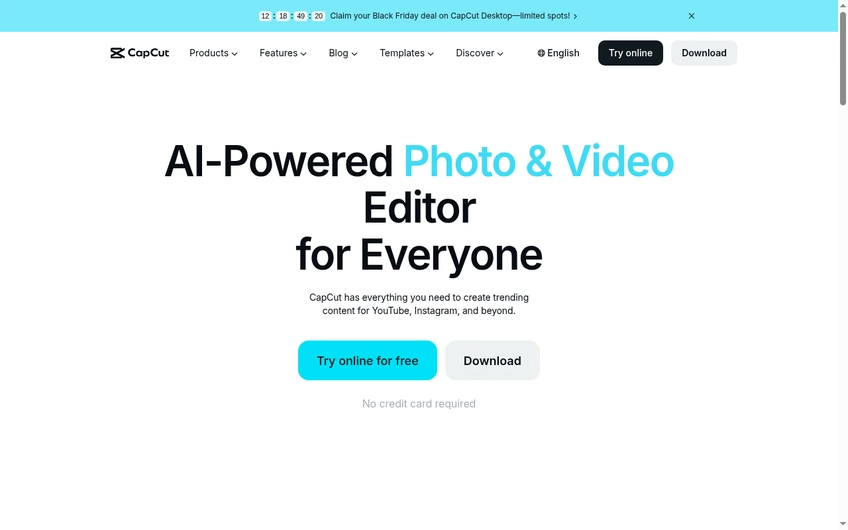
CapCut’s free tier covers the effects and keyframing most social creators need.
Where CapCut fits
CapCut is an editor with strong effects, not a true compositor, so think “polished social videos,” not “movie VFX.” Some premium assets sit behind CapCut Pro, and the free tier has changed over time, so check what is free when you sign up. If your workflow leans generative, I have also ranked the top AI video generators and the best text-to-video tools, which pair well with CapCut finishing.
4. Natron closest free match to After Effects compositing
Open-source, node-based compositing built for VFX work
Natron is the most After Effects-shaped tool on this list: a node-based compositor for keying, rotoscoping, tracking, and 2D/2.5D effects. Its GitHub home describes it as “Visual Effects Without Limits” and “node-based compositing, backed by the freedom of open-source,” which is accurate. Development moved to community hands years ago, but the project is alive, with fresh Windows, macOS, and Linux builds.
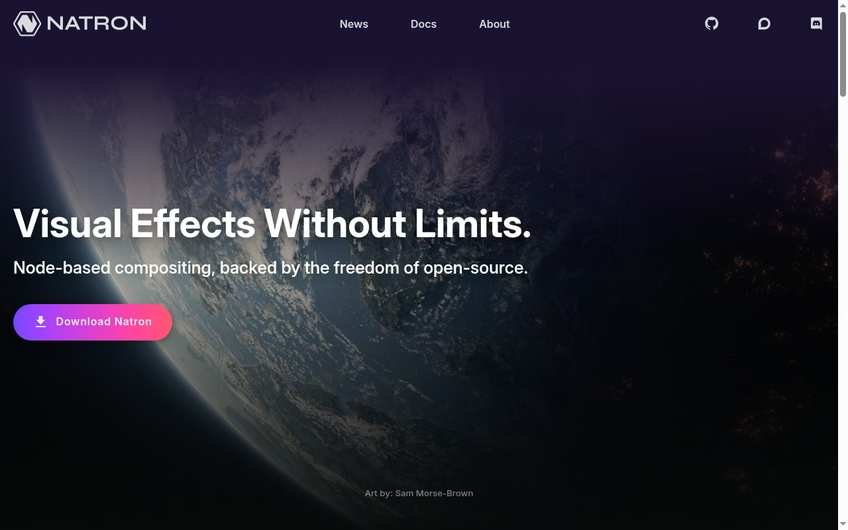
Natron’s interface will feel familiar if you have used Nuke or Fusion before.
Where Natron fits
Natron handles the shots Resolve and Blender do not make easy: clean keying, patch removals, screen replacements. It is not a motion-graphics playground, though; type animation and presets are sparse compared to After Effects. Adobe keeps expanding its own AI angle with tools like Firefly, which I covered in my Adobe Firefly explainer, but Natron’s appeal is the opposite: local, scriptable, and free forever.
5. Cavalry modern motion design, now from Canva
Procedural 2D motion graphics with a generous free tier
Cavalry is the most modern tool here: a procedural 2D motion design app built for the kind of animation systems motion designers actually ship, and it is now owned by Canva. Its pricing page lists a Free tier with “Full animation toolset,” up to 1080p rendering, JPEG and PNG output, and a Starter tier at $16 a month for when you outgrow it. That free tier is real software, not a demo.
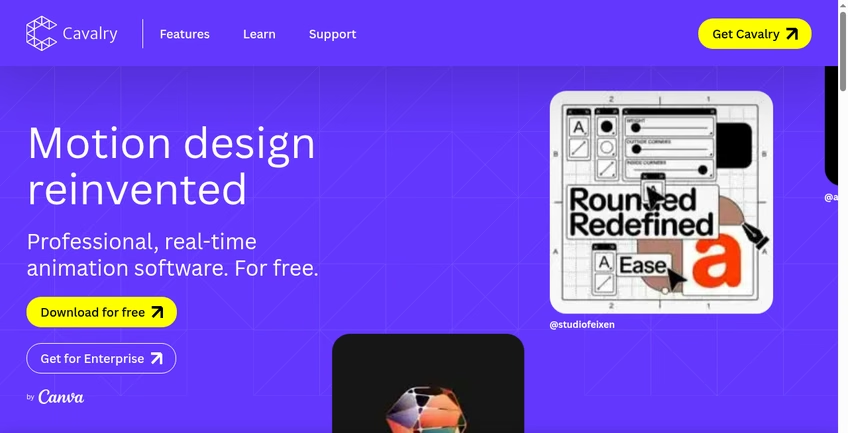
Cavalry’s free tier keeps the full animation toolset; limits are on output, not creativity.
Where Cavalry fits
Think of Cavalry as After Effects rebuilt by people who found AE’s layer stack creaky. Duplicators, behaviors, and data-driven animation are first-class. The free tier’s 1080p cap and file-format limits are the trade, and teams should price the upgrade early. It slots in naturally alongside the vector tools and the design prototyping apps I have already covered.
6. Jitter fast motion design in the browser for teams
Figma-friendly animation with a genuinely free starter plan
Jitter is motion design for people who live in Figma: import your designs, animate them with a clean timeline, export video or Lottie. Its site says “Try Jitter for free” and claims “Over 20,000 creative teams” use it, which tracks with how often I see it in startup workflows. It is fully browser-based, so there is nothing to install and it runs fine on modest hardware.
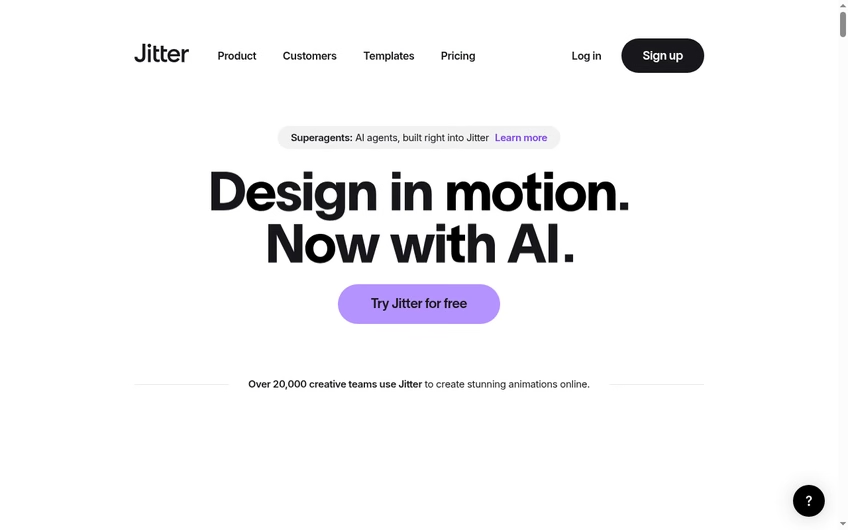
Jitter focuses on product and brand animation rather than film-style VFX.
Where Jitter fits
Jitter is not for compositing footage; it is for animating design. If your After Effects use is “make the logo sting” or “animate this app screen,” Jitter does it faster and free. It pairs well with the creator apps and the broader AI tools worth trying that I keep updated for this audience.
7. Pikimov a free After Effects lookalike in your browser
No sign-up, no upload, an interface AE users will recognize
Pikimov is the curiosity on this list that keeps earning its place: a browser motion design and video editor whose layout deliberately echoes After Effects, with a project panel, timeline, and keyframing. Its homepage promises it is “free, no paywall, without sign-up,” that your “files don’t get uploaded,” and that it handles up to 4K. For privacy-sensitive or locked-down machines, that is a remarkable offer.
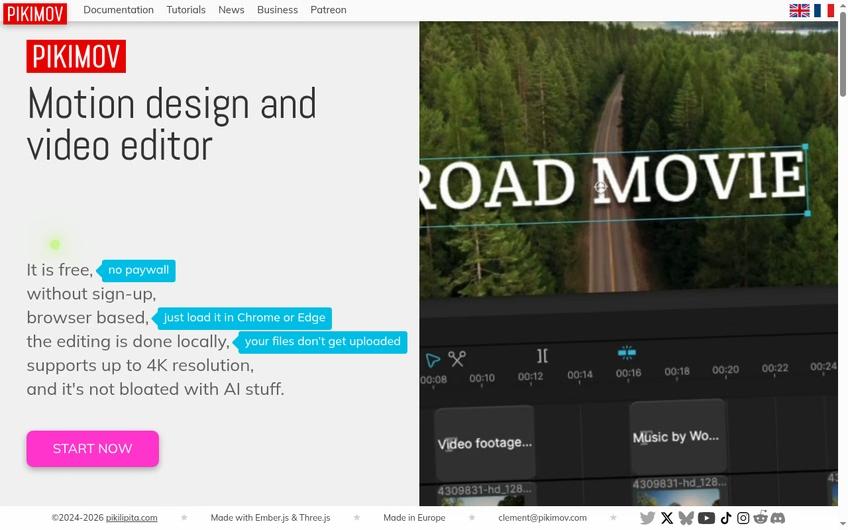
Pikimov runs locally in the browser tab; your media never leaves your machine.
Where Pikimov fits
Pikimov is the best “I just need to animate this once” answer here. The trade is depth: no 3D, no tracking, lighter effects than desktop tools, and everything depends on your browser tab staying alive. For quick marketing jobs it is one of the most efficiency-boosting tools I have come across, precisely because there is no setup at all.
8. Kdenlive the open-source editor Linux users swear by
Free, open-source editing with effects and keyframeable filters
Kdenlive is a proper non-linear editor from the KDE community, and its site says it plainly: “Free and Open Source Video Editor.” Multi-track editing, keyframeable effects and transitions, proxy editing for weak hardware, and titling tools are all in the box. It runs on Linux, Windows, and macOS, and it costs nothing, full stop.
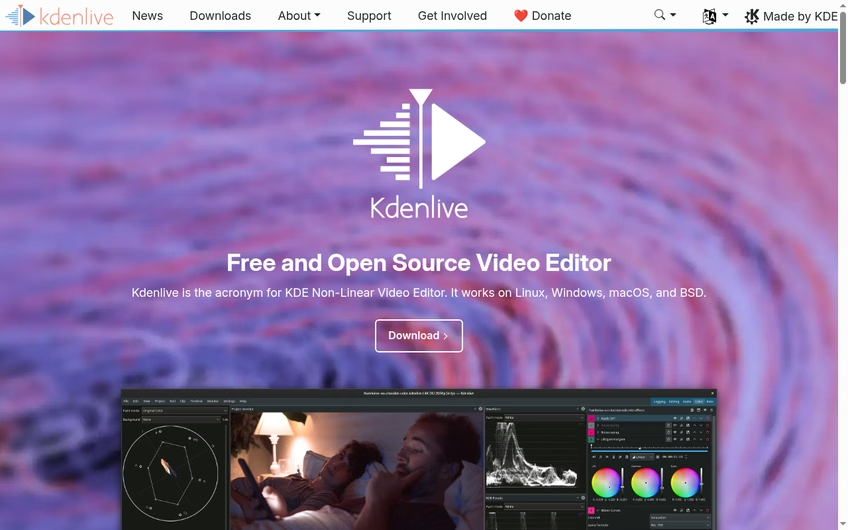
Kdenlive’s effects are keyframeable, which covers basic motion graphics inside the edit.
Where Kdenlive fits
Kdenlive is an editor first, compositor second: use it for edits with animated titles and effects rather than standalone VFX shots. It handles footage from anywhere, which matters if you work with AI-generated clips from tools like the ones in my Veo 3 prompt guide and want a free place to cut them together.
9. OpenShot the friendliest open-source editor
Simple editing with animated titles and a gentle start
OpenShot’s promise is right on its homepage: “100% FREE and open-source forever,” with “NO trials, NO watermarks, NO subscriptions.” It is the simplest desktop editor on this list, which is exactly why it is here: trim clips, layer tracks, drop in effects, animate titles, export. For school projects, small business videos, and first edits, it is hard to beat zero cost plus zero friction.
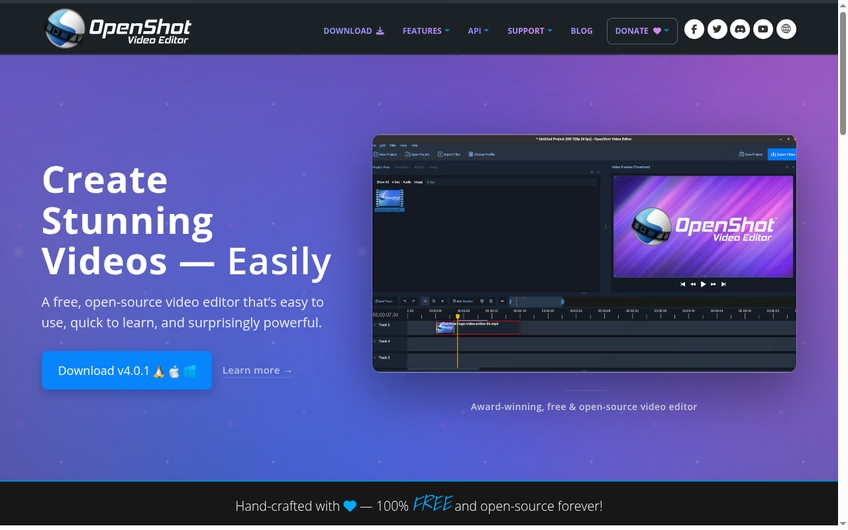
OpenShot’s 3D animated titles cover the “I need something moving” use case.
Where OpenShot fits
OpenShot trades power for approachability: the effects set is modest and heavy projects can feel slow, but the learning curve is the gentlest here. If you outgrow it, the natural upgrades are Kdenlive or Resolve. It is also a nice pairing with whiteboard animation tools when you need to assemble explainer-style content on a budget.
10. Shotcut free editing with a wide format appetite
Open-source, cross-platform, and friendly to odd footage
Shotcut is the other long-running open-source editor I trust, built on FFmpeg and famous for opening almost anything you throw at it: ProRes, DNxHD, image sequences, ancient codecs. It has keyframable filters, color wheels and scopes, 360-degree video filters, and a timeline that handles 4K. Its site makes a point of what it is not too: no ads, bundled software, or data collection.
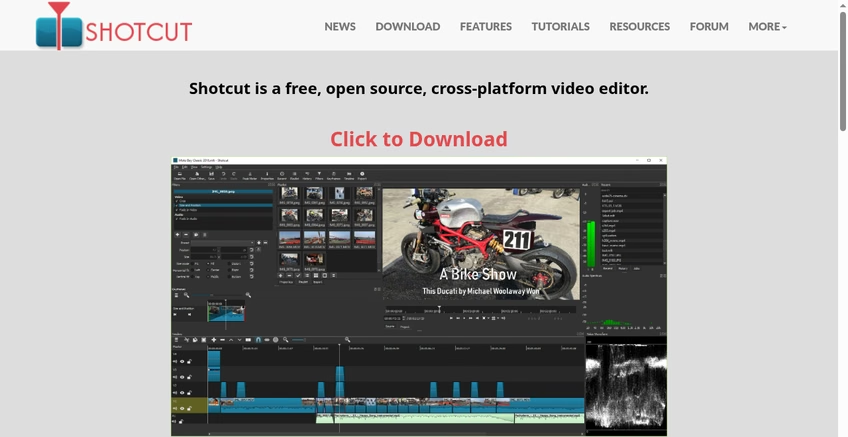
Shotcut’s filter panel is where its motion and color work happens.
Where Shotcut fits
Shotcut sits between OpenShot and Resolve on the power ladder: deeper than OpenShot, friendlier than Resolve, and very stable. Its interface is plain but honest. If you are building YouTube-style channels around it, my guide on using images legally in your content is worth a read before you grab thumbnails.
11. VSDC free effects editing for Windows
Non-linear Windows editor with real effects and no watermark
VSDC is Windows-only, and it makes a strong promise on its homepage: a complete editing suite with color tools and “No Limitations: export in 4K without watermarks.” The free version includes non-linear editing, video and audio effects, conversion tools, and even DVD authoring, which is a lot of capability for zero dollars. A paid Pro tier exists, but the free version is the one most people need.
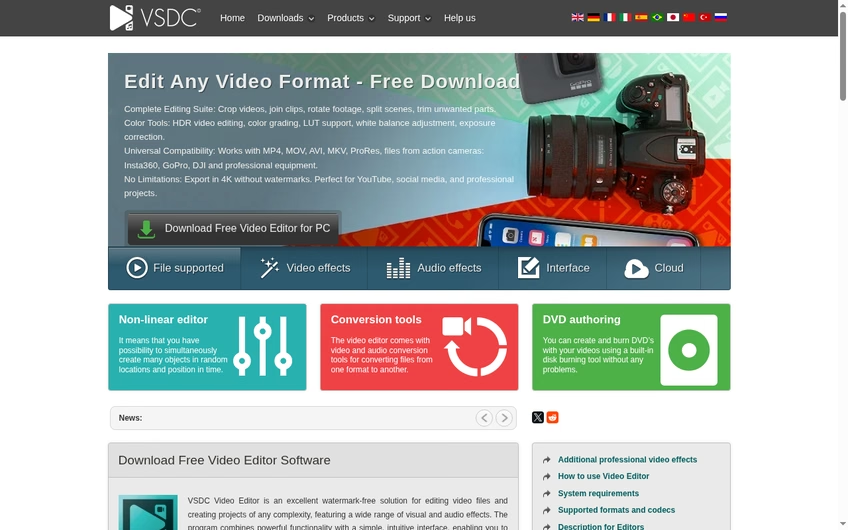
VSDC’s free version keeps 4K export and adds no watermark, per its own page.
Where VSDC fits
VSDC’s interface is dense and old-school, but the effects layer is real: blending modes, masking, and motion paths give you a taste of compositing inside a timeline. It is a practical pick for the small business owners I usually write for, the same crowd I built my list of AI tools for small business around.
How to choose the right free After Effects alternative
Start with your actual work, not the feature list. Compositing footage points to Resolve or Natron; 3D points to Blender; animating designs points to Jitter or Cavalry; quick social polish points to CapCut or Pikimov. Picking for features you will never use is how people end up in tutorial hell.
Check the free model twice. Open source (Blender, Natron, Kdenlive, OpenShot, Shotcut) means free forever. Free tiers (CapCut, Cavalry, Jitter, VSDC) can change, so re-check the pricing page before a big project. “Free download” for a paid product’s limited edition, like Resolve, is the third kind: free core, paid upgrades, no subscription.
Match the tool to your machine. Browser tools (Jitter, Pikimov, CapCut web) run anywhere. Resolve wants a modern GPU. If you are also weighing paid software elsewhere in your stack, the way I compared the tradeoffs in my photography editing software roundup applies here too: free is great until the upgrade pays for itself in time.
Think about where your files will live. Browser tools keep everything local or in that vendor’s cloud with no install, which is perfect for shared or low-powered machines. Desktop tools give you offline reliability and raw speed for long projects. A sensible pattern I see in small teams: browser tools for drafts and approvals, one desktop heavyweight for final polish. None of the tools above locks you out of that pattern, which is the real luxury of the free tier era.
Bottom line: the best free After Effects alternative
DaVinci Resolve is the best free After Effects alternative for most people in 2026: professional compositing, editing, and color in one free download, with a one-time Studio upgrade instead of a subscription. Blender owns 3D motion graphics, Natron is the purist’s compositor, and Jitter or Pikimov cover browser-based design animation. CapCut is the easiest start. If your creative life also includes stills, writing, or publishing, my guides to the best LiveJournal alternatives, Seeking Alpha alternatives for market research, and Zendesk alternatives for support teams round out the rest of a creator’s stack, and the full apps archive has everything in one place. Whichever you pick, the honest advice is the same as always: download the free version, rebuild one real project from your After Effects archive, and see whether anything actually hurts before you cancel a subscription. For most of the readers who write to me, nothing does.
Frequently Asked Questions about free After Effects alternatives
Is After Effects free?
No. Adobe sells After Effects by subscription, on its own or inside Creative Cloud bundles. Adobe does not publish a permanent free tier for it, which is exactly why free alternatives matter. If you already pay for Creative Cloud, After Effects is usually worth learning; if you do not, every tool above costs nothing to start.
What is the best free alternative to After Effects?
DaVinci Resolve, whose Fusion page is a full node-based compositor in the free download. For 3D motion graphics specifically, Blender is the stronger answer. Both are free without watermarks, and both are used professionally.
Can Blender do motion graphics?
Yes. Blender handles 3D motion graphics, animated typography, and compositing, and it is free for any purpose including commercial work. The catch is time: Blender’s interface rewards practice, so plan for a learning period before client deadlines.
Is CapCut really free?
CapCut offers a genuine free tier that its site advertises with “No credit card required,” covering editing, effects, and keyframing. Some premium assets and features sit behind CapCut Pro, and free tiers change over time, so confirm what is free when you sign up.
What is the easiest free After Effects alternative?
CapCut for social-style videos and Pikimov for anything else. Pikimov needs no install, no account, and no upload, so you can be animating within a minute of opening the page. Both skip the steep curve of node-based tools.
Do free After Effects alternatives add watermarks?
Most on this list do not. OpenShot states “NO watermarks,” VSDC promises 4K export without watermarks, and the open-source tools have no watermark mechanism at all. Free tiers of commercial tools vary, so export a test clip before committing to a project.
Can I use free alternatives for client work?
Yes, in general. Open-source licenses like Blender’s explicitly allow commercial use, and vendors like Blackmagic and Canva offer their free versions for real projects. Read each tool’s license before billing a client; five minutes of reading beats an awkward email later.


Leave a Reply