



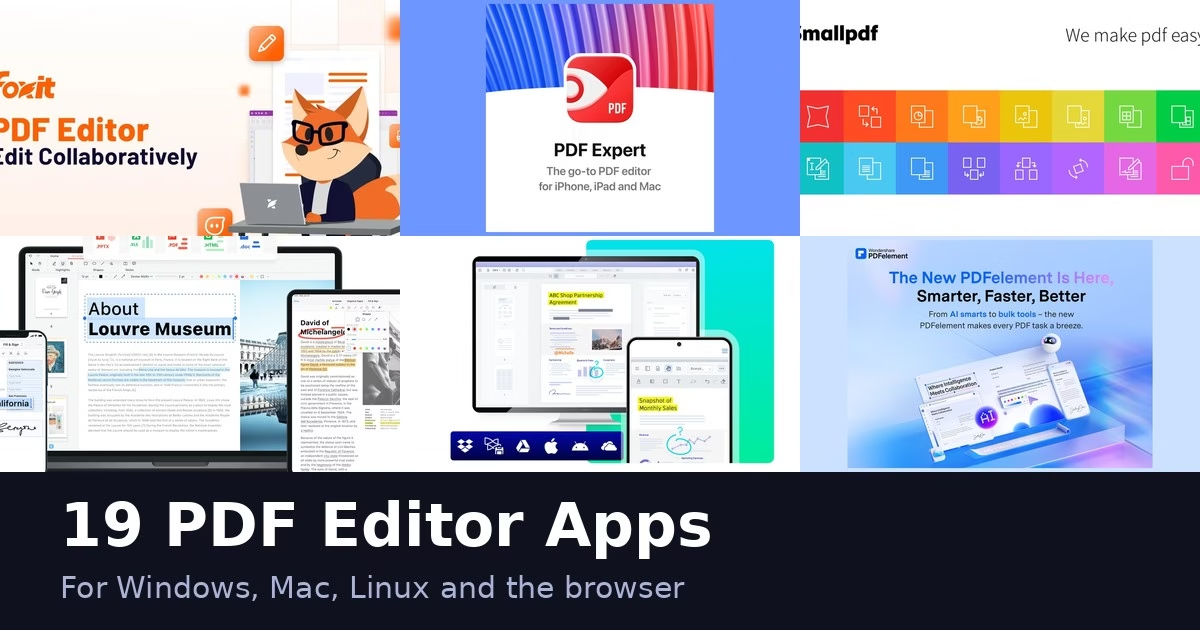
Editing a PDF used to mean one expensive program. Now there are desktop editors, browser tools, mobile apps and self-hosted options. The 19 apps below cover those routes, from quick online fixes to full editors with signing. Every description comes from the product’s own site, and we have not run hands-on tests. Features and plans change, so check each official page before you commit.
Quick picks
- Quick online fixes: Smallpdf, iLovePDF, Sejda or PDF Candy
- Mac: PDF Expert
- Linux: Master PDF Editor or Okular
- Signing and forms: DocHub, pdfFiller or Lumin
- Host it yourself: Stirling-PDF
- Phone, browser and desktop: Xodo, KDAN PDF or PDFelement
Comparison at a glance
| App | Type | Platforms named on its site |
|---|---|---|
| Foxit PDF Editor | Desktop editor | See official site |
| PDF Expert | Desktop editor | Mac |
| Smallpdf | Online tools | Web |
| iLovePDF | Online tools | Web |
| PDFgear | Desktop and online | See official site |
| Xodo | Cross-platform | Web, mobile, desktop |
| Sejda | Online tools | Web |
| PDF-XChange Editor | Desktop editor | See official site |
| Nitro | Business suite | See official site |
| Wondershare PDFelement | Desktop editor | Desktop, mobile, web |
| PDF Candy | Online tools | Web |
| Soda PDF | Desktop editor | Desktop and web |
| DocHub | Online tools | Web |
| pdfFiller | Online tools | Web |
| Lumin | Business suite | See official site |
| Master PDF Editor | Desktop editor | Linux |
| Stirling-PDF | Self-hosted | Self-hosted |
| Okular | Viewer | See official site |
| KDAN PDF | Cross-platform | iOS, Mac, Android, Windows |
The 19 apps
1. Foxit PDF Editor
Foxit PDF Editor official site
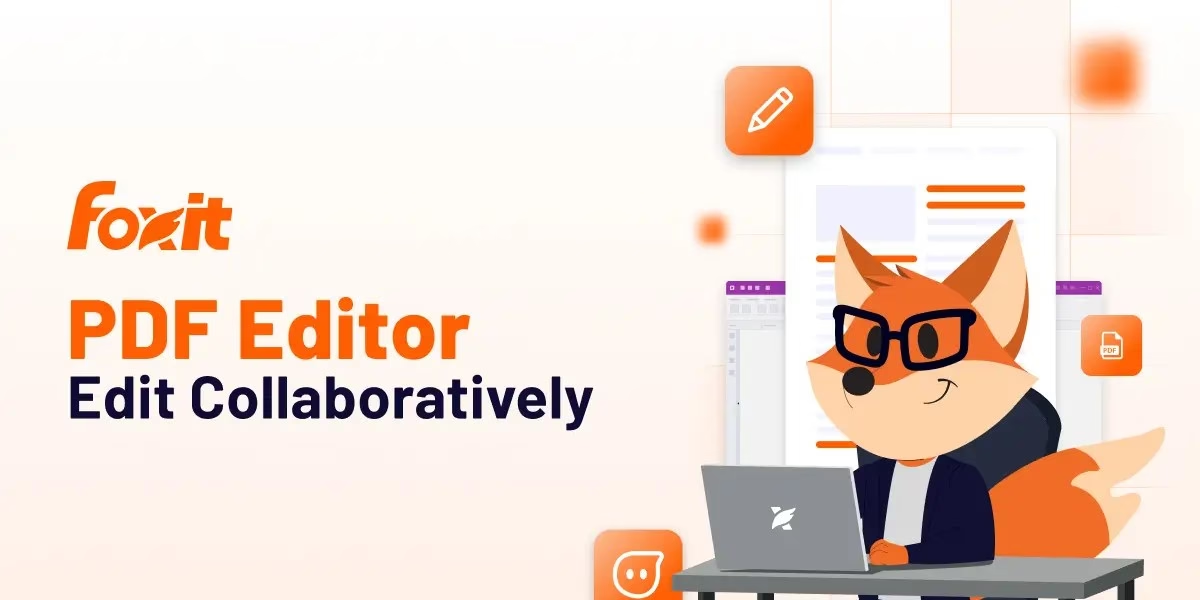
Foxit PDF Editor is pitched on its site as an alternative to Adobe Acrobat for creating, editing, converting, signing and securely managing PDFs across desktop, mobile and web browsers. Beyond basic edits, the product page lists AI features to summarize, translate, search and chat with PDFs, AI redaction to find and permanently remove sensitive information, OCR to turn scanned archives into searchable documents, and file compression. There are also eSignature workflows for sending and signing agreements, plus a free reader for annotating and collaborating. Foxit also sells PDF SDKs and cloud APIs for developers, so the site covers more than the editor itself. Read the editor page closely to see which features sit in which product.
Best for: people who want a full desktop-style editor with signing built in.
2. PDF Expert
PDF Expert is a PDF editor and reader built for Apple devices, with Mac as its main home. Its site says you can edit PDF text, images, links, pages and files, sign contracts with an electronic signature, and fill forms, including forms with formulas and calculations. It also converts PDFs to Word, Excel, PowerPoint and JPG, and offers page tools to rearrange, extract, delete, rotate or merge. For scans, OCR recognizes text so you can search and copy it, and an AI-powered Enhance feature fixes distortions, removes shadows and improves contrast. Reading modes include Day, Night and Sepia themes. Because it targets Apple hardware, check the site if you also need Windows or Android.
Best for: Mac users who read and mark up a lot of PDFs.
3. Smallpdf
Smallpdf is a browser-based PDF platform. Its homepage describes about 30 tools to convert, compress and edit PDFs, including converting PDFs to editable Word files, merging several PDFs into one, turning JPG, PNG, BMP, GIF and TIFF images into PDF, and shrinking file size. You can add text, shapes, images and freehand annotations, fill in forms, create an electronic signature and request signatures from others. Files can be stored and shared from the web platform, and a mobile app creates PDF scans. Extra options include a Chrome extension and Google Workspace and Dropbox apps. The site also states it uses 256-bit TLS encryption and is ISO/IEC 27001 certified. Good for quick jobs without an install.
Best for: people who need a quick one-off fix without installing anything.
4. iLovePDF
iLovePDF is an online service built around single-purpose tools. Its site lists merge, split, compress, rotate, unlock, protect and watermark, plus conversions between PDF and Word, PowerPoint, Excel and JPG, and from HTML pages to PDF. You can add text, images, shapes or freehand annotations, sign yourself or request signatures, add page numbers, repair a damaged PDF, convert to PDF/A for archiving, run OCR on scanned PDFs and compare two documents side by side. A mobile scan feature sends captures to your browser. The site says the tools are free and easy to use, and it also mentions editing workflows for business teams. It is stronger for page-level jobs than for rewriting a long layout.
Best for: people who mostly need page-level jobs such as merging and splitting.
5. PDFgear
PDFgear describes itself as a free PDF editor with online tools, available on Windows, Mac, iPhone, iPad and Android. Its site says you can edit text, images, shapes, signatures, links and fillable form fields in a way it compares to editing in Microsoft Word, and annotate with highlights, underlines, notes, stamps and text boxes. It converts between PDF, Word, TXT, JPG, Excel and PPT, with batch conversion, and its OCR extracts text from scanned or image-based PDFs in 30+ languages. AI features let you summarize PDFs and ask questions about them, and you can send documents for e-signature and track signing progress. The site also explains how the project stays free, so read that page if privacy or sustainability matters to you.
Best for: people who want an editor that also works without a connection.
6. Xodo
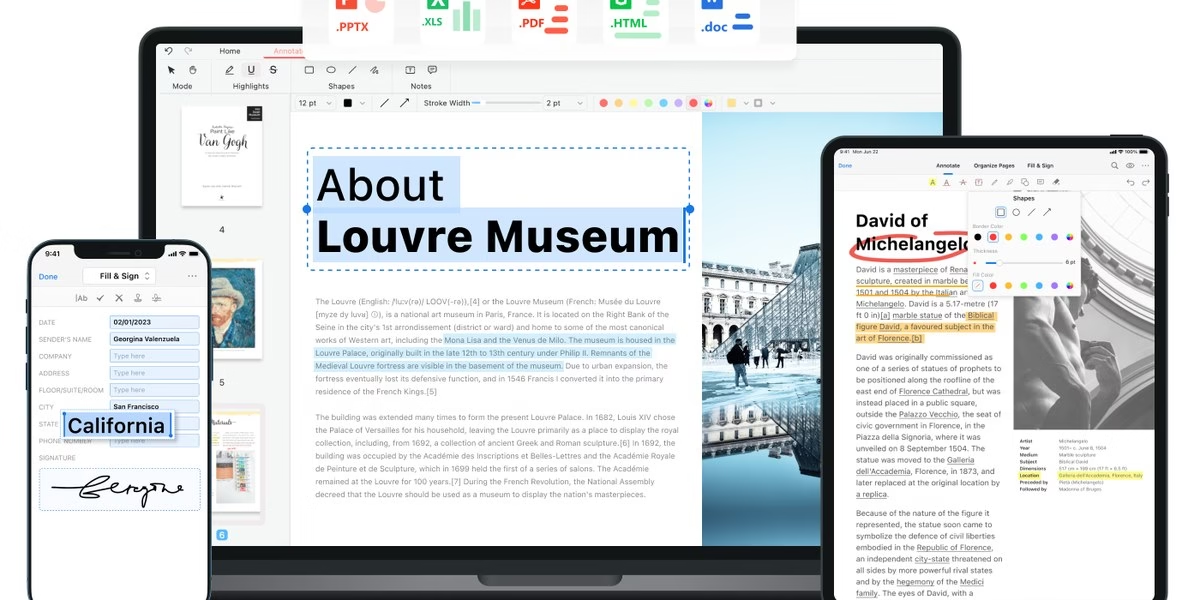
Xodo is made by Apryse and offers PDF tools across several surfaces. Its site describes a browser editor with over 30 tools to annotate, redact, compress, organize, fill out and convert PDFs; a desktop editor for Windows, Mac and Linux that can automate tasks, edit, convert and run OCR offline; and mobile apps for iOS and Android to scan, convert, annotate, e-sign and secure documents. It also offers e-signatures with audit trails and says its data protection is SOC 2 compliant. Xodo says its tools are built on the same SDK that Apryse provides to enterprise developers. That breadth is useful if you move between phone, browser and desktop and want one family of tools.
Best for: people who switch between phone, browser and computer.
7. Sejda
Sejda is an online PDF service that says it needs no installation. Its tool list is long and specific: edit PDF files, fill and sign, add text, links, images and shapes, edit existing PDF text and annotate. It also has a form creator that makes existing PDFs fillable, a tool to remove restrictions and passwords, and a converter that extracts table data to Excel or CSV and turns pages into JPG, PNG or TIFF. Splitting is detailed too, with options to split by page ranges, bookmarks, specific file sizes or when text changes from page to page. Other tools alternate-mix pages from two documents and split two-page scans. It suits people who want a precise tool for one job.
Best for: people who want a plain online tool for common PDF jobs.
8. PDF-XChange Editor
PDF-XChange Editor official site
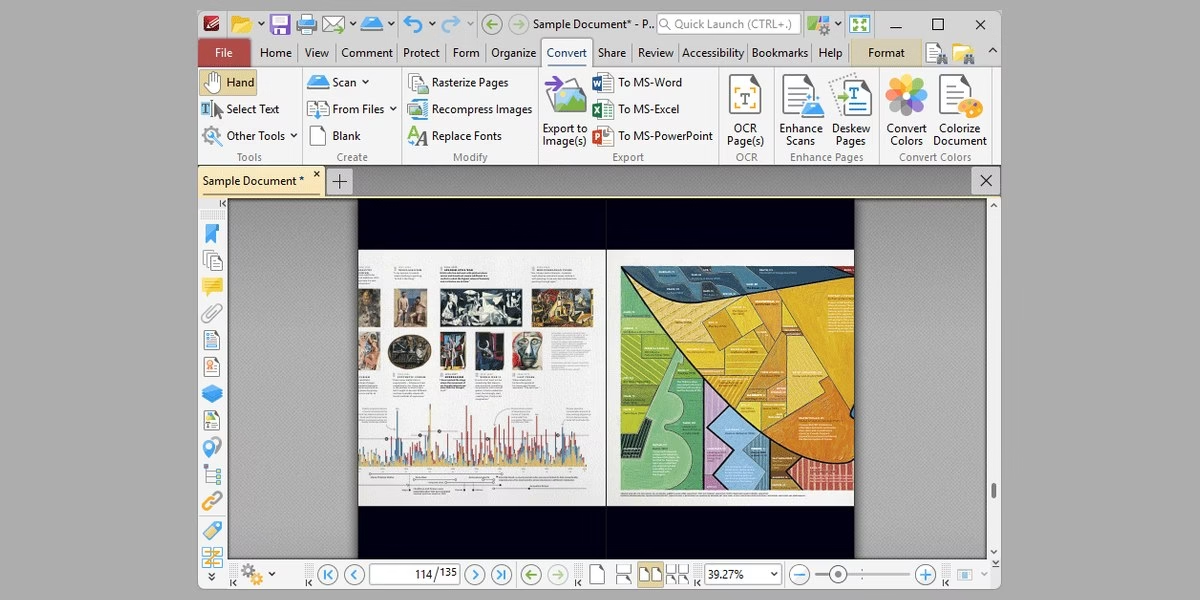
PDF-XChange develops PDF software for Windows and sells it under a few product names. The site lists PDF-XChange Editor for creating, editing, enhancing and converting PDF documents in one application, PDF-Tools for batch creation and modification of PDF files, and a virtual printer that prints to PDF and makes text-searchable files from most Windows applications. It says there are free versions you can download and test, and that its software conforms to international ISO standards for PDF. The company states that support requests are handled by real people, including for free users. Features are described as regularly updated, and the site notes a new build released on September 29. Check which product and which license level includes the feature you need.
Best for: Windows users who want a fast viewer with editing tools.
9. Nitro
Nitro offers PDF and eSign software for individuals and businesses. Its site says you can edit, convert, secure and sign PDFs, with annotation and OCR, on Mac, Windows and iOS, and it mentions a 14-day free trial. Beyond editing, Nitro brings PDF, eSign, redaction and document automation together on one platform. Its eSign tool lets you send, sign and approve documents, with global and regional eSigning available. Smart Redact uses AI to surface sensitive data and lets you review and adjust it before publishing a permanent redaction. Nitro also talks about intelligent document processing for AI agents and workflows. It is aimed more at teams with signing and compliance needs than at one-off edits.
Best for: teams that sign and route documents often.
10. Wondershare PDFelement
Wondershare PDFelement official site
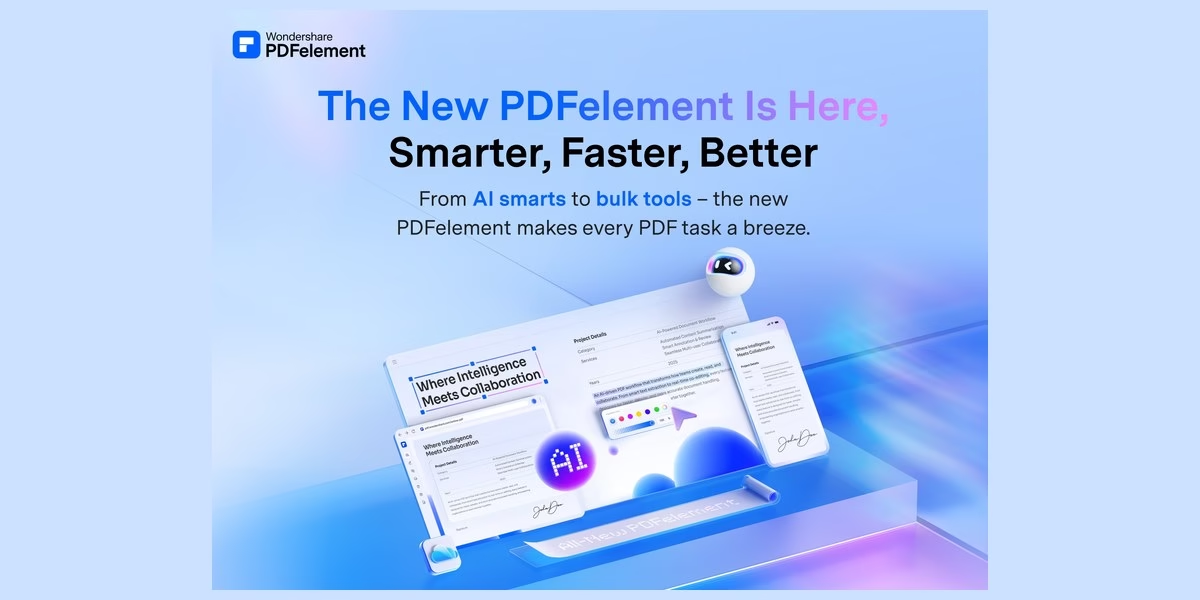
Wondershare PDFelement describes itself as a one-stop, AI-powered PDF solution for desktop, mobile and web. Its site lists editing of text and images, adding watermarks, shapes, audio, video and Bates numbers, high-quality conversion to and from PDF without altering formatting, and OCR in 26 languages including right-to-left scripts. Signing includes certificate-based e-signatures, signature sync across devices through PDFelement Cloud, and sending e-signable PDFs in bulk. AI features include building a knowledge base from PDFs, Word, Excel, PowerPoint and images, reviewing contracts to surface key clauses, summarizing and translating, and chatting with documents. The page promotes PDFelement 13. A good fit if you want editing, signing and AI document tools from a single vendor.
Best for: people who want one editor across devices.
11. PDF Candy
PDF Candy presents itself as a free online PDF toolkit with 90+ tools. Its site lists editing, converting PDF to Word and JPG, merging, splitting, compressing and signing. On privacy it says files stay on its servers no longer than two hours. For paid plans it mentions a 30-day refund policy when errors cannot be resolved, payments processed by Paddle and a help center, with technical support replying within two business days. Because the tools are separate web pages, it works best for quick one-off tasks instead of long editing sessions. If you handle confidential files, read its privacy details first and decide whether an offline editor is a better match.
Best for: people who want many small tools in one place.
12. Soda PDF
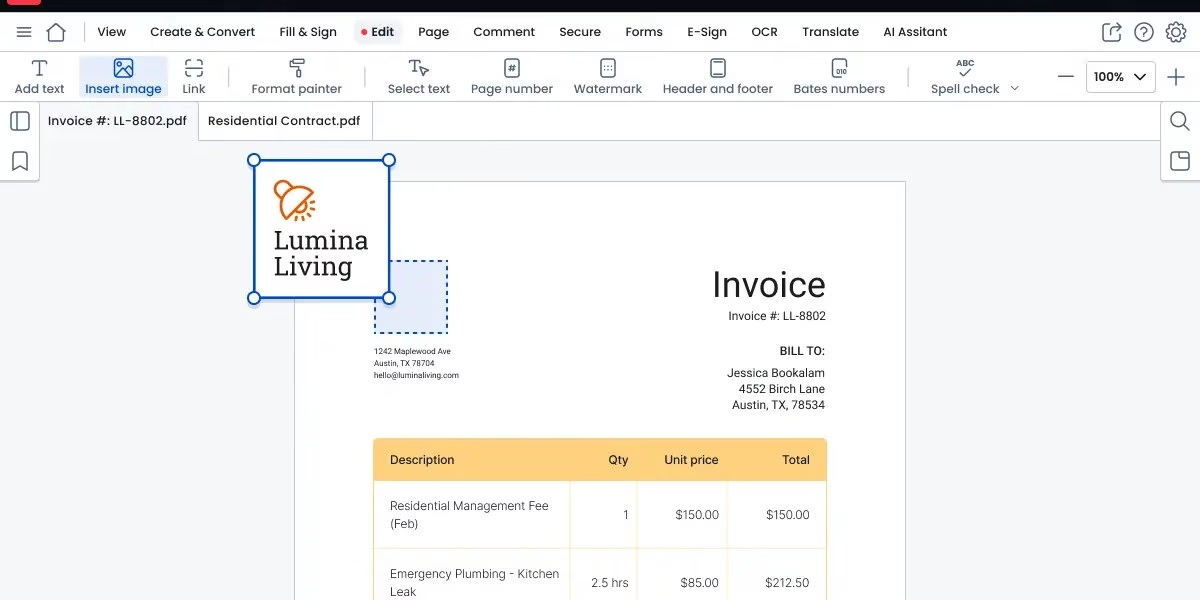
Soda PDF comes in desktop and online versions. Its site describes a refreshed interface on a more responsive engine, with editing to create, modify or remove text, plus draw, stamp, whiteout and highlight tools. You can merge Word, Excel and PowerPoint files into a PDF, rearrange or delete pages, compress files, create PDFs from scratch, from a scan or from a URL, convert Office files to and from PDF, and batch convert several files at once. OCR recognizes text in images, including selected areas, and turns page ranges into editable PDFs. Soda PDF Online adds AI tools: ask questions and get summaries from a document, and translate while keeping the original layout. The AI tools are listed as online-only.
Best for: people who want both an installed app and a web version.
13. DocHub
DocHub is a browser-based tool centered on signing and form workflows. Its site says you can sign PDF documents online, request eSignatures from others and send reusable PDF templates. It describes itself as a PDF editor in your browser that works with Google and Gmail, so it fits people who already keep files in a Google account. There is nothing to install, and the site invites you to sign up and start for free. The product page gives less detail than larger suites about OCR, batch tools or desktop apps, so if you need those, check the official site or compare it with a full editor from this list before choosing. It is a practical pick for forms, contracts and repeat paperwork.
Best for: Google users who sign and send forms often.
14. pdfFiller
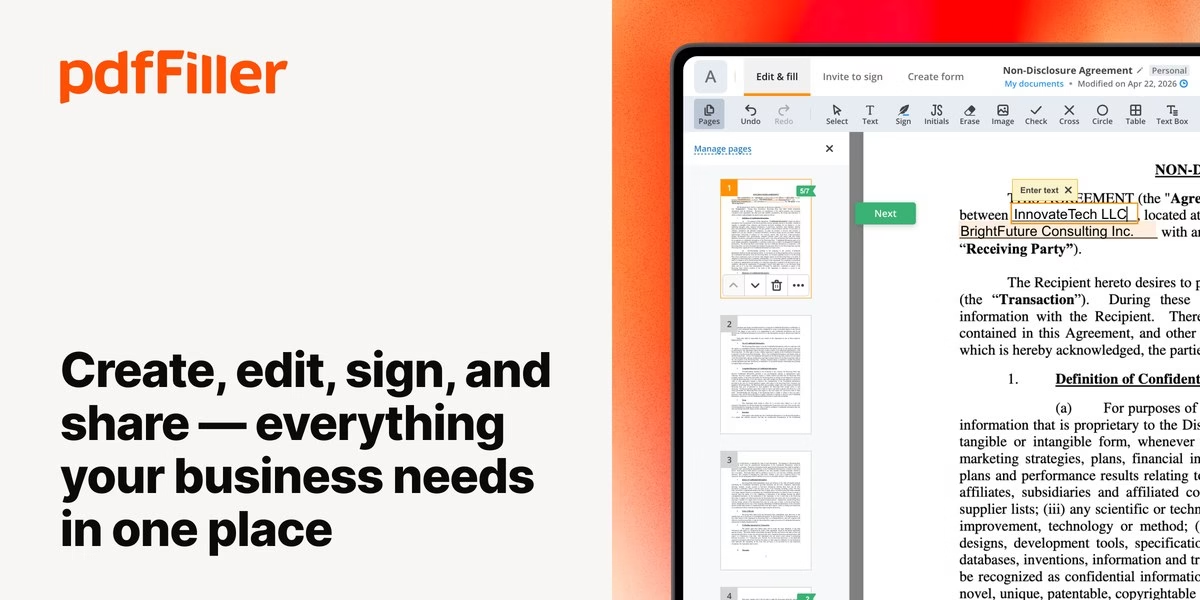
pdfFiller is a cloud-based PDF editing and document management service that works in any browser or mobile device. Its site says you can type or delete text, highlight, black out, add images and draw graphics, and create fillable documents by dragging fields into place. Other tools convert PDFs into Word, Excel, JPG or PPT and back, add, delete or rearrange pages, merge or split PDFs and organize files with smart tags. Teams can share folders, documents and templates inside an organization. It also lists eSignature workflows through signNow, including sending contracts in a role-based order and tracking signing status. The site states upload limits of up to 100 MB for PDFs and 25 MB for other formats. Best for form-heavy work.
Best for: people who fill out and send many forms.
15. Lumin
Lumin positions itself as a document workflow platform rather than only an editor. Its site describes creating, editing and signing documents in one connected platform, turning existing PDFs into dynamic templates and tracking each step toward closing. It says documents sync across devices automatically, that mobile has an offline mode for fieldwork, and that it supports security through SOC 2 compliance, encryption and access controls. It also mentions identity verification using government-backed ID and biometrics, plus an API, guides and MCP for integrations. Lumin says it is used by more than 100 million people. It suits teams that sign and route agreements regularly. If you only need a quick edit, a lighter tool from this list may be simpler.
Best for: teams that want one place for edits and signatures.
16. Master PDF Editor
Master PDF Editor official site
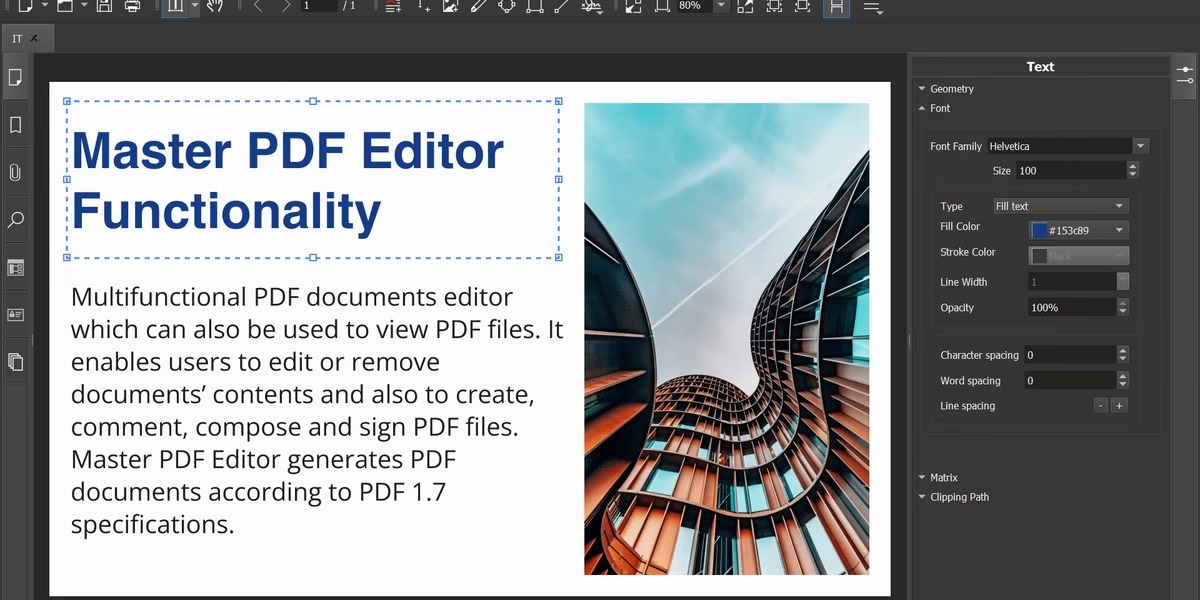
Master PDF Editor is a PDF editor that the maker presents as a solution for Linux. Its site says you can create, edit, view, encrypt, sign and print interactive PDF documents. You can edit or add text with any formatting, insert images or edit objects, and comment with stamps, notes, selections, underlining and strikethrough. Forms are covered too: fill them quickly and add or edit control elements such as flags, buttons and lists. The download page lists Qt-based builds with minimum Qt and glibc requirements, and offers a repository for installing on Debian-style systems, so it assumes some comfort with Linux packages. The page also mentions a commercial version, so check which features are in which version.
Best for: Linux users who need to edit PDFs.
17. Stirling-PDF
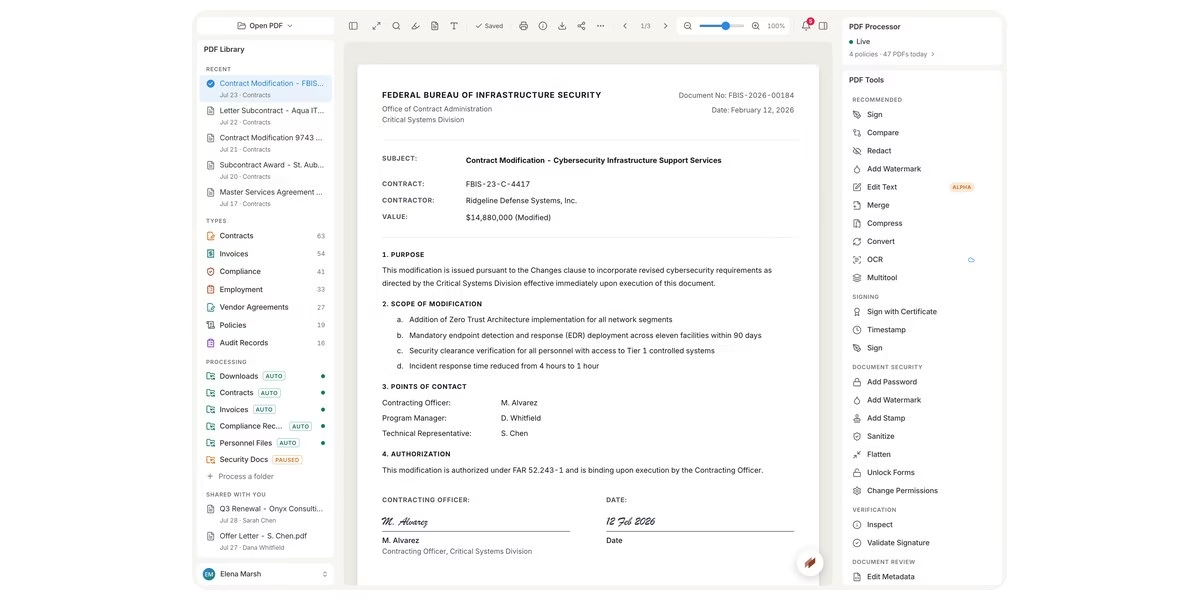
Stirling-PDF is described on its site as a free, private PDF editor you can run on any infrastructure. It lists 60+ tools for editing PDFs on any computer or server, a reader for lightning-fast viewing, and automation that applies your rules as soon as a file arrives. The privacy argument is that the editor runs on your own machine and the source is public, so you can verify it rather than trust it. Developers can call every PDF operation from their own systems, chain operations into batch runs and receive webhooks. An assistant can redact, translate, summarize or convert in place, according to the page. It suits technical users and teams who want to self-host and keep documents off third-party sites.
Best for: people who want to host their own PDF tools.
18. Okular
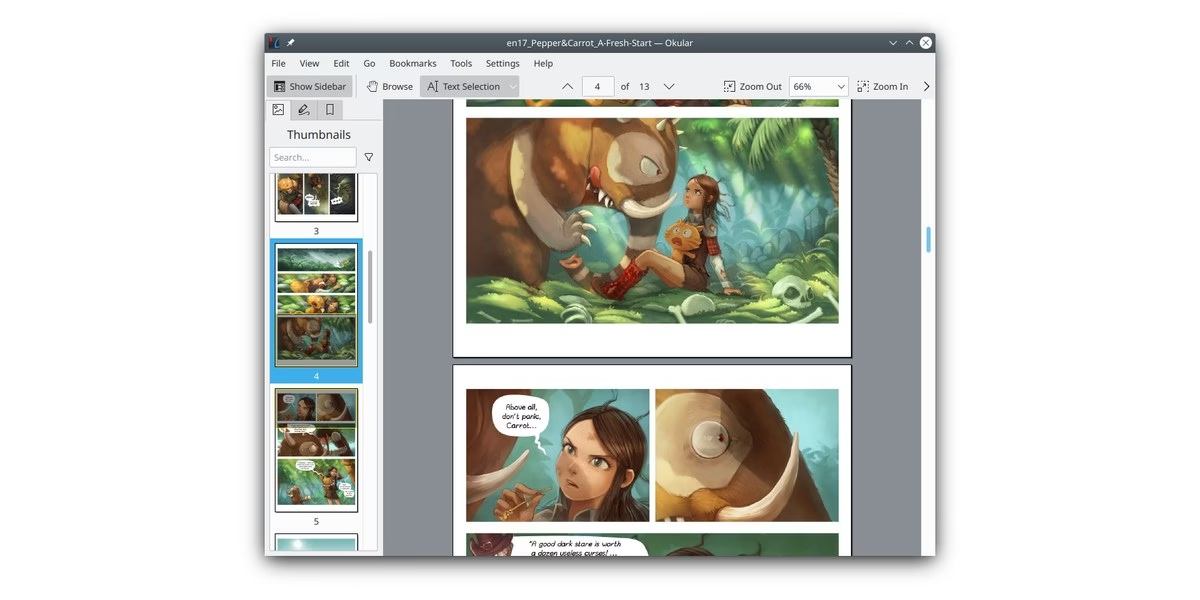
Okular is a document viewer from KDE, so treat it as a reader with annotation tools rather than a full editor. Its site says it reads PDF, EPub, DjVu and Markdown documents, images in formats such as JPEG, PNG, GIF, TIFF and WebP, and comics in CBR and CBZ. Annotation mode lets you add inline and popup notes, highlight and underline text, or add your own text. Selection mode copies almost anything from a document, and a Magnifier mode helps with small text. A thumbnails panel makes navigation easier. The site is multi-platform and notes regular releases, with version 26.08 listed. Pick it when you mainly read and mark up files and want an open KDE tool.
Best for: people who mostly read and annotate documents.
19. KDAN PDF
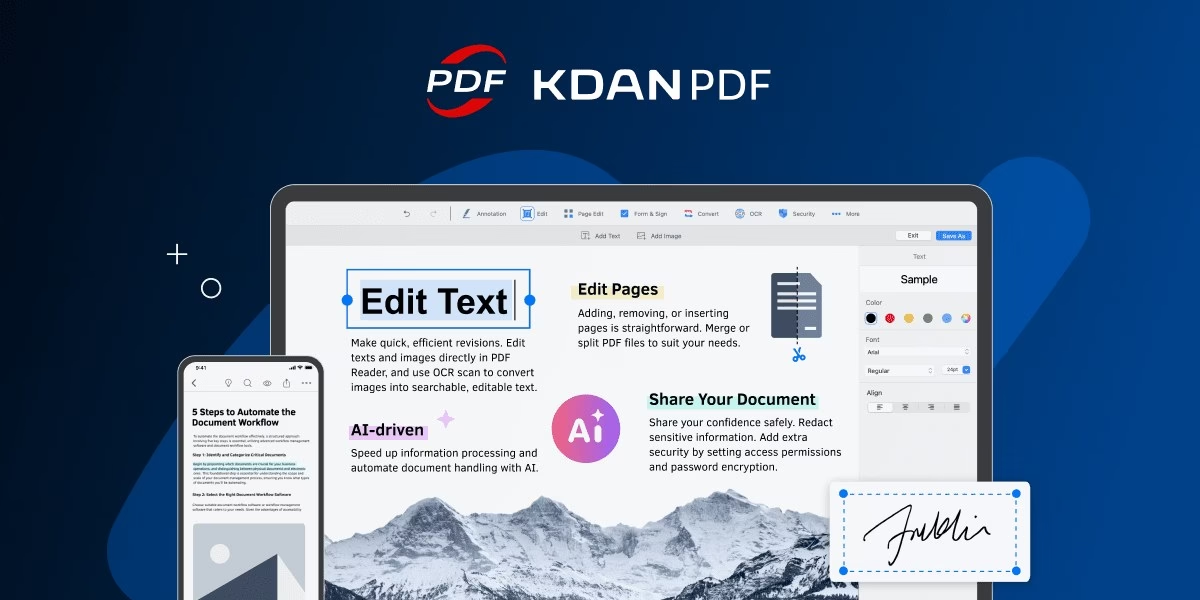
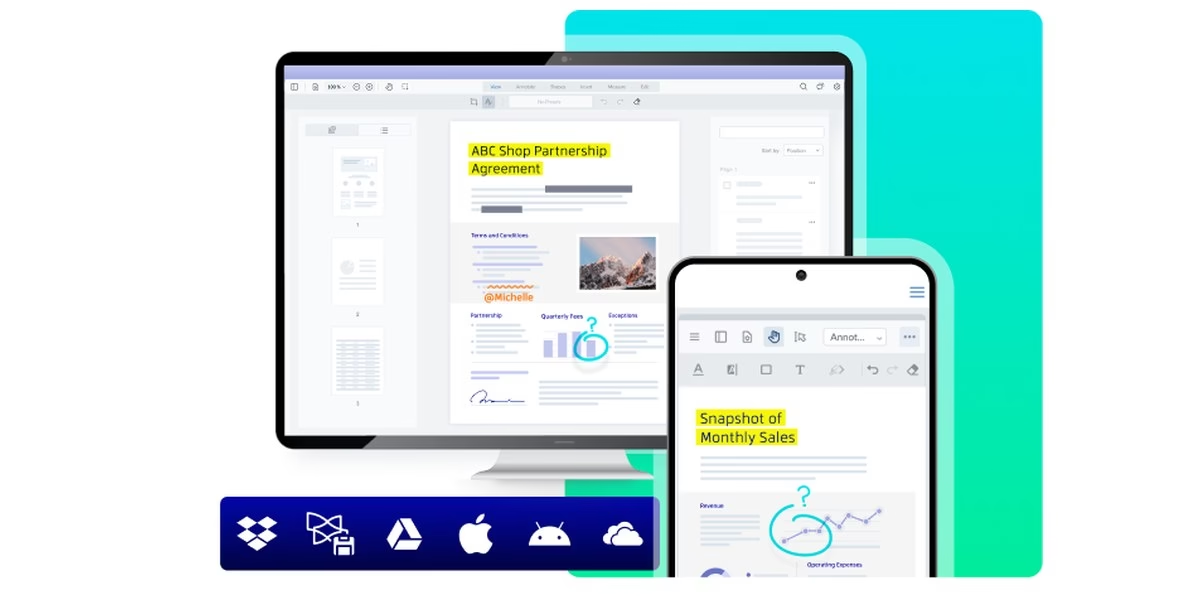
KDAN PDF describes itself as a PDF solution for daily office work, with tools to edit, annotate, merge and sign PDFs. Its site says it covers iOS, Mac, Android and Windows, and includes an AI assistant that can translate, summarize and extract data while securing sensitive details. The homepage lists use cases such as school records, proposals and contracts, legal case files with AI summaries and redaction, HR forms, and invoices and office records. It quotes more than 44,000 App Store ratings and says it has 100M+ users, and a reviewer quote on the page praises how fast the reader loads long files. A sensible pick if your documents live on a mix of Apple, Android and Windows devices.
Best for: people who use a mix of Apple, Android and Windows devices.
How to choose
- Decide how often you edit. A one-off merge or split suits an online tool. Regular editing suits an installed editor.
- Check privacy. Online tools upload your file. For sensitive documents, read the privacy page or use an offline or self-hosted option.
- Check your devices. PDF Expert is for Mac and Master PDF Editor for Linux. Others list several platforms.
- Need signatures? Look at DocHub, pdfFiller, Lumin, Nitro or Xodo, which mention eSignatures.
- Try before you pay. Test with a non-sensitive file and see whether the layout survives editing.
FAQ
What is the best free PDF editor?
PDFgear, PDF Candy, Smallpdf and Stirling-PDF describe free options on their official sites. Which one fits depends on whether you want an installed editor or an online tool.
Which options work without installing anything?
Smallpdf, iLovePDF, Sejda, PDF Candy and DocHub run in the browser, according to their sites.
Can I edit a PDF on Linux?
Master PDF Editor is offered for Linux, and Okular is a Linux-friendly viewer from KDE. Stirling-PDF can also be self-hosted.
Are these prices current?
We do not list prices because plans change. Read the current plan details on each official site.








Leave a Reply