


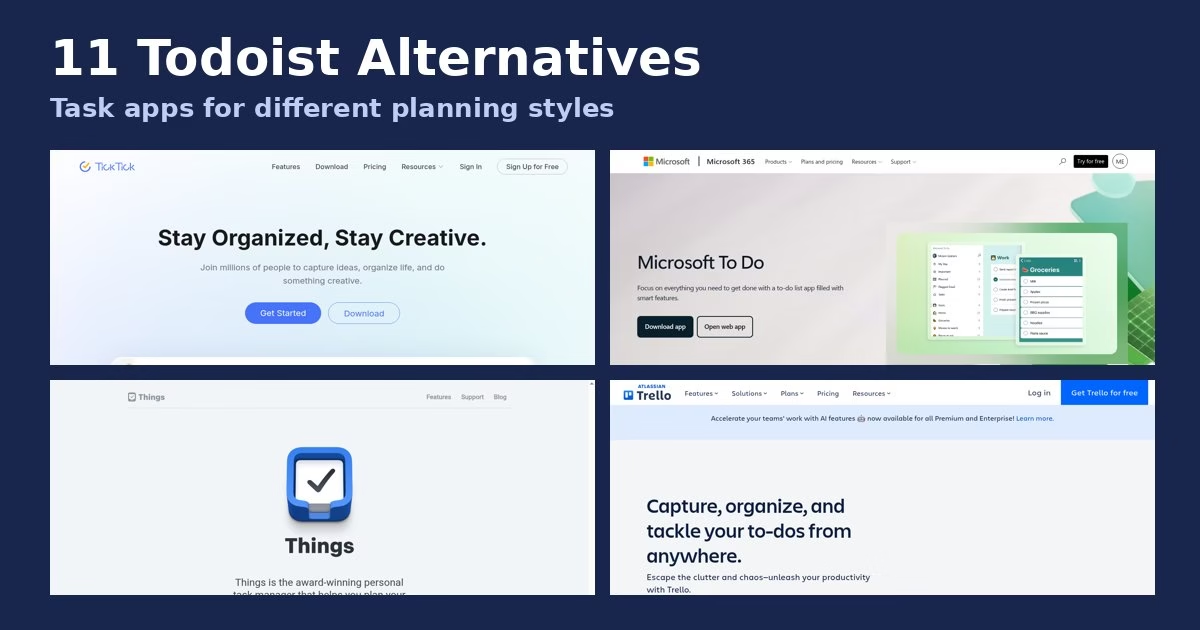

Short answer: the best Todoist alternative depends on why you are leaving. TickTick is the closest personal swap with more built in, Microsoft To Do and Google Tasks fit people who live in Outlook or Gmail, Things and OmniFocus suit Apple users, Trello and Asana suit board and team work, and Vikunja suits people who want to host their own. This guide covers 11 options.
MethodHow we checked
We read each tool’s official site on 6 October 2026 and captured its homepage. We describe what each vendor says on its own site and flag vendor claims as such.
Prices and plans change, so we quote prices only where we saw them on an official page and tell you to confirm them. We re-checked Todoist’s pricing page and TickTick’s pricing page on 17 October 2026, and both were unchanged from what this guide quotes. Our TickTick vs Todoist comparison was checked the same way.
On Todoist’s own pricing page, the free Beginner plan listed 5 personal projects and 3 filter views, Pro was $5 per user per month ($60 billed yearly), and Business was $8 per user per month, in US dollars before tax.
ContextWhy people look beyond Todoist
Todoist’s free plan lists 5 personal projects and 3 filter views, and calendar layout and custom reminders sit on Pro. People who hit those limits, want habits or a calendar built in, prefer a tool from their own suite, or need boards or self-hosting start comparing.
Those reasons point to different tools, so the list below is grouped by need rather than ranked one to eleven. (Every category we track lives on the apps hub if you want to browse beyond task apps.) A ranked list would pretend one app wins for everyone, and for task managers that is never true.
ShortcutsQuick picks by need
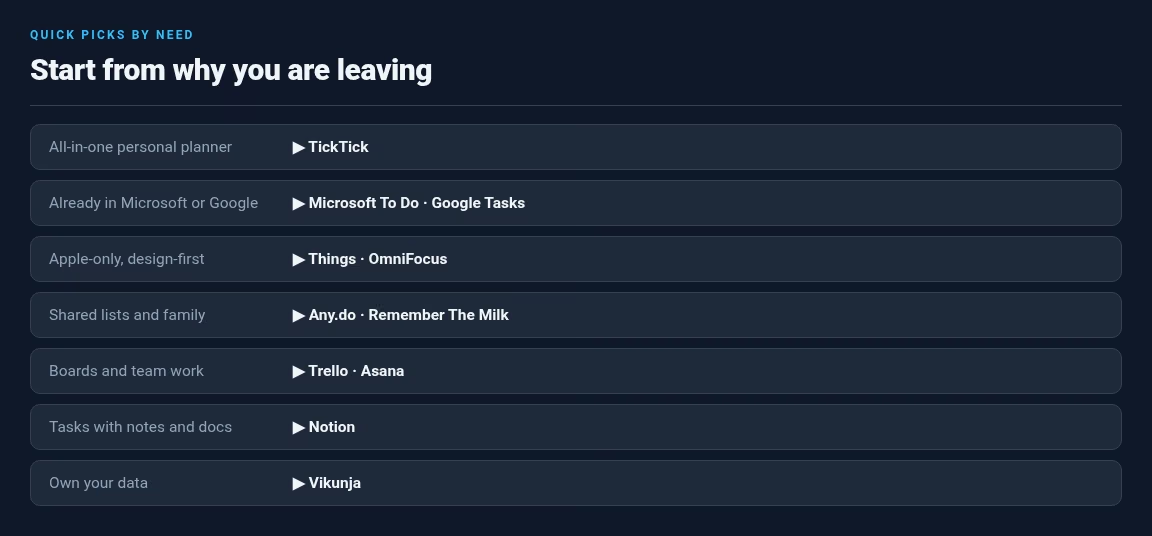
- All-in-one personal planner: TickTick
- Already in Microsoft or Google: Microsoft To Do, Google Tasks
- Apple-only, design-first: Things, OmniFocus
- Shared lists and family: Any.do, Remember The Milk
- Boards and team work: Trello, Asana (and Trello alternatives)
- Tasks with notes and docs: Notion
- Own your data: Vikunja
OverviewComparison at a glance
| Tool | Best for | Platform note |
|---|---|---|
| TickTick | All-in-one planner | Web, phone, desktop, watch (vendor) |
| Microsoft To Do | Outlook users | Web, iOS, Android, Windows |
| Google Tasks | Gmail users | Inside Google apps |
| Things | Apple design fans | Mac, iPhone, iPad, Watch, Vision Pro |
| Any.do | Families, small teams | Free tier advertised |
| Trello | Board thinkers | Boards, Inbox, plugins |
| Asana | Team workflows | Goals and dependencies |
| OmniFocus | Power users | Apple devices, web for PC and Android |
| Remember The Milk | Reminder-first | Sync across devices |
| Notion | Notes plus tasks | Workspace |
| Vikunja | Self-hosting | Open source, cloud option |
The listThe 11 alternatives
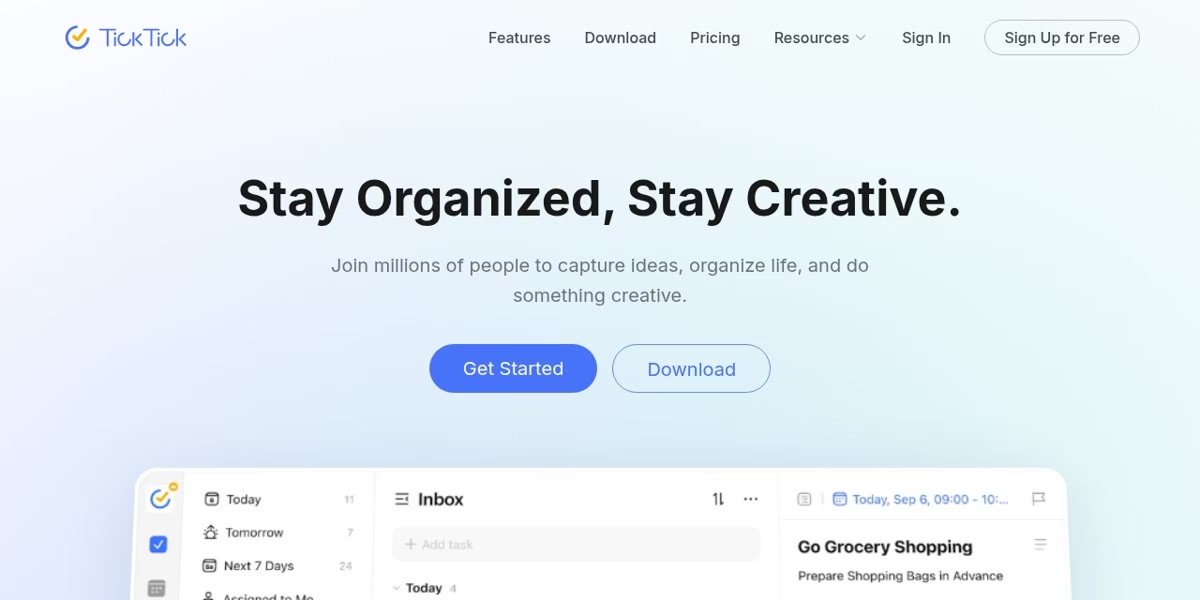
TickTick is the closest like-for-like swap if you want a personal task app with more built in. Its homepage lists six calendar views, voice capture, constant and repeat reminders, natural language dates, filters, shared lists, habit and focus statistics and 40+ themes, with sync across phone, computer, tablet and watch.
Its pricing page listed a Free tier (9 lists, 99 tasks per list) and Premium at US$49.99 per year when we re-checked it on 17 October 2026. Our separate TickTick vs Todoist comparison goes through the limits in detail.
Best for: People who want tasks, calendar and habits in one app.
Worth checking: Free-tier caps on lists and tasks per list.
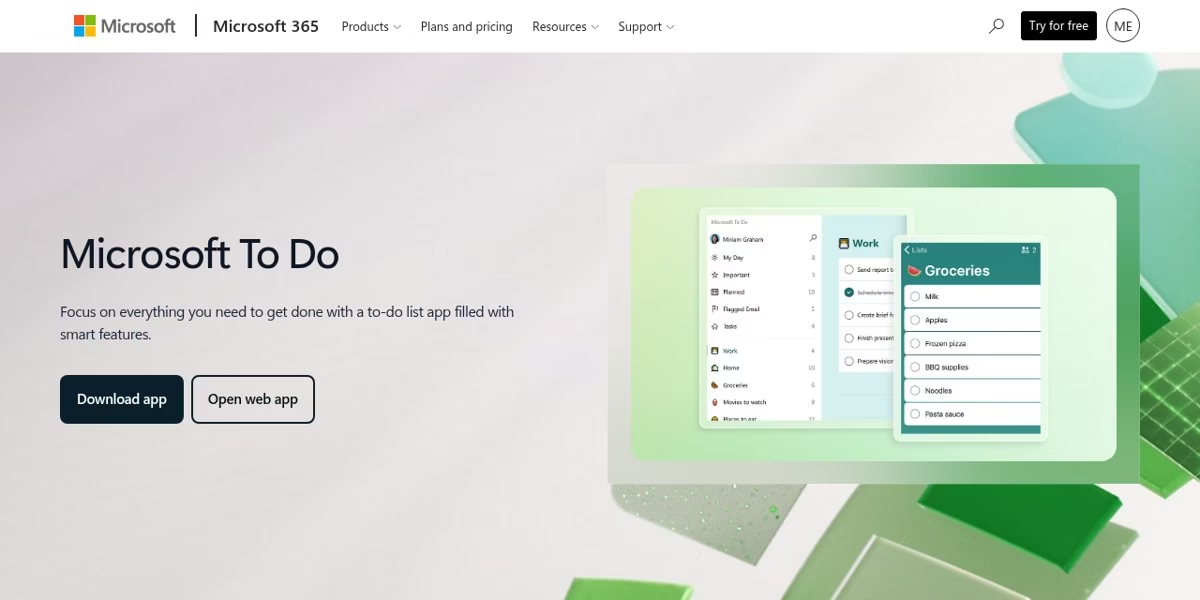
Microsoft describes To Do as a to-do list app with smart features. Its page lists My Day, which offers personalized suggestions to build a daily or weekly list, shared lists for friends, family and colleagues, due dates and reminders, and integration with Outlook tasks.
The page says you can use it for free and sync lists across the web, iOS, Android and Windows. That makes it a low-friction pick if your work already runs through Outlook.
Best for: Outlook and Microsoft 365 users who want a simple daily planner.
Worth checking: The page highlights simplicity, so check whether you need project views or filters like Todoist offers.
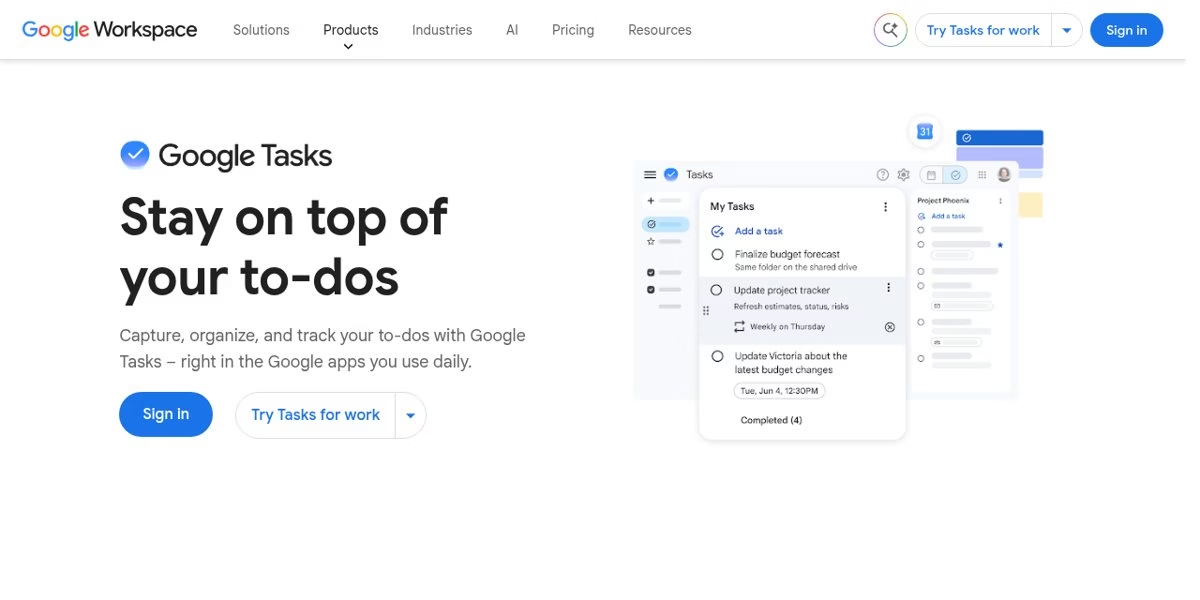
Google describes Tasks as a way to capture, organize and track your to-dos right in the Google apps you use daily. The product page shows a simple task list with details and subtasks next to a project view.
It lives alongside Gmail and Calendar, which is the reason to use it: tasks sit where your email and schedule already are. If you share that calendar with family or coworkers, read our guide on sharing a Google Calendar without exposing private events first, and note that Google deletes inactive accounts if the account behind your tasks is an old one.
Best for: Google Workspace and Gmail users who want a minimal list.
Worth checking: It is intentionally simple, so check that it covers recurring tasks and filters if you rely on them.
Things is a personal task manager from Cultured Code for Apple devices. The site lists apps for Mac, iPhone and Watch, iPad and Vision Pro (a platform with its own young app scene – see Apple Vision Pro apps), and says Things has won the Apple Design Award twice.
It is built to help you plan your day, manage projects and make progress toward goals. The site links to each app with a price shown in your currency, so we do not quote prices here. It is a good fit if you live in the Apple ecosystem and care about design.
Best for: Apple users who want a polished personal task manager.
Worth checking: It is Apple-only according to the site, so it will not work for people on Windows or Android.
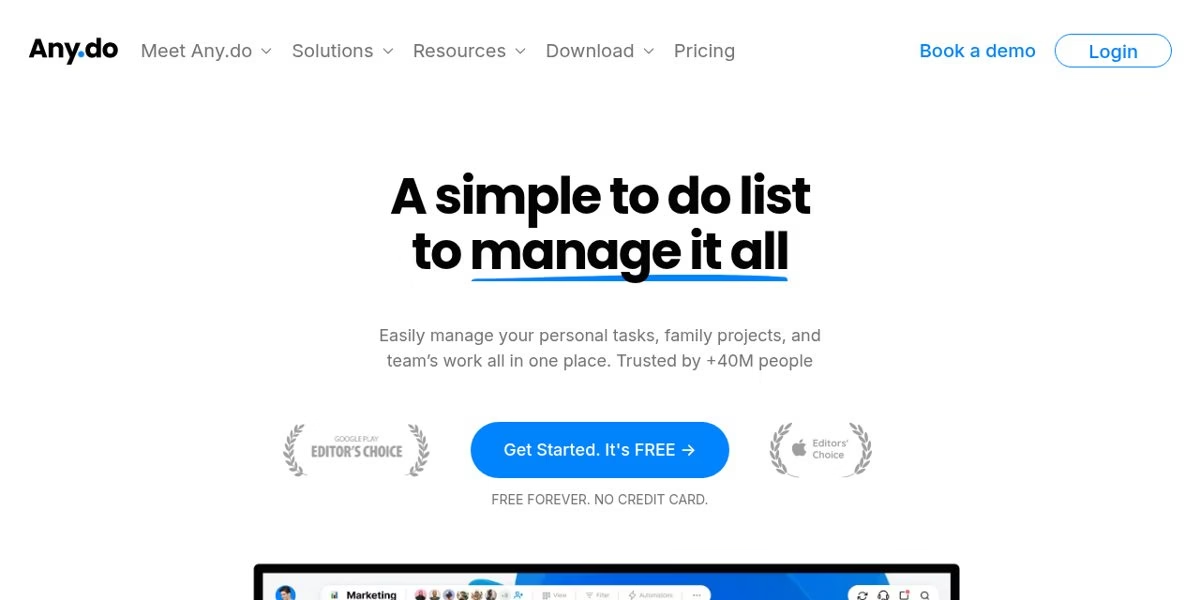
Any.do says it helps you manage personal tasks, family projects and team work in one place, and that it is trusted by more than 40 million people. The homepage says free forever with no credit card required, and highlights collaborative boards, task assignment, automation and integrations with tools such as Slack, Zapier and Gmail.
The testimonials on the page are the vendor’s own selection, so read independent reviews too. It sits between a personal list and a light team tool, and its automations overlap with the automation tools we review separately.
Best for: Families and small teams that want a shared list with automations.
Worth checking: Compare the free tier with paid tiers before you commit.
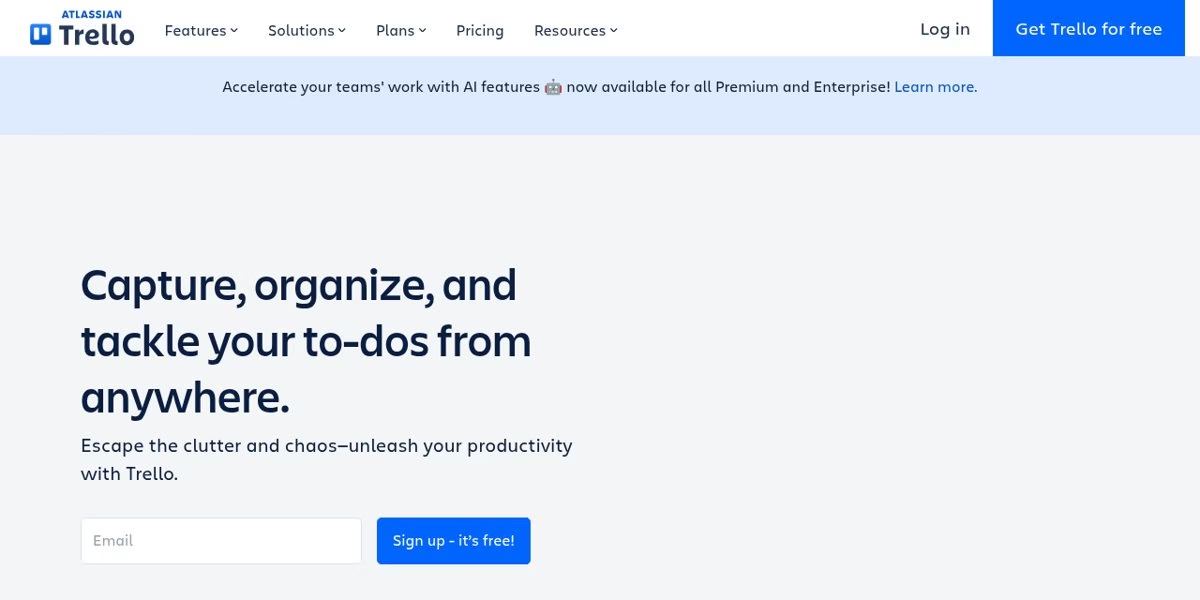
Trello is a board-based tool. Its homepage describes boards for any workflow, an Inbox that captures details from email and Slack, plugins, templates and integrations. If your Todoist use has grown into project boards, Trello is the visual alternative.
We also cover this category in our Trello alternatives guide. The homepage mentions AI features for Premium and Enterprise, so check which plan has the features you want; the email capture trick pairs well with the AI email automation tools if your inbox is where tasks arrive.
Best for: People who think in columns and cards rather than lists.
Worth checking: It is less of a quick personal checklist and more of a board tool.
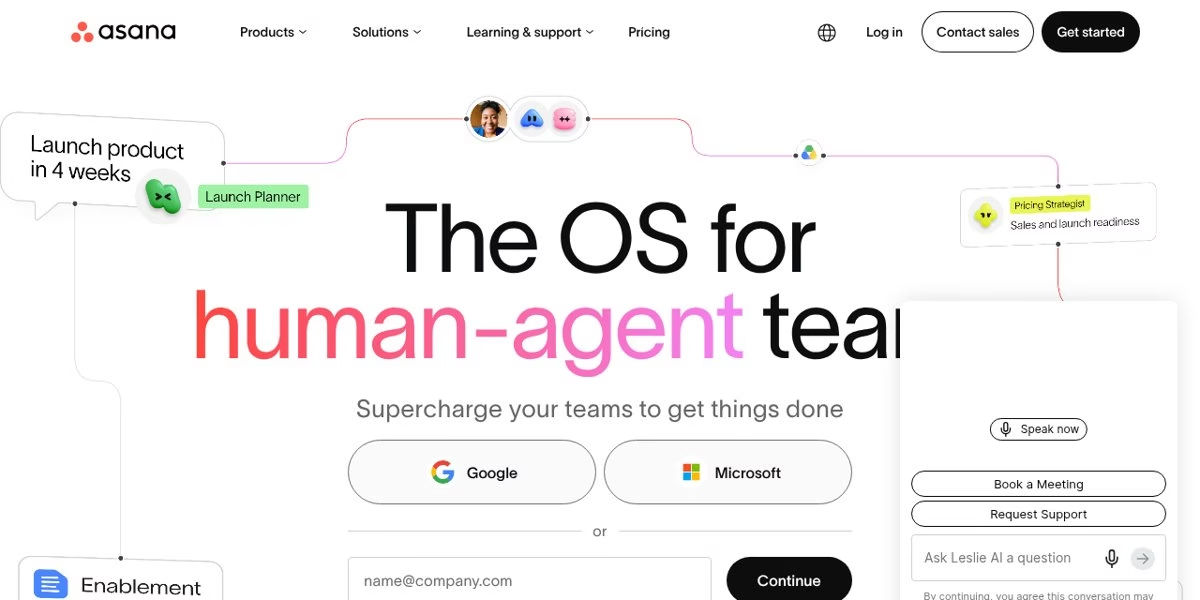
Asana positions itself as work management software for teams and AI agents. Its homepage talks about connecting tasks, projects, goals and dependencies, and says 85% of Fortune 100 companies choose it, which is a vendor claim.
It is a heavy tool if all you need is a personal checklist. It makes sense when your Todoist projects have become team workflows with owners and dependencies. If your team’s real problem is shifts rather than projects, look at employee scheduling software instead.
Best for: Teams that need goals, dependencies and reporting.
Worth checking: Expect a steeper learning curve than a personal task app.
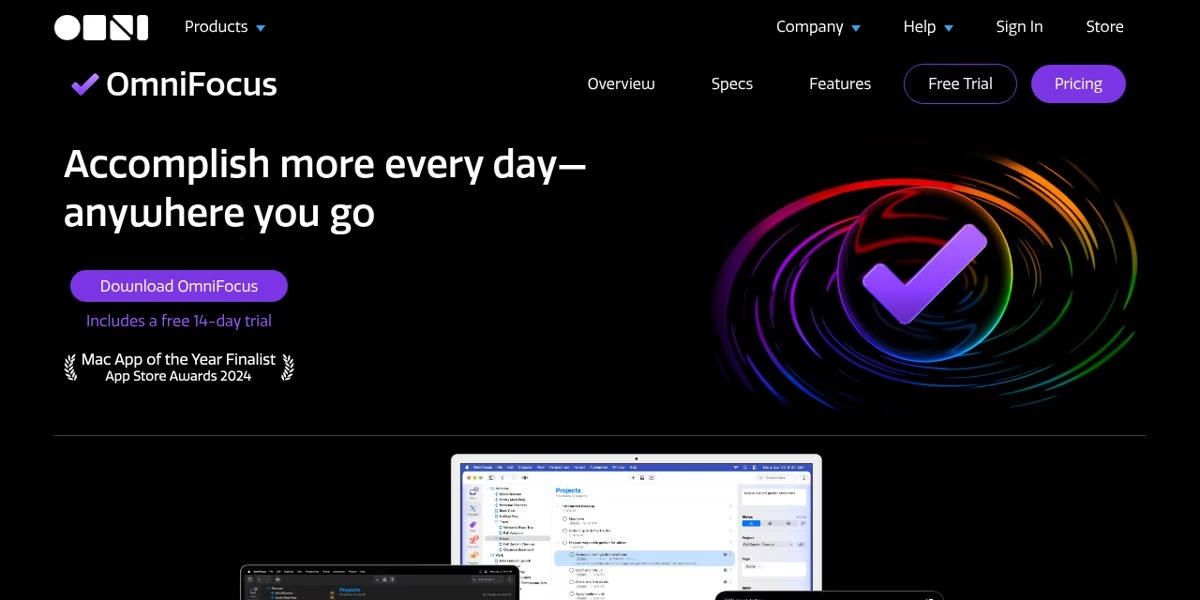
OmniFocus is described as powerful task management software for busy professionals. The page says you purchase or subscribe once for access on Mac, iPhone, iPad, Apple Watch and Apple Vision Pro, and that PC and Android users can use OmniFocus for the Web. It includes a free 14-day trial.
It stresses quick capture with a keyboard shortcut to your Inbox and a system that acts as a second brain. It is built for people who want deep control over how tasks are organized.
Best for: Power users in the Apple ecosystem who want a detailed system.
Worth checking: Check purchase and subscription options on the official site.
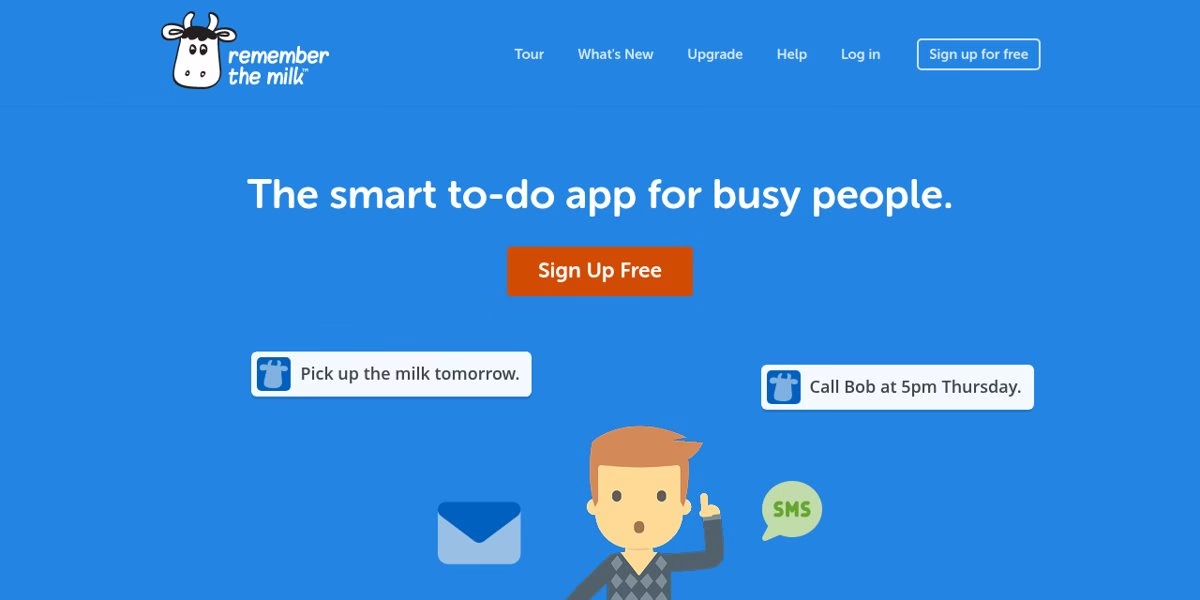
Remember The Milk keeps its pitch short: get to-dos out of your head, get reminded anywhere, share lists and give tasks to others, and stay in sync on all your devices. The page shows plain-language entry such as Pick up the milk tomorrow.
It is a reminder-first tool. If Todoist’s reminders and sharing are what you use most, it deserves a look, but compare its plans on the official site. And if your reminders are really about building routines, our habit tracker apps guide covers that niche directly.
Best for: People who want reminders and simple sharing.
Worth checking: The homepage is light on feature detail, so read the plan page.
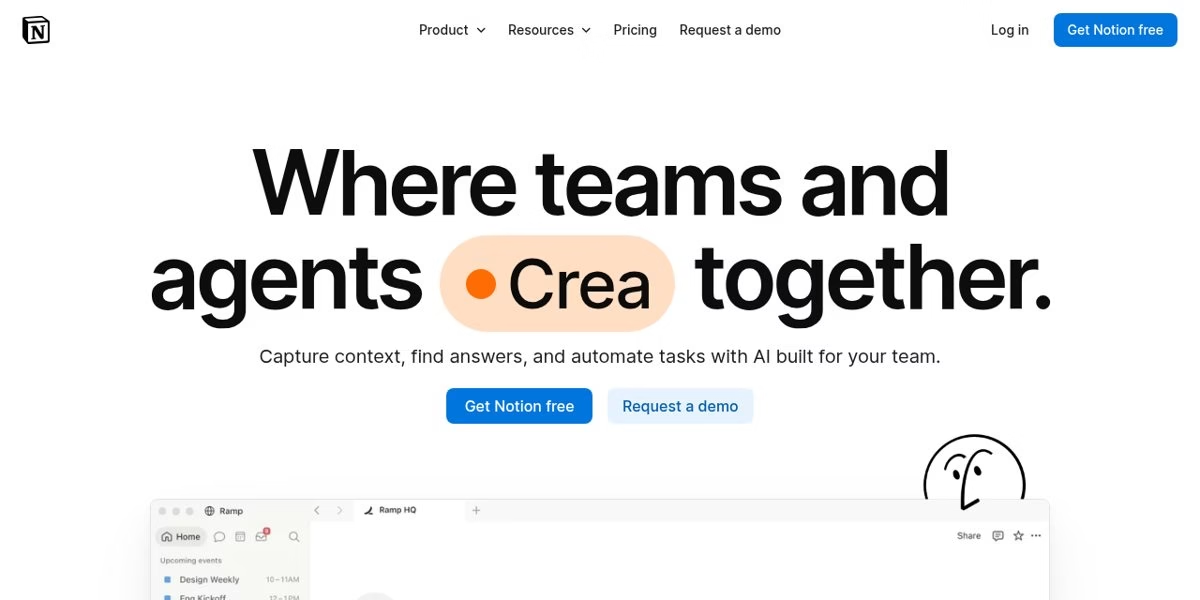
Notion is a workspace for notes, wikis and projects, and it can hold task databases too. Its current homepage focuses on agents that capture knowledge, answer questions and route tasks, which is a vendor description of its AI features.
It is a bigger change than swapping one task app for another, because you also adopt a workspace tool. See our Notion alternatives if you decide it is too much, and our guide to AI tools for small business if the agent features are what drew you in.
Best for: People who want tasks, notes and docs in one place.
Worth checking: It is a workspace first, so expect to design your own task system.
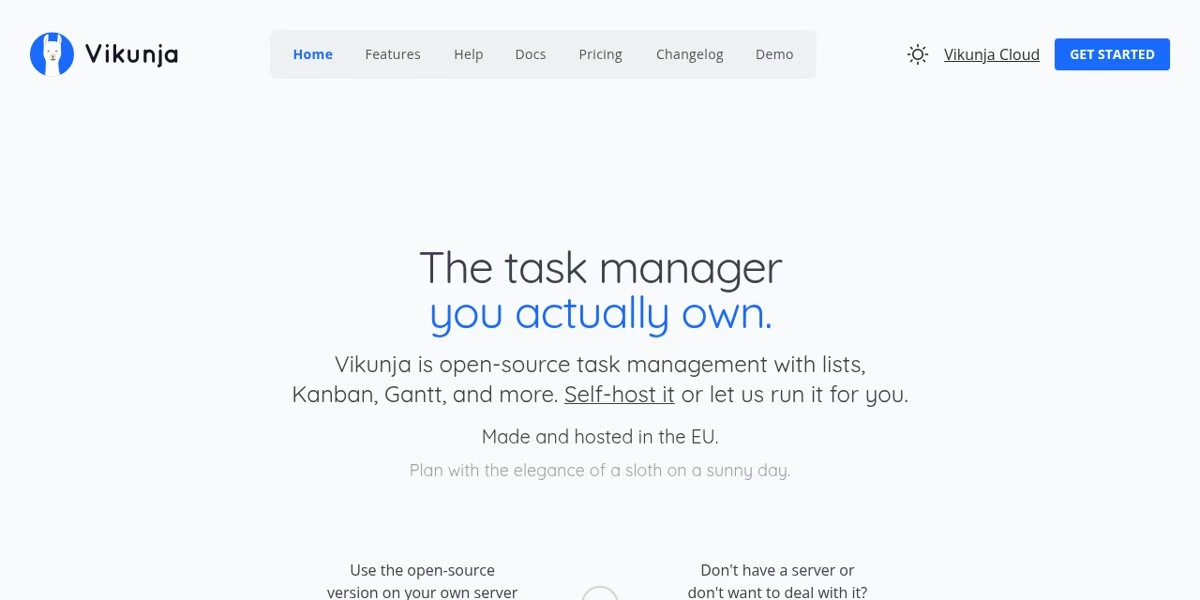
Vikunja is open-source task management with lists, Kanban, Gantt and table views. The site says you can self-host it under the AGPLv3 license or use Vikunja Cloud, and that it is made and hosted in the EU. It also says you can import tasks from Todoist, Trello or Microsoft To-Do.
It is the pick if owning your data matters. Self-hosting means you handle installs, updates and backups, so our incremental vs differential backup explainer is a useful companion, and our piece on privacy questions in vendor risk management helps if you are weighing cloud against self-hosted. The cloud version is a paid hosted option according to the site.
Best for: People who want an open-source tool they can self-host.
Worth checking: Self-hosting needs technical comfort and upkeep.
DecisionHow to choose
- Name the pain. Limits, missing calendar, price, team needs and privacy each point to different tools.
- Check your devices. Things and OmniFocus are built for Apple devices, so they are out for Windows and Android users.
- Check where you already work. Outlook or Gmail users save time with the matching task app.
- Test with real tasks. Move one week of tasks and see which app you open without being reminded.
- Plan the exit. Look for import tools before you commit. Vikunja says it can import from Todoist.
MigrationMoving your tasks out of Todoist
Before you switch, decide what to bring. Open tasks, recurring tasks and projects are usually worth moving, while old completed items often are not.
Move a small project first, confirm that due dates and recurring rules survived, and keep Todoist available until you trust the new tool. Check each vendor’s current import options before you commit.
Treat the switch like any other process worth keeping tidy: a quick review after the first month catches duplicates and stale recurring rules. Also see our guides to habit tracker apps and Calendly alternatives for planning your time around the new setup.
CriteriaWhat to look for in a Todoist replacement
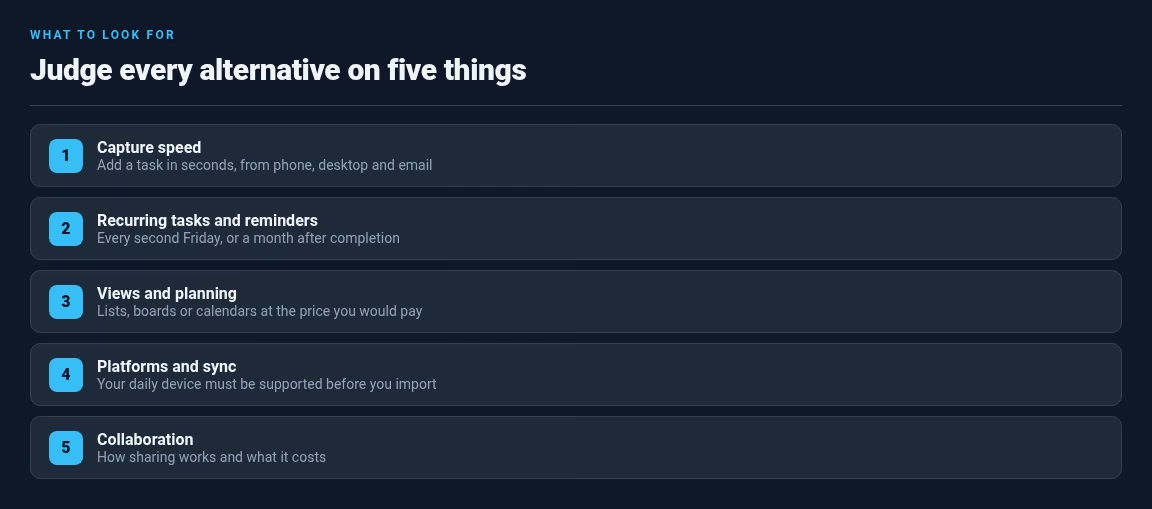
People leave Todoist for different reasons: free plan limits, a wish for a calendar, a team tool, or a different platform. Before you choose, decide which of the following matter most to you and judge each alternative against that list, not against a long feature table.
Capture speed
The best task manager is the one you actually use. Test how quickly you can add a task from your phone, from your desktop and from email or another app. If adding a task takes more than a few seconds, you will stop doing it. (Email is where many tasks arrive, which is why the AI email automation tools pair well with a capture habit.)
Recurring tasks and reminders
Many people leave a tool because recurring tasks or reminders do not behave as expected. Create a task that repeats every second Friday and another that repeats a month after you complete it, then see whether the alternative handles both.
Views and planning
Some apps are lists, some are boards and some are calendars. Todoist’s pricing table lists board and calendar layouts, so check which plan includes the layout you use today, then compare what an alternative gives you at the price you would pay. If the calendar side is the whole point, our Calendly alternatives guide covers scheduling-first tools.
Platforms and sync
Check that the tool works on the devices you use. Things and OmniFocus are built for Apple devices according to their sites, Microsoft To Do lists Outlook tasks integration, and Vikunja can be self-hosted, though running it yourself means the backups are on you. Make sure your daily device is supported before you import anything.
Collaboration
If you share lists with a partner or team, check how sharing works and what it costs. Trello and Asana are built for team work, Todoist has its own Business plan, and a few other tools in this guide offer shared lists on paid plans.
FamiliesMatching your planning style to a type of tool
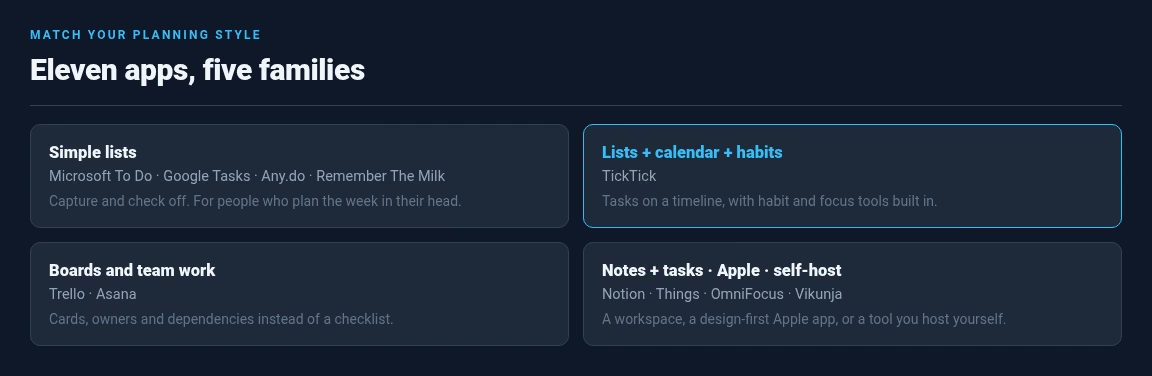
Task apps fall into a few families. Picking a family first narrows an overwhelming list of eleven apps to two or three.
Simple lists
If you want a to-do list that stays out of the way, look at Microsoft To Do, Google Tasks, Any.do and Remember The Milk. These keep the focus on capturing and checking off tasks. They suit people who plan their week in their head and need a reliable place to park the details.
Lists with calendar and habits
TickTick combines tasks with calendar views, habits and focus tools, which suits people who like to see their tasks on a timeline. See our TickTick vs Todoist comparison for more detail.
Boards and team work
Trello and Asana organize work around boards, projects and shared responsibility. If your boards grow into databases with owners, statuses and formulas, our Airtable vs Monday comparison covers the next step up.
Notes and tasks together
Notion blurs the line between a task list and a knowledge base. If you take meeting notes next to your tasks, it can replace two tools at once. If you only want a checklist, it will feel like building furniture before you can sit down, and our Notion alternatives guide lists simpler picks.
Apple-first and self-hosted
Things and OmniFocus are the Apple-first picks, built around the platforms’ design language. Vikunja is the self-hosted pick for people who want to own their data outright. All four ask for more commitment than a simple list, so choose them on purpose.
FAQFrequently asked questions
Microsoft To Do and Google Tasks are the simplest free options if you already use Outlook or Gmail. TickTick’s free tier (9 lists, 99 tasks per list when we checked) is the closest free like-for-like swap. The right answer depends on whether you want simplicity or more features. Our apps hub has more category roundups.
Things and OmniFocus are built for Apple devices. Things is the design-first personal pick, and OmniFocus is the deeper system for power users, with a web version for PC and Android. Microsoft To Do and TickTick also work across Apple and other platforms.
Microsoft To Do, because it integrates with Outlook tasks directly. Tasks you flag or create in Outlook can appear in To Do, which removes the copy-paste step other tools need.
Yes. Vikunja is open source under the AGPLv3 license, with lists, Kanban, Gantt and table views. You can self-host it or pay for the hosted Vikunja Cloud, and the vendor says it can import from Todoist. Self-hosting means backups are your job too – see incremental vs differential backup.
Asana for structured workflows with goals and dependencies, Trello for lighter board-based collaboration, and Todoist’s own Business plan if the team already knows Todoist. Any.do also covers family and small-team sharing.
Decide what to bring, move one small project first, and confirm due dates and recurring rules survived before moving everything. Check each vendor’s import options – Vikunja says it imports from Todoist, Trello and Microsoft To-Do. Keep Todoist running until you trust the new tool.
It depends on why you are leaving. If you only need a calendar layout and custom reminders, Pro at $5 a month billed yearly (as listed on 17 October 2026) may be cheaper than switching. If you want habits, a different platform or self-hosting, an alternative fits better.
Only where we saw a price on an official page: Todoist’s plans, TickTick Premium at US$49.99 per year, and OmniFocus’s trial and purchase model. Other vendors show pricing in your currency or behind a plan page, so confirm on the official site before you buy.



Leave a Reply