



Editorial check: September 29, 2026. Prices quoted in USD when shown; vendors can change terms or vary by country. No product was hands-on tested for this article.
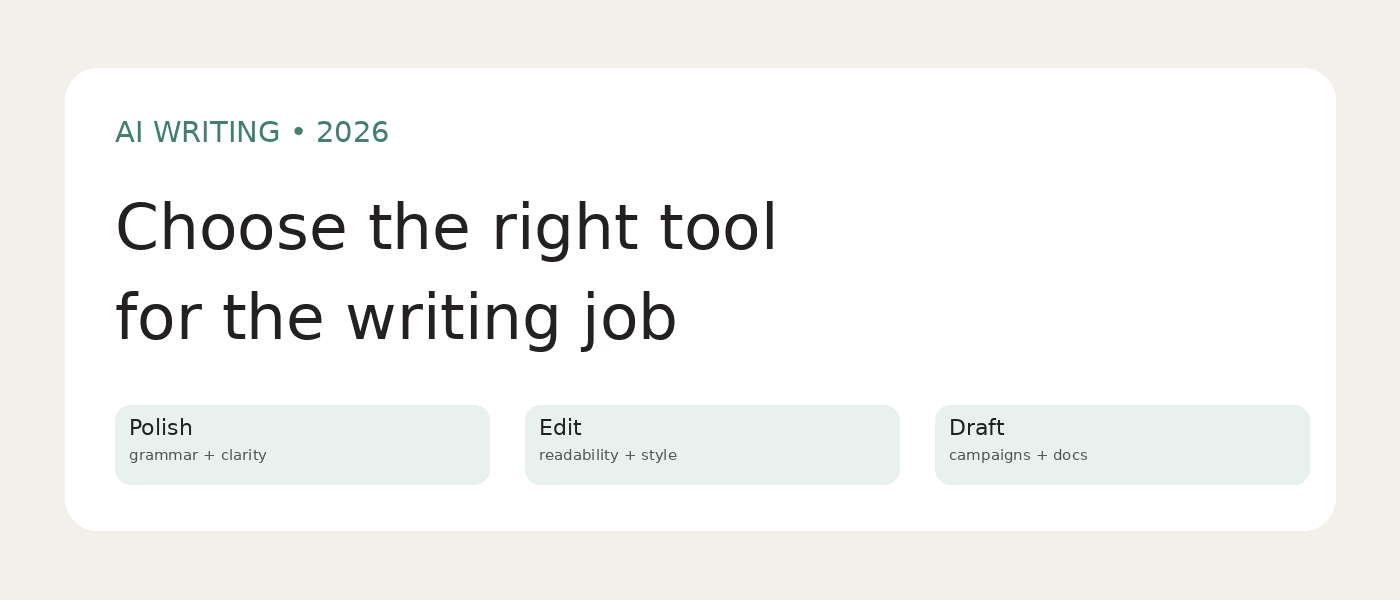
The best AI writing tool depends on what is already on your screen. If a draft exists and you need fewer errors, start with an editor. If you have source material that needs a faithful rewrite, choose a paraphraser. If a marketing team needs many on-brand assets, a brand workspace may earn its higher price. No tool can verify a claim it invented for you: read the source, check names and numbers, then edit the final copy yourself.
Quick picks and comparison
| Tool | Best for | Entry point | Important limit |
|---|---|---|---|
| Grammarly | Polishing everyday drafts | Free; Pro displayed from $12 USD (check billing term) | Free AI prompts: 100/month |
| Hemingway Editor | Making prose clearer | Free readability editor; Plus $10/month or from $100/year | AI rewrites spend sentence credits |
| ProWritingAid | Long-form fiction editing | Free; Premium displayed $30/month monthly | Free suggestions cover 500 words at a time |
| QuillBot | Rephrasing supplied text | Free tools; Premium $19.95/month per vendor FAQ | Rewriting requires source and meaning check |
| Jasper | Marketing campaigns and brand voice | 7-day Pro trial; $69/month monthly or $59/month annual equivalent | Expensive for one-off proofreading |
| Notion AI | Writing inside team notes and docs | Free/Plus offer AI trial; Business displayed $20/member/month | Not a stand-alone grammar checker |
| Writesonic | SEO article research and structured drafting | Demo or trial; inspect current plan | Verify research, quotations and citations |
| Rytr | Short marketing copy and templates | Check the vendor plans | Template output needs fact checking |
| Sudowrite | Fiction brainstorming and revision | Try the current offer | Story continuity still needs author review |
| Wordtune | Sentence-level rewrites | Check current plan | Compare suggestions with intended meaning |
Pricing snapshot is not a checkout quote. Verify the billing period, taxes, trial conversion and regional offer on each linked pricing page.
How to choose without paying for overlapping tools
Start with the bottleneck, not a list of AI features. Proofread a real 500-word email and a longer document: a tool that catches errors but replaces your voice is not the right editor. If you write books, test a chapter-sized passage and inspect the suggestion quality before paying. For marketing, provide a short style guide and source material, then judge whether the output preserves the actual offer and facts. Compare the total monthly cost only after you know which job the tool replaces.
Privacy matters too. A convenient browser extension can see text where it runs; a team workspace may process internal notes through AI providers. Read each vendor’s privacy and retention terms before uploading client manuscripts, confidential company information or unpublished research. A paid plan does not make generated facts safe to publish.
1. Grammarly – best for polishing everyday writing
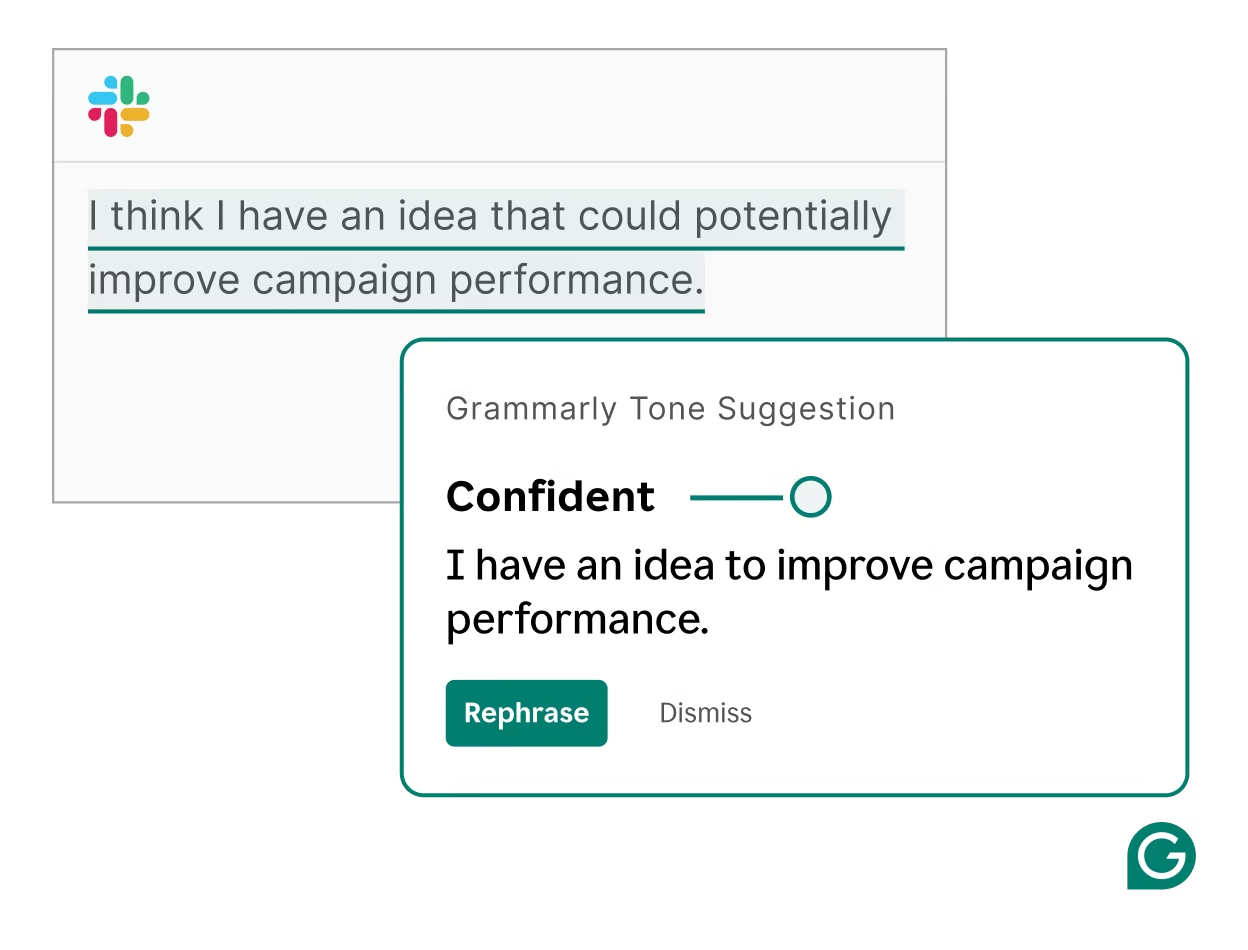
Grammarly fits people who draft in email, documents and the browser and want grammar, clarity and tone help at the point of writing. Its Free plan covers spelling and grammar and lists 100 generative AI prompts a month. Pro adds full-sentence rewrites, tone adjustment and 2,000 prompts per member per month. The pricing page currently displays Pro at $12 USD, but its displayed billing term should be checked before subscribing.
Example: draft a client update yourself; use a tone suggestion on one sentence that sounds abrupt, then compare it with your original. Keep a technical term if the suggested rewrite changes its meaning. Grammarly is a layer for editing, not a source of facts or a substitute for subject-matter review. Its AI detection feature is not evidence that a particular writer did or did not use AI.
Choose it over Hemingway when correction across many writing surfaces matters more than a focused readability pass. Choose something else if you primarily need long-form story analysis or controlled brand campaigns.
Official features and plan https://www.grammarly.com/plans
2. Hemingway Editor – best for cutting wordy sentences
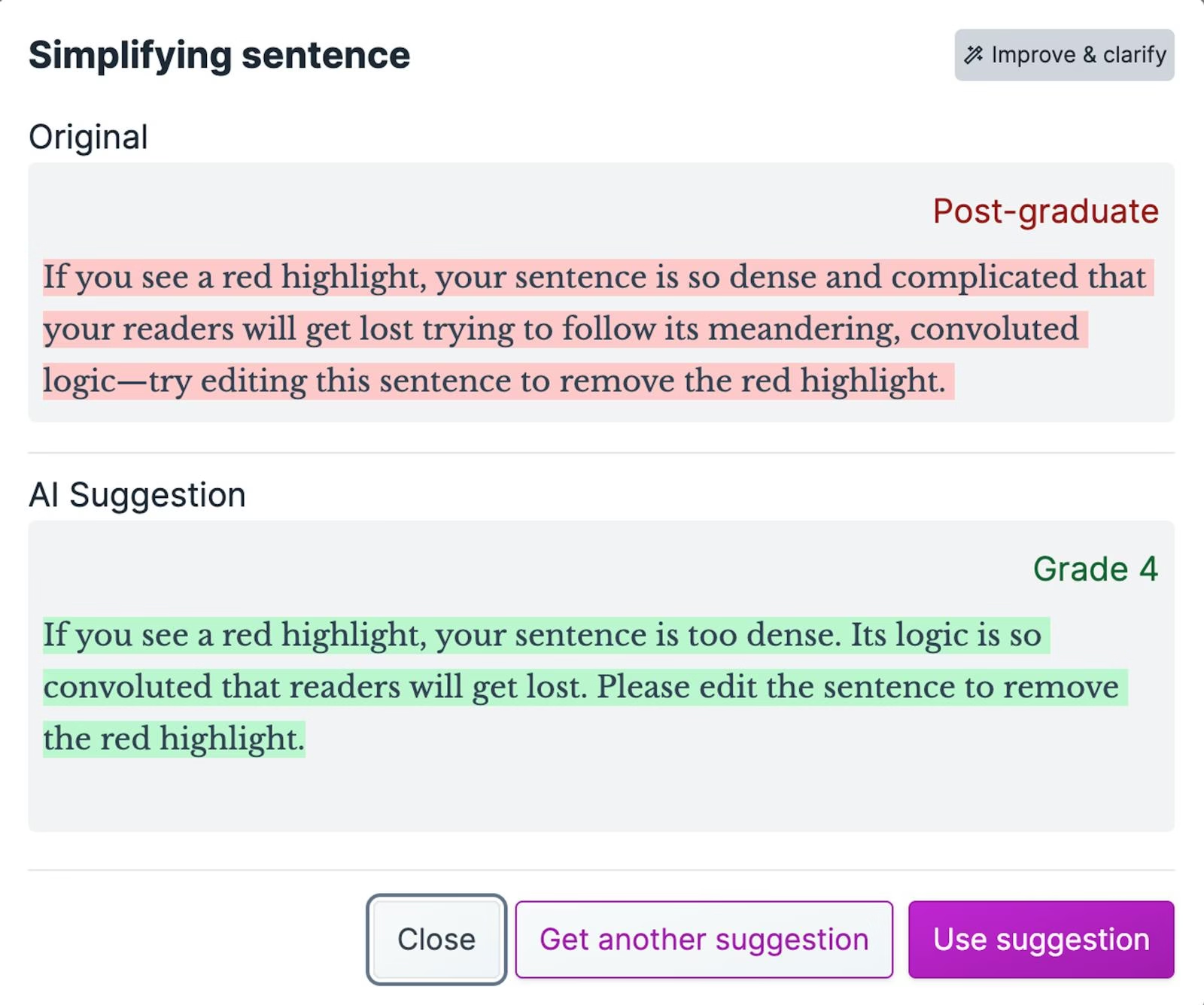
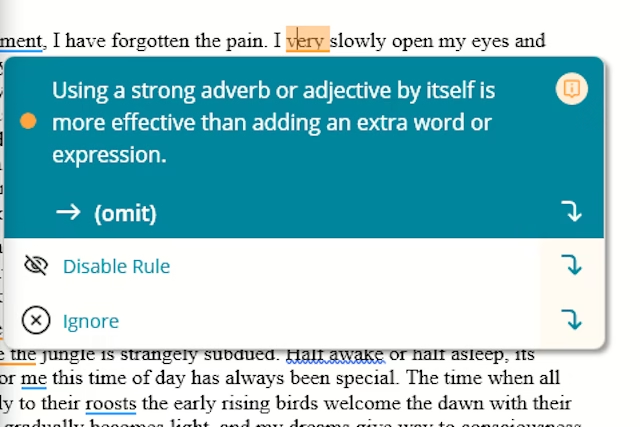
The free editor highlights hard-to-read sentences, passive voice, adverbs and other readability issues. Hemingway Editor Plus adds AI rewrites and an advanced grammar checker. Hemingway says each generated sentence rewrite spends one AI sentence credit; grammar fixes do not use these credits. Plus is listed at $10 monthly or from $100 yearly, and the vendor says its two-week trial ends without automatic charging unless you elect a paid plan.
Example: paste a paragraph with three long sentences, review the highlights, simplify the first yourself and compare an AI suggestion on the second. A lower readability score is not a universal goal: legal precision, technical explanations and deliberate literary style can justify a complex sentence. Hemingway will not research or fact-check the paragraph.
This is the narrowest editing pick here. Start on the free version if your writing problem is clarity, then consider Plus only if sentence-level suggestions save you real time.
Official pricing and credit rules https://hemingwayapp.com/help/support-articles/billing-faqs
3. ProWritingAid – best for fiction and long documents
ProWritingAid’s plan page emphasizes line editing, story development and manuscript feedback. The Free plan includes grammar, spelling, limited daily rephrases and two line-editing report runs per day; its help says free suggestions apply to 500 words at a time. Premium removes that document-length limit and adds more extensive editing. Its pricing page displays Premium at $30/month on monthly billing. Advanced story analyses use Story Credits, so an author should check those separately rather than assume every manuscript analysis is included.
Example: take one chapter, accept only suggestions that preserve a character’s distinct voice, and use the report to find repeated phrasing. Generic “improvements” can flatten dialogue or remove intentional rhythm. This product is less compelling for someone who writes only short business emails; Grammarly or Hemingway is simpler for those jobs.
Official plan and limits https://prowritingaid.com/pricing
4. QuillBot – best for controlled paraphrasing
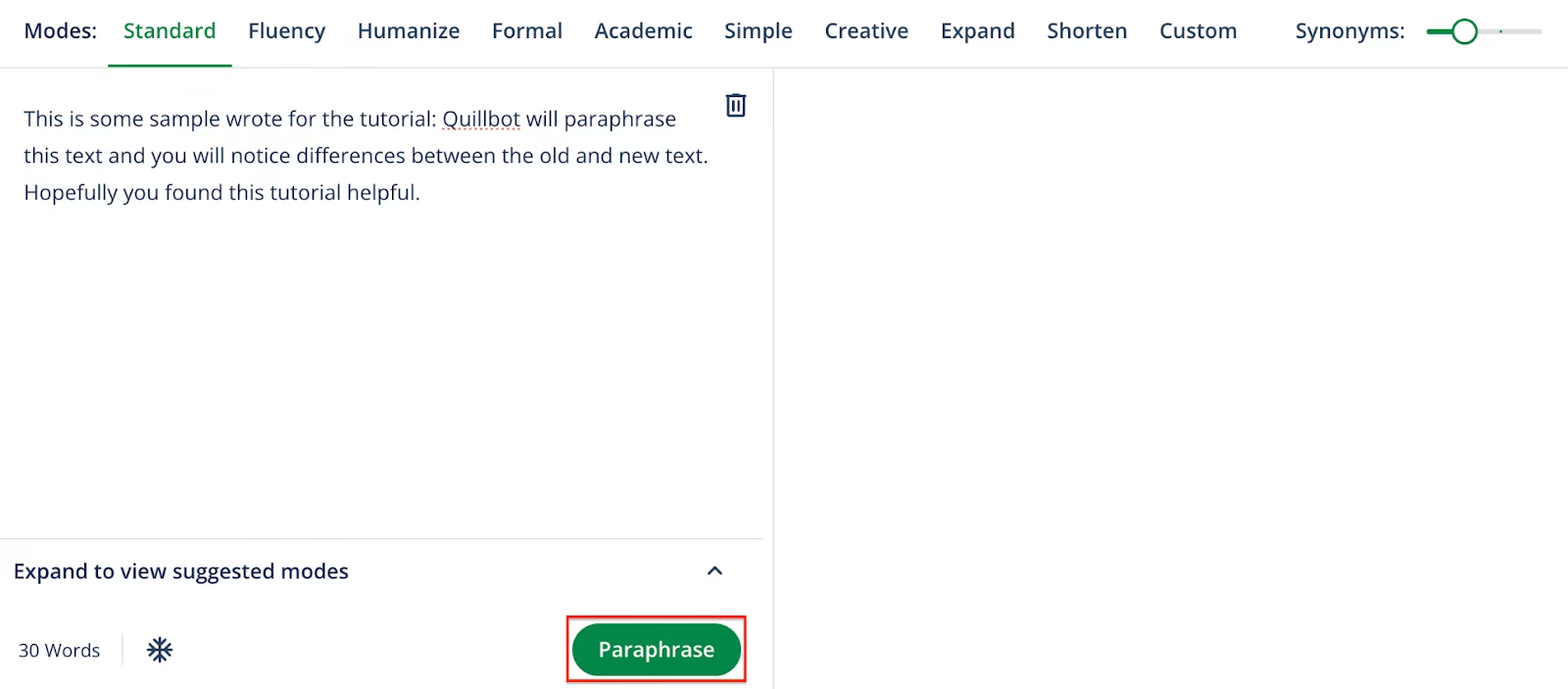
QuillBot’s Paraphraser takes existing text and offers alternative wording. That is a different job from creating original reporting or drafting a full article from scratch. The vendor describes free and Premium subscriptions; its published Premium FAQ lists $19.95 monthly and $99.95 billed annually. Check the current checkout and local terms, as QuillBot’s main pricing page does not expose a reliable plan table in this review.
Example: rewrite a sentence from your own rough notes, then compare every claim and citation with the source. A paraphrase can accidentally shift certainty or keep source structure too closely. It is not a plagiarism waiver and does not grant rights to another person’s work. For SEO, use it only to improve writing you have already researched; mass rewording thin pages adds no original value.
Official Premium price FAQ https://quillbot.com/blog/frequently-asked-questions/how-much-is-quillbot-premium/
5. Jasper – best for an on-brand marketing workflow
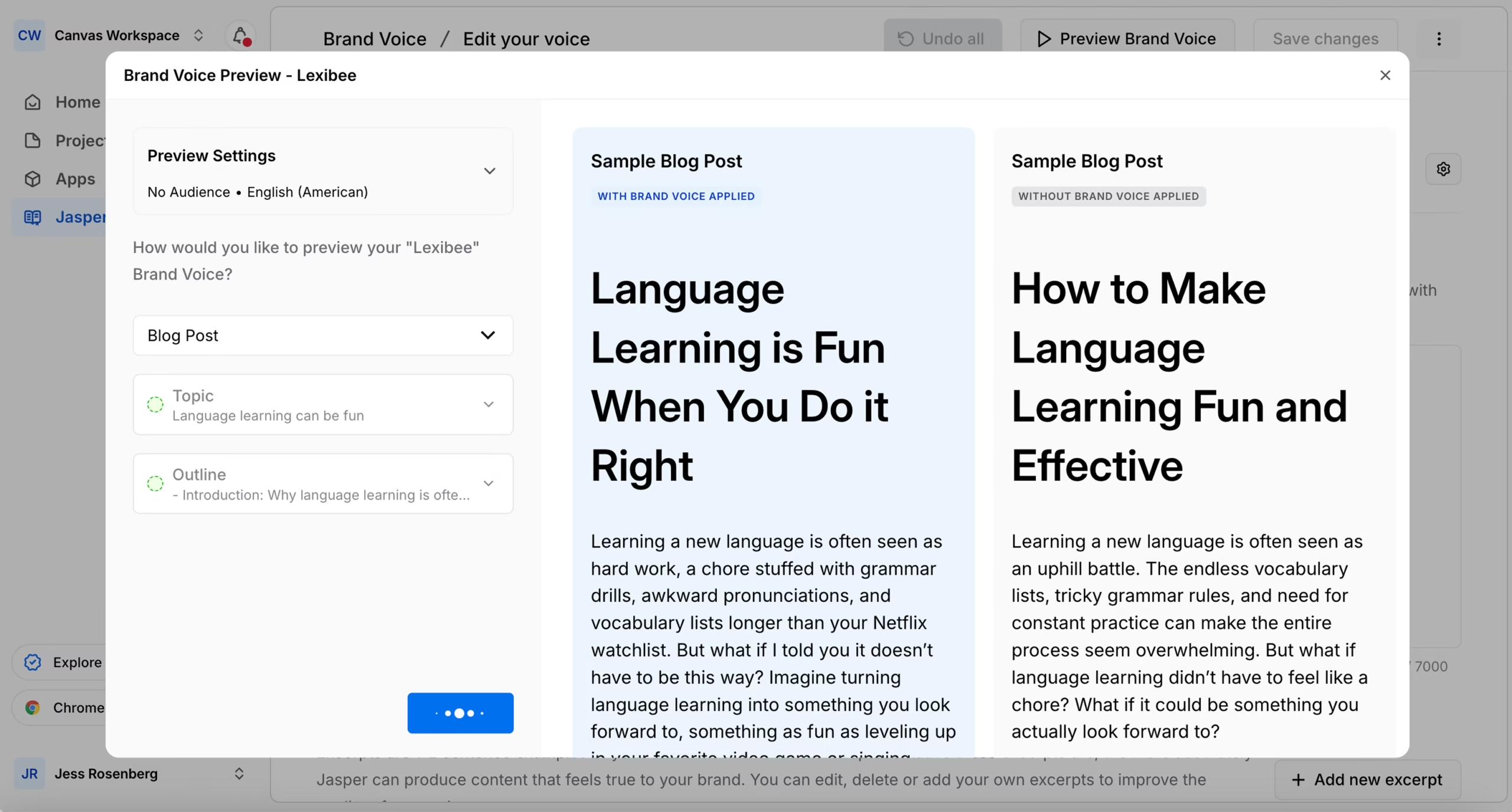
Jasper is built for teams producing marketing content. Its Brand Voice feature lets a team set reference style and apply it across content. The current Pro page lists two Brand Voices, five Knowledge assets and three Audiences; the pricing FAQ lists $69/month on monthly billing or $59/month billed yearly, with a seven-day Pro trial. Business pricing is custom. This is a workflow purchase, not a cheap proofreading subscription.
Example: give Jasper a verified product brief, target audience and approved terms; generate two landing-page variants; then have a human check every benefit and pricing claim against the brief. Brand consistency does not establish accuracy. If you publish just a few personal posts a month, a general editor plus your own outline is likely more practical.
Official pricing and trial https://www.jasper.ai/pricing
6. Notion AI – best when the source material already lives in Notion
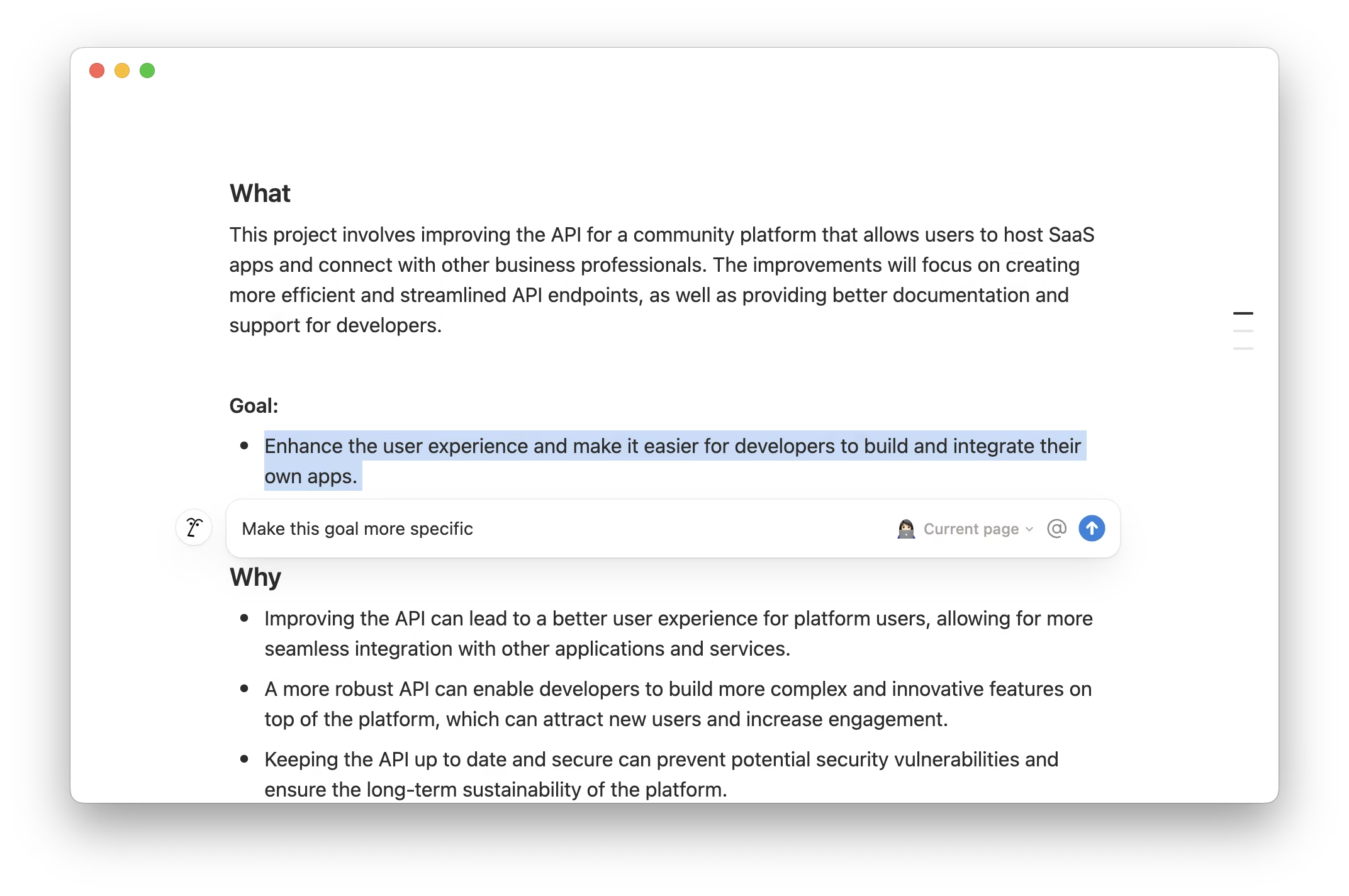
Notion AI works within the workspace for drafting, revising, summarizing and asking questions about material users can access. Notion’s pricing page lists an AI trial in Free and Plus; Business, currently displayed at $20 per member per month, includes Notion Agent, AI Meeting Notes and Enterprise Search Beta. These are team-workspace capabilities, not a direct replacement for a grammar extension. Confirm billing and any changing credit rules before rolling it out to a team.
Example: turn a meeting note into an action-item draft, then check owners, deadlines and decisions against the original note. Summaries can omit a condition; never let a generated action list silently become the source of truth. If your notes are in another system, the switching cost can outweigh the writing benefit.
Official plans https://www.notion.com/pricing
7. Writesonic – best for seo articles with a guided research pipeline
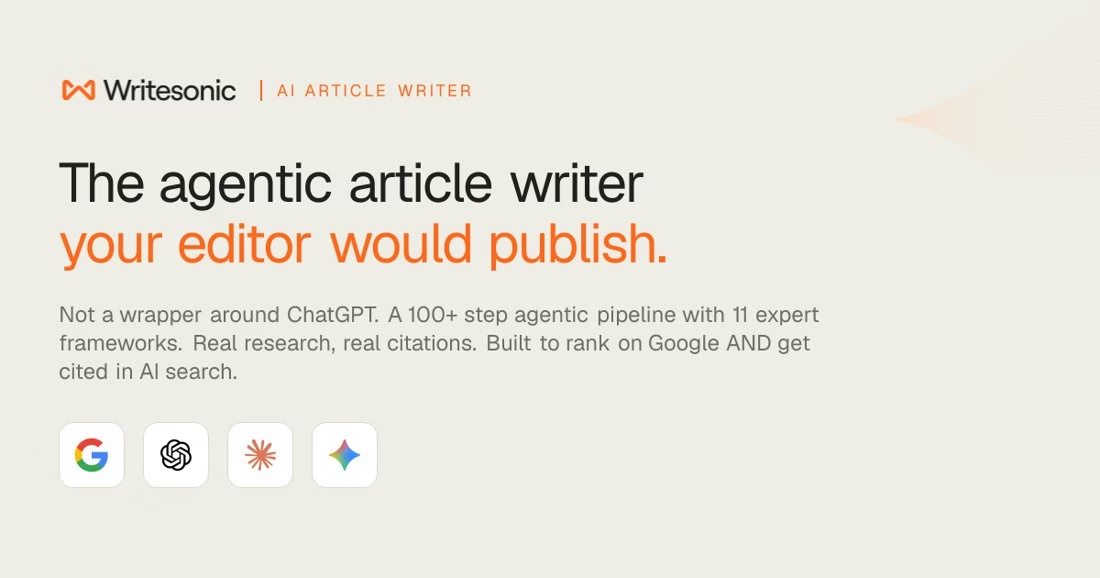
Writesonic’s current AI Article Writer page describes a workflow that moves through audience research, outline, writing, review and citation checks, with a path to publishing in a CMS. This is more ambitious than correcting a draft. Treat the vendor’s ranking and citation claims as marketing, not a guarantee of search traffic.
Try one article with your own source documents and compare every citation to the original page. A generated comparison may cite a source yet misstate its conclusion. Use an editor to add direct experience and information a template cannot supply.
Choose this when your bottleneck is the first researched article draft. Avoid it if all you need is a grammar pass. The product page advertises a trial and demo; inspect the current plan before committing.
Official product and feature details https://writesonic.com/ai-article-writer
8. Rytr – best for fast first passes for short-form copy
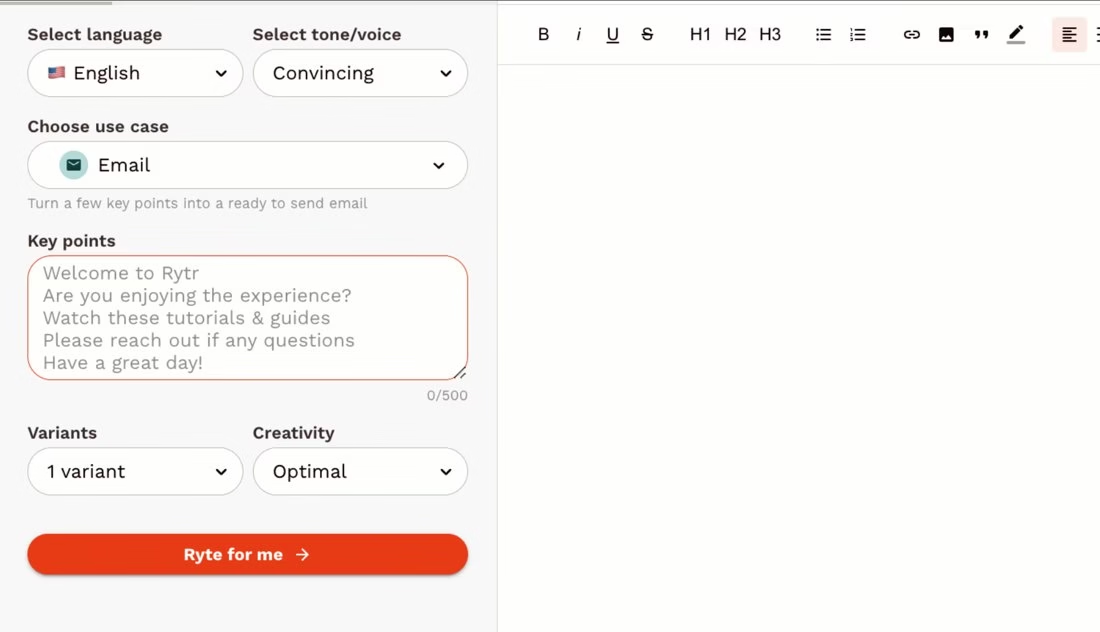
Rytr offers writing templates for marketing and personal use, plus continue-writing, expand-content and editing controls. Its site says it can mirror a writing sample’s tone. That makes it a distinct choice for short social posts, product blurbs and email outlines rather than deep editorial research.
Give it a verified product description and request three short email subject lines. Check that each one matches the real offer and your brand voice. A confident-sounding draft is not evidence that its claims are true.
Pick Rytr if you need many short variations and can edit them. For book-length story structure, Sudowrite is more focused; for an existing sentence, Wordtune is narrower.
Official product and feature details https://rytr.me/
9. Sudowrite – best for fiction scenes and story continuity
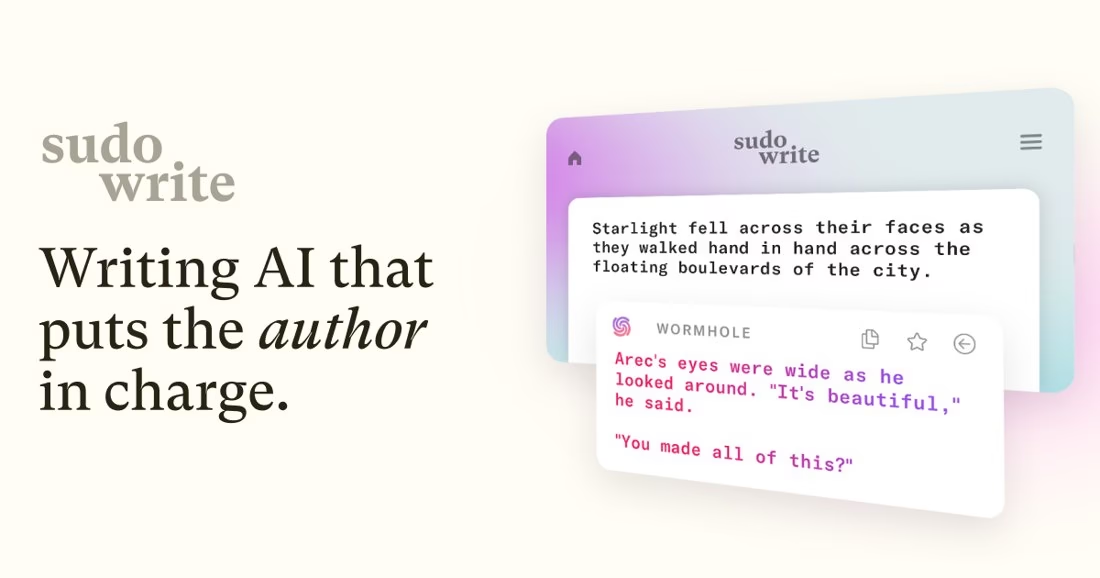
Sudowrite is aimed at novelists. Its official page describes Write for continuing prose, Describe for sensory details, Rewrite for revisions and Canvas for plotting; its documentation describes Story Bible as a place for planning and drafting a longer story.
Create one scene with a character constraint and compare the generated passage with your outline. Check continuity, point of view and the character’s voice yourself. Keep control of the final prose rather than accepting an entire scene unseen.
Choose Sudowrite for story-specific prompts and development. It is not a substitute for fact-checked business content or a general grammar checker.
Official product and feature details https://sudowrite.com/
10. Wordtune – best for alternative phrasing for existing sentences
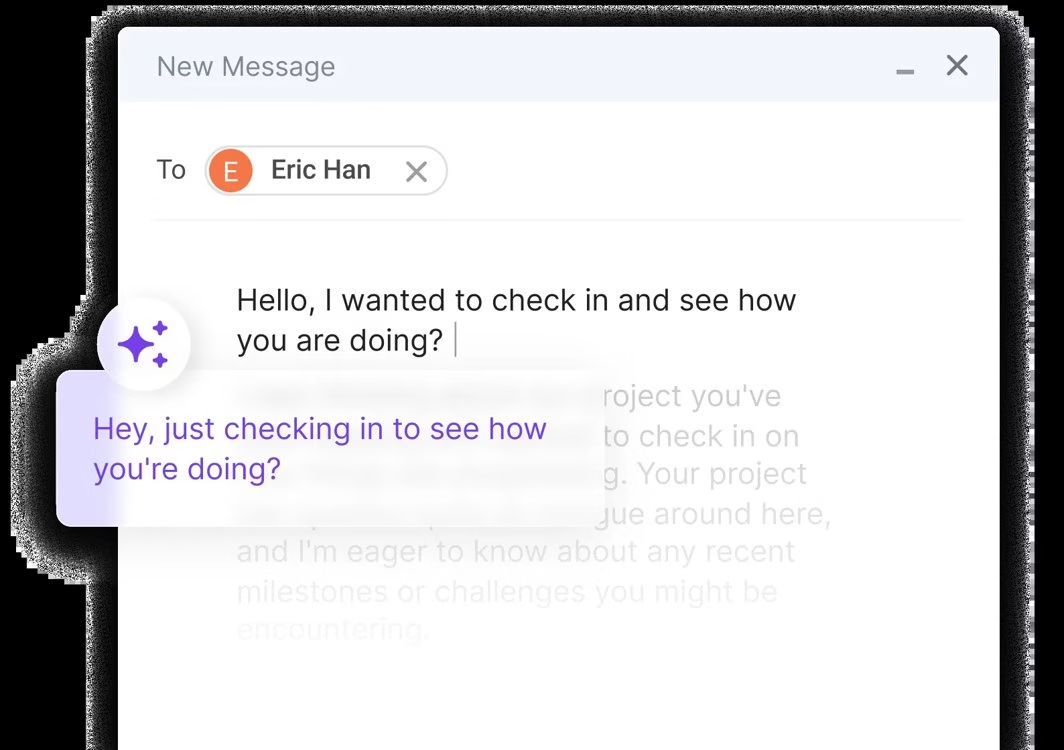
Wordtune’s Rewrite tool presents alternate ways to express text you supply. Its editor guidance describes rewrite and tone options, making it useful when a sentence is awkward but its meaning must stay intact.
Take a sentence from your own draft, test a shorter alternative, and compare any dates, caveats and proper nouns with the original. If a rewrite removes a qualification, keep your original rather than chasing a smoother sentence.
Choose it for localized revisions. For whole-document readability guidance, Hemingway is a simpler comparator; for paraphrasing many passages, also compare QuillBot.
Official product and feature details https://www.wordtune.com/rewrite
What we left off this list
A general chatbot can help outline or revise a paragraph, but no model was ranked here without a specific writing workflow to compare. Copy.ai, listed in the old article, has shifted its positioning toward go-to-market workflows; it would need a separate team-automation comparison, not an unqualified “best writer” slot. The old article also presented paraphrasing as a shortcut to new content. We replaced that with a source-first editorial workflow.
A practical review workflow for AI-assisted writing
• Write a brief that states audience, purpose, source links, terms to preserve and claims you cannot make.
• Draft from original notes or approved material. Keep the citations next to the claims, not only at the bottom of the page.
• Use one specialist editor for a defined pass: clarity, mechanics, story structure or brand tone. Compare suggested changes against your meaning.
• Check every date, price, quotation, product feature and link against current primary sources. Remove unverified claims and any first-person testing language you cannot support.
• Read the copy aloud and inspect the mobile layout. The final editor, not an AI score, decides when it is ready.
Frequently asked questions
What is the best free AI writing tool?
For quick grammar checks, Grammarly Free is a reasonable start. For readability, try the free Hemingway Editor. ProWritingAid Free is useful for a sample but limits suggestions to 500 words at a time. The best choice depends on whether you need corrections, clarity or long-form feedback.
Can AI writing tools produce SEO articles by themselves?
They can help structure or edit an article, but they cannot establish that a product claim is true or that a page adds something new to search results. Original research, primary-source checks and careful editing are still needed.
Which tool is best for rewriting?
QuillBot is focused on paraphrasing supplied text; Grammarly and Hemingway can rewrite sentences during editing. Recheck meaning, citations and rights in every case.
Which is best for a marketing team?
Jasper is the specialist choice in this list when brand guidance and repeatable campaigns justify its price. Notion AI may fit teams whose source notes and drafts already live in Notion.
Are AI detectors reliable proof?
Do not treat a detection score as proof of authorship. Keep your notes and drafts, review the actual facts and follow the disclosure rules that apply to your school, workplace or publication.
Further reading on Just Create App
ChatGPT vs QuillBot for SEO https://justcreateapp.com/chatgpt-vs-quillbot-which-is-best-for-google-seo
Best AI tools in 2026 https://justcreateapp.com/top-ai-tools-to-try
AI plagiarism checkers https://justcreateapp.com/best-ai-plagiarism-checkers









Leave a Reply