


Short answer: the best CRM for an MSP depends first on whether the sales pipeline belongs inside the PSA or in a separate sales system. ConnectWise PSA, HaloPSA, Autotask and SuperOps deserve a close look when customer records, quotes, contracts and billing need operational continuity. A general CRM can be the better prospecting workspace, but it needs a deliberate handoff to service delivery.
This comparison separates four PSA-oriented routes from eight standalone sales CRMs. The latter are not substitutes for ticketing, SLA tracking, recurring agreements or RMM. Do not compare a full operational platform with a basic sales seat as though either includes the same work. It is one slice of the wider stack in our list of digital tools for sales.
MethodHow this comparison was built
Official product pages and selected documentation were reviewed on 8 October 2026, and plan names and key pages were re-checked on 17 October 2026. Screenshots show public vendor pages. Fit recommendations are editorial judgments, and published limits are identified where the vendor states them.
Features not confirmed at a particular tier remain buying questions. Prices vary with region, billing term, taxes and extras, and no vendor revenue claim is used as evidence of a result your team will receive. Selling into IT departments is its own discipline, as our piece on why tech sales is harder than ever explains.
Side by sideQuick comparison: select the job before the brand
| Platform | Reason to evaluate | Published boundary or buying check |
|---|---|---|
| ConnectWise PSA | MSP opportunities connected to service operations | Confirm the PSA edition, CRM rights, quoting requirements and any separate CPQ product in the proposal. |
| HaloPSA | One customer record across MSP operations | The MSP overview is not a complete sales-edition or quote-generation specification. |
| Autotask | Documented CRM opportunities inside a PSA | Its developer documentation says module permissions matter and notes that an opportunity with multiple quotes needs a primary quote. |
| SuperOps | Client context, quotations and recurring services | Show the vendor the full pre-sales process: an unqualified inquiry, an assigned salesperson, a proposal, a lost deal and an accepted service. |
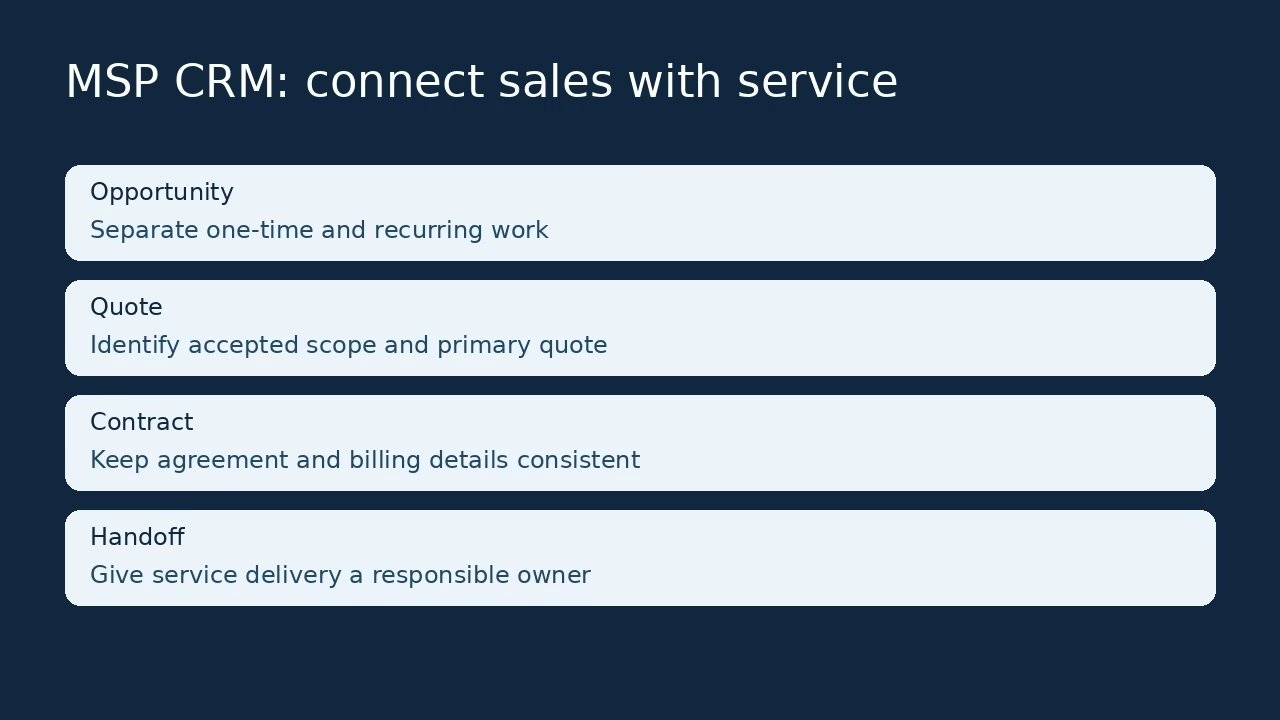
The first four routes connect client management with PSA operations. The next eight are sales systems to pair with an operational platform, and picking between those worlds is where CRM projects fail most quietly.

| Platform | Reason to evaluate | Published boundary or buying check |
|---|---|---|
| HubSpot | Sales connected with a broader customer platform | The official Free tools FAQ currently allows up to two users and 1,000 contacts. |
| Zoho CRM | Configurable sales processes and team work | The official pricing page offers a Free edition for three users. |
| Pipedrive | Activity-led pipeline selling | The current pricing page lists Lite, Growth, Premium and Ultimate rather than older plan names. |
| Freshsales | Sales communication and a wider suite path | The pricing page displays Growth at US$9, Pro at US$39 and Enterprise at US$59 per user per month with annual billing. |
| Insightly | A sales-to-project handoff | Confirm which project, automation, reporting and integration features the proposed plan includes. |
| Copper | Relationship work inside Google Workspace | An inbox-centered interface still needs account ownership, pipeline definitions and permission rules. |
| Capsule | Contact-first selling | Its pricing page limits Free to two users, 250 contacts and one sales pipeline. |
| Attio | A flexible relationship data model | Its website makes broad agent and automation claims; treat them as capabilities to verify, not measured results. |
The listThe 12 platforms
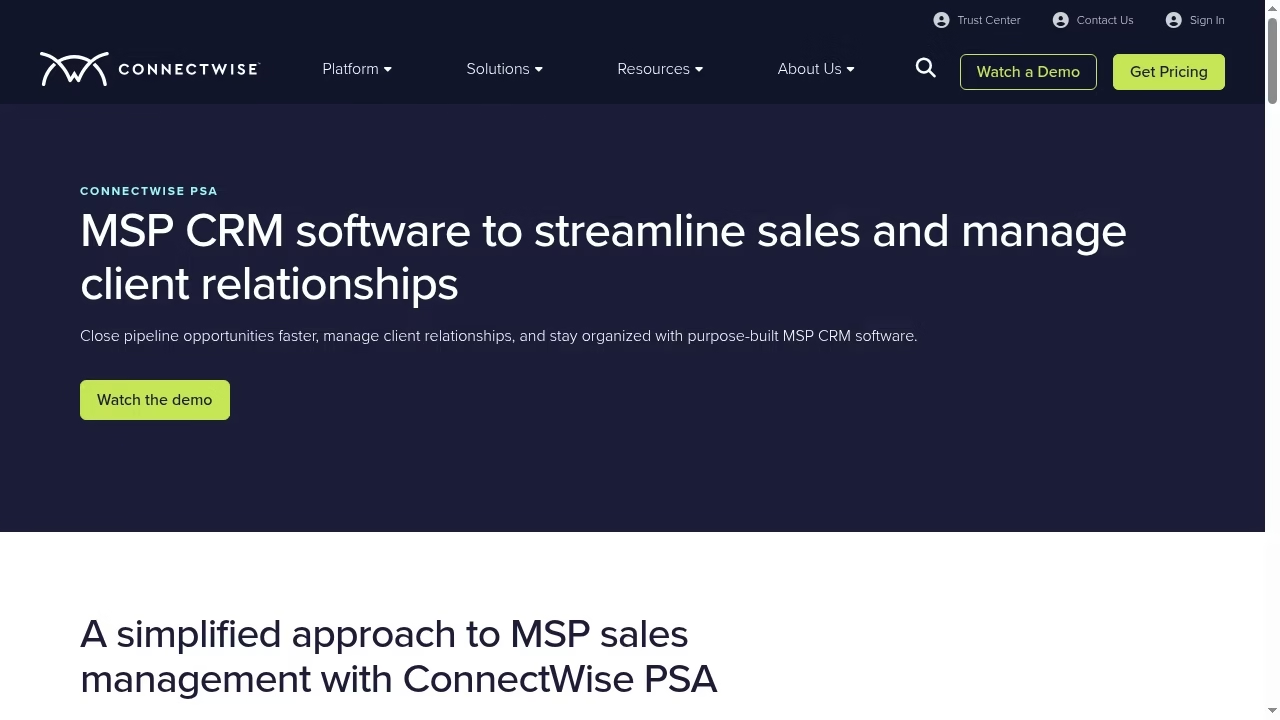
ConnectWise PSA describes centralized opportunities, lead sources, communications, activities, reminders and sales forecasting. It places customer relationship work inside a broader service-provider platform.
That can reduce the handoff gap between a sold service and the account that receives support. The main decision is whether your PSA should also own the sales pipeline, a call that sits alongside the wider questions in our guide to IT architecture consulting territory.
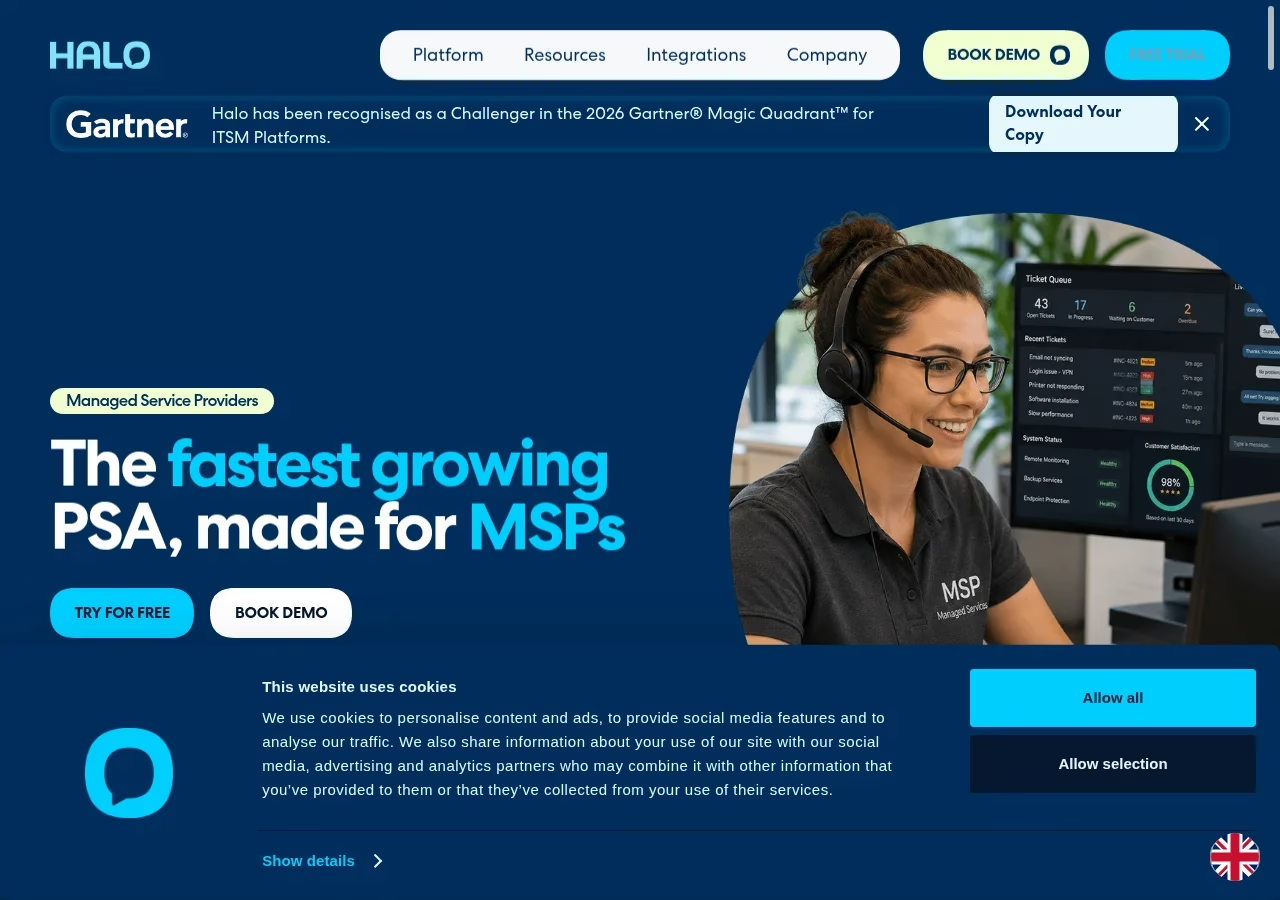
HaloPSA brings tickets, assets, contracts, projects, billing and reporting around a customer record. Its MSP page emphasizes recurring services and connected agreements.
That makes it relevant to account management after the deal closes, where relationship quality depends on knowing the customer contract and service history rather than only the last sales email. It belongs in the same toolbox conversation as our list of tools that boost business efficiency.
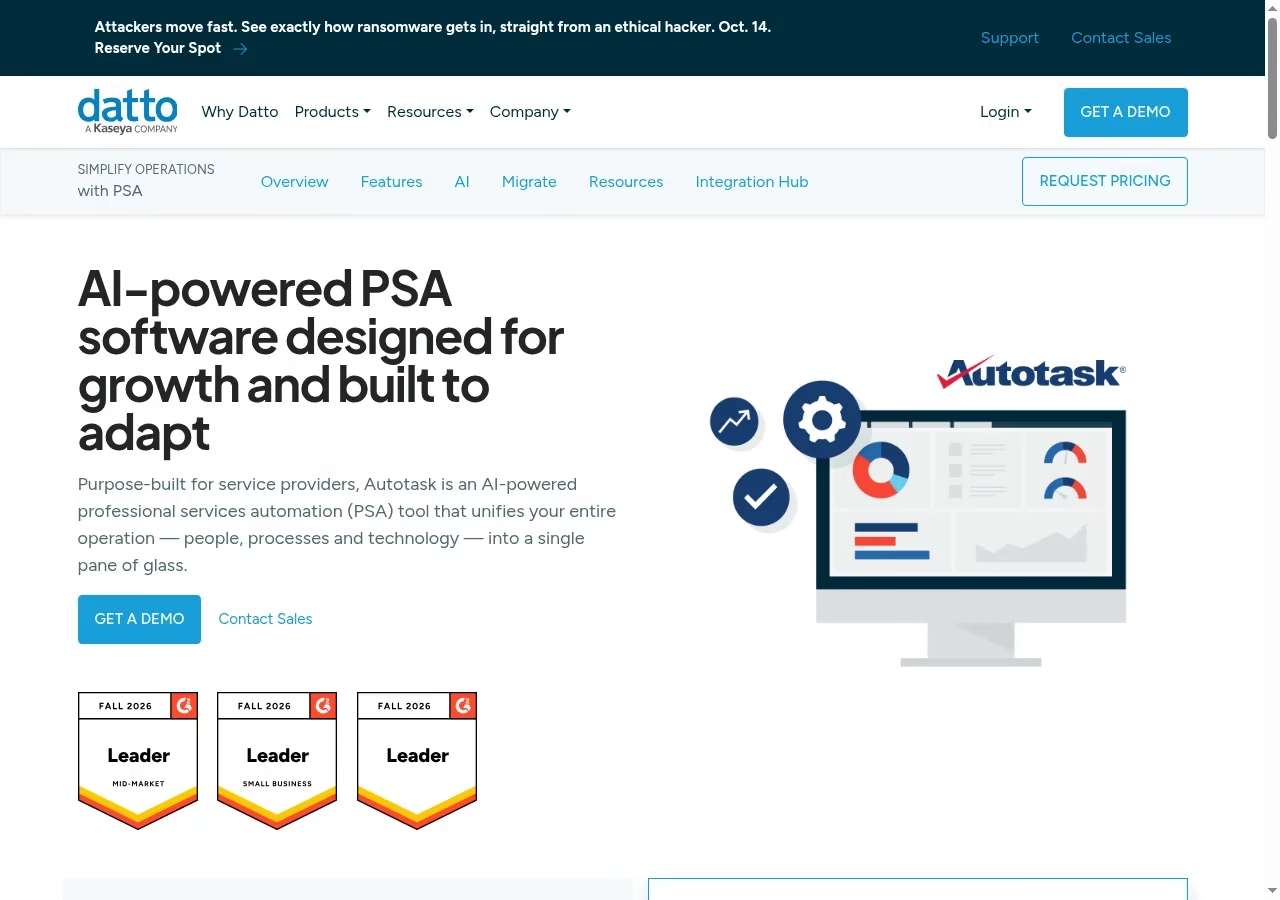
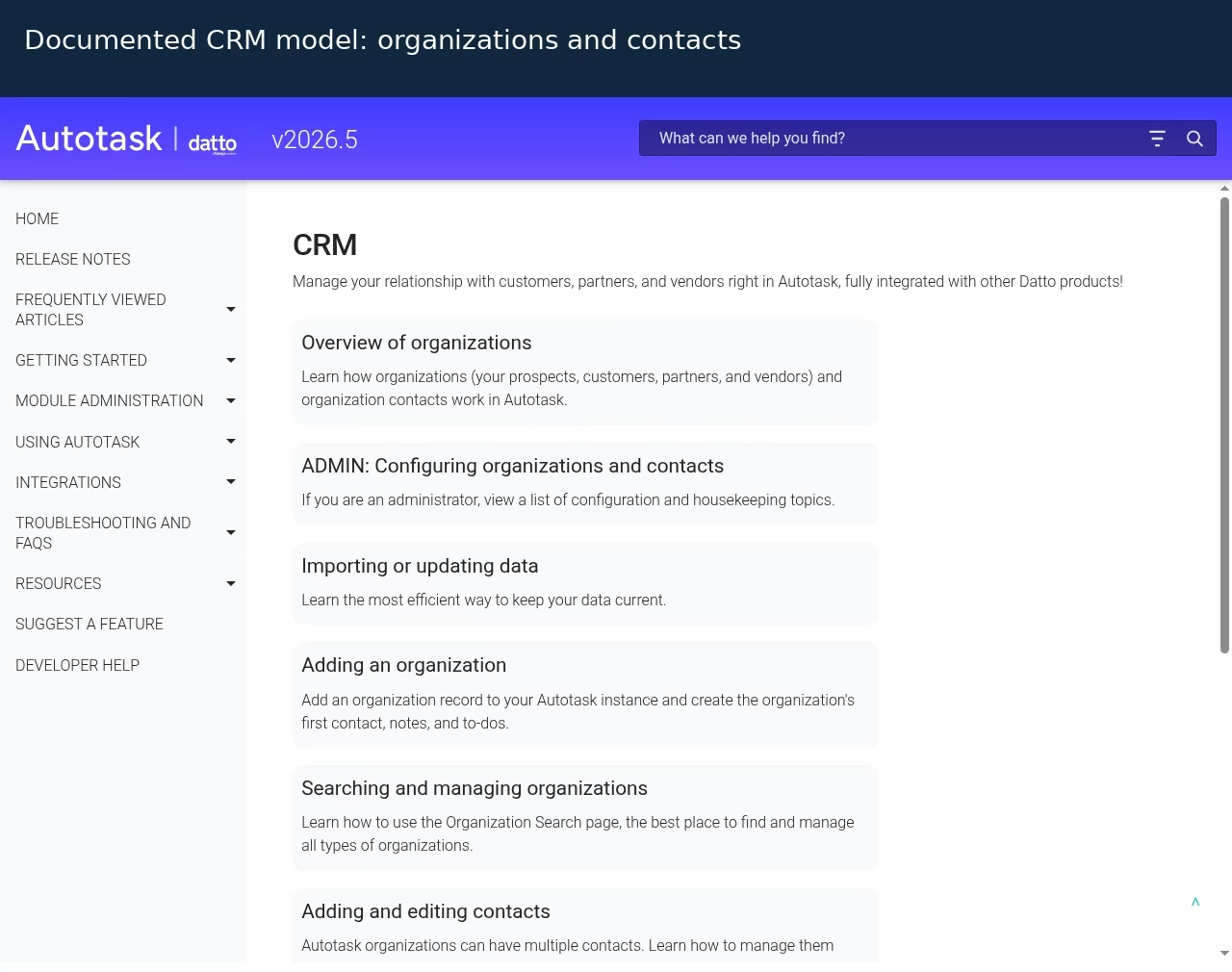
Autotask documentation describes organizations, contacts and opportunities in its CRM module. An opportunity records a prospective piece of business, including expected amount, due date and probability, and can be associated with quotes.
Those published relationships make it a useful candidate when the sales record needs to connect with service-provider operations. The quoting side ties into the workflows in our guide to business processes to automate.
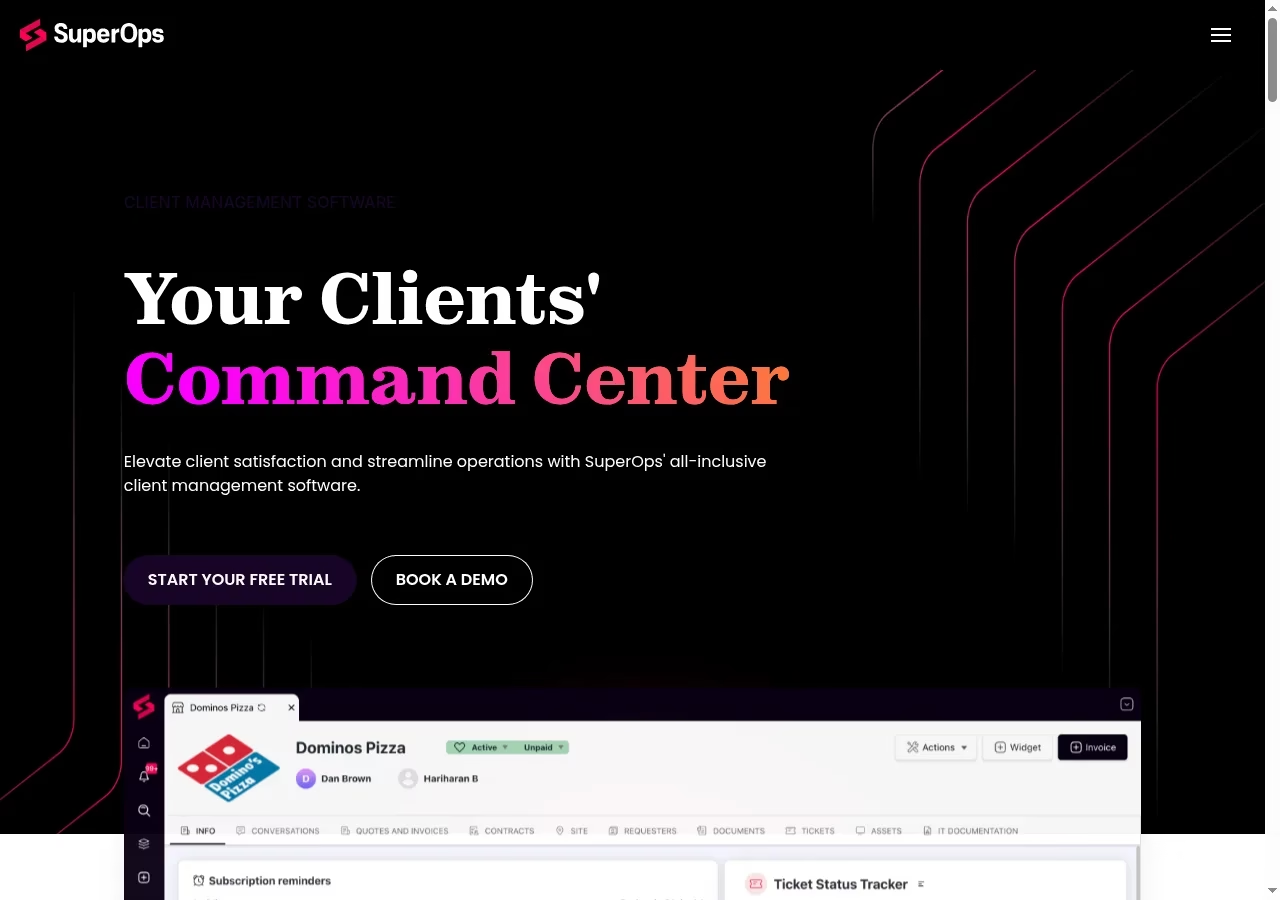
SuperOps presents client management alongside subscriptions, quotes, invoices and a client portal. That is useful for an MSP whose relationship problem is operational continuity, such as keeping account context visible when a customer moves from a quote to a service arrangement.
Evaluate it as a PSA-oriented workflow, not as something identical to a dedicated prospecting CRM. Its automation claims deserve the same scrutiny we apply in our roundup of the best automation tools.
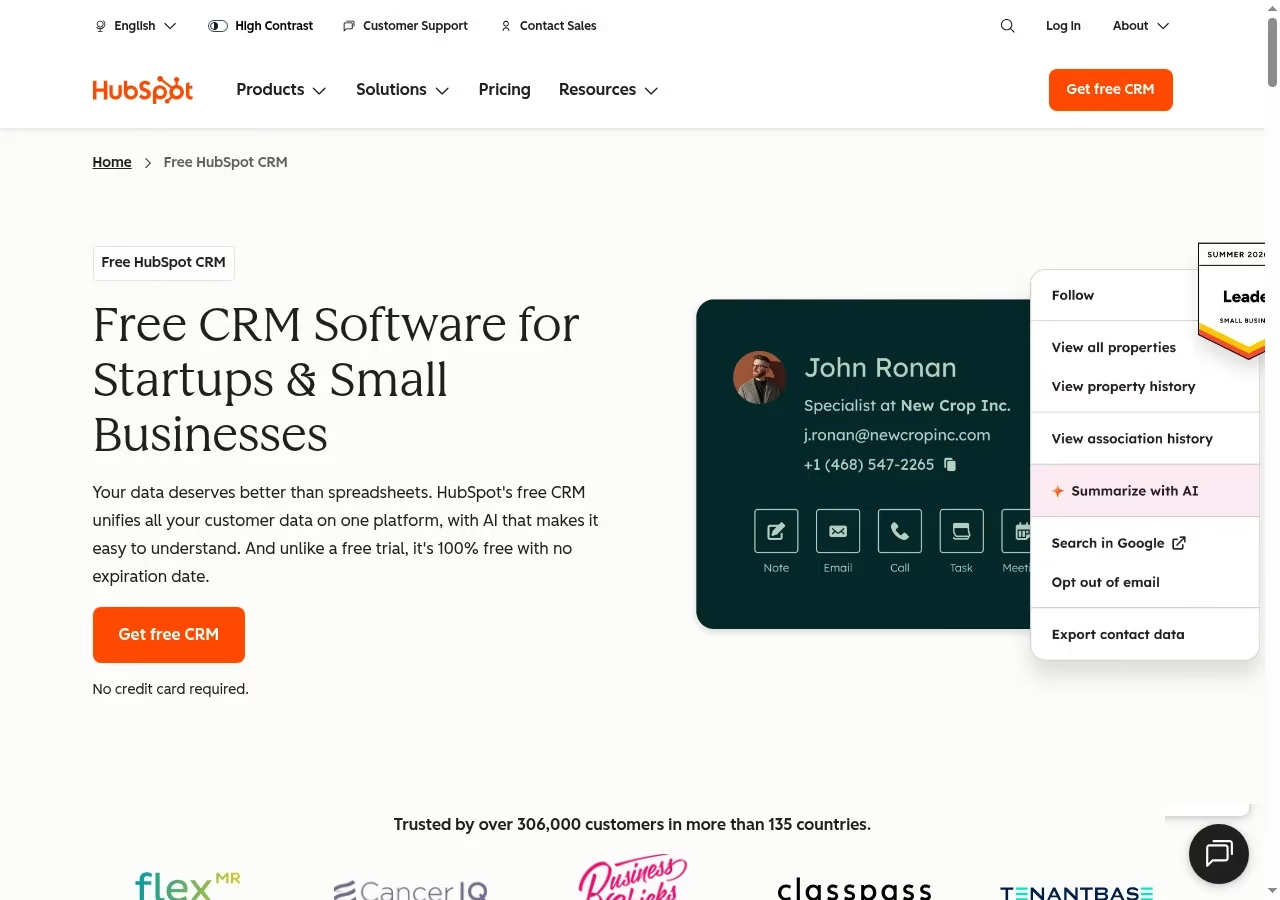
HubSpot links CRM records with sales, marketing, service and other tools. Its product page shows contact records, deal pipelines, activity logging and communication history.
It belongs on a shortlist when a handoff between teams is part of the problem, not merely because a free account exists. Decide which team owns the record and which hubs you will actually switch on during the pilot.
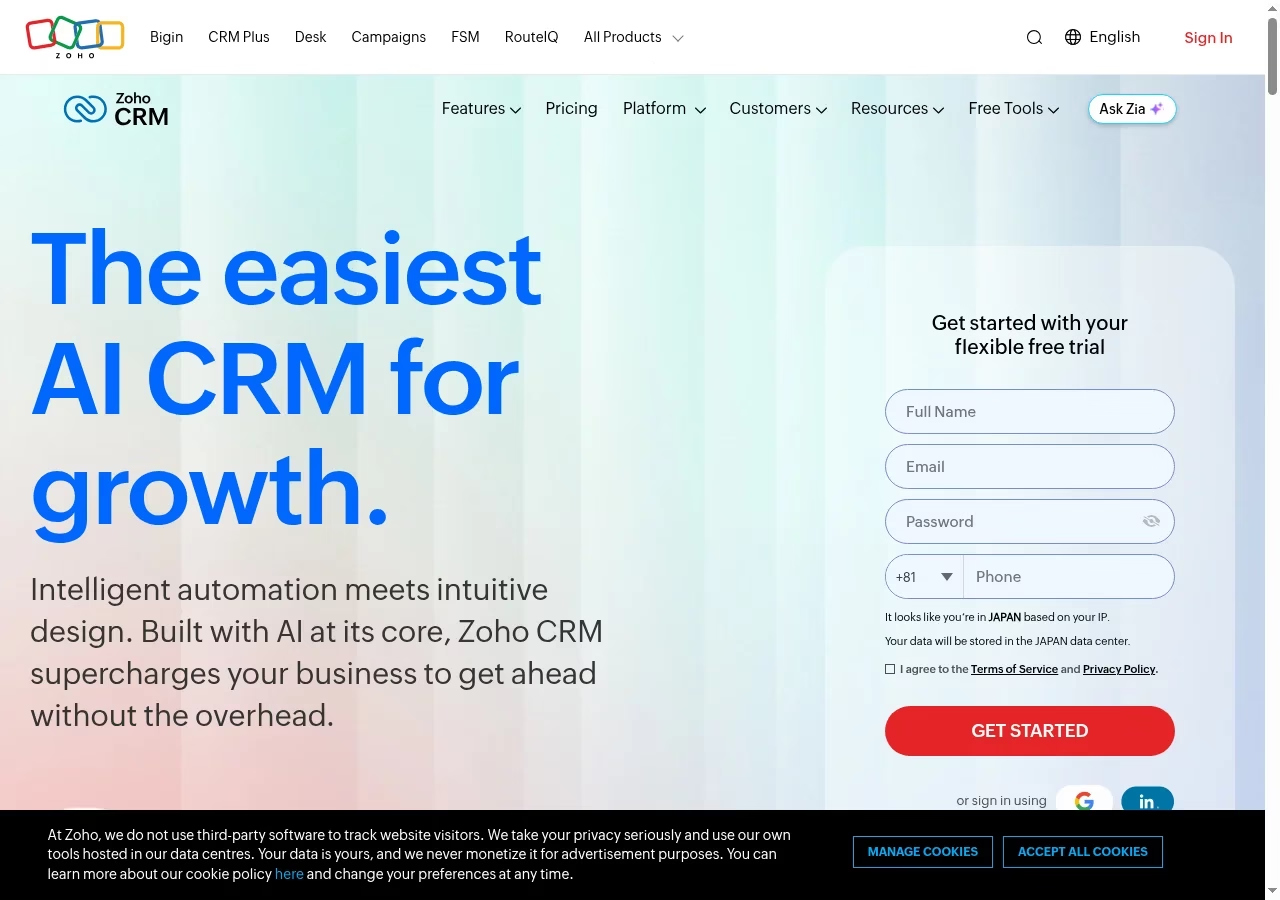
Zoho CRM offers sales pipelines and a broader configuration model, with CRM for Everyone adding teamspaces and team modules. That can help when several functions contribute to a sale, but it adds choices about roles, modules and the customer data model.
Give one person ownership of those choices so every department does not build a competing version of the same account. Those ownership choices are governance choices, and our explainer on the meaning of data governance gives you the vocabulary.
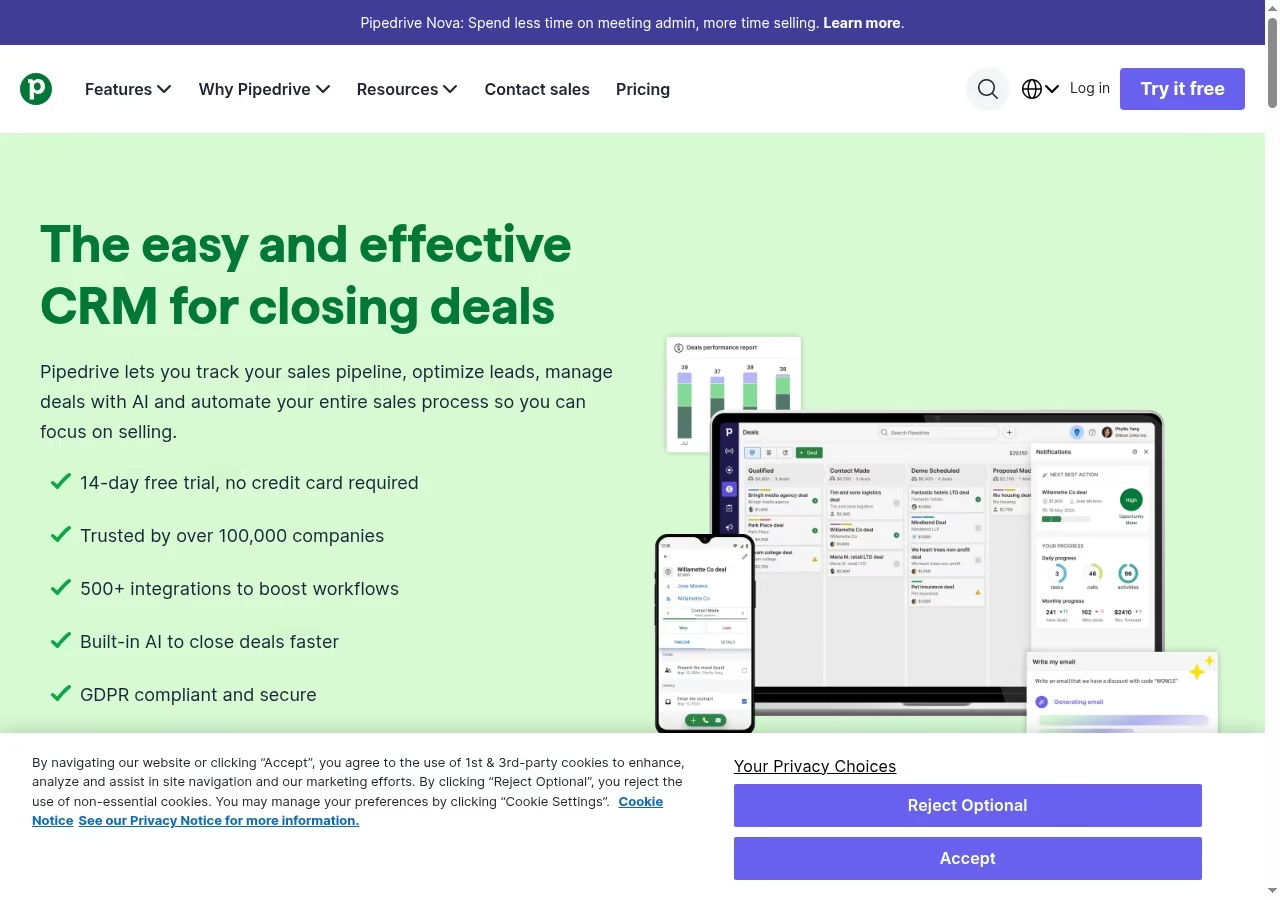
Pipedrive centers its product around leads, deals, contacts, a calendar and visible sales pipelines. A manager can review the opportunity together with its next activity rather than asking the seller to update a separate spreadsheet.
That is a good starting structure when the sales process has a small number of explicit stages and sales remains the primary workflow. If it makes your shortlist, our Pipedrive alternatives guide maps the competing options.
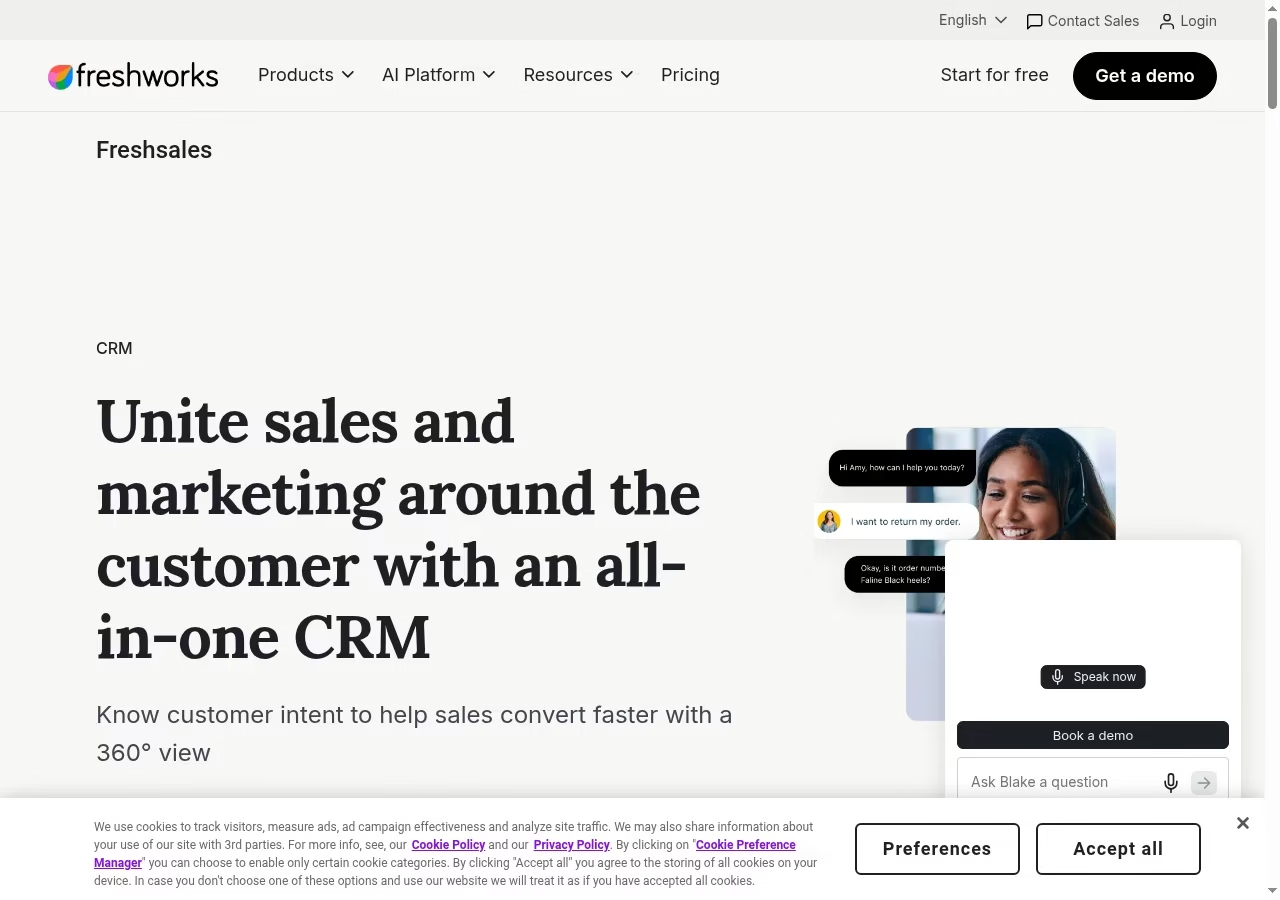
Freshsales is part of the Freshworks CRM range, while Freshsales Suite combines sales and marketing capabilities. The names are related, but they do not describe the same package, and the distinction matters when comparing proposals.
The official pages emphasize lead management, pipeline work, sales activities and insights. Start with the actual sales workflow before deciding whether suite functionality is needed, and if customer conversations are the bottleneck, our list of customer messaging software covers that layer.
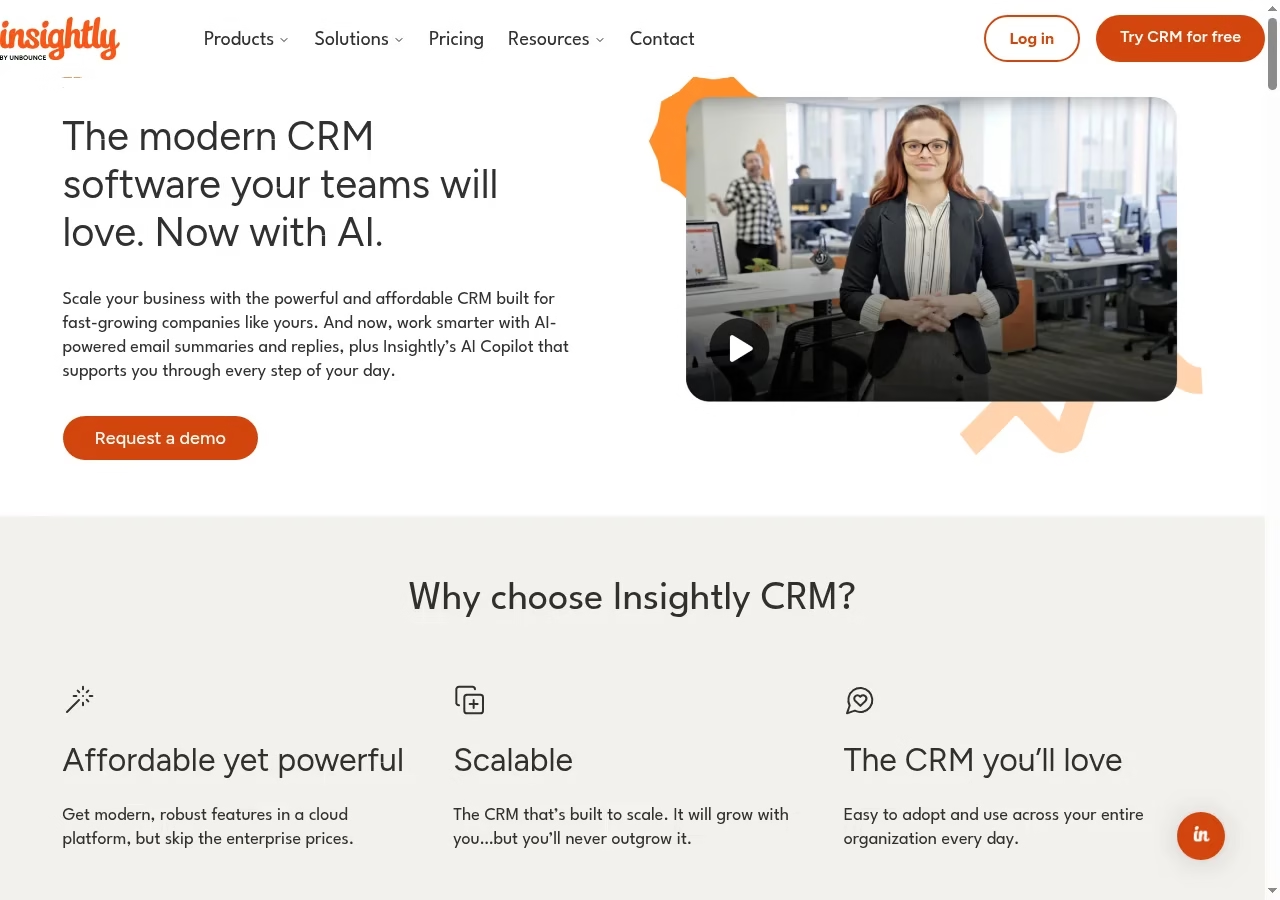
Insightly supports leads, configurable opportunity pipelines and a link between sales and delivery-oriented work. That makes it interesting when closing a deal starts a project rather than ending the customer workflow.
The useful comparison is whether the winning opportunity becomes a clear delivery record without the project team rebuilding the customer history from email. Projects carry risk too, and our piece on the importance of a risk register is a good companion read.
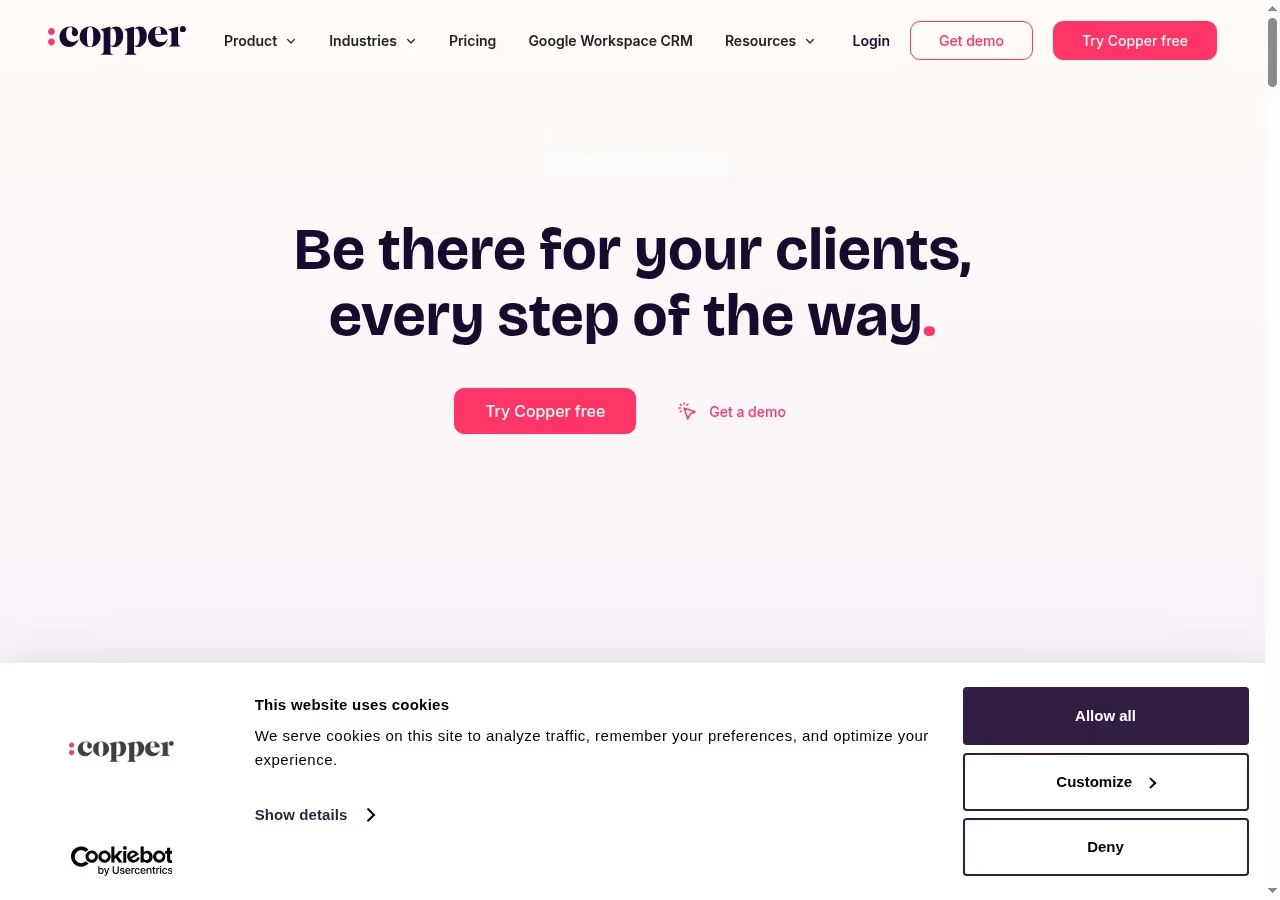
Copper explicitly supports work inside Gmail and Google Calendar. Its page describes adding leads, tracking conversations, finding files and managing tasks in that environment, alongside opportunity stages and deal visibility.
That makes it worth considering when the current sales process already lives in Google Workspace and a separate CRM tab is a major adoption obstacle. It is one of several viable shapes, and our framework for choosing the right tech stack helps you weigh them.
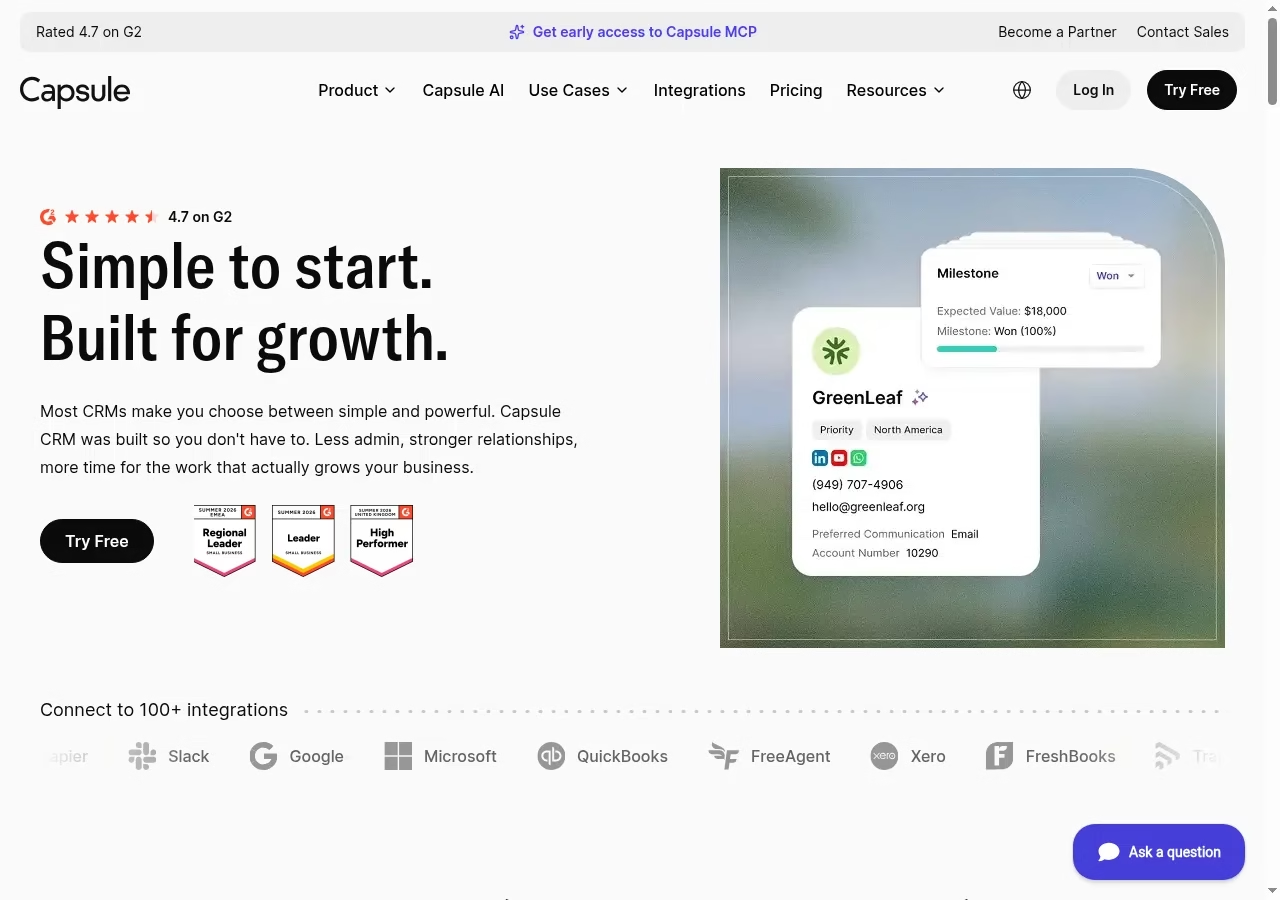
Capsule organizes contacts, sales opportunities and follow-up work without making the homepage promise an enterprise deployment. Its published import documentation separates People & Organizations from Sales Pipeline imports.
That distinction matters: a clean address book is not yet a usable deal pipeline, and moving both as one flat spreadsheet can hide the relationship between a person, a company and an opportunity. Capsule also appears in our small sales team CRM comparison with the same honest limits.
Attio describes connected inbox and calendar context, customer data and workflows around revenue work. It is a candidate when a team needs relationships that do not fit neatly into one person-to-one deal, such as several contacts across multiple accounts or partnerships.
Flexibility is valuable when it removes forced workarounds, but it creates responsibility for the underlying model. Its AI claims deserve the same scrutiny we apply in our piece on AI technology for customer experience.
DocumentationDocumented MSP handoff: opportunity and primary quote
Autotask’s opportunity documentation describes amount, due date, probability and progress for prospective business. It connects opportunities with quotes and requires a primary quote when several are associated. That is a published data model you can design around before any integration work starts.
Ask the vendor to show one-time onboarding plus a recurring managed-service agreement. Which quote is primary? Which field represents monthly revenue, and who creates the contract after acceptance? The documentation says changes to period-specific revenue and cost can recalculate totals, so an external deal value needs a defined meaning before it maps into a PSA.
Mapping work like this belongs on the list of business processes to automate carefully, not eagerly.
BoundaryDefine the MSP sales-to-service boundary
Assign each record an authoritative system
The CRM may own prospects and pipeline while the PSA owns service agreements, tickets and invoices. Customer identifiers, billing details and accepted scope need one authoritative source each.
If both tools can edit everything freely, an integration can replicate inconsistent records rather than produce a reliable customer view. This is data governance in its most practical form.
Make accepted scope operational
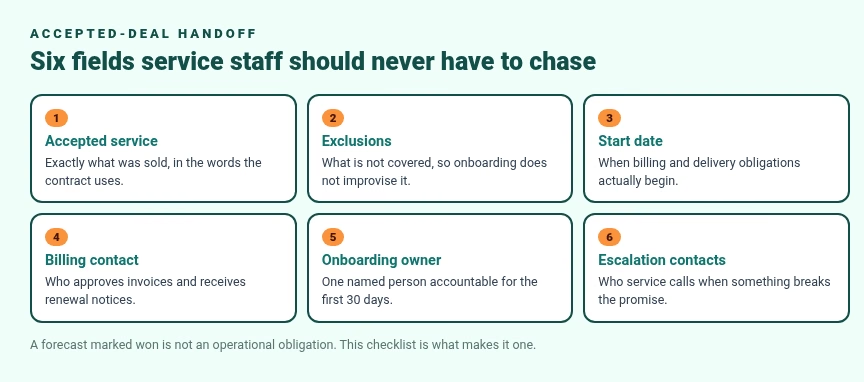
A won opportunity should name the accepted service, exclusions, start date, billing contact, onboarding owner and escalation contacts. Decide who checks the handoff before onboarding begins.
A forecast marked won is not the same as an operational obligation. Use a checklist that service staff can act on without rebuilding the agreement from sales email.
Test the exceptions
Include a lost proposal, a revised quote and a customer whose device count changes after acceptance. Look for duplicate accounts, stale recurring values and unassigned tasks.
Sales and service managers should see how each exception gets corrected, not just how the happy path flows.
MarginsProtect margins and customer context
Separate recurring and one-time value
An MSP deal can combine hardware, setup, projects and monthly services. A single amount can distort a recurring-revenue forecast. Ask how the system stores periods, renewals and costs.
If an integration is used, confirm whether totals are entered or calculated from components, as the Autotask documentation illustrates.
Budget for integration maintenance
Count CRM, PSA, CPQ, migration, implementation, training and ongoing connector support. A separate CRM can still be right, but the sales benefit should justify its footprint.
A connector in a marketplace is not proof that every quote, file, field and contract synchronizes in the direction your process needs. Weigh the whole stack with the same discipline as choosing a tech stack.
FAQFrequently asked questions
First choose whether the pipeline belongs inside the PSA or in a separate sales system. The operational routes and the standalone CRMs here have different responsibilities. The right fit preserves customer identity, accepted scope and ownership from opportunity through billing. There is no universal winner, only a fit for your handoff. Our apps hub has adjacent comparisons.
No. CRM focuses on customer relationships and sales, while PSA covers service operations such as tickets, projects, contracts and billing. Some PSAs contain CRM features. Product overlap does not make them identical. Test the pre-sales and post-sale work you need rather than assuming either category replaces the other.
It can help when prospecting, marketing coordination or sales reporting needs more depth than the current PSA. Its value must justify integration and maintenance. Define the authoritative account, contact and opportunity records, then test a won and a lost deal. The handoff should not create duplicate customers or stale recurring revenue.
Use one-time onboarding plus a monthly managed-service agreement. Verify the primary quote, accepted scope, billing contact, start date and operational owner. Period-specific cost and revenue mappings matter, as Autotask documentation illustrates. A listed connector is not proof that all required fields and files transfer correctly.
No. Sales pipelines track prospective work, while tickets track obligations with priorities and service targets. Some CRMs share data with service tools, but sharing a contact record is not the same as managing an SLA. Keep the operational system authoritative for service promises and measure response against those commitments; our guide to tools that boost business efficiency shows where ticketing sits in the wider stack.
Count CRM and PSA subscriptions, CPQ, onboarding, migration, training and connector maintenance. User counts, editions and annual-billing equivalents differ between vendors. Compare the complete workflow, then include the internal time needed to keep integrations and data quality reliable after launch; underestimating setup is a classic reason CRM projects fail.
Accepted service, exclusions, start date, billing contact, onboarding owner and escalation contacts. Include the primary quote reference and how recurring value is stored. Assign a checker before onboarding starts. The aim is a service team that can act without rebuilding the agreement from the sales thread.


Leave a Reply