
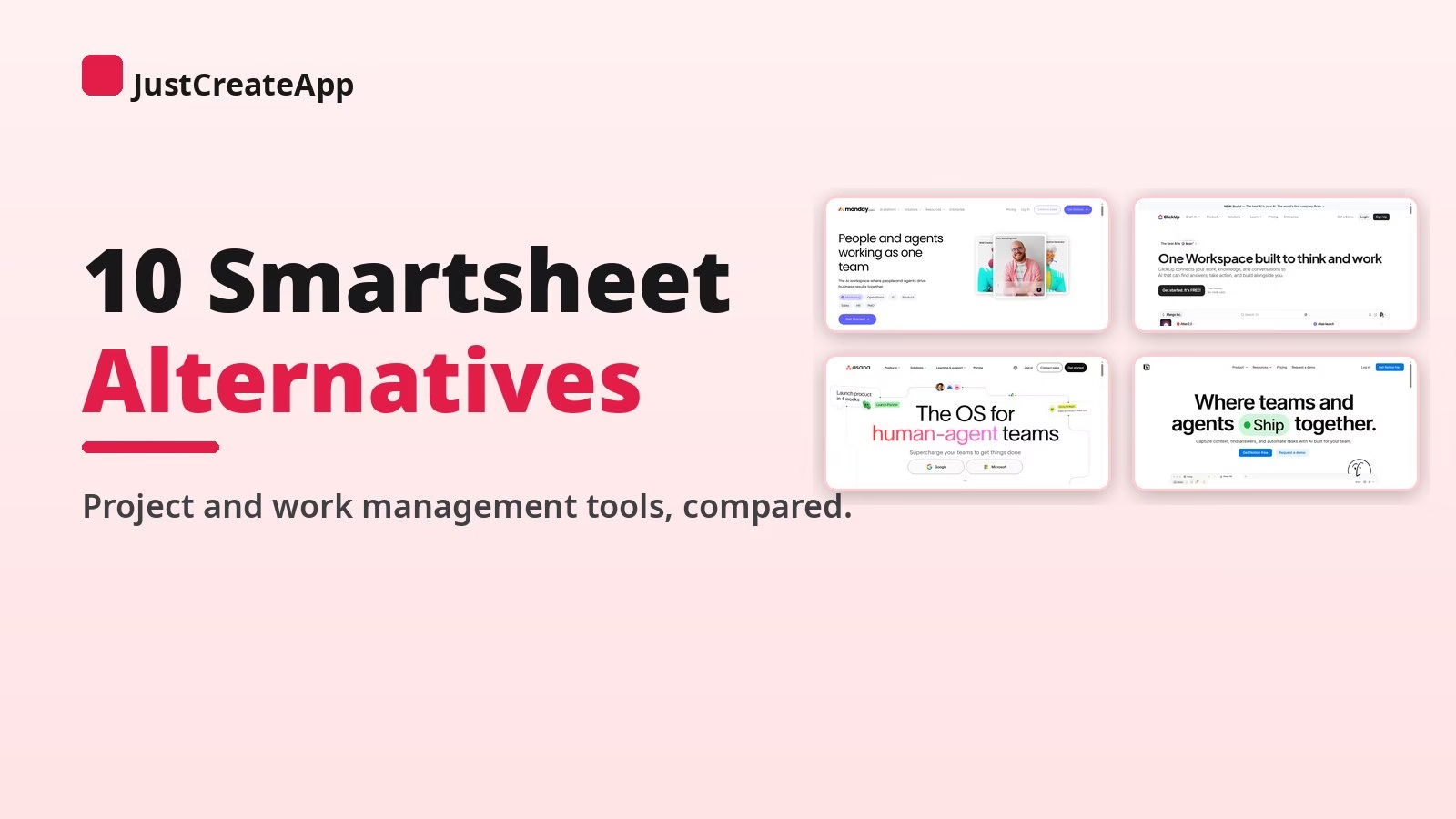

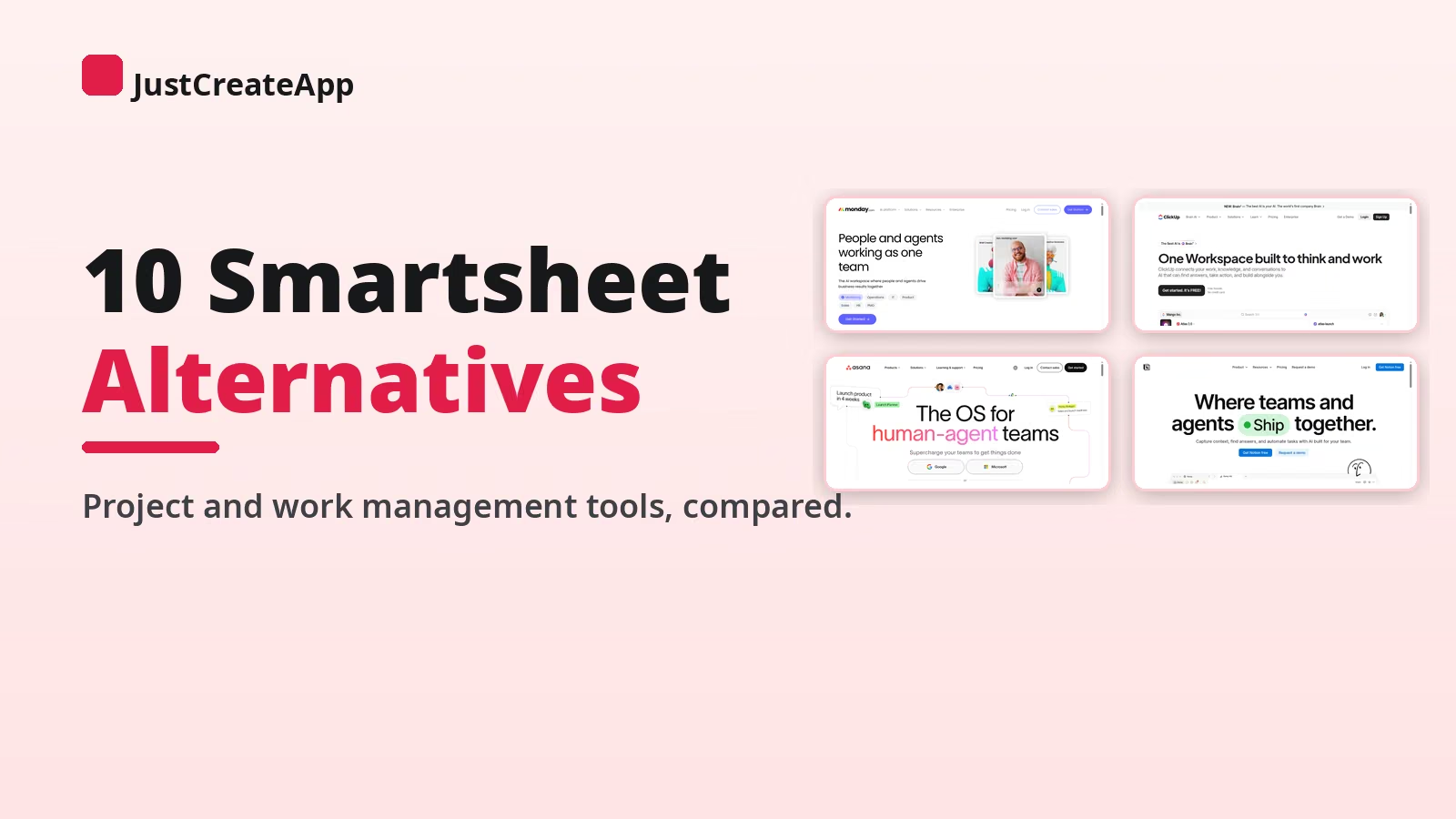
Smartsheet earned its place by making the spreadsheet do project management, and for ops-heavy teams that grid is still comfortable. But the complaints I hear are consistent: per-user pricing that climbs as the team grows, an interface that feels like a spreadsheet long after your projects stopped being spreadsheet-shaped, and automation limits that show up exactly when you start to scale. If any of that sounds familiar, the good news is that work management is one of the most competitive categories in software, and there is a strong alternative for every kind of team.
I compare software for a living, and I have already broken down two of the biggest names here head to head in my Airtable vs monday.com comparison, so I have watched this market sort itself into clear lanes: visual work platforms, database hybrids, docs-first workspaces, and simple boards. The ten picks below cover all four.
One framing note before the list: leaving Smartsheet usually means leaving the grid, and that is a bigger emotional shift than a feature shift. Some picks below keep a spreadsheet-style view if your team genuinely thinks in rows. Others will ask you to think in boards, docs, or databases instead. Each pick says plainly which trade it makes, so you can match the tool to how your team actually works.
In a hurry? Start here
- Best overall Smartsheet alternative: monday.com
- Best free-forever value: ClickUp
- Best for cross-team work management: Asana
- Best database-style grid: Airtable
- Best docs-first workspace: Notion
- Best flat pricing: Basecamp
The 10 best Smartsheet alternatives at a glance
| Tool | Best for | Free option | Standout |
|---|---|---|---|
| monday.com | Visual work management | Free plan (its site) | Work OS, from $9/seat |
| ClickUp | Feature depth on a budget | Free forever plan (its site) | Everything app, $7/user |
| Asana | Cross-team projects | Free Personal plan (its site) | AI Teammates built in |
| Wrike | Agencies and pro services | Free plan (its site) | Proofing and approvals |
| Airtable | Database-style grids | Free plan (its site) | Relational records, apps |
| Notion | Docs plus projects | Free plan (its site) | Wiki and tasks in one |
| Trello | Simple kanban | Free plan (its site) | Boards anyone can run |
| Basecamp | Flat pricing | Free 1-project plan (its site) | No per-user fees, ever |
| Teamwork | Client services work | Free plan (its site) | Time tracking native |
| SmartSuite | Closest Smartsheet feel | 14-day trial (its site) | Grid-first work management |
1. monday.com best Smartsheet alternative overall
The visual Work OS that grew past the grid
monday.com is the natural first stop for teams leaving Smartsheet. It calls itself a Work OS, and where Smartsheet asks you to live in rows and columns, monday gives you colorful boards that flip between table, kanban, timeline, Gantt, and calendar views of the same data. Its pricing page publishes a free plan with no credit card needed, with paid tiers from $9 per seat per month on its calculator, which makes the entry cost dramatically lower than a Smartsheet Business quote.
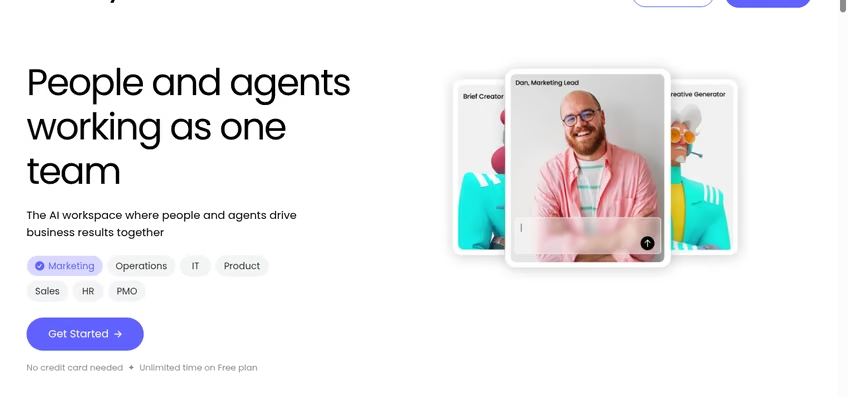
monday.com keeps the table view Smartsheet users know, then adds boards, timelines, and dashboards on top.
Where monday.com fits
monday’s automation builder and dashboard widgets cover the two places Smartsheet users hit limits first, and its marketplace fills niche gaps. If your work includes scheduling people as well as projects, my employee scheduling tools roundup covers the shift-planning side that neither platform tries to own.
The honest trade-offs: monday’s per-seat math still climbs with headcount, and its cheapest paid tier limits automation counts, so model your real usage. I compared its database side directly in Airtable vs monday.com if you are torn between those two. For most teams, though, monday is the smoothest landing from Smartsheet.
2. ClickUp best free-forever value
One app to replace them all, at a fraction of the price
ClickUp’s pitch is maximalist: tasks, docs, whiteboards, goals, chat, and dashboards in one app, priced to undercut everyone. Its pricing page publishes a free-forever plan, Unlimited at $7 per user per month billed yearly, and Business at $12, which is less than half of what a comparable Smartsheet setup typically costs. If your main Smartsheet complaint is the bill, ClickUp is the first tab to open.
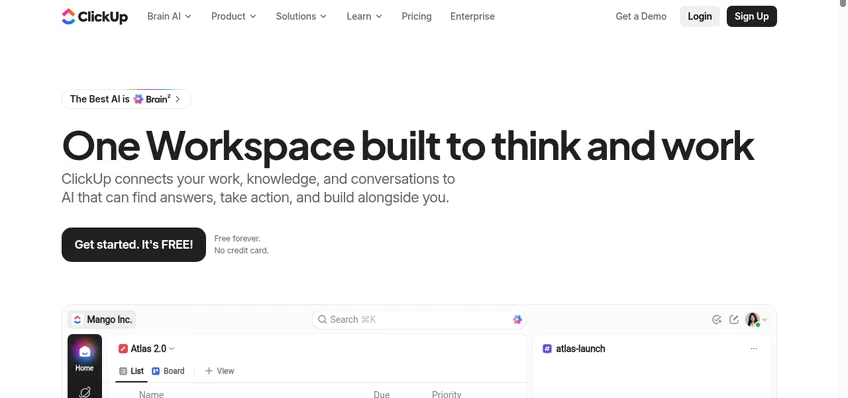
ClickUp packs tasks, docs, goals, and chat into one workspace at the lowest published per-user rate here.
Where ClickUp fits
ClickUp’s hierarchy, spaces, folders, lists, works well for agencies and ops teams juggling many projects, and its views include a proper table mode for the grid-loyal. Teams weighing lighter task apps should also see my Todoist alternatives guide for the personal end of the spectrum.
The trade-off is density: ClickUp can feel overwhelming in week one, and its pace of feature releases means occasional rough edges. Start one team on the free plan, mirror a real Smartsheet workflow, and judge it on that before migrating everything.
3. Asana best for cross-team work management
Agentic work management with a free Personal plan
Asana’s pricing page now leads with “agentic work management,” and the product has moved with it: AI Teammates and AI Studio sit on top of the classic list, board, timeline, and calendar views. Its free Personal plan covers one or two people with unlimited tasks and projects, and paid Starter and Advanced tiers add timeline and Gantt views, reporting dashboards, unlimited automations, and portfolios. For coordinating work across departments, Asana remains the most polished option.
Asana’s free Personal plan covers unlimited tasks and projects for individuals and pairs.
Where Asana fits
Asana’s strengths are alignment features Smartsheet treats as secondary: goals linked to work, portfolios across projects, and workload views for capacity planning. Its per-user pricing is on the higher side of this list, so it rewards teams that will actually use the coordination layer rather than just the task lists.
If your projects are sales-adjacent, my why CRM projects fail piece covers the handoff problems that kill cross-team rollouts, and Asana’s forms and approvals address several of them. For pure spreadsheet diehards, though, Airtable or SmartSuite will feel closer to home.
4. Wrike best for agencies and professional services
Work management built for client delivery
Wrike’s pricing page publishes a free plan and paid tiers from $10 per user per month, and its product is unapologetically aimed at teams delivering work to clients: proofing and approvals on creative assets, request forms that intake briefs, and workload charts for resourcing. Where Smartsheet is a generalist grid, Wrike is opinionated about delivery workflows, which is exactly why agencies gravitate to it.
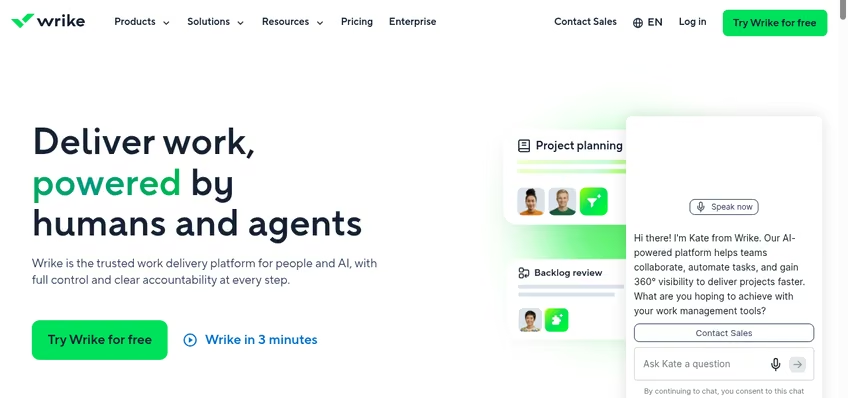
Wrike’s proofing and request forms are built for client delivery workflows.
Where Wrike fits
Wrike’s proofing tools let reviewers annotate images, videos, and documents in place, which replaces a whole chain of email feedback loops. Its risk and register workflows pair naturally with the practices in my guide to risk registers in project management.
The interface is denser than monday.com or Trello, and the best features sit in higher tiers, so expect a real evaluation period. For internal-only teams, Asana or ClickUp will usually feel friendlier; for billable client work, Wrike earns its complexity.
5. Airtable best database-style grid
The spreadsheet that is secretly a database
Airtable is the pick for teams who love Smartsheet’s grid but hate its ceiling. The grid view is the front door, but underneath it every table is a relational database with linked records, rollups, and an app builder on top. Its pricing page publishes a free plan, Team at $20 per user per month billed annually, and Business at $45, with interface designer and automations scaling up by tier.
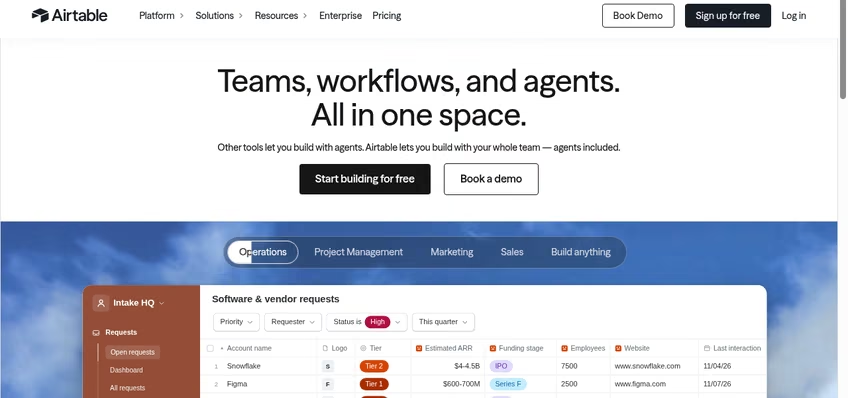
Airtable keeps the grid but makes every column typed, linked, and automatable.
Where Airtable fits
Content calendars, asset trackers, vendor databases, applicant pipelines: Airtable bends into all of them. I have compared it against the two closest options in detail, Airtable vs monday.com for work management and Airtable vs Google Sheets for pure spreadsheet work, and the pattern is consistent: Airtable wins when your rows need to reference each other.
Its limits: per-user pricing at the Team tier adds up, and large bases need care with record caps. If your team mostly writes and documents rather than tracks, Notion is the softer landing; if they track everything, Airtable is the upgrade Smartsheet was pointing at.
6. Notion best docs-first workspace
Wiki, docs, and projects in one connected workspace
Notion attacks Smartsheet from the opposite direction: instead of a grid with project features, it is a document workspace with databases inside. Its pricing page publishes a free plan at $0, Plus at $10 per member per month, and Business at $20, with AI credits as an add-on. For teams whose projects live and die by documentation, specs, and wikis, Notion collapses tools you are paying for separately into one subscription.
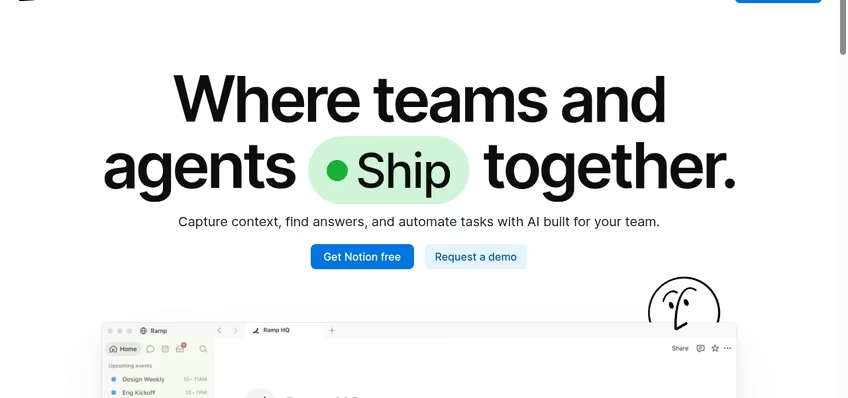
Notion’s databases power project views, but the heart of the product is the connected doc.
Where Notion fits
Notion databases drive table, board, timeline, and calendar views, so project tracking is real, but its killer feature is context: every task links to the doc that explains it. If you outgrow its structure, my Notion alternatives guide maps the neighboring options.
The trade-offs: Notion’s reporting and workload features are thinner than Asana’s or Wrike’s, and offline support still lags. For a team of writers, designers, or engineers who live in docs, it replaces Smartsheet plus a wiki plus half of your file shares in one move.
7. Trello best simple kanban boards
The board anyone can run in five minutes
Trello is the anti-Smartsheet: no grid, no formula bar, just boards, lists, and cards that anyone on the team understands instantly. Its pricing page publishes a genuinely useful free plan, with paid Standard and Premium tiers for teams that outgrow it. For small teams drowning in Smartsheet’s complexity, Trello’s restraint is the feature.
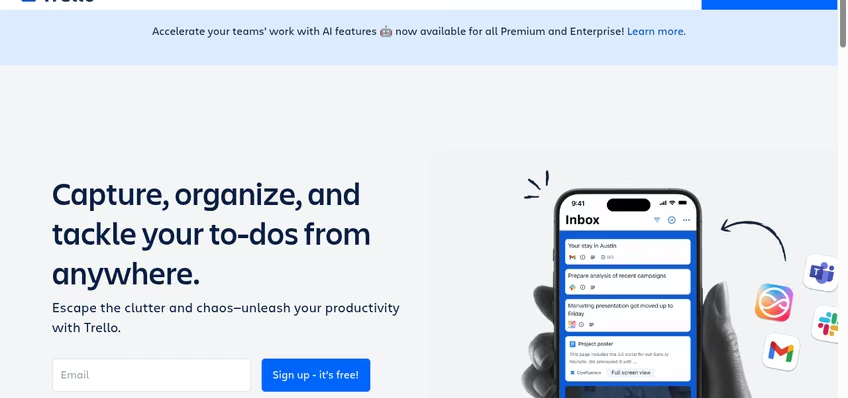
Trello’s boards, lists, and cards are the simplest project system that still scales to a team.
Where Trello fits
Trello’s Power-Ups add calendars, custom fields, and integrations, and Butler automation handles repetitive card moves. When a board outgrows kanban, my Trello alternatives guide covers the next step up, and the TickTick vs Todoist comparison covers personal task tracking for team members who want their own lists.
Know the ceiling: Trello has no native Gantt, no real reporting, and no grid view, so complex multi-project programs will outgrow it. That ceiling is also its charm. If your Smartsheet usage is really three boards wearing a spreadsheet costume, Trello is the honest replacement.
8. Basecamp best flat pricing
No per-user fees, everyone included, fixed prices
Basecamp’s pricing page makes the boldest promise in this category: “no per-user fees, everyone’s included, just clear, fixed prices.” Its current tiers are published in full: a free plan for one project, Freelancer at $25 a month, Studio at $59, and Pro at $99, with user counts included rather than metered. For a team whose Smartsheet bill grows every time someone new joins, that flat math is the whole argument.
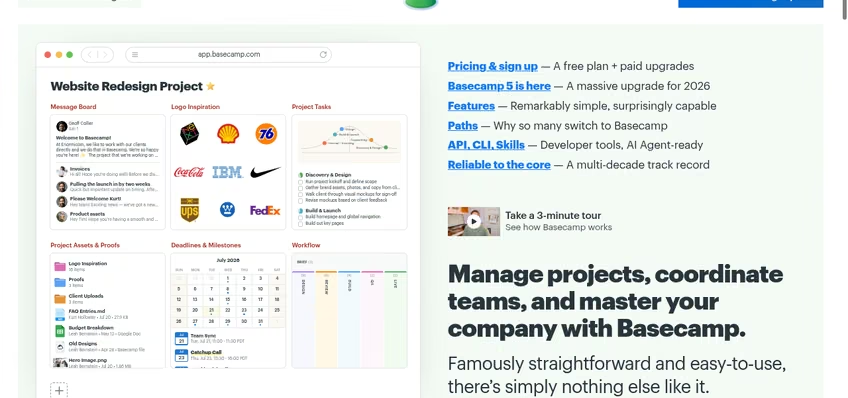
Basecamp charges per plan, not per person: the opposite of Smartsheet’s seat-based billing.
Where Basecamp fits
Basecamp bundles message boards, to-dos, schedules, docs, files, and group chat per project, and its Hill Charts give a visual status read that no grid column can match. Its 2026 pricing page even notes official support for ChatGPT, Claude, and AI agents with full MCP support, which is a genuinely forward-looking touch.
Basecamp deliberately skips Gantt charts, custom fields, and dense reporting. Teams that need those should stay with monday.com or Wrike; teams that want fewer features and more calm will find Basecamp is the only tool here that gets cheaper per person as you grow.
9. Teamwork best for client services work
Project management with time tracking and billing built in
Teamwork is built for companies that sell hours. Its pricing page publishes a free plan, Basics at $9.99 per user per month, and Accelerate at $24.99, and the product’s spine is client work: time tracking on tasks, budgets per project, retainers, and profitability reporting. Smartsheet can track a project; Teamwork can tell you whether the project made money.
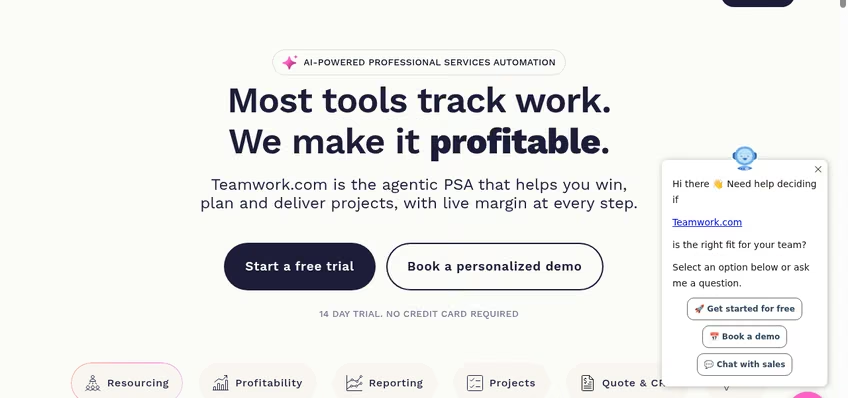
Teamwork natively tracks time and budgets per project, which services firms bill from.
Where Teamwork fits
Client users can be added free with controlled visibility, which alone saves services firms real money against per-seat rivals. Its intake forms, workload planner, and automations cover the delivery lifecycle end to end, and the construction-flavored pains in my project management software deep dive map closely to what Teamwork solves for digital agencies.
The interface is busier than Trello or Basecamp, and smaller internal teams will not use the billing half. But if your projects end in invoices, Teamwork is the only pick here designed around that fact.
10. SmartSuite closest to the Smartsheet feel
Grid-first work management, rebuilt for this decade
SmartSuite is the closest thing to a modern Smartsheet on this list: the grid is the heart of the product, with records that flip into kanban, timeline, calendar, and dashboard views. Its pricing page publishes a 14-day free trial with no credit card required, Team at $15 per user per month billed annually, Professional at $32, and Enterprise at $50. If your team wants to leave Smartsheet’s pricing without leaving its paradigm, this is the landing spot.
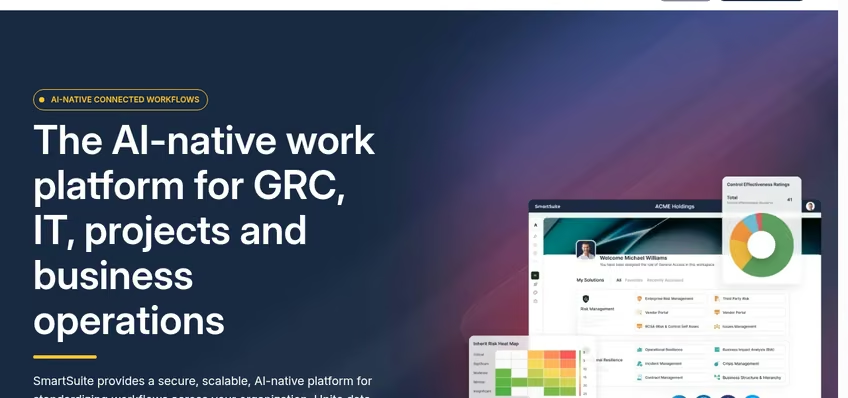
SmartSuite keeps the grid at the center, with modern views and automations around it.
Where SmartSuite fits
SmartSuite’s solution templates cover everything from GRC to projects to operations, so teams can start from a working system rather than a blank sheet. Its docs, automations, and reporting are built in rather than bolted on, which removes the ceiling Smartsheet users hit on lower tiers.
It is the youngest platform here, so the integration catalog is smaller than monday.com’s or Asana’s, and very large deployments should validate performance on their own data. For the grid-loyal majority of Smartsheet refugees, though, SmartSuite is the most natural migration on the list.
How to choose the right Smartsheet alternative
Decide whether you are leaving the grid. If rows and columns are how your team thinks, stay grid-first with Airtable or SmartSuite. If the grid was just the container, choose by working style: monday.com for visual management, Notion for docs-first teams, Trello for simplicity.
Model the per-seat math at your real headcount. Published rates range from $7 to $45 per user per month here, and Basecamp skips seats entirely. Run your headcount at double its current size before committing, the same exercise I walked through in my pricing breakdown format.
Check the automation and reporting ceilings. Smartsheet users typically leave after hitting limits, so test those first: automation counts, dashboard widgets, and cross-project reporting on the plan you would actually buy, not the trial’s top tier.
Plan the migration, not just the switch. Every tool here imports CSV, which gets your rows across, but formulas, automations, and attachments need manual rebuilding. If spreadsheets remain part of the workflow, my Excel vs Google Sheets comparison covers where each fits alongside a work platform.
Bottom line: the best Smartsheet alternative
monday.com is the best Smartsheet alternative for most teams in 2026: familiar tables, better visuals, real automations, and a published free plan. ClickUp wins on value, Airtable and SmartSuite keep the grid-loyal happy, Basecamp ends per-seat billing, and Teamwork owns client work. While you are upgrading the team’s toolkit, my recent guides to Rippling competitors, Zendesk alternatives, and Drift alternatives cover the people and support sides of the stack, and the apps archive has everything in one place. The practical next step: pick two, mirror one live project in each for a week, and let your team’s vote decide.
Frequently Asked Questions about Smartsheet alternatives
What is the best free alternative to Smartsheet?
ClickUp offers the most capable free-forever plan, with unlimited tasks and members. monday.com, Asana, Wrike, Airtable, Notion, Trello, and Teamwork all publish free plans as well, while Basecamp’s free tier covers one project. For a full evaluation, SmartSuite’s 14-day trial is the most generous among the paid-only options.
Is monday.com better than Smartsheet?
For most teams, yes. monday.com matches Smartsheet’s table view and adds more polished boards, timelines, dashboards, and automations, with a free plan and entry pricing from $9 per seat per month. Smartsheet still suits grid-first enterprises with complex sheet formulas, but monday.com is the more modern work platform overall.
What is cheaper than Smartsheet?
ClickUp starts at $7 per user per month billed yearly with a free-forever plan, Teamwork at $9.99, and Wrike at $10. Basecamp charges a flat monthly price with no per-user fees at all, which often undercuts per-seat tools as headcount grows. All rates are published on the vendors’ pricing pages.
Which Smartsheet alternative keeps the spreadsheet view?
SmartSuite is the closest modern equivalent, with a grid at the center of the product plus kanban, timeline, and dashboard views. Airtable also opens on a grid but behaves like a relational database underneath. monday.com and ClickUp both include table views alongside their board views.
Can I import my Smartsheet data into these tools?
Every tool on this list imports CSV files, which covers your rows, columns, and basic structure. Smartsheet formulas, automations, cell links, and attachments do not transfer automatically, so plan to rebuild those in the new tool. Most vendors offer migration guides or onboarding help on paid plans.
Is Airtable or Smartsheet better for databases?
Airtable is the stronger database tool: every table is relational with linked records, rollups, and an app builder, while Smartsheet is fundamentally a spreadsheet with project features. For pure project management, Smartsheet’s heritage is stronger, but for structured data, Airtable wins.
Does any alternative avoid per-user pricing?
Basecamp does. Its plans are fixed monthly prices with users included: Free for one project, Freelancer at $25 a month, Studio at $59, and Pro at $99, as published on its pricing page. Every other tool here bills per seat, so flat pricing is Basecamp’s signature advantage.


Leave a Reply