


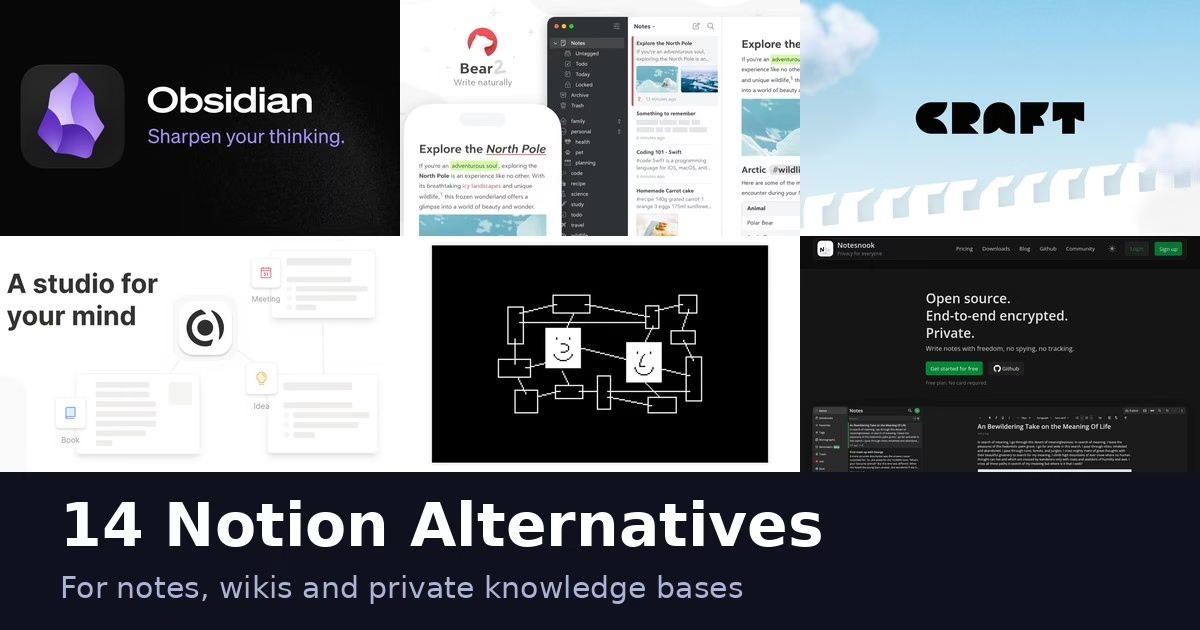
Notion is a good all-in-one workspace, but plenty of people want something lighter, more private, open source or tied to a single device. The 14 apps below cover those reasons, from plain note apps to self-hosted workspaces. Every description comes from the product’s own site, and we have not run hands-on tests. Features and plans change, so check each official page before you move your notes.
Quick picks
- Open source and private: Joplin, Logseq, AppFlowy or Notesnook
- End-to-end encrypted: Standard Notes or Notesnook
- Markdown on Apple devices: Bear
- Linked notes and a graph: Obsidian, Logseq or Capacities
- Docs with tables and apps: Coda
- Simple and fast: Simplenote
Comparison at a glance
| App | Type | Platforms named on its site |
|---|---|---|
| Obsidian | Notes app | Windows, Mac and more platforms on its site |
| Evernote | Notes app | See official site |
| Joplin | Notes app | Desktop and mobile apps on its site |
| Logseq | Knowledge base | See official site |
| AppFlowy | Workspace | See official site |
| Anytype | Workspace | See official site |
| Coda | Docs workspace | See official site |
| Craft | Notes app | See official site |
| Bear | Notes app | Mac, iPhone, iPad |
| Standard Notes | Notes app | See official site |
| Microsoft OneNote | Notes app | Web and apps on its site |
| Capacities | Notes app | Mac, Windows, Linux, iOS, Android |
| Notesnook | Notes app | Windows, macOS, Linux, Android, iOS, web |
| Simplenote | Notes app | iOS, Android, Mac, Windows, Linux, web |
The 14 apps
1. Obsidian
Obsidian calls itself the free and flexible app for your private thoughts. Its site lists sync, publish, a plugin directory and a Web Clipper, and shows notes linked together in a graph view.
Best for: people who want a private, linkable notes library they control.
2. Evernote

Evernote describes itself as your second brain, with notes, tasks and a calendar in one place. Its homepage lists templates, notebooks and spaces, search, tasks, calendar links and a web clipper.
Best for: people who want an all-in-one notes and tasks app.
3. Joplin
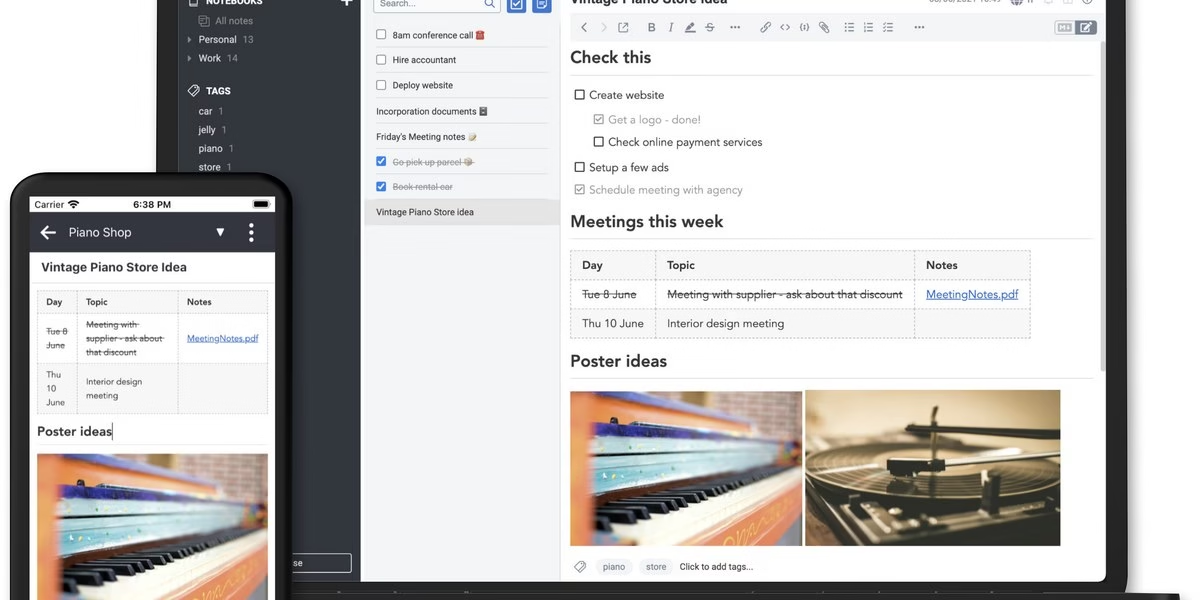
Joplin is an open source note-taking application. Its site says images, videos, PDFs and audio files are supported, and you can take photos with the mobile app and save them to a note. Joplin Cloud is offered as a sync option.
Best for: people who want open source software with several sync choices.
4. Logseq

Logseq describes itself as a privacy-first, open-source platform for knowledge management and collaboration.
Best for: people building a personal knowledge base on open-source software.
5. AppFlowy
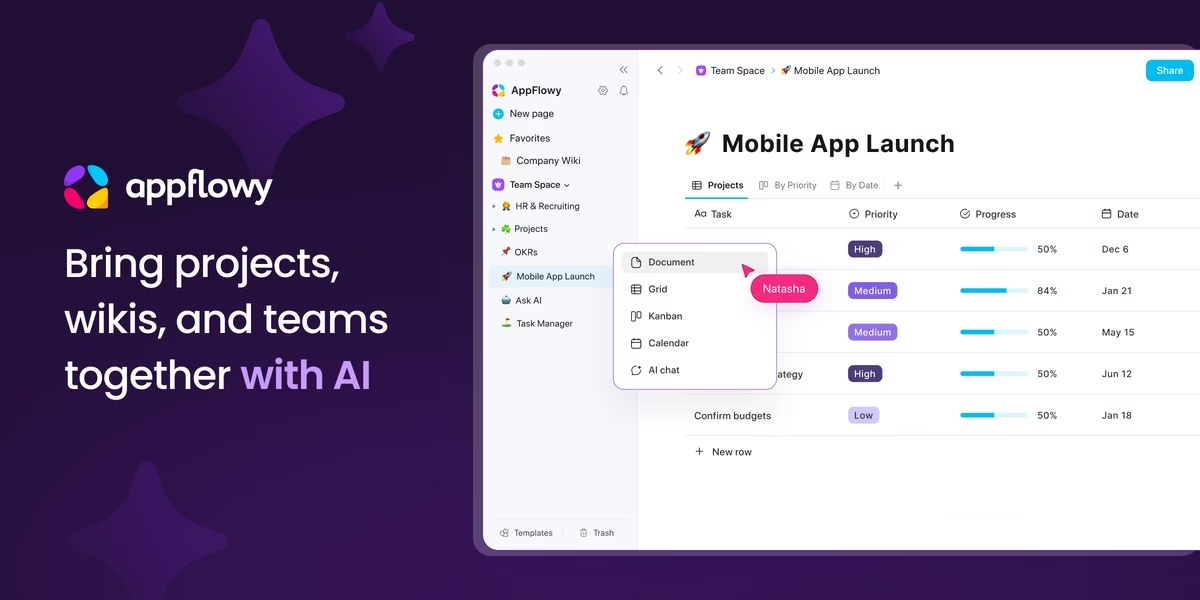
AppFlowy calls itself an AI collaborative workspace where you keep control of your data. Its homepage highlights self-hosting, projects, wikis and real-time co-editing with comments.
Best for: teams that want a workspace they can host themselves.
6. Anytype
Anytype says you can create notes, tasks, databases and chats that only you can access, with data kept on your device and the app working offline. Its site describes the app as free to start.
Best for: people who want a private, offline-capable workspace.
7. Coda

Coda describes itself as an all-in-one platform that blends docs, spreadsheets, applications and AI. Its homepage notes that Coda is now Superhuman Docs.
Best for: teams who want docs with tables and automation in one place.
8. Craft

Craft is described on its site as a free notes and productivity app that follows you across devices, with docs, tasks, a calendar, whiteboards and daily notes. It says premium features are available.
Best for: people who want a polished notes app with daily notes and tasks.
9. Bear
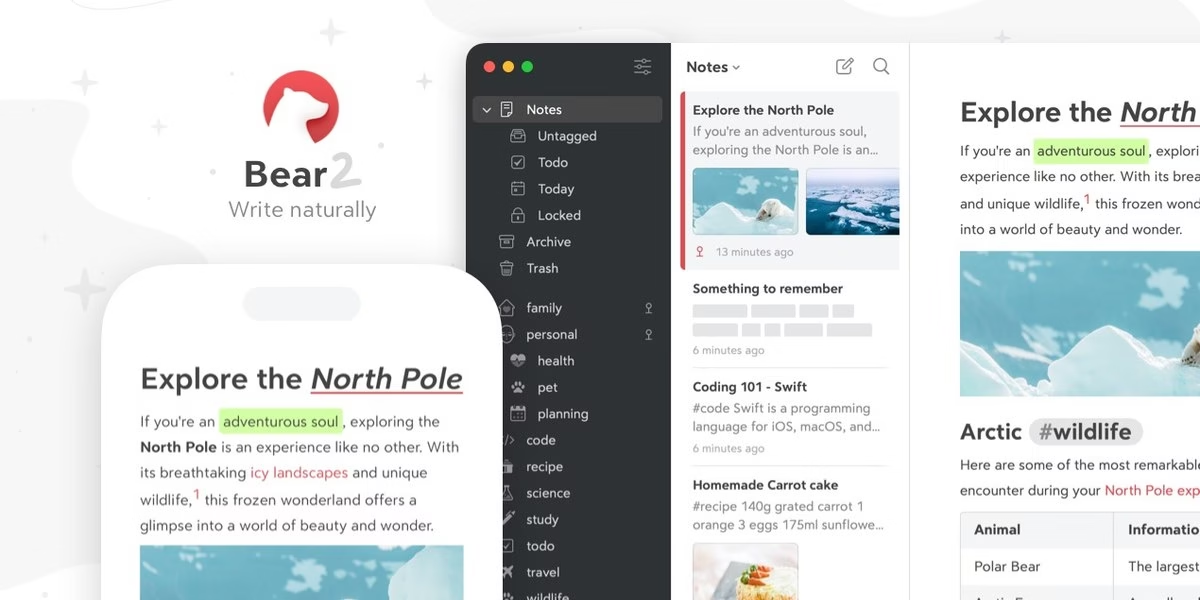
Bear is a Markdown note-taking app for Mac, iPhone and iPad. Its site says you can mix text, photos, tables and to-do lists in a note and organize with flexible tags.
Best for: Apple users who write in Markdown.
10. Standard Notes

Standard Notes calls itself a free, secure note-taking app with end-to-end encryption and syncing across unlimited devices. Its site says only you hold the keys to decrypt your notes and files.
Best for: people who put privacy ahead of features.
11. Microsoft OneNote
Microsoft OneNote official site
Microsoft OneNote lets you capture ideas, organize notes, clip web content and collaborate from any device, according to its site. The web version is offered free.
Best for: people already working in Microsoft tools.
12. Capacities
Capacities organizes ideas as connected objects instead of files and folders. Its site says it is available free on Mac, Windows, Linux, iOS and Android.
Best for: people who think in connections rather than folders.
13. Notesnook
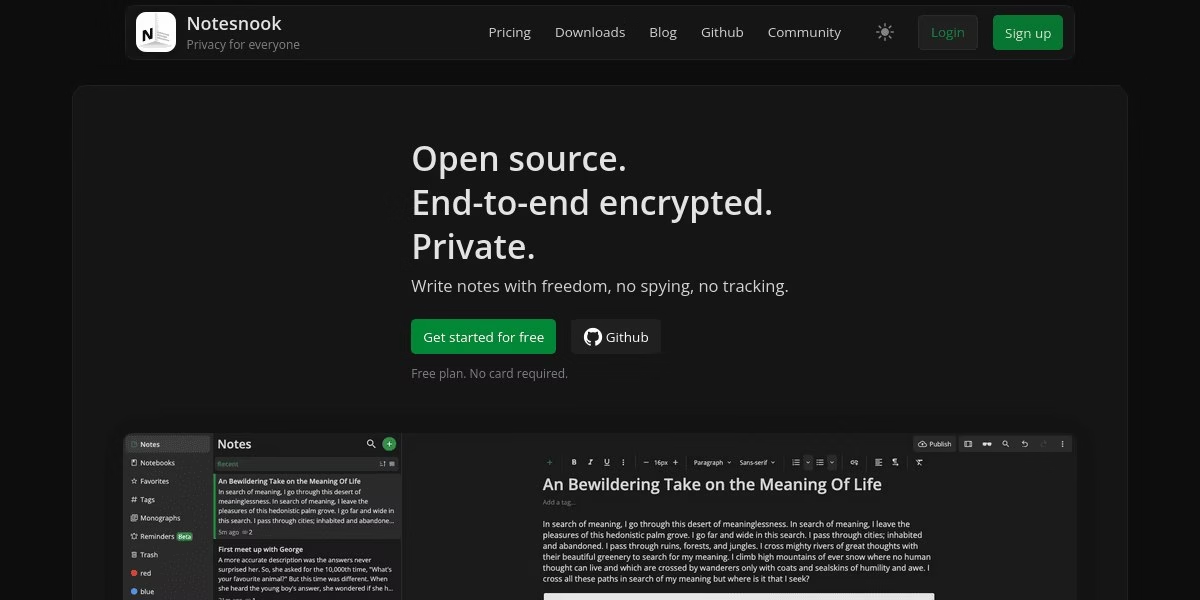
Notesnook is an open source, end-to-end encrypted notes app. Its site lists Windows, macOS, Linux, Android, iOS and the web, and says unlimited notes are free while paid plans add storage and features.
Best for: people who want private notes that work everywhere.
14. Simplenote
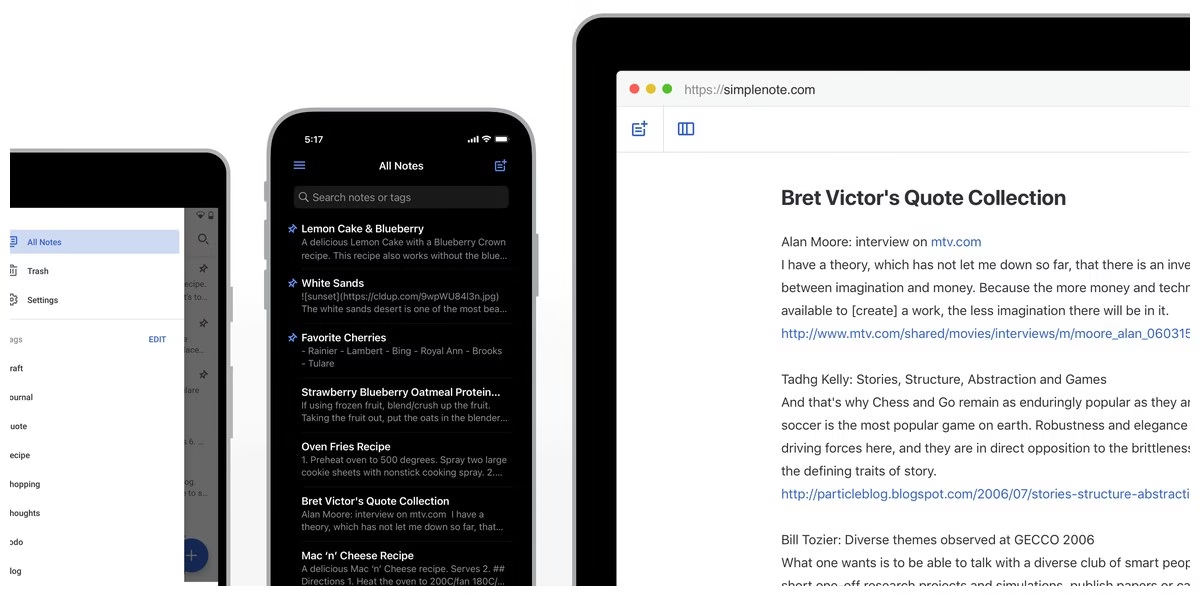
Simplenote says it is the simplest way to keep notes, light, clean and free. Its site lists iOS, Android, Mac, Windows, Linux and the browser, with tags, instant search and sharing.
Best for: people who want quick text notes and nothing else.
How to choose
- Decide what you actually use in Notion. Plain notes point to Bear, Simplenote or Joplin. Databases and team docs point to Coda, AppFlowy or Anytype.
- Check privacy needs. Standard Notes and Notesnook list end-to-end encryption. Self-hosted options give you control but also the upkeep.
- Check your devices. Bear is for Apple devices only. Others list Windows, Linux and mobile apps.
- Test an export first. Move a small set of pages and see what survives before you switch everything.
FAQ
What is the best free Notion alternative?
Joplin, Obsidian, Simplenote and Notesnook describe a free option on their official sites. Which one fits depends on whether you want plain notes or a full workspace.
Which alternatives are open source?
Joplin, Logseq, AppFlowy and Notesnook describe themselves as open source on their sites.
Can I move my Notion pages automatically?
Do not assume it works cleanly. Check the import options of the app you choose and test with a few pages before moving everything.
Are these prices current?
We do not list prices because plans change. Read the current plan details on each official site.






Leave a Reply