

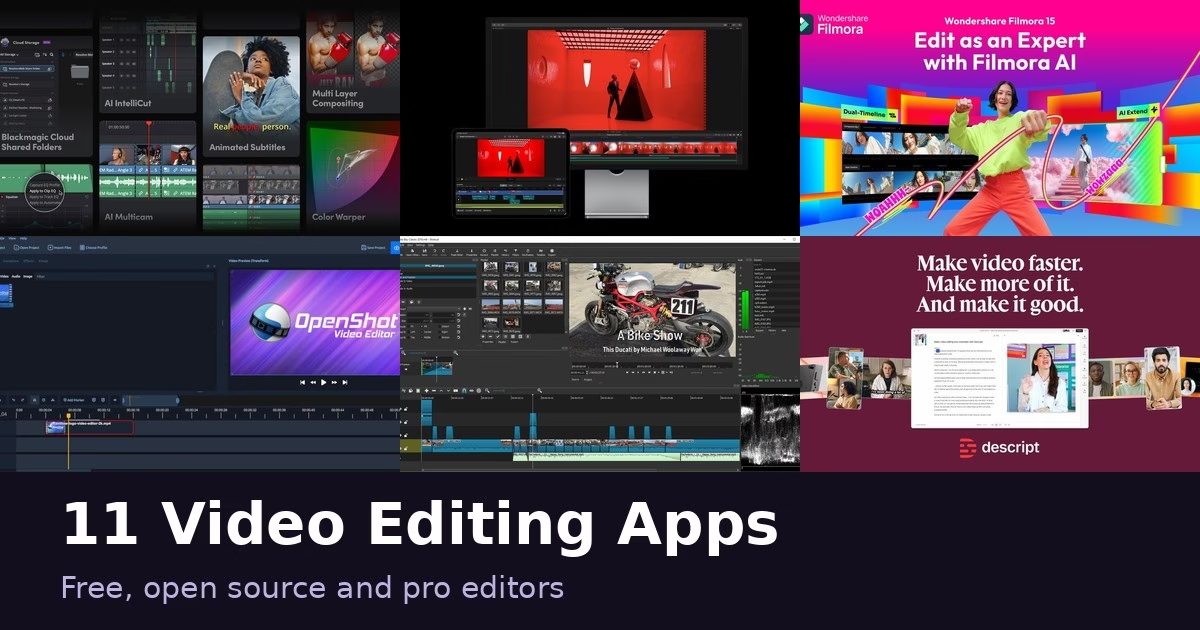
Video editors now range from free open-source tools to AI-driven apps and full professional suites. The right pick depends on your computer, how much you edit and how much you want to learn. The 11 apps below cover simple social video, talking-head editing, free open-source options and pro color and audio work. Each description comes from the product’s own site, and we have not run hands-on tests. Features and plans change, so check each official page before you commit.
Quick picks
- Short social videos: CapCut or Clipchamp
- Talking videos and podcasts: Descript
- Free and open source: Kdenlive, OpenShot or Shotcut
- Pro color and audio: DaVinci Resolve or Lightworks
- Mac and iPad: Final Cut Pro
- AI-assisted editing: Filmora or PowerDirector
Comparison at a glance
| App | Best for |
|---|---|
| CapCut | Short social videos with AI help |
| Clipchamp | Browser editing with stock assets |
| DaVinci Resolve | Editing, color and audio in one app |
| Descript | Editing talking videos by editing text |
| Filmora | Beginner-friendly editing with AI tools |
| Final Cut Pro | Polished editing on Mac and iPad |
| Kdenlive | Free open source editing with multicam |
| Lightworks | Starting free and moving up to pro |
| OpenShot | Simple open-source editing |
| PowerDirector | AI-assisted all-in-one editing |
| Shotcut | Free editing with wide format support |
The 11 apps
1. CapCut
CapCut calls itself an AI-powered video editor with smart templates and creative effects, aimed at content for YouTube, Instagram and beyond. Its site says you can download it for desktop and mobile or edit online. The homepage highlights AI features: a chat-style editor that can build a video from scratch, turning text or images into video, and text-to-speech with natural-sounding voices for narration. CapCut is built for short social videos rather than long-form production. It suits creators who want templates and AI help to turn out clips quickly. Check the official site for current plans.
Best for: Short social videos with AI help
2. Clipchamp

Clipchamp is a video editor you can use in the browser or as a Windows app, and its site says you can record, edit and share HD videos online with AI tools and no expertise required. It lists text-to-speech voiceovers, AI captions in over 80 languages, screen, webcam and audio recording on Windows and Mac, and noise and filler-word removal. A stock library offers royalty-free music, video and images, and you can export in up to 4K. It is a practical choice for work, school and social videos where you want templates and built-in assets. Check the official site for current plans and export options.
Best for: Browser editing with stock assets
3. DaVinci Resolve
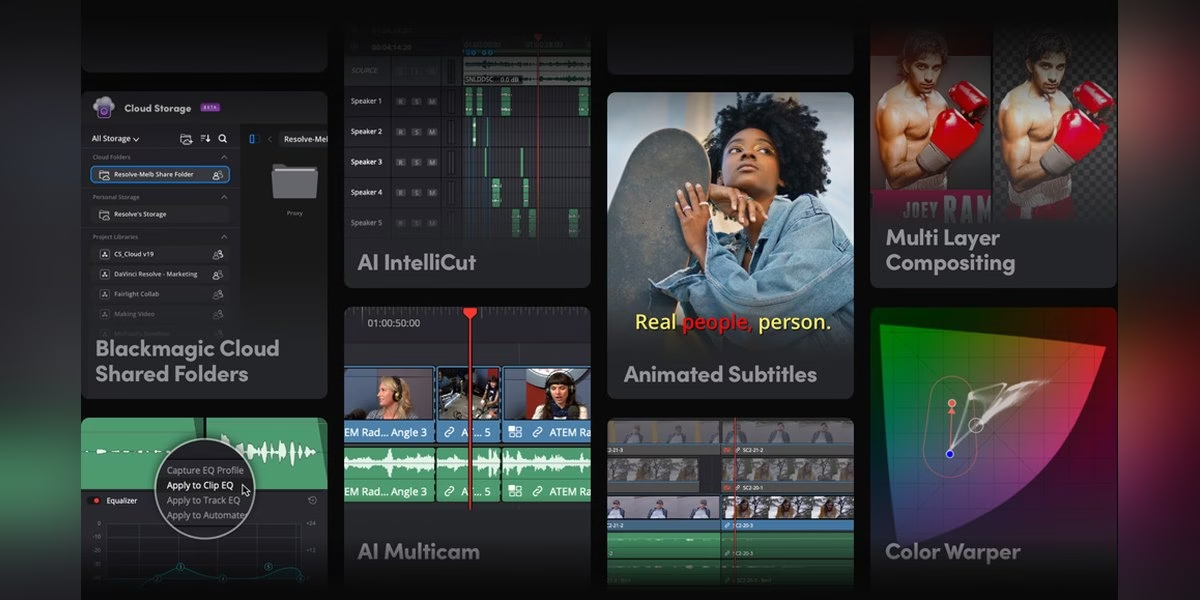
DaVinci Resolve from Blackmagic Design says it combines editing, color correction, visual effects, motion graphics, audio post production and photo editing in a single application. Its site describes an interface that is fast to learn for new users and powerful for professionals, and says it is used by Hollywood professionals. It also mentions Fairlight audio processing and notes that there are free and paid versions for Mac, Windows and Linux. Because so many tasks live in one app, you do not need to switch software between edit, color and sound. It suits people who want to grow from simple cuts into color grading and audio work.
Best for: Editing, color and audio in one app
4. Descript
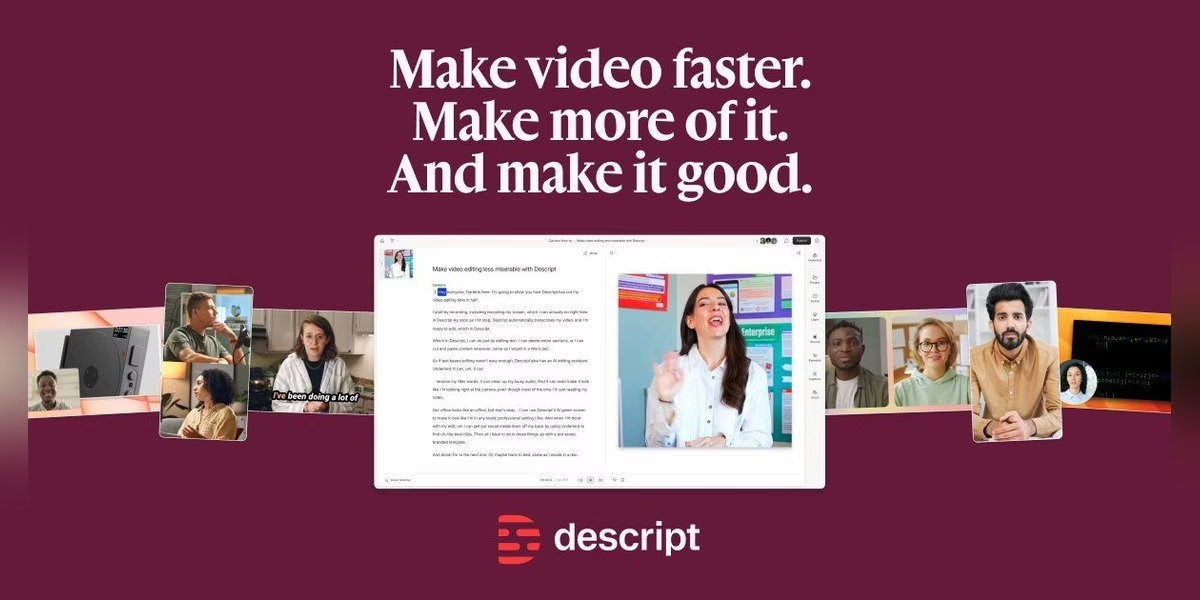
Descript calls itself an AI video and audio editor that makes editing as easy as editing text. Its site says you drop in footage, a script or a Zoom call, it transcribes the audio in seconds, and you edit the video by editing the words. You can cut filler words and retakes in a click, and use one-click tools to clean up audio, correct eye contact, fix lighting and smooth jump cuts. A timeline is available when you need it, and the same tool records, transcribes, edits and publishes. Descript suits podcasters, interviewers and anyone whose videos are mostly talking. The site says you can try it free.
Best for: Editing talking videos by editing text
5. Filmora
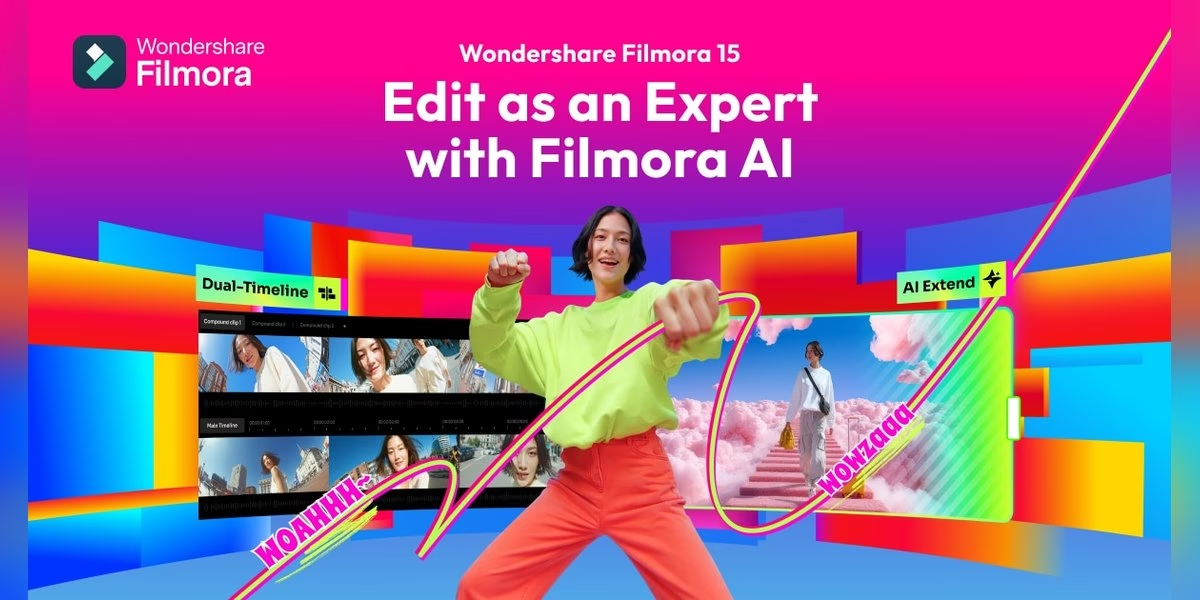
Filmora from Wondershare is described on its site as AI-powered video editing software for desktop and mobile. The product page walks through a workflow from recording or importing footage to organizing, cutting, refining picture and sound, adding motion and delivering the final video. It highlights AI Media Analysis, which the site says identifies people, scenes, actions and speech, then generates tags, summaries and edit suggestions to help you find shots faster. It also lists timeline tools, effects, captions and audio features. Filmora suits people who want an approachable editor with AI help rather than a professional suite. Check the official site for the current version and plans.
Best for: Beginner-friendly editing with AI tools
6. Final Cut Pro
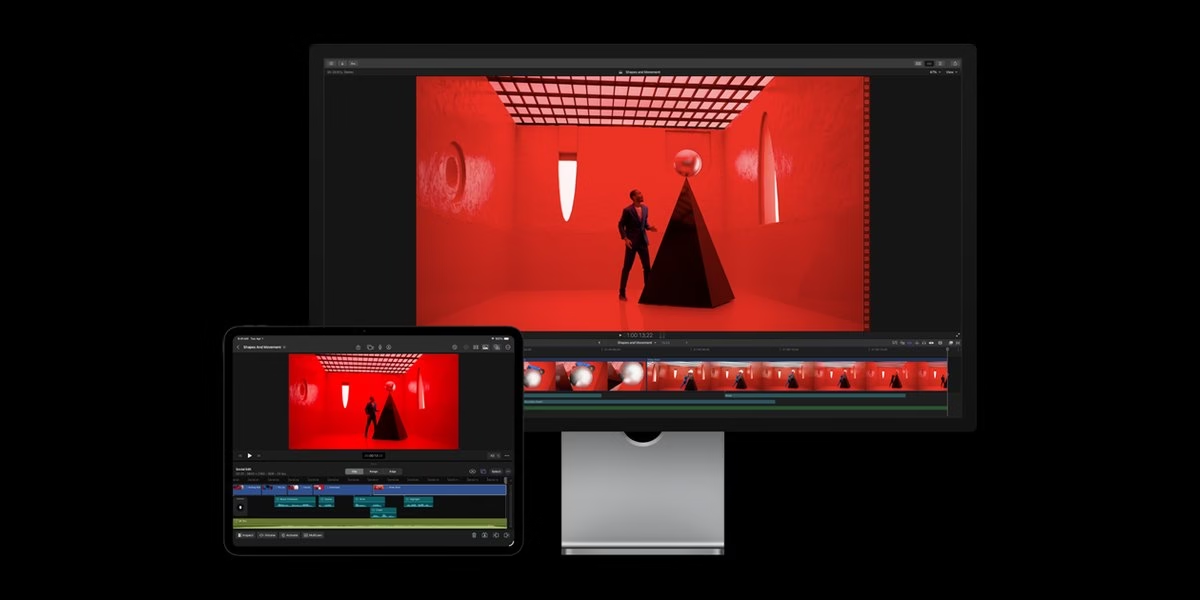
Final Cut Pro is Apple’s video editor for Mac and iPad. Its site says it makes it easy to create polished, pro-quality videos, with a complete environment for editing, audio, motion graphics and color grading, and intelligence features that build on Apple Intelligence. It lists tools to move and trim clips, isolate subjects without a green screen and create captions, plus a library of titles, transitions, soundtracks and effects. Apple says Final Cut Pro is part of Apple Creator Studio and that the Mac version is also available as a one-time purchase on the App Store. It suits Apple users who want a polished editor.
Best for: Polished editing on Mac and iPad
7. Kdenlive
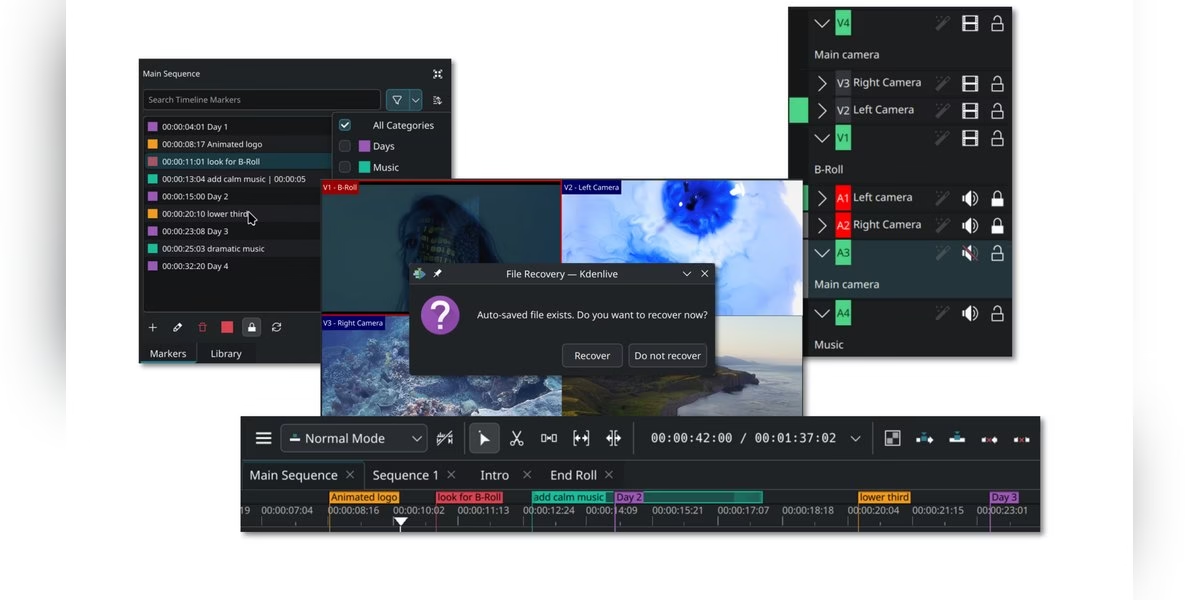
Kdenlive is a free and open source video editor whose name stands for KDE Non-Linear Video Editor. Its site says it works on Linux, Windows, macOS and BSD. It lets you ingest footage in almost any format, use proxies for smooth playback on low-end systems, organize assets with tags and bins, and edit with multicam, 3-point editing, nested sequences and markers. For sound, it lists mixers, built-in voiceover recording and an audio spectrum. Automatic backups protect your work. The site says Kdenlive is developed by a small, mostly volunteer team within the KDE community. It suits people who want a capable editor with no cost and an open codebase.
Best for: Free open source editing with multicam
8. Lightworks
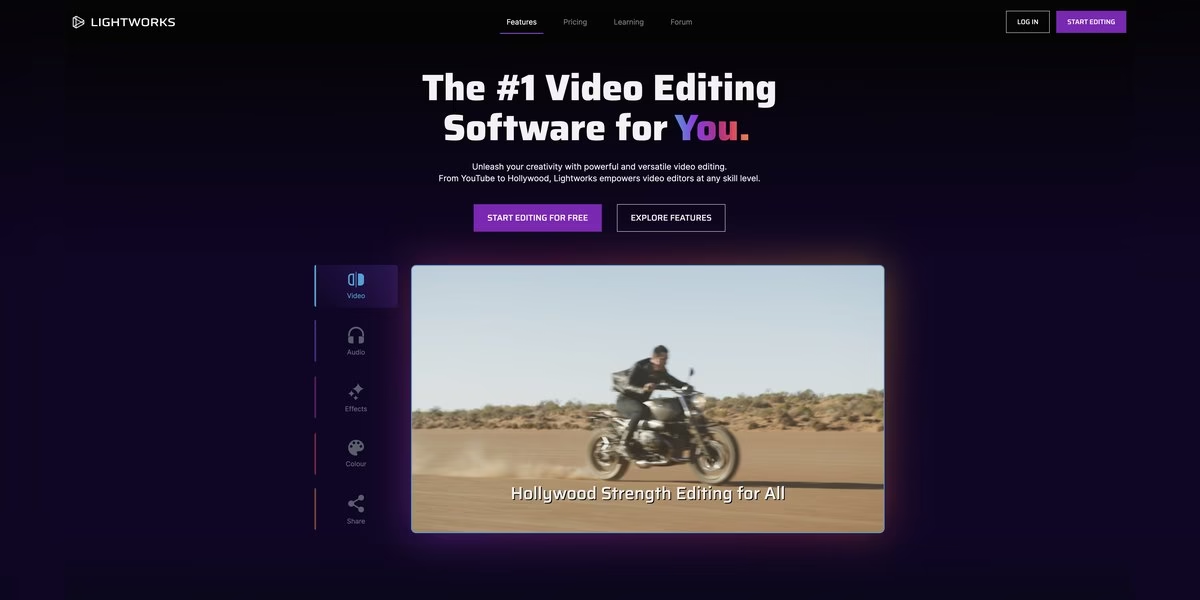
Lightworks says it offers easy-to-use pro video editing software, with plans that grow with your skills from a beginner-friendly free editor to a Hollywood-level Pro edition. Its site describes the free version as streamlined with a focused toolset, free now and forever, and the higher tiers as adding more advanced features. The editing timeline is called the heart of the app and is described as crafted over 30 years. The site also lists video and audio editing, color, visual effects and sharing in one tool. Lightworks suits people who want to start free and move up to a professional tool inside the same app. Check the official site for what each tier includes.
Best for: Starting free and moving up to pro
9. OpenShot
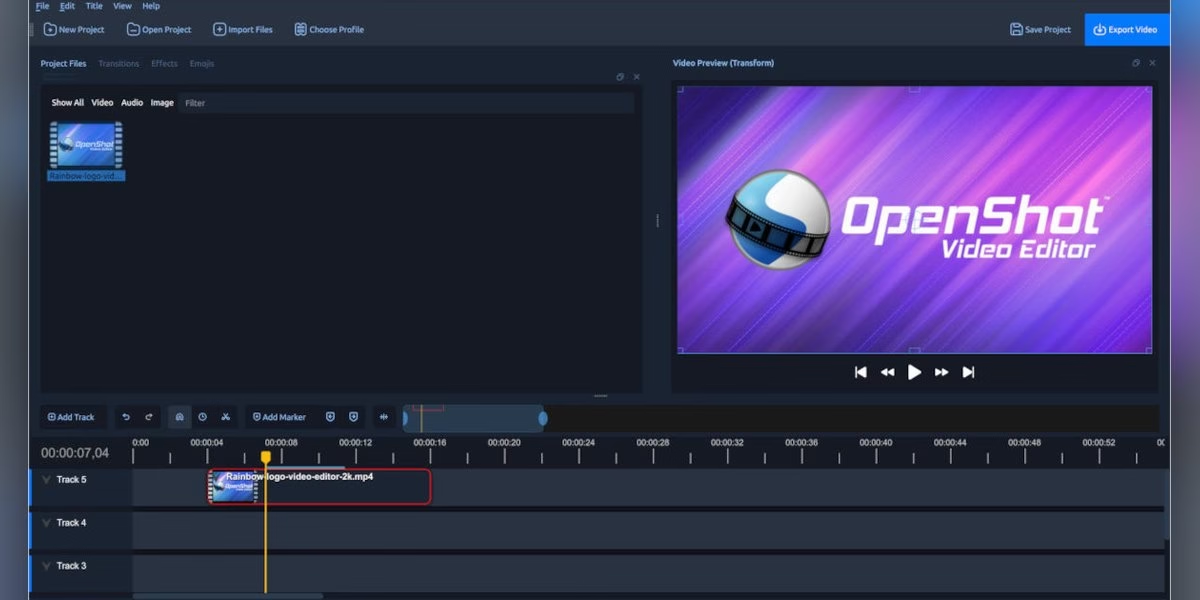
OpenShot is described on its site as a free, open-source video editor for Linux, Mac and Windows that is easy to use, quick to learn and surprisingly powerful. It lets you trim and arrange video, audio and images across unlimited tracks with snapping, waveforms and frame-accurate controls. The site lists color grading with scopes, effects such as chroma key and blur, keyframe animation of position, scale, opacity and volume, and animated audio visualizations. It says you can edit without subscriptions, watermarks or project limits. OpenShot suits beginners and hobbyists who want a simple open-source editor with a lot of features.
Best for: Simple open-source editing
10. PowerDirector

PowerDirector from CyberLink says it helps you make better videos faster with AI tools, pro-grade effects and 130M+ royalty-free assets. Its site promotes an Agentic Editor, where you describe the video in plain language and AI plans the cut, picks clips, writes narration and syncs music, then hands you the timeline. Other features it lists include removing unwanted objects, removing backgrounds without a green screen, fixing shaky or dark footage, multicam editing and keyframe controls. A free download is offered. PowerDirector suits people who want an all-in-one editor that leans on AI for the repetitive work. Check the official site for current plans.
Best for: AI-assisted all-in-one editing
11. Shotcut
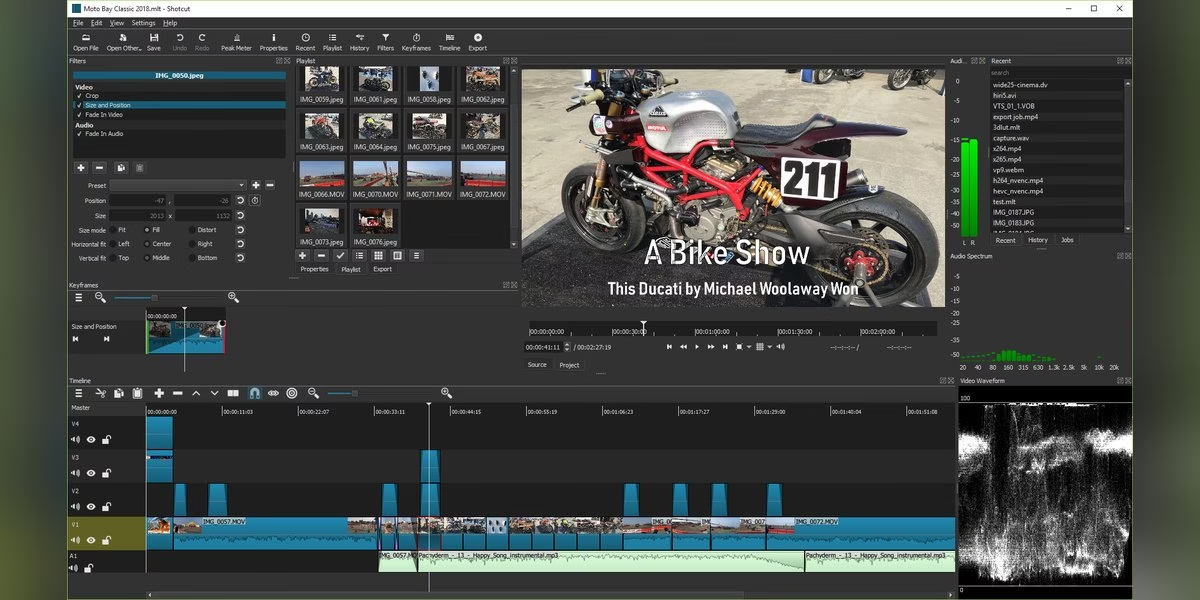
Shotcut is a free, open source, cross-platform video editor for Windows, Mac and Linux, according to its site. It supports hundreds of audio and video formats and codecs, and edits natively with no import step, with multi-format timelines, resolutions and frame rates in one project. It can capture from a webcam, screen, audio devices and Blackmagic SDI and HDMI inputs, and supports resolutions up to 4K. The interface uses dockable panels, and keyboard shortcuts such as J, K and L control playback. Shotcut suits people who want a free editor with broad format support and are comfortable learning a more technical interface.
Best for: Free editing with wide format support
How to choose
- Start with your computer. Final Cut Pro is for Apple devices, while Kdenlive, OpenShot, Shotcut and DaVinci Resolve list Linux support too.
- Match the app to the video. Social clips, interviews and long projects each suit different tools.
- Decide how much you want to learn. Pro suites reward practice, while template-based apps are quicker to start.
- Check the export terms. Read the official page for watermarks, resolution limits and plan details.
- Test on a short project. Edit a one-minute clip to see how it feels before you commit.
FAQ
Which video editors are free and open source?
Kdenlive, OpenShot and Shotcut describe themselves as free and open source on their official sites.
Which video editor is best for beginners?
It depends on the project. Template-based apps such as CapCut and Clipchamp are quick to start, and OpenShot describes itself as easy to use and quick to learn.
Which editors work on Linux?
Kdenlive, OpenShot, Shotcut and DaVinci Resolve list Linux support on their official sites.
Are prices listed here?
No. Plans change, so read the current details on each official site.
Organize the edit before exporting
A video editor handles the footage; a project board handles who reviews it and what is due. For a team workflow, compare our Trello alternatives for assigning edits and tracking approvals. For scripts, briefs and production notes, our Notion alternatives guide covers different workspace models. These tools complement an editor rather than replacing its timeline, effects or export controls.



Leave a Reply