



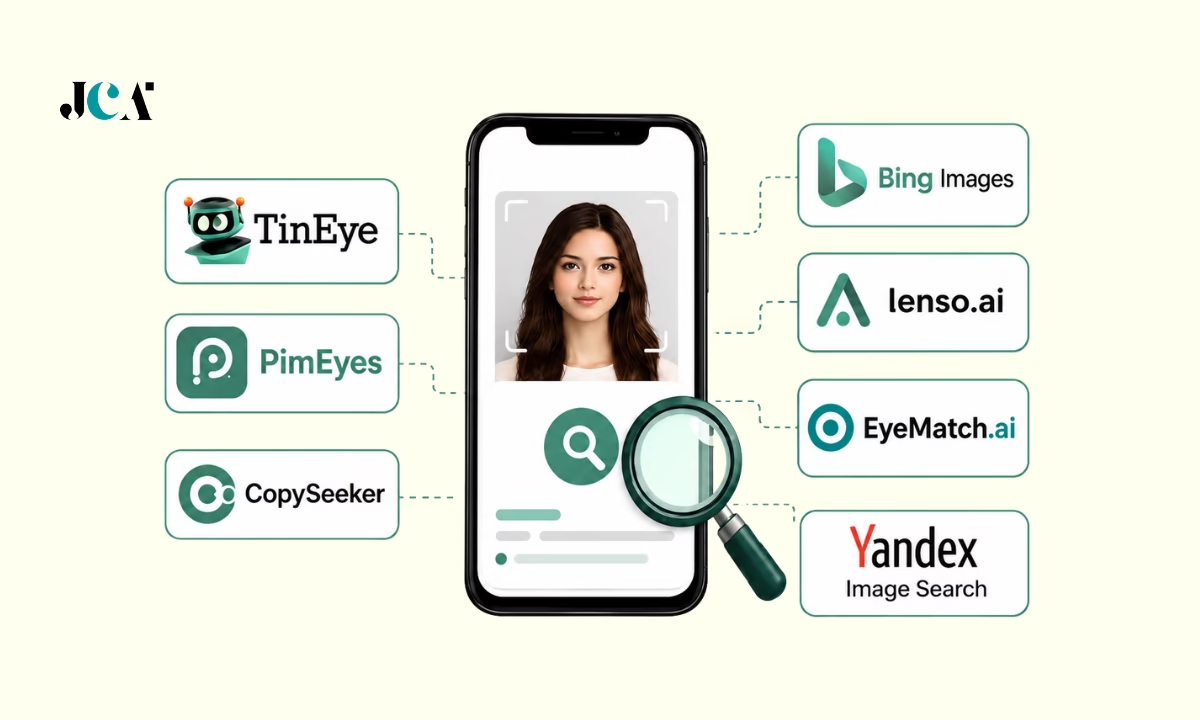

Google Lens alternatives should be compared by the task: finding copies of an image, discovering related products or inspecting where your own face appears online. TinEye and Copyseeker focus on image-source or duplicate searches, Bing Visual Search offers broader visual results, and Lenso.ai and PimEyes describe face-search features. These are different capabilities, not interchangeable proof of identity.
Reviewed October 5, 2026. This guide uses current official product pages and selected help/privacy material, not hands-on accuracy testing. The old article implied face-search superiority and identity verification without evidence. No search tool is established here as most accurate, a way to identify a stranger or proof that an online profile is genuine. Results, regional access, price and privacy terms must be checked in the exact service before uploading.
Google Lens is a broad visual-search baseline
Google’s current Lens page describes finding similar clothes and furniture, copying and translating text, homework-related results, and identifying plants or animals. That broad scope is useful when your question is about an object or visible text. A specialized image-copy search can complement it without being a universally better replacement.
Use the official Google Lens overview to match the feature to the task. For a wider comparison, see our image search engines guide. If the concern is a photo used by an online profile, our picture-search guide is related, but a visual result alone should not establish the person’s identity.
Five alternatives, separated by the search job
1. TinEye: copies and modified versions
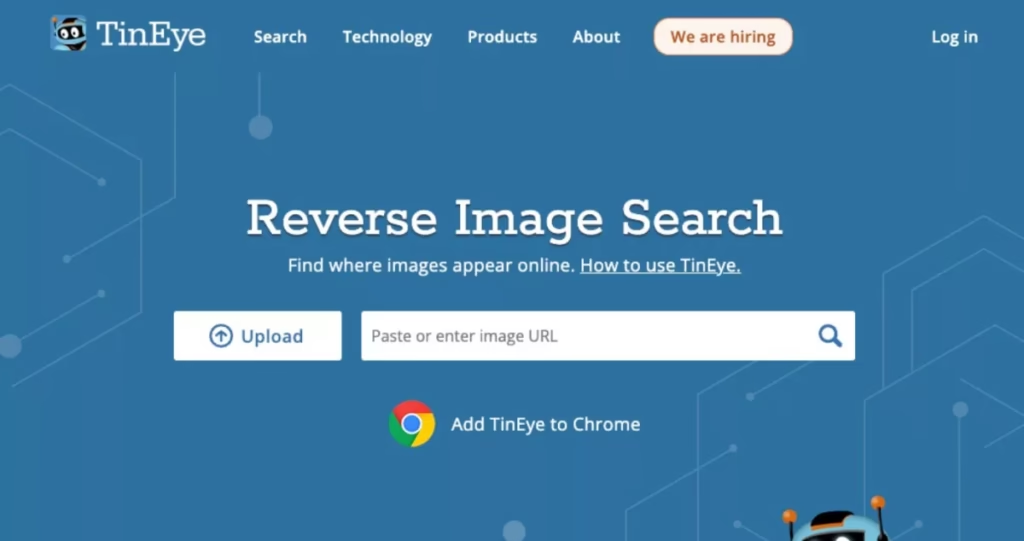
TinEye’s current homepage describes finding where an image appears online, comparing modifications and sorting results. It states that search images are not saved or indexed. Its FAQ distinguishes reverse image matching from facial recognition. That makes it a useful starting point for tracing a particular picture rather than finding every different photo of a person.
Upload a copy you are entitled to use or provide an image URL, then inspect the resulting pages. A matching copy can reveal reuse, but it does not by itself establish the photographer, copyright owner or earliest original source. Search indexes are incomplete and publication dates need independent checking. Read the official TinEye page and FAQ.
2. Bing Visual Search: related images and web pages
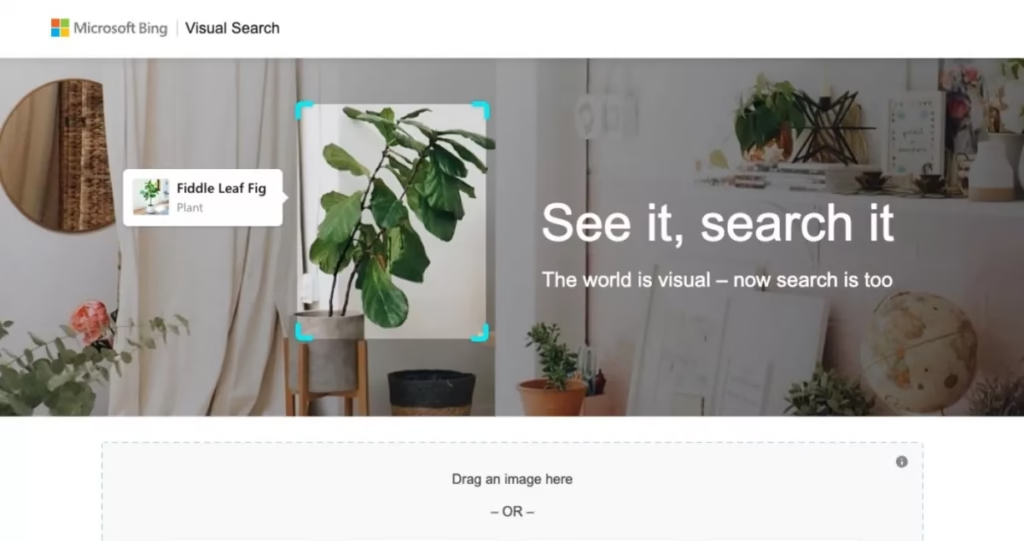
Microsoft’s current help page describes similar images, products, pages using an image and other visual information. It gives desktop and mobile routes using the Images camera control, an upload, a photo or a URL. This is a broad visual-search option, not a verified face-identification service.
Try it when the question involves products or context as well as exact image reuse. Open the source page rather than relying on a thumbnail or snippet. Check whether the result is an identical picture, a visually similar object or merely related content. Use the official Bing Visual Search instructions; no accuracy or index-size comparison was established here.
3. Copyseeker: source and duplicate discovery
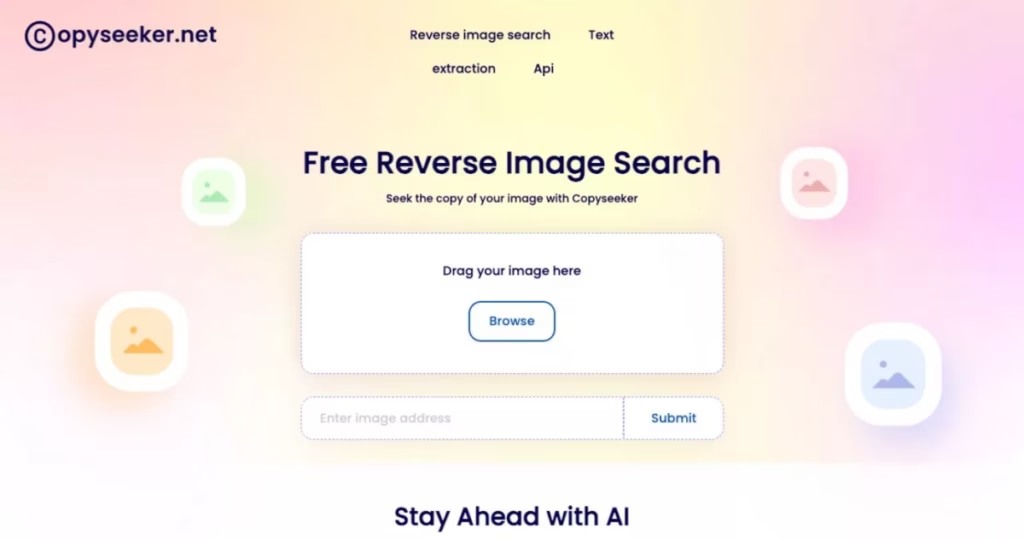
Copyseeker’s current homepage describes reverse image search, finding image sources and duplicates, a browser extension, an API and a mobile-app route. Those are the provider’s feature descriptions, not evidence that it finds every use or correctly identifies the original creator. Its price and access limits were not verified in this review.
Compare the actual result pages with another copy-search tool when tracing your own content. Keep exact matches separate from similar images. A service saying it can trace sources does not establish ownership, permission or a legally valid infringement claim. Read the official Copyseeker offer and current upload/privacy terms before submitting private material.
4. Lenso.ai: category-based search with a face option
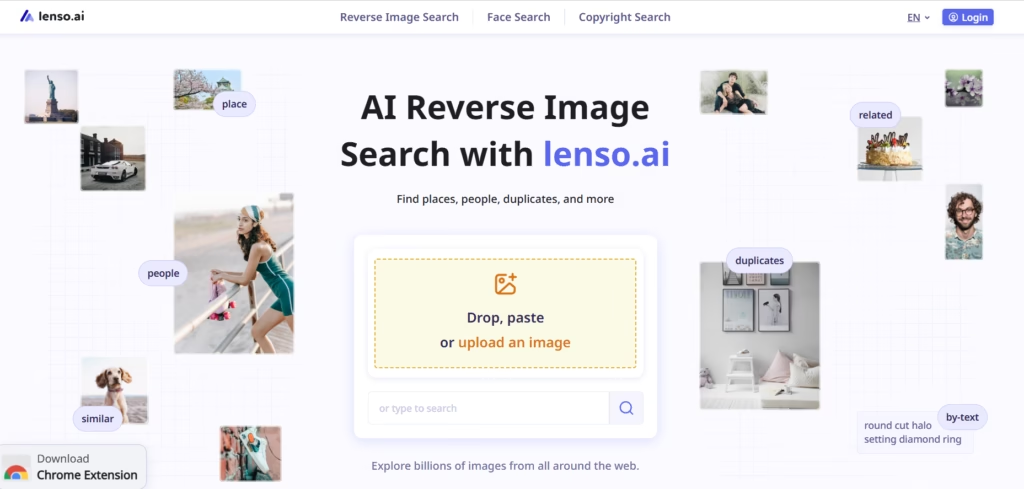
Lenso.ai’s current homepage separates places, people, duplicates, related and similar images. It describes facial-recognition search as well as image-copy features and paid capabilities such as research modes and an API. The categories are not the same task. A duplicate result and a face-similarity result carry different uncertainty.
Use a face feature only for your own image or another clearly authorized purpose. Check regional availability, account requirements, source-page access and current plan limits before paying. The provider’s high-precision language is not an independently tested benchmark here. Read the official feature page and privacy policy, including how uploaded material is handled.

5. PimEyes: monitoring your own image footprint
PimEyes’ current homepage describes face search, open-web appearances, monitoring and removal guidance. It also makes speed and accuracy claims. Those claims are not independently verified in this comparison and should not become a promise that a result identifies the correct person or that all copies can be found.
Keep use focused on your own images or a clearly authorized purpose, and inspect the current terms before uploading. Review the actual source page and context before treating a match as relevant. A tool’s removal guidance does not guarantee that an external website will delete a picture. Verify the plan, result-link access, monitoring and privacy choices separately. Read the official PimEyes page and terms.
What this review does not clear
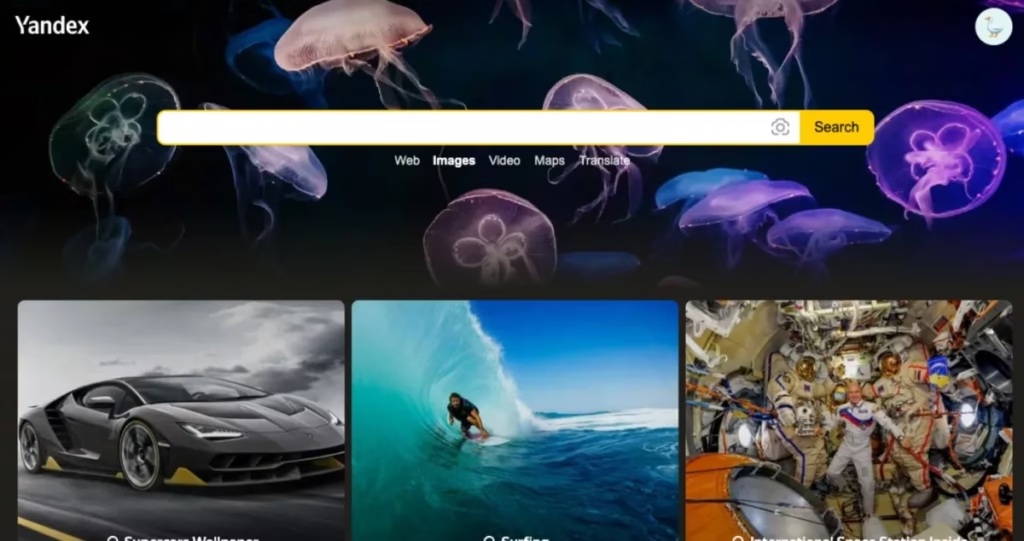
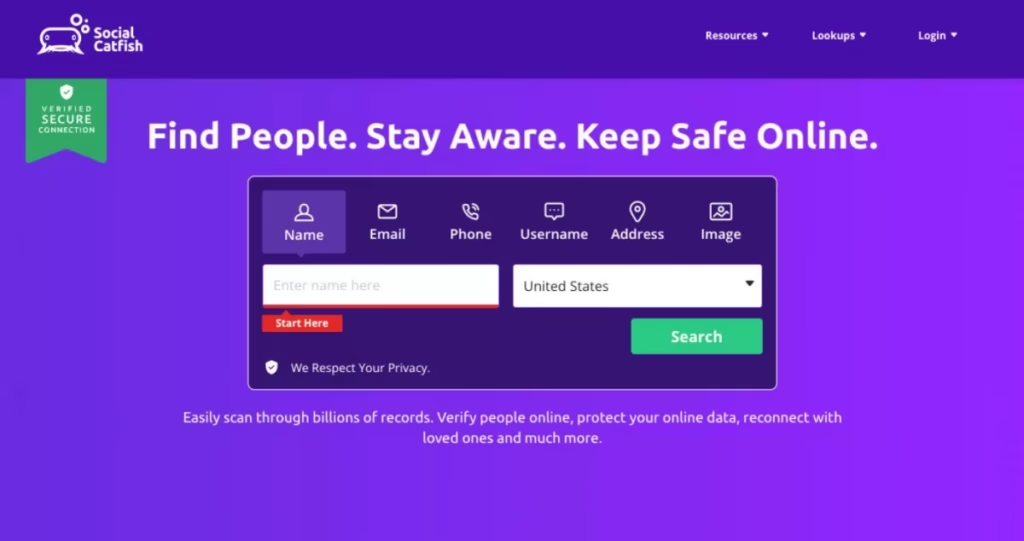
The old article also promoted Eyematch.ai, Yandex and Social Catfish. Current feature, identity, plan and privacy claims for each were not established in this review, so they are not included in the cleared five-tool comparison. This is an evidence limit, not a claim that the services have closed or cannot produce results.
Existing Yandex and Social Catfish illustrations are preserved below as historical article assets, not screenshots of current features or proof of a current recommendation. All retained product images in this article may show older interfaces; the current feature statements are grounded in the linked official pages, not the images.
Search carefully and verify the source
- Pick the task: Exact copies, similar products, text extraction and own-face monitoring require different features.
- Limit uploads: Do not submit private documents, sensitive photos or another person’s image without a clear authorized purpose. Crop unnecessary personal information.
- Read current terms: Check retention, indexing, deletion, access controls and paid result limits. A privacy slogan is not a complete policy.
- Open source pages: Thumbnails and similarities are leads. Inspect the page, context, dates and image before drawing a conclusion.
- Keep uncertainty: A result can be a repost, a similar-looking subject or outdated material. No match does not prove the image is unique or absent from the web.
- Separate search from identity: Do not label someone a scammer or identify a stranger based only on a visual match. Verify claims through independent, appropriate channels.
Mobile access and price are configuration checks
Microsoft documents mobile image-upload and photo routes for Bing Visual Search. Copyseeker advertises a mobile-app route, while the other reviewed services describe web features. This review does not establish equal functionality across every browser, country, operating system or plan. Test the exact device and feature before relying on it.
No current subscription price, free-search allowance or result-access charge is verified here. A free preview can differ from access to source links, alerts or exports. Read the current checkout and cancellation terms before buying; compare the feature you need rather than an old quoted monthly amount.
Frequently asked questions
Which Google Lens alternative is most accurate?
No independent accuracy test was performed. Compare the tools by task and verify each result against the source page. Provider accuracy claims are not a ranking.
Is TinEye a facial-recognition tool?
TinEye’s FAQ distinguishes its image-matching service from facial recognition. Use it to look for copies or modified versions rather than every different photo of a person.
Can a matching image prove who someone is?
No. An image match can show reuse or similarity. It does not prove authorship, ownership, account control or personal identity.
Will a removal tool delete the image everywhere?
No universal deletion result is established here. Search-service removal, alerts and removal guidance are different from an external publisher actually deleting the image.
Choose the search that answers the question
Start with copy search for reuse, broad visual search for objects and text, and carefully bounded own-image monitoring for face features. Keep source verification and privacy ahead of confident-looking matches.







Leave a Reply