



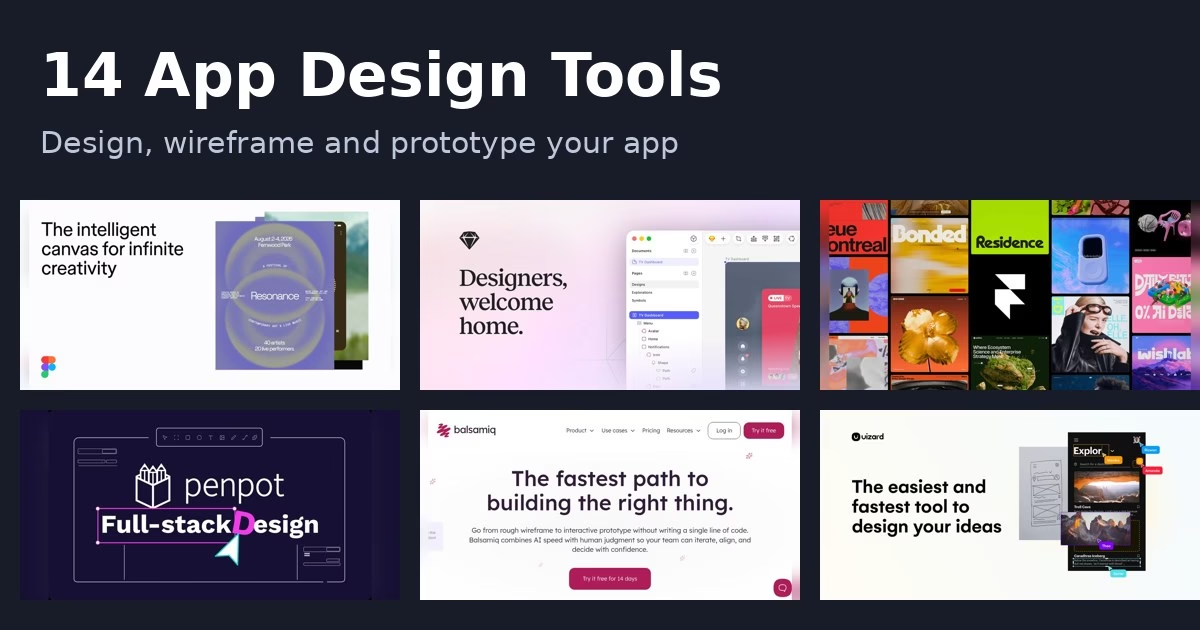
Before anyone writes code, an app needs screens: what each page shows, how people move between them and how it should feel. The 14 tools below help you sketch, wireframe and prototype an app idea. Some are built for professional designers, some for founders who cannot draw, and some turn text or screenshots into screens with AI. Each description comes from the product’s own site, and we have not run hands-on tests. Features and plans change, so check each official page before you commit.
If you would rather build the app without code, see our guide to the no-code app builders. For social apps specifically, read about no-code social media app builders.
Quick picks
- Team design and handoff: Figma or Penpot
- Native Mac design: Sketch
- Websites and landing pages: Framer
- Fast wireframes: Balsamiq, MockFlow or Whimsical
- Complex prototypes: Axure RP, ProtoPie or Justinmind
- AI-generated screens: Uizard or Visily
- Design with coded components: UXPin
Comparison at a glance
| Tool | Best for |
|---|---|
| Figma | team design work from first idea to developer handoff |
| Sketch | designers who prefer a native Mac app |
| Framer | designers who want to publish a live site from the design canvas |
| Penpot | teams that want open-source design with code-friendly output |
| Balsamiq | low-fidelity wireframes that keep the focus on structure |
| Axure RP | complex prototypes with logic, variables and conditions |
| ProtoPie | interaction-heavy prototypes, including hardware and in-car screens |
| Uizard | turning text, screenshots or sketches into editable screens |
| Visily | non-designers who need to show a product idea quickly |
| Moqups | wireframes, flows and diagrams in one browser app |
| MockFlow | quick wireframing with ready-made component packs |
| Whimsical | flowcharts and wireframes in a shared whiteboard |
| UXPin | teams that want design to match coded components |
| Justinmind | web and mobile prototypes with detailed interactions |
The 14 tools
1. Figma
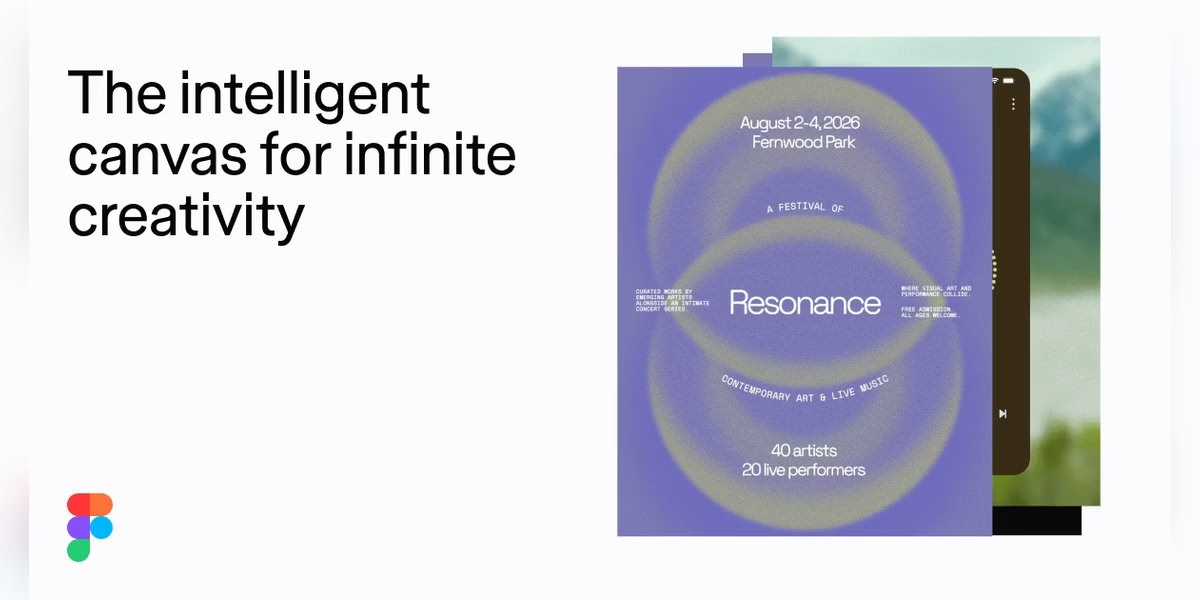
Figma describes itself as a collaborative canvas for design, code and AI. Its homepage frames it as one workspace for the whole product development process, where teammates and AI agents work in the same space with shared context to generate design directions and refine them. It lists tools for detailed visual work and dev tools that take a design toward production. For someone planning an app, Figma is a common place to sketch screens, build a clickable flow and share it with developers or stakeholders. Because it runs as a shared canvas, several people can work on the same file. Check the official site for current plans and features.
Best for: team design work from first idea to developer handoff
2. Sketch
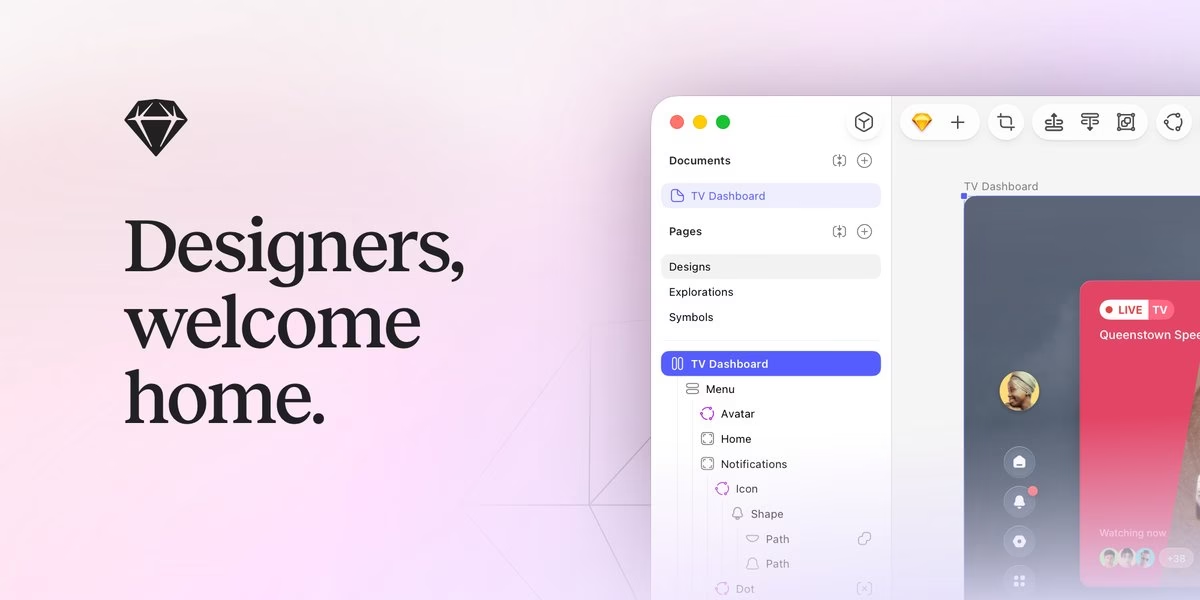
Sketch calls itself a toolkit made by designers, for designers, to design, prototype, collaborate and hand off. Its site stresses a native macOS editor with focused tools, an intuitive interface and an infinite canvas, and notes that the editor requires macOS Sequoia 15.0 or newer. Recent updates mentioned on the homepage include better stacks with min and max sizing, negative gaps and wider support for shadows and effects. If you design on a Mac and like a native app feel over a browser tool, Sketch is worth a look for app screens and interface kits. Check the official page for collaboration options and current plans.
Best for: designers who prefer a native Mac app
3. Framer
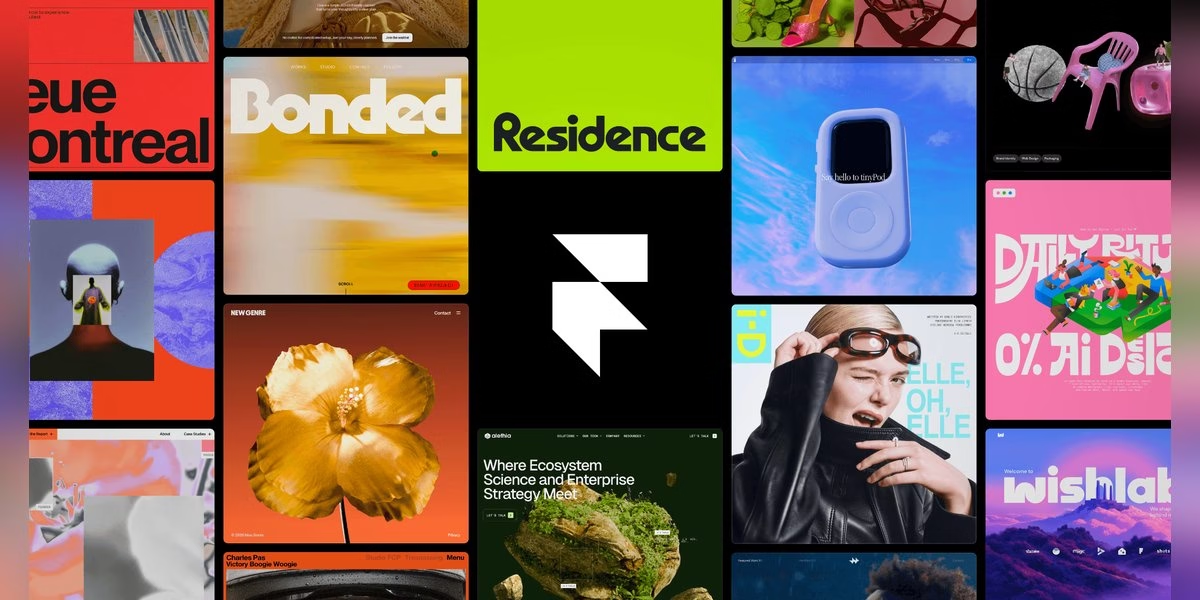
Framer presents itself as an AI design agent for every step from idea to launch. Its homepage says the agent works directly on your site, generating and refining in place, with every change visible and editable. It also describes a CMS agent that sets up and updates your content and connects it to the canvas, and agents that turn ideas into code for custom effects and interactions. Framer is aimed at publishing real websites, so it fits landing pages and marketing sites for an app more than detailed app screen design. Check the official site for current features and plans.
Best for: designers who want to publish a live site from the design canvas
4. Penpot
Penpot is described on its site as the open-source design platform for teams that need scalable collaboration. You can design responsive, rules-based interfaces with wireframes, interactive prototypes and CSS Grid and Flex layouts. It also lists design components, native design tokens and shared libraries for larger systems. For handoff, it says developers can inspect code that matches the design and mentions open standards such as CSS, HTML, SVG and JSON, plus an open file format. The site also describes connecting AI agents and LLMs into design and code workflows. It suits teams that care about open source and design-to-code alignment.
Best for: teams that want open-source design with code-friendly output
5. Balsamiq
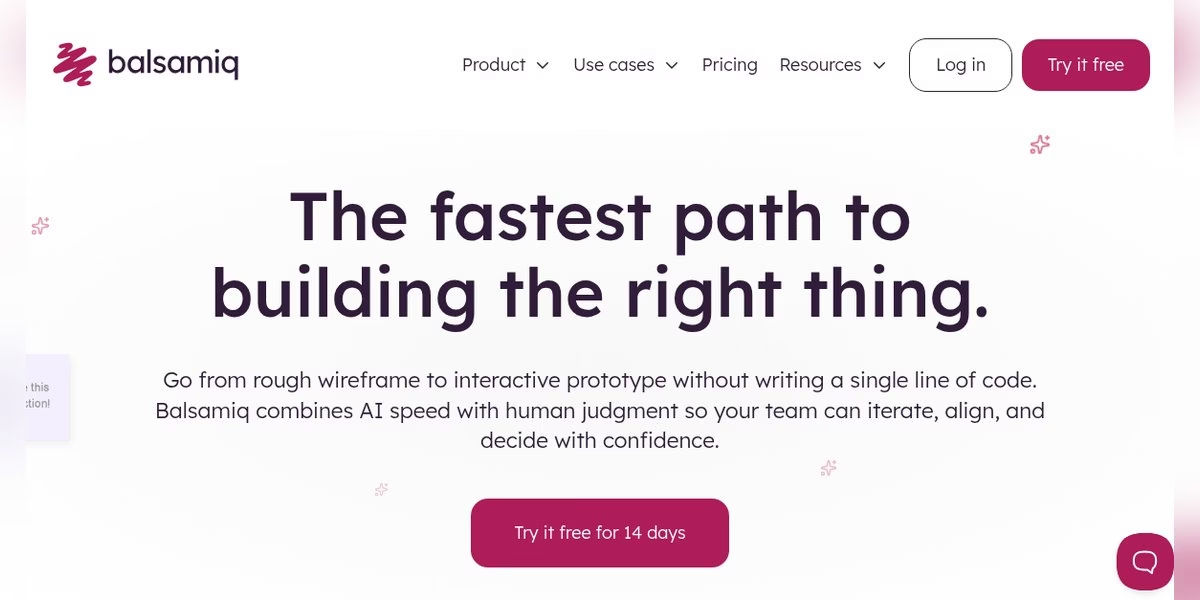
Balsamiq focuses on fast wireframing and prototyping. Its homepage says you can go from a rough wireframe to an interactive prototype without writing code, and that it combines AI speed with human judgment so teams can iterate and align. You can prompt Balsamiq AI with rough ideas or drop in a screenshot, then make the result interactive. The low-fidelity style is deliberate: it keeps the conversation on structure rather than colors. Boards can be embedded in tools such as Notion, Jira and Linear. It is a good first step when you want to agree on what an app should do before anyone designs the final look.
Best for: low-fidelity wireframes that keep the focus on structure
6. Axure RP
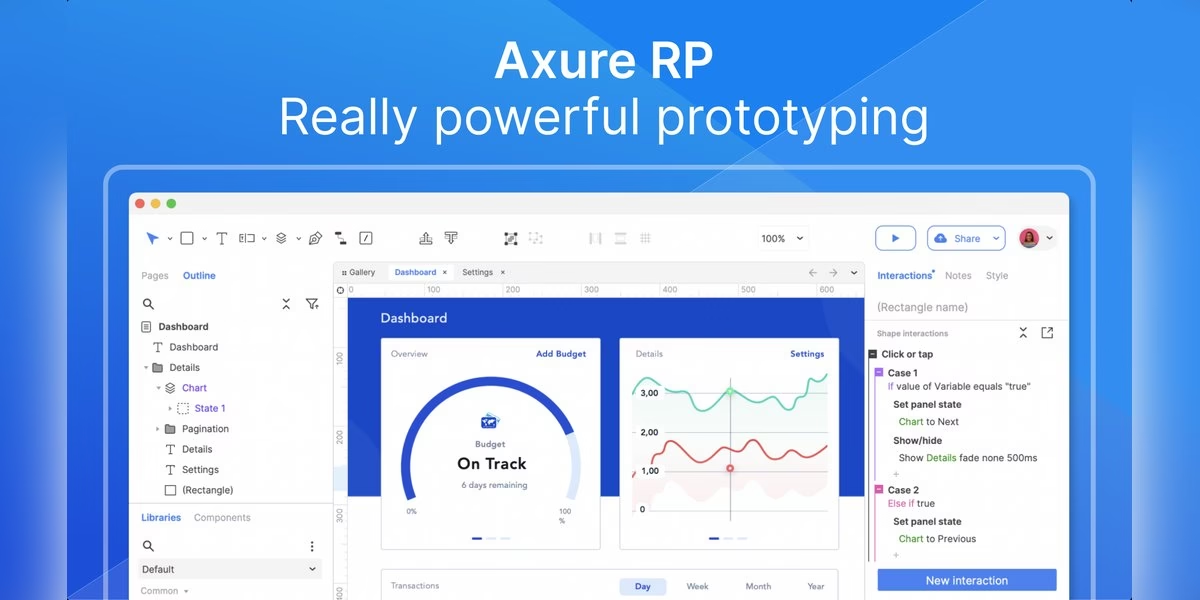
Axure RP is a UX tool for building realistic, functional prototypes, according to its site. You can use mouse, touch and keyboard events as triggers, and add conditions and variables to model how the product behaves. Widgets include working text fields, droplists and radio buttons, multi-state dynamic panels for popups and scrollable mobile screens, and a repeater widget for data-driven tables you can sort and filter. You can also design for desktop, tablets and phones on a single page. That depth makes it a fit for complex flows and specifications. The site offers a 30-day trial for PC or Mac, so you can test it first.
Best for: complex prototypes with logic, variables and conditions
7. ProtoPie
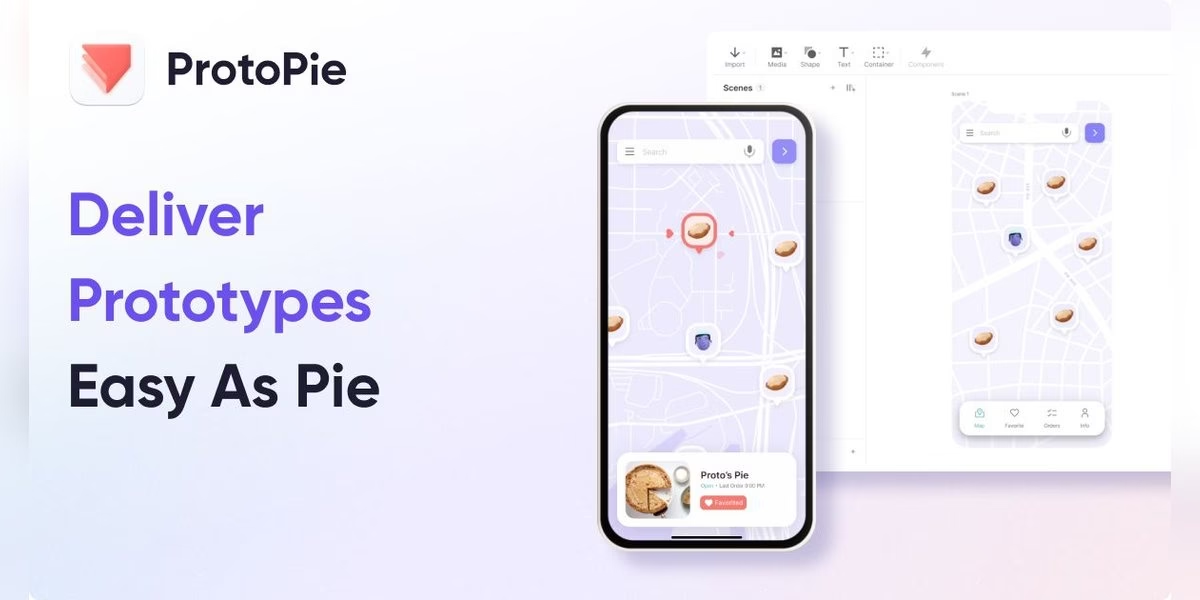
ProtoPie describes itself as AI-driven advanced prototyping software. Its homepage says you can use AI to generate interactions, refine them yourself and hand off clean specs. It highlights prototypes for automotive, websites, mobile and tablet, TV, smartwatches and games, and mentions hardware interaction through ProtoPie Connect. Customer quotes on the site say the same prototype can be tested on phones, tablets, laptops and in a real car. It suits designers who need to show how an app feels, with gestures, motion and sensors, instead of only how screens look. Check the official site for current plans and features.
Best for: interaction-heavy prototypes, including hardware and in-car screens
8. Uizard
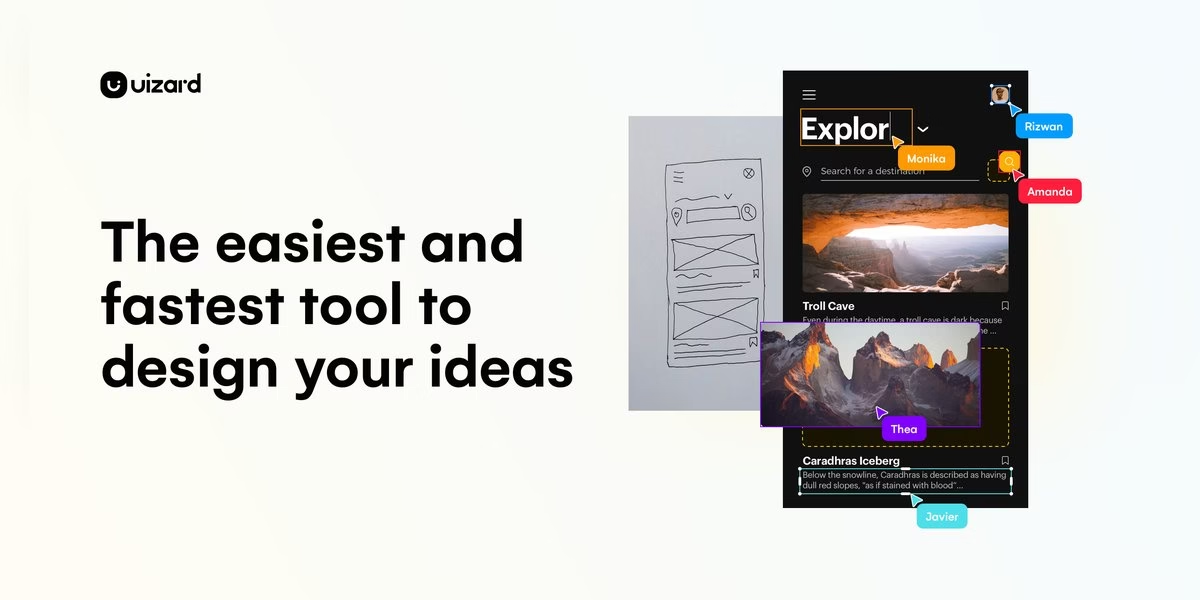
Uizard is an AI-powered design tool for turning ideas into screens. Its site says you can generate multi-screen, editable prototypes from simple text, then select a component, describe a change and let Autodesigner apply it. It can turn screenshots into editable mockups and transform hand-drawn wireframe sketches into digital designs. You can also generate a new theme to restyle a project, and collaborate with your team in real time. It fits founders and product teams who want a first app design quickly without drawing every screen by hand. Review the output carefully and check the official site for current plans and limits.
Best for: turning text, screenshots or sketches into editable screens
9. Visily
Visily is AI-powered UI design software that aims to help non-designers convey product ideas to clients and executives. Its homepage says you can start from screenshots, text prompts, diagrams, templates or a mix of them, then edit everything on the canvas. It also mentions diagramming, annotating and collaborating, and creating prototypes you can share. If you have an app idea but no design background, Visily gives you a way to put screens in front of other people quickly. Check the official site for the current feature list and plan details.
Best for: non-designers who need to show a product idea quickly
10. Moqups
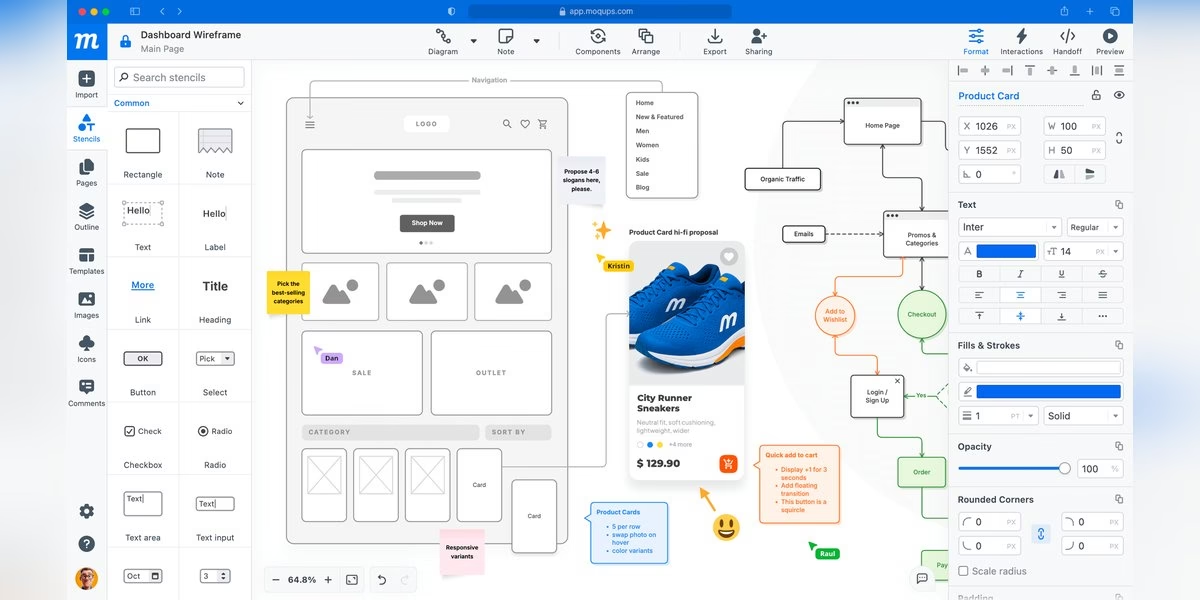
Moqups calls itself a visual collaboration solution for your whole team. Its site says you can create wireframes for websites, apps and dashboards right in the browser with no installation, and drag and drop elements to take mockups from low to high fidelity. The same workspace covers flowcharts, sitemaps, org charts, storyboards, user flows, mind maps and UML diagrams. You can add interactivity to turn wireframes into functional prototypes, present them to stakeholders and get approval before handoff. It suits teams that want planning diagrams and app screens in one place. Check the official site for current plans.
Best for: wireframes, flows and diagrams in one browser app
11. MockFlow
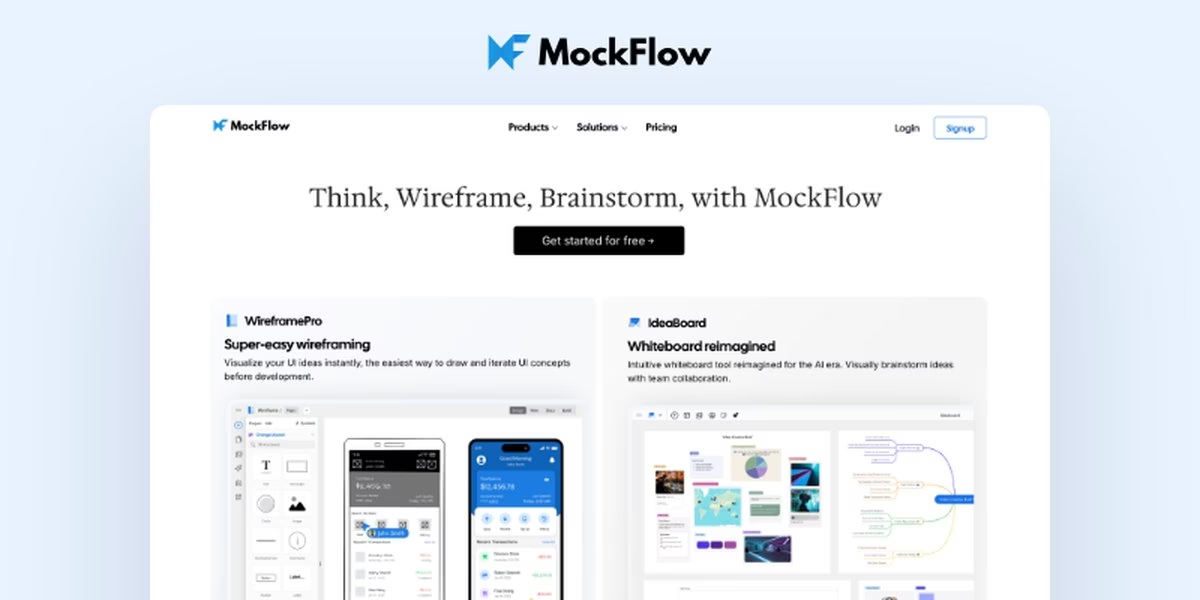
MockFlow is an online wireframing tool and whiteboard. Its homepage says it lets you visualize UI ideas instantly and iterate on concepts before development, and it describes wireframing as simple enough that anyone on a team can turn ideas into visuals without a learning curve. It offers ready-to-use component packs for UI design, and teams can co-design with comments, video meetings and chat. A Start with AI option and an AI-era whiteboard are also mentioned. It is a light choice for early app planning, when you need rough screens fast and want everyone to weigh in. Check the official site for current plans.
Best for: quick wireframing with ready-made component packs
12. Whimsical
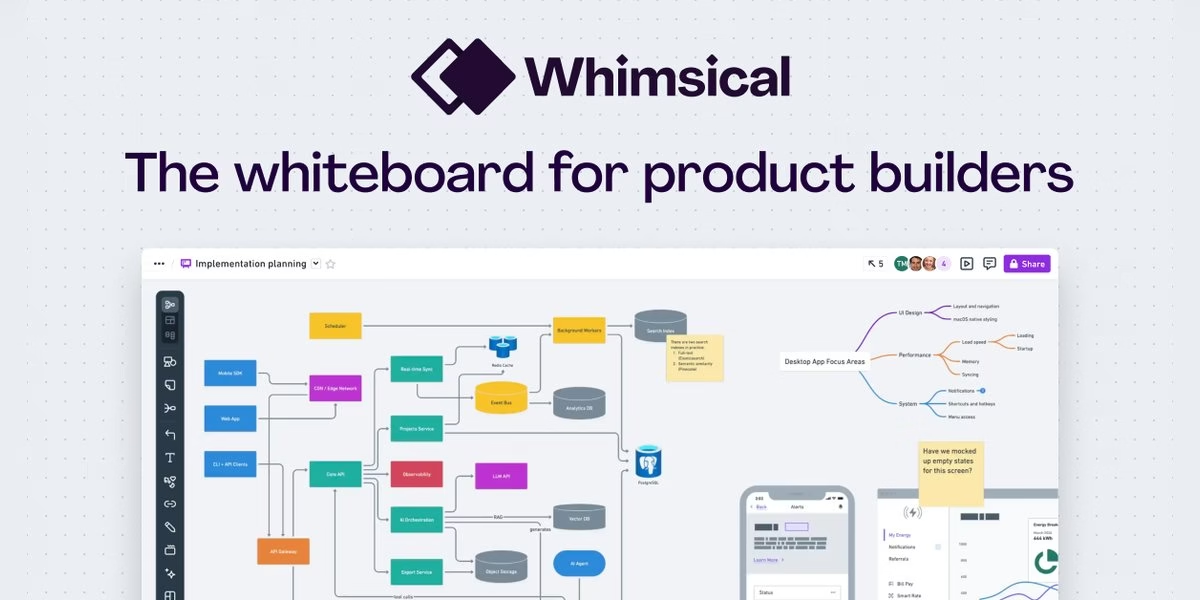
Whimsical calls itself the whiteboard for product builders. Its homepage says you can design and document implementation with diagrams, shape UI with wireframes, and collaborate with your team and AI. It focuses on capturing ideas quickly and sharing them as clear diagrams that everyone can use, and says it is optimized for speed so you stay in flow. Teams can work together in real time. For app planning, it fits user flows, feature maps and early wireframes before you move into a full design tool. Check the official site for current plans and what each plan includes.
Best for: flowcharts and wireframes in a shared whiteboard
13. UXPin
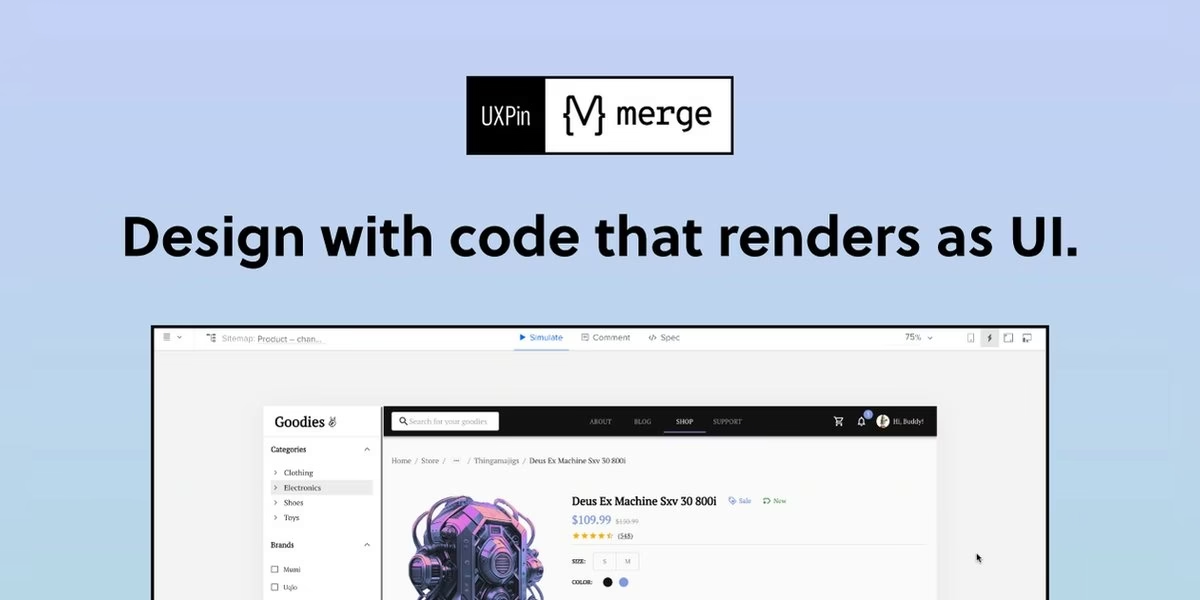
UXPin is a UX and UI design and prototyping tool for designers and developers. Its site says you can use the same components in design as in development, build advanced prototypes and get production-ready code from the design. You can work with built-in coded libraries such as MUI and Tailwind UI, or sync your own Git component repository. Prototypes can include changed properties, theme switches and interactions. That code-based approach suits teams that already have a design system and want screens to match what developers ship. Check the official site for current plans and how its code features work.
Best for: teams that want design to match coded components
14. Justinmind
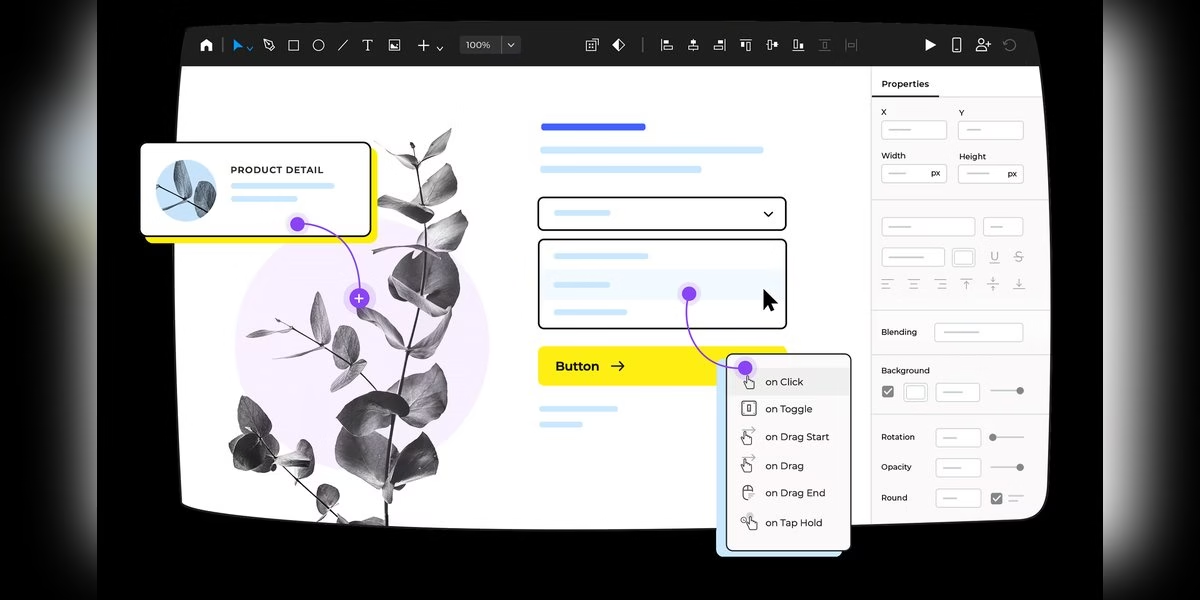
Justinmind is a design and prototyping tool for web and mobile apps. Its site says you can go from clickable prototypes to functional simulations without writing code, and that testing through simulations reduces rework. It highlights interaction design, including web interactions, mobile gestures, animations, transitions and interactive UI elements. Designing full flows from navigation to fine details is its main strength, so it fits teams that want to test how an app behaves before development starts. Check the official site for system requirements and current plans.
Best for: web and mobile prototypes with detailed interactions
How to choose
- Decide how rough you need to be. Wireframe tools such as Balsamiq and MockFlow keep early talks about structure, while Figma and Sketch go to full visual design.
- Check your computer. Sketch is a Mac app, while Moqups and MockFlow run in the browser.
- Think about who will use the file. If developers and stakeholders need access, look at sharing and handoff features.
- Match prototype depth to the question. A simple click-through answers flow questions, while Axure RP, ProtoPie and Justinmind support deeper interaction testing.
- Try one on a single screen. Rebuild one real screen before you move a whole project.
Drawing icons or artwork for your app on a tablet? Compare the drawing apps for iPad, and see our list of creator apps for video, design and publishing tools.
FAQ
What is the difference between a wireframe and a prototype?
A wireframe shows layout and structure, usually without final visuals. A prototype adds clicks, transitions or logic so people can try the flow.
Which tool is best for beginners?
Balsamiq, MockFlow and Visily describe themselves as simple, and Uizard can generate screens from text. Pick one and test it on a single screen.
Which tools are open source?
Penpot describes itself as an open-source design platform.
Are prices listed here?
No. Plans change, so read the current details on each official site.









Leave a Reply