


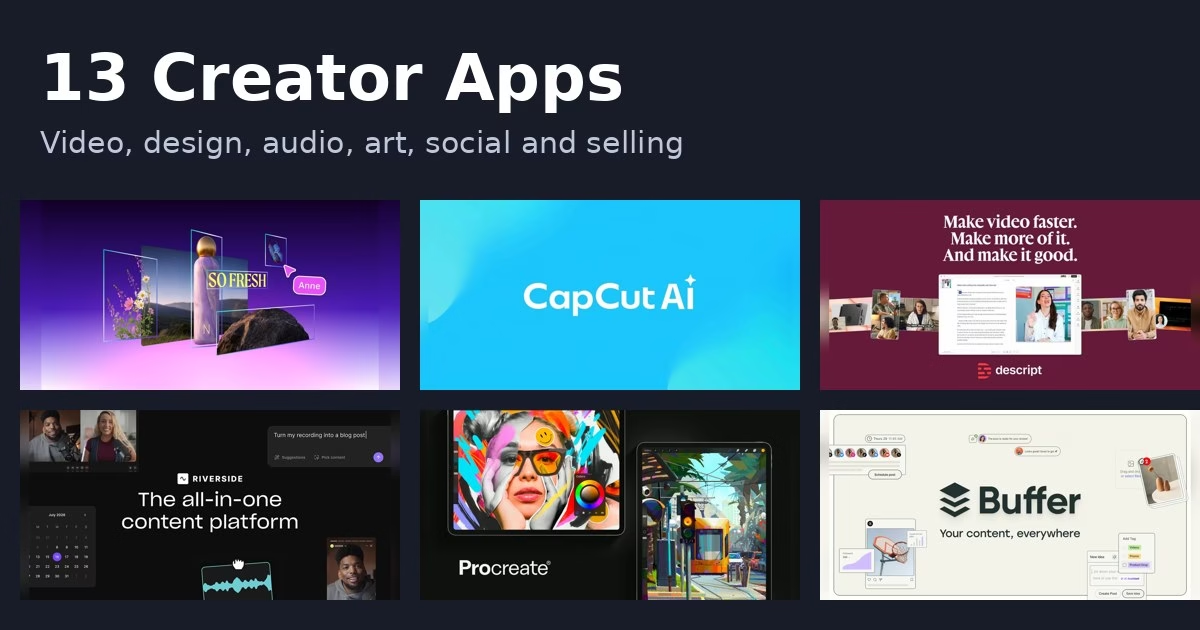
Creating content now means more than one skill. You may edit video, design a thumbnail, record audio, schedule posts and sell what you make, all in the same week. The 13 creator apps below cover those jobs, from design and video to podcasting, live streaming, publishing and selling. Every description comes from the product’s own site, and we have not run hands-on tests. Features and plans change, so check each official page before you commit.
If your goal is editing video, see our guide to the best video editing apps. If you want to build an app rather than content, start with the no-code app builders roundup.
Quick picks
- Design and thumbnails: Canva
- Short videos: CapCut
- Talking videos and podcasts: Descript or Riverside
- Free audio editing: Audacity
- Drawing on iPad: Procreate
- Podcast hosting: Spotify for Creators
- Live streaming: Streamlabs
- Scheduling posts: Buffer or Later
- Selling and publishing: Gumroad, Beehiiv or Ghost
Comparison at a glance
| App | Best for |
|---|---|
| Canva | designers and non-designers who want one place for social posts, presentations and video |
| CapCut | short social videos with templates and AI help |
| Descript | talking-head video, podcasts and tutorials |
| Riverside | remote interviews, podcasts and webinars |
| Audacity | recording and editing audio on a budget across Windows, macOS and Linux |
| Procreate | illustrators and artists who draw on an iPad |
| Spotify for Creators | podcasters who want hosting, analytics and monetization from Spotify |
| Streamlabs | live streamers who want alerts, overlays and multistreaming |
| Buffer | scheduling one set of posts across many social channels |
| Later | creators who want to schedule posts and work with brands |
| Gumroad | selling courses, downloads and memberships directly to fans |
| Beehiiv | newsletter writers who want to grow and earn from an audience |
| Ghost | independent publishers who want a website, newsletter and paid memberships together |
The 13 apps
1. Canva
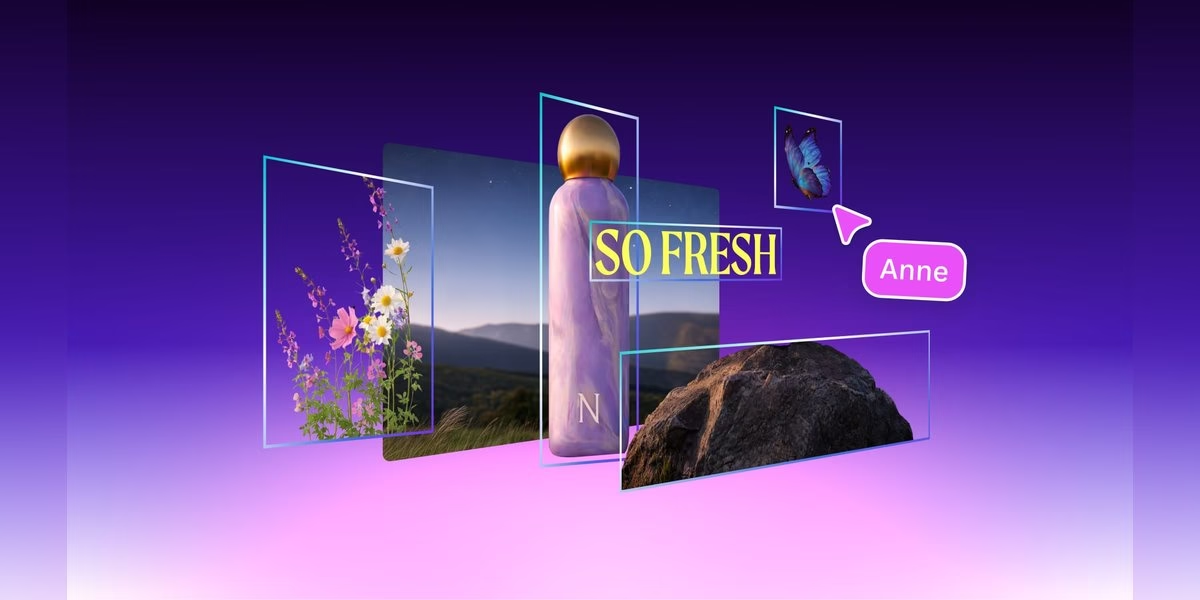
Canva describes itself as a visual suite for everyone, with AI-powered tools for social posts, videos, presentations and more. Its homepage lists features such as Magic Eraser to clean up photos, Magic Write for text, Magic Resize to reshape a design for other formats, and Brand Kit to keep fonts and colors consistent. It also has a video editor, video templates, stock videos, AI captions and an AI image generator. For a creator, that means thumbnails, posts, slides and short videos can come from one account instead of several apps. Features differ by plan, so check the official page for what is included.
Best for: designers and non-designers who want one place for social posts, presentations and video
2. CapCut
CapCut calls itself an AI video editor with smart templates and creative effects for content on YouTube, Instagram and beyond. Its site lists desktop, mobile and online versions. The AI side includes a Video Studio that builds a video from a chat prompt, an AI video generator that works from text, images or keyframes, an AI image generator, and text to speech with natural-sounding voices. For photos it offers a background remover, image enhancer and resizer. It is a strong fit if you publish short vertical clips and want to move quickly from idea to export. Check the official site for current plans and limits.
Best for: short social videos with templates and AI help
3. Descript
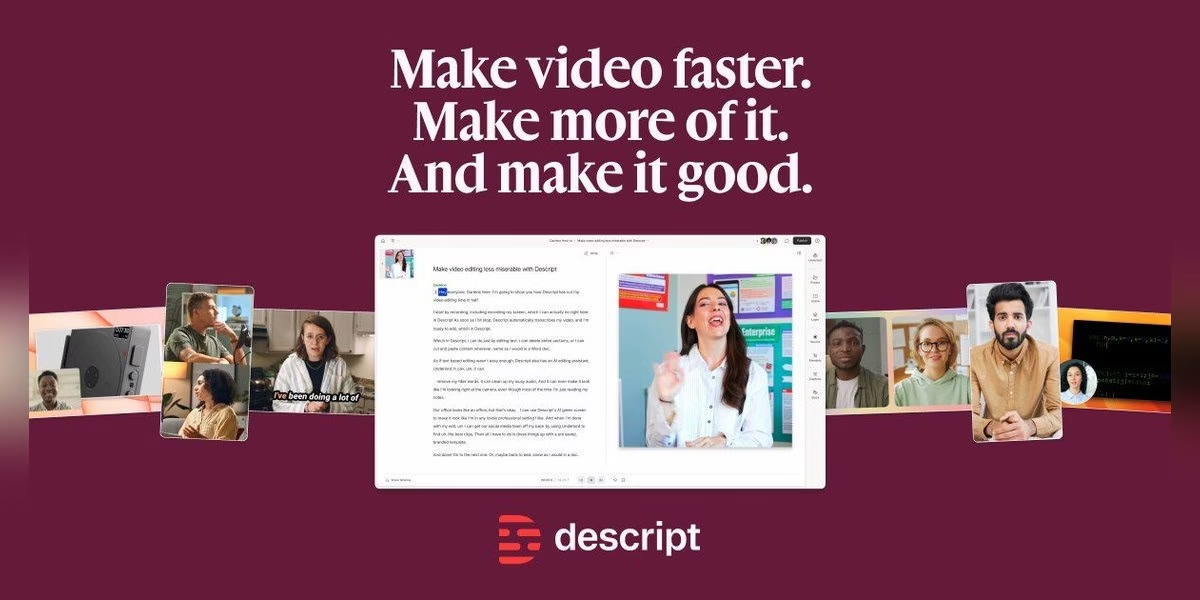
Descript is an AI video and audio editor that works like editing a document: you edit the transcript and the media follows. Its homepage says you can record, transcribe, edit and publish in one tool, and describes an AI co-editor that can do editing for you. Listed features include Studio Sound to remove noise, filler-word removal, eye contact correction, green screen, captions, translation, AI avatars and voice options. That mix suits interviews, tutorials and podcasts where cutting out ums and tightening speech matters more than complex effects. If you are new to timeline editors, the text-based approach can feel easier to learn. Check the official page for current plans.
Best for: talking-head video, podcasts and tutorials
4. Riverside
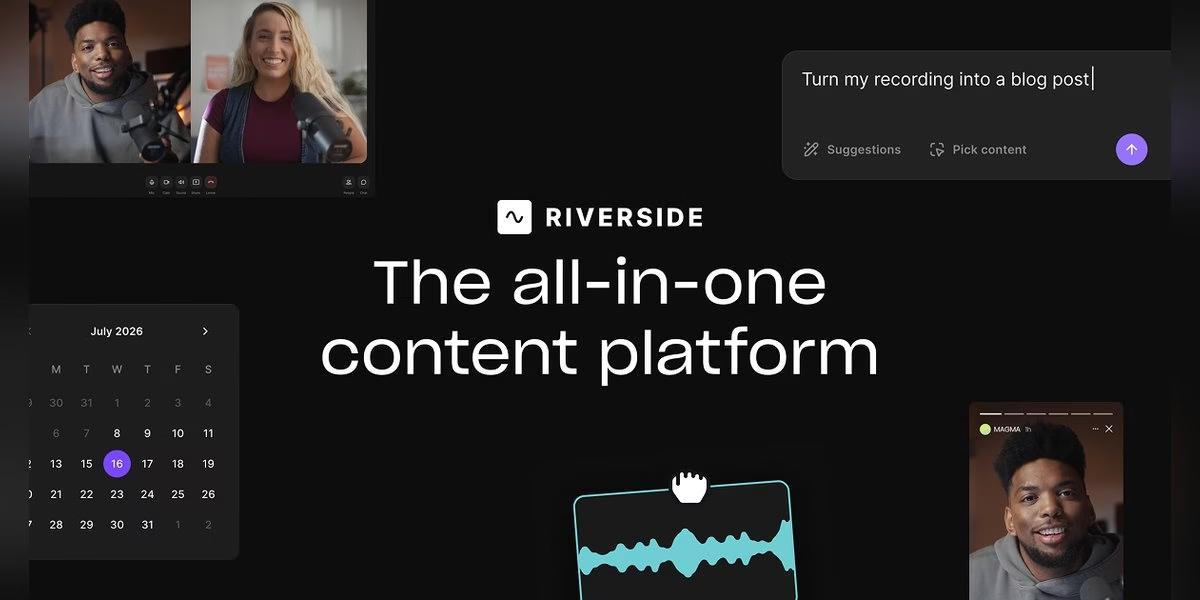
Riverside is an online studio for recording and editing podcasts and video, and it positions itself as an AI-powered platform for high-quality conversations. Its homepage says it can capture up to 4K video and uncompressed audio locally, with separate tracks per speaker, so the recording is not tied to the quality of the internet connection. It also covers a text-based editor, AI sound cleanup, AI clips, show notes, live streaming to several destinations and publishing to YouTube, Spotify and Apple. Interviews and remote guests are the core use case. If you record with other people regularly, the separate tracks and clip tools can save real editing time. Check the official site for plan details.
Best for: remote interviews, podcasts and webinars
5. Audacity
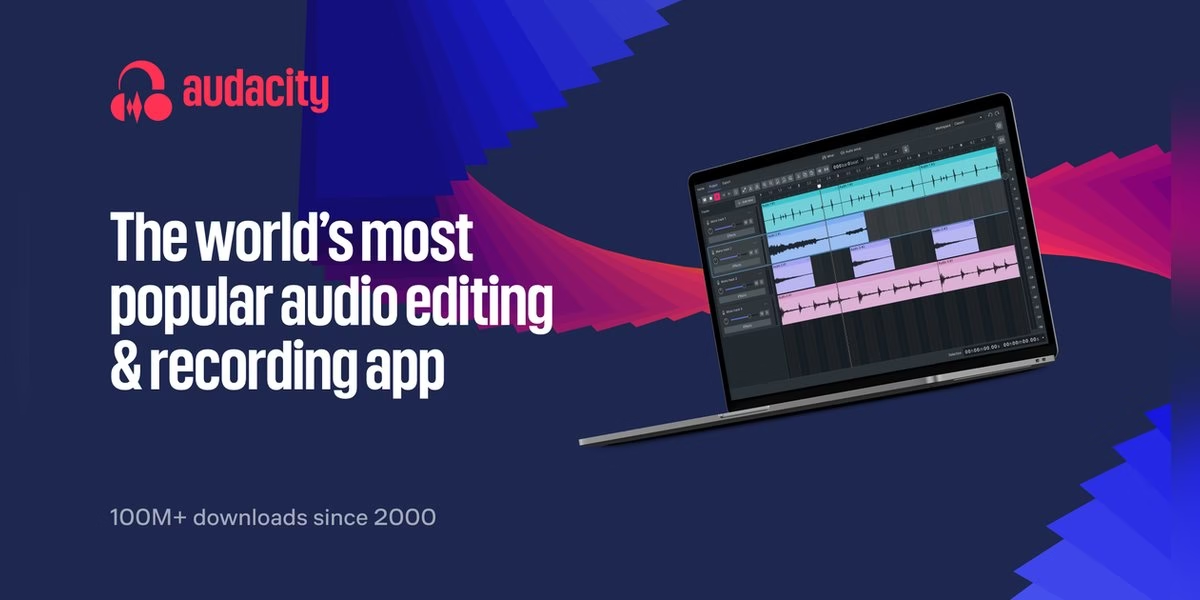
Audacity bills itself as the world’s most popular app to record and edit audio, and its site describes it as free and open source. It runs on Windows, macOS and Linux. You can record, clean up and enhance a song or podcast, work with VST3 and Nyquist plugins, and export to WAV, MP3, FLAC, Ogg and other formats. It is a plain audio editor rather than an all-in-one studio, so it fits voiceovers, podcast cleanup and simple music edits without a subscription app. The official download page now points to MuseHub and also offers a download without it, so pick whichever route you prefer.
Best for: recording and editing audio on a budget across Windows, macOS and Linux
6. Procreate
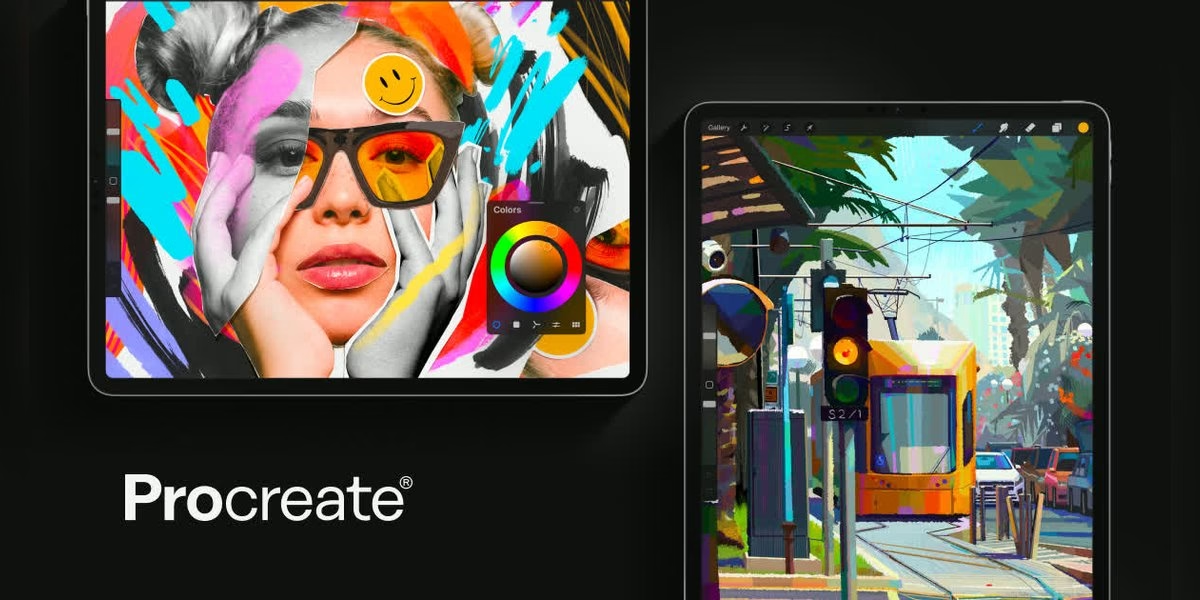
Procreate for iPad is a drawing and illustration app, and its site calls it a complete art studio you can take anywhere. It ships with over 300 handcrafted brushes, and Brush Studio lets you customize each one. Features named on the page include Apple Pencil support, QuickShape, StreamLine and Drawing Assist, layers with blend modes, Transform and Warp, and a time-lapse of your work. It also supports the 3D file formats USDZ and OBJ for painting textures onto models. Procreate is made for iPad, with separate Procreate Pocket for iPhone and Procreate Dreams for animation. It suits artists who want to sketch and paint on a tablet. Check the official site for current details.
Best for: illustrators and artists who draw on an iPad
7. Spotify for Creators
Spotify for Creators official site
Spotify for Creators, formerly Spotify for Podcasters, is the free audio and video podcasting platform from Spotify. Its homepage says you can manage and grow a show with tools to upload clips, manage comments and keep tabs on analytics. It also lets you customize how your show appears on Spotify and points to monetization options, including the Spotify Partner Program for audio and video. It fits podcasters who want hosting and audience tools in the same place where many listeners already are. Eligibility and requirements for monetization can change, so read the current details on the official site before you plan around them.
Best for: podcasters who want hosting, analytics and monetization from Spotify
8. Streamlabs
Streamlabs is a suite of tools for live streamers. Its main app, Streamlabs Desktop, is described as free live streaming and recording software for Windows and Mac, with Streamlabs tools built in. The site lists multistreaming to YouTube, Twitch, Facebook and more at once, vertical and horizontal output, alerts and overlays, chat, and widgets to engage viewers. It says Streamlabs Desktop is open source on GitHub. If you want to go live and design your stream without piecing together separate tools, it is worth a look. Check the official site for system requirements and which features need a paid plan.
Best for: live streamers who want alerts, overlays and multistreaming
9. Buffer
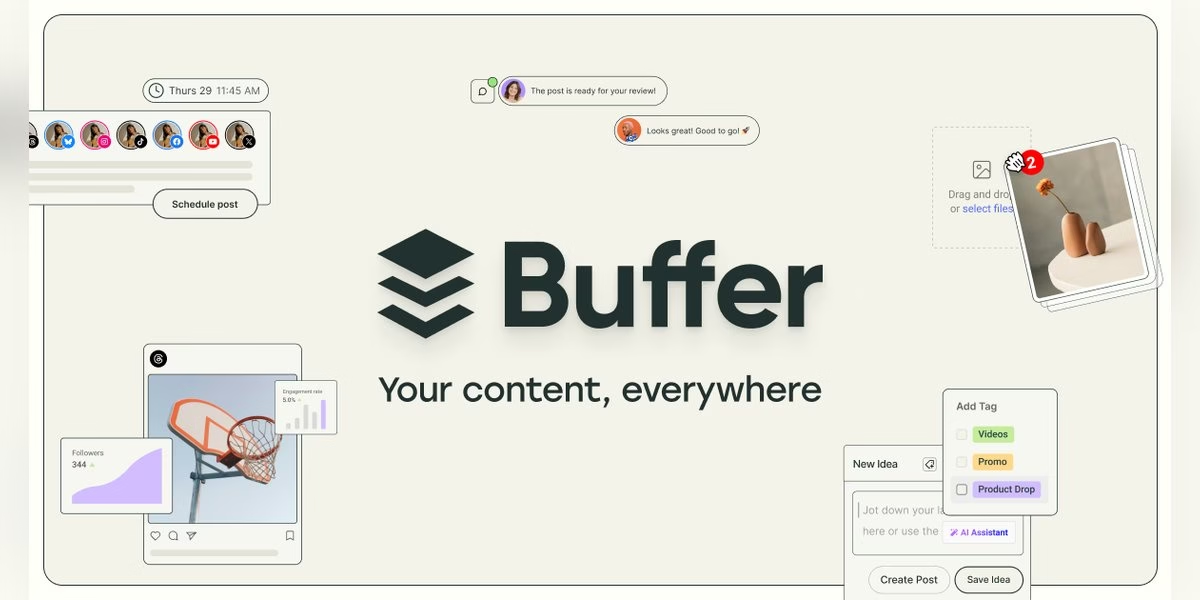
Buffer is a social media management tool that helps you plan, schedule and publish content from one place. Its homepage lists publishing to Facebook, Instagram, TikTok, LinkedIn, Threads, Bluesky, YouTube Shorts, Pinterest, Google Business, Mastodon, X and Substack. Other pieces include an AI Assistant for brainstorming and rewriting posts, a library for content ideas, analytics, a community dashboard for replying to comments, team approvals and Start Page, a link-in-bio builder. It is a calm option for solo creators who post on several platforms and want a steady schedule. Check the official site for current plans and channel limits.
Best for: scheduling one set of posts across many social channels
10. Later
Later started as a social media scheduler and now covers influencer marketing as well. Its homepage describes two sides: tools for creators and tools for brands. For creators, it mentions ways to earn through affiliate links and brand campaigns. For social media managers, it lists planning and publishing content, scheduling across platforms, analytics, AI help with captions and content, approvals and Link in Bio. That makes it useful if you want to schedule posts and also look for brand work in the same place. Features differ between the creator and brand products, so check the official site to see which part fits your goals.
Best for: creators who want to schedule posts and work with brands
11. Gumroad
Gumroad is a platform for selling digital products and memberships directly to your audience. Its site says you can sell anything, from video lessons to monthly subscriptions, and offers one-time, recurring or fixed-length payments, with customers able to pay in their own currency. You can build a storefront on Gumroad or use your own site, and connect your account to other apps through integrations. The pitch is to try small ideas, see what sells and keep going. For creators with templates, brush packs, courses or ebooks, it is a simple way to start selling. Check the official site for current fees before you commit.
Best for: selling courses, downloads and memberships directly to fans
12. Beehiiv
Beehiiv is an all-in-one platform for newsletters, podcasts and community. Its homepage says it helps publishers publish, grow and earn, and describes tools to publish your best work, grow your audience, unlock new revenue and understand what is working in one place. The page title also mentions creating websites alongside newsletters. It is a fit for writers who want their newsletter, site and audience tools together rather than stitched from separate services. The site says you can start for free without a credit card. Check the official site for the current feature list and plan limits before you pick it.
Best for: newsletter writers who want to grow and earn from an audience
13. Ghost
Ghost is an open-source publishing platform for professional publishers. Its site says you can build a website, publish content, send newsletters and offer paid subscriptions to members in one place. You can customize the design, use themes from its marketplace or build your own, and write in an editor built for professionals. Posts can go out by email, and you can segment your audience and send different newsletters by preference. Native signup forms turn visitors into members, with free or paid tiers, and you can see who is signing up and what they read. It suits creators who want to own their site and membership business.
Best for: independent publishers who want a website, newsletter and paid memberships together
How to choose
- Start with your main format. Video, audio, art and writing each have different best tools.
- Add tools only when a job needs them. A design app and a scheduler cover a lot before you need more.
- Check where you publish. Scheduling apps list the platforms they support, so confirm yours is on the list.
- Look at ownership. If you sell or run a newsletter, check who owns your audience list and how you can export it.
- Try one app on a real project. Make one post, clip or episode before you move your whole workflow.
For help planning social posts, see our list of social media automation tools, and for flyers and quick graphics, the flyer maker apps. iPad artists can also compare our drawing apps for iPad.
FAQ
What are creator apps?
They are apps that help you make, publish or sell content, such as video editors, design tools, podcast software, schedulers and platforms for newsletters and memberships.
Which creator app is best for beginners?
It depends on the format. Template-based tools such as Canva and CapCut are quick to start, and Audacity covers basic audio work.
Which apps help me sell my work?
Gumroad, Beehiiv and Ghost describe tools for selling products, memberships or subscriptions. Check each official site for current fees and terms.
Are prices listed here?
No. Plans change, so read the current details on each official site.



Leave a Reply