




Start with the job, not a list of 30 apps. For a small business in 2026, ChatGPT or Claude can help draft and analyze, Canva can produce visuals, and Zapier can move information between tools. But if your team already lives in Google Workspace, Shopify, QuickBooks, HubSpot or Notion, check the AI inside that system before buying another subscription. The best choice depends on where your data is and what you need reviewed before it goes to a customer.
Research note: this guide compares current vendor documentation and pricing pages, checked September 2026. It is not a hands-on benchmark, and features, plan limits, region and billing terms can change. We have not verified a fixed productivity gain or ROI for these tools.
Quick picks by small-business job
-
General drafting and analysis: ChatGPT Business or Claude; compare the business workspace and controls rather than relying on a personal account.
-
Gmail, Docs and Meet work: Gemini in Google Workspace if those are already your team tools.
-
Social graphics and presentations: Canva Magic Studio; review designs, claims and image rights before posting.
-
Repeatable handoffs between apps: Zapier; cap tasks and test each automation on dummy records.
-
Shared operating notes: Notion AI; strongest when your team already keeps its processes in Notion.
-
Sales and support: HubSpot AI when your customer data is already in HubSpot.
-
Online store operations: Shopify Sidekick if you already pay for Shopify.
-
Bookkeeping workflow: Intuit AI in QuickBooks if you already use QuickBooks; keep an accountant or owner in the approval loop.
How we chose these tools
We weighted practical fit for a small team: whether it works inside software they already use; whether a non-specialist can try one low-risk workflow; the plan and usage model; data controls; and the cost of an error. Vendor pages establish features and terms, not real-world performance. A separate AI subscription is not automatically better than an AI feature bundled with an existing platform.
ChatGPT Business: General writing, spreadsheet questions and research starting points
Its business workspace offers shared administration, drafting and analysis. OpenAI says business data is not used to train its models by default. The plan is billed per user; check your region and billing interval on the live pricing page, rather than using an old dollar figure. Check the current ChatGPT Business product or plan page.
Trade-off: Use a non-sensitive FAQ or anonymized spreadsheet first. Verify every externally published claim and every formula. Do not treat generated research citations as verified sources.
Claude: Long-form drafting and document review
Claude has individual and Team plans. Its Team plan includes centralized administration and connectors; usage limits and credit options apply. Choose a team plan if shared controls and business use matter, rather than assuming a personal Pro subscription covers those needs. Check the current Claude product or plan page.
Trade-off: Run one real but non-confidential document through it and review omissions, not just the writing style. Confirm location support and seat terms.
Gemini in Google Workspace: Email, documents and meetings in Google Workspace
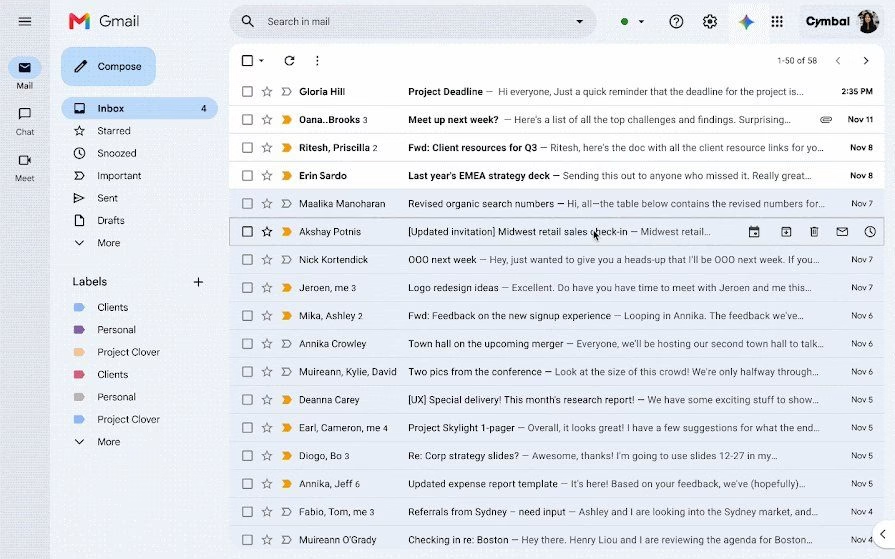
Workspace pricing lists Gemini capabilities across business tiers. The useful advantage is working in the same mail, Docs and meeting environment rather than copying content into another app. Feature access varies by tier. Check the current Gemini in Google Workspace product or plan page.
Trade-off: Check which AI features your existing Workspace tier includes and restrict access to customer documents before broad rollout.
Canva Magic Studio: Graphics, social posts and presentations

Canva combines AI-assisted design, writing and media tools in Magic Studio. The product is a practical fit for a shop or service business already making flyers, posts and slide decks in Canva. Plan-specific AI usage limits apply. Check the current Canva Magic Studio product or plan page.
Trade-off: Review generated imagery for misleading details, brand consistency, accessibility and any rights or licensing conditions before publishing.
Zapier: Moving leads and data between apps
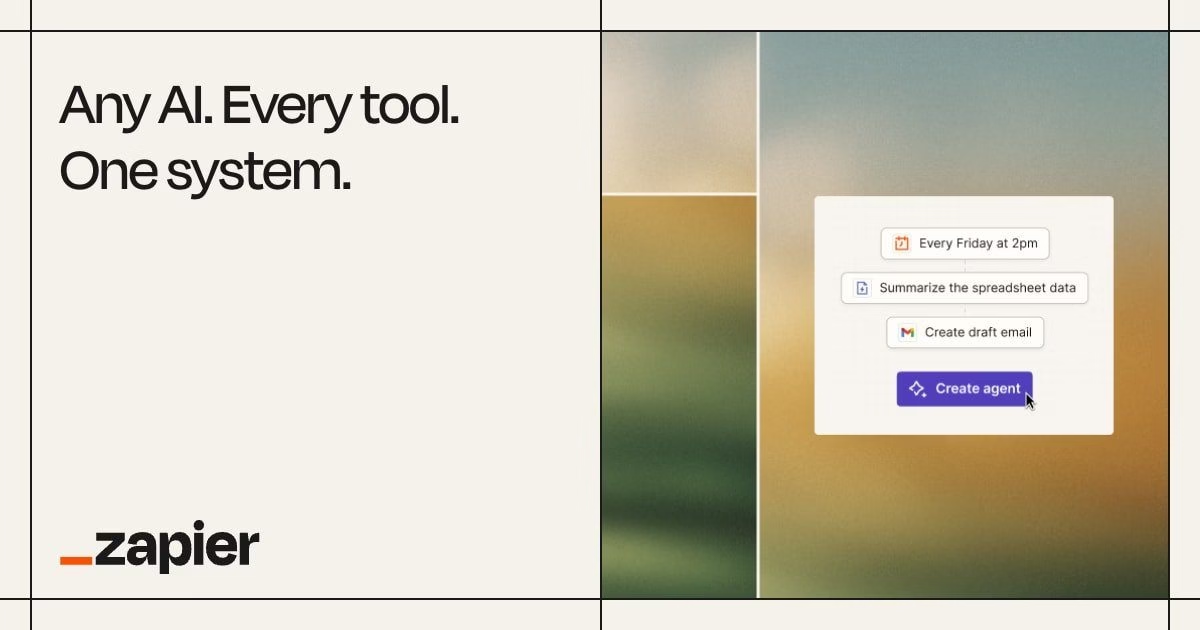
Zapier automates workflows between connected services and offers AI steps. Its June 2026 help update says AI by Zapier tasks vary by model tier per run; a task-based bill can grow with volume. Check the current Zapier product or plan page.
Trade-off: Start with one low-volume internal workflow, log failures and approvals, and never auto-send customer messages until you have reviewed the trigger and output.
Notion AI: Team knowledge, notes and internal search
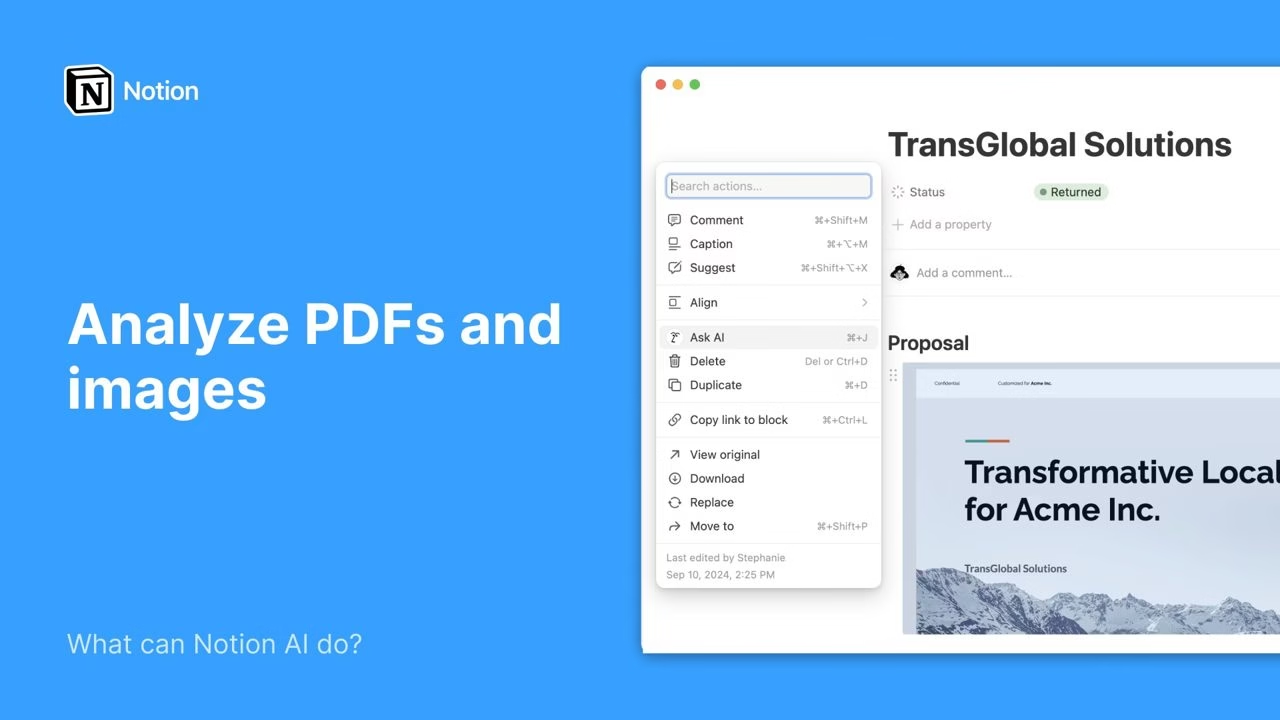
Notion Business lists Notion Agent, AI Meeting Notes and Enterprise Search Beta. The Free and Plus plans show a trial of Notion AI rather than full Business access; custom agents have a separate credit model. Check the current Notion AI product or plan page.
Trade-off: Useful only if documents are current and permissions are tidy. Old or restricted notes fed into an answer can make a polished but wrong recommendation.
HubSpot AI: CRM, marketing and support workflows
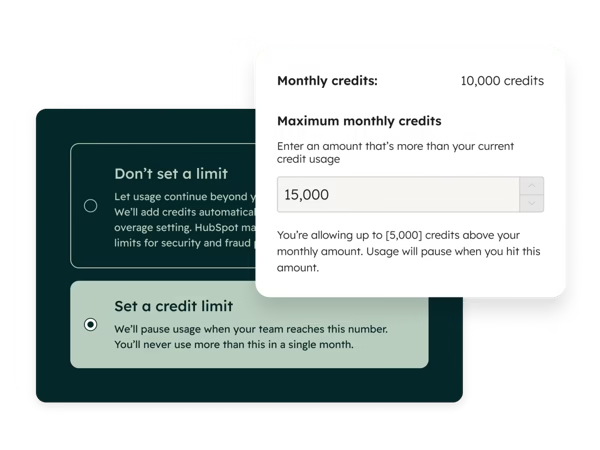
HubSpot offers agents and AI features in its customer platform. Its credits page says included credits vary by subscription; additional credits, pay-as-you-go and spend limits are available. Check the current HubSpot AI product or plan page.
Trade-off: Test a narrow internal lead-summary or ticket-routing task first. Watch credit usage and review any outbound reply before a customer sees it.
Shopify Sidekick: Store setup, product content and commerce insights

Shopify says Sidekick is included with a Shopify plan and has direct access to store data and admin workflows. Features and usage limits vary by plan. It is more relevant to an existing Shopify merchant than to a firm without a store. Check the current Shopify Sidekick product or plan page.
Trade-off: Review product claims, prices, stock and checkout settings before accepting changes. Store-specific context is helpful, but it can still be wrong.
QuickBooks Intuit AI: Transaction review, invoice drafting and bookkeeping help
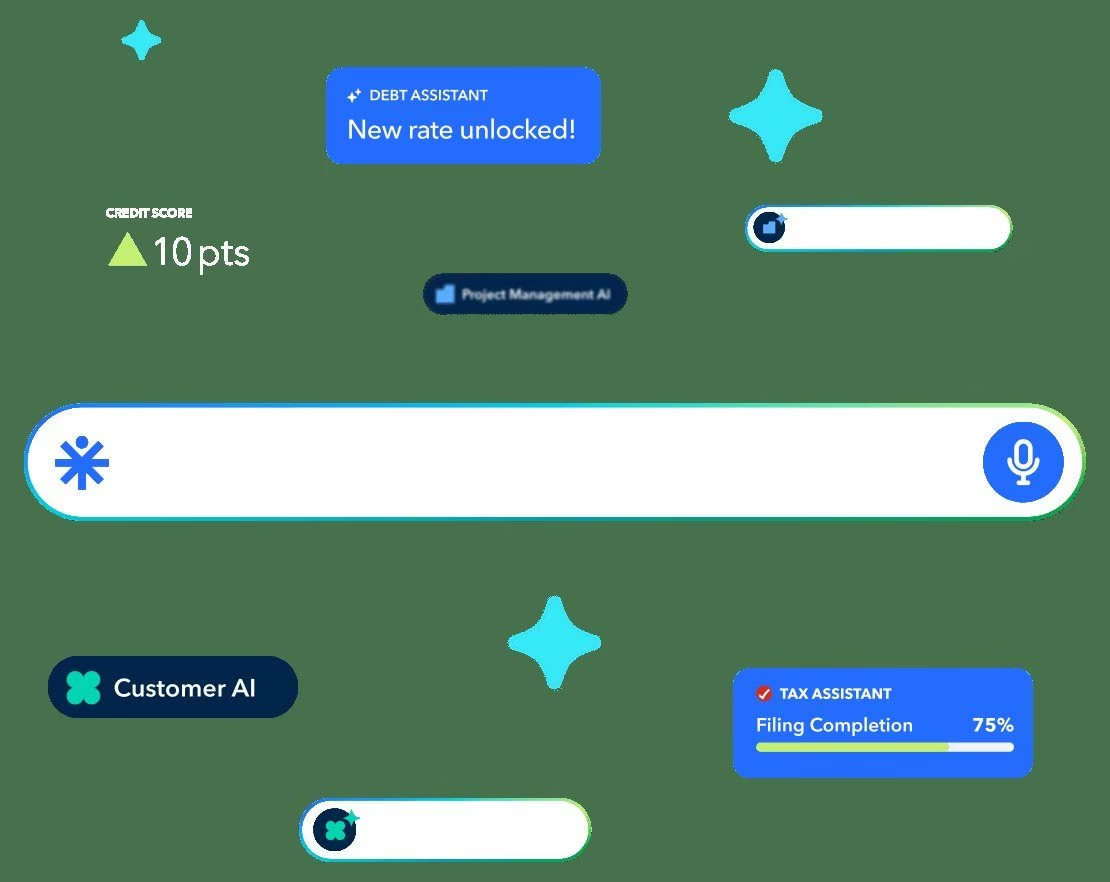
Intuit describes AI features for accounting, payments, tax and customer workflows within QuickBooks. Its own site stresses human review and edit of drafted messages, estimates, reminders and bills. Availability depends on product and plan. Check the current QuickBooks Intuit AI product or plan page.
Trade-off: Do not let AI approve tax treatment, payroll or payments unattended. Keep the books, accountant and owner as the source of truth.
Grammarly: Editing customer-facing writing across apps
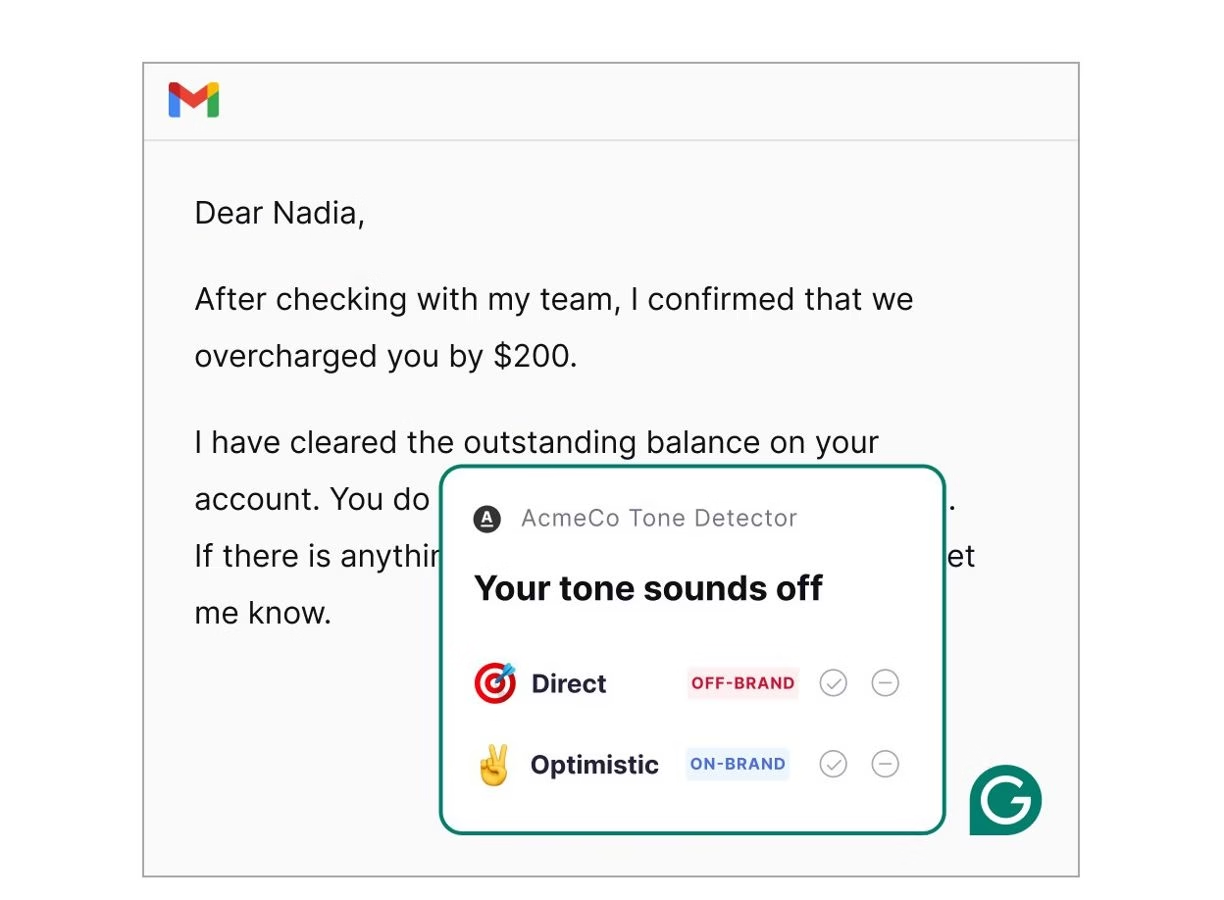
Grammarly offers writing assistance and business plans with team controls. Its narrower editing role can be useful when you already have a draft and want clearer, consistent wording instead of another general chatbot. Check the current Grammarly product or plan page.
Trade-off: A polished sentence may still contain a false promise. Verify facts, tone and customer-specific details.
A safer 30-day rollout for a small team
-
Week 1: choose one job and baseline it. For example, measure how long drafting a weekly newsletter or sorting 20 internal support requests takes without AI.
-
Week 2: trial one tool on low-risk material. Remove customer names, financial details and secrets unless your contract and access controls allow them.
-
Week 3: have a person check every output for facts, privacy, brand voice and legal or financial implications. Track time saved and error-repair time together.
-
Week 4: decide whether to keep it. Count seats, task/credit limits, integrations, switching costs and who can approve externally visible work. Cancel overlapping trials before they renew.
The FTC’s privacy guidance warns that model providers must honor their confidentiality commitments. This is a reason to check the specific plan’s data-use terms and business agreement, not assume every free account has the same protections.
Frequently asked questions
What is the best free AI tool for a small business?
There is no one best free plan for every job. A free personal AI assistant can help with non-sensitive drafting, while a tool already included with Workspace or Shopify may fit your workflow better. Free tiers often have lower usage caps and different data controls. Compare the current plan terms, then test with a small, reversible task.
Can AI replace a bookkeeper or customer support agent?
It can suggest transaction categories, draft messages or summarize tickets, but should not silently approve payments, tax treatment or replies. Intuit itself describes review and edit points in its AI workflows. Define what needs human approval before connecting production data.
Which AI tools should I buy first?
First audit what is already in your software. If you need one broadly useful assistant, compare a business workspace such as ChatGPT Business or Claude Team. Add a specialized tool only after an actual workflow proves its value. Avoid buying several overlapping seats before testing one task.
Bottom line
A small firm usually needs a short stack, not 30 subscriptions: one assistant for drafts and analysis, one design or automation tool if the work calls for it, and AI inside the system where its records already live. The winning setup is the one your staff can check, afford and switch off when it makes a mistake.
Related Just Create App guides: no-code app builders and Salesforce integration tools.







Leave a Reply