


Editing a PDF used to mean one expensive program. Now there are desktop editors, browser tools, mobile apps and self-hosted options. The 19 apps below cover those routes, from quick online fixes to full editors with signing. Every description comes from the product’s own site, and we have not run hands-on tests. Features and plans change, so check each official page before you commit.
Quick picks
- Quick online fixes: Smallpdf, iLovePDF, Sejda or PDF Candy
- Mac: PDF Expert
- Linux: Master PDF Editor or Okular
- Signing and forms: DocHub, pdfFiller or Lumin
- Host it yourself: Stirling-PDF
- Phone, browser and desktop: Xodo, KDAN PDF or PDFelement
Comparison at a glance
| App | Type | Platforms named on its site |
|---|---|---|
| Foxit PDF Editor | Desktop editor | See official site |
| PDF Expert | Desktop editor | Mac |
| Smallpdf | Online tools | Web |
| iLovePDF | Online tools | Web |
| PDFgear | Desktop and online | See official site |
| Xodo | Cross-platform | Web, mobile, desktop |
| Sejda | Online tools | Web |
| PDF-XChange Editor | Desktop editor | See official site |
| Nitro | Business suite | See official site |
| Wondershare PDFelement | Desktop editor | Desktop, mobile, web |
| PDF Candy | Online tools | Web |
| Soda PDF | Desktop editor | Desktop and web |
| DocHub | Online tools | Web |
| pdfFiller | Online tools | Web |
| Lumin | Business suite | See official site |
| Master PDF Editor | Desktop editor | Linux |
| Stirling-PDF | Self-hosted | Self-hosted |
| Okular | Viewer | See official site |
| KDAN PDF | Cross-platform | iOS, Mac, Android, Windows |
The 19 apps
1. Foxit PDF Editor
Foxit PDF Editor official site
Foxit describes its PDF Editor as an AI-powered tool for editing, converting and signing PDFs.
Best for: people who want a full desktop-style editor with signing built in.
2. PDF Expert
PDF Expert is a PDF editor and reader for Mac. Its site mentions advanced reading layouts, editing tools and classic annotation tools, and offers a free trial.
Best for: Mac users who read and mark up a lot of PDFs.
3. Smallpdf
Smallpdf calls itself a platform for converting and editing PDF files in one place, and says it offers free tools.
Best for: people who need a quick one-off fix without installing anything.
4. iLovePDF
iLovePDF is an online service for working with PDF files. Its site lists tools to merge, split and compress PDFs, convert Office files to PDF and convert PDF to JPG.
Best for: people who mostly need page-level jobs such as merging and splitting.
5. PDFgear
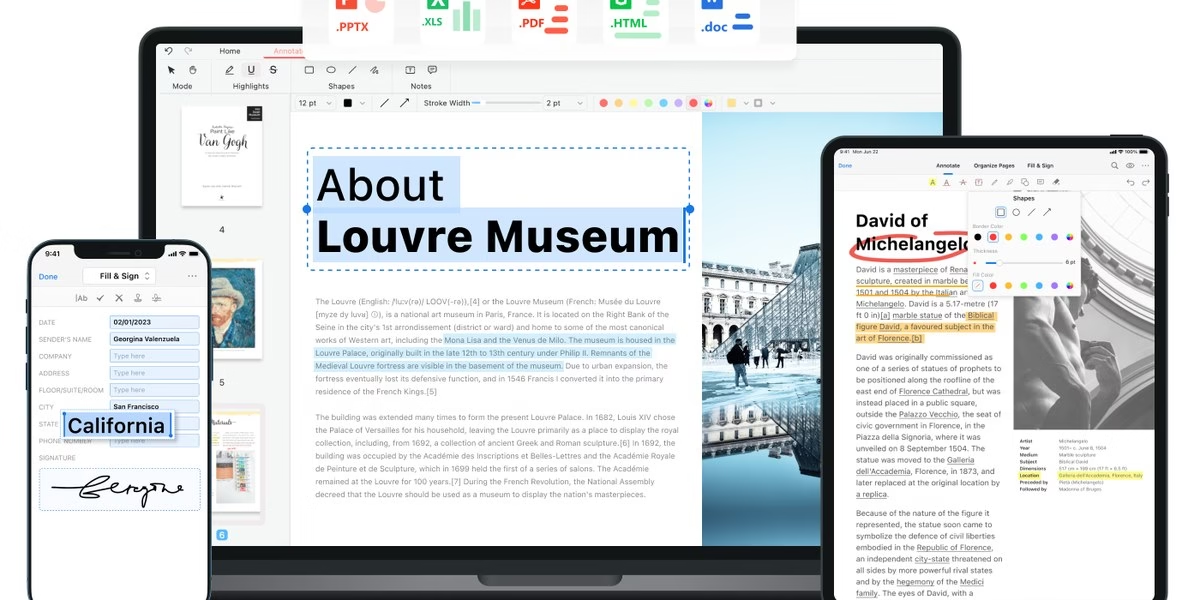
PDFgear presents itself as free PDF editor software with online tools, and says you can edit PDFs online or offline.
Best for: people who want an editor that also works without a connection.
6. Xodo
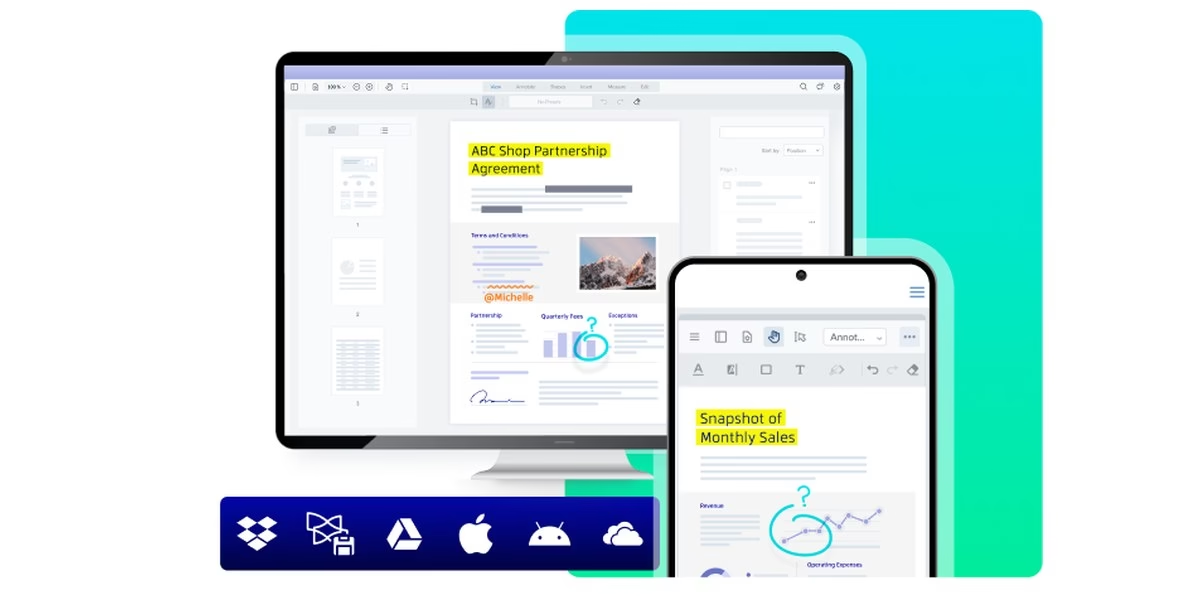
Xodo says it lets you work with PDF, Office and image files securely on the web, mobile and desktop, and it includes e-signature features.
Best for: people who switch between phone, browser and computer.
7. Sejda
Sejda describes itself as a quick, simple online service with no installation needed. Its site mentions splitting and merging PDFs, converting PDF to images and mixing scans.
Best for: people who want a plain online tool for common PDF jobs.
8. PDF-XChange Editor
PDF-XChange Editor official site
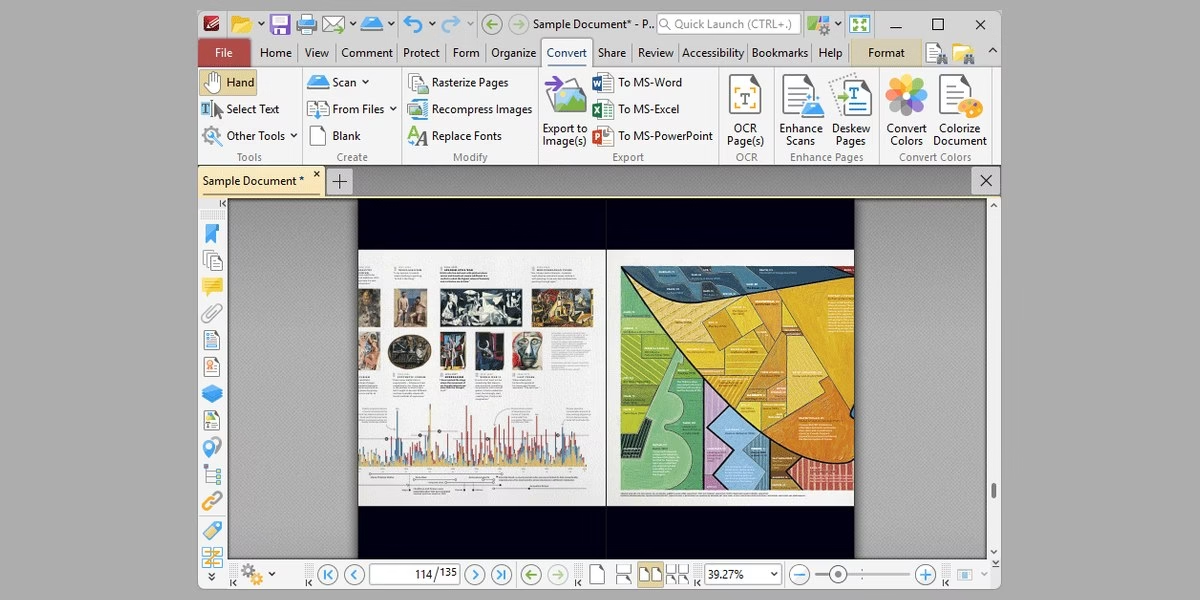
PDF-XChange develops light, fast PDF software for viewing, converting and editing PDF documents. Its site mentions a free PDF editor and free OCR.
Best for: Windows users who want a fast viewer with editing tools.
9. Nitro
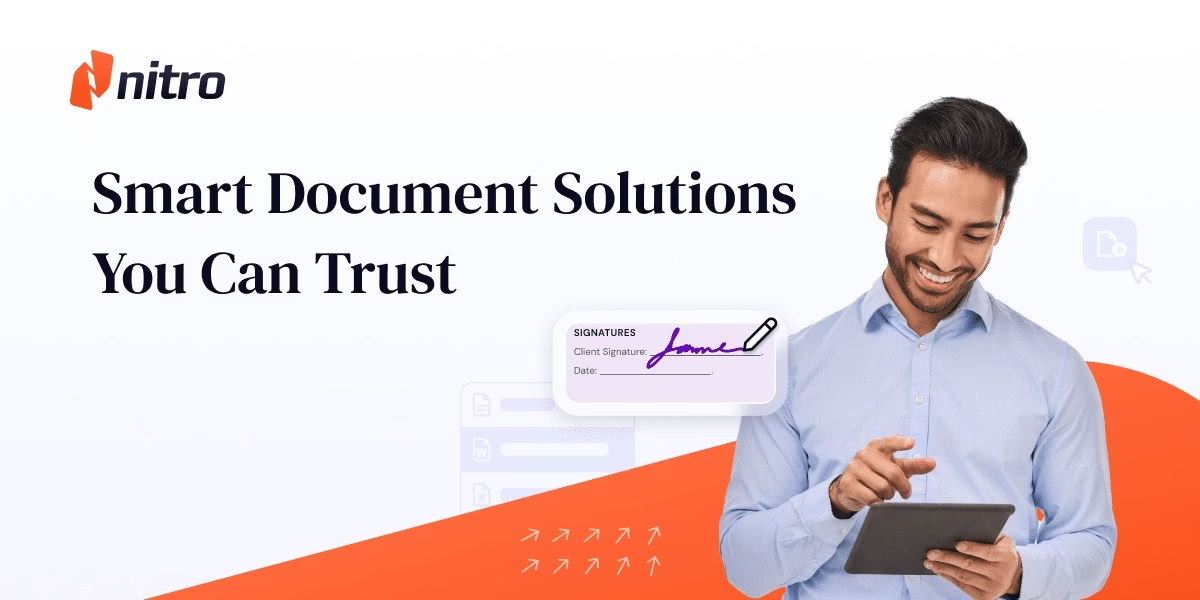
Nitro offers PDF and eSign software. Its site focuses on document workflows, productivity and data security for businesses.
Best for: teams that sign and route documents often.
10. Wondershare PDFelement
Wondershare PDFelement official site
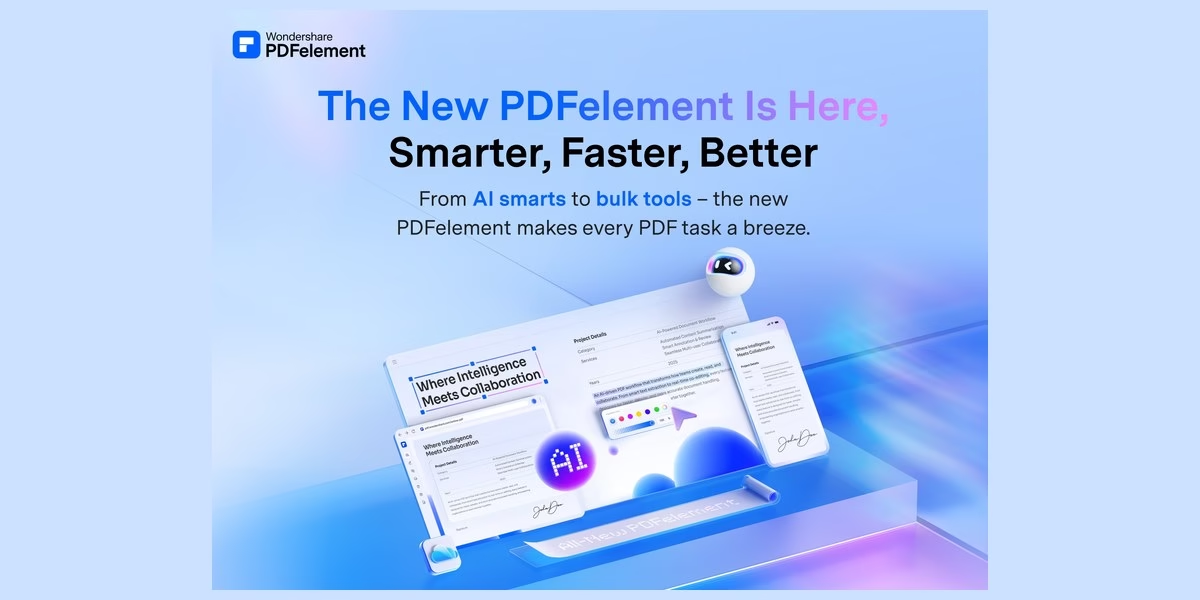
Wondershare PDFelement is described on its site as a PDF editor to create, edit, protect and sign PDFs on desktop, mobile and web.
Best for: people who want one editor across devices.
11. PDF Candy
PDF Candy calls itself a free online PDF toolkit with 90+ tools. Its site lists editing, PDF to Word, PDF to JPG, merge, split and compress.
Best for: people who want many small tools in one place.
12. Soda PDF
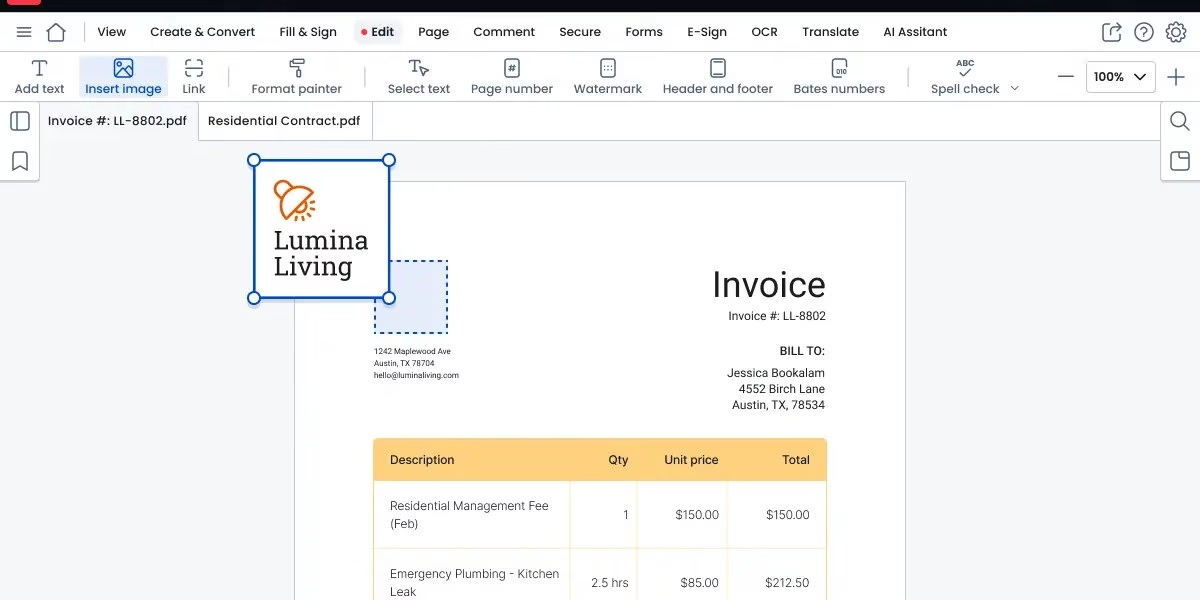
Soda PDF is software with desktop and online versions, and says it includes free tools to modify PDF files.
Best for: people who want both an installed app and a web version.
13. DocHub
DocHub lets you sign PDF documents online, request eSignatures and send reusable PDF templates. Its site calls it a PDF editor in your browser that works with Google and Gmail.
Best for: Google users who sign and send forms often.
14. pdfFiller
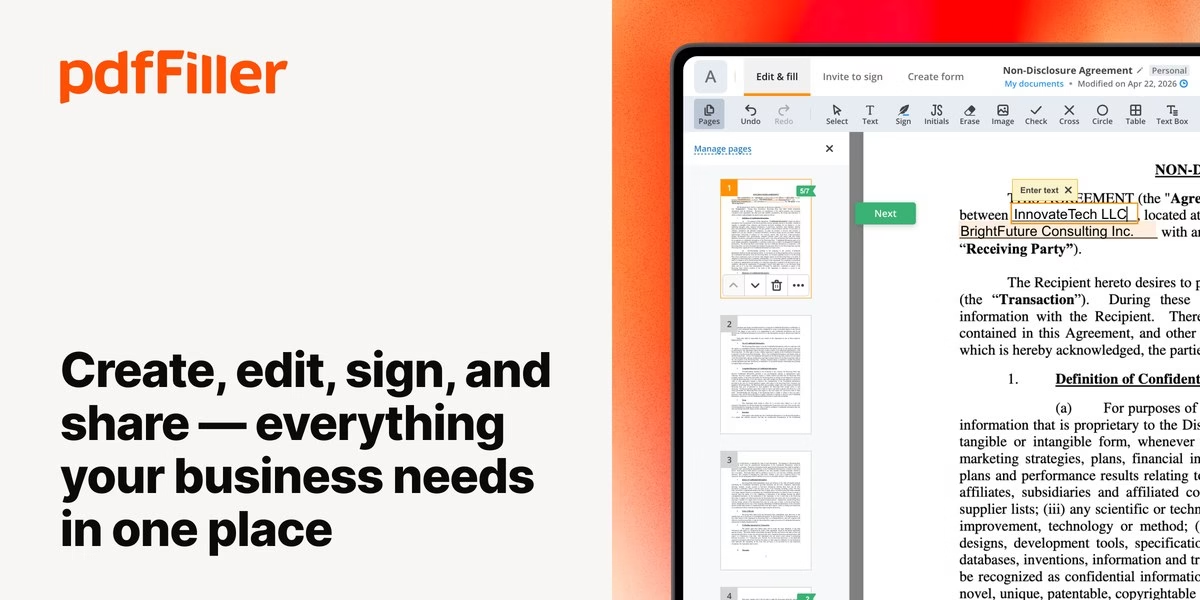
pdfFiller is an online PDF editing and document management service. Its site mentions eSignatures, cloud storage and a large form library.
Best for: people who fill out and send many forms.
15. Lumin
Lumin describes a document workflow platform covering document creation, editing and eSignatures in one place.
Best for: teams that want one place for edits and signatures.
16. Master PDF Editor
Master PDF Editor official site
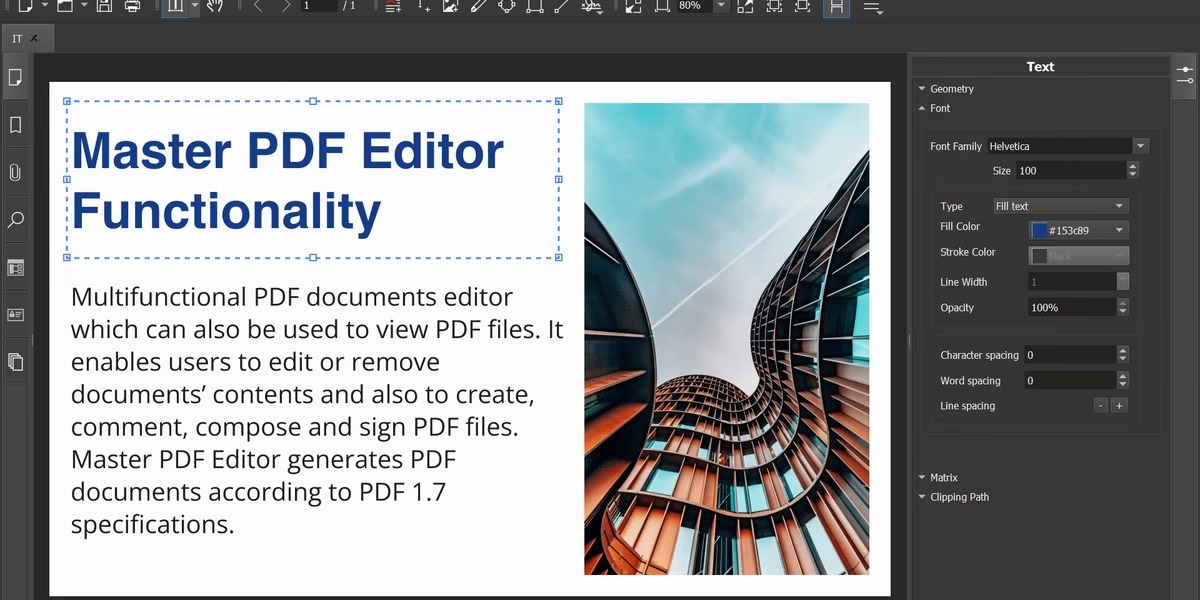
Master PDF Editor is a PDF editor that its maker offers for Linux, with an option to edit PDF files on that system.
Best for: Linux users who need to edit PDFs.
17. Stirling-PDF
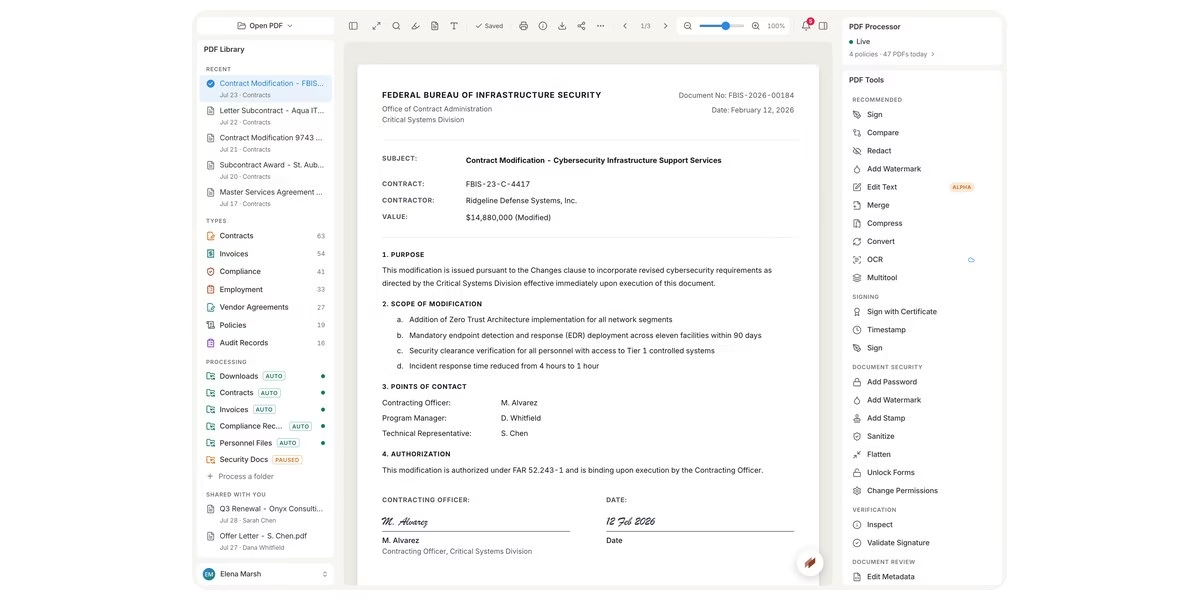
Stirling PDF calls itself a free, private PDF editor you can run on any infrastructure.
Best for: people who want to host their own PDF tools.
18. Okular
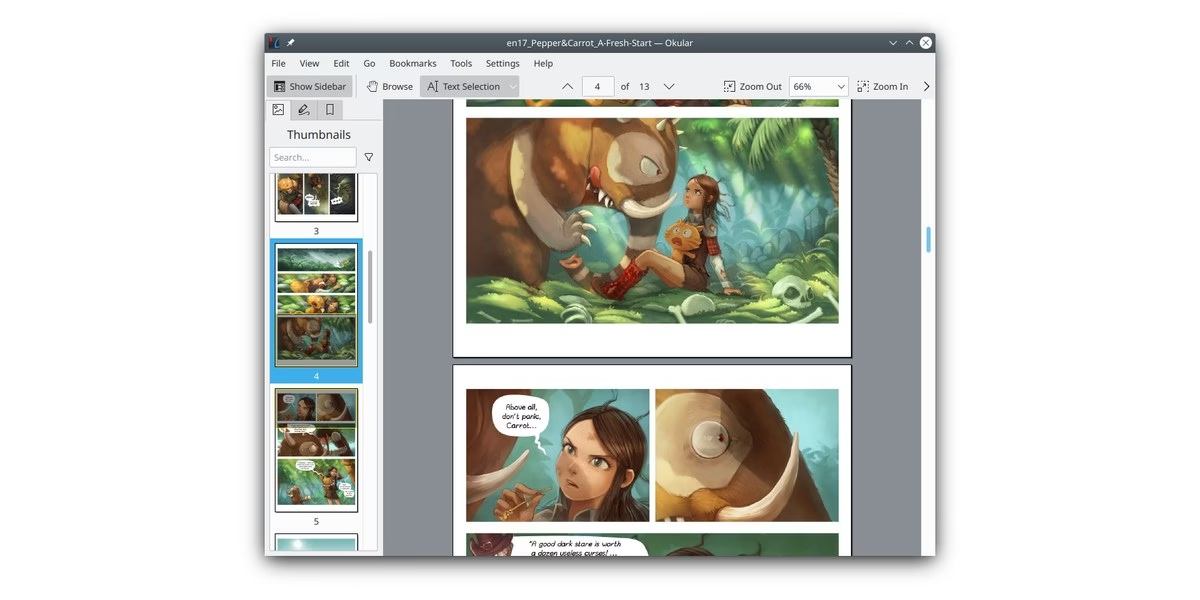
Okular is a multi-platform document viewer from KDE. Its site says it reads PDF documents, comics and EPub books and browses images. It is mainly a viewer, so check its annotation features before relying on it for edits.
Best for: people who mostly read and annotate documents.
19. KDAN PDF
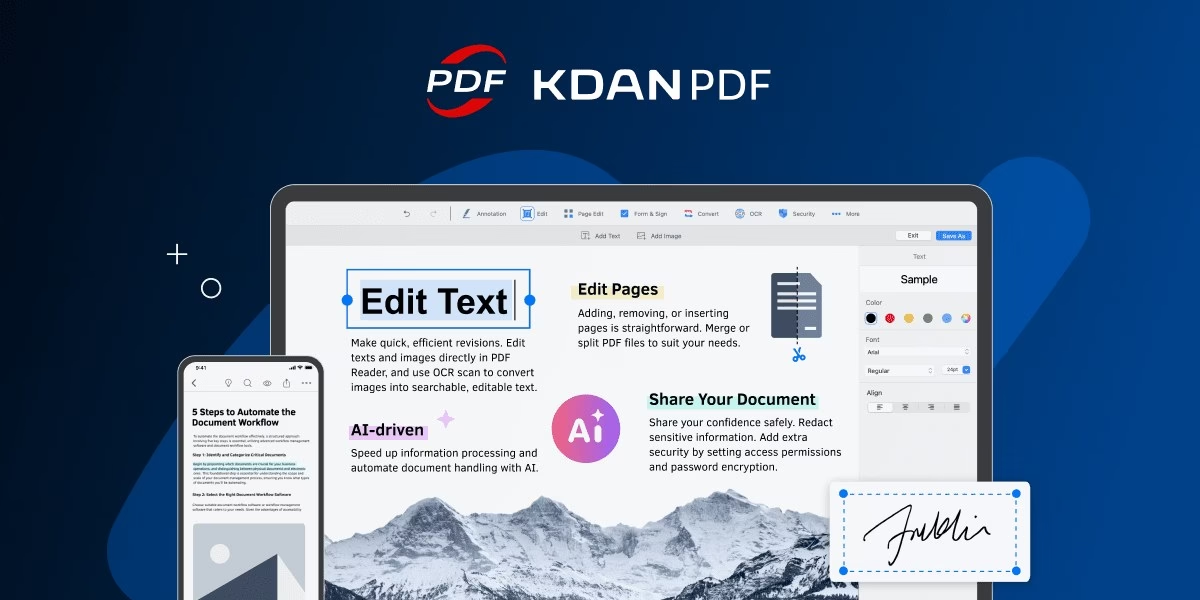
KDAN PDF is described on its site as a PDF editor and viewer for iOS, Mac, Android and Windows, with tools to edit, view, convert and combine PDFs.
Best for: people who use a mix of Apple, Android and Windows devices.
How to choose
- Decide how often you edit. A one-off merge or split suits an online tool. Regular editing suits an installed editor.
- Check privacy. Online tools upload your file. For sensitive documents, read the privacy page or use an offline or self-hosted option.
- Check your devices. PDF Expert is for Mac and Master PDF Editor for Linux. Others list several platforms.
- Need signatures? Look at DocHub, pdfFiller, Lumin, Nitro or Xodo, which mention eSignatures.
- Try before you pay. Test with a non-sensitive file and see whether the layout survives editing.
FAQ
What is the best free PDF editor?
PDFgear, PDF Candy, Smallpdf and Stirling-PDF describe free options on their official sites. Which one fits depends on whether you want an installed editor or an online tool.
Which options work without installing anything?
Smallpdf, iLovePDF, Sejda, PDF Candy and DocHub run in the browser, according to their sites.
Can I edit a PDF on Linux?
Master PDF Editor is offered for Linux, and Okular is a Linux-friendly viewer from KDE. Stirling-PDF can also be self-hosted.
Are these prices current?
We do not list prices because plans change. Read the current plan details on each official site.




Leave a Reply