

Mailchimp is an email and marketing automation platform that started in 2001 as a side project of a web design agency and is now owned by Intuit. It lets you build an audience, design and send email campaigns, automate follow-ups and report on results, with a basic Free plan for very small lists and paid plans that scale with your contact count. This guide explains what Mailchimp is in 2026, what its main features do, how its plans are structured, who it suits and which alternatives are worth comparing, using the company’s own pages as the source for product facts.
Most people arrive here for one of three reasons. They have heard that Mailchimp is the default tool for newsletters and want to know what it actually does. They are comparing it against another service and need a clear baseline. Or they are about to start a list and want to know whether the free plan is enough. All three are easier to answer once you separate what Mailchimp is from what it costs, because the product has changed a lot since its newsletter-tool days and its pricing is not a single number.
One note on method before we start. Product details below come from Mailchimp’s own website and are dated October 26, 2026. Plans, limits and promotions change often, and Mailchimp localizes its pricing by market, so we describe how the pricing works instead of quoting a rate that may not apply to you. Where a number matters, we point you to the official page.
What Is Mailchimp? The Short Answer
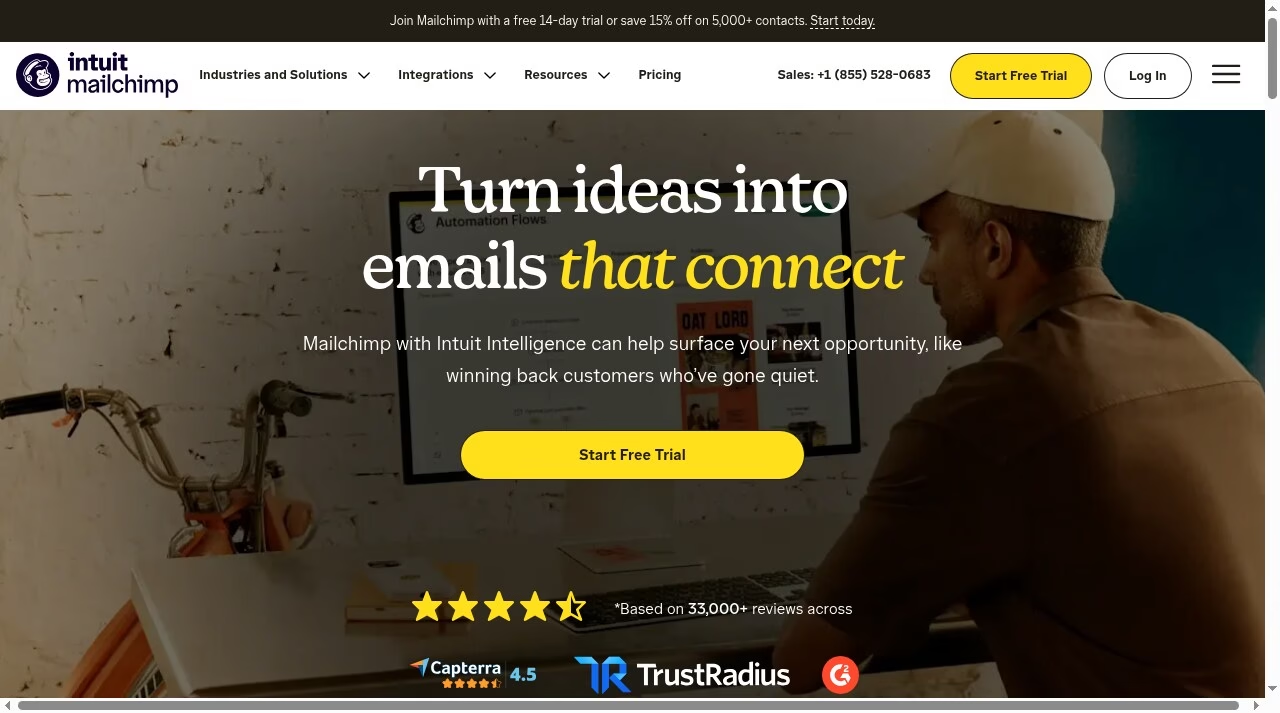
Mailchimp describes itself as an email and marketing automations platform for growing businesses. In practical terms it is a hosted web application where you store your contacts, group them into audiences and segments, design emails from templates, send them, and watch what happens next. Over the years it has added automation flows, landing pages, sign-up forms, surveys, a lightweight marketing CRM, social posting, reporting and generative AI helpers for copy and subject lines.
The core ideas are simple:
- Audience: your contacts and the data about them, such as tags, purchase history and sign-up source.
- Campaigns: one-off emails you design and send, such as a newsletter or a sale announcement.
- Automations: emails that send themselves when something happens, such as a welcome series after someone joins your list.
- Reports: opens, clicks and, if you connect a store, revenue attributed to your emails.
If you are new to the wider field, our guide to how to start digital marketing from home shows where email sits next to search, social and paid channels. For most small businesses email is the channel you own: the list belongs to you, and you are not renting reach from an algorithm.
A Short History: From Side Project to Intuit
According to the company’s About page, Ben Chestnut and Dan Kurzius started a web design agency called the Rocket Science Group more than two decades ago. The agency focused on big corporate clients, but on the side the founders built an email marketing service for small businesses. Mailchimp was designed as an alternative to the oversized and expensive email software of the early 2000s, and it was founded in Atlanta in 2001.
The side project outgrew the agency. Mailchimp kept widening its product range to serve companies and marketing teams of every size, and in 2021 it was acquired by Intuit, a company the About page says has a long track record of driving small business success. That ownership shows up today in the branding, which now reads Intuit Mailchimp, and in AI features that Mailchimp’s homepage ties to Intuit Intelligence.
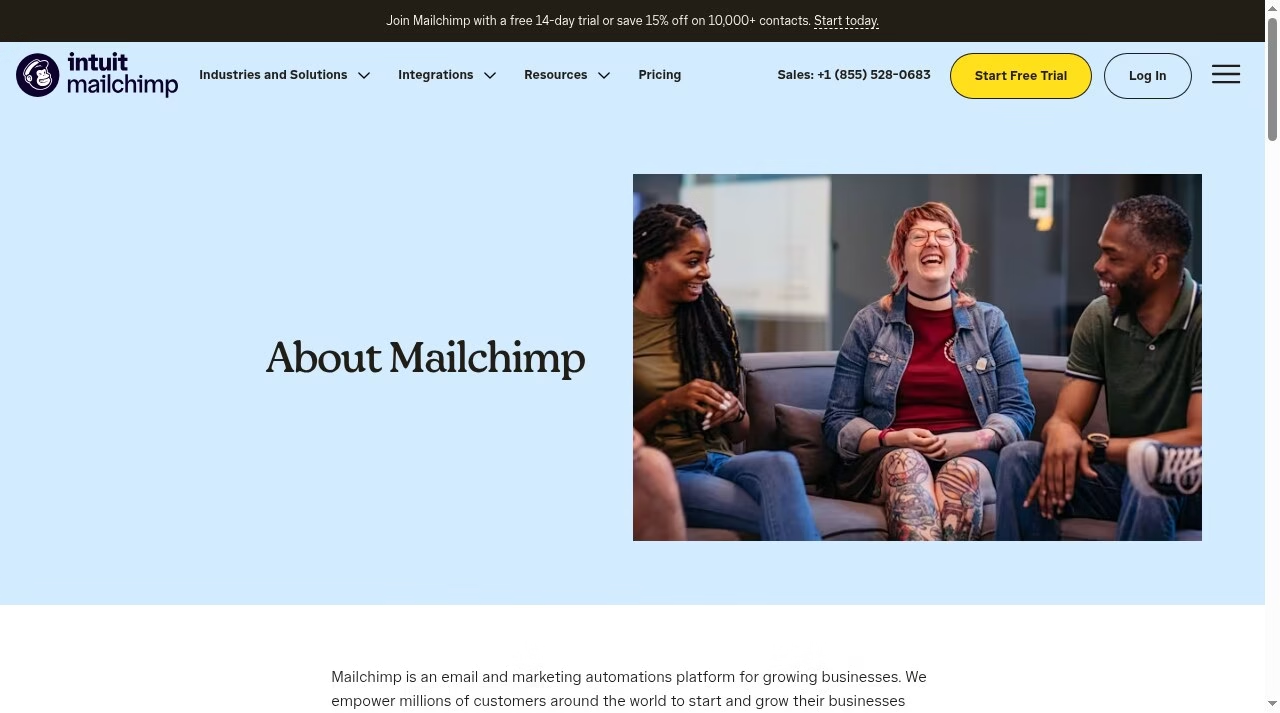
The About page also says Mailchimp has invested more than $15 million to help small and medium-sized organizations get started and grow. That is the company’s own claim, and we cite it as such, but it tells you who Mailchimp is aiming at: small teams that want marketing tools without hiring a specialist.
Core Features in 2026
Mailchimp’s features page groups its tools into several areas. The list below follows that structure, with a plain-language note on what each part is for.
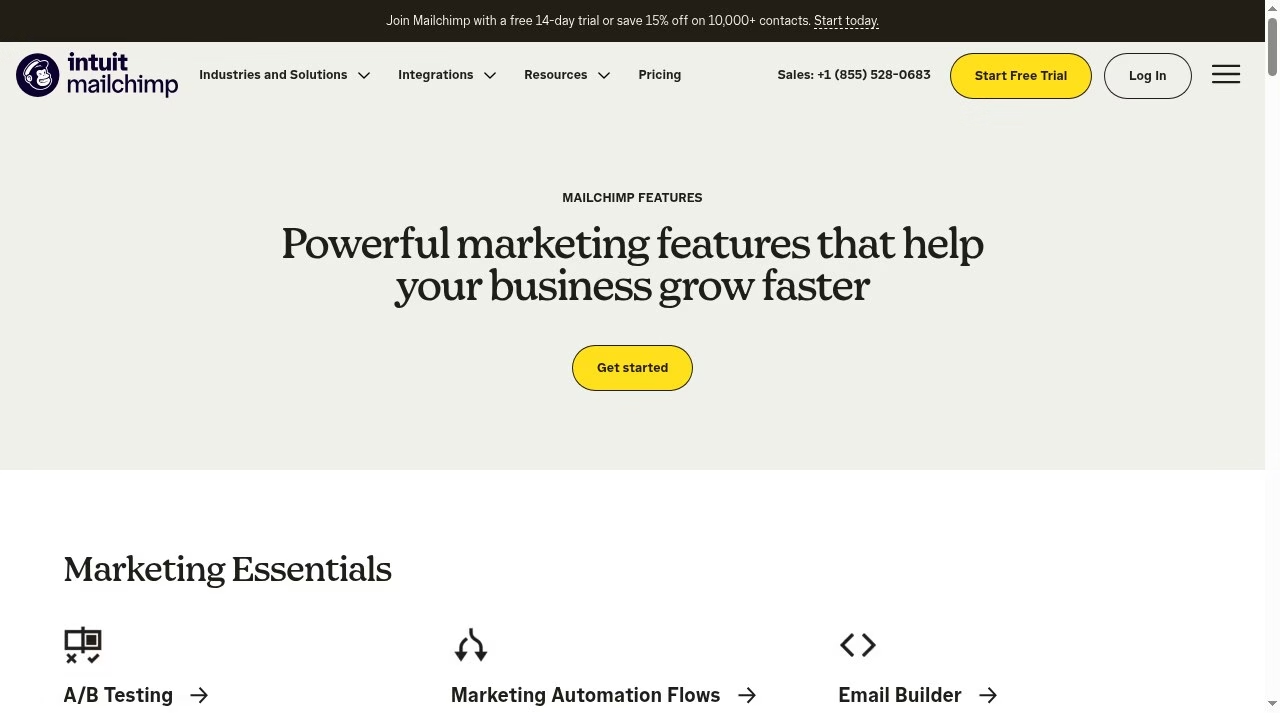
Email marketing and the builder
The email builder, pre-built templates and email scheduling are the heart of the product. You choose a template, drop in text and images with a drag-and-drop editor, and schedule the send. Mailchimp’s homepage mentions 300 or more templates for different seasons and industries and AI-assisted tools for headlines and designs. Higher plans can also create and send custom-coded templates, while on the Free plan you can create them but need to upgrade to send.
Audience management and segmentation
Segmentation is where email stops being a broadcast. Mailchimp lists behavioral targeting, tags and customer profiles, segmentation, surveys, sign-up forms and predictive demographics under audience management. In plain terms, you can send one message to people who bought recently and a different one to people who never opened your last three emails. If you collect addresses through your website, our piece on exit-intent popups for email capture covers the front end of that process, and Mailchimp’s popup forms are included on every plan, including Free, according to its pricing page.
Marketing automation flows
Automation flows are Mailchimp’s answer to the question every list owner eventually asks: how do I stop sending everything by hand? You define a trigger, such as a new subscriber, an abandoned cart or a birthday, and a sequence of emails that follows. According to Mailchimp’s help pages, Essentials and above include flows, but Essentials is limited to basic flows with a single trigger and a small number of steps, while Standard and Premium allow multiple triggers, split paths and flows of up to 200 steps. On the Free plan you can preview flows but not send from them. If automation is your main reason for buying, compare the options in our roundup of the best marketing automation platforms and the wider list of best automation tools.
Generative AI and content tools
Mailchimp’s features page lists a Content Studio for managing creative assets, dynamic content for personalizing emails, a generative AI tool for drafting copy and a subject line helper. The pricing page footnotes say its AI assistant is in beta, available to certain users in select countries and in English only. That matters if you are outside the United States, because availability can differ by market. For a broader view of where AI is taking email, see our guide to AI email automation tools and our overview of AI-powered marketing companies.
Integrations and e-commerce
Mailchimp says it connects to more than 300 apps, platforms and stores, and names Shopify, WooCommerce and Wix on its homepage. Connecting a store lets Mailchimp use purchase data for segments and for revenue reporting. The integrations are included on every plan, Free included, according to the pricing comparison.
Landing pages, social and reporting
Beyond email, the features page lists landing pages, social posting and reporting. These tools are useful when you want to run one campaign across channels without buying a separate tool for each. They are rarely as deep as a dedicated landing page builder or social scheduler, so treat them as convenient extras rather than replacements.
SMS marketing
Mailchimp also offers SMS, but with conditions. Per the pricing page, SMS is available in select markets with a paid plan, and you need to accept the terms, apply and be approved before buying credits. Credits are bought in blocks as an add-on, re-purchased automatically each month on your billing date, and unused credits expire. If SMS is central to your plan, confirm availability in your country first.
Pricing in 2026: How the Plans Work
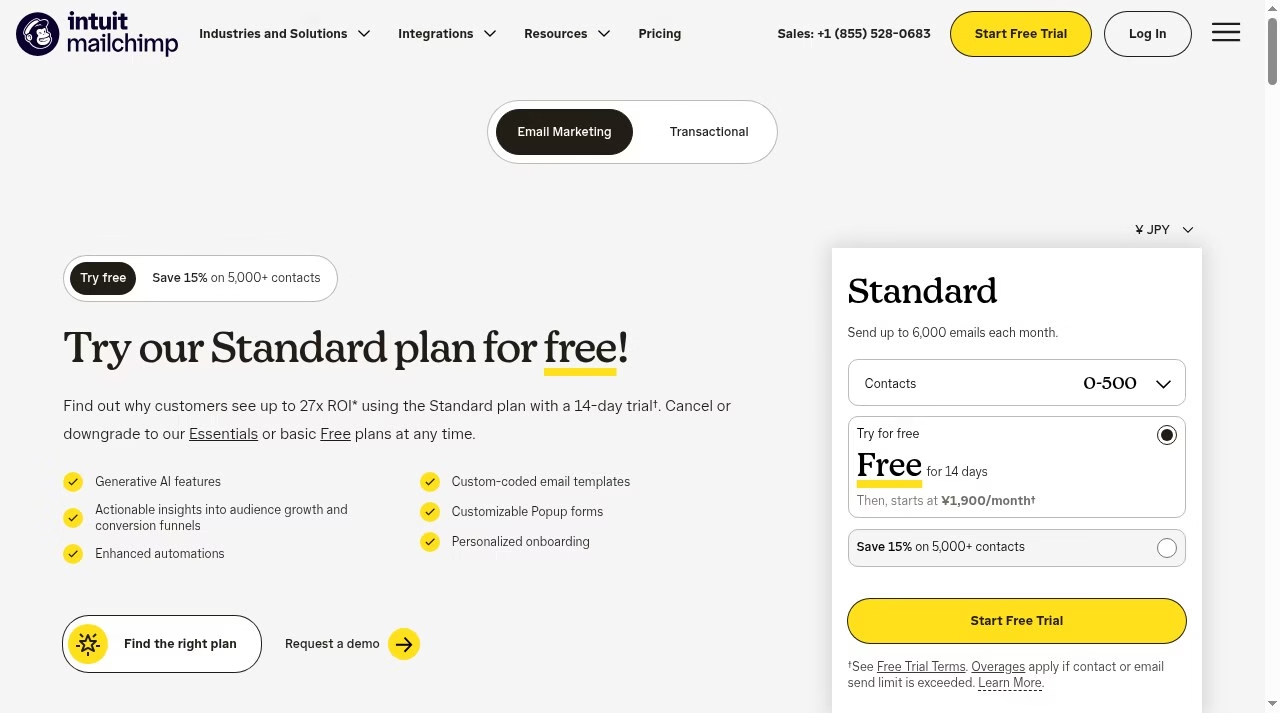
Mailchimp’s pricing is the part people ask about most and the part we are most careful with. The reason is simple: the page you see depends on where you are. When we loaded the official pricing page, it displayed the Standard plan in a local currency rather than US dollars, and the page includes a currency selector. The same page also shows promotional rates that last for the first 12 months before a regular rate applies, and the figure changes with the contact count you pick. A single dollar number quoted in an article would therefore be wrong for many readers, so this guide explains the structure and sends you to the source for the figure.
The four plans
Mailchimp’s marketing plans are Free, Essentials, Standard and Premium. The pricing page describes them roughly like this:
- Free: for beginners testing the tools. Mailchimp’s help page says it includes up to 250 contacts and 500 sends per month, with a daily send limit of 250.
- Essentials: a basic paid plan for smaller businesses, with a 14-day free trial.
- Standard: adds more automation, more audiences and users, custom reports and dynamic content. The Standard card on the pricing page also offers a 14-day free trial.
- Premium: for larger teams, with unlimited users and audiences, phone and priority support, and more onboarding sessions.
What drives the price
Three things move your monthly cost. The first is the number of contacts you store, which you pick on the pricing page. The second is the plan tier. The third is overages: according to the pricing FAQ, if you exceed your contact or sending limit after the free trial, Mailchimp automatically bills you for the overage and does not stop your campaigns as long as you pay on time. That is convenient, but it also means a list that grows quickly can raise your bill without a separate decision on your part.
Billing, trials and discounts
Standard and Essentials offer a 14-day free trial. Under the Free Trial Terms on the pricing page, it is for new Mailchimp customers, or existing Free plan customers whose account was created within the last 90 days, in select countries. Valid payment information is required when you enroll, the offer is limited to one per account and cannot be combined with other offers. During the trial you can upgrade or downgrade, and if you cancel before it ends you are not charged. When the trial ends you are charged the then-current monthly or annual fee for the plan you chose. After the trial, the Mailchimp Terms of Use say monthly paid plans are not entitled to a refund or credit, with refunds at Mailchimp’s discretion, while annual paid plans carry a 60-day money-back guarantee. Downgrades take effect at the end of the billing period. Annual billing is available for Premium and Standard plans with 10,000 or more contacts through the sales team, and a one-month Premium trial is available to qualified new customers by contacting sales. Mailchimp also offers a 15% discount to nonprofits and charities; per the pricing page you request it by signing up for a free account and contacting the Billing team with your username and your organization’s website, a Pay As You Go option based on email credits for infrequent senders, and custom plans for very large lists. It accepts major credit cards and PayPal, plus direct debit in select countries.
Plans at a glance
The table below summarizes the plan limits shown in the comparison on Mailchimp’s pricing page. It contains no prices, only limits and features, because those are the same across markets even when the rates are not.
| Feature | Free | Essentials | Standard | Premium |
|---|---|---|---|---|
| Monthly email sends | 500 per month, with a daily limit of 250 | 10 times your contacts | 12 times your contacts | 15 times your contacts |
| Users | 1 seat | 3 seats | 5 seats | Unlimited |
| Audiences | 1 | 3 | 5 | Unlimited |
| Automation flows | Preview only, cannot send | Basic, short flows | Longer flows, split paths, more triggers | Longer flows, split paths, more triggers |
| Support | Email support for the first 30 days | 24/7 email and chat | 24/7 email and chat | Phone and priority support |
| Personalized onboarding | Not included | Not included | 1 session | 4 sessions |
| Remove Mailchimp branding | Not included | Included | Included | Included |
| Dynamic content and custom reports | Not included | Not included | Included | Included |
| SMS | Not included | Add-on in select markets | Add-on in select markets | Add-on in select markets |
Limits come from Mailchimp’s official plans help page and the feature comparison on its pricing page as of October 26, 2026. Features and limits can vary by plan version and market, and Mailchimp changes them from time to time, so confirm the current details for your country before you choose a plan.
Who Mailchimp Is Best For
Mailchimp is a good fit when you want an all-in-one place to collect subscribers, send newsletters and set up a few automations, and you value a large library of integrations and templates over the lowest possible price. A few common profiles:
- New businesses and creators with a small list. The Free plan and the 14-day trial make it easy to try before you spend. Our marketing strategies for startups guide explains how email fits an early-stage plan.
- Small shops that sell online. Store integrations and behavior-based segments help you send targeted offers.
- Teams that want hand-holding. Personalized onboarding sessions on Standard and Premium, and phone support on Premium, suit teams without a dedicated email specialist.
- Nonprofits. The 15% discount for nonprofits and charities is stated on the pricing page.
It is a weaker fit if your sending volume is very large relative to your list, if you need complex multi-channel journeys or deep e-commerce revenue attribution, or if cost control is your top concern, because contact-based pricing and overages can rise as a list grows. In those cases the alternatives below are worth a look.
Is Mailchimp a CRM? Where It Stops
Mailchimp lists a marketing CRM among its audience tools, and it can store tags, profiles and activity. That is not the same as a sales CRM. Mailchimp tracks how people engage with your marketing; it does not manage deals, pipelines or sales forecasts. If your team needs that, pair it with a sales system, and see our guide to easy CRM platforms for a small sales team. Pairing tools only works if the data is kept clean, which is one of the reasons CRM projects fail. Sales teams that build outbound lists from contact databases should also read what ZoomInfo is and how it works and the role of email finders in sales.
Mailchimp Alternatives Worth Comparing in 2026
No single tool wins for everyone. These four are the alternatives we would compare first, each described using its own homepage as of October 26, 2026. We do not repeat their pricing here, for the same reason as above: check each provider’s own site for current rates in your market.
Brevo
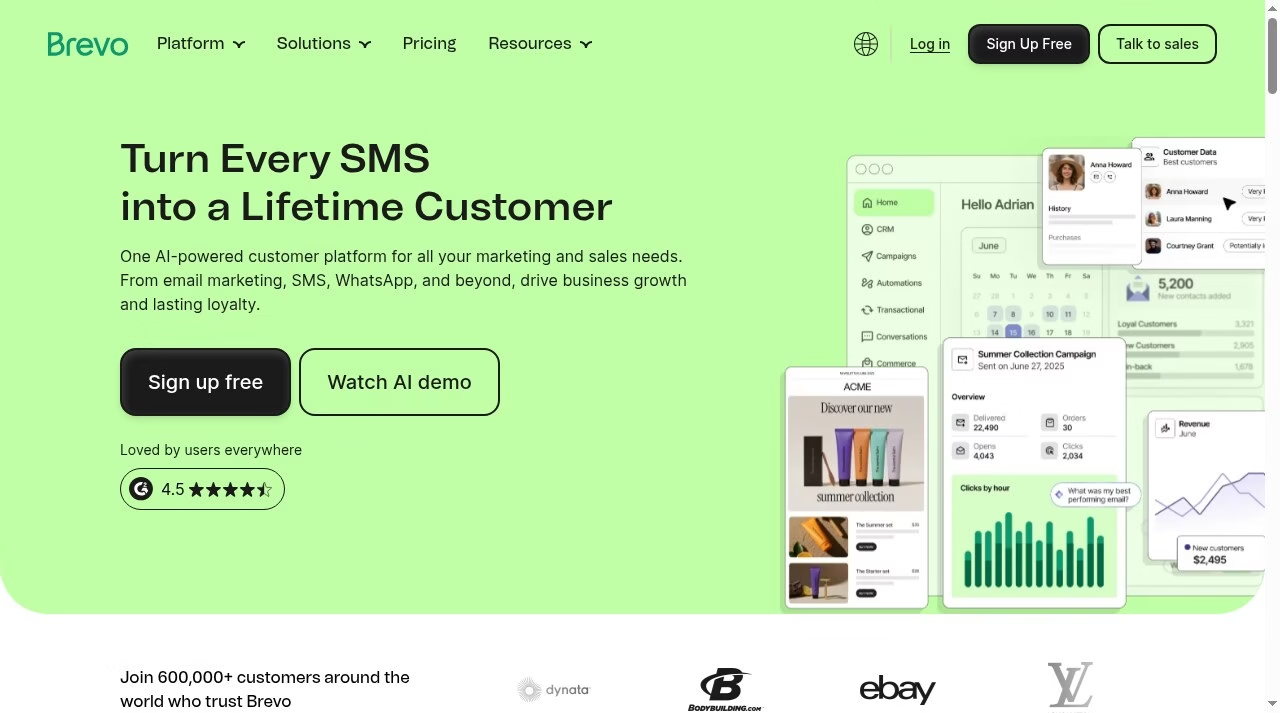
Brevo presents itself as one AI-powered customer platform for marketing and sales, covering email, SMS and WhatsApp. Its homepage leads with SMS and messaging channels, so it is a natural comparison if you plan to reach customers beyond the inbox. Visit brevo.com for current plans.
MailerLite
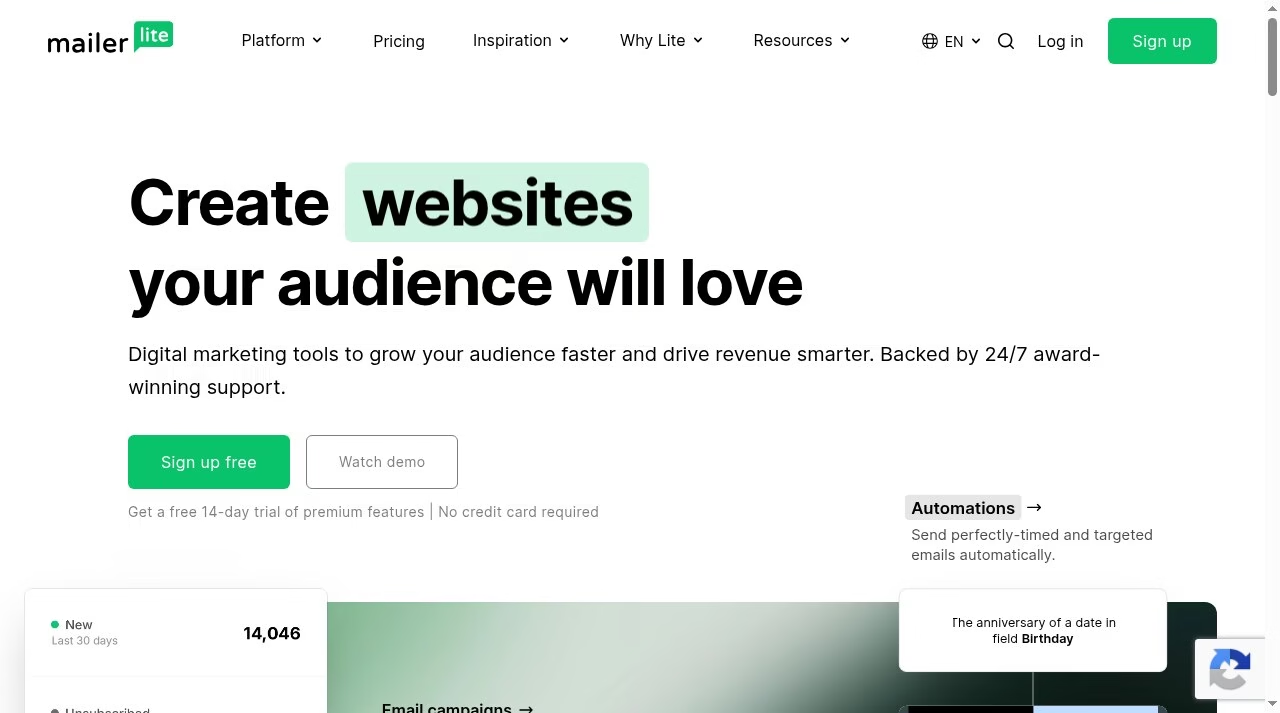
MailerLite describes its offer as digital marketing tools to grow your audience and drive revenue, backed by 24/7 support, and advertises a free 14-day trial of premium features with no credit card required. Its homepage also leads with building websites, which suits creators and small businesses that want fewer tools. Visit mailerlite.com for current plans.
Klaviyo
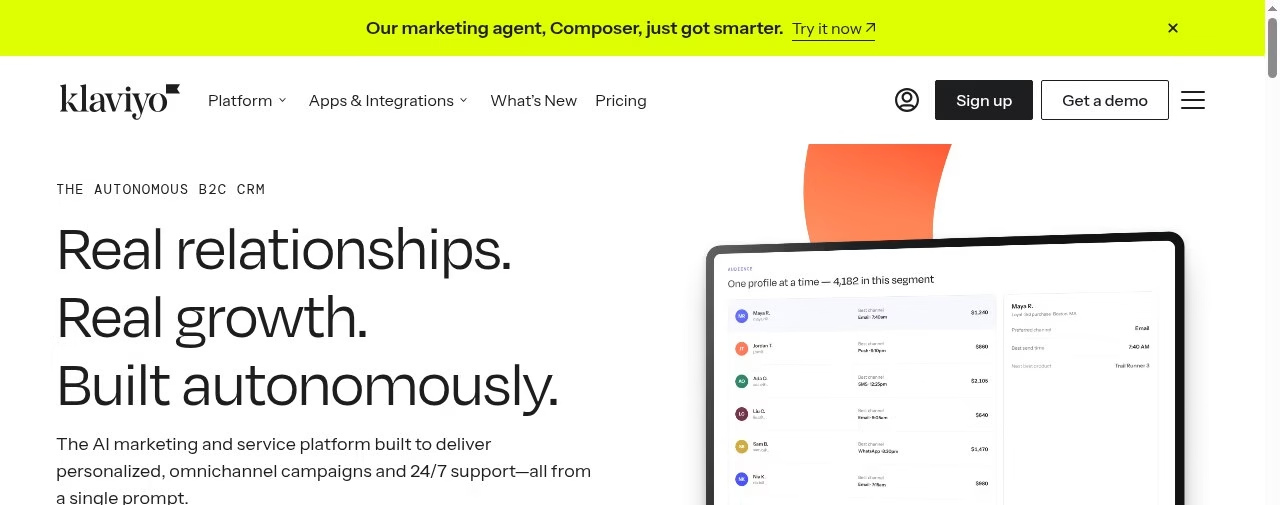
Klaviyo calls itself an AI marketing and service platform built for personalized, omnichannel campaigns, and its homepage positions it as a B2C CRM. It is aimed squarely at online stores that want to tie campaigns to customer data. If e-commerce revenue is your priority, compare its approach with Mailchimp’s. Visit klaviyo.com for current plans.
ActiveCampaign
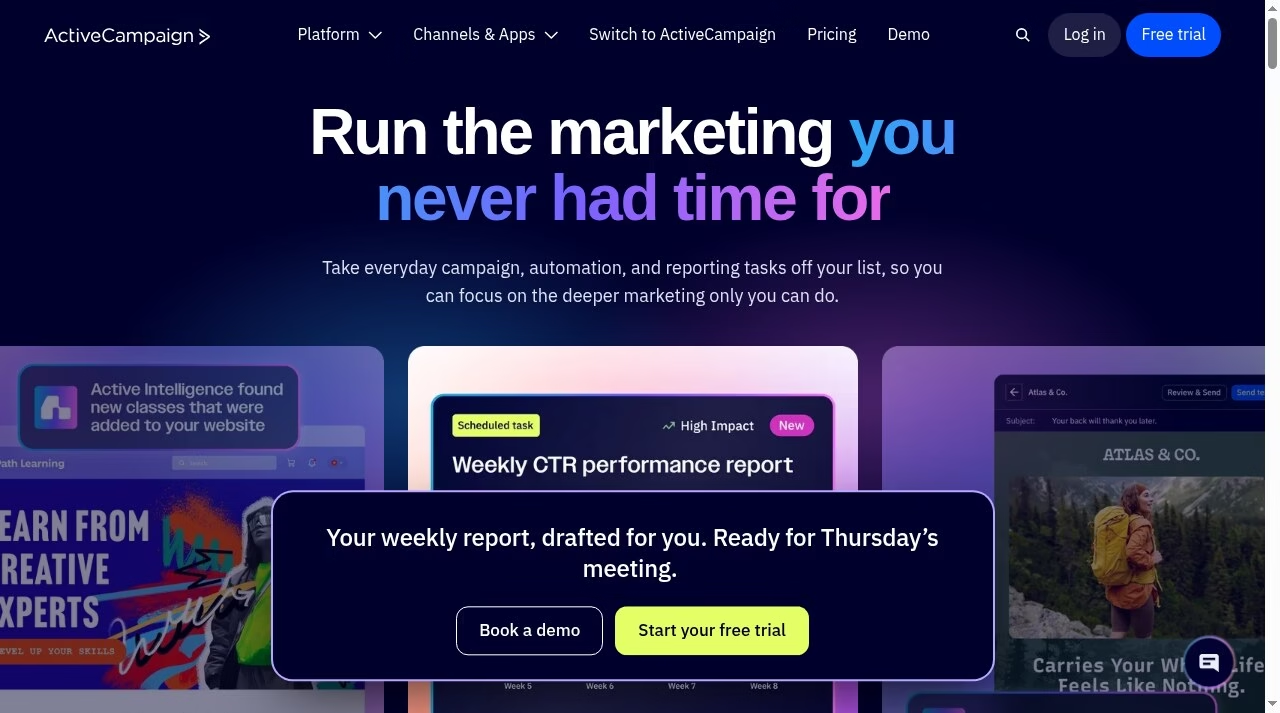
ActiveCampaign’s homepage promises to take everyday campaign, automation and reporting tasks off your list, and it puts automation and AI at the center of its pitch. It is a common comparison for teams whose main need is advanced automation. Visit activecampaign.com for current plans.
For a wider shortlist across categories, see our comparison of marketing automation platforms, and if you would rather hand the work to a team, our list of top digital marketing companies and the guide to outsourcing marketing for a small business explain what agencies do. SaaS companies may prefer our list of SaaS marketing agencies.
How to Get Started With Mailchimp
If you decide to try it, this order avoids most first-week mistakes:
- Start on the Free plan or a trial. Decide which one based on your contact count. With a very small list (the Free plan includes up to 250 contacts), Free is the obvious start. Above that, the 14-day trial of Standard or Essentials lets you test automations before paying.
- Import only people who agreed to hear from you. Only email people who have agreed to hear from you, and read Mailchimp’s own terms for what is allowed. Importing a purchased or scraped list puts your sending reputation at risk.
- Set up one sign-up form. Add a popup or embedded form so the list grows without manual work.
- Build one welcome automation. A short sequence for new subscribers is the simplest automation and often the one that matters most.
- Segment before you scale. Tag subscribers by interest or purchase so later campaigns are targeted instead of one-size-fits-all.
- Check the plan limits against your growth. Contact tiers and overages decide your future bill, so revisit the pricing page whenever your list passes a tier.
- Review results monthly. Look at opens, clicks and unsubscribes and adjust subject lines and send times.
Email works best alongside a wider plan. Our guides on marketing strategies to grow your business, emerging trends in digital marketing and the future of digital marketing place email in the bigger picture.
The Bottom Line
Mailchimp is a mature, widely used platform that covers the full path from sign-up form to automated follow-up, with a free tier for very small lists and a ladder of paid plans that add automation, users, support and reporting. Its main trade-off is pricing that scales with your contact count and varies by market, so the cheapest way to learn whether it suits you is to open the official pricing page, pick your real contact tier and read the rate for your country. Compare that against Brevo, MailerLite, Klaviyo and ActiveCampaign using the same list size, and choose the one whose limits and features match how you actually plan to send.
Frequently Asked Questions
Is Mailchimp free?
Yes, Mailchimp has a basic Free plan. According to the Mailchimp plans help page, it includes up to 250 contacts and 500 sends per month, with a daily send limit of 250, plus one audience, one user seat and a smaller feature set than the paid plans. If you pass the contact limit, Mailchimp places a hold on sending until you upgrade or reduce your contacts. Standard and Essentials have a separate 14 day free trial for eligible new customers.
How much does Mailchimp cost?
It depends on the plan, your contact count and your market. Mailchimp prices its paid plans per month by contact tier, shows promotional rates for the first 12 months and then a regular rate, and localizes the currency by market. Because the amounts change with contact count and region, this guide does not quote a dollar figure. Open the official pricing page, choose your contact tier and read the rate that applies to your country.
Who owns Mailchimp?
Mailchimp is owned by Intuit. According to the company About page, it was founded in Atlanta in 2001 by Ben Chestnut and Dan Kurzius, who also ran a web design agency called the Rocket Science Group, and it was acquired by Intuit in 2021.
Is Mailchimp good for small businesses?
Mailchimp describes itself as a platform for growing businesses and began as an email service designed for small businesses. A free plan, a 14 day trial, 300 plus integrations and ready made templates make it easy to start. Whether it is the best fit depends on your list size, your need for automation and how its monthly pricing compares with alternatives such as Brevo, MailerLite, Klaviyo and ActiveCampaign.
Does Mailchimp include SMS?
SMS is not part of the basic plans. According to the pricing page, SMS marketing is available as an add on to a paid plan in select markets, and you must accept the terms, submit an application and be approved before you can buy SMS credits. Credits are bought in blocks and unused credits expire each month. The Free plan does not include SMS.
What is the difference between the Free, Essentials, Standard and Premium plans?
The plans differ mainly in limits and support. According to the Mailchimp plans help page, the monthly send limit is a multiple of your contact limit, 10 times for Essentials, 12 times for Standard and 15 times for Premium, while Free includes 500 sends per month with a daily limit of 250. Premium adds unlimited users and audiences, phone and priority support and enterprise single sign on, while Free includes one seat, one audience and email support for the first 30 days.
Can I cancel Mailchimp and get a refund?
You can pause your plan for 3 or 6 months, or delete your account, from the Account and Billing settings, and any outstanding balance must be paid before you delete. If you cancel during the free trial you are not charged for the services. After that, the Mailchimp Terms of Use say you are not entitled to a refund or credit on monthly paid plans, although Mailchimp may offer one at its own discretion, and annual paid plans carry a 60 day money back guarantee requested through billing support. The Mailchimp refund policy page adds that refunds are generally issued only after a system malfunction or an account terminated without cause. Check the current terms before you buy.



Leave a Reply