

The easiest CRM platform for a small sales team is the one that makes the next customer action obvious without asking every rep to become a systems administrator. Start with Less Annoying CRM, Bigin and Capsule if the main job is contacts and follow-ups. Consider Pipedrive for activity-led selling, Copper for a team working in Google Workspace, or a wider platform when sales must share records with other departments.
There is no universal winner. A two-person owner-led business and a five-person outbound team have different meanings of easy. Free-plan limits matter too: an account that cannot hold the team or its database is a pilot route, not a sustainable deployment. Compare the same everyday tasks before deciding.
How this comparison was built
Official product pages and selected documentation were reviewed on October 8, 2026. Screenshots show public vendor pages, not accounts used in a deployed test. Fit recommendations are editorial judgments. Published limits are identified where verified; features not confirmed at a particular tier remain buying questions. Prices vary with region, billing term, taxes and extras. No vendor revenue claim is used as evidence of a result your team will receive.
Quick comparison: select the job before the brand
| Platform | Reason to evaluate | Published boundary or buying check |
|---|---|---|
| Less Annoying CRM | a clear small-business feature boundary | The published price is US$15 per user per month. |
| Bigin | small teams leaving spreadsheets | The official Free plan allows one user and 500 records. |
| Capsule | contact-first selling | Its pricing page limits Free to two users, 250 contacts and one sales pipeline. |
| Pipedrive | activity-led pipeline selling | The current pricing page lists Lite, Growth, Premium and Ultimate rather than older plan names. |
| HubSpot | sales connected with a broader customer platform | The official Free tools FAQ currently allows up to two users and 1,000 contacts. |
| Zoho CRM | configurable sales processes and team work | The official pricing page offers a Free edition for three users. |
| Freshsales | sales communication and a wider suite path | The Freshsales pricing page displays Growth at US$9, Pro at US$39 and Enterprise at US$59 per user per month with annual billing. |
| Nutshell | a shared sales workspace with marketing options | Check the selected subscription and any additional marketing or communication tools in the final quote. |
| Copper | relationship work inside Google Workspace | An inbox-centered interface still needs account ownership, pipeline definitions and permission rules. |
| monday CRM | a configurable cross-team revenue workflow | Evaluate monday CRM, not a generic work-management subscription with a similarly named board. |
Free is a defined package, not a synonym for the full product. HubSpot Free currently supports two users and 1,000 contacts; Capsule Free supports two users, 250 contacts and one pipeline; Bigin Free supports one user and 500 records across several modules; Zoho CRM Free supports three users. A five-person sales team needs another paid or otherwise supported arrangement.
1. Less Annoying CRM: a clear small-business feature boundary
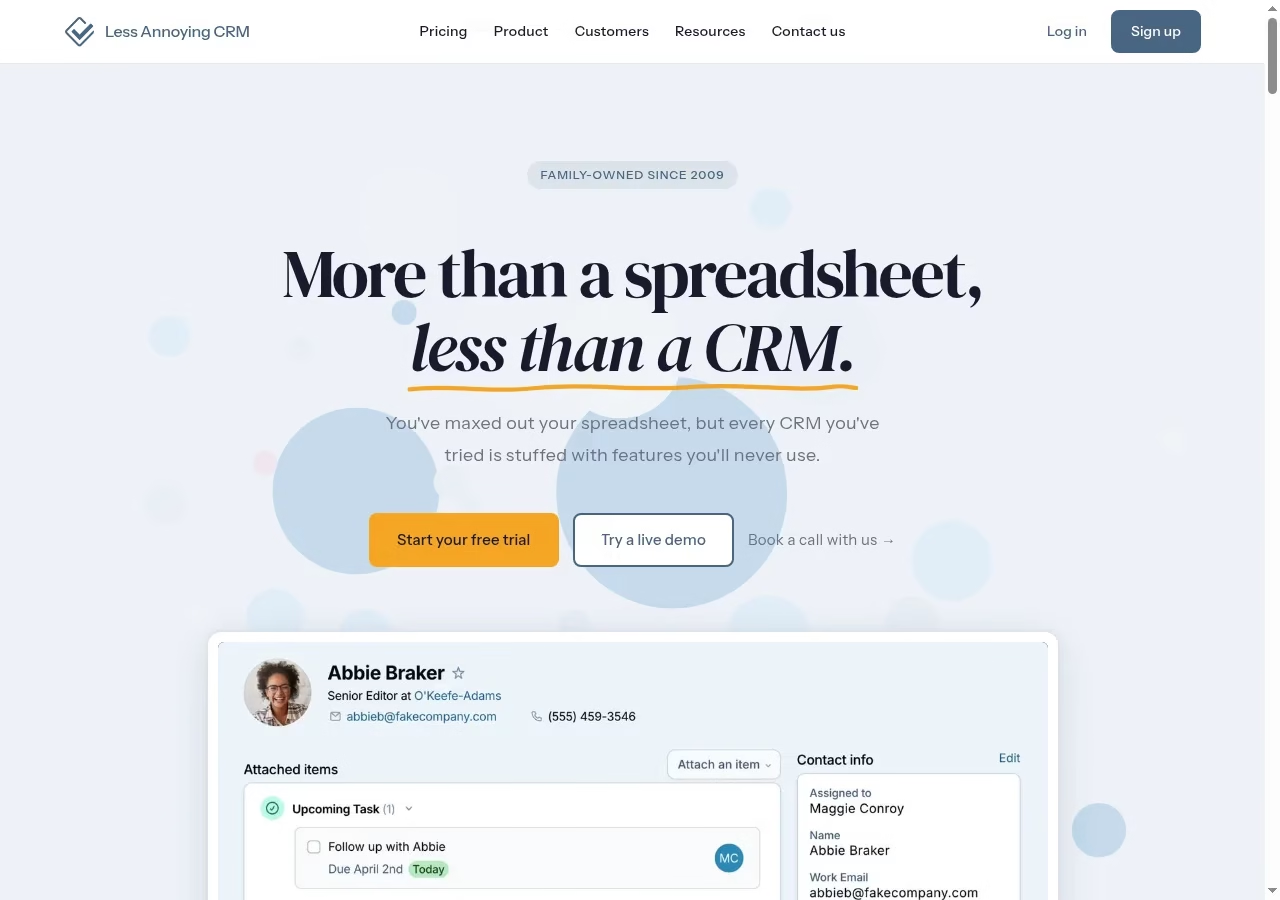
Less Annoying CRM positions itself between a spreadsheet and an overbuilt sales system. Its pricing page uses one main per-user subscription and includes contacts, companies and pipelines. That simplicity makes it a useful baseline: if the team cannot describe what this narrower setup lacks, a complicated platform may be adding administration before it adds value.
Fit and limits to verify
The published price is US$15 per user per month. Although contacts and companies are described as unlimited, the same page recommends staying below about 50,000 total for practical use. Treat that as guidance rather than an unlimited-scale promise. Before choosing, run your real email, reporting and permission requirements against the product, especially if several departments need different access.
Review Less Annoying CRM on its official site against the written proposal. Keep capabilities that affect daily work separate from optional features shown in the demonstration.
2. Bigin: small teams leaving spreadsheets
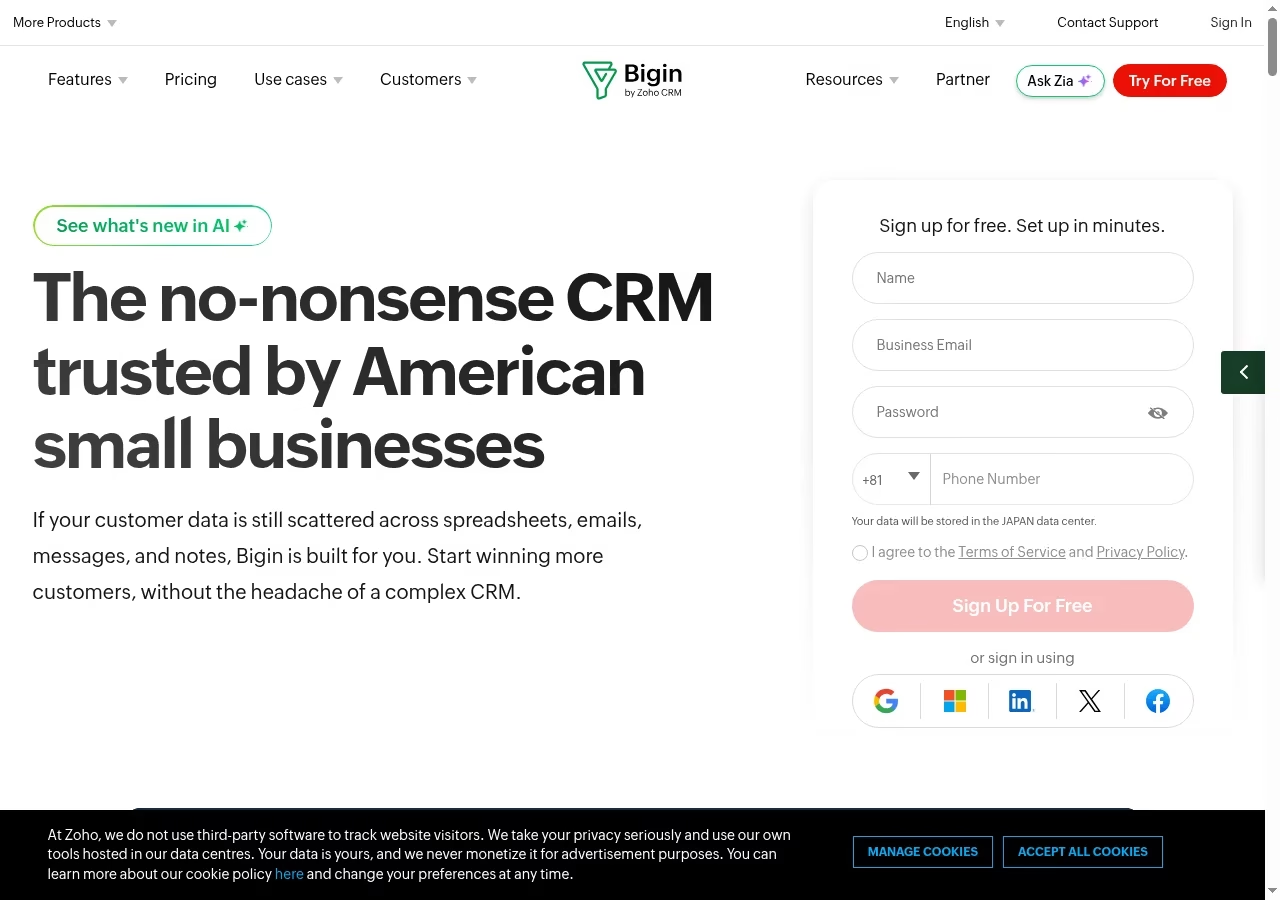
Bigin presents customer-facing work as pipelines, with contacts, companies, products, activities and notes around those records. It is worth considering when a team needs a shared follow-up process but does not want a large CRM configuration project. A pipeline can represent sales or another customer-facing process, so the first configuration decision is what should be a separate process rather than another stage in the same deal.
Fit and limits to verify
The official Free plan allows one user and 500 records. Records include rows across contacts, companies, pipelines, activities, products and notes, not just prospective customers. Express lists three team pipelines and 50,000 records; Premier lists five and 100,000. Stage Transition Rules appear in the Premier comparison, so confirm that edition before designing a mandatory-stage checkpoint.
Review Bigin on its official site against the written proposal. Keep capabilities that affect daily work separate from optional features shown in the demonstration.
3. Capsule: contact-first selling
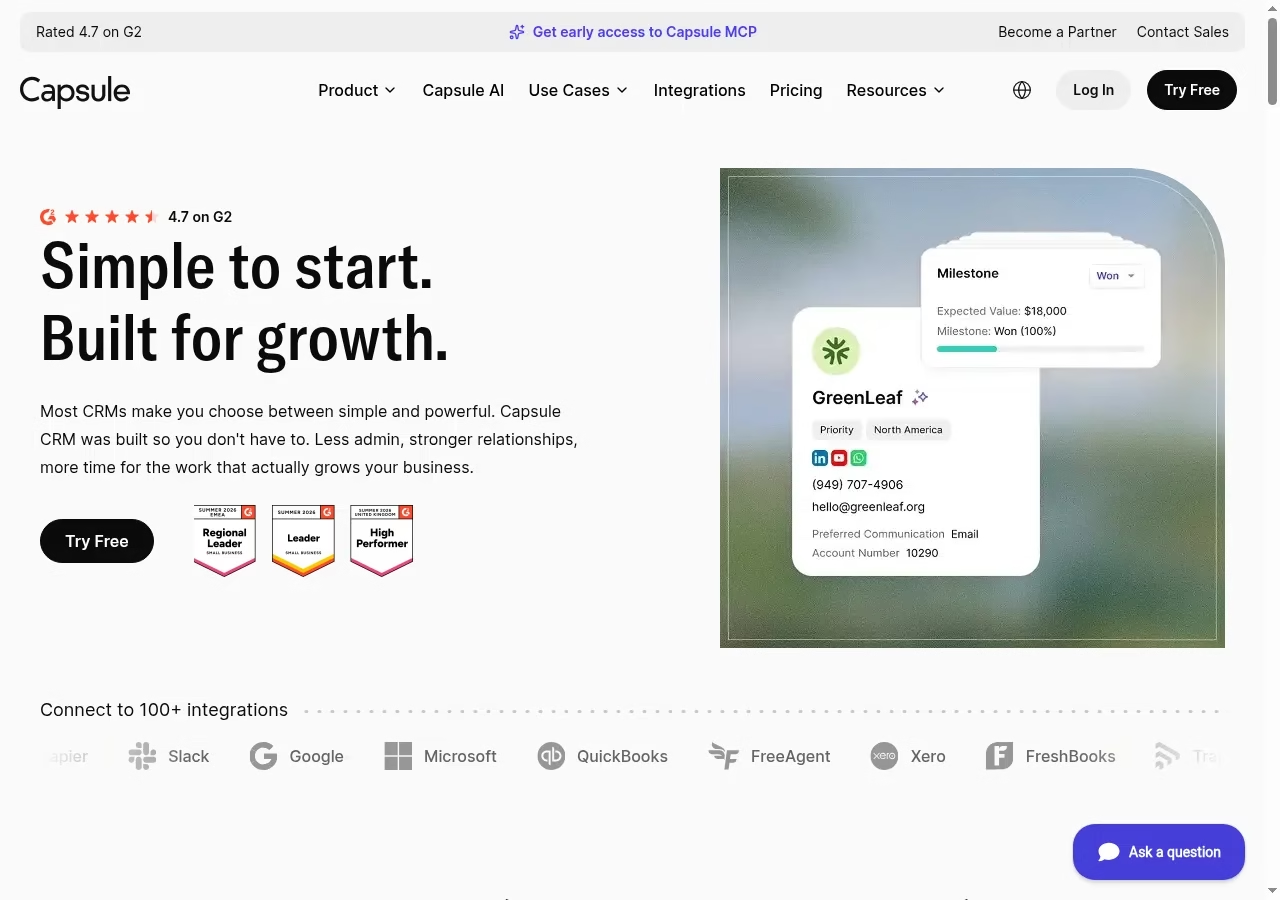
Capsule organizes contacts, sales opportunities and follow-up work without making the homepage promise an enterprise deployment. Its published import documentation separates People & Organizations from Sales Pipeline imports. That distinction matters: a clean address book is not yet a usable deal pipeline, and moving both as one flat spreadsheet can hide the relationship between a person, a company and an opportunity.
Fit and limits to verify
Its pricing page limits Free to two users, 250 contacts and one sales pipeline. That can support a small evaluation, but a three-person sales team needs to check a paid plan. Multiple pipelines and workflow automation appear higher in the plan comparison, so do not evaluate those features on the assumption that Free includes them.
Review Capsule on its official site against the written proposal. Keep capabilities that affect daily work separate from optional features shown in the demonstration.
4. Pipedrive: activity-led pipeline selling
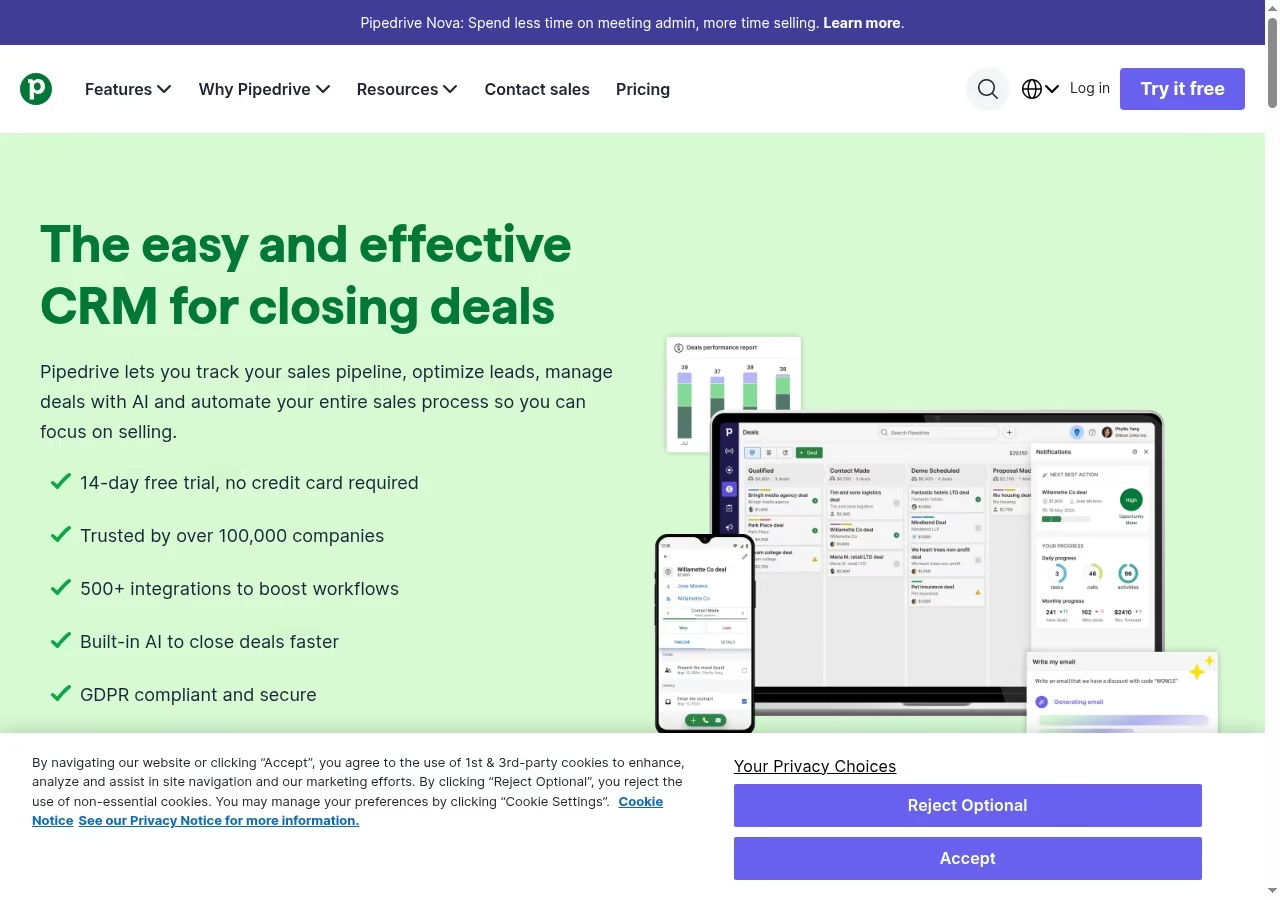
Pipedrive centers its product around leads, deals, contacts, a calendar and visible sales pipelines. The practical appeal is that a manager can review the opportunity together with its next activity rather than asking the seller to update a separate spreadsheet. That is a good starting structure when the sales process has a small number of explicit stages and the team wants sales to remain the primary workflow.
Fit and limits to verify
The current pricing page lists Lite, Growth, Premium and Ultimate rather than older plan names. Lite is displayed at US$14 per seat per month with annual billing; email synchronization, automation and other capabilities need the plan comparison, not the entry price alone. Add-ons have their own starting prices. An inexpensive seat is not a complete budget for every lead-generation or document workflow.
Review Pipedrive on its official site against the written proposal. Keep capabilities that affect daily work separate from optional features shown in the demonstration.
5. HubSpot: sales connected with a broader customer platform
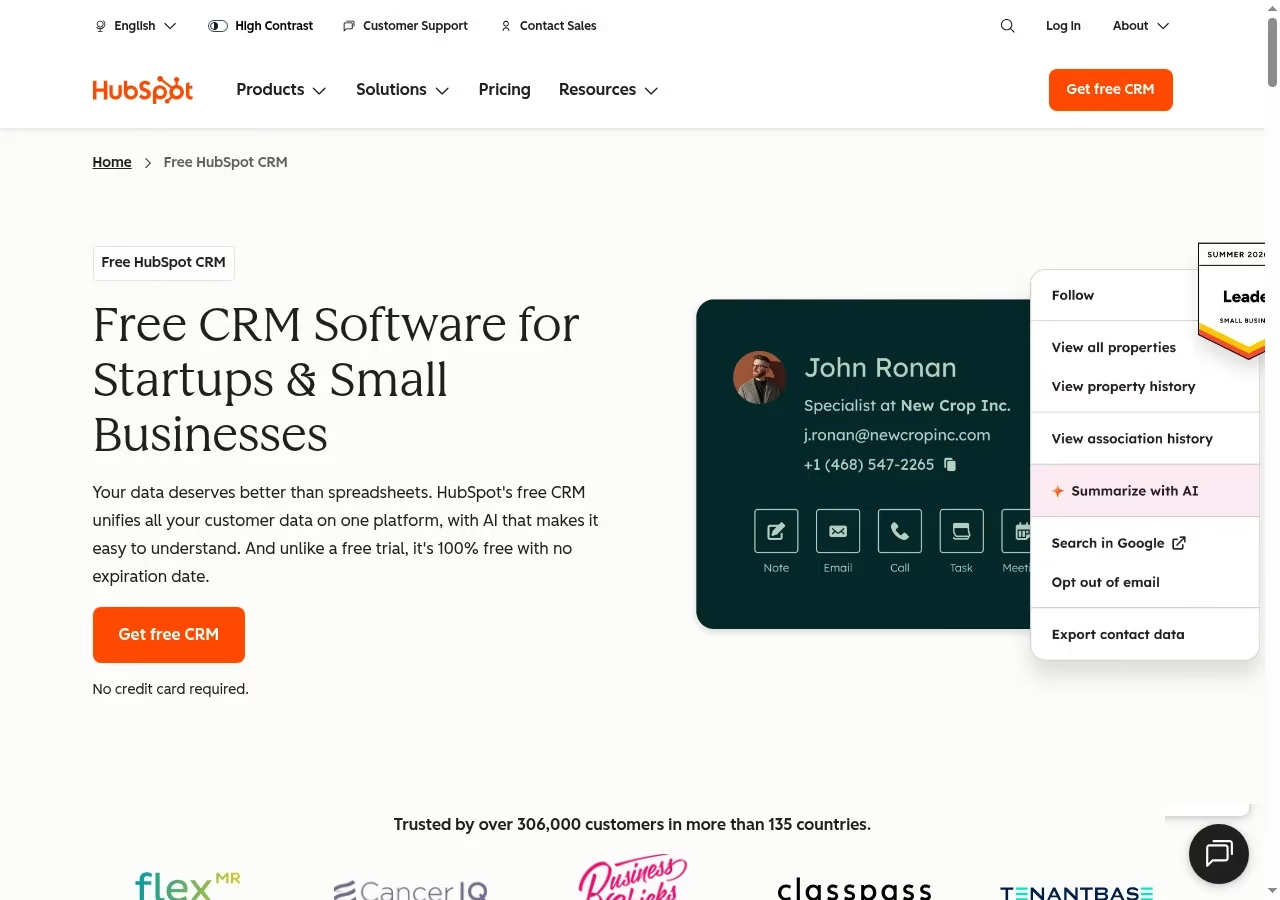
HubSpot links CRM records with sales, marketing, service and other tools. Its official product page shows contact records, deal pipelines, activity logging and communication history. It belongs on a shortlist when a handoff between teams is part of the problem, not merely because a free account exists. Decide which team owns the record and which tools you will actually enable during the pilot.
Fit and limits to verify
The official Free tools FAQ currently allows up to two users and 1,000 contacts. A five-person sales group should not build its budget around the older idea of unlimited free users. Paid capabilities, automation, support and different Hub products have separate packaging. Price the complete workflow, including any marketing-contact or seat implications that apply to your chosen package.
Review HubSpot on its official site against the written proposal. Keep capabilities that affect daily work separate from optional features shown in the demonstration.
6. Zoho CRM: configurable sales processes and team work
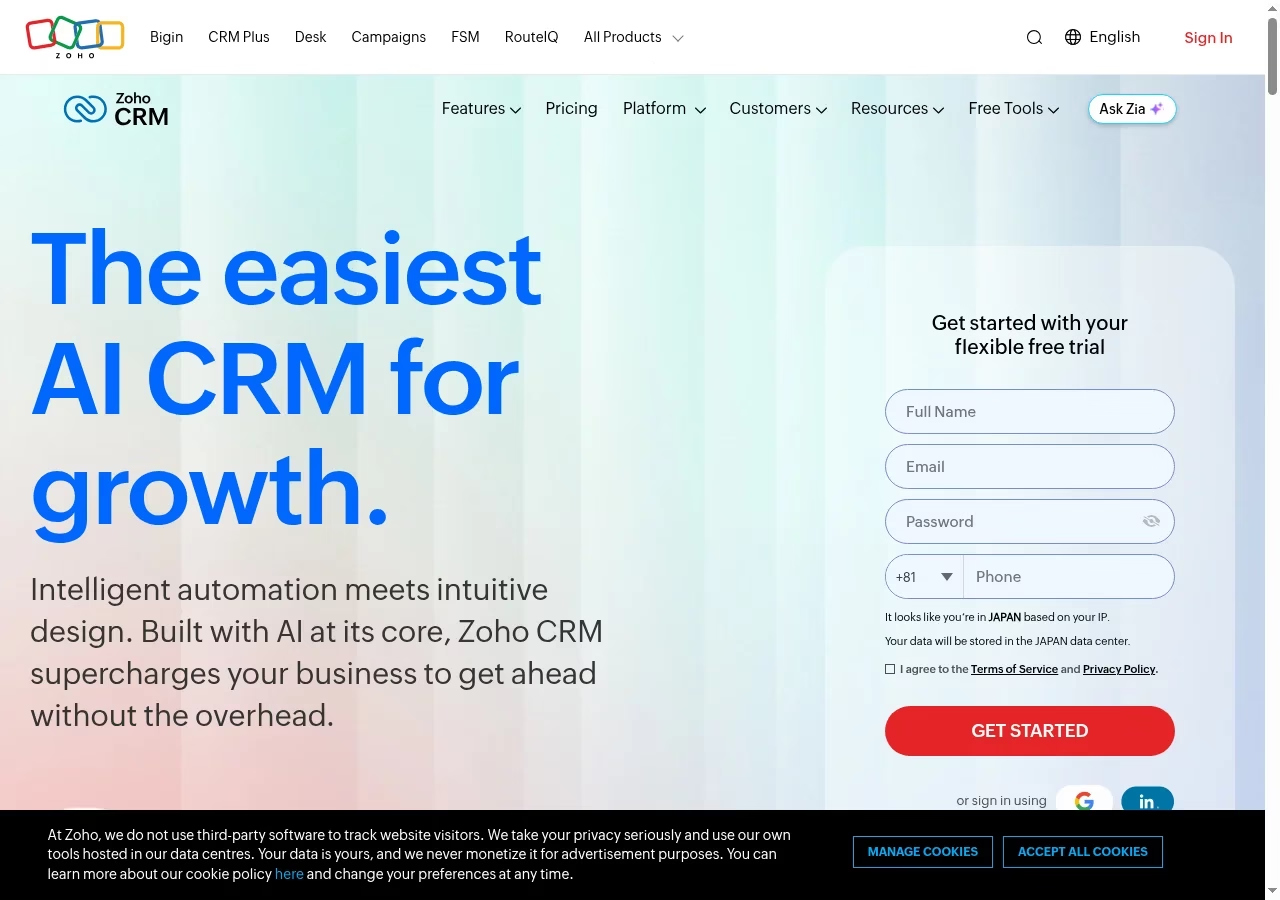
Zoho CRM offers sales pipelines and a broader configuration model, with CRM for Everyone adding teamspaces and team modules. That can be useful when several functions contribute to a sale, but it also adds choices about roles, modules and the customer data model. Give one person ownership of those choices so every department does not build a competing version of the same account.
Fit and limits to verify
The official pricing page offers a Free edition for three users. It also distinguishes organization users from team users: the latter do not have full sales-module ownership or administration rights. A cheaper supporting-team license is not interchangeable with a salesperson license. Pricing can be localized, so compare the displayed currency and edition in your market rather than copying a foreign headline rate.
Review Zoho CRM on its official site against the written proposal. Keep capabilities that affect daily work separate from optional features shown in the demonstration.
7. Freshsales: sales communication and a wider suite path
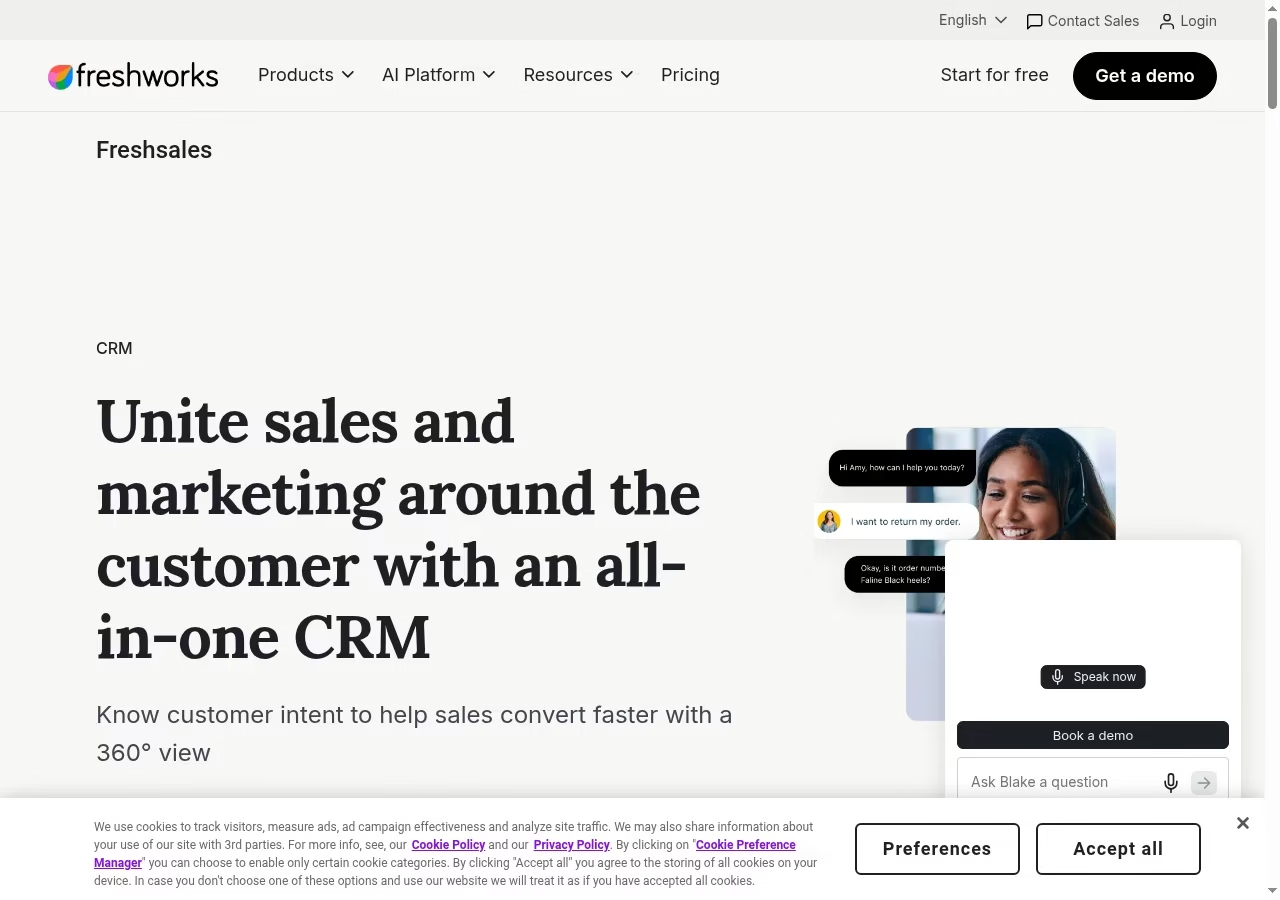
Freshsales is part of the Freshworks CRM range, while Freshsales Suite combines sales and marketing capabilities. The distinction is important when comparing proposals: the names are related, but they do not describe the same package. The official pages emphasize lead management, pipeline work, sales activities and insights. Start with the actual sales workflow before deciding whether suite functionality is needed.
Fit and limits to verify
The Freshsales pricing page displays Growth at US$9, Pro at US$39 and Enterprise at US$59 per user per month with annual billing. Branded documents and AI agent sessions are shown separately. A quote for the Suite may differ from these Freshsales prices. Confirm communication allowances, automation and reporting at the exact tier rather than treating every advertised capability as included.
Review Freshsales on its official site against the written proposal. Keep capabilities that affect daily work separate from optional features shown in the demonstration.
8. Nutshell: a shared sales workspace with marketing options
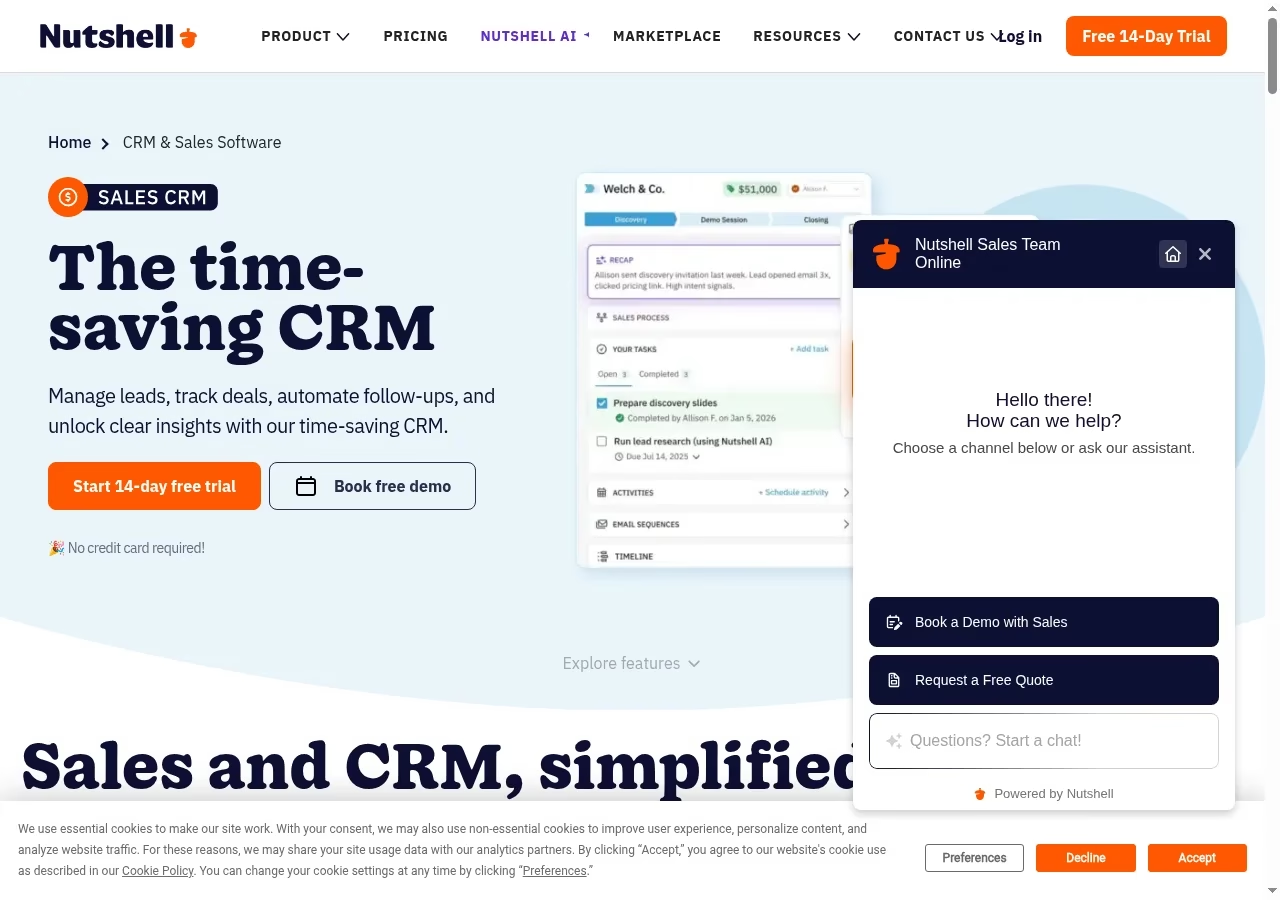
Nutshell brings leads, deals, interactions, follow-ups and sales insights together. Its product page also points to other tools around the CRM, which matters when a small team wants one place for sales work without losing the ability to expand into marketing. Use the CRM as the central record of who is responsible for an opportunity, not a second address book alongside the team inbox.
Fit and limits to verify
Check the selected subscription and any additional marketing or communication tools in the final quote. The public feature overview does not establish that every automation or reporting option is available on every plan. For evaluation, ask one seller to move a deal from initial contact to a scheduled next step and then ask a manager to find that record without help.
Review Nutshell on its official site against the written proposal. Keep capabilities that affect daily work separate from optional features shown in the demonstration.
9. Copper: relationship work inside Google Workspace
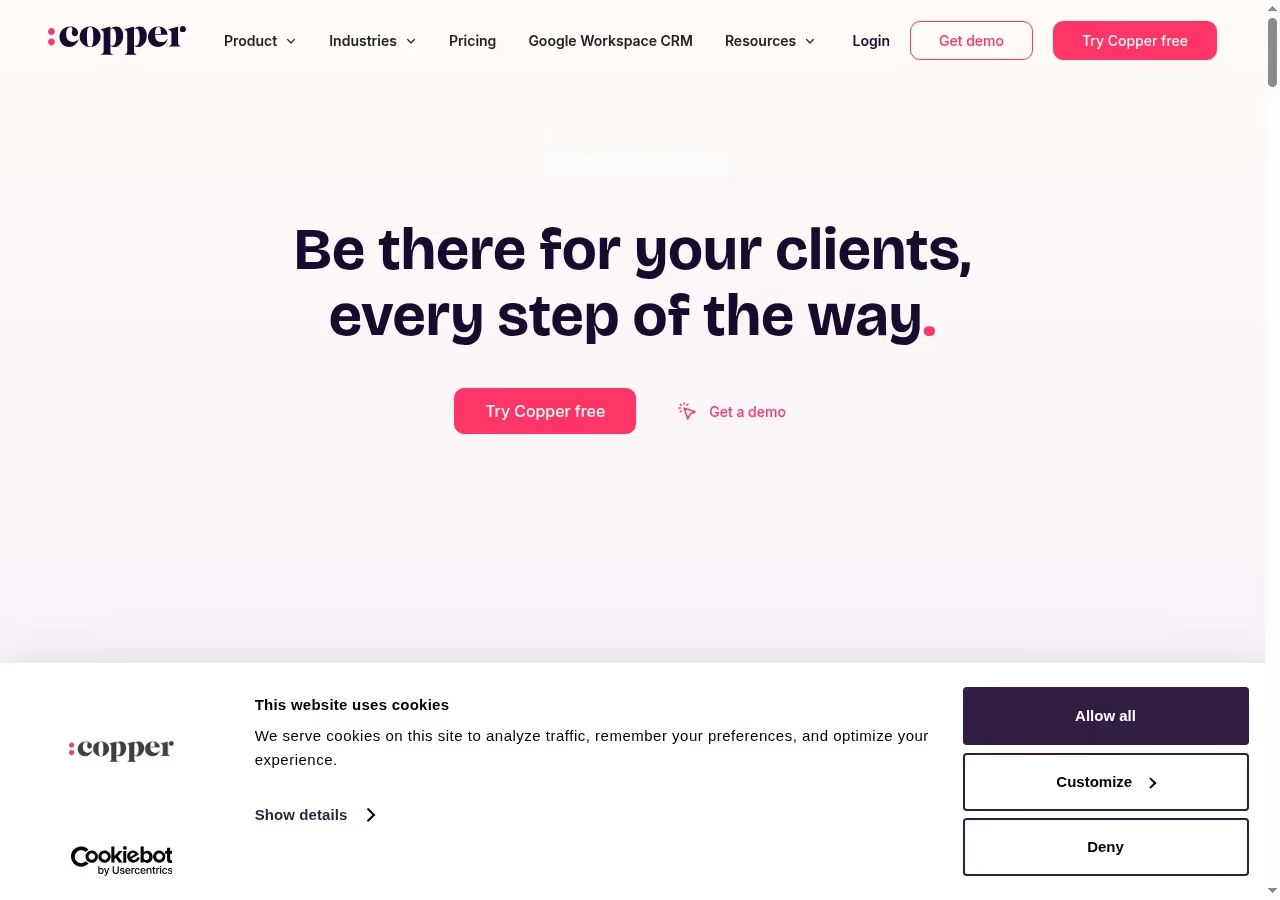
Copper explicitly supports work inside Gmail and Google Calendar. Its official page describes adding leads, tracking conversations, finding files and managing tasks in that environment, alongside opportunity stages and deal visibility. That makes it worth considering when the current sales process already lives in Google Workspace and a separate CRM tab is a major adoption obstacle.
Fit and limits to verify
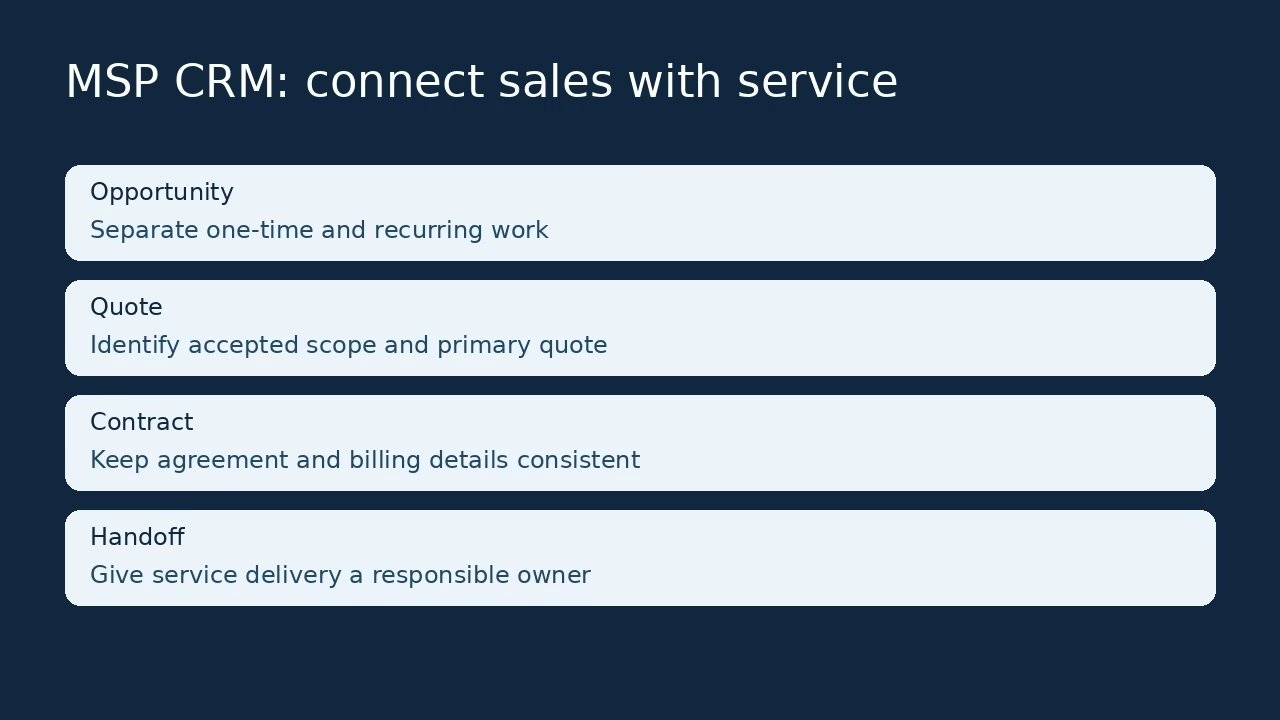
An inbox-centered interface still needs account ownership, pipeline definitions and permission rules. Confirm which sync, automation, reporting and relationship-management features belong to the plan being quoted. Do not assume it replaces every service-delivery system: a sales record and a recurring support contract have different responsibilities even when they refer to the same customer.
Review Copper on its official site against the written proposal. Keep capabilities that affect daily work separate from optional features shown in the demonstration.
10. monday CRM: a configurable cross-team revenue workflow
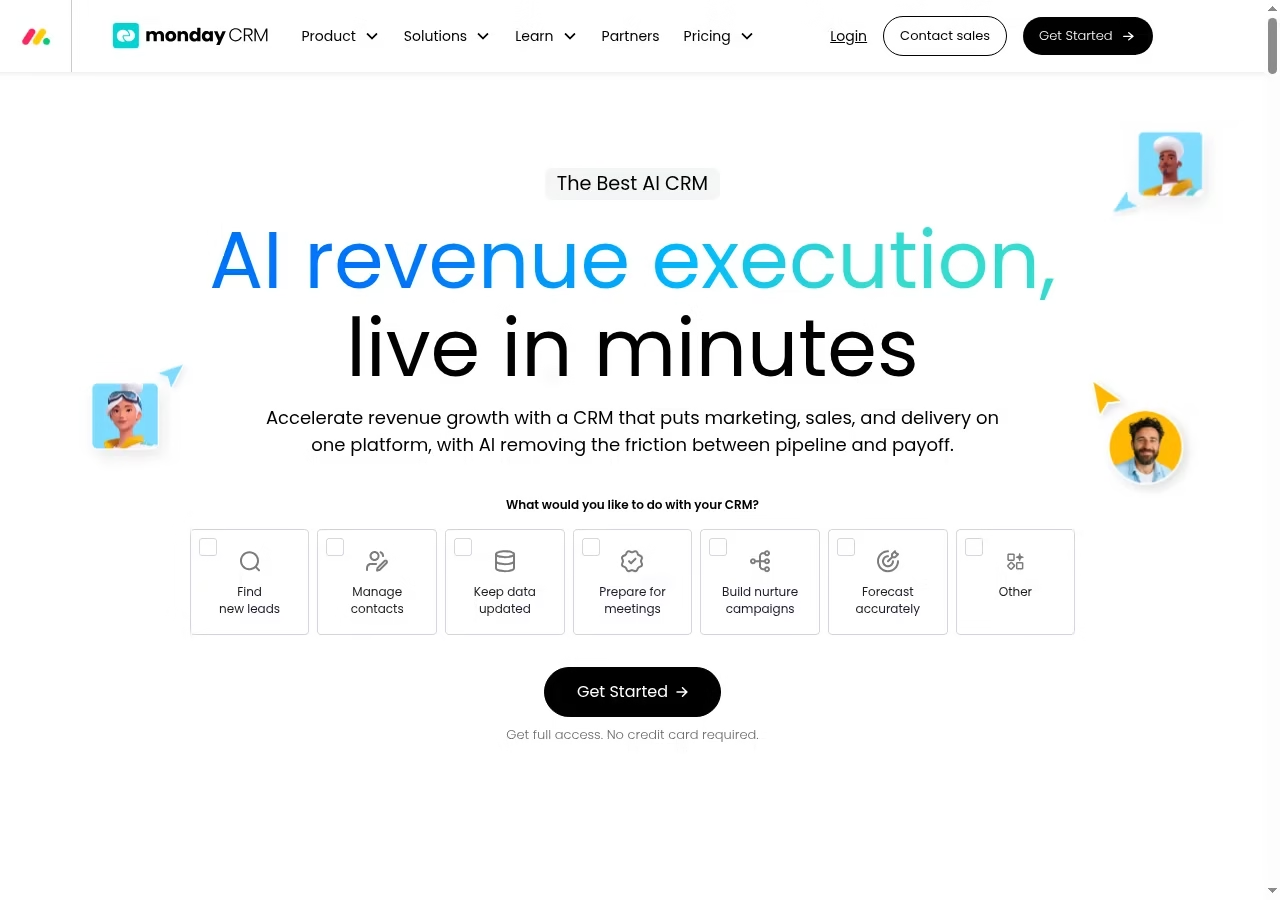
monday CRM presents marketing, sales and delivery as connected work, with pipelines, communication logging and automation around the customer lifecycle. Its configurable approach can help teams whose handoffs do not fit a simple linear sales board. The tradeoff is design responsibility: columns, stages and boards need a shared definition rather than each rep creating a personal version.
Fit and limits to verify
Evaluate monday CRM, not a generic work-management subscription with a similarly named board. Confirm seat minimums, automation allowances, integrations and reporting in the actual CRM package. A polished demonstration board is not proof that your data model, import or permissions are ready. Keep the first pilot narrow enough that you can explain how a new lead reaches a responsible person.
Review monday CRM on its official site against the written proposal. Keep capabilities that affect daily work separate from optional features shown in the demonstration.
Documented workflow: import contacts before opportunities
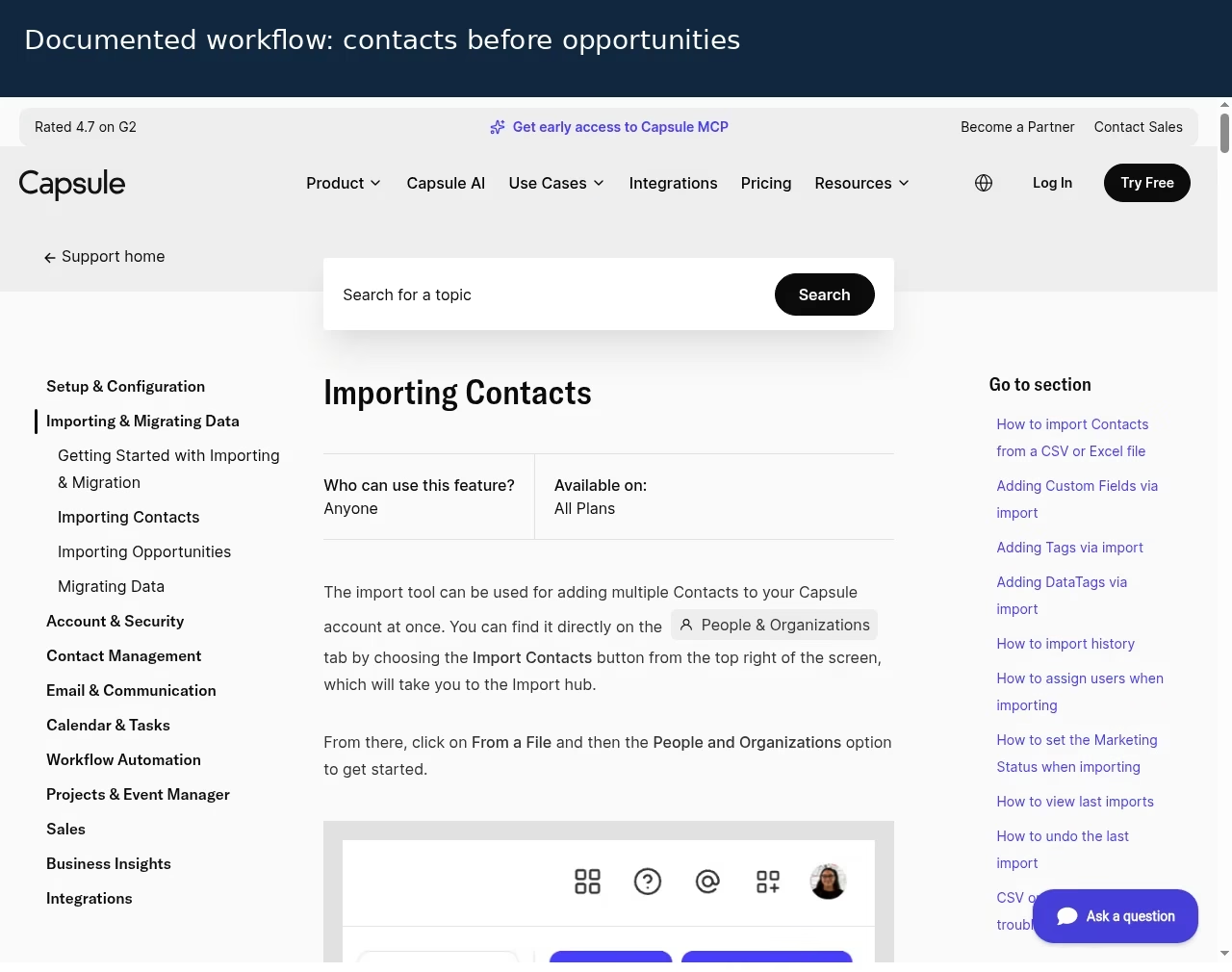
Capsule documents separate contact and opportunity imports. From People & Organizations, choose Import Contacts to reach the import hub. CSV or Excel files can supply contacts; Sales Pipeline has the opportunity-import route. This is a walkthrough based on official documentation, not an account migration performed for this guide.
Prepare a small file with people, companies, contact details and the owner data the team needs. Resolve duplicates before bringing opportunities across. Check how the opportunity import links to existing contacts or organizations, using the documented fields and preview. A matching row count is not enough if the relationships have become detached.
Read the Capsule contact-import guide and opportunity-import guide before planning the full file.
Make a one-week adoption pilot useful
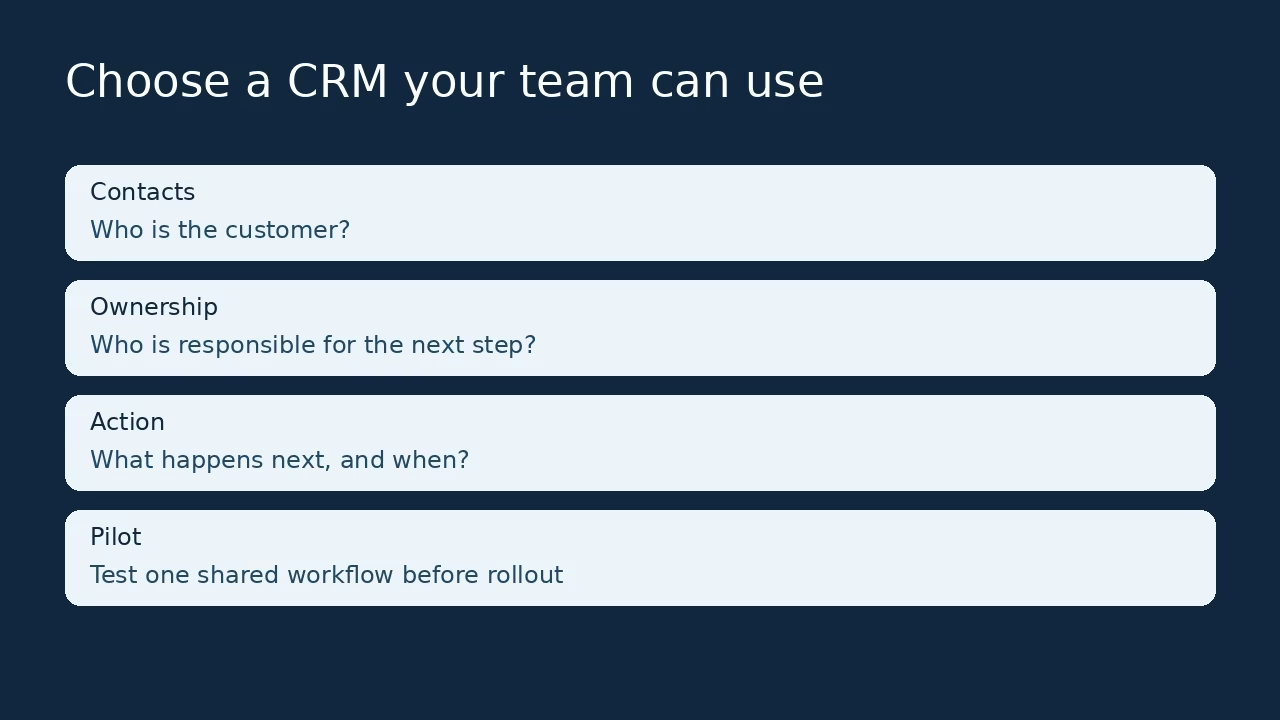
Define the minimum shared record
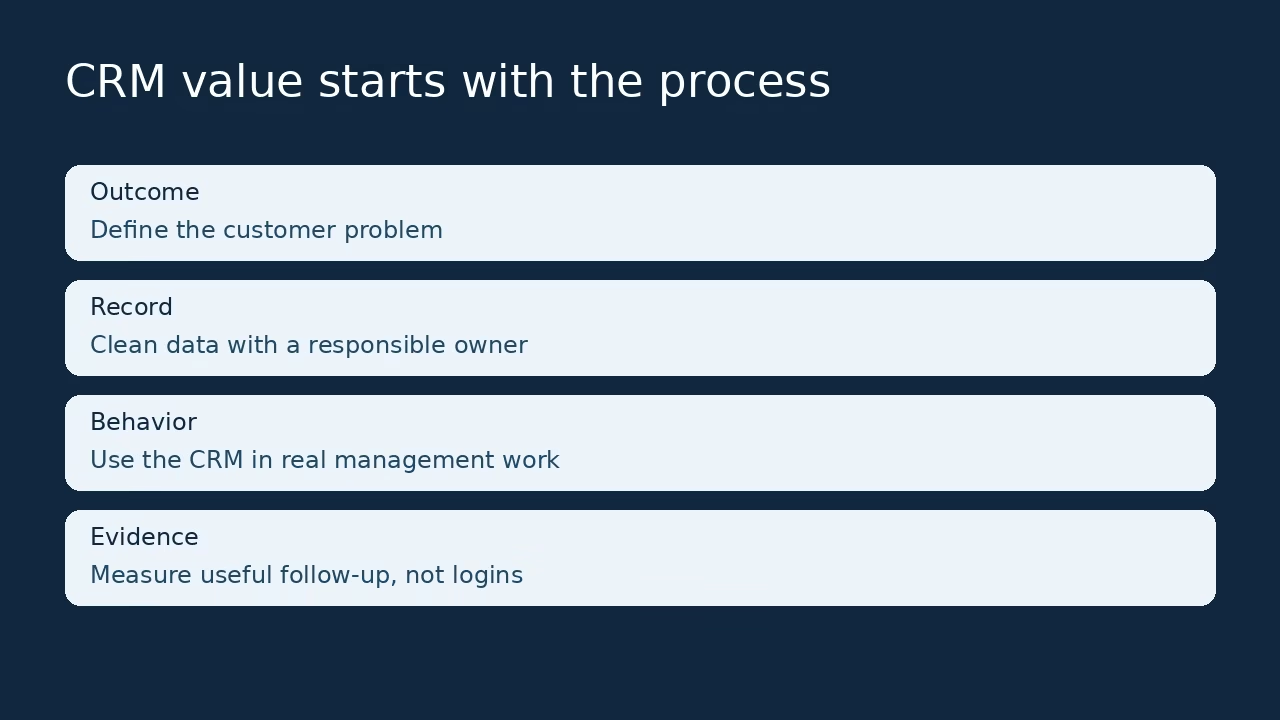
Start with contact, company, opportunity owner, stage, next action and due date. Add a field only when someone can name the decision it supports. A required field nobody uses turns a simple CRM into a form-filling exercise. Ask the person who follows up with customers where information naturally appears, then decide how it belongs in the record.
Observe a handoff between sellers
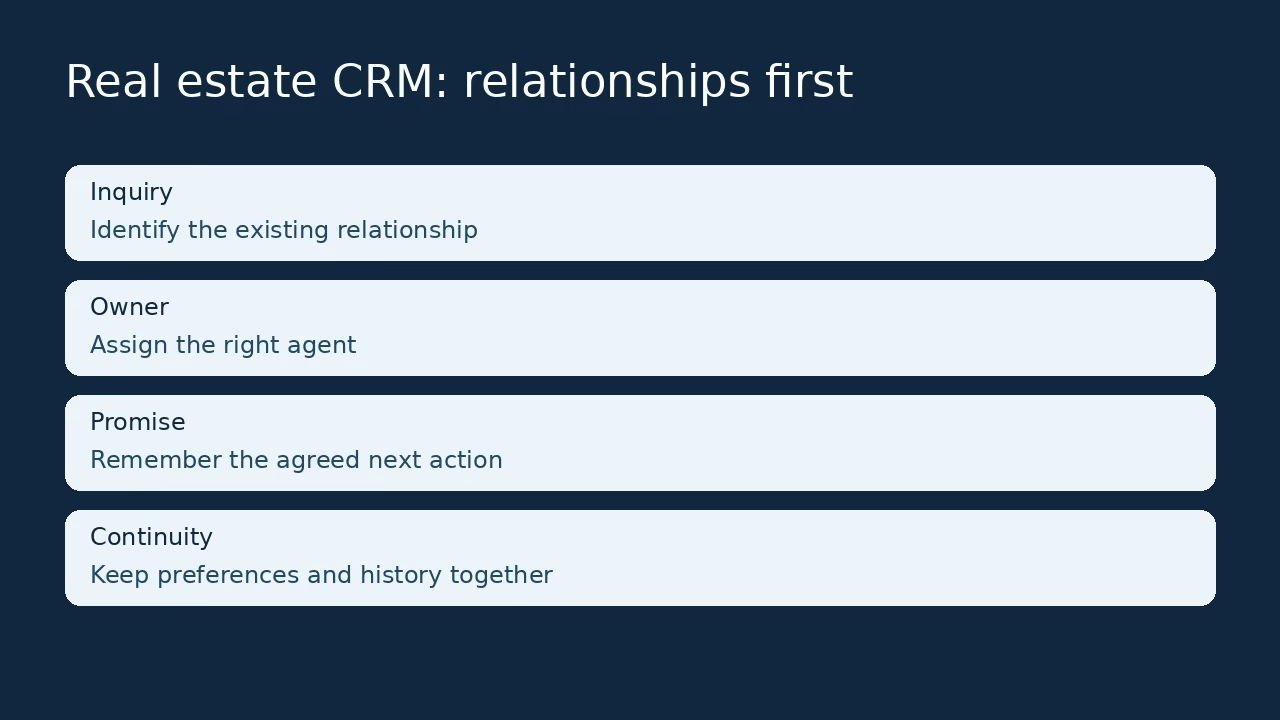
Use sample records before uploading the full customer list. One person creates a lead and another takes over after a meeting. Can the second seller understand the customer, last promise and next step? Record each place where a private spreadsheet or a manager explanation is still needed. Those gaps are a stronger selection signal than the number of dashboard widgets.
Measure useful behavior
Review missing owners, overdue next actions and duplicates in the pilot. Logins show access, not value. Do not claim a revenue uplift after a few days. Ease means the team can find and maintain useful information without avoidable confusion. If adoption fails, separate interface friction from a process nobody agreed to follow.
Control costs and preserve an exit route
Count the complete workflow
Include sales users, contact or record volume, email sync, automation, reporting, documents, calling and support. Free-edition seat limits should be visible before the team invests in setup. A supporting-team license may have narrower rights than a sales license, so do not substitute one for a rep who needs to own deals.
Retain understandable configuration
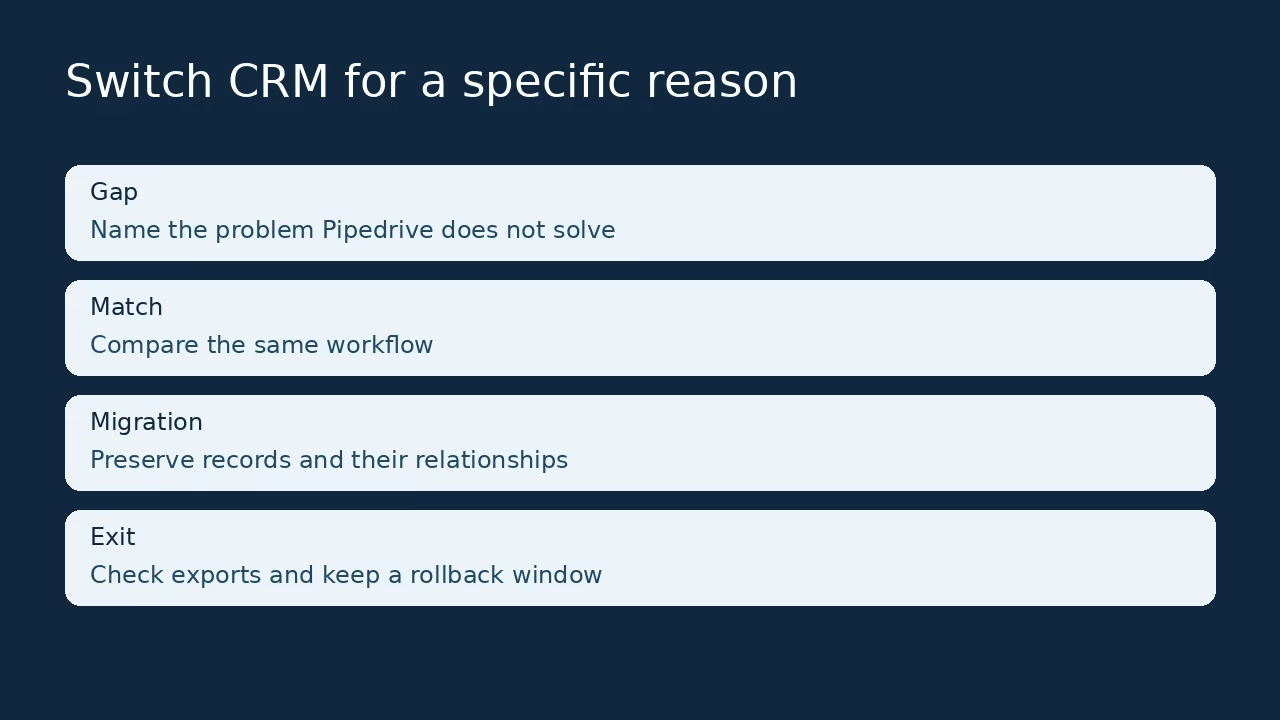
Export the pilot and inspect contacts, companies, opportunities, notes and tasks. Check files and communication history separately. Keep stage definitions and the field map outside the CRM. Export support does not mean every relationship survives exactly. A small amount of configuration documentation prevents a simple tool becoming an unexplained dependency.
Frequently asked questions
Which CRM is easiest for a small sales team?
Start with the job: contacts and follow-up suggest Less Annoying CRM, Bigin or Capsule; activity-led selling suggests Pipedrive; Google Workspace use makes Copper relevant. There is no measured universal winner here. Put the same sample records and tasks into each trial and ask two reps to complete a handoff without coaching. Choose the system the team can keep accurate, not simply the one with the cleanest demonstration.
Is a free CRM enough for five salespeople?
The verified free editions here do not each support five sales users: HubSpot and Capsule allow two, Bigin one, and Zoho CRM three. Their record and feature limits also differ. A five-person group should budget supported paid access or a different arrangement rather than rely on an outdated unlimited-free-seat claim. Confirm current local terms before rollout.
What should we configure first?
Define owners, stages and next actions before automation. Import a small contact sample and inspect duplicates, companies and related opportunities. Agree what qualifies a deal to move stages. A dependable shared record gives later reporting something trustworthy to use; activating every feature immediately can hide an unresolved process behind more screens.
How do we compare CRM prices fairly?
Use the same workflow, user count and billing term. Include email sync, reporting, automation, documents, telephony and support where needed. Annual monthly equivalents are not month-to-month prices. Add migration and setup time to the first-year estimate. The cheapest entry tier may not support the requirements that brought the team to a CRM.
Can we import spreadsheets?
The exact mapping is product-specific. Capsule documents distinct contact and opportunity imports, which shows why one flat spreadsheet may need related data sets. Test names, companies, owners, notes and dates first. Check export and duplicate behavior too. A matching row count does not prove that every opportunity remains attached to the right person.
How do we measure adoption?
Check whether active opportunities have owners and dated next actions, whether work becomes overdue and whether records are duplicated. Ask another seller to understand the history without the original owner explaining it. Logins alone are weak evidence. Revenue improvement needs a longer observation period and context, so a brief pilot should not be presented as proof of ROI.
Do simple CRMs need AI?
Only when an identified task benefits and outputs can be checked. Summaries should be verified against the underlying conversation before becoming a customer fact or commitment. Start with record ownership and follow-up, then evaluate one AI task. Price usage or credits separately where applicable. More output is not useful if every result needs correction.





Leave a Reply