




“Load balancer software” covers two very different purchases: a proxy you run yourself, and a managed service that distributes traffic for you. I compare thirteen options by traffic layer, hosting fit and the work your team still owns.
Choose the operating model first, then prove the configuration against your application’s requirements. Picking a brand first means migrating twice.
New to the vocabulary? Read what a load balancer does first.
Start here Quick selection map
| Option | Starting scenario |
|---|---|
| HAProxy | Self-hosted TCP and HTTP |
| NGINX Open Source | Existing NGINX web stacks |
| Envoy | Service-oriented environments |
| Traefik Proxy | Container-oriented routing |
| Caddy | Simple web proxy setups |
| Apache HTTP Server | Teams already running Apache |
| Apache Traffic Server | Cache-heavy proxy delivery |
| AWS Elastic Load Balancing | Applications hosted in AWS |
| Google Cloud Load Balancing | Google Cloud workloads |
| Azure Application Gateway | Regional HTTP routing in Azure |
| Cloudflare Load Balancing | Multi-origin edge steering |
| DigitalOcean Load Balancers | DigitalOcean deployments |
| Azure Load Balancer | TCP and UDP on Azure |
The first seven are self-hosted, the last six managed. For a narrower edge comparison, see Azure Front Door vs CloudFront; neither is a generic TCP proxy replacement.
The list Thirteen options, self-hosted first
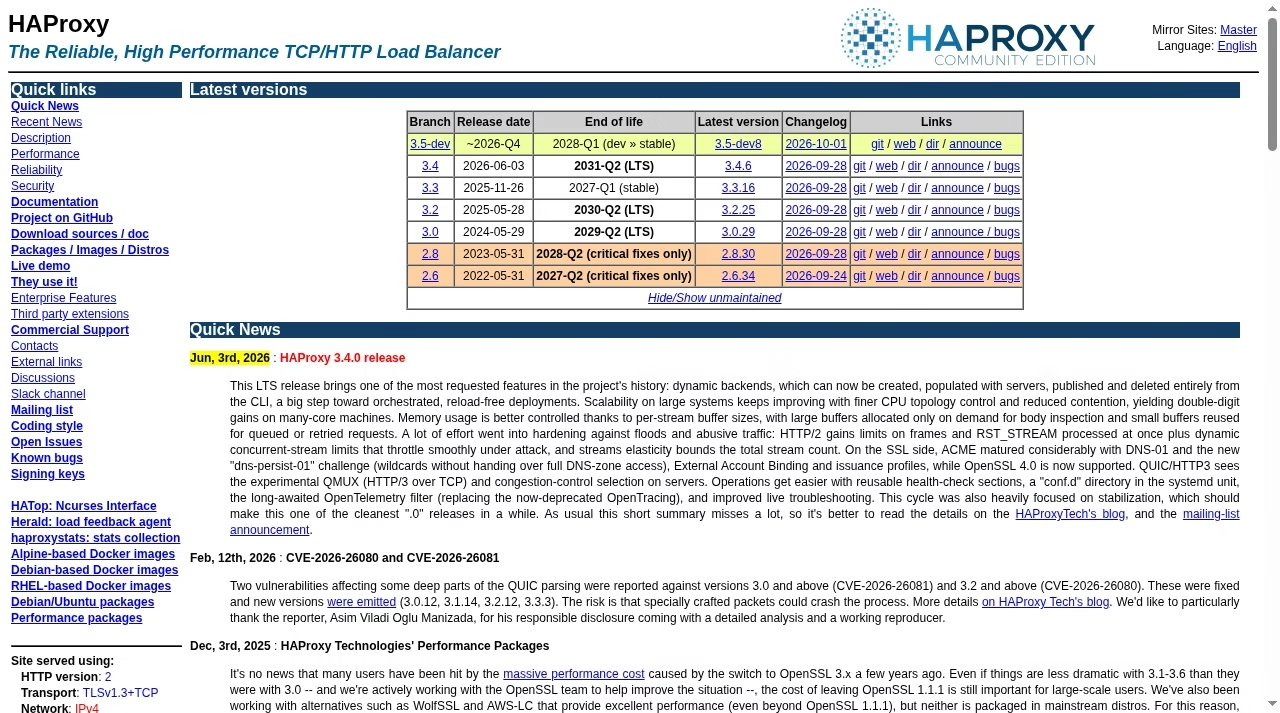
HAProxy describes itself as a TCP/HTTP load balancer; the project homepage publishes maintained branches, docs and release news. It fits teams that want direct control over a dedicated proxy layer and will manage configuration, updates and redundancy themselves.
Community and commercial offerings are different choices. Match required features to the exact version and distribution instead of carrying an old comparison table forward. Owning the proxy also means owning the operating system, monitoring and a redundant public entry path.
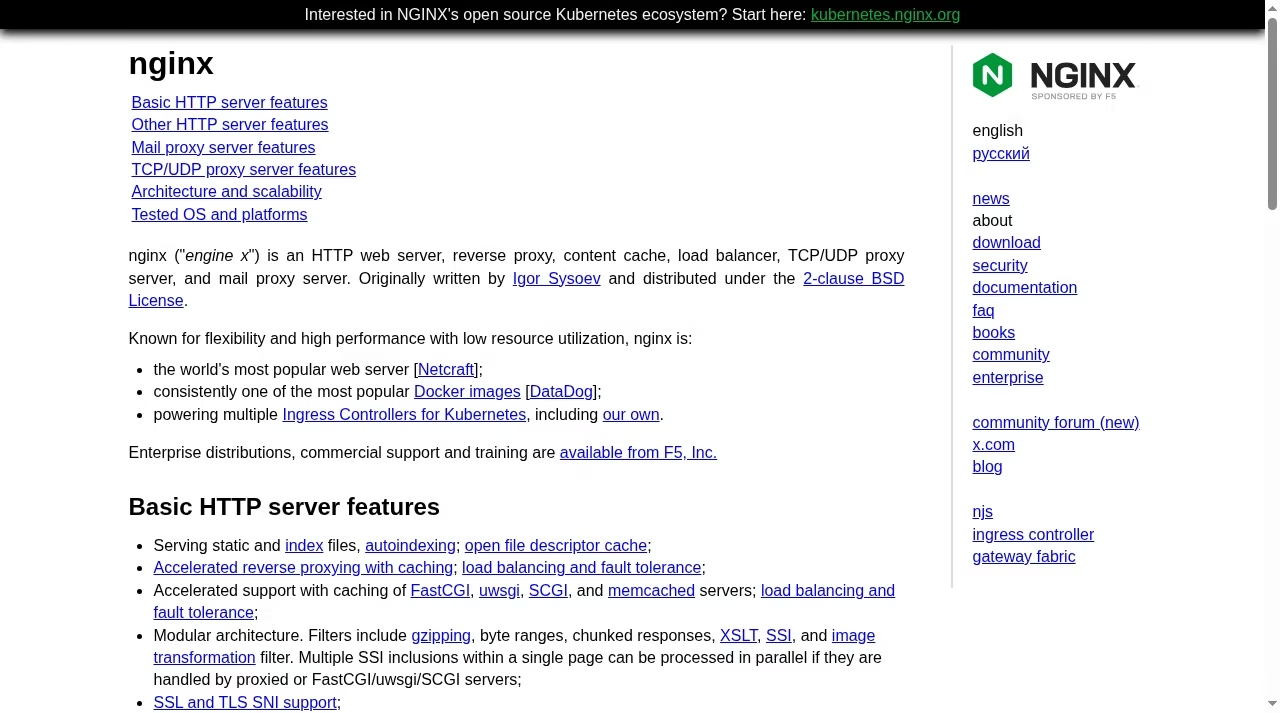
NGINX serves as an HTTP reverse proxy and distributes traffic across an upstream group. Its documentation covers round robin, weights, least connections, IP hash and generic hashing, and it proxies TCP and UDP through the stream module. It makes sense when your team already knows NGINX and wants web serving and routing in one stack.
Keep Open Source and NGINX Plus separate in your head: the primary HTTP guide marks features like sticky-session methods as edition-specific, and passive failure detection is not the same as active application probes. Check your exact build and current directives.
Envoy is an open-source edge and service proxy. Its upstream load-balancing docs describe round robin, least request, random, ring hash and Maglev. It is a candidate when routing is part of a broader service architecture rather than a standalone web server.
A data-plane proxy still needs configuration ownership. Installing Envoy alone does not create service discovery, a management UI or a complete service mesh; if you run a control plane, review how it publishes endpoints and reacts to failure.
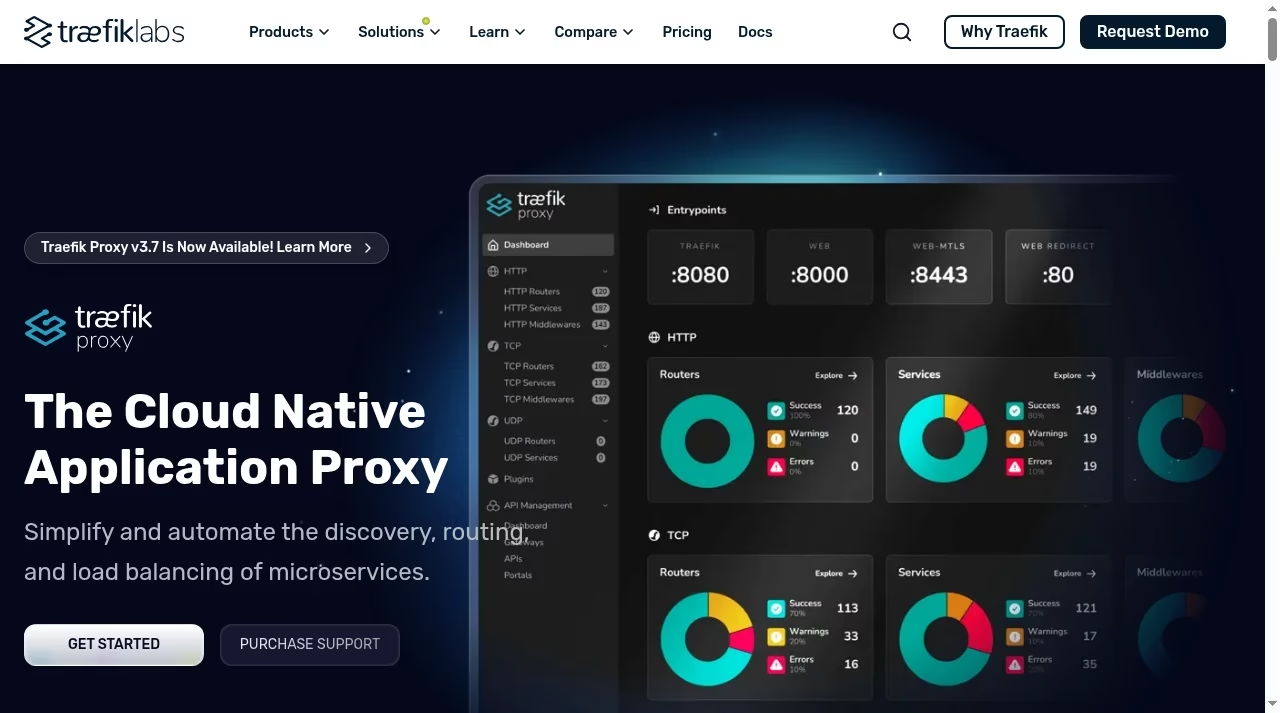
Traefik Proxy presents itself as a cloud-native application proxy with service discovery, routing and load balancing. Its service docs describe backend server lists and service-level traffic handling. Look at it when changing application instances should feed routing through the platform instead of hand-edited static files.
Discovery reduces manual endpoint work, but you still review provider permissions, network exposure and routing labels. Confirm that the specific HTTP, TCP or UDP service and health behavior you need are documented for your release. A dashboard is not a substitute for access controls.
Caddy is a web server with a configurable reverse_proxy directive. Its reference documents upstream selection, load balancing, and active and passive health checks. For a small web stack where readable configuration and automatic certificate handling matter, it is a genuinely pleasant option.
Caddy is not a generic replacement for every transport-layer feature. Check protocol requirements and modules before assuming a standard install covers a specialized HAProxy deployment, and read the conditions for active health checks and dynamic upstreams carefully.
Apache HTTP Server can proxy to backend pools through mod_proxy_balancer, whose docs describe balancer workers and the algorithms its companion modules supply. When Apache is already your front-end server, this is the path of least surprise for HTTP backend distribution.
The required modules must be enabled and configured together. The existence of mod_proxy_balancer is not a complete default health-check policy or a secured management endpoint; review the related proxy, protocol and scheduler modules in your own distribution.
Apache Traffic Server is a caching proxy that works as a reverse proxy and Layer 7 HTTP load balancer. Its docs describe next-hop selection by request attributes, with strategies like weighted round robin and URL consistent hashing. Pick it when cache behavior is a major part of the job.
It is a different starting point from a general TCP/HTTP balancer. TLS tunneling and SNI routing are documented separately from cached HTTP delivery, and tunneled traffic cannot be cached as an HTTP object on that path.
Elastic Load Balancing is a managed service family. The Application Load Balancer guide describes HTTP-aware listeners, rules, target groups and target health checks; Network Load Balancer is a separate choice for different transport requirements. It fits teams that want AWS to operate the balancer while they operate the application.
Choose the specific balancer type before comparing features. An ALB is not an interchangeable raw-UDP proxy, and managed infrastructure does not fix application-state consistency, target permissions or a failed shared database. Review provider quotas and billable usage for the service you pick.
Google Cloud offers application and network load-balancing families with regional or global, external or internal designs, and its overview distinguishes proxy-based from pass-through choices. It fits workloads that already live on Google Cloud.
Do not treat the whole family as one protocol and feature set. Select the exact service, scope and backend support from the current decision guide: a global application balancer and a regional network balancer have different jobs and constraints.

Azure Application Gateway routes web traffic using HTTP attributes like URL paths and host headers, with TLS handling, cookie-based affinity and optional WAF integration. It fits an Azure web app that needs application-aware routing inside a region.
It is not Azure Load Balancer, which is a Layer 4 TCP/UDP service, and it is not the same global edge product as Front Door. Review the exact tier, deployment model and features instead of treating every Azure networking name as equivalent.
Cloudflare Load Balancing documents pools, endpoints and monitors that steer traffic across origins, including environments spread across providers. It is an edge or DNS steering choice, not software you install in place of a local proxy process.
Review proxied versus DNS-only behavior, steering policies and your plan level. DNS changes are affected by caching, while a proxied path introduces its own HTTP behavior; do not promise identical failover timing or transport support across those modes.
DigitalOcean documents load-balancer products for its platform; the regional service includes backend health checks, TLS termination and sticky sessions. It is the obvious candidate when your application already runs on DigitalOcean infrastructure.
The current feature guide explicitly says standard HTTP balancing does not route to specific backends by URL, cookie or HTTP header. Verify the regional or global product, supported protocols and backend restrictions before committing, and do not quote the lowest promotional starting price as the cost of your workload.
Azure Load Balancer distributes Layer 4 TCP and UDP flows to backend pool instances by rules and health probes. Its overview describes public and internal scenarios with VM or scale-set backends. It fits workloads needing transport-level distribution inside Azure.
It does not do HTTP URL-path routing like Application Gateway. Confirm health probes, inbound and outbound requirements and the chosen design’s scope; a product-family name is not a complete architecture.
Decision guide Choose the category before the product
A small HTTP app or a changing service fleet
For a small app, compare readable config, certificates, backend checks and who answers the 2 AM page; Caddy, NGINX and Apache are safe starts if the team knows them.
For changing fleets, judge Envoy and Traefik with their control or provider configuration, not as isolated binaries. Product-focused teams often hand this layer to a DevOps partner.
A cloud workload or a cache-heavy delivery tier
On a major cloud platform, managed service removes proxy-host maintenance; you still own app health, permissions and usage costs. When caching is central, Traffic Server or an edge design beats a connection-only balancer.
Proof check Feature limits that deserve a proof check
Verify these four limits on a staging build, not a feature page, with the same skepticism you would give any tool promising efficiency gains.
| Requirement | What to verify | Why it changes the choice |
|---|---|---|
| Raw TCP / UDP | Exact protocol and balancer type | HTTP routers are not transport balancers. |
| Active health checks | Edition, probe conditions and failure policy | Passive failures are a different model. |
| Sticky sessions | Affinity key, lifetime and failure behavior | Local state can vanish with the backend. |
| Dynamic backends | Discovery source, permissions, refresh | A proxy is not a whole control plane. |

Budget Compare operating cost without a misleading price ranking
Count the work you own
A self-hosted license can be free while the service consumes VMs, engineering time, monitoring and on-call work. Managed services shift some duties to the provider but keep data transfer, requests, capacity meters and architecture work. Compare the same workload and availability target, not a homepage starting price.
Keep capacity assumptions explicit
Estimate normal and peak connections, request rate and backend placement. Those inputs drive both bills and architecture, and they are assumptions until measured. Keep the estimate and calculator inputs together, review actual usage after launch, and protect the estimate like any other recoverable asset so a wrong guess is cheap to correct.
Before production Evaluate failure and security before production
Create a controlled failure checklist
Remove one backend, make another slow, and fail a dependency separately. Watch new and existing connections, timeouts and retries. A green backend check does not prove login, checkout or writes are correct, so make writes safe against duplicate execution before allowing broad retry behavior.
Protect both the public endpoint and the origins
Restrict origin access where the design allows it, and define which proxy may supply trusted client-IP headers. Keep TLS certificates and origin verification in the plan, and secure management interfaces and discovery credentials. A protected edge with an openly reachable origin leaves a bypass path; revisit these rules when backends, regions or the operating model change, and fold them into your broader data governance habits.
Answers Frequently asked questions
Which load balancer software is best?
There is no universal winner on this page. Select by traffic protocol, backend location, operating skills and required failure behavior. An HTTP reverse proxy, a cloud application balancer and an edge steering service are different categories. Shortlist a small set and run the same staging acceptance checks on each.
Is free software cheaper than a managed load balancer?
Do not assume it. A free license still consumes hosting, updates, monitoring, redundancy and on-call ownership, while a managed service turns some of that into a metered bill. Compare the same workload and availability target across both models, and count migration and training in year one. I weigh those trade-offs the same way as choosing the rest of a tech stack.
Is NGINX Open Source the same as NGINX Plus?
No. They share an ecosystem, but the current primary guide distinguishes edition-specific capabilities such as Plus session-persistence methods. Check the exact feature and version you need, including health checks and runtime management. Old comparison tables go stale quickly, so I link the official project pages rather than promising every feature is in every build.
Can Cloudflare replace a local TCP load balancer?
Do not treat the web origin-steering service as a generic raw-TCP replacement. Review the exact Cloudflare service, mode and protocol requirements, since DNS-only and proxied choices behave differently. For a local transport workload, start with a product that documents the required TCP or UDP behavior and test the connection path end to end.
Do managed services remove the need for health checks?
No. Provider-operated infrastructure still needs a way to decide whether your backends can receive work. Configure a meaningful probe and test its thresholds; a managed balancer cannot infer that a login flow or write operation is correct from an open socket. Your team remains responsible for suitable backend instances and dependencies, the same ownership mindset behind picking automation tools anywhere else in the business.
Should I change the balancer to fix slow database queries?
Not as the first remedy. If all backends wait on the same slow database, distributing requests does not remove that bottleneck. Measure where latency occurs and whether the application tier is actually saturated. The fix may be queries, indexes, cache design or database capacity, and a balancer only helps when there is useful capacity to distribute work to.
How do I avoid session loss during migration?
Identify where session data lives, how the current affinity key works and what happens when the chosen backend disappears. Shared state can reduce the need for affinity, but it must be reliable itself. Test sign-in and a real user workflow across a backend change, and keep rollback available until the new path proves correct. Building something new alongside? Our app builder collection shows how we ship software in general.




Leave a Reply