

A load balancer is a traffic-distribution component that sends incoming connections or requests to a pool of backend servers. Instead of every visitor reaching one application instance, visitors use a shared endpoint and the balancer chooses an eligible backend. The aim is to use capacity sensibly and reduce the impact of a failed instance. It does not automatically repair your database, preserve every session, or make one overloaded server faster.
This guide separates connection-level balancing from HTTP routing, walks through a small application example, and explains what must be true before failover is useful. It is based on primary documentation read on 7 October 2026, with original explanatory diagrams. We did not benchmark a production load balancer. The numerical examples below are teaching examples, not measured throughput or a sizing recommendation.
How a load balancer fits into an application
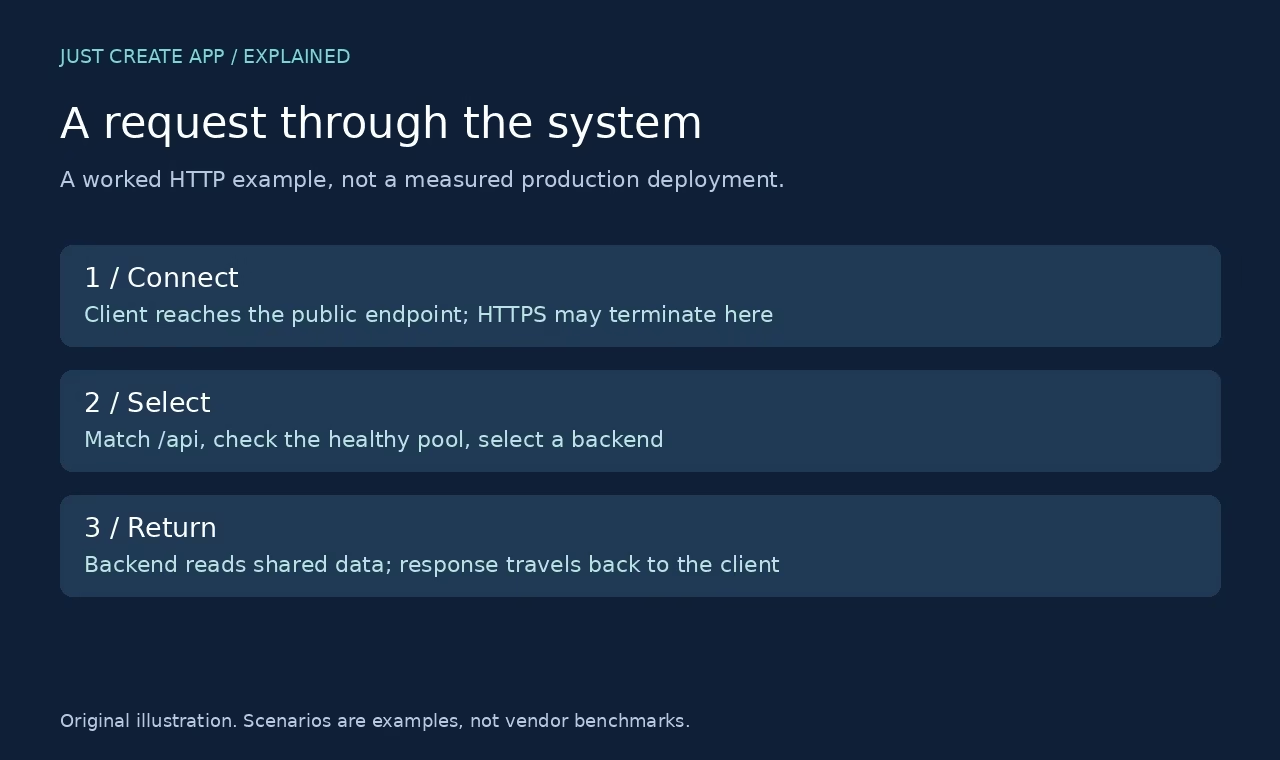
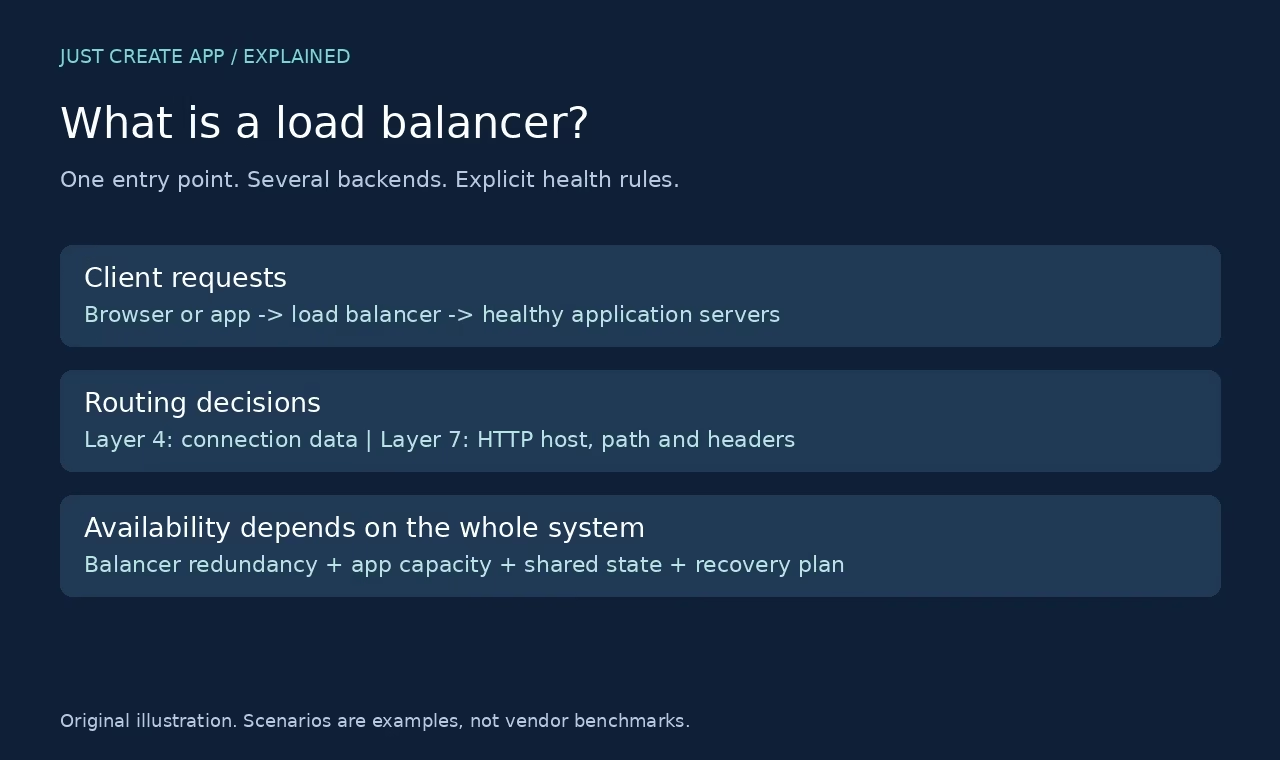
Imagine a shop with three application servers. A visitor opens the shop domain, reaches the public entry point, and requests a product page. The balancer forwards that request to one of the three instances. Another visitor can be sent to another instance. The client does not need a list of every backend address. Administrators can change the backend pool while keeping the public endpoint stable, subject to the service and deployment design.
The backend pool must contain servers that can actually serve the same workload. A server with the wrong release, missing configuration, or stale local files is not interchangeable merely because it answers a port check. Requests may still depend on a database, queue, authentication service or object store. If that shared dependency is down, distributing requests among healthy web processes will not restore the application.
AWS describes its Application Load Balancer as a single contact point with listeners, rules, target groups and target health checks. Those are useful concepts even when you use self-hosted software: define what accepts traffic, which rules apply, which pool receives it, and which backends are eligible.
Layer 4 vs Layer 7: what information drives the decision
Layer 4 distributes transport connections
A Layer 4 balancer works with transport information such as protocol, IP address and port. It is appropriate when you need to distribute TCP or UDP flows rather than make decisions about an HTTP URL. Azure Load Balancer explicitly documents Layer 4 TCP and UDP distribution. This is different from asking a web gateway to send /images to one application and /checkout to another.
A connection may carry many requests, so connection distribution and request distribution are not equivalent. Long-lived connections can stay on one backend while shorter connections come and go. Check whether the product is proxy-based or pass-through and how it handles source IP addresses. Those choices affect firewall rules, logging, certificates and what the application believes the client address is.
Layer 7 understands application requests
A Layer 7 HTTP balancer can use hostnames, paths and other request attributes. An /api route might go to API servers while /assets uses a static origin. AWS Application Load Balancer and Azure Application Gateway document HTTP-aware routing. This allows more detailed traffic policy, but it also creates more policy to review: path matching, headers, redirects, request limits and timeouts.
| Question | Layer 4 choice | Layer 7 choice |
|---|---|---|
| Distribute raw TCP or UDP? | Start here; verify protocol support. | An HTTP-only service is not a substitute. |
| Route by /api vs /images? | Not an HTTP path decision. | Use HTTP-aware rules. |
| Terminate HTTPS? | Depends on proxy and pass-through design. | Common, but still configure certificates and origin TLS. |
| Read client IP correctly? | Check source preservation or proxy protocol. | Check trusted forwarded headers. |
Load-balancing algorithms, with a worked example
Suppose A, B and C are healthy and equally suitable. Round robin sends a simple sequence such as A, B, C, A, B, C. With six equal requests, the teaching example gives each server two requests. Real workloads are not equal: one request may fetch a small object while another runs an expensive report. Equal request counts do not prove equal CPU use, latency or memory pressure.
Round robin and weighted distribution
Weights express a configured preference for some backends over others. A larger server might receive a larger share, but weight is not a measurement of real capacity. Validate the share using the actual mix of requests and the product algorithm. NGINX documentation describes round robin, weighted servers, least connections and IP hashing. It also explains passive failure detection. Version and edition matter, so check the documentation for the build you deploy.
Least connections and consistent hashing
Least connections chooses with reference to connection counts. This can be useful when connections have uneven lifetimes, but a lightly connected server can still be struggling with expensive work. Hash-based policies use a key, such as a client identifier or request property, to select an upstream. Consistent hashing can reduce remapping when the pool changes, though it is not a guarantee that every user stays on one machine forever.
Choose an algorithm to address a known behavior. Do not change algorithms merely because a name sounds advanced. First establish whether the imbalance is request size, server speed, connection duration, a skewed key or an unhealthy backend. Otherwise the algorithm can hide the symptom without fixing its cause.
Health checks: answering a port is not enough
A health probe determines whether the balancer should consider a backend eligible. A TCP probe can confirm that a socket opens. An HTTP readiness route can check whether the application can accept useful work. The endpoint should be cheap, stable and intentionally designed. A probe that checks every dependency in a fragile way may remove all servers during a small dependency problem; a probe that always returns 200 can keep a broken application in rotation.
Separate readiness from liveness where your platform supports it. Liveness asks whether a process should be restarted. Readiness asks whether it should receive traffic now. During a deployment, a new process might be alive while warming a cache or loading configuration. Returning it to the pool too soon can turn a routine rollout into errors for visitors.
Detection is not instantaneous. Probe intervals, thresholds, connection timeouts and existing connections affect the failure window. Configure these together and measure the result in staging. An aggressive probe may generate noise; a slow one may keep selecting an unusable backend. An explicit maintenance or drain state is often safer than forcing a healthy server to fail checks during planned work.
Load balancer, reverse proxy and CDN are related, not identical
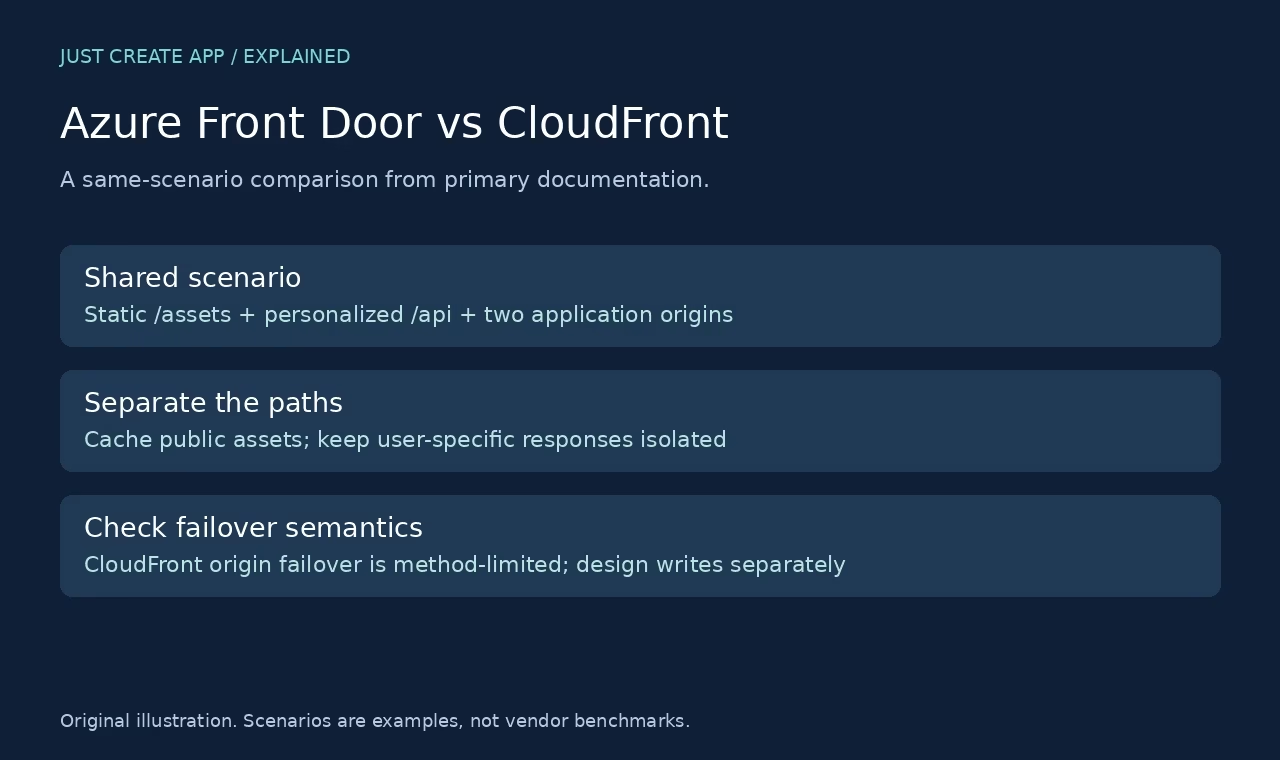
A reverse proxy accepts requests on behalf of an origin server. When it selects among several origins, it may also act as a load balancer. A CDN places delivery capacity near users and often caches public objects. It may include origin routing, but cache behavior and origin failover semantics are additional concerns. Azure Front Door combines edge delivery and origin routing; CloudFront is an edge delivery service with documented origin-group behavior.
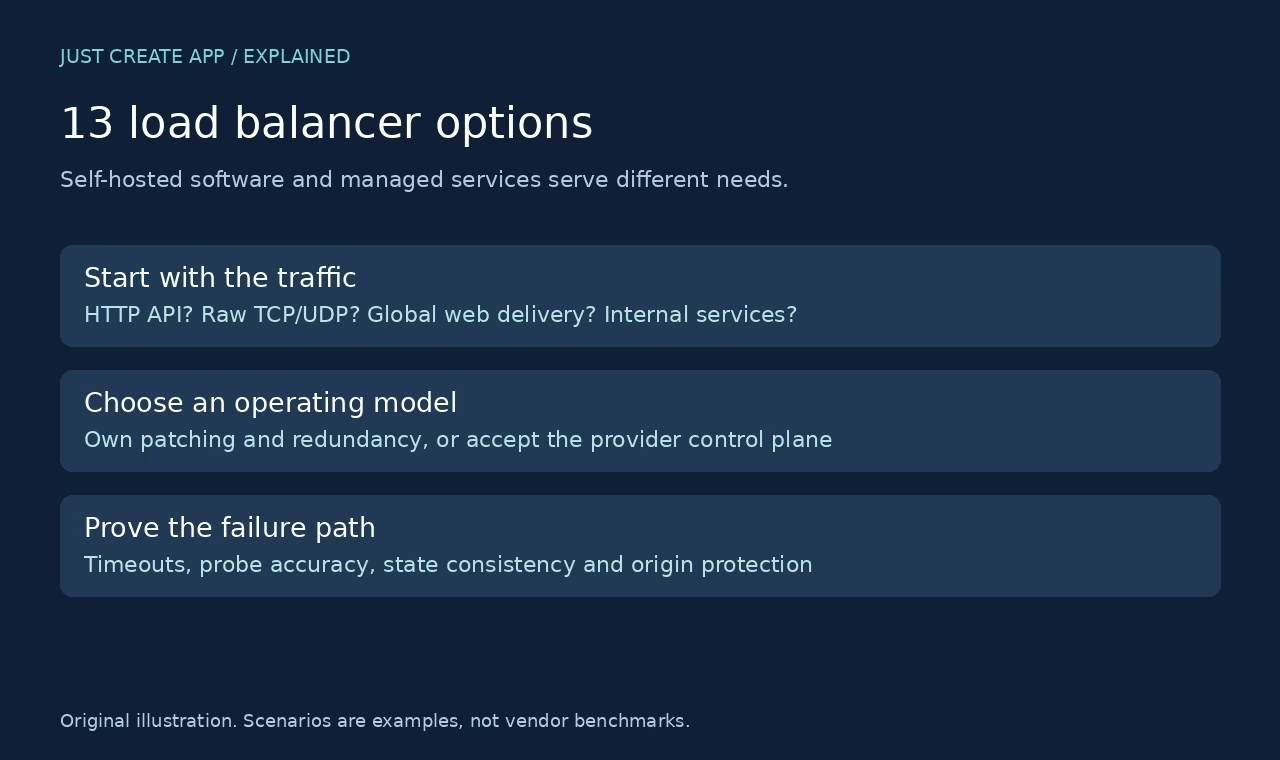
The right comparison starts with the job. Raw database TCP, a regional web application and a global static site should not be reduced to one generic category. Our load balancer software guide separates managed services from self-hosted proxies. The Front Door vs CloudFront walkthrough focuses on edge caching and a two-origin web scenario.
Designing the application so balancing actually helps
Keep user state available to eligible backends
If login sessions exist only in one server memory, another backend may not recognize the user. Shared session storage or a design that does not depend on local session memory can reduce this problem. Sticky sessions can help some applications, but they are not a replacement for a recovery plan. When the sticky backend fails, its local state can still disappear.
Also review uploaded files, scheduled jobs and configuration. Local uploads should not vanish when a request lands on a different server. A scheduled task should not run once per replica unless that is intended. Secrets and configuration should be consistent across the pool, while credentials should remain appropriately scoped. These are application design concerns, not features a routing rule can solve.
Remove single points of failure beyond the application pool
One self-hosted proxy on one virtual machine can become the new bottleneck or failure point. Plan redundancy for the proxy tier and understand how traffic reaches a surviving proxy. Managed services handle portions of this work, but you still own backend capacity, dependency health and the way your application fails. Review where the database, DNS, certificates and shared storage could break the path.
A staging checklist before you put a balancer in front of users
Test normal traffic and controlled failures
Create representative read and write requests. Confirm which backend serves them and whether user sessions survive a backend change. Remove one backend from rotation, stop it, and test a failed dependency separately. Record errors, recovery behavior and connection handling. Do this on test infrastructure, not by experimenting against a live shop without a maintenance plan.
Include slow responses and long-lived connections. A balancer may remove a failed server for new requests while existing connections remain open. Make the difference visible in logs. For write requests, check whether a retry could create a duplicate operation. Retry policy belongs with application idempotency and timeouts, not just with a desire to make errors disappear.
Document rollback and ownership
Keep the previous route configuration, certificate plan and pool membership available. Decide who changes health-check thresholds, who handles app incidents and who approves a rollback. Record the expected steady-state metrics so future maintainers can spot drift. If you need outside help, the DevOps consulting guide can support a shortlist, but verify each team against your actual stack.
Frequently asked questions
Does a load balancer make a website faster?
It can improve how available capacity is used and reduce pressure on one backend, but it does not guarantee faster responses. A slow database query remains slow when sent to another identical server. Measure client latency, upstream latency, connection counts, queueing and errors before and after. If the bottleneck is a shared dependency, fix or scale that dependency rather than simply adding web replicas.
Is a load balancer the same as a reverse proxy?
Not necessarily. A reverse proxy stands in front of an origin; a load balancer selects among eligible backends. One product can do both. A proxy that always forwards to a single server is not distributing traffic across a pool. Some Layer 4 load balancers do not perform HTTP proxy functions at all. Compare behavior, not product labels.
Can I use a load balancer with only one server?
Yes, for a stable endpoint, TLS handling, routing policy or a future migration. But it does not create backend redundancy when there is only one usable backend. If that server fails, there is nowhere else to send the workload. Assess whether the added hop and operating cost are justified for the current application.
What happens when a backend fails?
The balancer removes or avoids the backend according to health rules and failure detection. New requests can go elsewhere when another eligible backend exists. Existing requests and connections may fail, and detection takes time. Sessions, writes and dependencies need their own design. Test a real controlled backend failure rather than assuming a green health dashboard proves recovery.
Do I need sticky sessions?
Only when the application needs affinity or a specific workflow benefits from it. Shared state can make affinity unnecessary. Sticky sessions may create uneven load and do not save server-local state when that server dies. Verify the affinity key, lifetime and failure behavior. Avoid making correctness depend on a cookie remaining attached to one healthy machine forever.
Can a load balancer replace a backup?
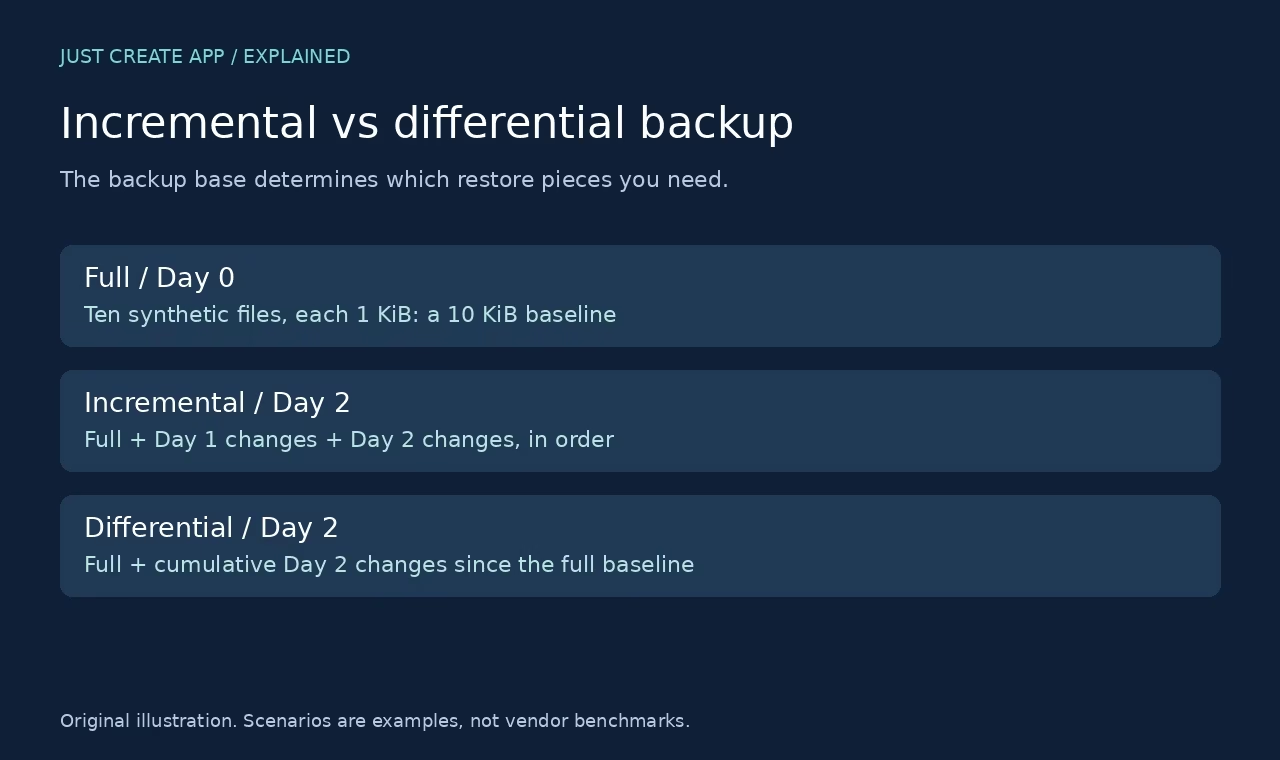
No. Load balancing distributes live traffic and can improve availability. Backups support recovery after deletion, corruption or other data loss. A replicated application can serve corrupted data consistently. Use a backup policy with tested restores and retention appropriate to the system. Our incremental vs differential backup guide explains why recovery chains matter.
Which type should a small application use?
Start with traffic protocol and operations capacity. An HTTP application in one cloud may fit a managed application balancer. A team already maintaining a proxy may prefer a self-hosted option. A global content-heavy site may need a CDN as well. Do not buy complexity before documenting the failure you want to avoid and the capacity you need.
Did you benchmark the products in this guide?
No. This is an explainer based on official documentation checked on 7 October 2026, with original diagrams and worked hypothetical examples. It does not rank products by measured performance or claim that one configuration fits every workload. A production choice still needs representative staging tests and a review of current provider limits.


Leave a Reply