


The strongest reason to look at Pipedrive alternatives is not “a better CRM”. It is a specific gap: a smaller setup, a wider customer platform, built-in outbound calling, a different relationship model or a cleaner sales-to-project handoff. This list covers fourteen products, grouped by the job they do best.
Before leaving anything, write down what Pipedrive does well for you and the exact gap the replacement must close. Its current plans are Lite, Growth, Premium and Ultimate; older plan names make comparisons misleading.
If you are building a wider sales stack at the same time, my roundup of digital tools for sales teams pairs well with this list.
Quick comparison mapThe 14 alternativesCompare against Pipedrive’s current plansMigration acceptance checklistChoose by the failure it removesFAQs
Start here Quick comparison: select the job before the brand
If you are weighing a CRM swap as part of a wider tooling change, read how to choose the right tech stack for your business before you commit to a migration date. Then use this map to pick a shortlist.
| Platform and job | Published boundary or buying check |
|---|---|
| Capsule: contact-first selling | Free tier: two users, 250 contacts, one pipeline. |
| Bigin: leaving spreadsheets | Official Free plan: one user and 500 records. |
| Less Annoying CRM: small-business boundary | Published price: US$15 per user per month. |
| HubSpot: wider customer platform | Free tools FAQ: up to two users, 1,000 contacts. |
| Zoho CRM: configurable processes | Free edition for three users; team-user licenses differ. |
| Freshsales: communication, suite path | Growth US$9, Pro US$39, Enterprise US$59 per user per month, annual. |
| Close: outbound communication | Price calling, texting, numbers and AI separately from seats. |
| Copper: Google Workspace selling | An inbox-centered UI still needs ownership and pipeline rules. |
| Attio: flexible data model | Treat broad agent and automation claims as buying questions. |
| folk: relationship-led prospecting | Confirm enrichment, automation and integrations per plan. |
| monday CRM: cross-team revenue work | Evaluate the CRM package, not a generic work board. |
| Nutshell: shared sales workspace | Check marketing add-ons in the final quote. |
| Salesmate: sales plus adjacent teams | Confirm the current package; older comparisons describe a narrower product. |
| Insightly: sales-to-project handoff | Confirm which project and automation features the plan includes. |
The list Fourteen Pipedrive alternatives, by the job they do best
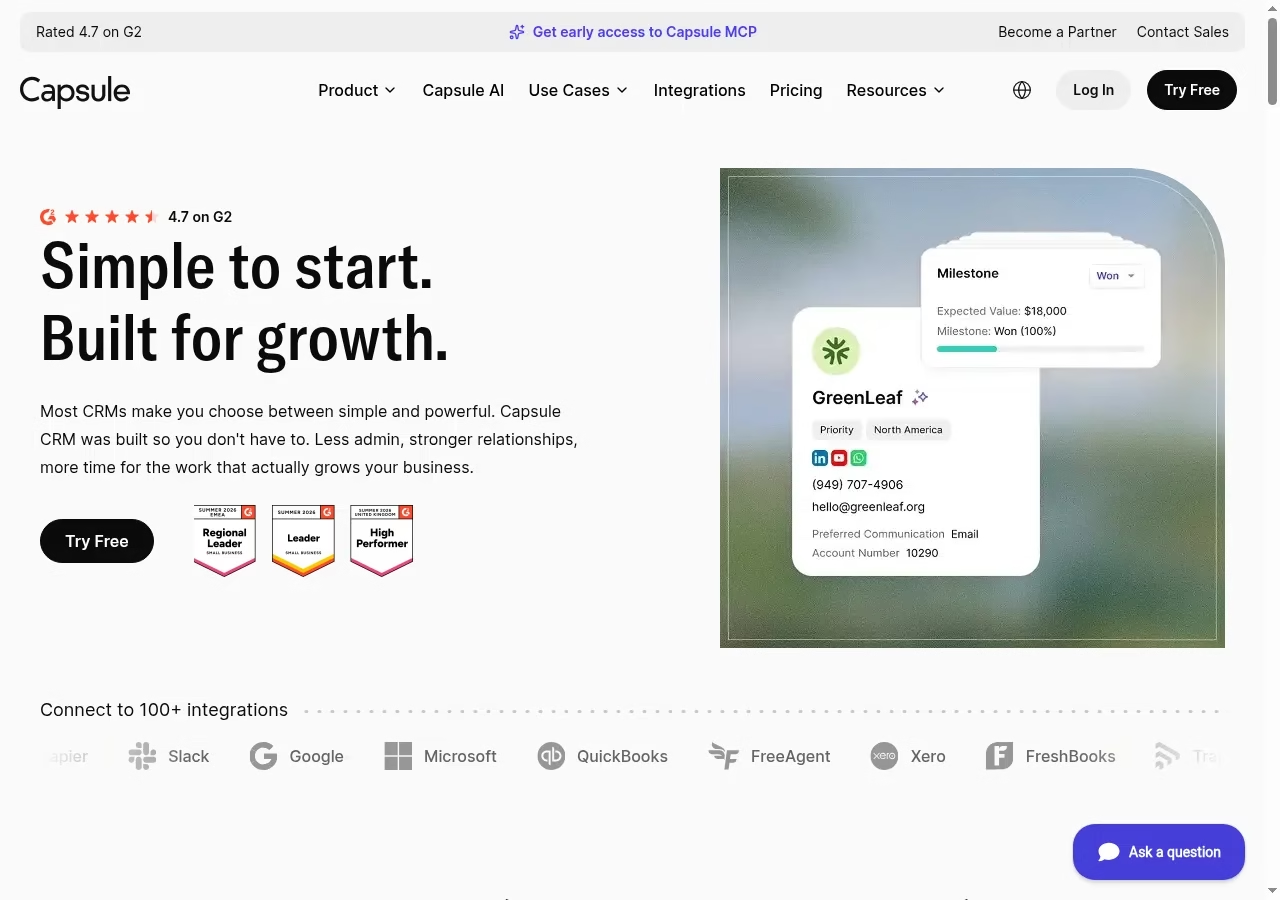
Capsule organizes contacts, sales opportunities and follow-up work without promising an enterprise deployment on the homepage. For a small team building its first real stack, it pairs naturally with the picks in my small-business tools guide. Its import documentation separates People & Organizations from Sales Pipeline imports. That distinction matters: a clean address book is not yet a usable deal pipeline, and moving both as one flat spreadsheet hides the relationship between a person, a company and an opportunity.
Its pricing page limits Free to two users, 250 contacts and one sales pipeline. A three-person sales team needs a paid plan. Multiple pipelines and workflow automation sit higher in the plan comparison, so do not evaluate Capsule assuming Free includes them.
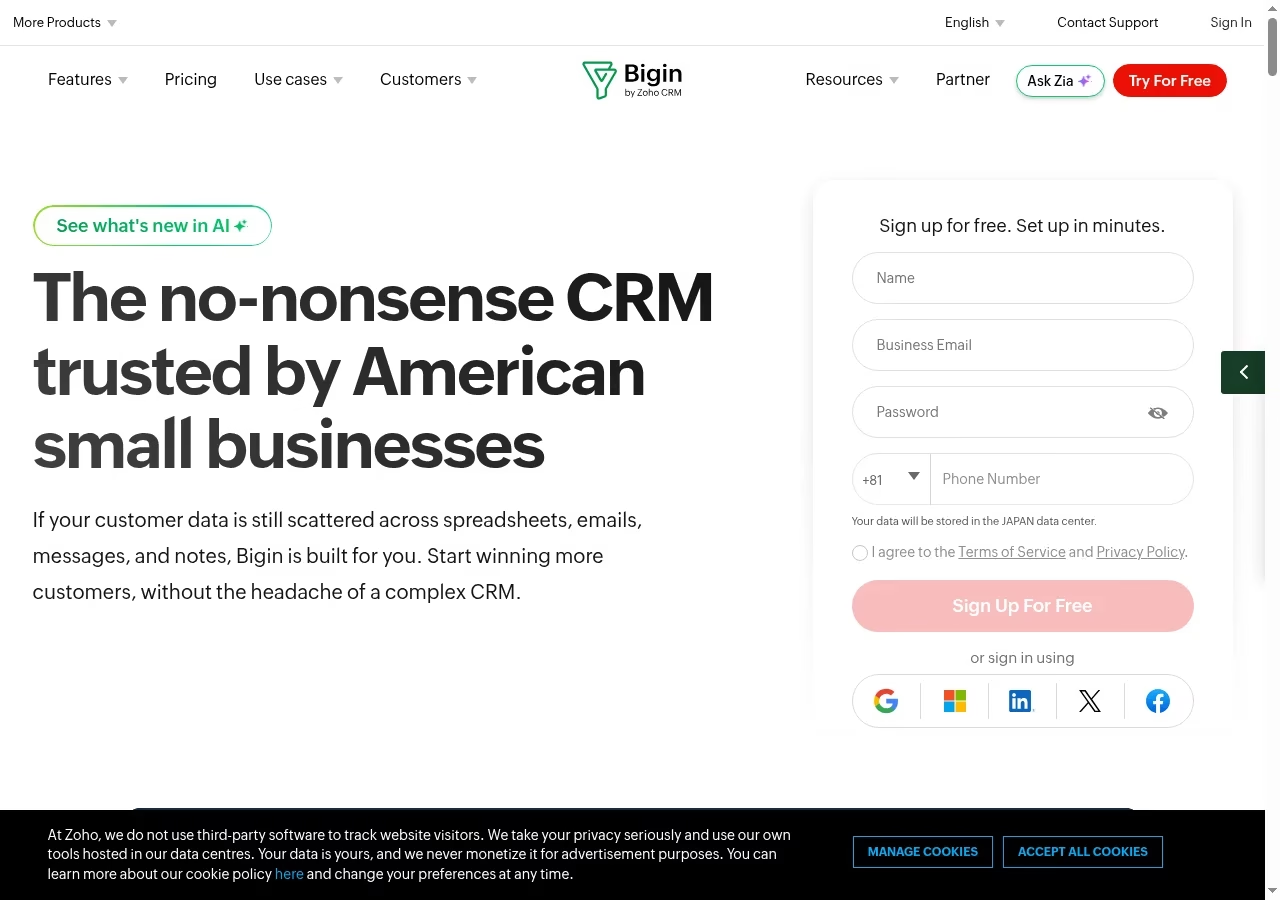
Bigin presents customer-facing work as pipelines, with contacts, companies, products, activities and notes around those records. It fits a team that needs a shared follow-up process but not a large CRM configuration project. Moving off spreadsheets is a workflow change first, the same theme as my list of business processes worth automating. A pipeline can represent sales or another customer-facing process, so your first decision is what deserves its own process rather than another stage in the same deal.
The official Free plan allows one user and 500 records, and records count rows across contacts, companies, pipelines, activities, products and notes. Express lists three team pipelines and 50,000 records; Premier lists five and 100,000. Stage Transition Rules appear in Premier, so confirm that edition before designing a mandatory-stage checkpoint.
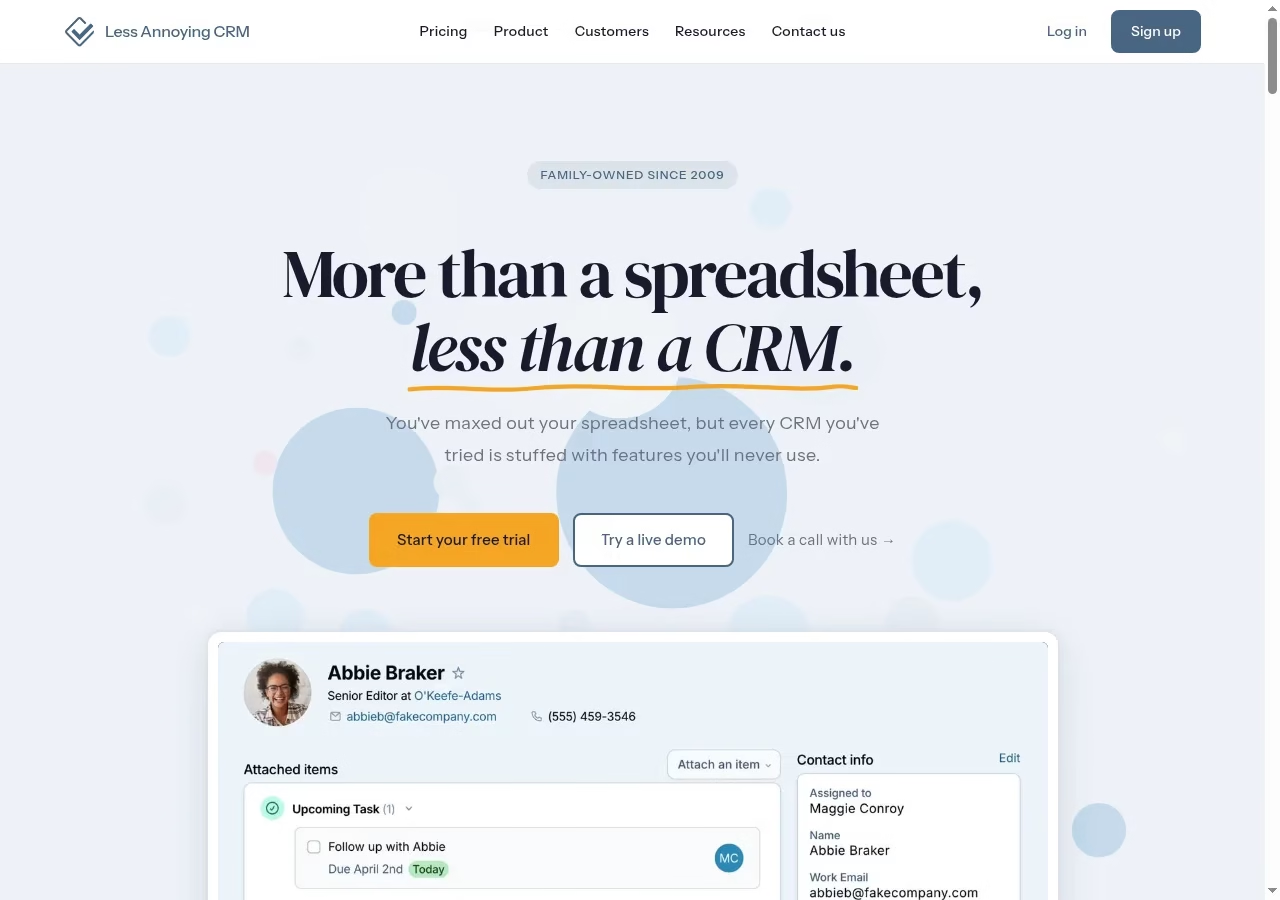
Less Annoying CRM positions itself between a spreadsheet and an overbuilt sales system. Its pricing page uses one main per-user subscription covering contacts, companies and pipelines. That simplicity is a useful baseline: if your team cannot describe what this narrower setup lacks, a complicated platform may add administration before it adds value. A simpler tool only pays off if people actually share it, which is why I keep an eye on collaboration habits inside project teams.
The published price is US$15 per user per month. Contacts and companies are described as unlimited, but the same page recommends staying below about 50,000 for practical use. Run your real email, reporting and permission requirements against it, especially if several departments need different access.
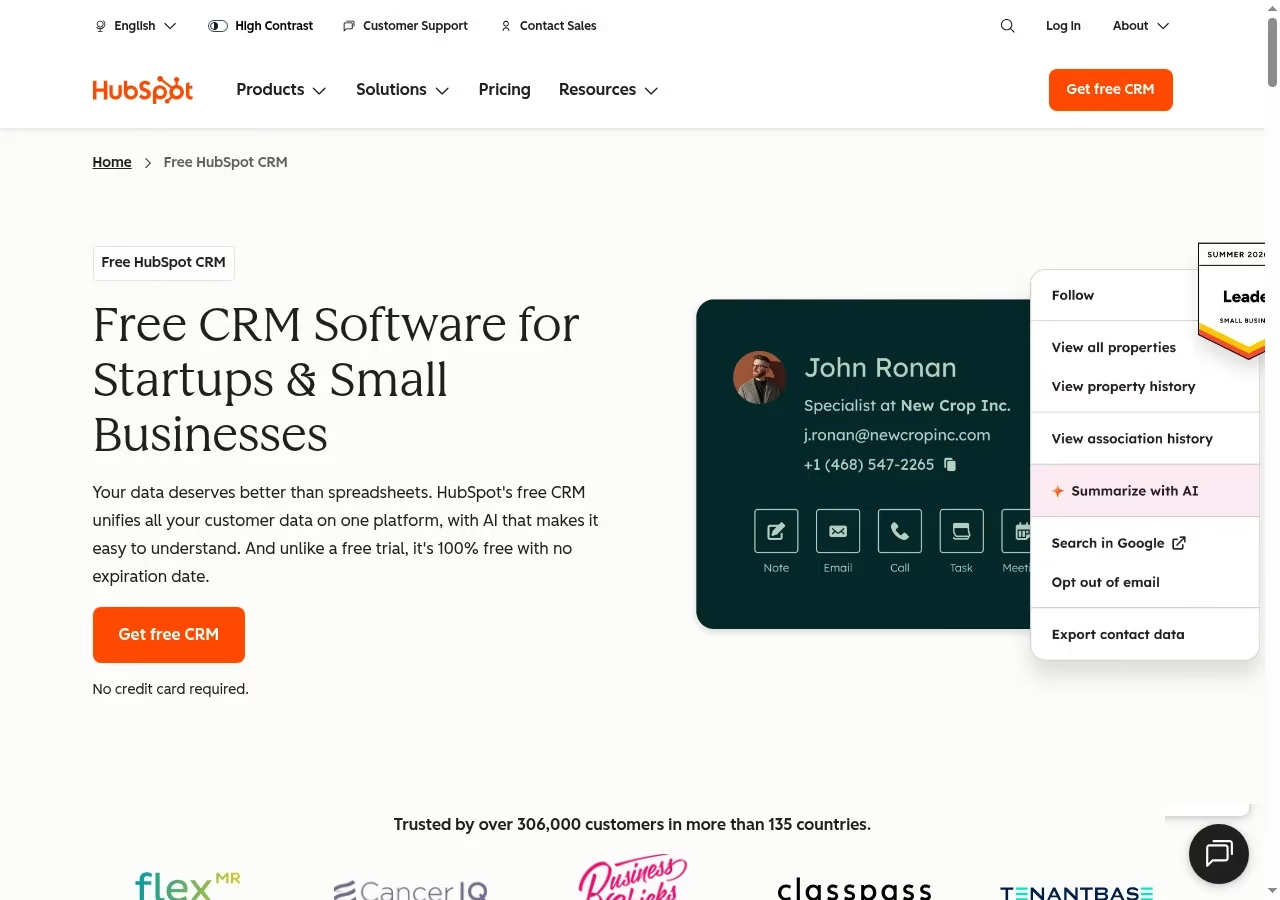
HubSpot links CRM records with sales, marketing, service and other tools. It belongs on your shortlist when a handoff between teams is part of the problem, not merely because a free account exists. Decide which team owns the record and which hubs you will actually enable during the pilot.
The official Free tools FAQ currently allows up to two users and 1,000 contacts, so a five-person sales group should not budget around the old idea of unlimited free users. Paid capabilities, automation and different Hub products are packaged separately. Price the complete workflow, including marketing-contact or seat implications.
The platform path overlaps with the emerging technologies strengthening sales pipelines I track separately.
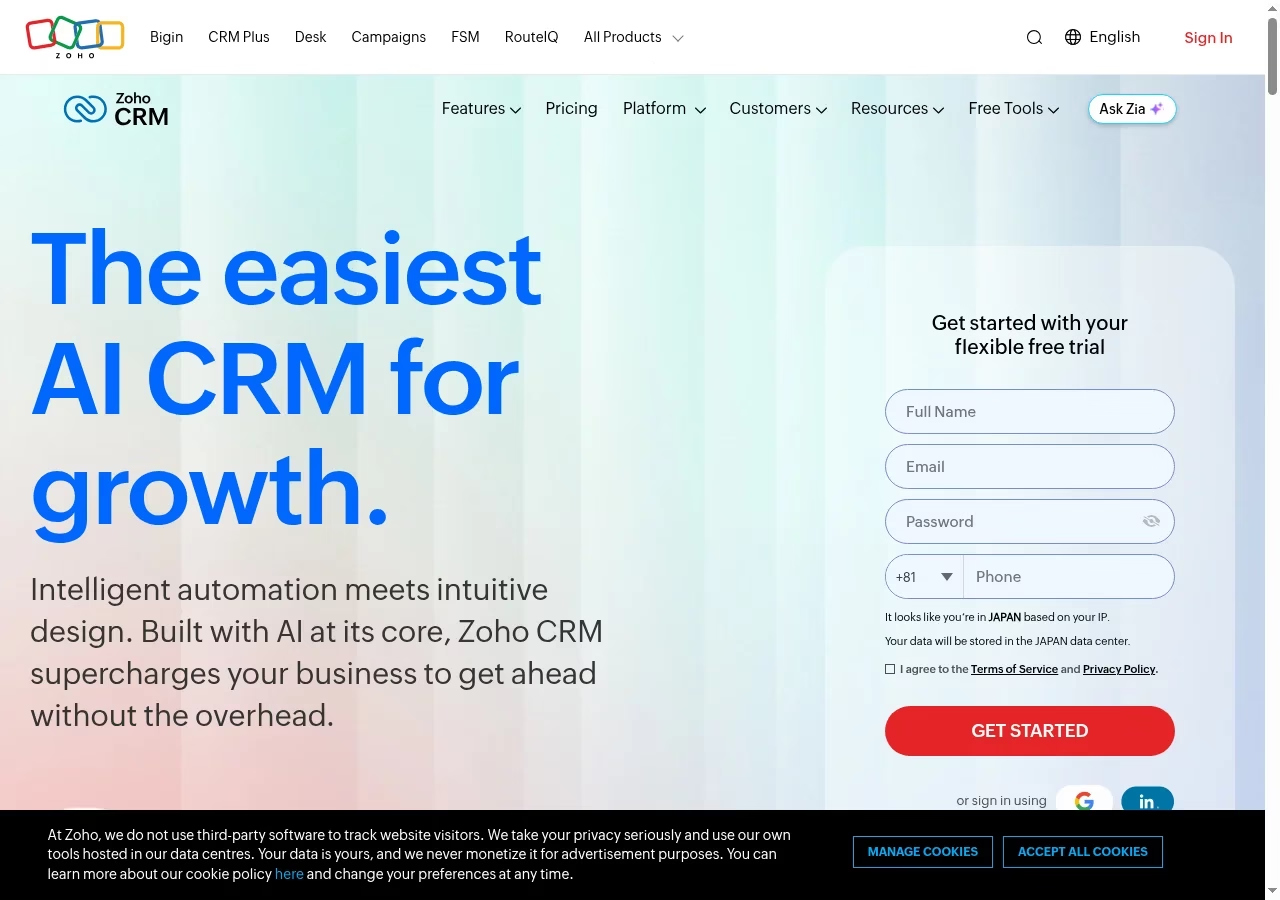
Zoho CRM offers sales pipelines and a broader configuration model, with CRM for Everyone adding teamspaces and team modules. That helps when several functions contribute to a sale, but it adds choices about roles, modules and the customer data model. Give one person ownership of those choices so every department does not build a competing version of the same account.
The official pricing page offers a Free edition for three users and distinguishes organization users from team users; the latter lack full sales-module ownership and administration rights. A cheaper supporting-team license is not interchangeable with a salesperson license. Pricing can be localized, so compare the displayed currency and edition in your market.
Settle those role and ownership questions before the import, not after it.
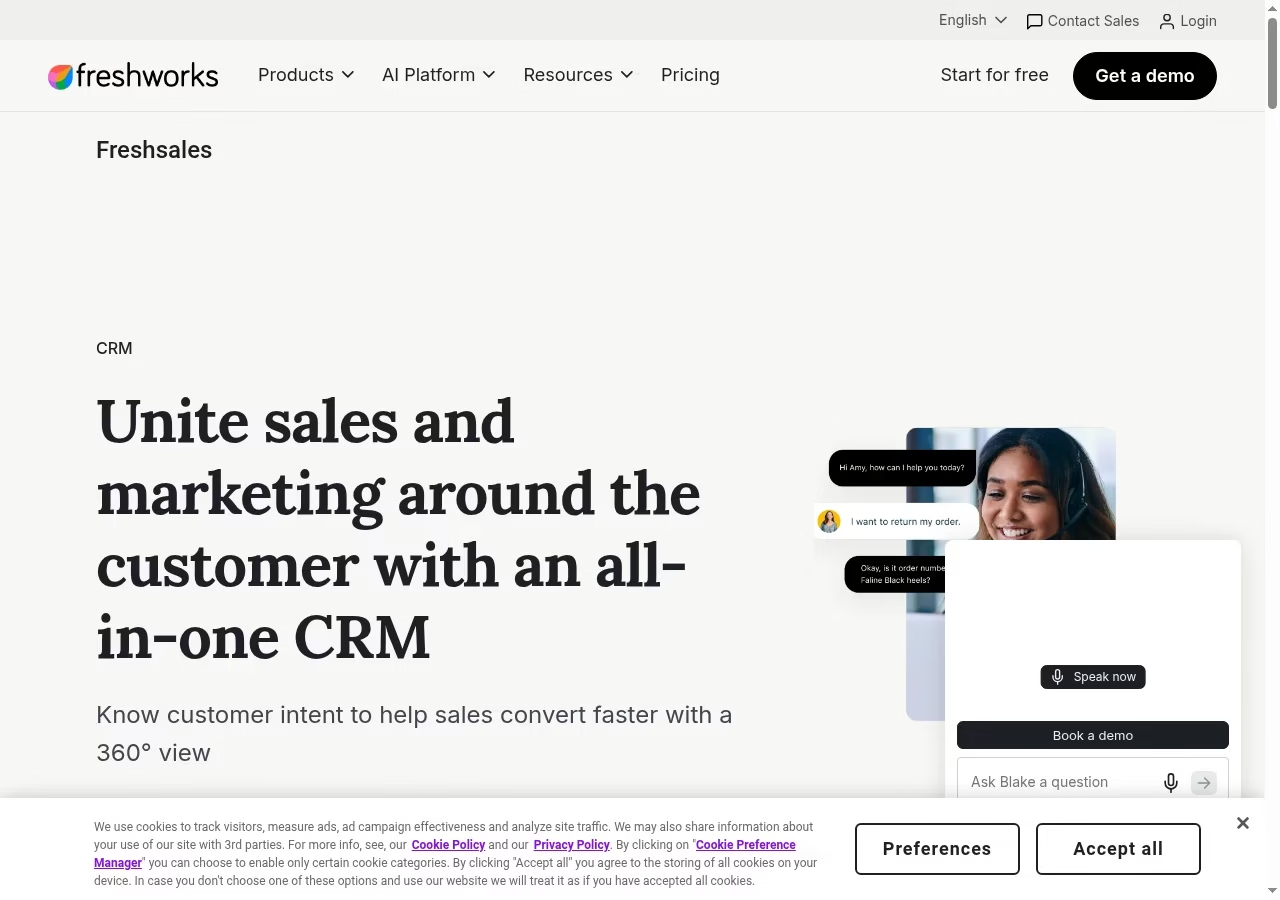
Freshsales is part of the Freshworks CRM range, while Freshsales Suite combines sales and marketing. The names are related but do not describe the same package, so compare proposals carefully. If automation is the real reason for switching, cross-check the workflow side with my automation tools roundup before you shortlist anything.
The Freshsales pricing page displays Growth at US$9, Pro at US$39 and Enterprise at US$59 per user per month with annual billing; branded documents and AI agent sessions are shown separately. A Suite quote can differ from these prices. Confirm communication allowances, automation and reporting at the exact tier.
Start with the actual sales workflow before deciding whether suite functionality is needed.
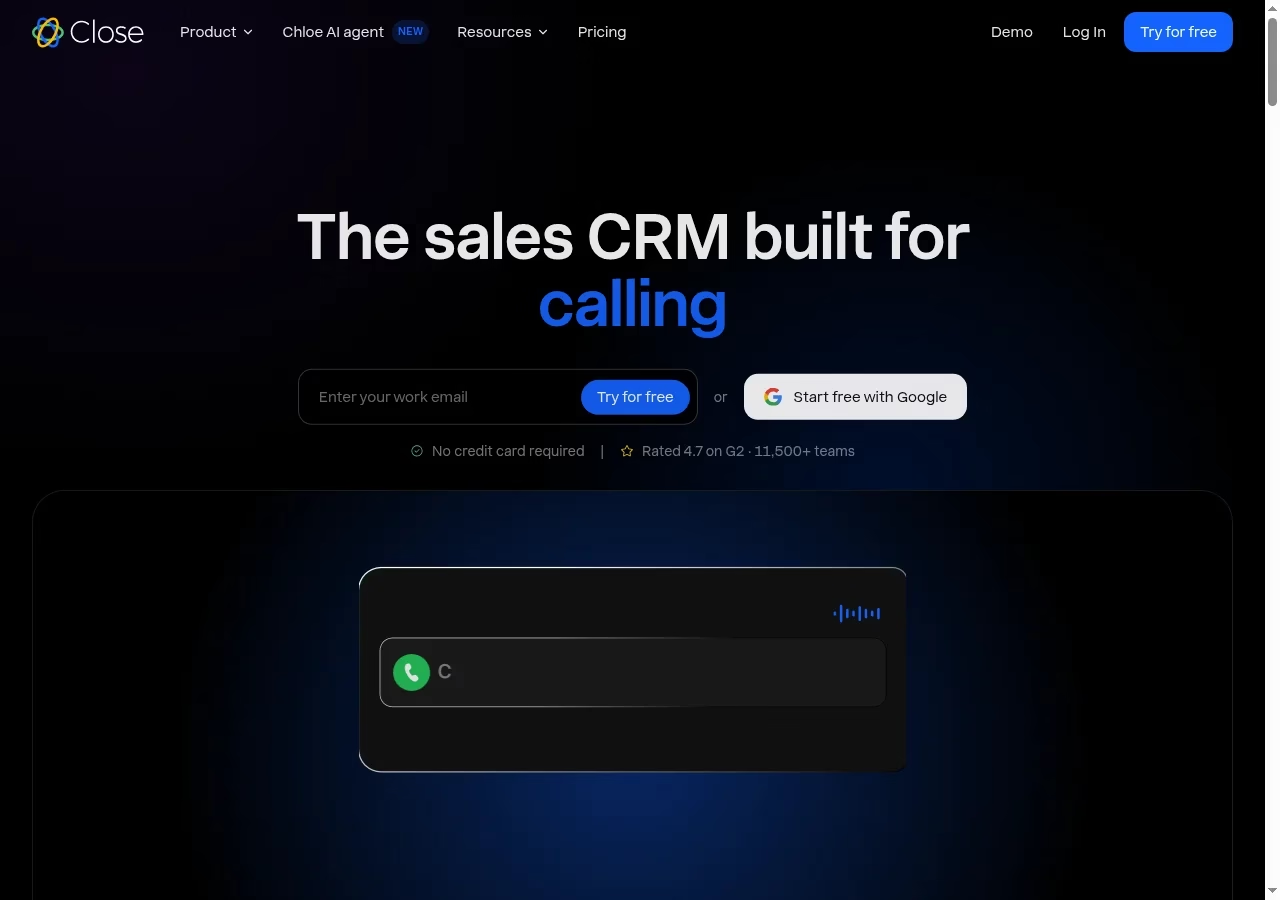
Close combines calling, email, SMS, pipeline management and reporting, with current pages also promoting its Chloe AI sales agent. It is relevant when your team spends most of the day contacting and qualifying prospects. The benefit to test is whether communication context and next actions really live in the same place as the deal.
Price communication usage, number availability, automation and AI capability separately from the base seat. Legal calling and texting rules still apply. In a pilot, include an unanswered call, a reply, an opt-out and a handoff to another seller. An outbound workspace will not necessarily replace a broader marketing or service system.
Calling-led teams should also read about integrating auto-dialers with CRM systems before pricing seats.
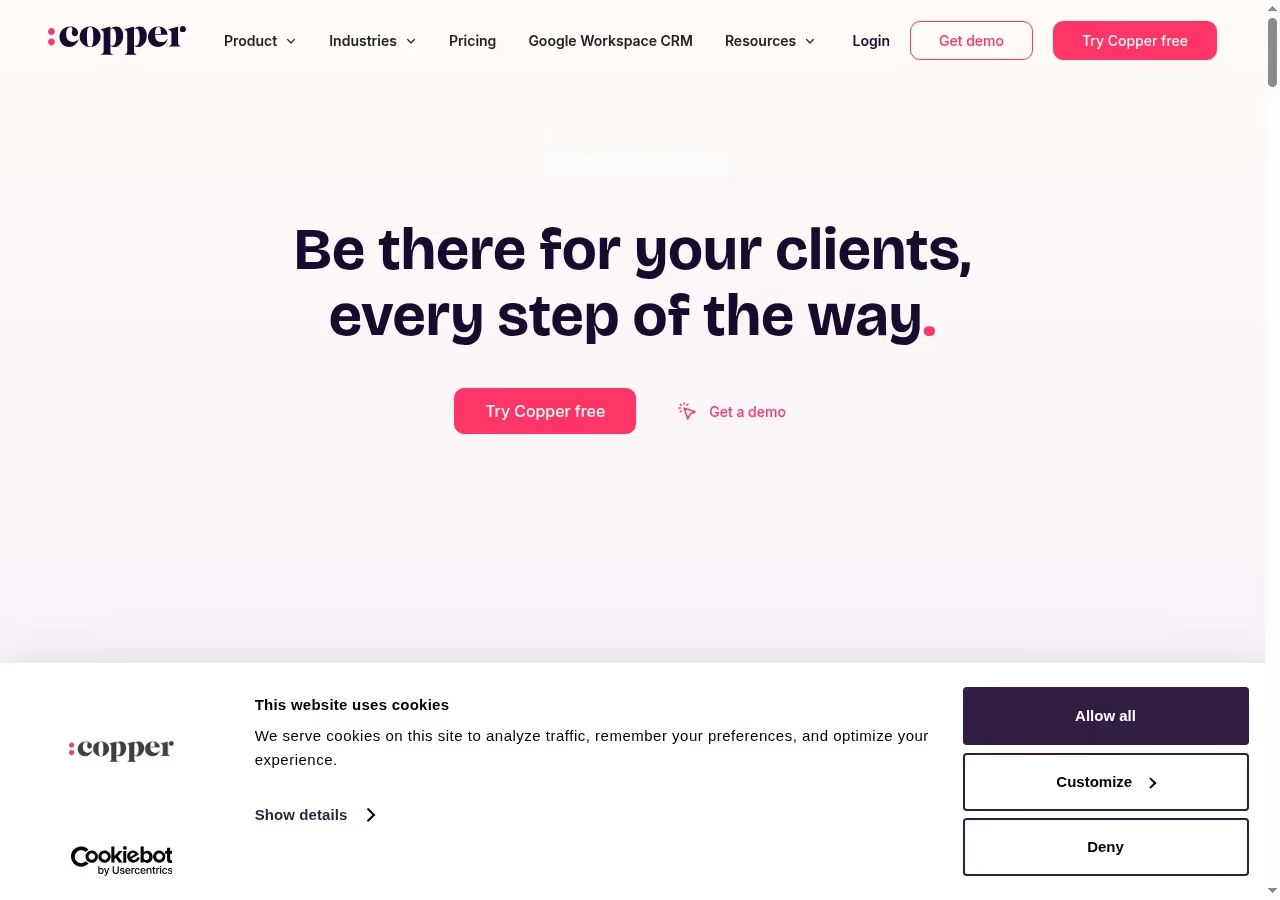
Copper explicitly supports work inside Gmail and Google Calendar: adding leads, tracking conversations, finding files and managing tasks in that environment, alongside opportunity stages and deal visibility. Consider it when your sales process already lives in Google Workspace and a separate CRM tab is the adoption obstacle.
An inbox-centered interface still needs account ownership, pipeline definitions and permission rules. Confirm which sync, automation, reporting and relationship features belong to the quoted plan. Do not assume it replaces a service-delivery system: a sales record and a recurring support contract have different responsibilities.
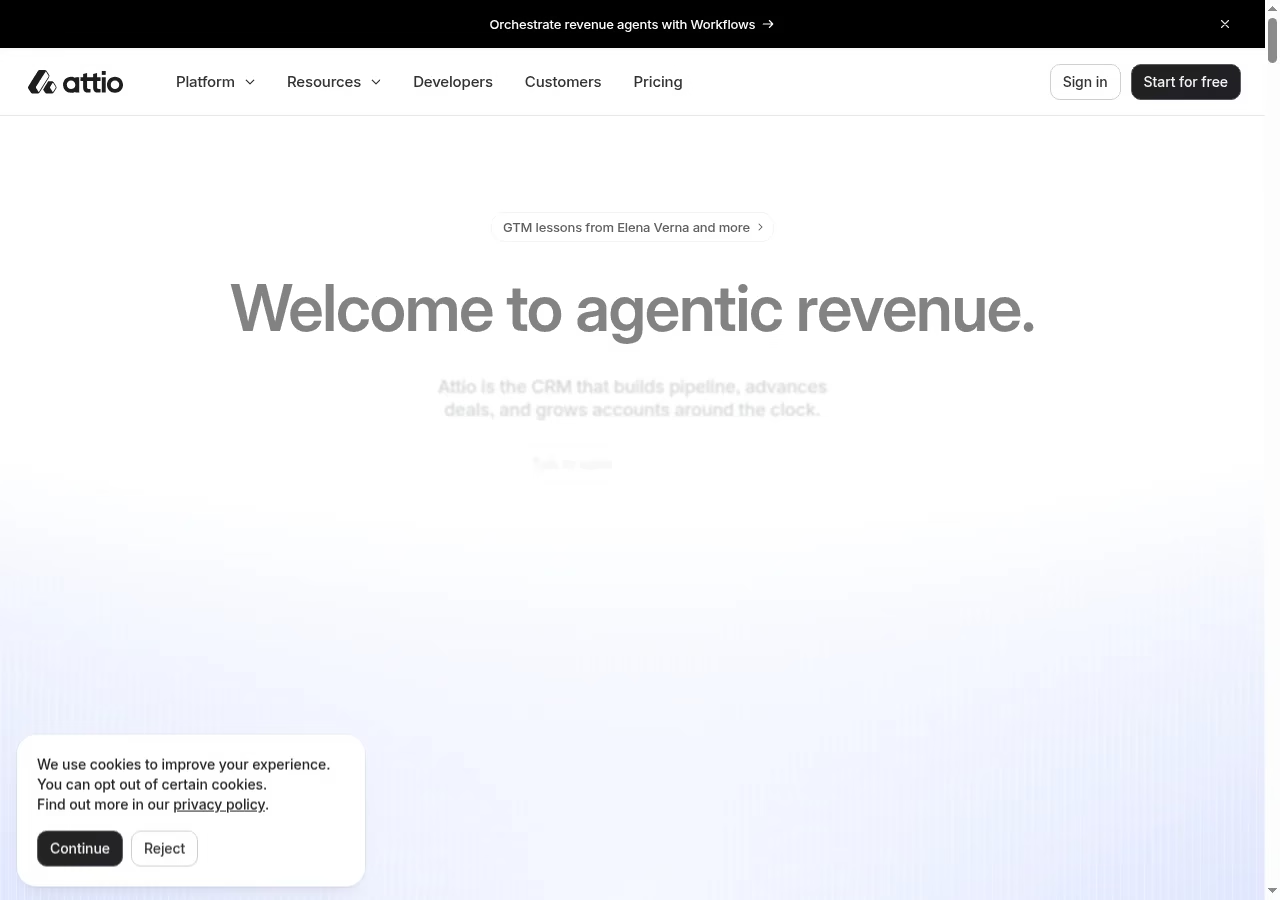
Attio describes connected inbox and calendar context, customer data and workflows around revenue work. It is a candidate when relationships do not fit one person-to-one deal, such as several contacts across multiple accounts or partnerships. Flexibility removes forced workarounds, but it makes you responsible for the underlying customer data governance model.
Its current website makes broad agent and automation claims; treat those as buying questions, not measured results for your business. Evaluate the specific lists, objects, sync behavior and permissions you need, confirm plan limits, and check what a data export preserves. Before migration, define a stable customer identifier and show how a relationship changes owners without splitting its history.
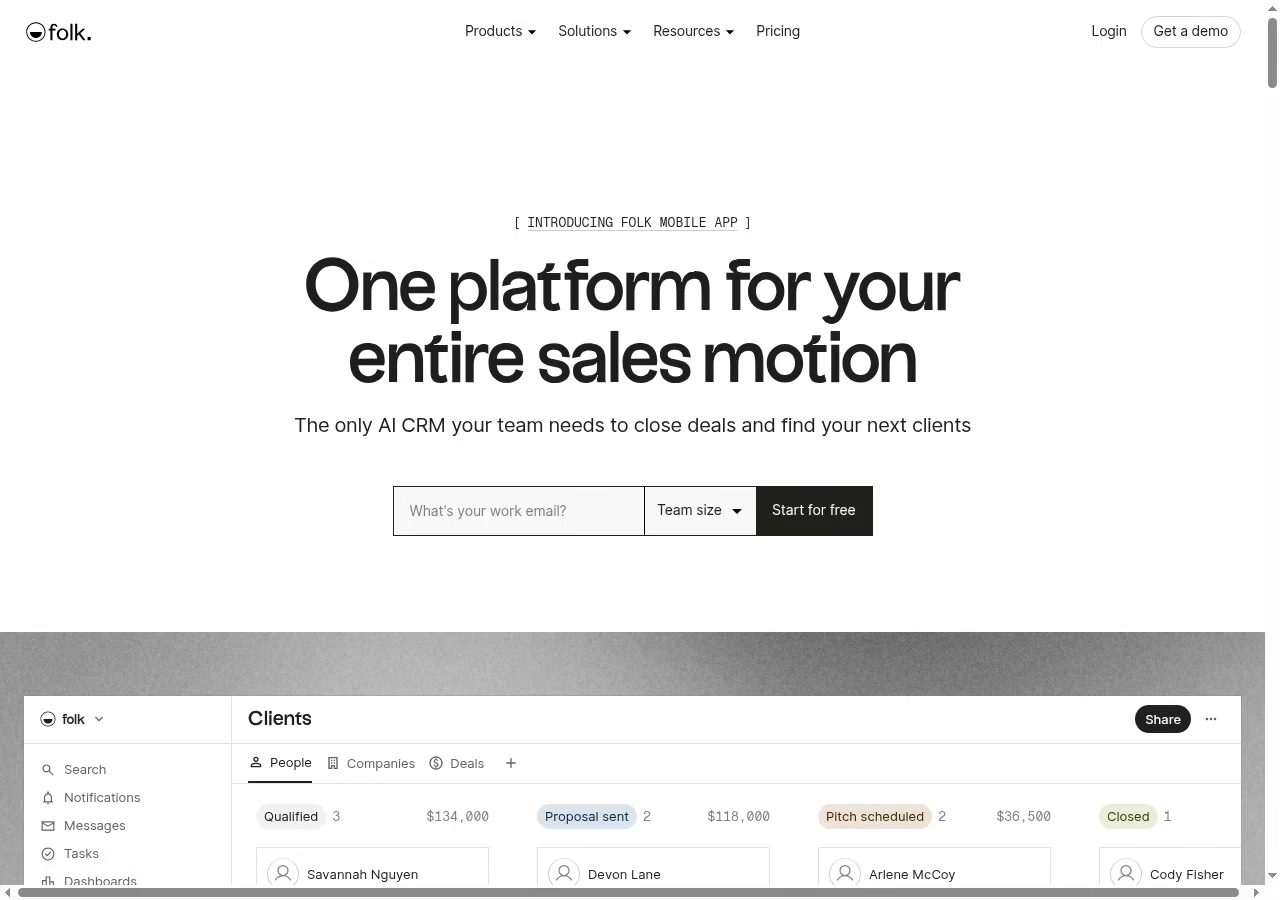
folk shows contacts, deal stages, interaction context, relationship summaries and prospecting workflows, and it sits comfortably in a modern sales tool stack. Evaluate it if your sellers depend on many ongoing relationships rather than a high volume of standardized transactions. The test: does a shared contact record help the team remember commitments and coordinate outreach without double-contacting the same person?
Confirm features, enrichment allowances, automation and integrations at the selected subscription. Check AI summaries against the underlying conversation, especially where a wrong summary could produce an awkward customer message. Export and permission tests belong in the pilot.
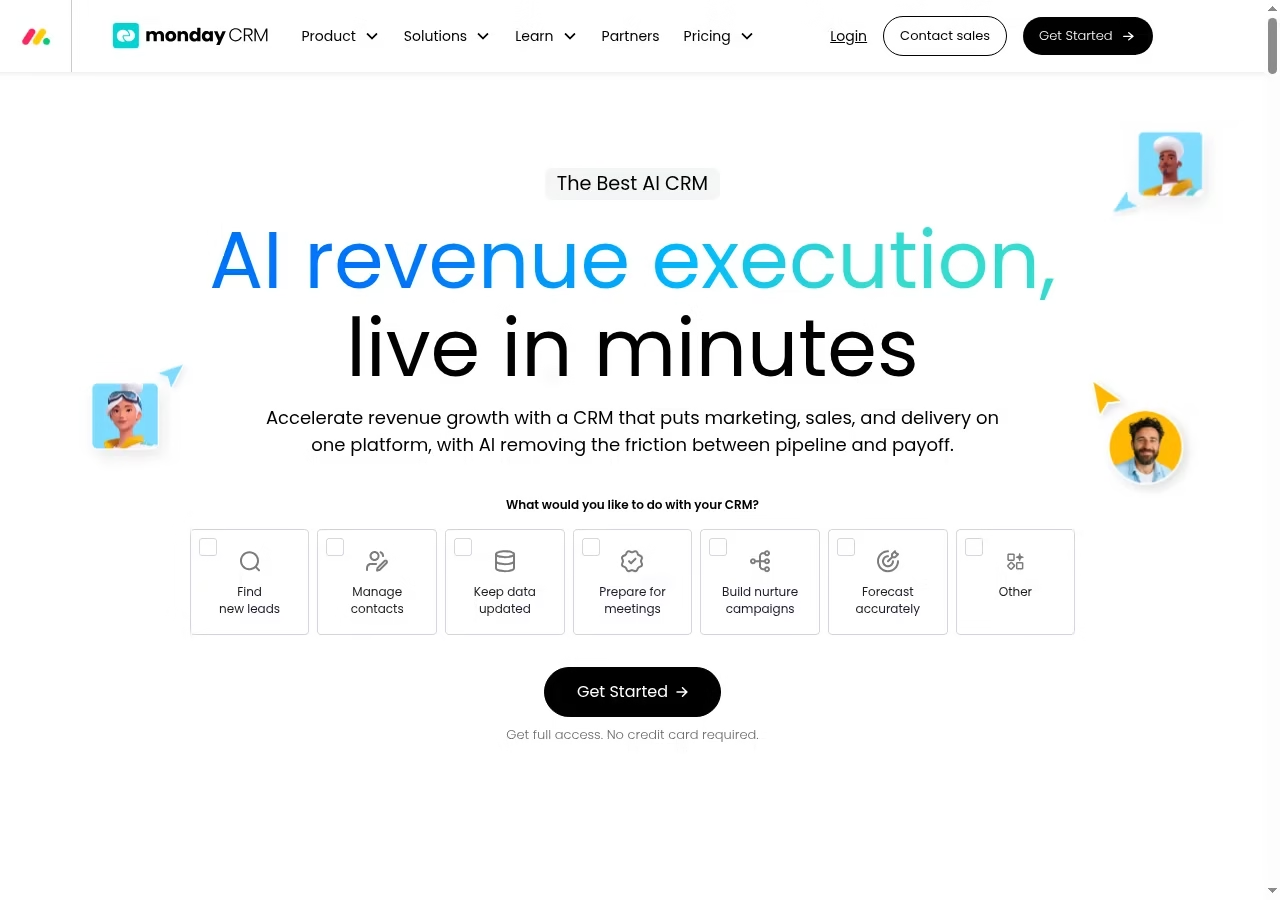
monday CRM presents marketing, sales and delivery as connected work, with pipelines, communication logging and automation around the customer lifecycle. Its configurable approach helps teams whose handoffs do not fit a simple linear sales board. Those handoffs live or die on the collaboration habits between teams. The tradeoff is design responsibility: columns, stages and boards need a shared definition rather than each rep building a personal version.
Evaluate monday CRM itself, not a generic work-management subscription with a similarly named board. Confirm seat minimums, automation allowances, integrations and reporting in the actual CRM package. Keep the first pilot narrow enough that you can explain how a new lead reaches a responsible person.
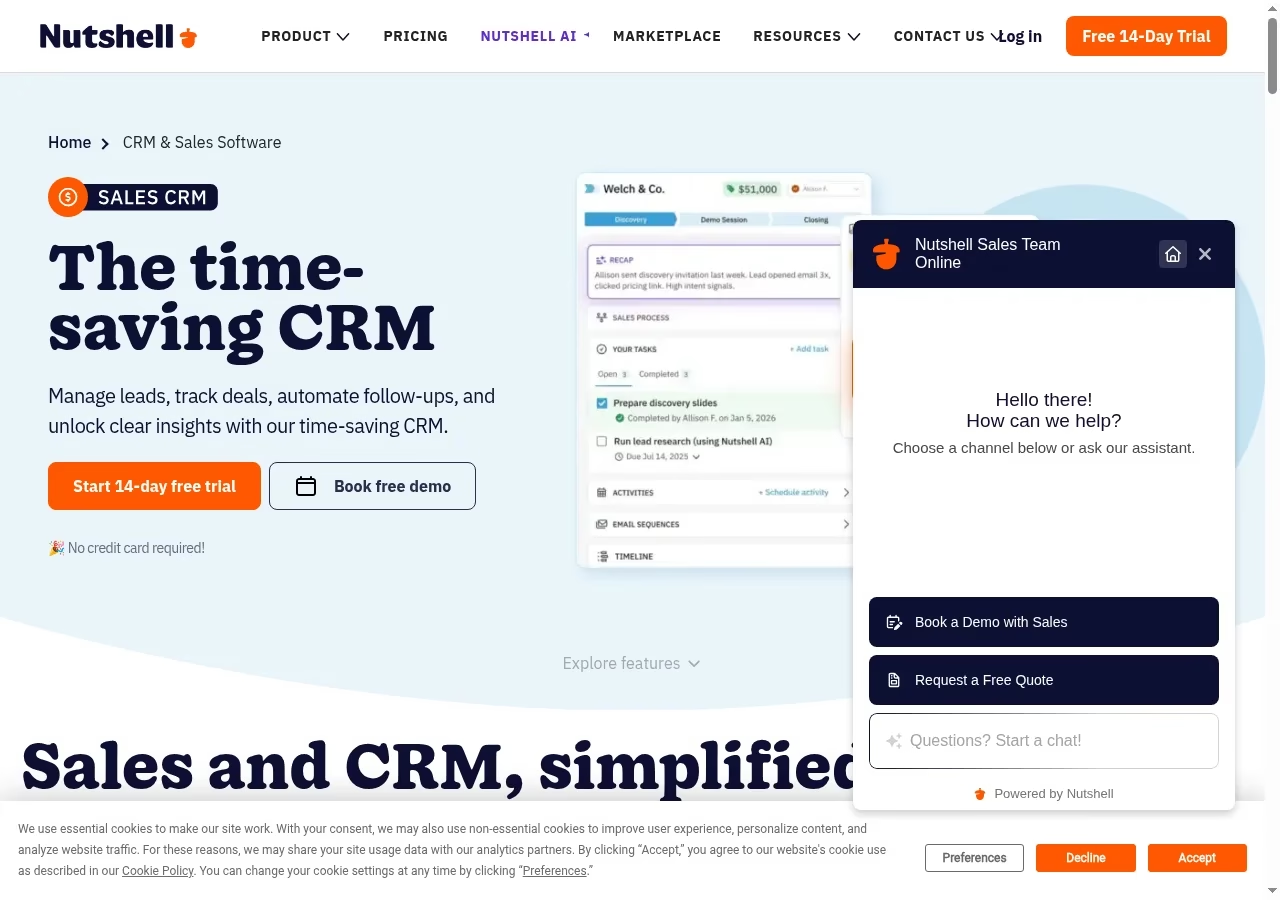
Nutshell brings leads, deals, interactions, follow-ups and sales insights together, with other tools around the CRM for a small team that wants one place for sales work. Use the CRM as the central record of who is responsible for an opportunity, not as a second address book alongside the team inbox.
Check the selected subscription and any marketing or communication add-ons in the final quote; the public feature overview does not prove every option is in every plan. For a quick test, ask one seller to move a deal from first contact to a scheduled next step, then ask a manager to find that record unaided.
It is a sensible fit in the kind of lean stack I describe in the small-business tools roundup.
Salesmate now presents a connected platform for CRM, marketing automation, support, communication and workflows. That breadth helps when the next problem is a handoff between teams, but a small sales group should decide which parts to adopt first.
Confirm the current package, communication usage and workflow limits; older comparisons may describe a narrower product. A broad feature list is not a reason to activate everything on day one. Demonstrate one lead, one customer conversation and one closed deal before adding service and marketing processes.
If marketing automation is the real draw, compare its scope against the dedicated automation tools first.
Insightly supports leads, configurable opportunity pipelines and a link between sales and delivery-oriented work. It is interesting when closing a deal starts a project rather than ending the customer workflow. The real comparison: does the won opportunity become a clear delivery record without the project team rebuilding customer history from email?
Confirm which project, automation, reporting and integration features the proposed plan includes. For an MSP, a project handoff does not replace the PSA contract, ticket or recurring billing record. Define where Insightly stops being authoritative and the operational system takes over, then test that boundary with one sample customer.
If that MSP boundary is your situation, my CRM platforms for MSPs guide goes deeper on the sales-to-service handoff.
Baseline Compare against the current Pipedrive package
Pipedrive’s pricing page displayed Lite at US$14, Growth at US$39, Premium at US$59 and Ultimate at US$79 per seat per month with annual billing when I read it on 8 October 2026, and the plan names were still current when I re-checked on 17 October 2026. Treat those as annual-commitment equivalents, not month-to-month rates.
For a fair comparison, quote the same number of sellers, email requirements, reporting, automation and communication usage, and include migration and training. Where the workflow depends on outside systems, price that plumbing too; my Salesforce integration tools guide shows how much the connection layer can matter. I have not declared a universal cheapest winner: region and package combinations make that claim unsafe.
The move Build a migration acceptance checklist
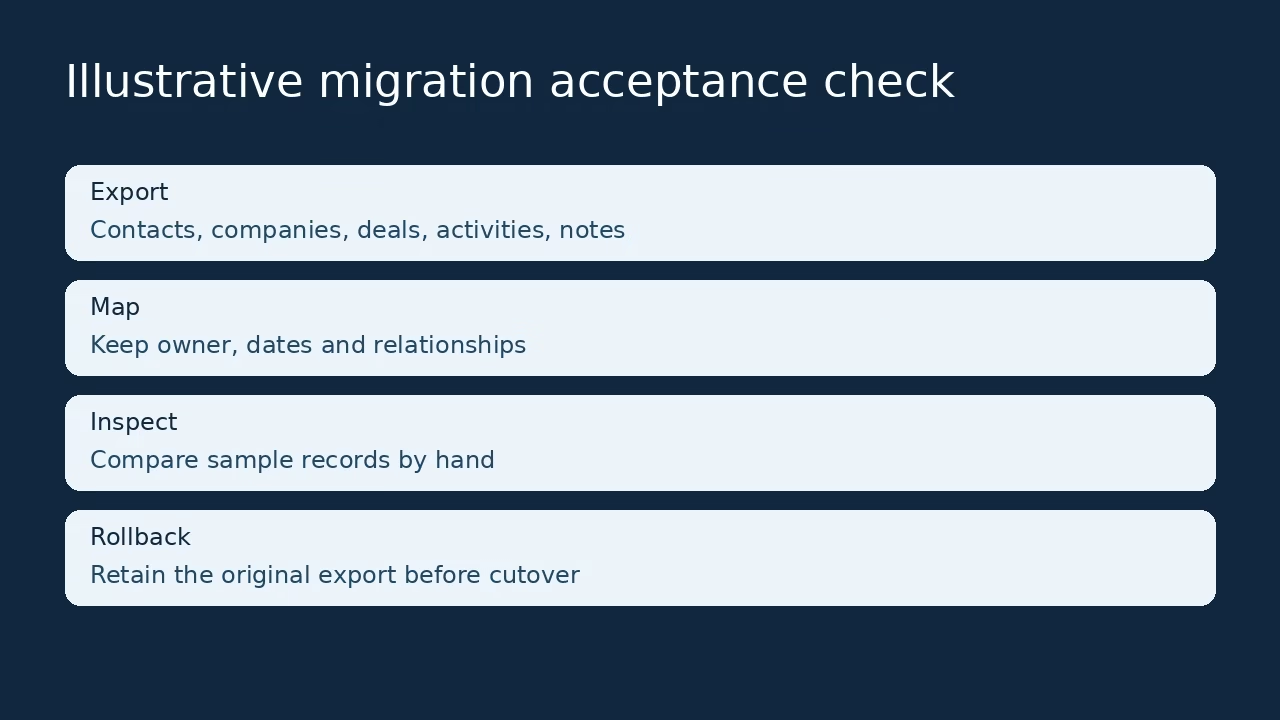
A CRM migration fails quietly: records import, but relationships, owners or history do not survive. Run these three checks before you cancel anything.
Map relationships as well as fields
List people, companies, deals, owners, activities, notes, files and communication history. Decide how the destination represents each relationship; stages with similar names may mean different things. Keep a field map and expected sample records so somebody other than the migration operator can verify the move.
Test the import and the exit
Use a sample export-import-export round trip. Compare counts, dates, owners and related records, then inspect examples by hand. Check message history and files separately: a vendor may support import while excluding a type of history. Discover that boundary before cancelling the old subscription.
Keep a rollback window
Choose when the old database becomes read-only and the replacement becomes authoritative. Record work done during the transition so it does not disappear between copies, and keep the original export and configuration notes safely, the same discipline as choosing between incremental and differential backups. Do not run two active pipelines indefinitely; that splits customer history.
Decide Choose the replacement by the failure it removes
Distinguish the software gap from the process gap
If management still reviews a private spreadsheet, switching tools reproduces the same adoption problem in a new interface. Missing communication features, weak permissions or a data model forcing duplicates are more concrete replacement jobs. Write one sentence describing the gap and one acceptance check that proves it is fixed; if the sentence is really about process, start with the processes worth automating instead of a new CRM.
Budget the full first year
Include seats, commitment term, migration, setup, integrations and communication usage, then count internal training and configuration work. A low entry rate can be sensible without being the lowest total cost. Ask each vendor for a written comparison of the same workflow instead of accepting a claim that it is universally cheapest or easiest.
Answers Frequently asked questions
What is the best Pipedrive alternative?
Pick by the gap: simpler setup, broader customer platform, outbound communication, Workspace integration or flexible relationship data. Capsule, Bigin, Less Annoying CRM, HubSpot, Zoho, Freshsales, Close, Copper, Attio and folk cover different starting points. Evaluate the same migration sample and workflow across your shortlist rather than assuming the biggest brand fixes every problem.
Are there free alternatives?
There are defined free editions, but their seat and record limits matter. For the wider free-and-cheap stack around the CRM, see my small-business tools guide. HubSpot Free supports two users and 1,000 contacts; Capsule two users and 250 contacts; Bigin one user and 500 multi-module records; Zoho CRM three users. None of those seat limits alone covers five salespeople. Free is not the full paid product without a price.
Should we switch just to save money?
It can be sensible, but quote the full workflow: users, commitments, communications, extras, migration and training. Losing useful history or adding manual work can outweigh a lower seat price. State the expected saving and the capabilities that must remain before evaluating a replacement.
Can all Pipedrive history migrate automatically?
Do not assume so. Contacts, companies and deals can map differently from activities, notes, files and message history. Test several related examples and inspect the export from the destination too. Get supported and excluded data types in writing, and keep the original export and a rollback window until users confirm the records are usable. Treat that export like a backup you have actually restored: it only counts if it opens.
What are the current Pipedrive plan names?
The official pricing page lists Lite, Growth, Premium and Ultimate, still current when I re-checked on 17 October 2026. Older comparisons may use previous names and feature boundaries. Verify the actual plan on your invoice and the capabilities your team needs; an old tier label is not reliable evidence of current access or pricing.
Which replacement works in Gmail?
Copper explicitly describes leads, conversations, tasks and files inside Gmail and Google Calendar. Other products promote inbox connections, but their scope must be checked individually. Test permissions and handoffs between sellers, including an inbox disconnecting. Connecting mail is not by itself a complete customer data model.
How do we avoid another adoption failure?
Separate process ownership, data quality, interface friction and genuine feature gaps. Agree stages and next-action responsibilities first, then pilot with two users and a manager and check whether private spreadsheets are still necessary. A replacement inherits the same problem if management keeps working outside the CRM, so fix the workflow as deliberately as you pick from the sales tool stack itself.


Leave a Reply