


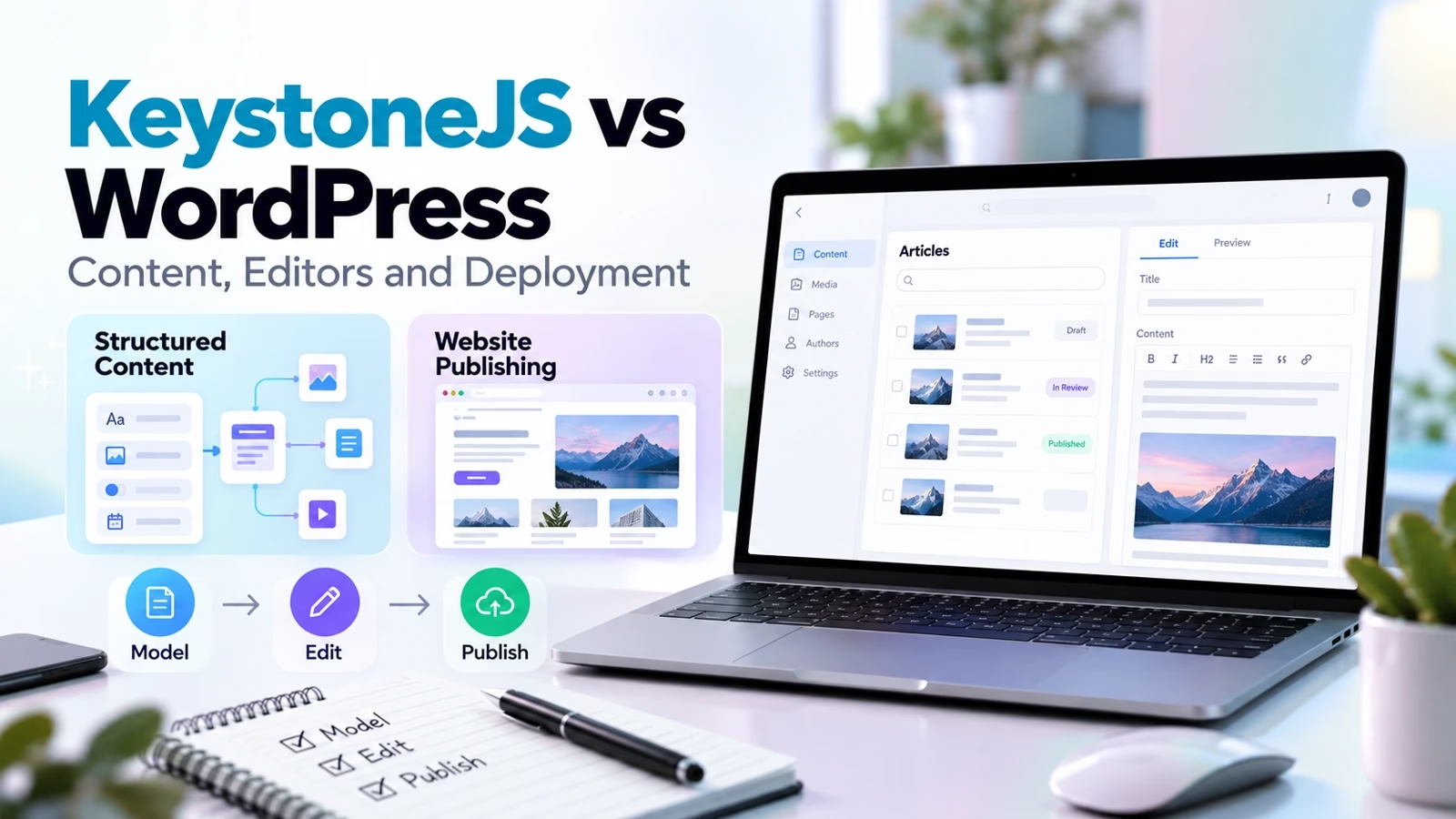

KeystoneJS vs WordPress is not really a CMS beauty contest. It is a decision about who does the work: a developer writing a schema in TypeScript, or a publishing team clicking around an admin panel.
We have shipped client projects on both stacks at Just Create App, and we keep this comparison current because the wrong pick is expensive in both directions. A marketing team stuck waiting on developers for every landing page is miserable. A developer team hand-holding a page builder for a data-heavy product is equally miserable.
Both tools are free and open source. Both can publish a website. The resemblance ends there. KeystoneJS calls itself “the superpowered CMS for developers,” and WordPress is the publishing platform that runs over 43% of all sites on the web.
This page walks through what each one actually is in 2026, how the editor experience differs, what the API story looks like, what hosting and maintenance really cost, and how to pick in a week instead of a quarter.
If you are still scoping the build team itself, our list of the top web development companies is the natural next read.
Path A: your team writes code for a living
You are building a product, a portal, or a content-driven app. You want your content model in version control, an API generated for you, and an admin UI your ops team can use. That is KeystoneJS territory.
Path B: your team publishes for a living
You need a marketing site, a blog, a store, or all three. You want themes, plugins, and an editor your writers already know. That is WordPress territory, and it is enormous territory.
The rest of this page unpacks both paths with evidence from the official documentation and sites, which we re-checked today. Where a claim comes from a vendor’s own material, we say so.
What KeystoneJS is in 2026
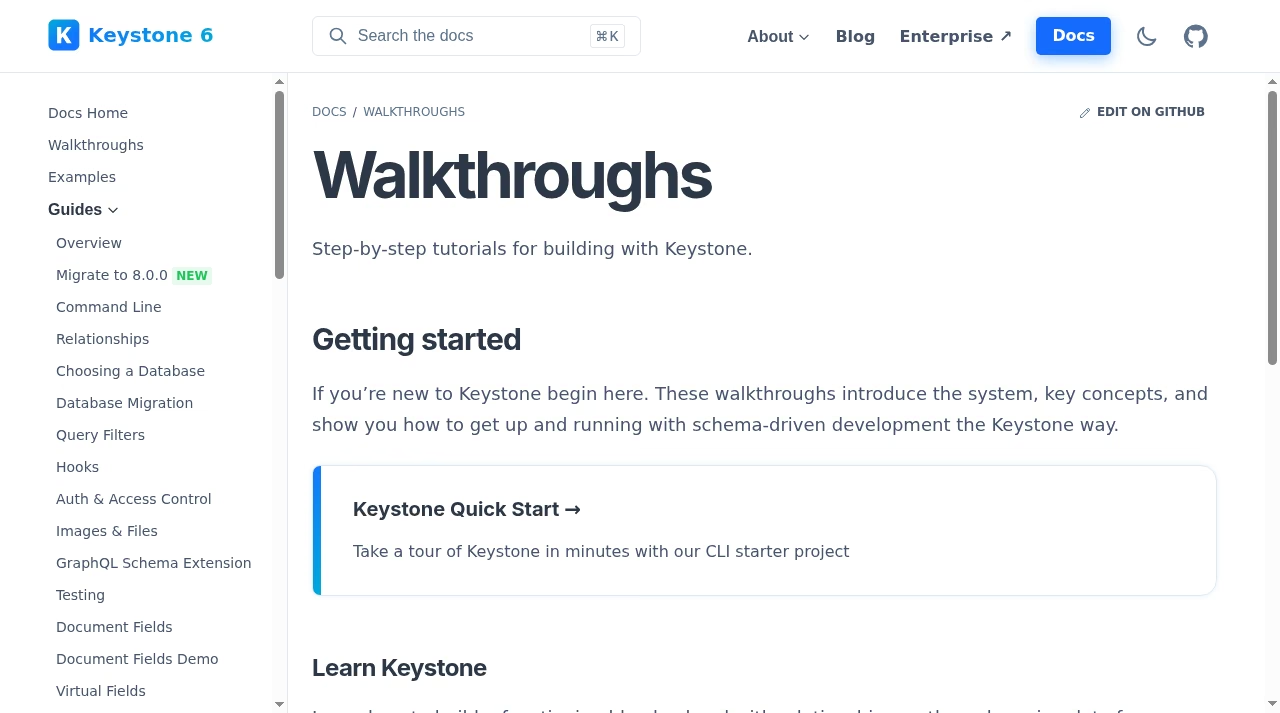
KeystoneJS is a headless CMS for Node.js, built with GraphQL and React. You describe your content model as lists and fields in a TypeScript config file, and Keystone generates two things from that description: a GraphQL API for your frontend and a Management UI (the Admin UI) where editors create and update content.
There is no theme layer and no frontend at all. Your website or app is a separate codebase that talks to the API. The project is open source under the MIT license, and the maintainers cite more than a million npm installs and over 250 contributors, with the first commit back in 2013.
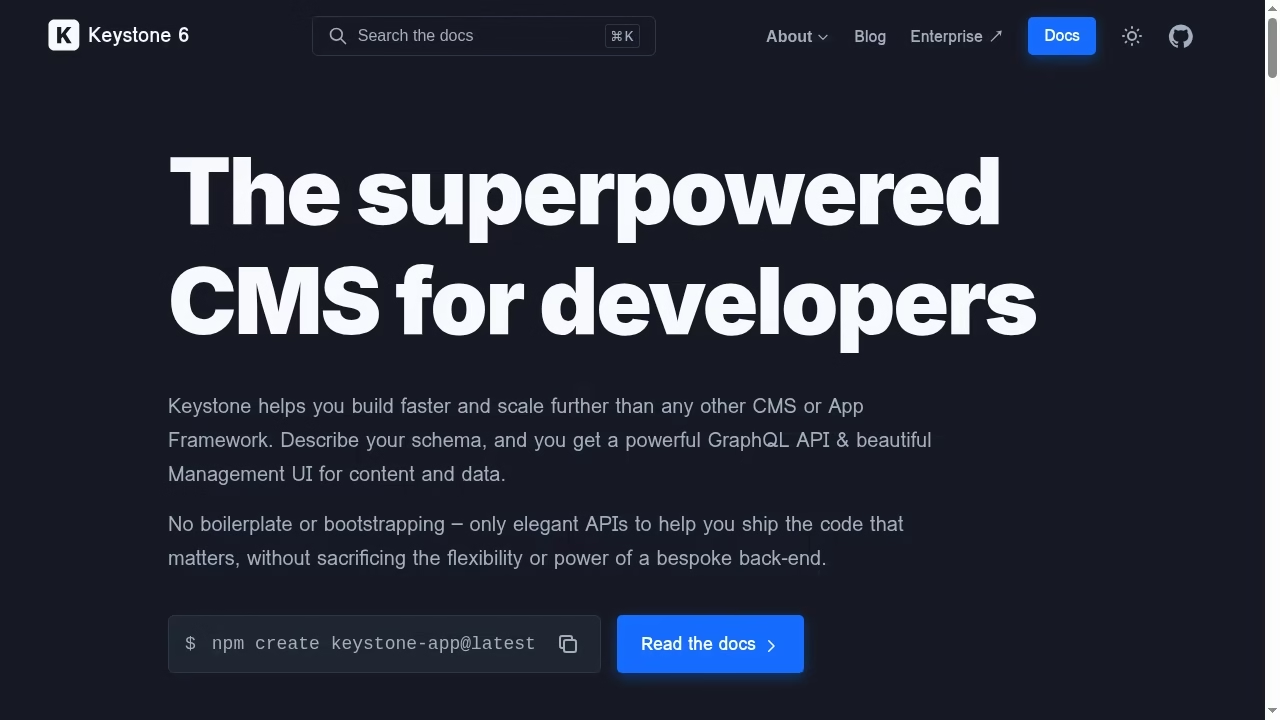
The current generation is Keystone 6, and the docs site brands itself that way. The core package is @keystone-6/core, the project is a product of Thinkmill, an Australian consultancy, and there is an Enterprise offering for teams that want paid consulting and support around it.
On the database side you choose Postgres, MySQL, or SQLite, with the docs steering you away from SQLite in production. Relationships between content types are first-class: you declare them in the schema and Keystone wires up the queries, filters, and mutations.
Two more pieces matter once you get past the demo. Access control is declared in the schema too, so rules like “only admins publish” live next to the fields they protect instead of in a plugin.
Hooks let you run logic on create, update, and delete, which is where teams put validation, cache purging, and audit trails. Both are documented as first-class APIs, not afterthoughts.

That schema-first design is the whole pitch, and it is why Keystone shows up in stacks built by React development companies. The Admin UI is a React app, the API is GraphQL, and the natural frontend pairing is a React framework.
In practice that means Next.js for most teams, which is exactly the crowd we cover in our guide to Next.js development companies in the USA, UK and India.
If your content model is the product, say a catalog with relationships between products, authors, regions, and collections, Keystone lets a developer express that once and get an API and editing screens for free.
The official site at keystonejs.com makes the same claim in fewer words: describe your schema, get a GraphQL API and a Management UI.
What WordPress is in 2026
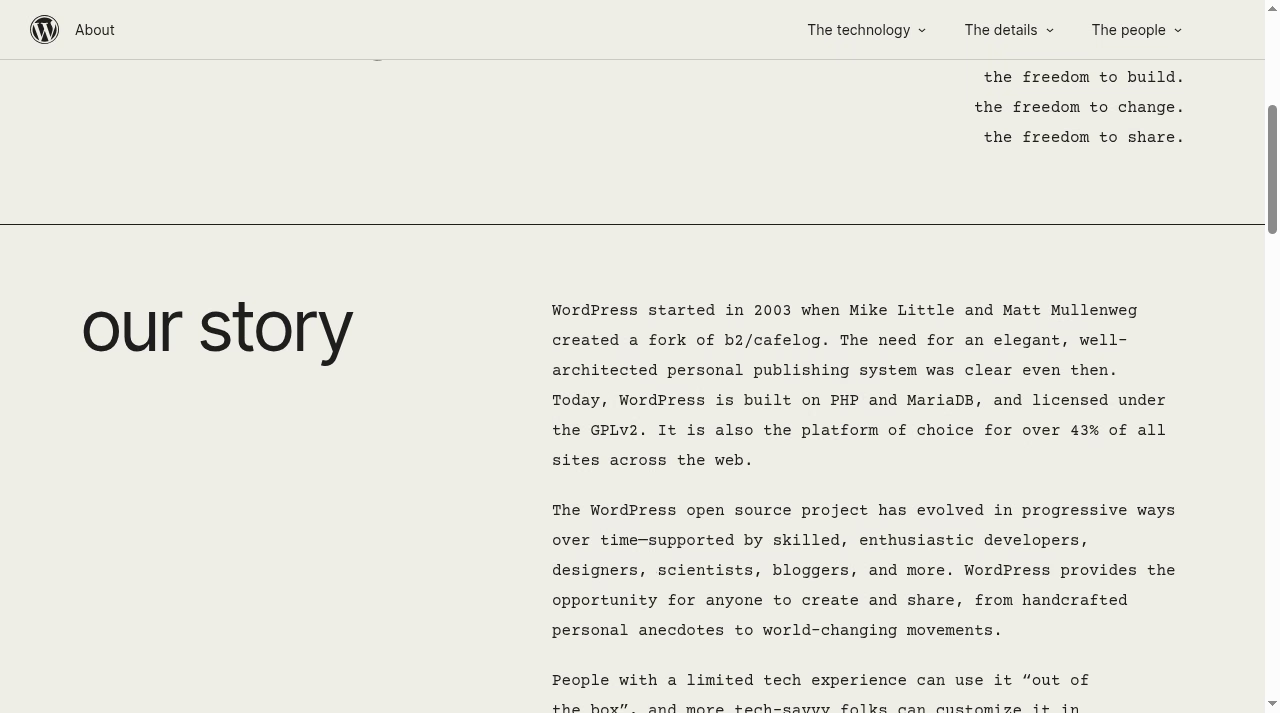
WordPress needs less introduction. It started in 2003 when Mike Little and Matt Mullenweg forked the b2/cafelog blogging tool, and it is still built on PHP and MariaDB under the GPLv2 license. WordPress.org describes it as the platform of choice for over 43% of all sites across the web, from personal blogs to enterprise properties.
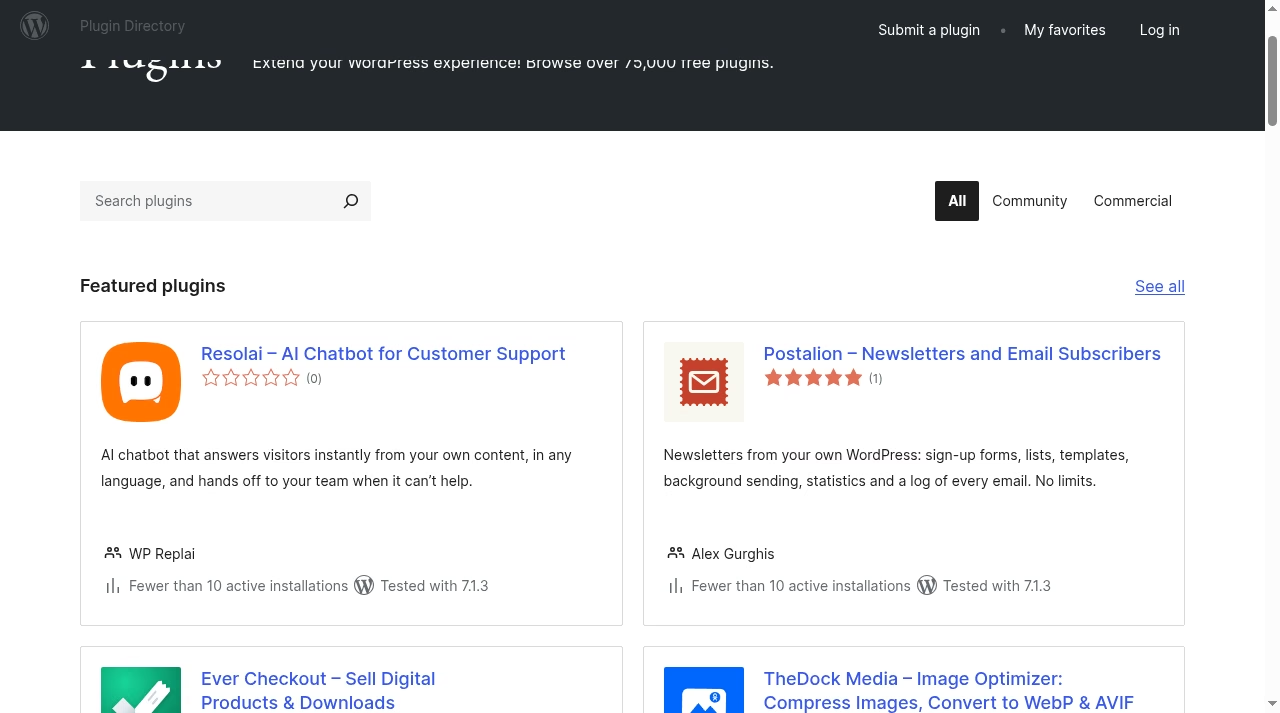
The current release line is WordPress 7.1, and the plugin directory alone lists over 75,000 free plugins.
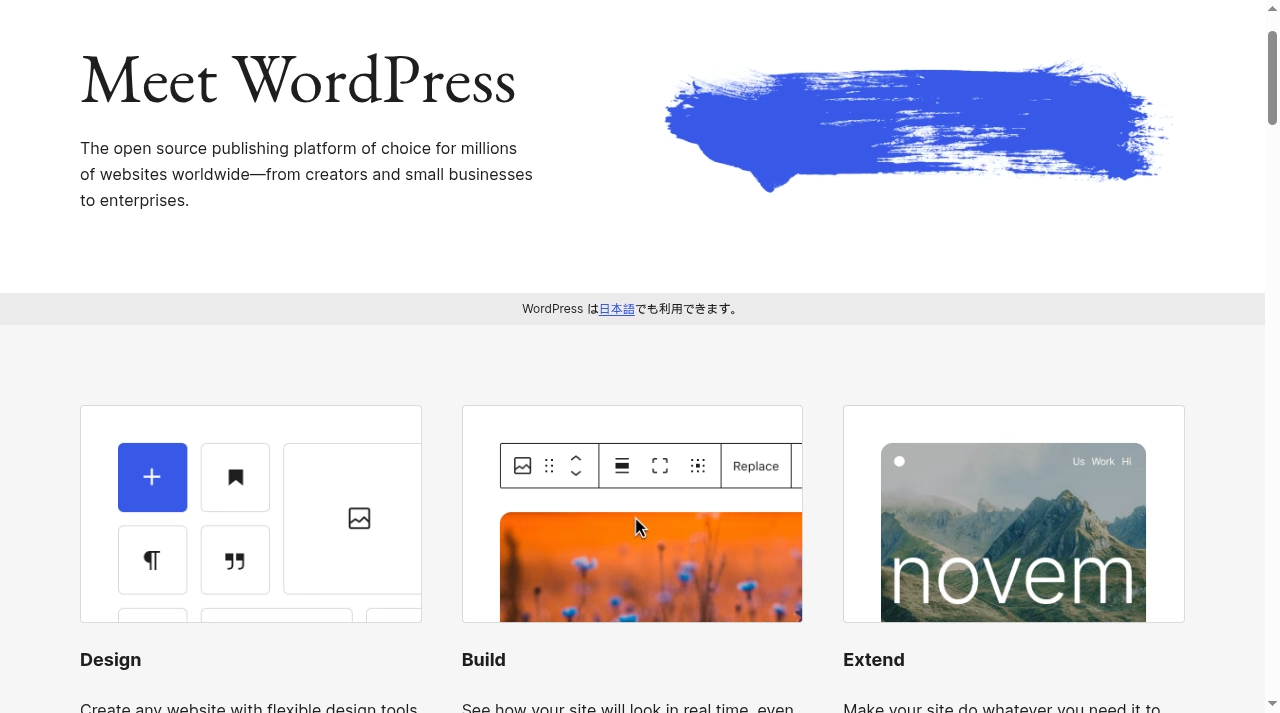
Unlike Keystone, WordPress is a complete publishing system out of the box. It renders your frontend with themes, it ships the block editor for content, it handles media, users, comments, menus, and permalinks, and it does all of that on almost any cheap host on the planet.
You can run a blog, a magazine, a brochure site, or, with WooCommerce, a full store, which is why there is an entire services economy around it, including the WooCommerce development companies we track separately.
The same breadth applies to presentation: thousands of themes and a mature design-services market, from freelancers to the UI and UX design firms that design WordPress sites every week. The community around it, from local meetups to agencies in every time zone, means you will never struggle to hire help or find an answer.
The canonical starting point is wordpress.org, where the software, the directory, and the handbook all live.
The editor experience your writers will live in
This is the difference your non-technical colleagues will actually feel. WordPress gives writers the block editor: a visual, what-you-see-is-close-to-what-you-get canvas with blocks for paragraphs, images, galleries, embeds, buttons, and layouts. A competent writer is productive on day one, and revisions, drafts, scheduling, and preview links are built in.
Keystone’s Admin UI is a forms-first interface generated from your schema. Each list gets list and item screens, and rich text comes from Keystone’s document field, which is a structured editor rather than a free-form page canvas.
It is clean and consistent, but it is built for managing records, not for composing a landing page visually.
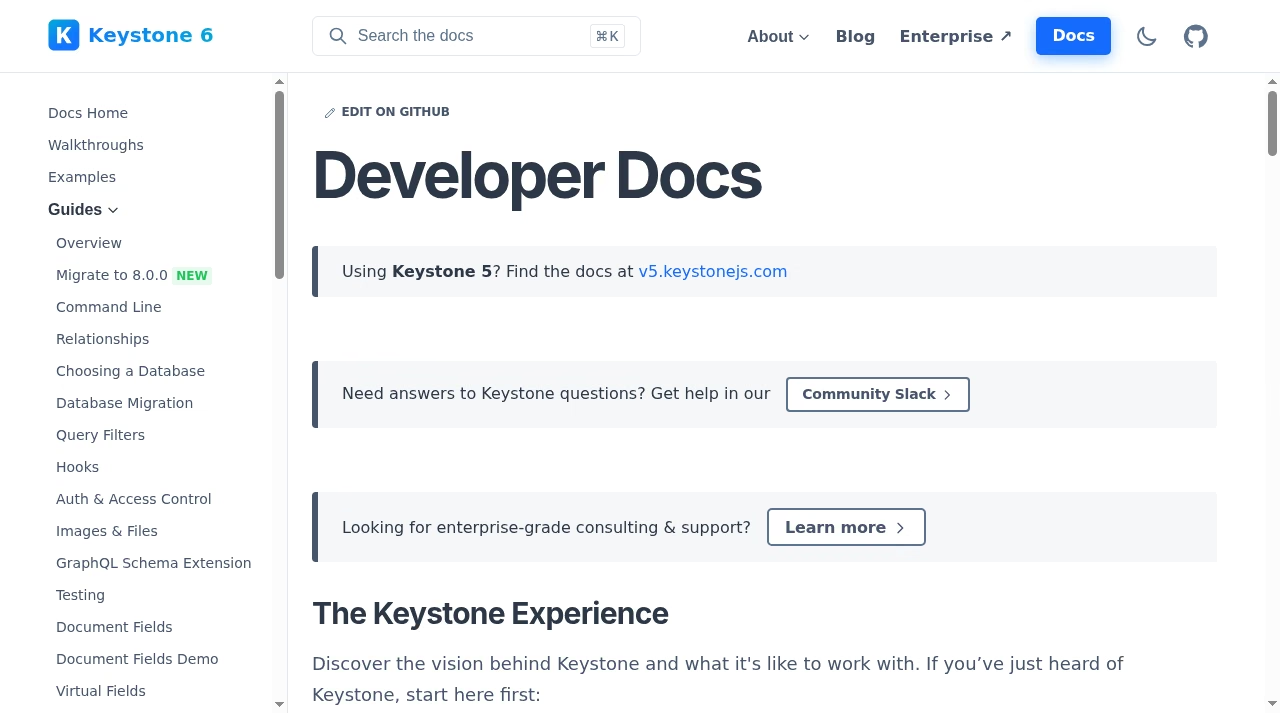
The practical consequence: with WordPress, the person who writes the content can also lay out the page. With Keystone, a developer decides what fields exist, and editors fill them in. For structured content that gets rendered by a frontend template, that constraint is a feature, because nobody can break the design.
For a marketing team that wants to nudge a hero image ten pixels to the left, it is a wall. Teams that care deeply about editorial polish usually pair Keystone with design help from the kind of UI/UX design firms that design the frontend as a proper product, because the CMS will not give you a visual page builder on its own.
APIs: GraphQL generated from your schema vs REST built in
Keystone’s API story is the shortest one in the industry: whatever you declare in the schema, you can query. Filters, sorting, pagination, relationships, and mutations all come from the same definition, so the API and the editing UI can never drift apart.
If you have ever maintained a hand-written API next to a CMS, you know how valuable that guarantee is.
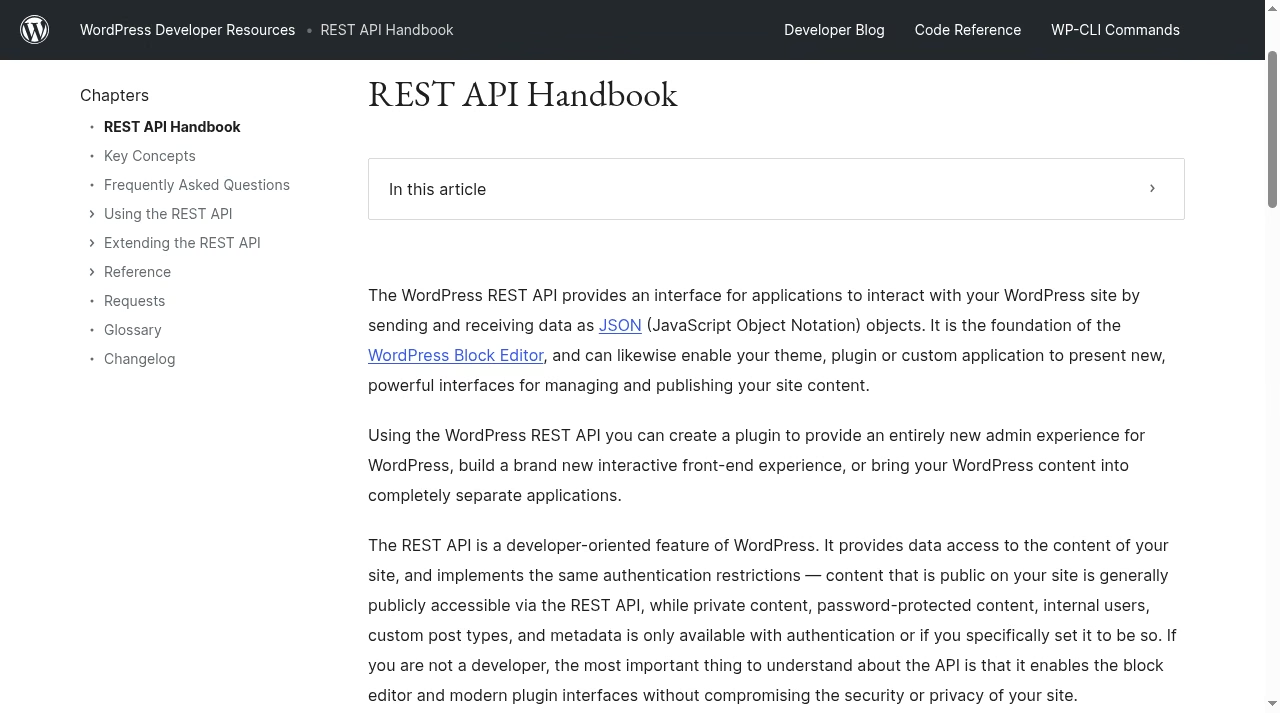
WordPress has a solid answer of its own. The WordPress REST API is built into core, serves JSON, and is the foundation of the block editor itself, per the REST API Handbook. Posts, pages, media, users, and taxonomies are all queryable, and plugins can register their own endpoints.
If you want GraphQL on WordPress, the community answer is WPGraphQL, a plugin rather than a core feature. So the honest framing is not “GraphQL vs REST.” It is “an API generated from an explicit schema” vs “a general API over a conventional publishing model.” The first is better when your content is product data.
The second is better when your content is pages and posts.
One more angle matters for product teams: if you are building a SaaS product where content is one slice of a bigger application, Keystone behaves like infrastructure you import, while WordPress behaves like an application you extend.
That is why the API-first crowd, including many SaaS application development companies, tends to reach for a headless tool like Keystone and keep the marketing site separate.
| Question | KeystoneJS | WordPress |
|---|---|---|
| Where does the API come from? | Generated from your TypeScript schema | Built-in REST API over posts, pages, media |
| GraphQL? | Native, the default | Via the WPGraphQL plugin |
| Custom content types | Lists and fields in code | Custom post types, fields via plugins or code |
| Who maintains the contract? | Your schema file in Git | Core plus every plugin that adds endpoints |
The same build on both: a marketing site with a structured catalog
To make this concrete, picture the brief we see constantly: a marketing site with pages, a blog, and a structured catalog of products or services with relationships, filters, and detail pages. Here is how the build actually goes on each platform.
- KeystoneJS path. A developer scaffolds the project with
npm create keystone-app@latest, defines lists for Product, Category, Author, and Post in TypeScript, and commits the schema. Keystone generates the GraphQL API and the Admin UI. A separate Next.js app renders the site from API queries. Editors log into the Admin UI and manage records. Timeline: a developer who knows the stack is productive in days, but nothing exists until it is built. - WordPress path. You install WordPress on a host, pick a theme, register a Products custom post type (or install a catalog or commerce plugin), and start entering content in the block editor the same afternoon. Filters and detail pages come from the theme and plugins. Timeline: content entry starts on day one, and the design debt shows up later.
- Where each path hurts. Keystone hurts when marketing wants a new landing page layout and a developer has to ship it. WordPress hurts when the catalog grows real relationships and filters, and you end up bending plugins into shapes they were not designed for. That bending is a common reason founders who prototyped quickly, the way the MVP development companies recommend, eventually re-platform the data-heavy part.
- How we run the bake-off. When a client cannot decide, we build the catalog slice in both over one week. Three Keystone lists, three WordPress templates, same dummy content. The editors vote on the Admin UI vs the block editor, and the developers vote on the API vs the theme layer. The argument usually settles itself by Friday.
Plugins and themes vs writing it yourself
The single biggest force multiplier in this comparison is the WordPress plugin directory: over 75,000 free plugins, plus a huge commercial market on top. SEO, forms, memberships, multilingual, analytics, backups, security, commerce.
For almost any feature a marketing site needs, someone has already shipped it, and our Apps section exists largely because that ecosystem is so broad it needs curating. Keystone has no equivalent marketplace.
There are community packages and examples, and the document field and access control cover a lot, but the default assumption is that your developers build what you need.
This cuts both ways. Plugins are the reason a WordPress site can launch in a week, and they are also the reason mature WordPress sites carry update fatigue and the occasional plugin conflict.
Writing your own features on Keystone costs developer time up front, but you end up owning exactly the code you run, with no abandoned plugin surprising you after a core update.
Companies going through bigger platform shifts often bring in outside help here; the kind of thinking in our top digital transformation companies roundup applies directly to re-platforming decisions like this one. The counterweight is discipline: every plugin you install is code you did not write running on your domain, so the directory rewards restraint.
Hosting, updates, and the 2 a.m. problem
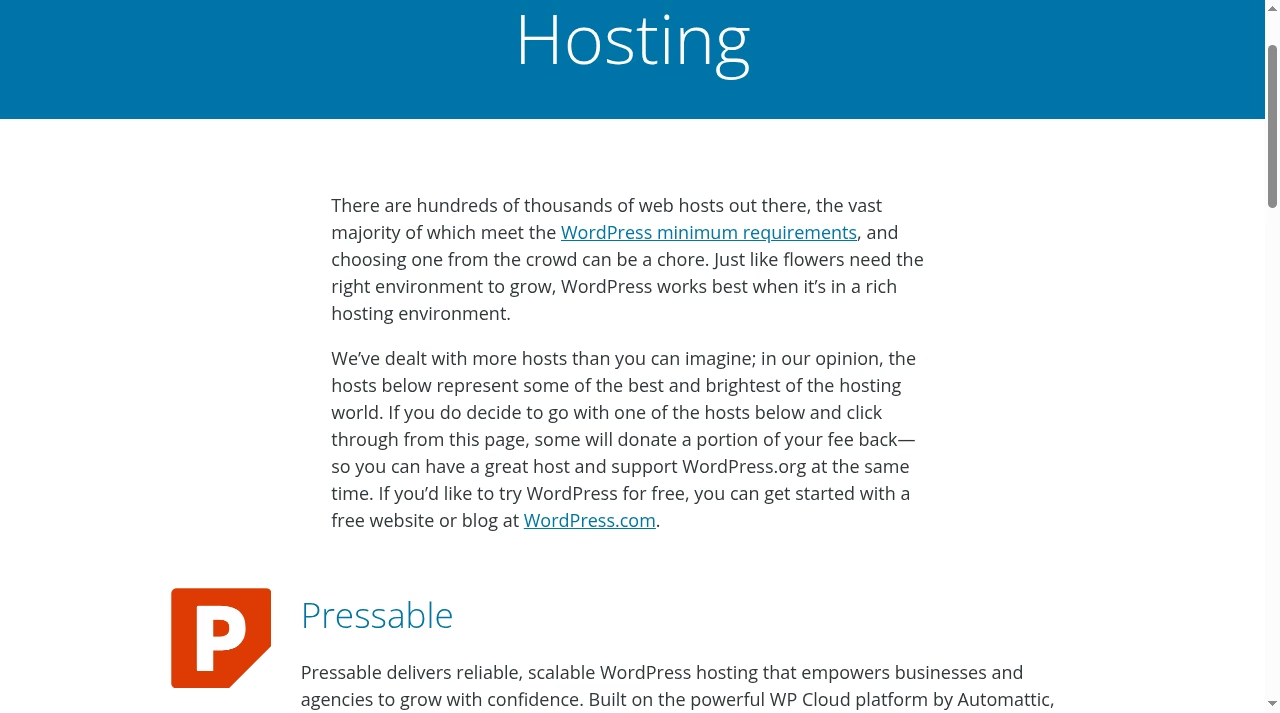
WordPress runs almost anywhere. WordPress.org notes that hundreds of thousands of hosts meet the minimum requirements, and a basic site lives comfortably on cheap shared hosting or a LAMP stack, which keeps the LAMP stack development companies busy to this day.
The trade-off is that you own updates: core, theme, and every plugin need patching, and you need real backups. Our incremental vs differential backup explainer is worth ten minutes before you pick a backup plugin.
You will also want a staging copy for testing updates, uptime monitoring, and a clear answer to “who gets paged when the site is down,” because on cheap hosting that answer is you.
Keystone flips the trade. You need a Node.js host, a database (Postgres or MySQL in production), a build pipeline, and someone who can read a stack trace.
Deployments go through Git and a Node process manager or containers, and moving files around with an SFTP client, the workflow we compare in FileZilla vs WinSCP, is not how a Keystone app ships.
The operational burden is real, but it is the kind your developers already manage for any other Node service, and if you do not have that muscle in-house, the DevOps consulting companies on our list can set up the pipeline once and hand it over.
The real cost picture
Both projects cost nothing to download. The money is in people and operations. A WordPress marketing site costs hosting, premium plugins, a theme, and occasional maintenance help. A Keystone build costs developer time up front for the schema, the Admin UI, and the entire frontend, plus Node hosting and a database.
If your roadmap reads like product development rather than publishing, that developer budget existed anyway, and Keystone spends it on the content layer instead of a custom admin. The budgeting lens in our cloud consulting companies guide maps well to that spend.
Where teams get burned is pretending WordPress is free at scale. Managed hosting, code review, and performance work are real line items, and heavily customized WordPress builds drift toward the same IT architecture consulting conversations a Keystone project starts with on day one. Neither platform publishes a price list for your project, because your project is the price list.
Switching later: how hard is the exit
Lock-in looks different on each side. WordPress content exports cleanly as XML and lives in a conventional MySQL schema, and the ecosystem of migration tools and agencies is enormous, including UK-based specialists like the digital transformation companies in the UK we profiled.
Keystone stores content in your own Postgres or MySQL database in a schema you designed, which is about as portable as CMS data gets, but your frontend is custom code, so leaving Keystone means rebuilding the content backend while the frontend survives, the reverse of the WordPress situation.
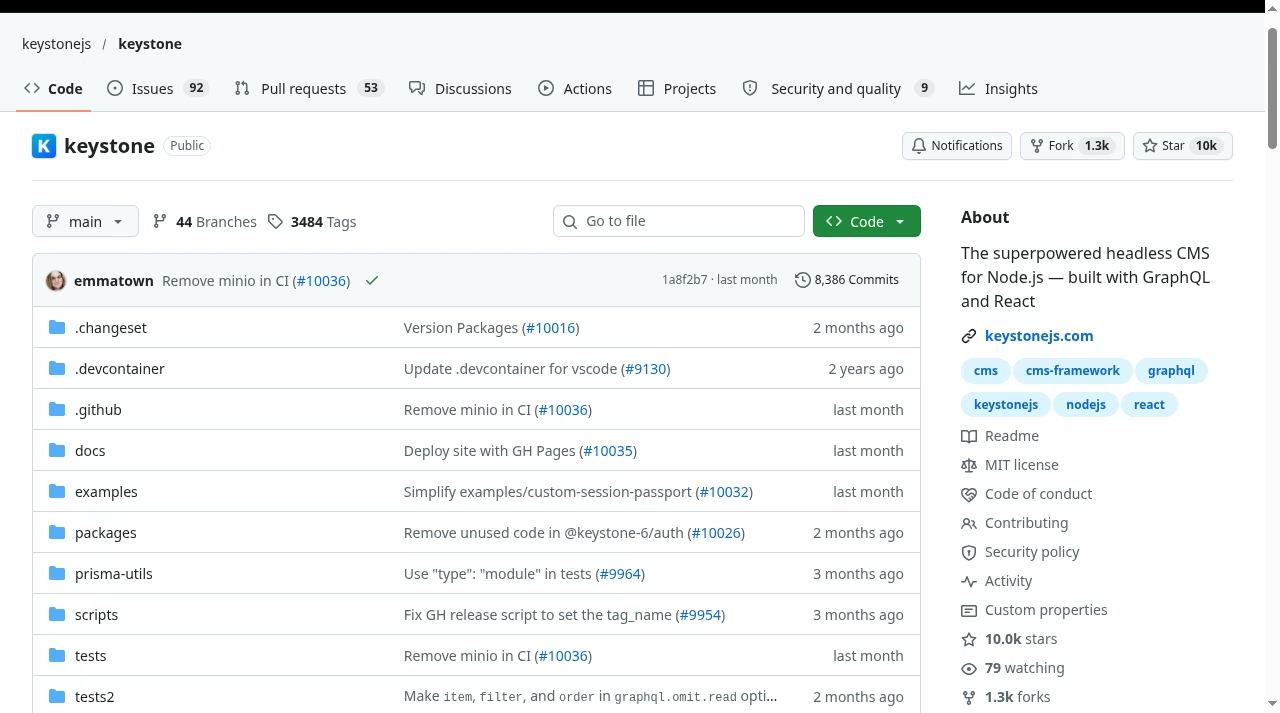
Exit risk also depends on project health. Keystone’s GitHub repository shows around 10k stars, an MIT license, and commits landing within the last month at the time of writing. WordPress is, at this point, infrastructure for a large slice of the web, and its governance and release cadence reflect that.
For context on how the enterprise end of the WordPress world handles these questions, our WordPress VIP vs Adobe Experience Manager comparison covers the managed, SLA-backed tier of the market.
Pick your platform
Both lists below assume a competent team on the other side. A great Keystone build with no Node developer to maintain it is a liability, and a WordPress site with nobody running updates is a breach waiting for a date. Staffing is the real prerequisite.
Pick KeystoneJS if…
- Your content is structured product data with relationships
- You have Node.js developers who own the stack
- You want the schema in Git and the API generated
- Your frontend is a React or Next.js application
Pick WordPress if…
- Publishing speed and editorial autonomy matter most
- You want plugins and themes instead of custom builds
- Budget favors configuration over developer hours
- You need commerce, memberships, or SEO tooling today
The bottom line
KeystoneJS vs WordPress resolves to one question: is your content a product, or is it a publication? Product teams with Node developers get a clean, schema-driven content backend from Keystone and should not apologize for skipping the plugin aisle.
Publishing teams get the most proven content platform ever shipped, and 43% of the web is a hint about how safe that bet is. If you are genuinely torn, prototype the content model in both for one week: define three lists in Keystone, build three templates in WordPress, and let your own editors vote.
And if the build needs outside hands, start with the digital transformation companies and web agencies we have already vetted. Either way, decide on the content model first and the tooling second. Teams that do it backwards end up rebuilding within a year.
Frequently asked questions
Is KeystoneJS a WordPress replacement?
Only for teams that were using WordPress as a content API in the first place. Keystone replaces the backend of a headless WordPress build with a schema-driven Node.js alternative. It does not replace the themes, plugins, page editor, or hosting simplicity that most WordPress sites depend on.
Can WordPress run headless like Keystone?
Yes. WordPress ships a REST API in core, and the WPGraphQL plugin adds a GraphQL layer, so a React or Next.js frontend can consume WordPress content. The difference is that Keystone generates the API from your declared schema, while WordPress exposes an API over its conventional post and page model.
Does KeystoneJS come with a website frontend?
No. Keystone gives you the Admin UI for editors and the GraphQL API for developers. The public website or app is your own codebase, usually a framework like Next.js, which you host and maintain separately.
Which platform is cheaper to run?
WordPress, for a conventional website: shared hosting starts at a few dollars a month and the software is free. Keystone is also free software, but it needs Node hosting, a database, and developer time to build the frontend, so its real cost is higher unless that development was already budgeted.
Do editors need to know GraphQL to use Keystone?
No. Editors work in the Admin UI, which is ordinary forms and rich text fields generated from the schema. GraphQL is for the developers building the frontend that queries the content.
Which is better for SEO?
WordPress, out of the box, because SEO plugins handle metadata, sitemaps, and schema markup with no code. A Keystone frontend can reach the same technical standard, but your developers implement and maintain it themselves in the frontend codebase.
Can we migrate from WordPress to Keystone later?
Yes, and it is a well-trodden direction. WordPress exports content as XML and through its REST API, and a developer can map that into Keystone lists. Plan on rebuilding the frontend at the same time, because Keystone does not render your site.


Leave a Reply