



LibreOffice and Apache OpenOffice are free, open-source office suites that let you create documents, work with spreadsheets, build presentations, and handle everyday office tasks without purchasing a Microsoft Office subscription. Although the two projects share a common history, they are now developed independently and differ in their release activity, features, and file-format support.
For most users choosing a new desktop office suite, LibreOffice is the stronger starting point. It offers a broader collection of applications and a more active release cycle. Apache OpenOffice remains an option for people who prefer its familiar interface and whose existing documents work correctly in it.
The important question is not simply which suite is free. It is which one fits your documents, operating system, workflow, and expectations for ongoing updates.
In this guide, we compare LibreOffice and OpenOffice across features, Microsoft Office compatibility, updates, security considerations, and practical use cases. We also explain how to check compatibility with your own files before committing to either application.
At a glance: OpenOffice vs LibreOffice
| Area | OpenOffice | LibreOffice |
|---|---|---|
| Cost | Free | Free |
| Latest version seen | 4.1.16 (Nov 2025) | 26.8 |
| Spreadsheet | Calc | Calc |
| Extra apps | See OpenOffice site | Draw, Base, Math listed |
| Project style | Apache project | The Document Foundation |
What Is LibreOffice?
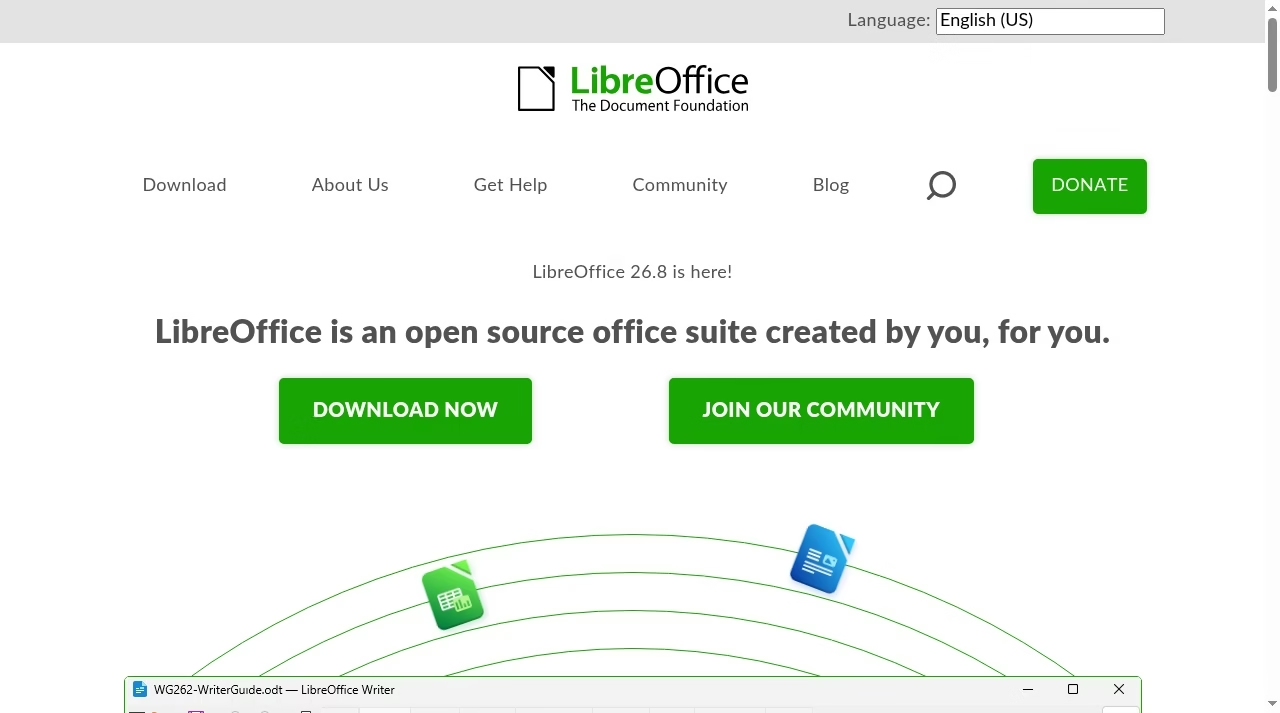
LibreOffice is a free, open-source productivity suite maintained by The Document Foundation and a worldwide contributor community. It provides applications for writing documents, building spreadsheets, creating presentations, drawing diagrams, managing supported database workflows, and working with mathematical formulas.
Its main applications include:
- Writer: Create letters, reports, essays, business documents, and other text-based files.
- Calc: Build spreadsheets, use formulas, analyze data, and create charts.
- Impress: Design presentations and slideshows.
- Draw: Create diagrams, flowcharts, and vector illustrations.
- Base: Work with supported database systems and database interfaces.
- Math: Write and format mathematical formulas.
LibreOffice supports its native OpenDocument formats, including ODT, ODS, and ODP, alongside many other formats used by popular office applications.
One of its key advantages is ongoing development. New feature releases and maintenance updates provide opportunities to improve functionality, fix defects, and address security issues. Users should still check the support status and release notes for the particular version they install.
Official source: LibreOffice.
What Is Apache OpenOffice?
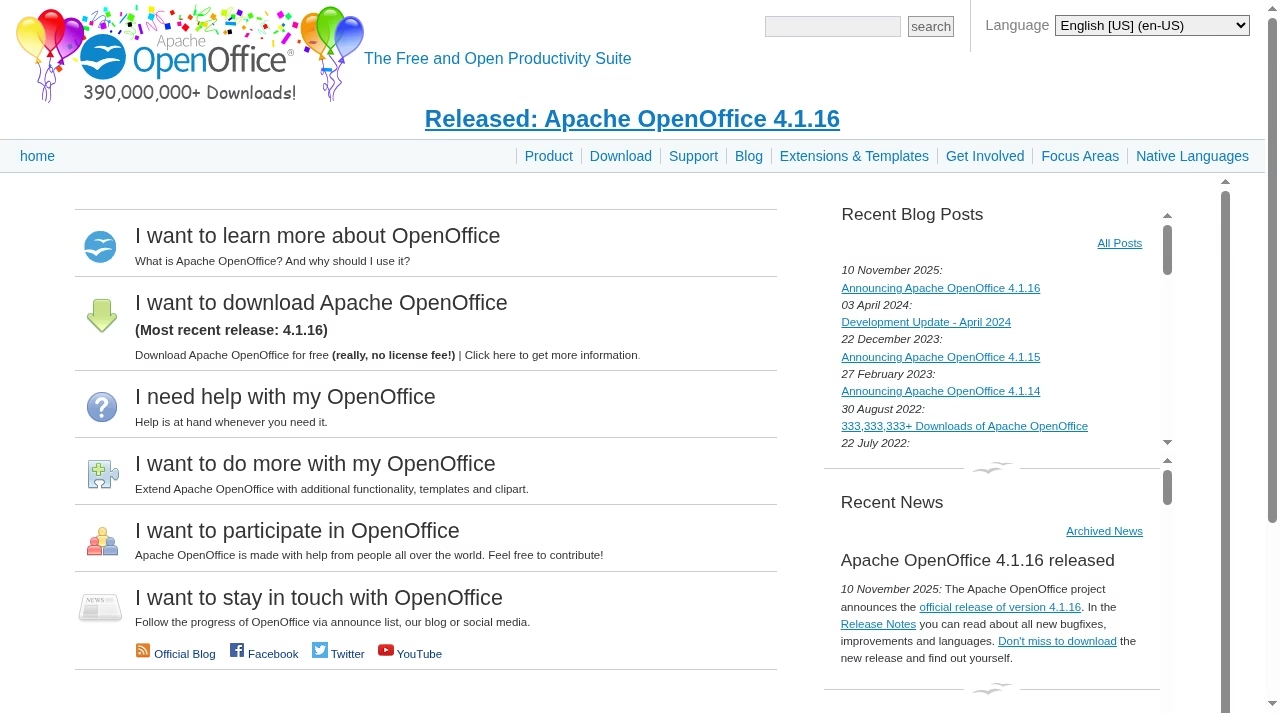
Apache OpenOffice is a free, open-source office suite distributed under the Apache License 2.0. It originated from the OpenOffice.org project and continues as a separate project within the Apache Software Foundation.
Its applications cover the core office tasks most home users recognize:
- Writer: Word processing and document creation.
- Calc: Spreadsheets, calculations, and charts.
- Impress: Presentations.
- Draw: Diagrams and illustrations.
- Base: Database-related tasks.
- Math: Mathematical formula editing.
OpenOffice supports its own OpenDocument-based workflows and can work with various other office document formats. However, support for a format does not guarantee that every layout, formula, macro, or advanced feature will behave identically across applications.
OpenOffice’s familiar interface may appeal to users who want a straightforward desktop office suite. Its recent release cadence has been slower than LibreOffice’s, making it particularly important to check current maintenance activity when evaluating it for business use.
Official source: Apache OpenOffice.
Why Are LibreOffice and OpenOffice Different?
LibreOffice and OpenOffice have a shared history, but they are no longer the same application.
LibreOffice was established in 2010 as a separate project based on the OpenOffice.org codebase. It subsequently developed its own release process, features, compatibility improvements, and contributor ecosystem.
Apache OpenOffice continued as a separate project under the Apache Software Foundation.
Their common ancestry explains why many interface elements, application names, and workflows feel familiar in both products. Their independent development explains why the applications can differ in current features, implementation details, supported workflows, and release history.
This distinction matters when selecting software for the long term. Similar interfaces do not mean identical capabilities, and the same file can produce different results when opened or saved in different office applications.
What each tool is built for
OpenOffice presents itself as the free and open productivity suite from Apache. Its page lists the 4.1.16 release and a long history of earlier releases.
LibreOffice presents itself as a free and open source office suite and lists Writer, Calc, Impress, Draw, Base and Math. The page also says there is no forced AI.
Free software shifts cost from licenses to support. Decide who installs updates, who answers questions and how you will deal with a file that breaks. Automation tools can help with repeat tasks, but they do not fix file compatibility.
LibreOffice vs OpenOffice: Features Compared
The two suites cover the main categories of desktop productivity software. The more meaningful differences emerge when you look beyond basic word processing and spreadsheet creation.
Word processing: Writer vs Writer
Both suites include a word processor for creating reports, letters, essays, and other documents.
For simple text documents, either application may be sufficient. Differences become more important when a document contains complex formatting, tracked changes, embedded objects, specialized fonts, or advanced page layouts.
If you exchange DOCX files with clients or colleagues who use Microsoft Word, check how the document looks after opening, editing, saving, and reopening it in your chosen suite.
Spreadsheets: Calc vs Calc
Both suites offer spreadsheet tools for calculations, data organization, and chart creation.
LibreOffice Calc is a sensible starting point for users who need a more actively developed desktop spreadsheet application. OpenOffice Calc may still be suitable for straightforward tables, budgets, and calculations.
For complex workbooks, neither application’s compatibility should be assumed. Formulas, macros, charts, conditional formatting, pivot tables, and newer spreadsheet functions can require specific checks.
Presentations: Impress vs Impress
Both applications let you build slide decks with text, images, charts, and other presentation elements.
The choice becomes more consequential when you exchange PPTX files with Microsoft PowerPoint users. Font substitutions, slide layouts, animations, embedded media, and chart formatting can affect how a presentation appears.
If a presentation must look exactly the same on another computer, export a PDF for viewing when appropriate and inspect the exported result before sharing it.
Drawing, databases, and formulas
Both suites provide Draw, Base, and Math, so they cover more than basic office documents.
However, having an application with the same name does not establish that every advanced feature or database workflow is identical. Check the relevant documentation for your intended use, especially if you depend on external databases, specialized connectors, or application-specific features.
Which Is Better for Microsoft Office Compatibility?
Microsoft Office compatibility is one of the most important factors when choosing between LibreOffice and OpenOffice.
Both can open and save a range of Microsoft Office formats, including DOCX, XLSX, and PPTX. However, compatibility is not all-or-nothing.
A file can open successfully while still displaying incorrect formatting, changing a formula, losing an unsupported feature, or behaving differently after it is saved.
Common compatibility considerations
| File type | What to check |
|---|---|
| DOCX | Page breaks, tables, headers, footers, fonts, tracked changes, and text layout |
| XLSX | Formulas, charts, pivot tables, conditional formatting, and data validation |
| PPTX | Slide layouts, animations, fonts, charts, and embedded media |
| Macro-enabled files | Whether required macros and APIs are supported |
| Complex business documents | Embedded objects, templates, external links, and specialized formatting |
LibreOffice is generally the more compelling starting point for users who regularly exchange modern Microsoft Office documents, but that does not mean it reproduces every Office feature perfectly.
OpenOffice may handle simple documents adequately, but its behavior should be evaluated against the particular files and features you use.
How to check compatibility before switching
You do not need to migrate your entire document library to find out whether a suite will work for you.
- Back up your original files.
- Select a representative Word document, spreadsheet, and presentation.
- Open each file in the application you want to evaluate.
- Inspect formatting, formulas, charts, and other important features.
- Save a separate copy in the same format.
- Reopen that copy and compare it with the original.
- If you collaborate with Microsoft Office users, ask them to check the resulting files in their normal workflow.
Use the same sample files and steps for both suites if you want a fair comparison.
Important: This procedure is a recommended compatibility check, not a report of tests performed for this article. Your own results will depend on the files, application versions, operating systems, and features involved.
LibreOffice vs OpenOffice: Updates and Security
Updates are an important consideration for software that handles documents, spreadsheets, presentations, and potentially sensitive business information.
LibreOffice has maintained a more active release cadence in recent years, with feature releases and maintenance updates. Apache OpenOffice has released updates less frequently.
A slower release cadence does not, by itself, prove that an application is insecure. Equally, frequent releases do not automatically guarantee that every security issue is resolved.
When evaluating either suite, check:
- The date and contents of its latest relevant release.
- Whether security advisories affect the version you use.
- Whether fixes are available for known vulnerabilities.
- Which versions receive maintenance.
- Whether the software is compatible with your operating system.
- Whether your organization has policies governing desktop software updates.
LibreOffice’s official release information and Apache OpenOffice’s official website are useful starting points.
For business environments, establish a process for reviewing updates and testing important documents before deploying a new version widely.
Are LibreOffice and OpenOffice Really Free?
Yes. Both are available as free, open-source desktop office suites.
You can create documents, use spreadsheets, build presentations, and access the core applications without paying for a standard desktop subscription.
There are still practical considerations. Organizations may incur costs for deployment, training, support, migration, document conversion, or specialist integrations. These are implementation costs, not a required subscription fee for the core desktop applications.
The distinction is important for organizations comparing office software: a free download does not necessarily mean zero cost to deploy across a team, but it can reduce licensing expenses.
Download the applications only from their official project websites to reduce the risk of installing modified or unwanted software.
Pricing and plan limits
Apache OpenOffice is described on its site as a free and open productivity suite, and the download page says it is free with no license fee. The most recent release shown is 4.1.16, announced 10 November 2025.
LibreOffice is free and open source. Its site says it provides access to its office tools at no cost, and the suite lists Writer, Calc, Impress, Draw, Base and Math. The homepage we captured on Oct 15, 2026 announced LibreOffice 26.8.
Neither has a license fee, so the cost question becomes support, updates and who maintains them for your team.
A same-task test you can run in one afternoon
Use three files you really open. This is a suggested test, not a result we measured.
Step 1. Pick a Word document with tables, a spreadsheet with formulas and a slide deck. Step 2. Open each in OpenOffice and in LibreOffice. Step 3. Note layout changes, fonts, formulas and anything that fails. Step 4. Save back to the original format and open the result in Microsoft Office or Google Docs. Step 5. Check what each project says about updates, security fixes and release dates.
If your team also signs and edits PDFs, see best PDF editor apps and free e-signature software.
Limits matrix: what to confirm before you commit
| Question | OpenOffice | LibreOffice |
|---|---|---|
| Cost | Free, no license fee | Free and open source |
| Latest release seen | 4.1.16, 10 November 2025 | 26.8 announced on homepage |
| Apps | Office suite | Writer, Calc, Impress, Draw, Base, Math |
| Release history on site | 4.1.14 Feb 2023, 4.1.15 Dec 2023, 4.1.16 Nov 2025 | See LibreOffice site |
| Community | Apache project | Community of contributors, The Document Foundation |
| AI stance | Not a headline feature | Site says no forced AI |
Keep documents in open formats where you can, and store the originals. Test PDFs, signatures and forms early. PandaDoc alternatives and free e-signature software cover the signing step after the document is ready.
Who should choose which
Choose LibreOffice if you want the more actively announced suite and the wider app list. Choose OpenOffice if your team already uses it and your files work cleanly. Switching is cheap, so test before you decide.
If you are weighing free tools against paid suites, read Excel vs Google Sheets next.
If your team collaborates all day online, a suite you install on each computer may feel slow compared with browser tools. Airtable vs Google Sheets and marketing automation platforms show what the cloud route looks like.
How to Switch to LibreOffice or OpenOffice Safely
Changing office software is straightforward for simple documents, but an unplanned migration can cause problems when files contain complex formatting or advanced features.
Use this process before switching:
Step 1: Back up your files. Keep the original documents in a separate location before opening and saving copies in another application.
Step 2: Identify your important formats. Make a list of DOCX, XLSX, PPTX, ODT, ODS, ODP, and any macro-enabled or specialized files you rely on.
Step 3: Test representative documents. Include the most complex documents in your workflow, not just simple examples.
Step 4: Review essential functionality. Check formulas, formatting, charts, macros, embedded objects, and any other features that your work depends on.
Step 5: Decide which formats to use. OpenDocument formats can be a sensible choice when everyone involved uses compatible applications. Microsoft Office formats may be necessary when working with people who rely on Word, Excel, or PowerPoint.
Step 6: Keep originals and verify exports. Do not overwrite your only copy of an important document during migration. Check the final files before sharing them externally.
If the migration involves many users or business-critical documents, test a representative set of workflows before rolling out the software to everyone.
Frequently asked questions
Is LibreOffice better than OpenOffice?
For most new users, LibreOffice is the stronger starting point because it offers a broad application suite and a more active release cadence. OpenOffice can still work for straightforward tasks, but the better choice depends on your required features and document compatibility.
Are LibreOffice and OpenOffice free?
Yes. Both are free, open-source office suites. The core desktop applications do not require a paid subscription.
Are LibreOffice and OpenOffice the same software?
No. They share a common history but are now independently developed projects. Their applications and interfaces have similarities, but their features, releases, and compatibility behavior can differ.
Which opens Microsoft Office files better?
LibreOffice is generally the more compelling starting point for users who regularly work with modern Microsoft Office formats. Neither suite guarantees perfect compatibility with every document. Test your own DOCX, XLSX, and PPTX files before switching.
Which receives updates more frequently?
LibreOffice has maintained a more active release cadence in recent years. Check each project’s official release information to confirm the current version, available fixes, and maintenance status before installing.
Is either application suitable for a small business?
Yes, either may suit a business with straightforward desktop document needs. LibreOffice is the default recommendation for most new deployments, but businesses should evaluate compatibility, macros, templates, support, and team requirements first.
Can I use LibreOffice and OpenOffice on the same computer?
It may be possible to install both, depending on your operating system and the available packages. However, check installation requirements and file associations, and avoid assuming that both installations will behave identically. Keep backups of important documents.
Do LibreOffice and OpenOffice work offline?
Their core desktop applications are designed to work locally, so ordinary document creation and editing do not inherently require an internet connection. Internet access may still be needed for downloads, updates, online resources, or connected services.
Is either one good for a small business?
Yes, if your team is comfortable with free software and you have someone to handle updates. See best AI tools for small business for other budget options.
What should I compare next?
See Excel vs Google Sheets and the JustCreateApp directory.




Leave a Reply