

“Free” in e-signature software means different things. Some tools give you a few documents a month, some are open source and free to run yourself, and some give you a free way to sign your own PDF but not to send one to someone else. This guide lists ten options, says what the free tier actually lets you do, and points out the limits to check before you rely on one for real contracts.
Short version: OpenSign, Documenso and DocuSeal are open source choices, SignWell, Zoho Sign, PandaDoc and Jotform Sign have free plans with limits, Adobe and Smallpdf are best for signing a PDF yourself, and SignNow is a low-cost paid step up. Details come from official pages checked October 13, 2026. E-signature law varies by country and document type, so check legal needs before you sign anything important.
Compare ten free e-signature options at a glance
| Product | What free gets you | What to check |
|---|---|---|
| SignWell | 1 sender, 1 template, 3 documents a month | Limits on senders and templates |
| Documenso | 5 documents a month, up to 10 recipients, or self-host | Hosted limits, self-hosting effort |
| OpenSign | Free plan with unlimited e-signatures, open source | Support level and hosting choice |
| DocuSeal | Free plan with 10 request emails a month, open source edition | Request email cap, paid tiers |
| PandaDoc | Free plan with 60 documents a year | Annual document cap |
| Zoho Sign | A Free plan | Limits on documents and features |
| Jotform Sign | Free e-signature software for forms | Plan limits, branding |
| Smallpdf | Free with an account, daily limit | Daily and download limits |
| Adobe online fill and sign | Free PDF fill and sign online | Signing your own documents, not sending |
| SignNow | Low-cost paid plan at $8 per month annual | Annual commitment |
1. SignWell: a free plan with real sending limits
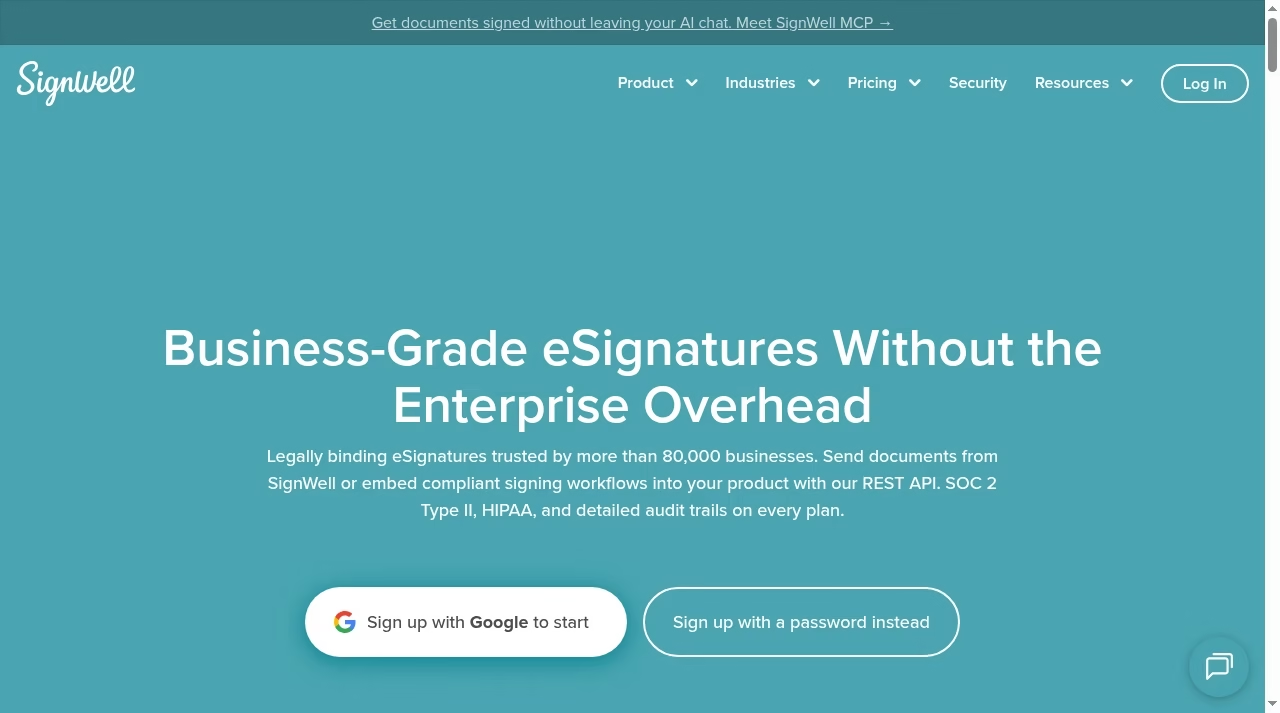
SignWell lists a Free plan with one sender, one template and three documents a month, then a paid plan with unlimited documents. It is built for sending documents to others, not only signing your own.
What to check before choosing
Three documents a month is enough for a freelancer and not enough for a busy sales team. Check the audit trail and any branding on signed documents.
Demo task: send three documents with two signers each and check the final PDF and audit trail.
Freelancers can see PDF editor apps for editing before sending.
2. Documenso: open source signing with a free hosted plan
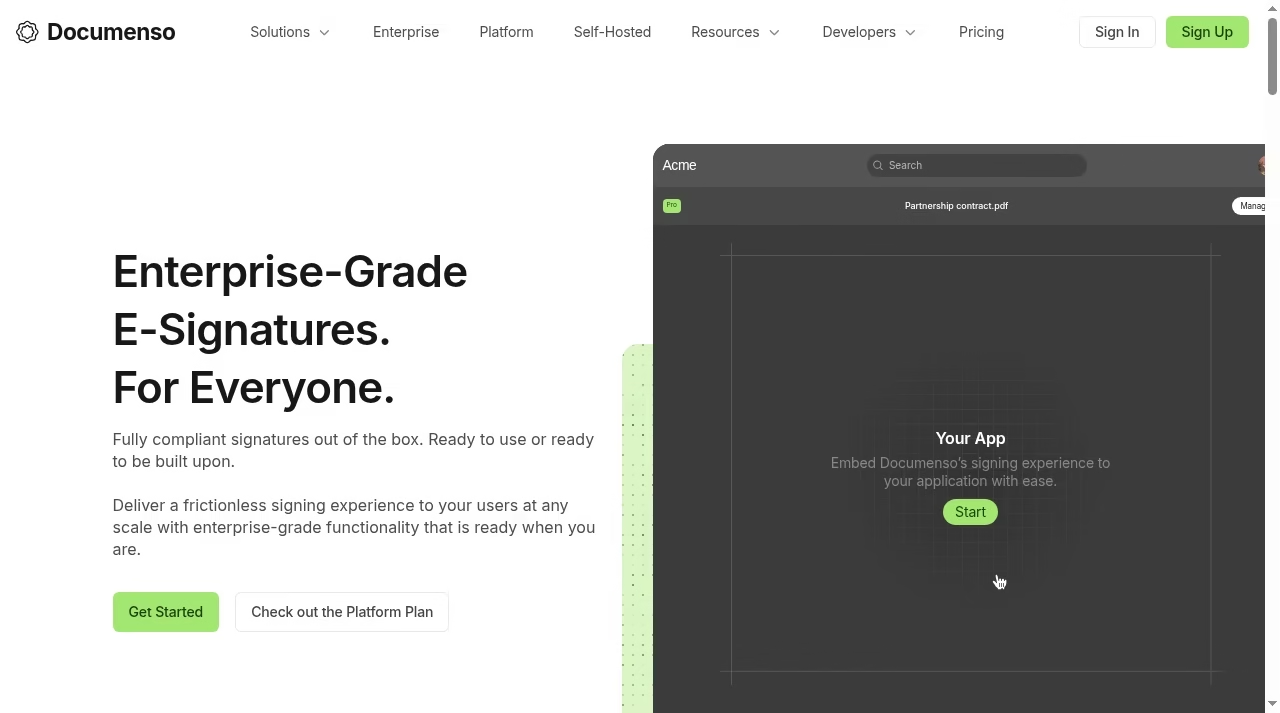
Documenso lists a Free plan with five documents a month and up to ten recipients, Individual at $25 per month, Team at $480 a year for five users with extra users at $8 and Platform at $250 per month. It also offers a self-host option.
What to check before choosing
Self-hosting is free in licence cost but needs a technical person to run it. Hosted plans have document limits, so test the limits against your volume.
Demo task: send a document with three recipients and review how signing order and reminders work.
If you want custom document flows built, see automation tools.
3. OpenSign: open source with a free unlimited plan
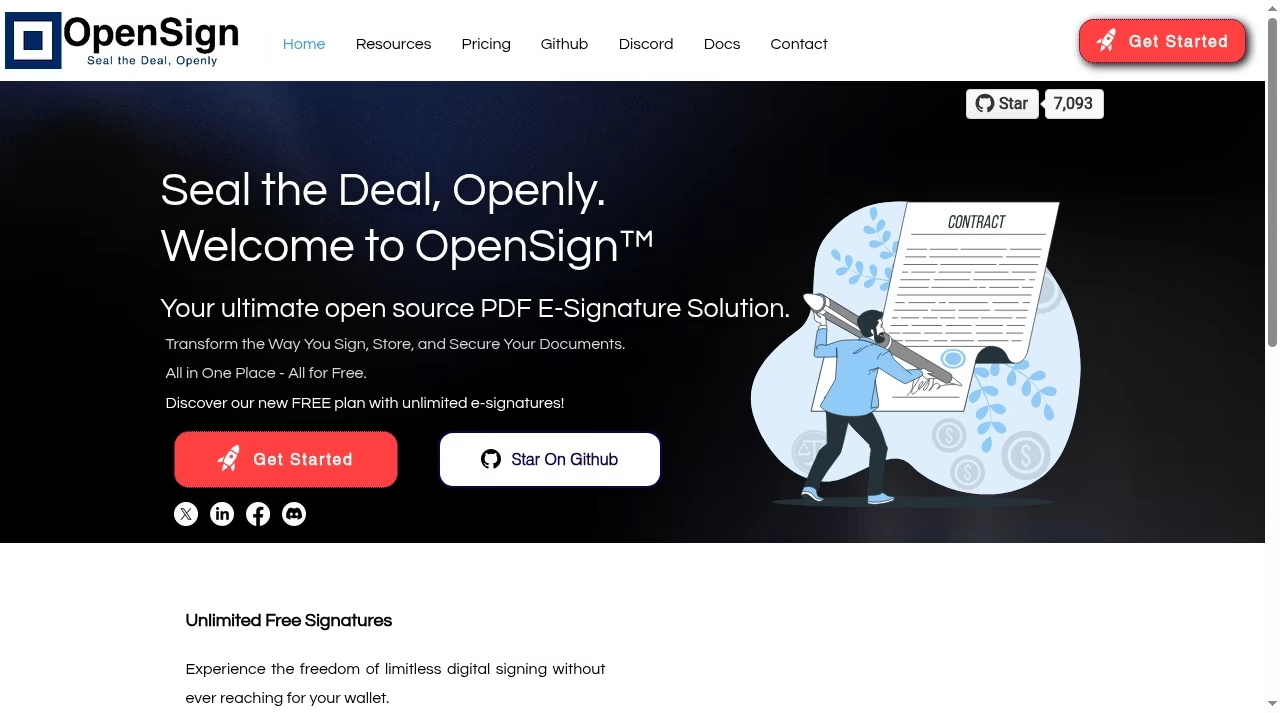
OpenSign describes itself as an open source e-signature solution and advertises a free plan with unlimited e-signatures. You can use the hosted version or run it yourself.
What to check before choosing
Free and unlimited is attractive, so check support options, security setup if self-hosted, and which advanced features need a paid plan.
Demo task: sign and send a PDF, then check the audit data you receive with the completed file.
Developers can compare with automation tools for connecting signing to workflows.
4. DocuSeal: an open source document signing platform
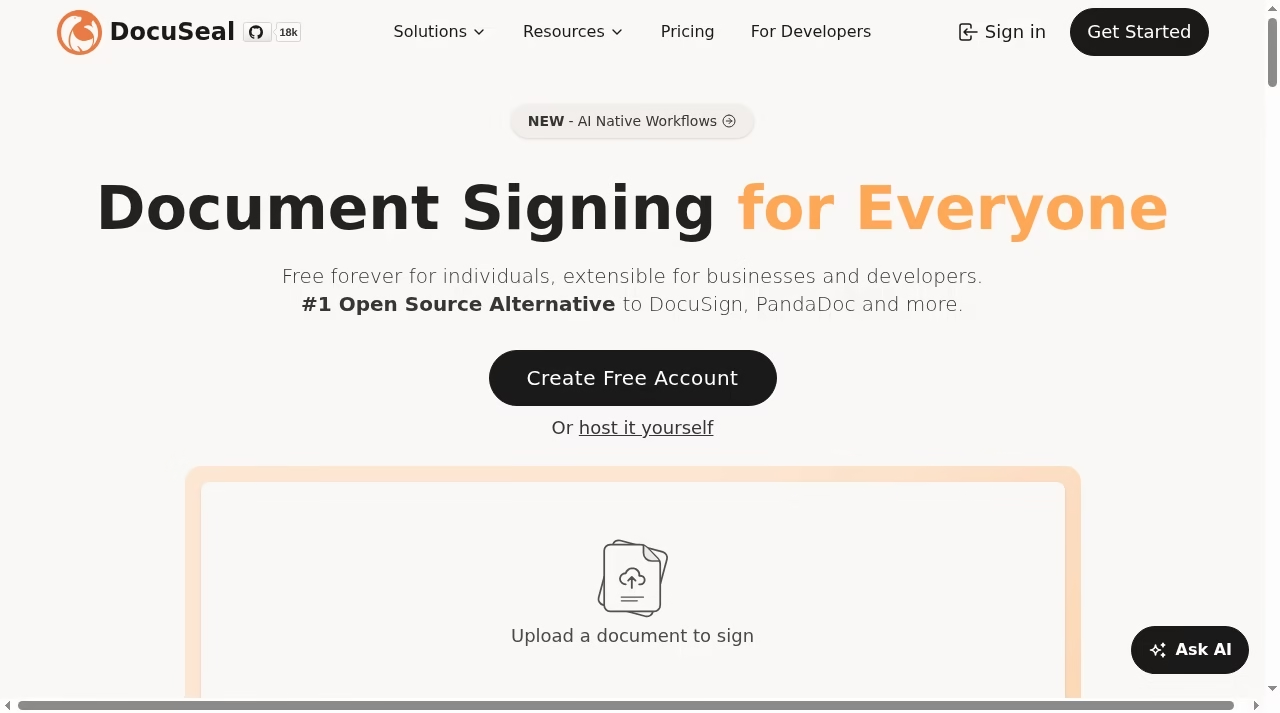
DocuSeal lists Free at $0 per user per month with ten request emails a month, then $20 per user per month, and has an open source edition you can host yourself.
What to check before choosing
The ten request emails per month are the real limit on the hosted free plan. If you self-host, check who will maintain it and how updates are handled.
Demo task: create a template with several fields, send it to a test contact and complete it on a phone.
HR teams sending forms can read applicant tracking system software.
5. PandaDoc: free documents with templates and tracking
PandaDoc lists a Free plan with 60 documents a year, and paid tiers start at $19 per month on annual billing with 110 documents a year. It is more than a signature tool and also covers proposals and quotes.
What to check before choosing
A cap of 60 a year is about five a month, so check how many you really send. Check which features, such as payments and CRM integrations, sit on paid tiers.
Demo task: create a quote from a template, send it and look at the tracking view.
If your documents feed a CRM, see easy CRM platforms for small sales teams.
6. Zoho Sign: a free plan for Zoho users and others
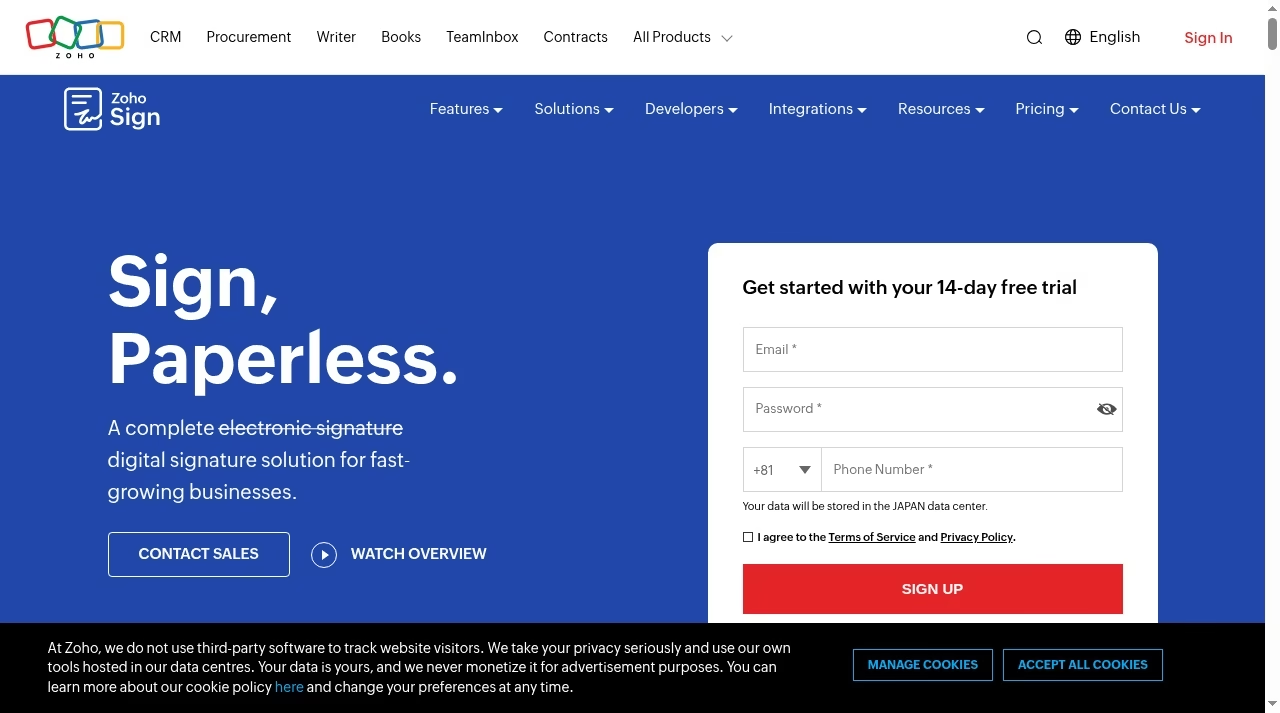
Zoho Sign has a Free plan on its official page. It works best for teams already on Zoho and connects with other tools as well.
What to check before choosing
Confirm the limits on documents and features for the free plan and whether the integrations you need are included.
Demo task: send a document from your CRM and see whether the signed copy is stored where you expect it.
Contract-heavy sales teams may like Salesforce integration tools.
7. Jotform Sign: free e-signature software for form-based work
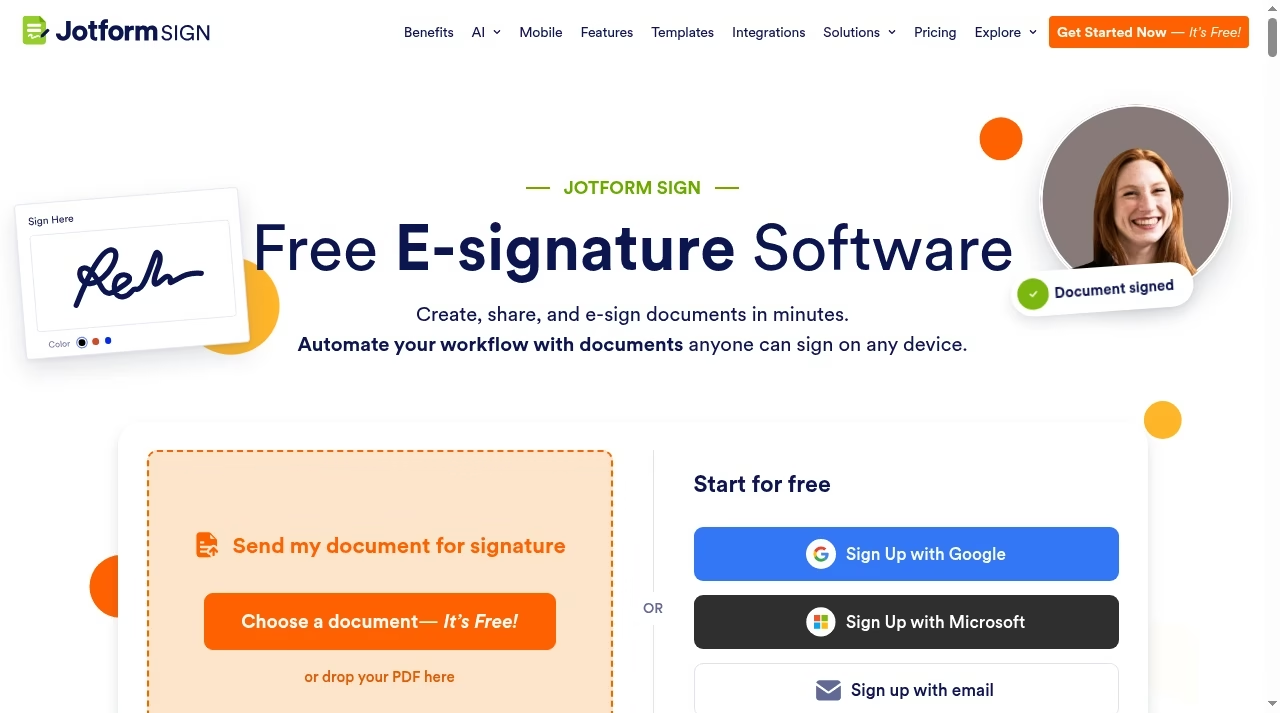
Jotform Sign advertises free e-signature software for creating, sharing and signing documents, and works with Jotform forms for data collection.
What to check before choosing
Check the free plan limits, any branding and how the audit trail looks. It is a good option if you already use Jotform for intake.
Demo task: build a form that ends in a signature and test the whole flow on a phone.
Teams automating intake can read AI email automation tools.
8. Smallpdf: quick PDF signing with a daily limit
Smallpdf offers a PDF e-sign tool among its PDF tools, free with an account but with a daily limit and limits on downloads, according to its page.
What to check before choosing
This is good for signing your own PDF fast. Check the daily limit, the download rules and whether you can send a document to another signer.
Demo task: sign a one-page PDF, then try the second and third document in the same day.
If you also convert files, see converting PDFs into Word documents.
9. Adobe online fill and sign: free online PDF fill and sign
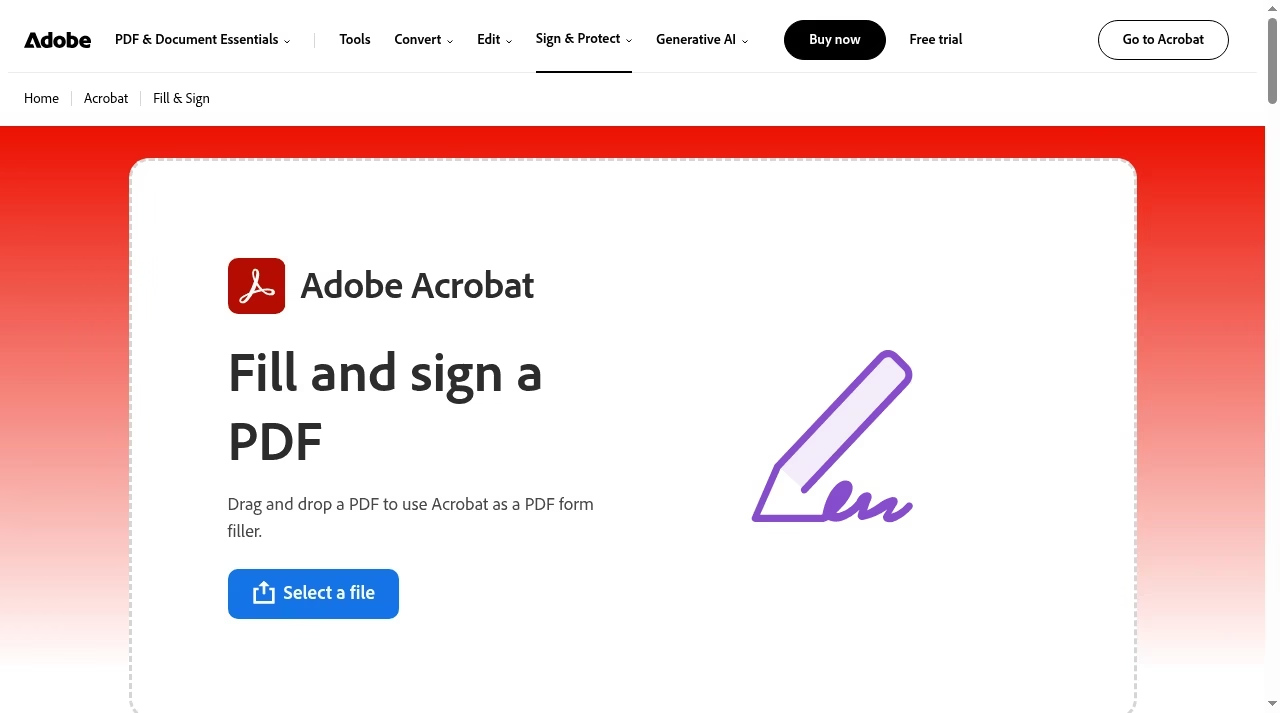
Adobe online fill and sign is a free online tool for filling and signing a PDF with Adobe Acrobat. It is meant for signing your own document, not for running a signature workflow.
What to check before choosing
There is no multi-signer workflow here, so it will not replace a sending tool. Check what Adobe asks from you at sign-in.
Demo task: fill and sign a form, then download it and open it in another viewer.
See also our PDF editor apps guide.
10. SignNow: a low-cost paid step up
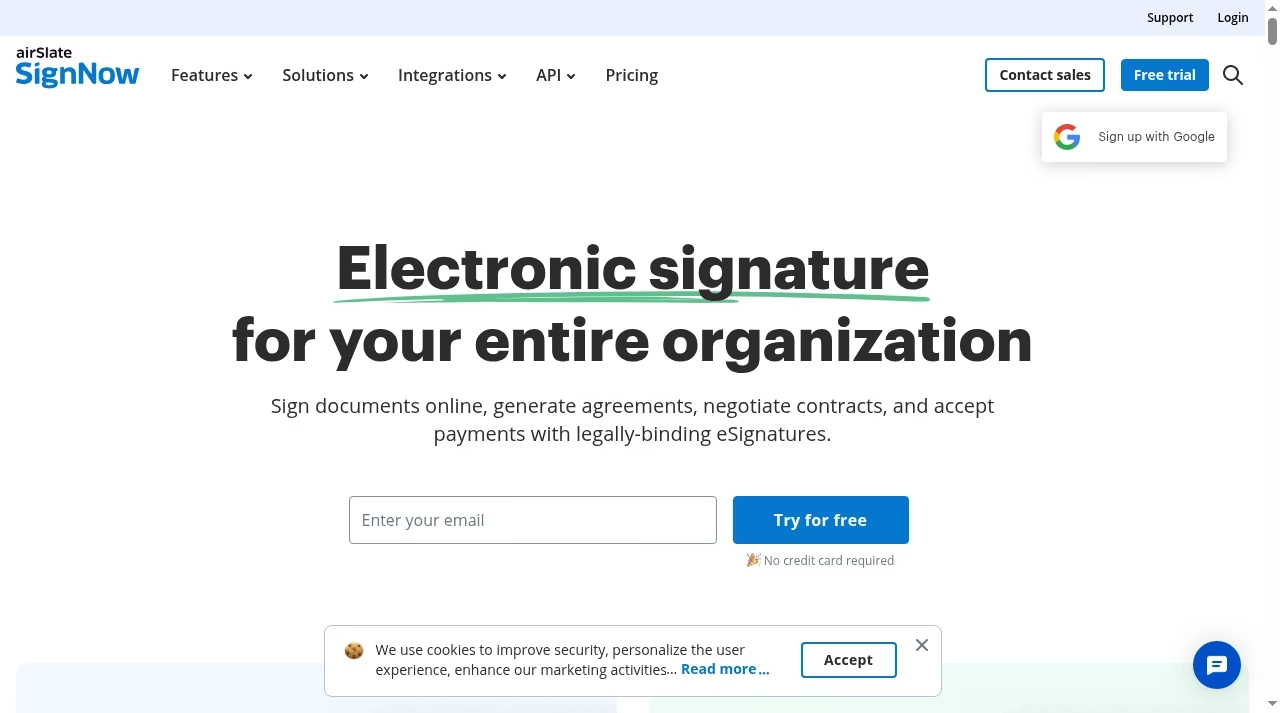
SignNow lists $8 per month billed annually, compared with $20 on a monthly basis, and unlimited users on the plan we read. It is not free, but it can cost less than larger tools once your free limits run out.
What to check before choosing
Check the annual commitment and which features sit at that price, such as templates and integrations.
Demo task: send a template to two signers and a reminder, then check the completed audit trail.
Marketing and sales teams can look at marketing automation platforms for the surrounding flow.
What “free” actually covers: send, sign, store and prove
Four jobs sit inside e-signature software. Signing is putting your own signature on a PDF, sending is asking someone else to sign, storing is keeping the finished document safe, and proof is the audit trail that shows who signed and when. Adobe’s free tool and Smallpdf focus on signing. SignWell, Documenso, DocuSeal, OpenSign, Zoho Sign and Jotform Sign cover sending with limits. The audit trail is the part many people forget, and it matters when a contract is disputed.
Ask four questions of any free tool. Can I send a document to someone else? Do signed copies include a completion certificate? How long are documents kept, and can I export them? What happens to my documents when I pass the free limit? Teams that handle many forms can combine a signing tool with automation tools and AI email automation tools to remove copy-and-paste work, and teams that manage files can use PDF editor apps.
Open source or hosted: the trade-off
OpenSign, Documenso and DocuSeal can be self-hosted. That gives you control of your data and no per-document fees, but you take on updates, backups, email setup and security. For a small team without a technical person, the hosted free plan is usually safer. For a company with strict data rules, self-hosting can be the reason to choose open source.
Hosted free plans have limits that change over time, so write down the current limits when you choose and review them each quarter. If signatures sit inside a sales process, read why CRM projects fail before you wire the tool into a CRM, and see Pipedrive alternatives for CRMs with built-in documents. HR teams can read Gusto pricing and employee scheduling software for related admin work.
How to choose in five steps
Count documents per month, decide whether you only sign or also send, check the legal needs, test two tools with a real document and write down the free limits. If you outgrow the free plan, compare the paid price with other tools in your stack. For more software comparisons, browse the JCA apps hub.
Frequently asked questions
What is the best free e-signature software?
There is no single best. SignWell and Zoho Sign offer free plans for sending, OpenSign and DocuSeal are open source, and Adobe’s online tool is good for signing your own PDF. Pick by how many documents you send and who signs.
Is free e-signature software legally valid?
In many countries electronic signatures are legally valid, but rules vary by country and by document type. Some documents, such as certain property or family documents, may need different handling, so check with a lawyer for important contracts.
How many documents can I send for free?
It depends on the tool. SignWell lists three documents a month, Documenso lists five a month, DocuSeal lists ten request emails a month and PandaDoc lists 60 documents a year. OpenSign advertises unlimited e-signatures on its free plan.
Is an open source e-signature tool safe?
It can be, but safety depends on how you run it. Hosted versions are managed by the vendor, while self-hosting makes you responsible for updates, backups and access control. Check the audit trail and security options.
Can I sign a PDF for free without sending it?
Yes. Adobe’s online fill and sign tool and Smallpdf let you sign your own PDF for free, with limits. They are not designed for collecting signatures from other people.
What happens when I pass the free limit?
Usually the tool asks for an upgrade or blocks new documents. Check whether past documents stay available, and look at the first paid tier price, such as SignNow at $8 per month on annual billing.
Do I need an audit trail?
For anything you might need to prove later, yes. A completion certificate that lists signer, time and document identity helps if a contract is disputed, so test that the free plan includes it.



Leave a Reply