
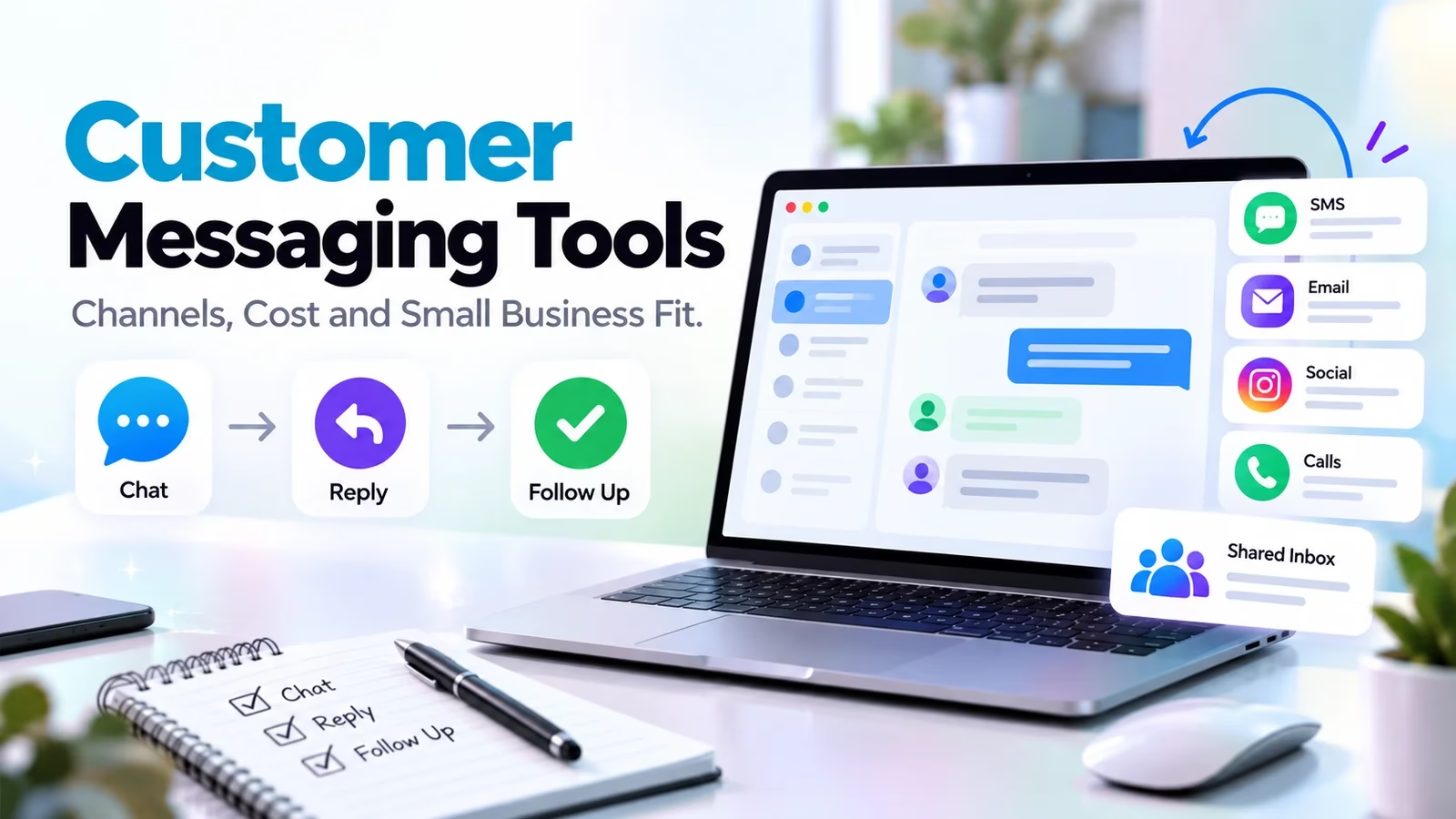

Customer messaging software for a small business should keep conversations owned and connected, not merely add a chat bubble. Start with the channels customers already use, the people who answer and the actions they are allowed to take. These ten options range from website-chat entry points to broader team inboxes. A product with WhatsApp in its marketing is not automatically the lowest-cost way to run a WhatsApp-heavy team.
The comparison uses official pages checked October 12, 2026. Screenshots show the public product position, not private account testing. The recommended trial tasks are designed to expose identity, handoff and cost problems before rollout. A CRM tracks relationships while messaging handles the conversation; see our easy CRM comparison for that separate need.
Ten messaging products, matched to different small-business needs
| Product | Starting fit | Cost or operating check |
|---|---|---|
| Intercom | Connected customer support with AI | Seats plus Fin outcomes and channel usage |
| Front | Customer work crossing teams | Plan/license channel limits |
| Trengo | WhatsApp-led shared team inbox | Users, conversation allowance and channel charges |
| respond.io | Conversation-led sales and support | MACs, users and AI overages |
| Chatwoot | Open-source or hosted support | Hosting, tier and AI credits |
| Crisp | Workspace-style inbox | Seat/tier and AI credit scope |
| Tidio | Website support and automation | Billable conversations and add-ons |
| tawk.to | Website chat entry point | Broader workspace scope and optional services |
| HelpCrunch | Multichannel chat and help center | Channels, users and selected tier |
| Help Scout | Email-first support and Beacon | Inboxes, Free scope and AI resolutions |
1. Intercom: connected support and AI handoff
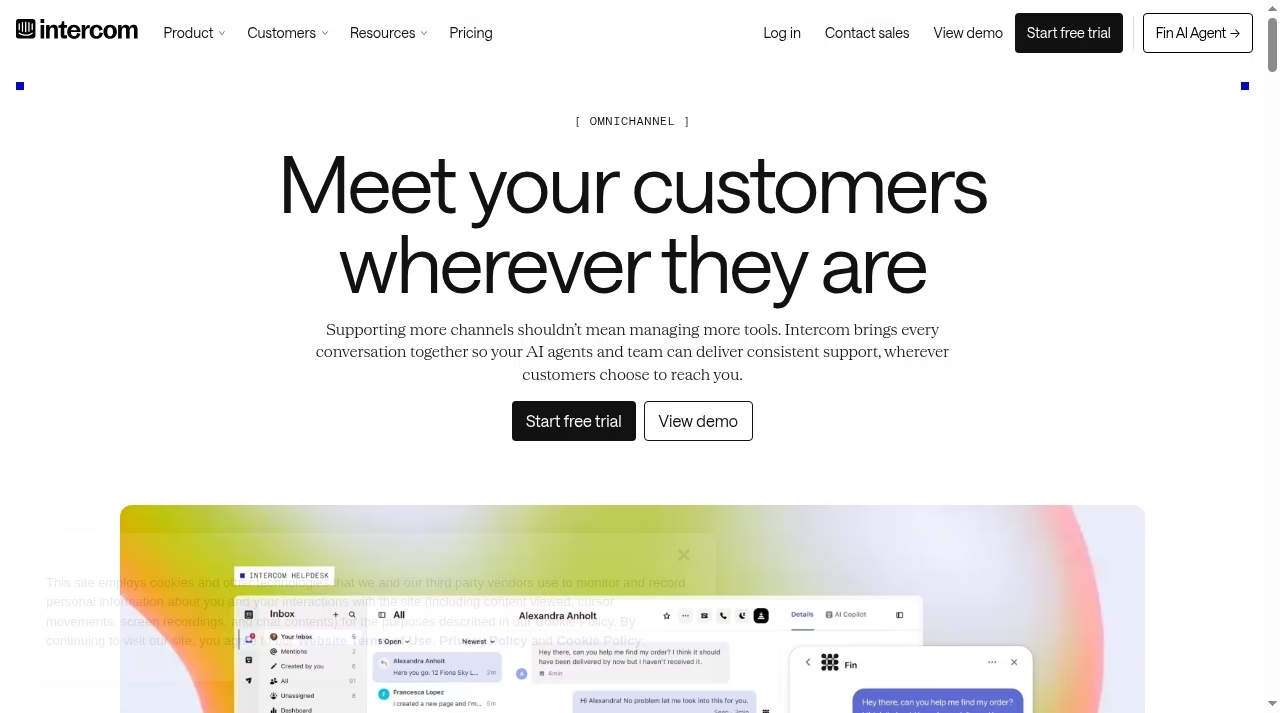
Intercom describes chat, email and phone in one inbox, with WhatsApp and social-channel support in its current omnichannel positioning. Include it when your team wants a connected support environment rather than a standalone website widget. Check current plans and pricing.
What to check before choosing
The annual-billed pricing page shows Essential $29, Advanced $85 and Expert $132 per seat/month. Fin is priced from $0.99 per outcome, with additional channel and add-on costs possible. Seats are not a complete budget. Confirm what counts as a billable outcome and how failed handoffs are handled.
Demo task: Have a customer ask a question, let AI answer from an approved source and transfer to a person without repeating context.
Define the AI boundary using our small-business AI guide.
2. Front: work crossing support and operations
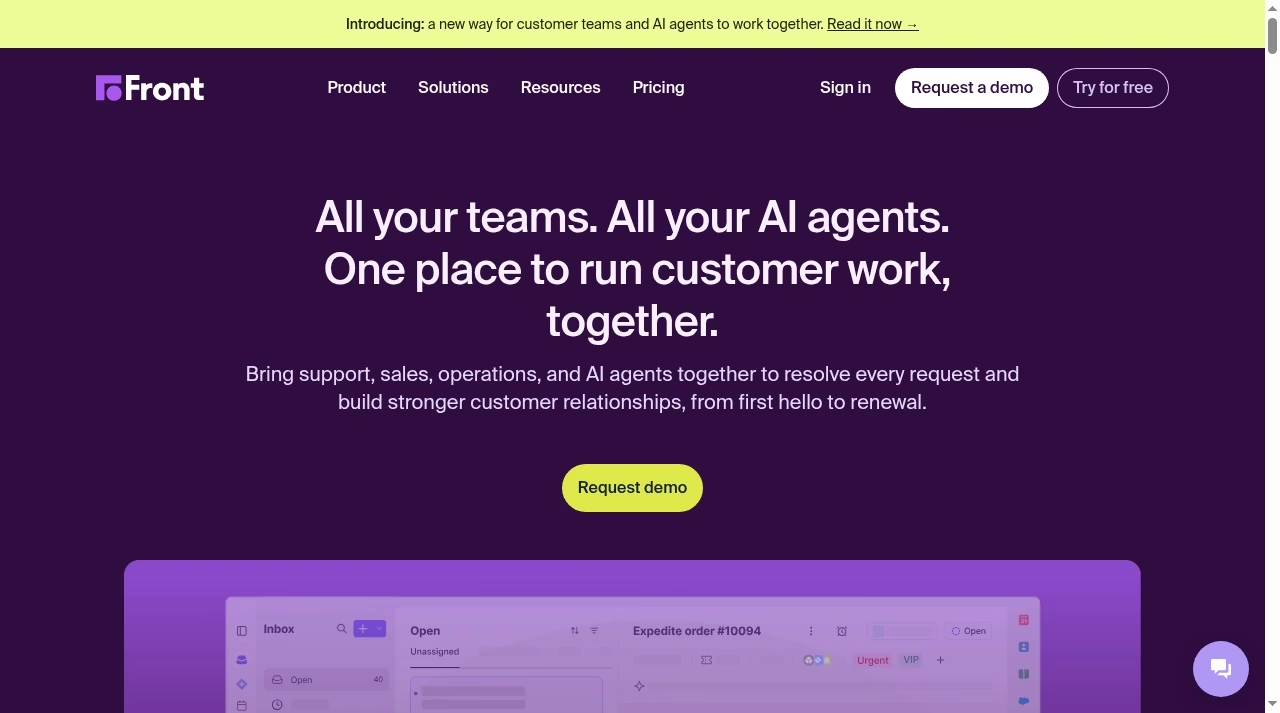
Front brings sales, support, operations and AI agents into customer work. It is a candidate for a small business where a reply depends on several people, such as a logistics update, account exception or technical clarification. Check current plans and pricing.
What to check before choosing
The pricing FAQ lists connected-channel maxima per license: 10 on Starter, 30 on Professional and 50 on Enterprise. Those are not message allowances. Check routing and AI features in the exact plan and mandatory onboarding for contracts over $25,000.
Demo task: Ask operations a private question, transfer ownership and confirm no internal discussion reaches the customer.
Keep improvement work on a project board rather than create a competing live conversation queue.
3. Trengo: a shared WhatsApp-led inbox
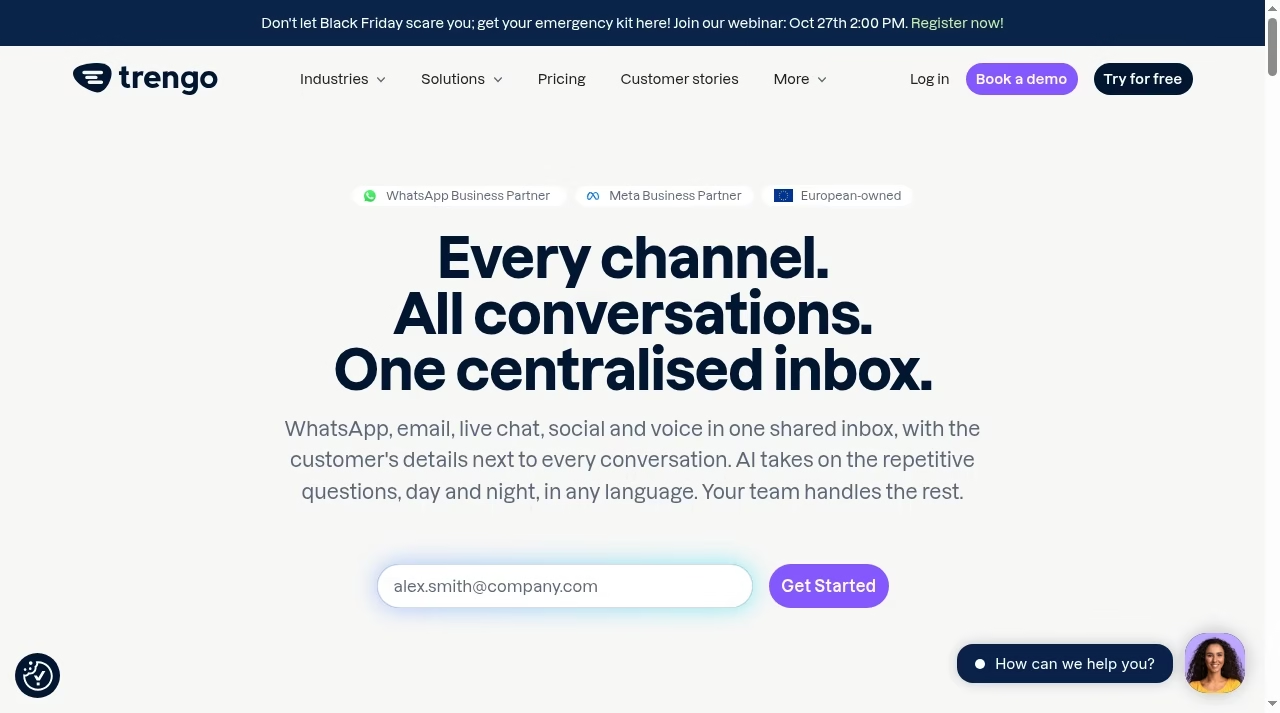
Trengo describes WhatsApp, email, live chat, social and voice in a shared inbox with customer context. Include it when multiple people answer the same channels and need explicit responsibility rather than passing screenshots between personal devices. Check current plans and pricing.
What to check before choosing
Its pricing FAQ lists Boost from EUR299/month annually, or EUR349 month-to-month, for ten users; Pro EUR499 annually or EUR599 monthly for twenty. A fixed conversation allowance and usage charges still matter. Confirm currency, region, extras and the actual channel allowance before budgeting.
Demo task: Move a WhatsApp conversation between teammates, inspect customer context and show a restricted internal note.
Account context should have a data owner; our Pipedrive alternatives addresses the sales-system side.
4. respond.io: conversation-led sales and support
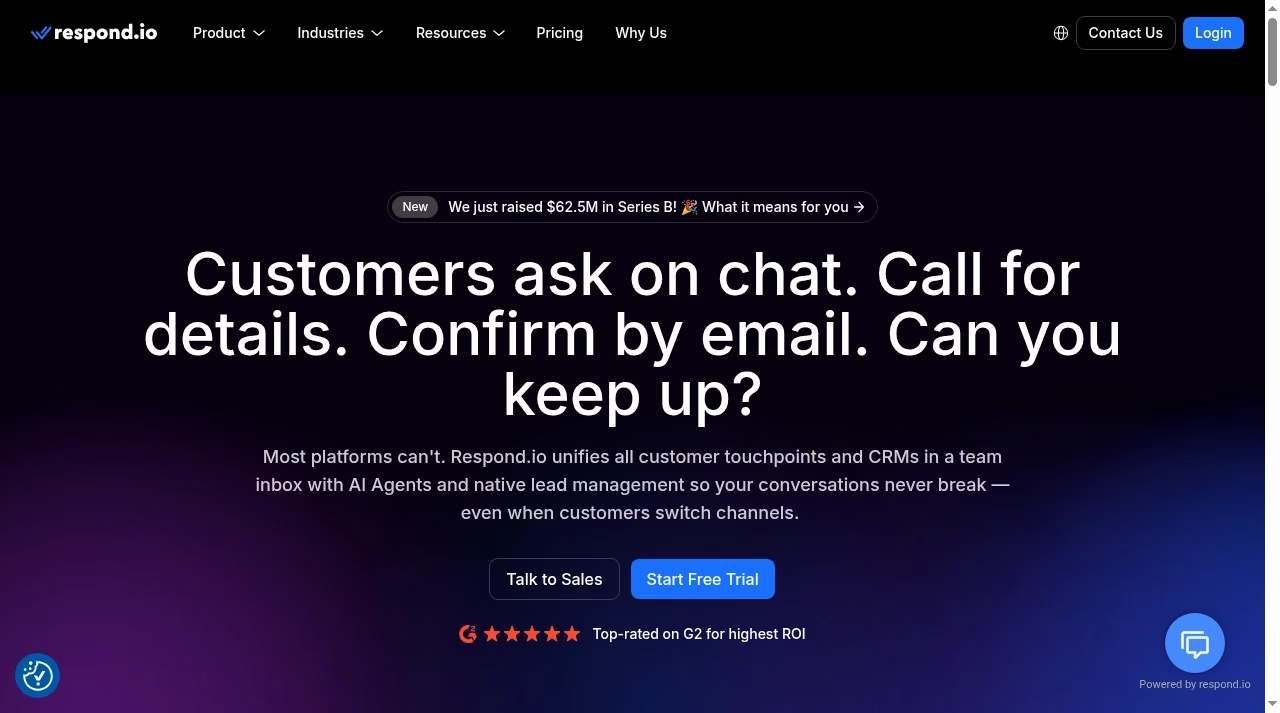
respond.io unifies customer touchpoints and CRM context in a team inbox with AI and lead-management positioning. It is worth evaluating when incoming messages are part of a sales process as well as support, especially if customers switch channels before a decision. Check current plans and pricing.
What to check before choosing
Its annual effective Starter/Growth/Advanced rates are $79/$159/$279 per month; monthly rates are $99/$199/$349. Monthly Active Contact allowances and additional users matter. The page describes paid MAC overages and automatic AI-credit on-demand charging; another FAQ says AI is included at no extra cost. Treat that inconsistency as a reason to obtain a written allowance and overage schedule.
Demo task: Bring one lead across channels, assign an owner, update the CRM and inspect what usage counters change.
Test fields, direction and error handling with our integration evaluation guide.
5. Chatwoot: hosted or open-source support
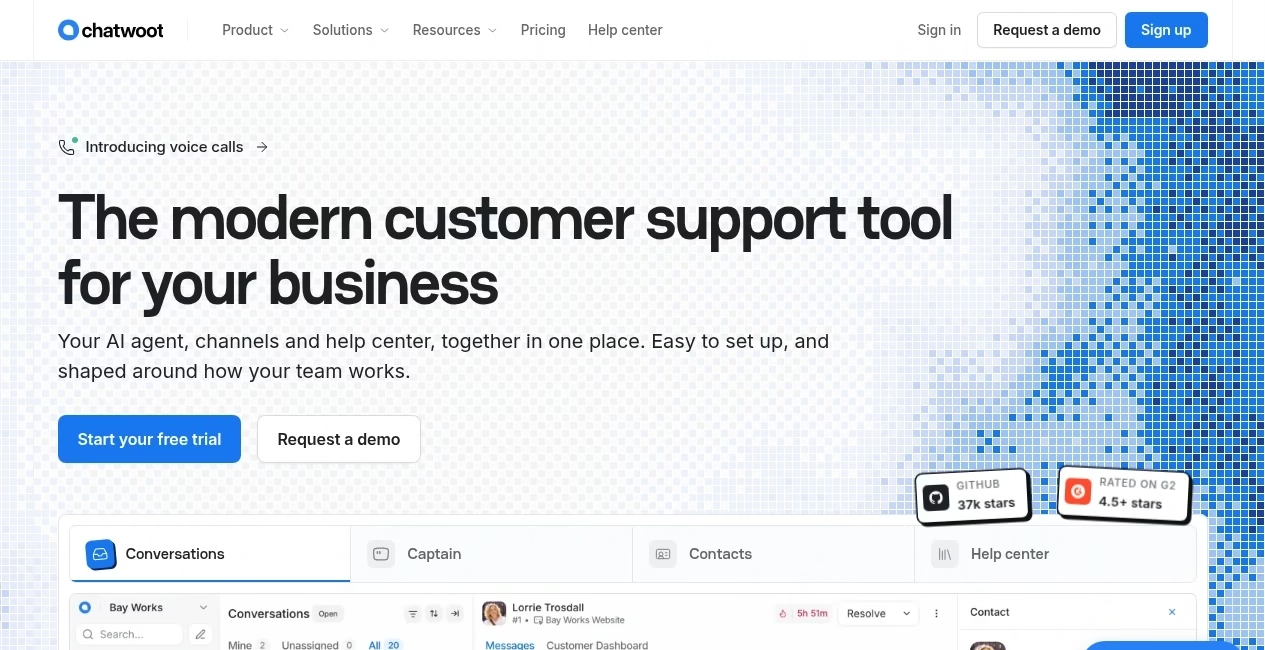
Chatwoot positions an open-source customer-support platform with channels, help center and the Captain AI agent. It offers a different ownership choice from a purely managed inbox: hosted plans and operating your own environment need separate evaluation. Check current plans and pricing.
What to check before choosing
The hosted pricing page lists paid annual-billed Startup/Business/Enterprise rates of $19/$39/$99 per agent/month. AI credits and add-ons have their own allowances. Self-hosting is not costless: someone must own updates, security, backups and integrations. Confirm channel availability in the selected deployment.
Demo task: Test one connected channel, private notes and human handoff; export a conversation and demonstrate recovery in your chosen deployment.
Our backup comparison explains why a recovery test matters more than a downloaded archive.
6. Crisp: a workspace-style customer inbox
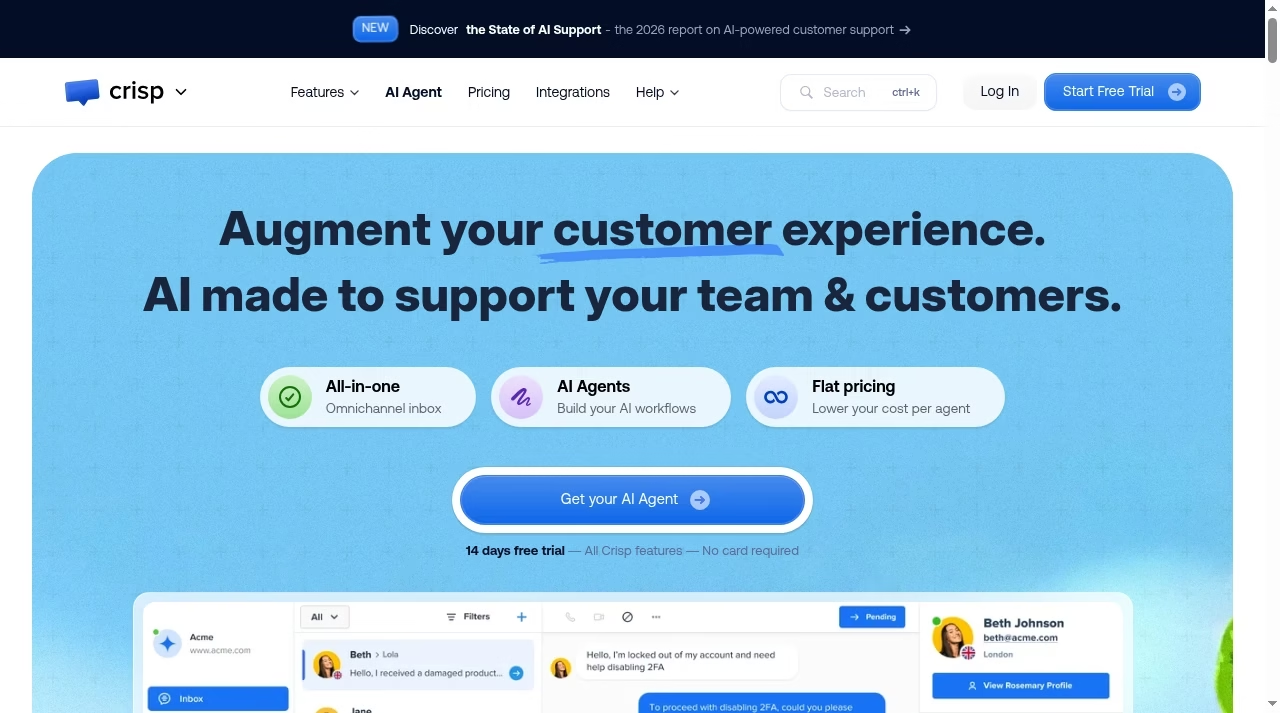
Crisp describes an omnichannel inbox, AI workflows, chat widget, knowledge base and support CRM. Its current Free plan includes two seats and a website chat widget, with no included AI credits. That can be a useful entry point for a very small website-led operation. Check current plans and pricing.
What to check before choosing
Do not infer all paid channels or automation from the Free offer. Compare workspace tier, included seats and AI credits, then list the channels that are mandatory. A free trial of broader features is not the permanent free-plan scope. Verify export and visibility controls before importing history.
Demo task: Start a website chat, hand it to the second teammate and inspect which knowledge and AI functions are available in the exact tier.
Internal reference notes in Notion alternatives should not become a second customer inbox.
7. Tidio: website support and automation
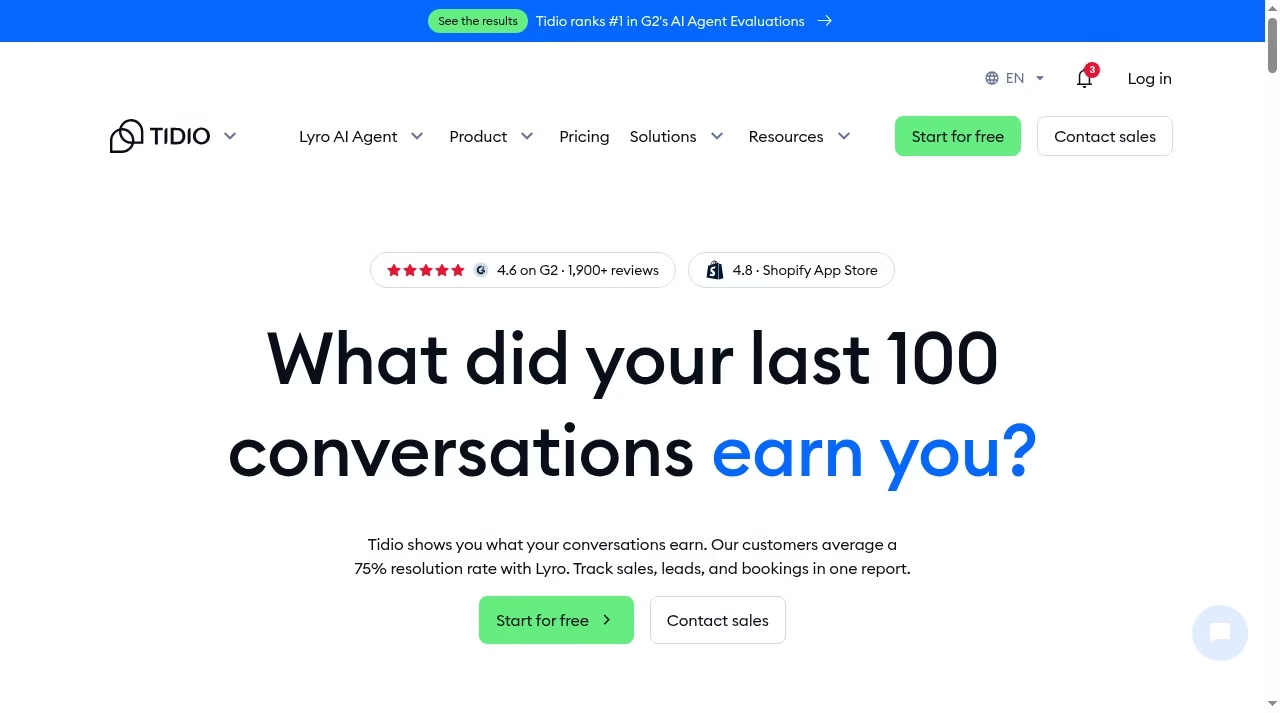
Tidio offers a customer-service platform alongside Lyro AI Agent and other add-ons. Include it when website conversations are a central entry point and the team wants to evaluate human answers and automated flows together. Check current plans and pricing.
What to check before choosing
Its current pricing uses billable conversation allowances as well as separately scoped add-ons. The page displays annual-equivalent figures and different usage levels. Record billing term, human conversation volume, AI scope and flow requirements before comparing a headline monthly amount.
Demo task: Ask an unknown question, trigger human handoff and inspect which counters change as the customer returns.
If a custom workflow is needed beyond a packaged tool, distinguish scope with chatbot development providers.
8. tawk.to: a website-chat starting point
tawk.to is still identifiable through its free live-chat positioning, but the current page also presents inbox, CRM and a broader workspace. Evaluate the actual offer rather than reproduce an old description of the product as only a basic chat widget.
What to check before choosing
Free entry does not prove all AI, staffing or other services are included. Ask which channels are available in your selected offer and what optional services cost. A small team still needs coverage hours, notification rules and ownership when no one is online.
Demo task: Install in a test site, set offline handling and transfer a conversation; inspect customer-visible branding and the available history.
A real-estate business needs follow-up ownership beyond chat; compare real-estate CRM workflows separately.
9. HelpCrunch: multichannel support and a help center
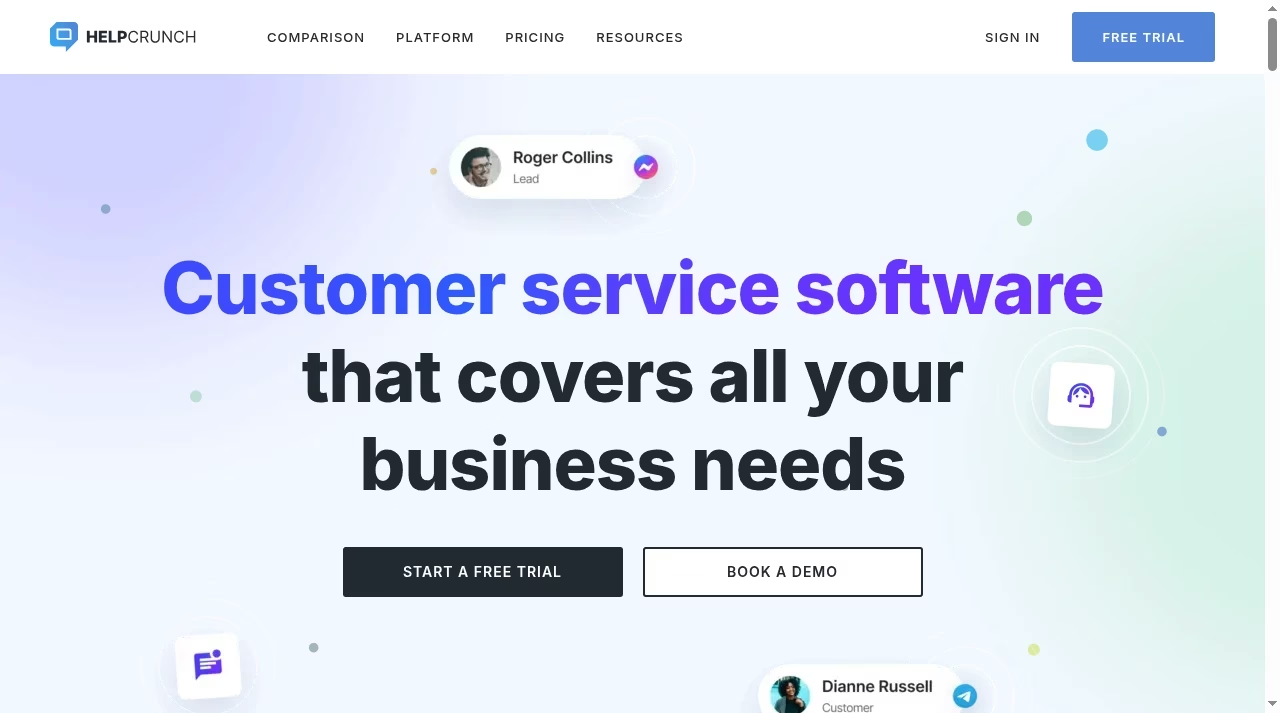
HelpCrunch describes live chat, email and messaging channels such as WhatsApp and Instagram in one dashboard, alongside a help center and customizable widget. Include it when a small team wants to connect live answers with self-service content.
What to check before choosing
Confirm each required messenger connection, selected tier, user count and email/AI allowance. The phrase multichannel does not establish unlimited conversations or every channel in the cheapest plan. Check how a customer is recognized after moving from widget to email.
Demo task: Publish an approved help article, use it in a live reply and continue the issue by email with an accountable owner.
Store context depends on architecture, as explained in Shopify versus custom websites.
10. Help Scout: email-first support with Beacon
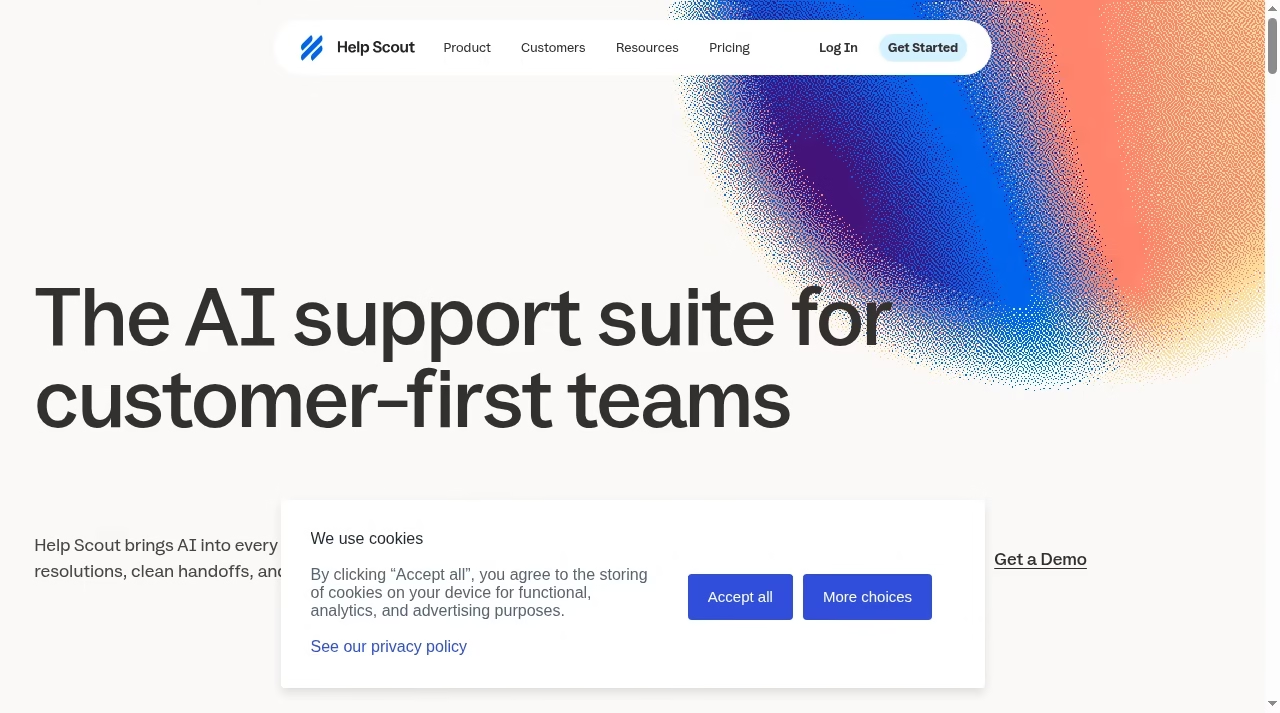
Help Scout combines shared inboxes, Docs and Beacon. It suits an evaluation where email is the durable support record and website help should feed that record, rather than treating every social or messaging channel as equally important. Check current plans and pricing.
What to check before choosing
Its Free plan includes five users, one Inbox and one Docs site. AI Answers is $0.75 per resolution, with a monthly cap described in the pricing FAQ. Verify the exact paid-plan and channel scope when the Free limits no longer fit. Do not confuse a resolution fee with a seat price.
Demo task: Start at the website, continue in the shared inbox and check that internal notes and customer replies stay distinct.
When an expert call is needed, connect a scheduling workflow without marking the conversation solved.
Design the channel and identity workflow before adding automation
Start with real demand and one owner per conversation
List the weekly volume by email, website chat, WhatsApp, social and calls. Note which hours customers expect an answer and who covers them. Choose the smallest channel set you can serve reliably. Then test a customer who switches channels, changes an email address or shares an order number. Ask how identities merge, whether the merge is reversible and how an agent sees the previous history.
Keep sensitive actions and internal discussion private
Separate a public answer from a private note and test that distinction with two teammates. Restrict refunds, address changes and account-access decisions. Use approved sources for AI answers and require a clear handoff when the question is unknown. Automation should not turn a plausible answer into an unauthorized transaction. Our automation tools guide stresses ownership and failure handling, while CRM failure lessons show why unclear processes undermine new software.
Test identity without merging the wrong customer
Use a fictional customer who moves from website chat to email and another who shares a surname or company. Inspect how the inbox proposes a merge and whether an agent can review it before histories combine. Shared household addresses and reassigned phone numbers can make identity assumptions unsafe. Document the minimum evidence needed to connect records and how to undo a mistaken merge. A single tidy timeline is useful only when it belongs to the right person.
Compare the full cost and run a small launch pilot
Model a normal month and a peak month
Put seats, contacts, conversations, AI outcomes, credits, channel charges and onboarding into separate budget rows. Use a realistic peak month rather than the smallest signup allowance. Respond.io illustrates why the exact overage schedule matters; obtain clarification where the official page conflicts. A vendor outcome metric is not a staffing forecast. Ask whether spend limits pause features, whether usage continues automatically and who receives the warning.
Pilot one channel before moving every customer
Bring a small team onto one real channel with approved replies, coverage hours and a fallback. Reconcile contact identity and export a sample history. Test notification failure and an offline customer. Keep the old route controlled during transition, with only one system sending replies. If the business works through an MSP or external operator, clarify responsibilities using our MSP handoff guide. Expand only after agents can explain the workflow and managers can inspect its errors.
Give the team a fallback that customers can use
Publish realistic coverage hours and an alternative route for customers whose preferred channel is unavailable. Assign responsibility for failed notifications, disconnected channels and spend-limit warnings. In the pilot, simulate an offline agent and a returning customer so the team sees what happens after the initial message. Export a sample conversation with its attachments and timestamps, then retrieve it. Only expand to another channel when the first route is stable and the next channel has an owner and a tested handoff.
Frequently asked questions
What does multichannel customer messaging mean?
It means handling customer conversations from several channels in a connected operating workflow. The practical test is shared ownership, history and handoff, not the number of channel logos. Confirm each channel and its limits in the exact plan and region.
Which product is best for a tiny team?
If the main need is website chat, examine Crisp Free or the actual tawk.to offer. For a small email-led team, Help Scout has a defined Free scope. If WhatsApp is central, evaluate a connected team inbox and its allowances. These are starting fits, not a universal cheapest ranking.
Can we use personal WhatsApp accounts for team support?
Do not assume a shared inbox connects directly to any personal account. Verify the supported WhatsApp Business setup, ownership, approval and messaging rules with the provider. Plan contact continuity and access before moving a number used by customers.
Why can the bill exceed the seat price?
Providers may charge for active contacts, conversations, AI outcomes, credits, channels, telephony and onboarding. Billing models differ, so use the same normal and peak workload across candidates. Obtain a written overage schedule and inspect whether a cap stops service or usage continues automatically.
Does AI need human supervision?
Yes. Test approved-source answers, sensitive-data handling, unknown questions and handoff. Someone must own policy updates and bad-answer recovery. A vendor resolution percentage does not establish how AI will perform on your customers or whether the total operating cost will fall.
Can customer messaging replace our CRM?
An inbox can show customer context and some products offer lead management, but that does not prove your sales pipeline, account ownership and reporting requirements are covered. Decide the system of record and test the sync rather than maintaining conflicting contact copies.
What should we check before launch?
Test private notes, owner transfer, cross-channel identity, offline handling, exports and usage counters. Restrict money-changing and access-changing actions. Pilot one channel, retain a fallback and expand only when the team can explain errors and recover the history.




Leave a Reply