



PandaDoc earned its place on a lot of sales desks, but it is not the only way to get a proposal out and a signature back. Some teams need cheaper seats, some need real contract lifecycle muscle, and some just want a form signed without buying a whole document suite.
We re-checked every plan and price below on the vendors’ own sites on October 16, 2026, and the range runs from genuinely free to four figures a month.
The full spread of what we review lives in our Apps section, and if budget is the whole story, our guide to free e-signature software strips the list down to zero-cost options only.
Our method was simple: for each tool we pulled the live pricing page, calculated what a two-to-five-person team actually pays on annual billing, checked what the free tier or trial really includes, and noted which proposal features only appear on upper plans. Everything quoted below comes from that pass.
What PandaDoc costs, and where it starts to pinch
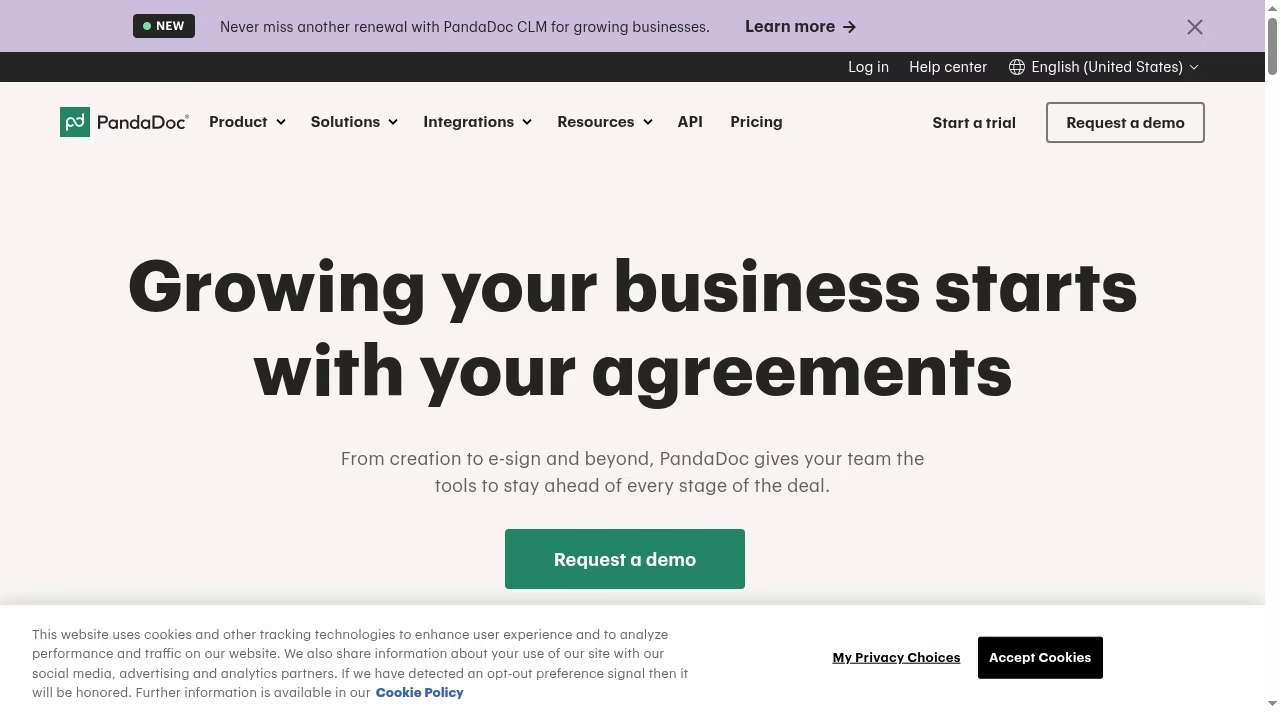
Credit where due: PandaDoc’s free eSign plan is one of the more useful free tiers in this market, with five documents a month, real-time tracking and a drag-and-drop editor. Starter lifts the document cap and Business adds CRM integrations, custom branding, deal rooms, approval workflows and bulk send.
For a small team sending polished proposals, that is a fair stack for the money, and it sits comfortably inside a wider sales automation setup of the kind we cover in our best automation tools roundup.
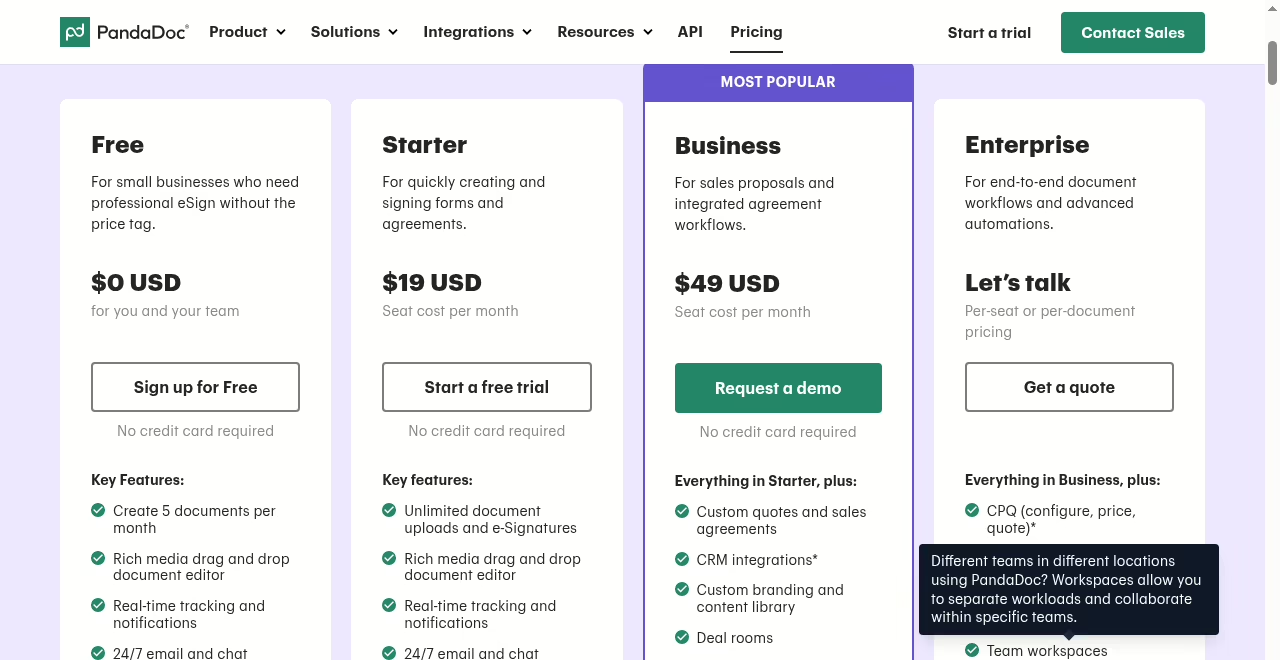
The pinch usually arrives in one of three places. First, seats: $49 per seat per month is gentle for two reps and heavy for twelve. Second, depth: PandaDoc is proposal-first, so legal teams wanting clause libraries and contract lifecycle management outgrow it.
Third, fit: if your signing volume is mostly HR forms, NDAs or simple agreements, you are paying for proposal features you never open. Teams running Salesforce-heavy pipelines should also compare integration depth against the tools in our Salesforce integration tools guide before committing to a seat count.
Above Business, Enterprise adds CPQ, workflow automation, smart content, single sign-on, team workspaces and notary, all on quoted pricing.
The shortlist
The ten alternatives at a glance
Prices below are the vendor’s listed annual-billing rate where one exists, verified on October 16, 2026. Monthly billing costs more almost everywhere, and promos at checkout can shave annual rates further.
| Alternative | From price | Free option | Best for |
|---|---|---|---|
| DocuSign | $11/mo Personal | No | Contract depth and brand trust |
| Dropbox Sign | $15/mo Essentials | Trial | Teams living in shared drives |
| Adobe Acrobat Sign | $12.99/mo | No | PDF-centric workflows |
| Proposify | $35/user/mo | 14-day trial | Sales proposal teams |
| Qwilr | $35/user/mo | No | Web-page proposals |
| Jotform Sign | $34/mo | Yes | Form-driven signing |
| SignNow | $8/user/mo | Trial | Budget volume signing |
| Zoho Sign | $10/user/mo | Yes | Zoho ecosystem shops |
| Better Proposals | $13/user/mo | 14-day trial | Solo sellers and small teams |
| SignWell | $10/mo | Yes | Simple, cheap signing |
Alternative 01
DocuSign: the contract heavyweight
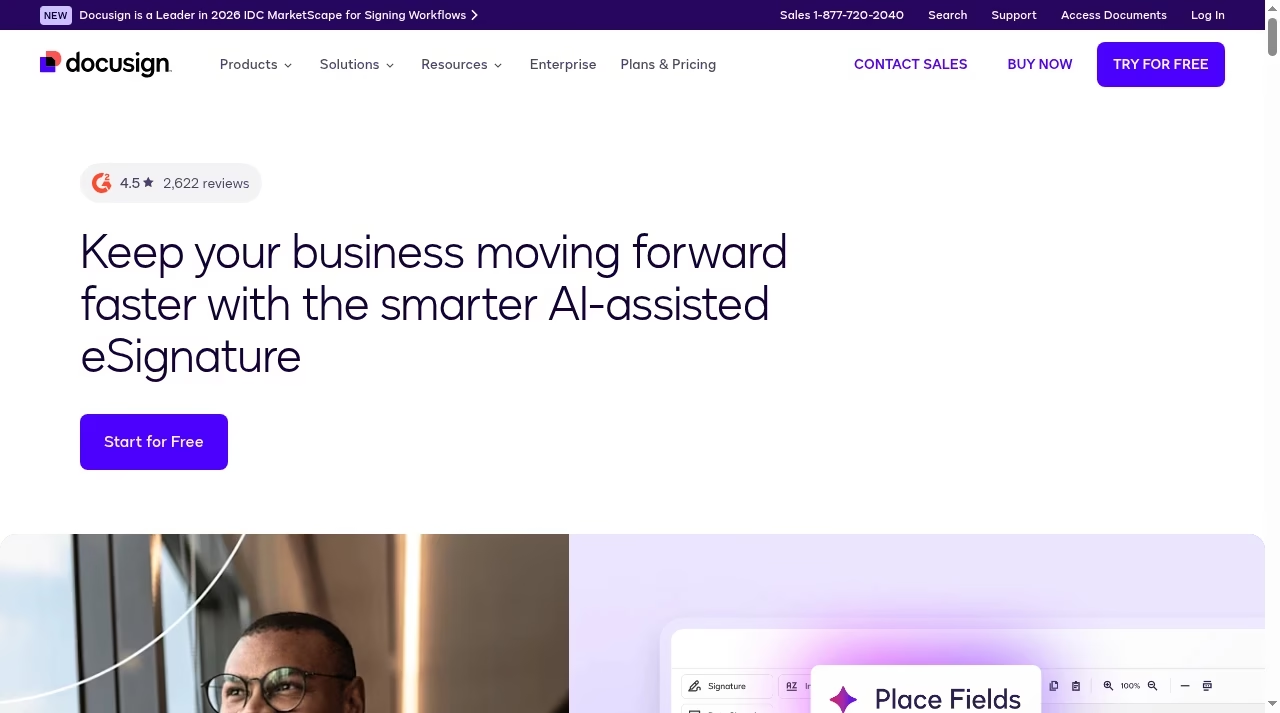
DocuSign is the name your counterparty’s lawyer already trusts, and that recognition has real value when a contract crosses desks. The product goes deeper than proposals: templates, routing, payments, identity verification and a mature API.
If your documents are contracts first and sales collateral second, DocuSign is the safest switch from PandaDoc, and it pairs naturally with HR paperwork like the offer letters handled by applicant tracking systems.
The trade-off is price discipline. Standard at $30 per user per month undercuts PandaDoc Business, but the features proposal teams love, such as web forms and bulk send, sit in Business Pro at $45. Personal at $11 a month suits a solo signer, not a team.
If all you send is proposals, you will pay for contract machinery you rarely use. Note that the advertised rates are annual commitments ($132 a year on Personal), monthly billing costs more, and extras like SMS delivery notifications are metered per send, starting at $0.36 a delivery on the current pricing page.
Alternative 02
Dropbox Sign: signing that lives where your files do
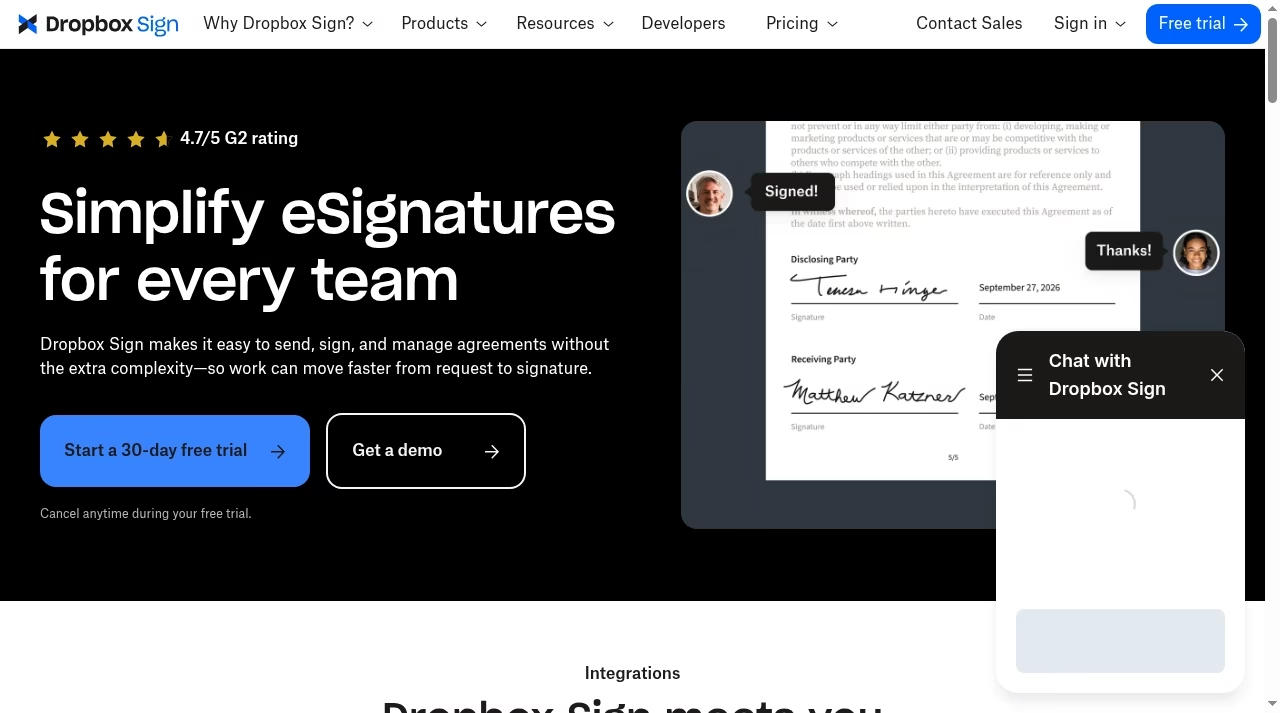
Dropbox Sign, the former HelloSign, keeps the workflow plain: upload a file, place fields, send, track. Because it sits inside the Dropbox ecosystem, teams that already store contracts in shared folders skip the export-import shuffle entirely, and the Salesforce and HubSpot integrations cover the CRM handoff.
If your signing pile is really a process problem rather than a tooling problem, our piece on why CRM projects fail is worth a read before you buy anything.
What you give up is the proposal layer. There are no interactive pricing tables, no content library of approved sections, no deal rooms. Dropbox Sign signs documents; it does not help you sell.
For agencies and freelancers who send a finished PDF and need it executed fast, that restraint is a feature at $15 a month. Developers get a separate Dropbox Sign API product for embedding signing into their own apps, and the upper tiers add templates, bulk send and team controls.
Promo pricing at checkout can push the annual rate lower than the list prices we quote.
Alternative 03
Adobe Acrobat Sign: the PDF native

Acrobat’s pitch is consolidation: edit, convert, redact and sign in one subscription instead of paying for a PDF editor and a signing tool separately.
If your document work starts with fixing PDFs, our best PDF editor apps comparison shows where Acrobat sits in that market, and our PDF to Word conversion guide covers the everyday task Acrobat handles best. Adding signature requests to that workflow costs nothing extra on Standard and Pro plans.
The catch is scope. The e-sign inside Acrobat is request-and-track, not proposals: no pricing tables, no content library, no payment collection. Regulated teams needing advanced compliance get pointed to Acrobat Sign Solutions, which is quoted enterprise pricing. Acrobat Sign wins when the PDF is the product; it loses when the proposal is.
One more buying note: Adobe stopped selling perpetual Acrobat licenses after Acrobat 2020, so a subscription is now the only route to current features and e-sign credits.
Alternative 04
Proposify: PandaDoc’s most direct rival
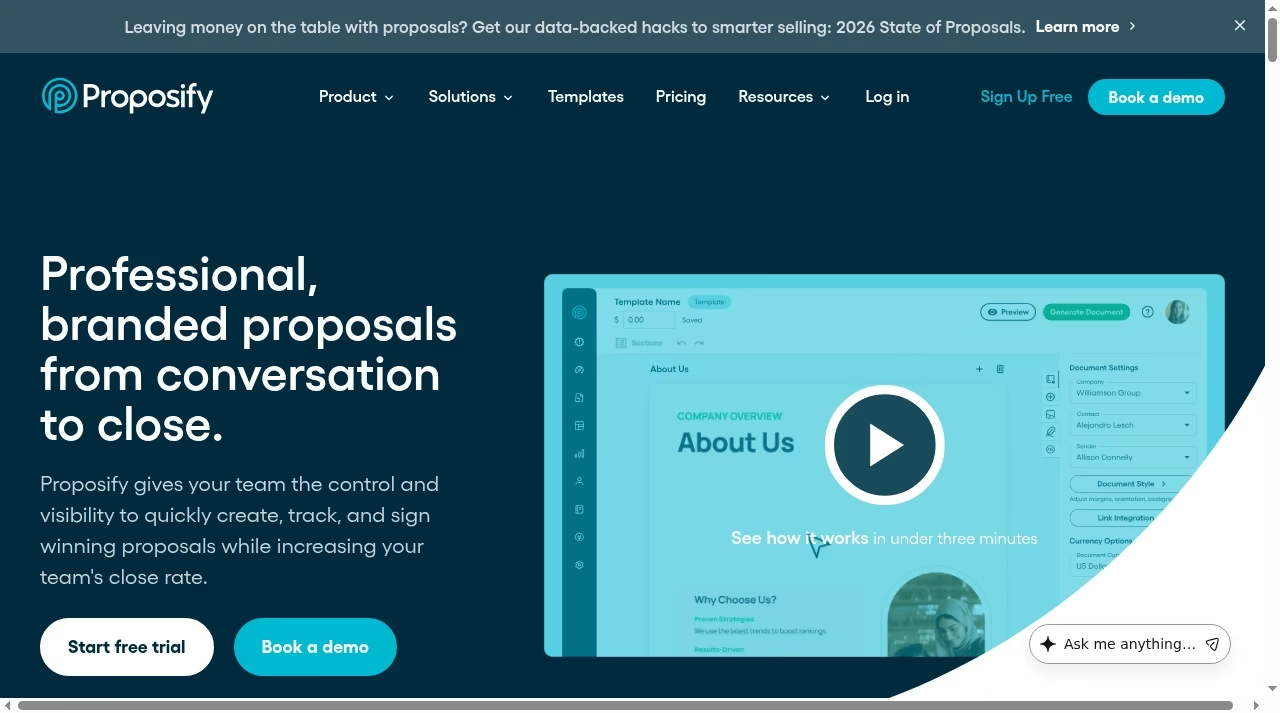
Proposify matches PandaDoc feature for feature on the proposal front: a drag-and-drop editor, interactive pricing tables, a content library, e-signatures and tracking that tells you when a prospect opens the pricing page.
The CRM story is strong too, with a native Pipedrive integration that sales teams running leaner stacks will appreciate; if you are still shopping that side, our Pipedrive alternatives guide maps the field.
Where it differs is packaging. The Grow plan bundles five seats at $325 a month billed annually, which beats PandaDoc Business per seat once your team hits five people, and Scale bundles ten. Solo users, though, pay $35 to $49 per month for one seat with no free tier beneath it.
Proposify makes sense at team scale; it is expensive solitude. Budget for extras too: custom template design is a $1,500 add-on, and the launch kit with onboarding, template design and 30 days of priority support runs $2,000 on the Scale tier.
Alternative 05
Qwilr: proposals as web pages
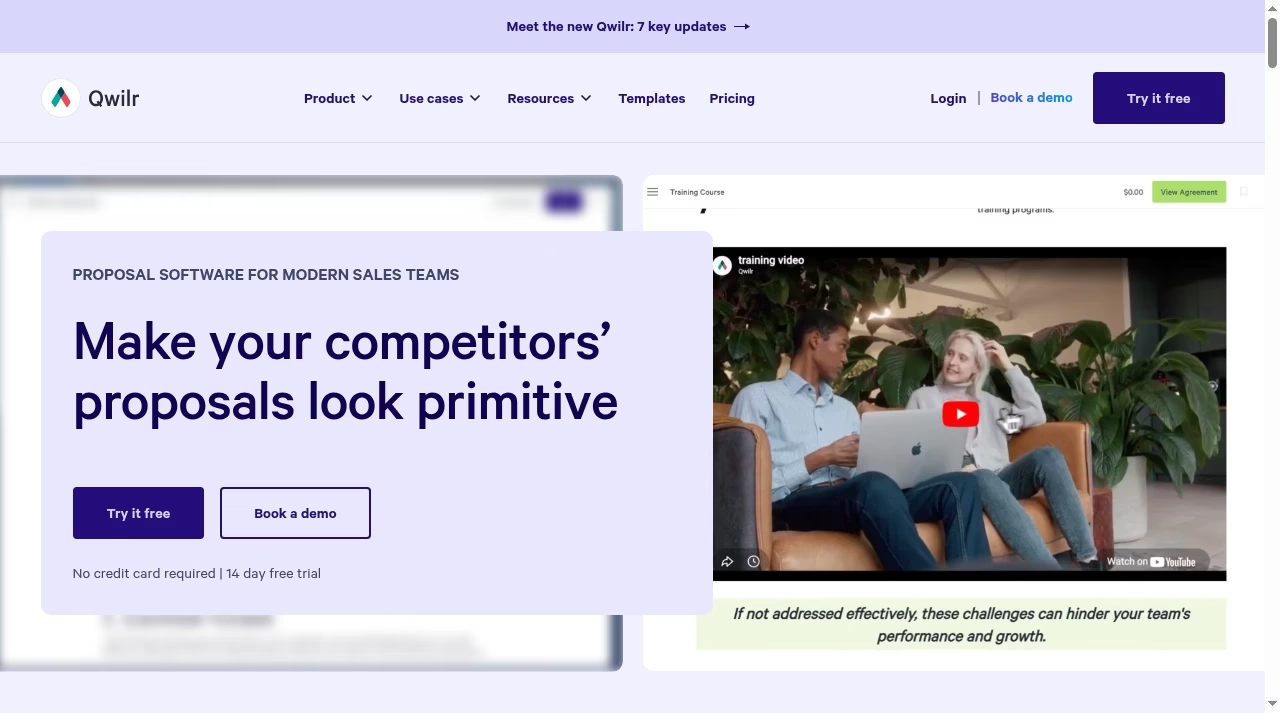
Qwilr abandons the PDF metaphor entirely: a proposal is a responsive web page with embedded pricing the buyer adjusts, video, and acceptance buttons with e-sign built in. For high-consideration sales where the proposal itself signals quality, that format lands differently than an attachment.
Agencies pitching retainers, and even property professionals assembling client packs alongside the tools in our real estate CRM guide, use it to stand out.
Costs climb with ambition. Starter at $35 per user per month matches Proposify, but Growth imposes a five-user minimum, so the real entry for a growing team is $275 a month. Document analytics and e-sign are included at every level, which softens it.
Qwilr is the pick when the proposal is the pitch; overkill when it is a formality. Starter drops to $35 from $49 per user per month only on annual billing, API access carries usage costs on every plan, and structured onboarding is a separate paid package.
Document analytics showing which blocks a prospect actually read are included from the entry tier, which is where Qwilr earns its keep.
Alternative 06
Jotform Sign: forms first, signatures attached
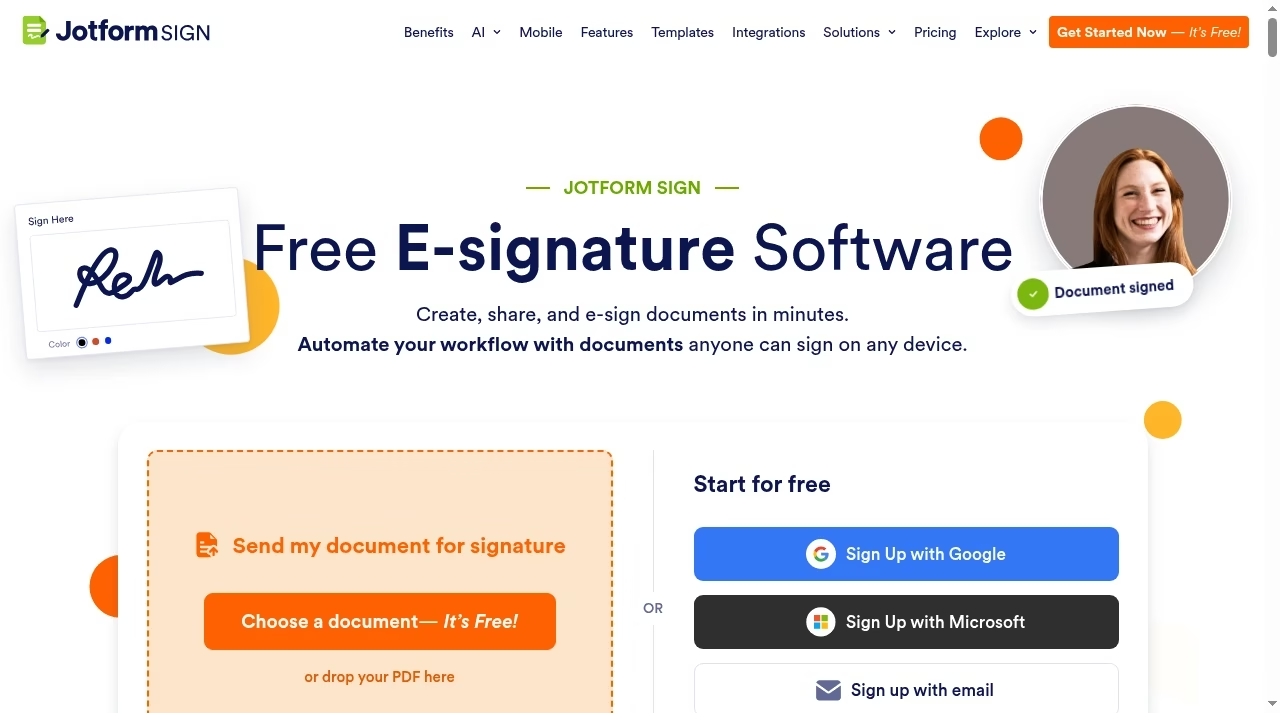
Jotform Sign extends the form builder into e-signatures: build the document from a template or an imported PDF, drag fields on, send, and the answers flow back into tables and integrations like any Jotform submission.
Operations and HR teams collecting signed onboarding paperwork find this model natural, and it slots next to the payroll and people tooling we track in our Gusto pricing breakdown. Automation rules, reminders and a solid template library round it out.
The flat monthly pricing, rather than per-seat, is the economic story: $34 a month covers the whole account, which undercuts PandaDoc and DocuSign the moment a second person needs to send. The flip side is that nothing here helps you sell. Jotform Sign processes documents; it does not persuade anyone.
Higher tiers mainly raise the signed-document limits and remove Jotform branding, so Bronze covers most small operations. If your volume is occasional, check the limits before upgrading: the jump from Bronze to Silver buys headroom, not new capability.
Alternative 07
SignNow: volume signing on a budget
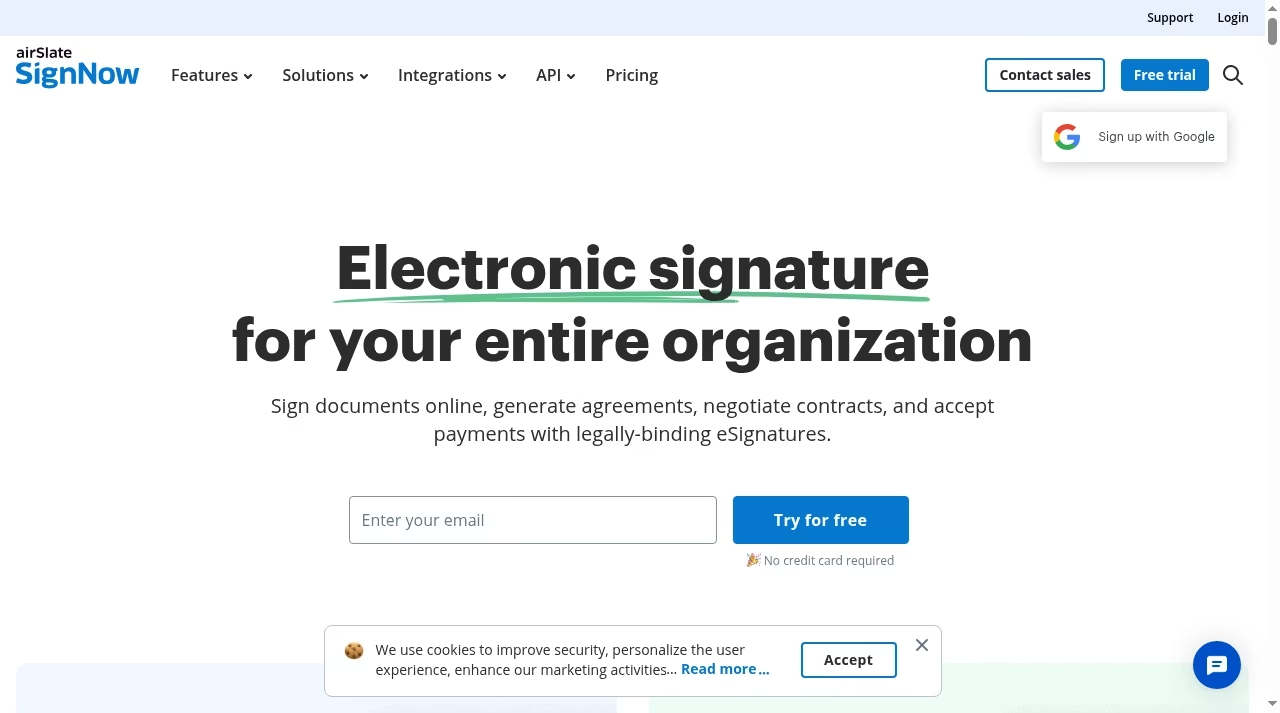
SignNow’s Starter tier at $8 per user per month on annual billing is the cheapest credible seat in this entire comparison, and it is not crippled: unlimited users, templates and reminders are in at that level.
Professional at $15 adds the collaboration tools growing teams want, and there is a usage-priced API for developers embedding signing into their own product at $1.50 per invite.
You feel the savings in the polish. The editor and template system are functional rather than delightful, and proposal-specific features like interactive pricing are absent. For a services business sending twenty NDAs and contractor agreements a week, that trade is easy: the documents get signed, the audit trail holds, and the invoice stays small.
Just commit annually: monthly billing more than doubles those rates to $20, $30 and $50 per user. And if even $8 a seat feels rich for your volume, our free e-signature software guide shows exactly where the genuinely free plans top out.
Alternative 08
Zoho Sign: the ecosystem play
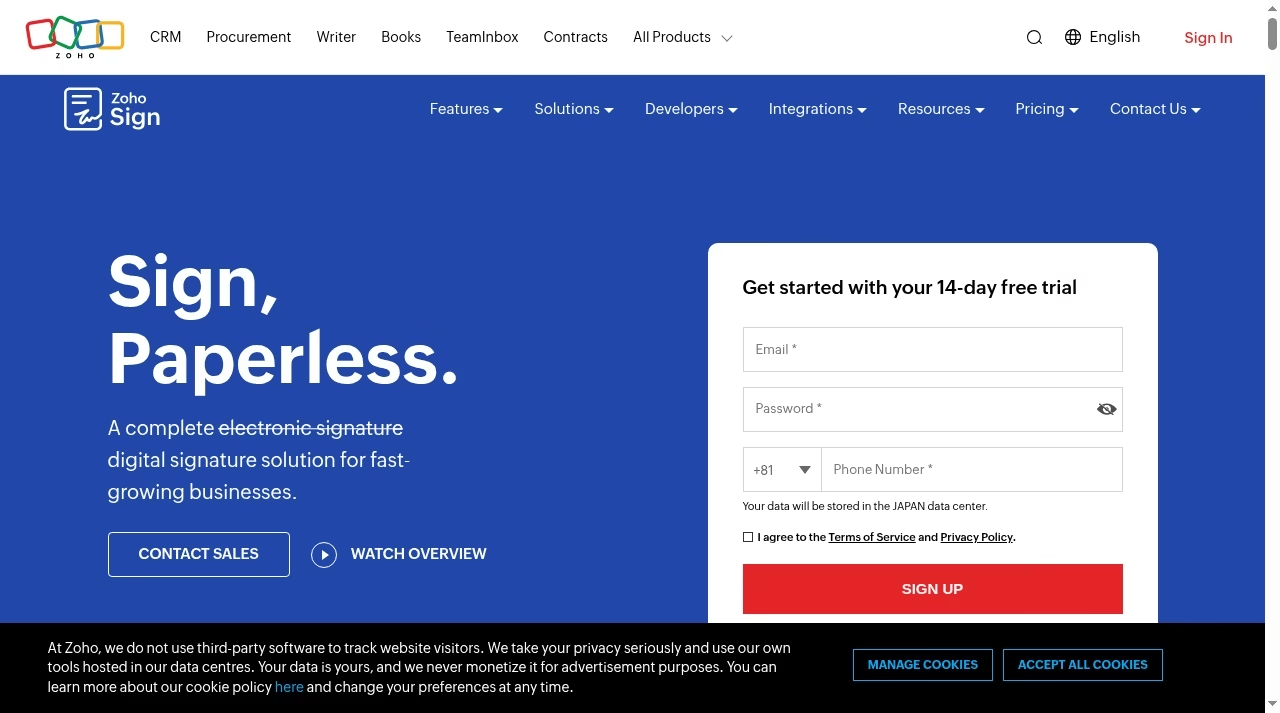
Zoho Sign’s free edition is one of the few permanent free tiers here: one user, five envelopes a month, workflows, reminders and an audit trail.
Standard at $10 per user per month lifts the cap to 25 envelopes per user and adds approvals and SMS delivery, while Professional at $15 goes unlimited on envelopes and templates.
Inside the Zoho suite it hooks into Zoho CRM, which lands it naturally in the conversations we have in our easy CRM platforms for small sales teams guide, and the broader suite reaches into the territory covered by marketing automation platforms.
Outside the Zoho world the proposition is still strong on price, thinner on glamour: the editor is serviceable, the proposal features minimal. For a small business standardizing on cheap, integrated tooling, Zoho Sign is arguably the best value on this page.
There is a 14-day free trial with no card required, volume discounts are quoted for larger teams, and Standard even delivers envelopes over WhatsApp Business, which matters for field-heavy businesses whose clients live in chat apps.
Alternative 09
Better Proposals: lean and sales-focused
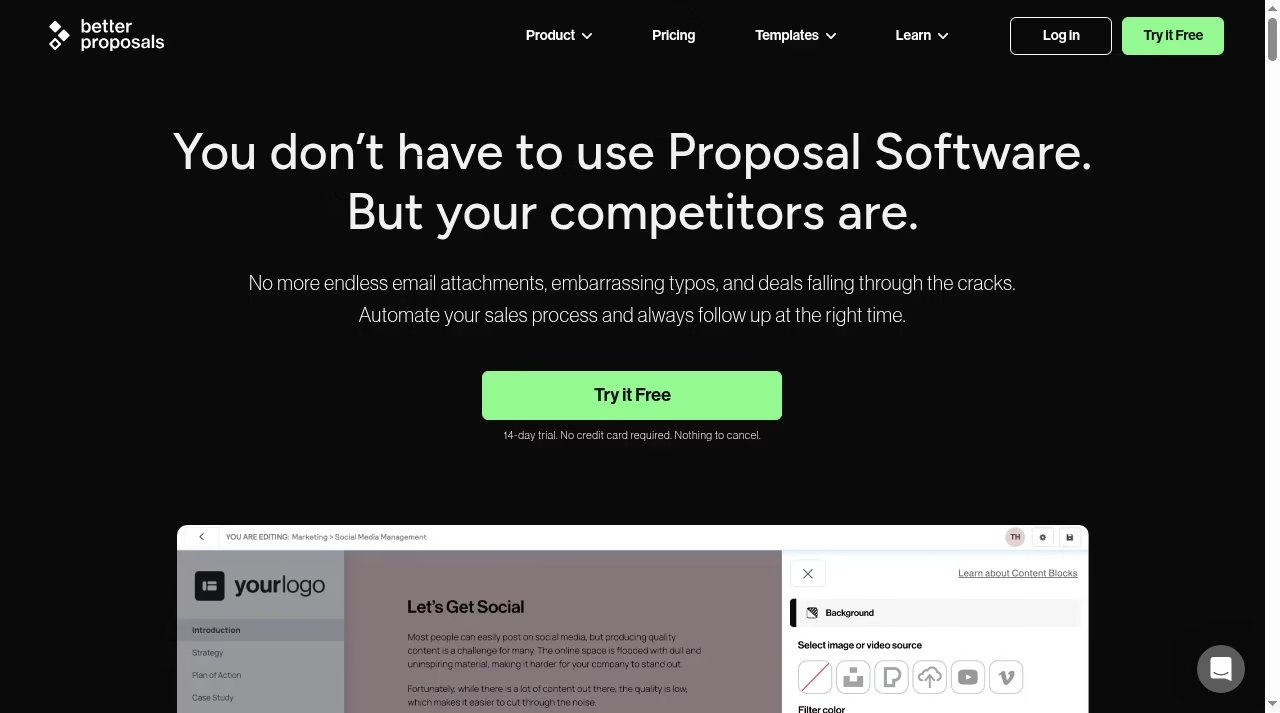
Better Proposals strips the category back to what closes deals: clean templates, legally binding digital signatures, interactive pricing tables, payment collection on acceptance and tracking that pings you when the document opens. There is no content-library bureaucracy, which is why a freelancer can be sending within an hour of signing up.
At $13 per user per month on annual billing, Starter is the cheapest proposal-specific tool here.
Limits appear with scale: design control is narrower than PandaDoc or Qwilr, and larger teams will bump into missing approval workflows and CRM depth. As a first proposal tool for a one-to-five-person sales motion, though, the price-to-close ratio is hard to argue with.
Custom domains arrive at Premium and content locking at Enterprise, so plan the tier around how much control you need. Agencies and service shops sending recurring-work proposals, including the MSP motion we cover in our CRM platforms for managed service providers guide, will find the template-plus-pricing-table loop maps neatly onto retainer selling.
Alternative 10
SignWell: simple signing, honestly priced
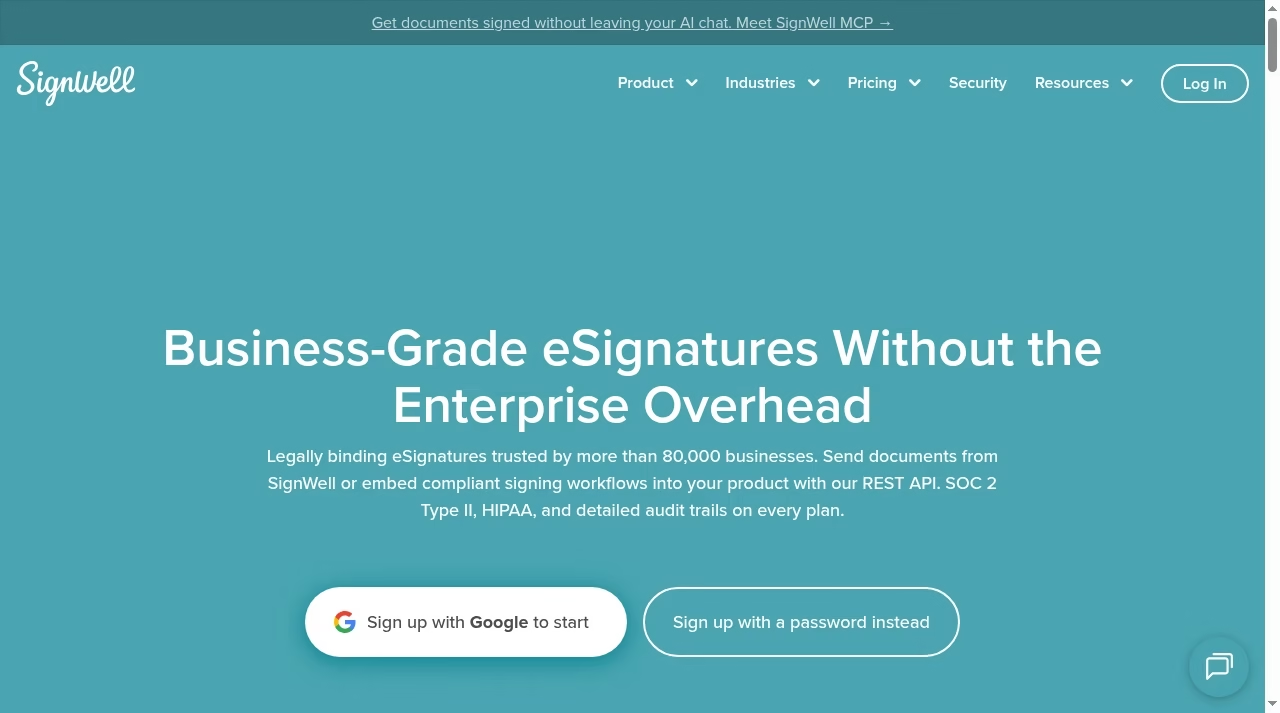
SignWell pitches itself against enterprise overhead, and the product follows through: upload, place fields, send, track, done. The free plan covers light personal use, Light at $10 a month adds templates for a single sender, and Business at $30 a month includes three senders with unlimited templates.
Audit trails and reminders are present, and a REST API covers embedding. Its reminder automation is deliberately basic, so teams chasing signers at volume should pair it with the follow-up workflows in our AI email automation tools guide.
Nothing here competes with PandaDoc’s proposal engine, and that is the point. If the document is already agreed and only the signature is missing, SignWell does the last mile for less than almost anyone.
Extra senders cost $10 a month each on Light and $12 on Business, and a high-volume API plan is quoted separately, so the flat prices hold right up until you become a sending operation.
Picking one
Match the tool to the document, not the logo
Three questions settle most of these choices. First, what are you sending: persuasive proposals point to Proposify, Qwilr or Better Proposals; contracts point to DocuSign; forms point to Jotform Sign; finished PDFs point to Dropbox Sign, Acrobat or SignWell.
Second, how many seats: flat-rate Jotform Sign and bundled Proposify seats beat per-seat pricing as teams grow. Third, what surrounds the signature: if the real bottleneck is booking the meeting before the proposal, our Calendly alternatives guide matters more than this one, and if it is client communication after the signature, look at customer messaging software next.
Whichever way you go, export your templates and signed-document archive before canceling PandaDoc; every tool on this page imports PDFs, but none will migrate your content library for you.
Frequently asked questions
Q: What is the cheapest PandaDoc alternative?
SignNow’s Starter plan at $8/user/mo billed annually is the cheapest paid seat we verified. Zoho Sign Standard at $10/user/mo, SignWell Light at $10/mo and Better Proposals Starter at $13/user/mo on annual billing are close behind.
Q: Which PandaDoc alternative has a real free plan?
Zoho Sign’s free edition covers one user and five envelopes a month permanently, and SignWell keeps a free plan for light use. PandaDoc itself offers a free eSign tier. Proposify and Better Proposals run 14-day trials instead of free plans.
Q: Is DocuSign better than PandaDoc?
For contracts and legal workflows, yes: DocuSign’s routing, identity checks and compliance depth are stronger. For sales proposals with interactive pricing and content libraries, PandaDoc is the better tool. Many teams use the contract tool for legal and a proposal tool for sales.
Q: Which alternative is best for proposals specifically?
Proposify is the closest feature match to PandaDoc, Qwilr is the strongest for web-page proposals that impress, and Better Proposals is the cheapest credible option for small sales teams at $13/user/mo on annual billing.
Q: Are e-signatures from these tools legally binding?
Yes. Every tool on this page produces signatures intended to comply with laws like the US ESIGN Act and the EU’s eIDAS regulation, with audit trails recording who signed and when. For regulated industries, confirm the specific compliance certifications you need with the vendor.
Q: Do these tools integrate with my CRM?
Most do. PandaDoc, DocuSign, Proposify and Dropbox Sign offer Salesforce and HubSpot integrations on mid-tier plans and up, Zoho Sign is native inside Zoho CRM, and Proposify has a strong Pipedrive integration. Check the plan tier: CRM integrations are rarely in the cheapest plan.
If the CRM itself is still undecided, our easy CRM platforms for small sales teams guide pairs well with this list.
Q: What is the best PandaDoc alternative for a small business?
Zoho Sign for value and ecosystem, SignNow for the cheapest volume signing at $8/user/mo annually, or Better Proposals if the documents are sales proposals. All three undercut PandaDoc Business pricing for a two-to-five-person team.




Leave a Reply