


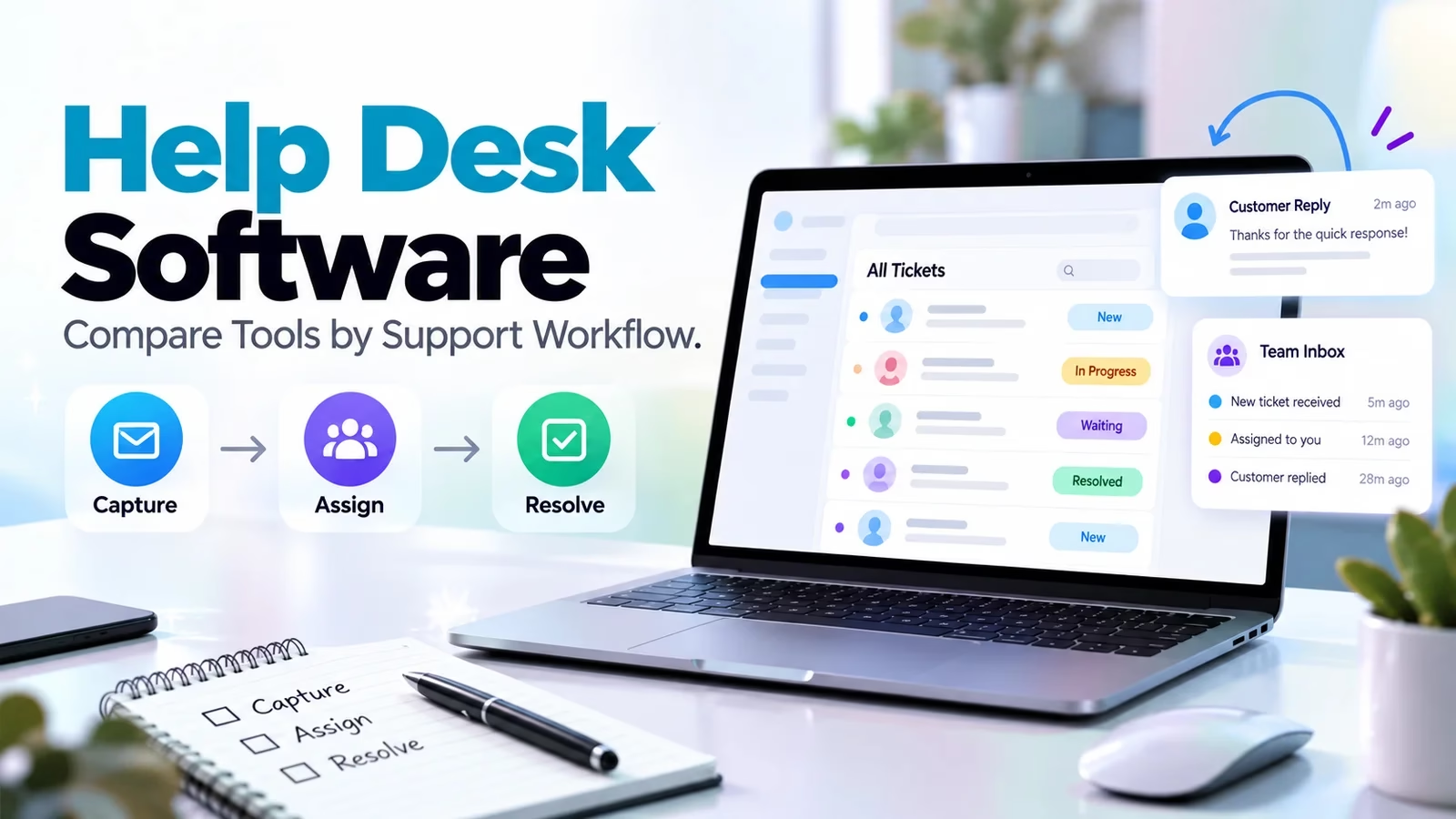

Help desk software turns requests into work with an owner, status and response history. A delayed order, employee laptop problem and sales handoff need different data and permissions. Start with Freshdesk or Help Scout for customer support, Gorgias for ecommerce, and Jira Service Management for internal service requests connected to IT work. None is the universal winner.
This comparison uses official pages checked October 12, 2026. Screenshots are public product-page evidence, not configured account tests. The demo tasks describe what to prove before buying. For internal governance, our ServiceNow alternatives guide is a companion rather than a customer-service ranking.
Compare ten help desks by their starting job
| Product | Starting fit | Commercial check |
|---|---|---|
| Freshdesk | Customer ticketing | Separate Freshdesk and Omni scope |
| Zendesk | Broader customer service | Suite, channels and AI usage |
| Help Scout | Small email team | Inboxes, users and AI resolutions |
| Zoho Desk | Contextual service | Tier and suite integrations |
| HubSpot | CRM-connected support | Service Hub tier and seats |
| Front | Cross-team customer work | Channel limits and onboarding |
| Gorgias | Ecommerce requests | Volume and order-action permissions |
| HappyFox | Customer and employee queues | Separate product scope |
| LiveAgent | Chat, tickets and calls | Channels and telephony |
| Jira Service Management | Internal IT services | Service Collection packaging |
1. Freshdesk: customer ticket ownership
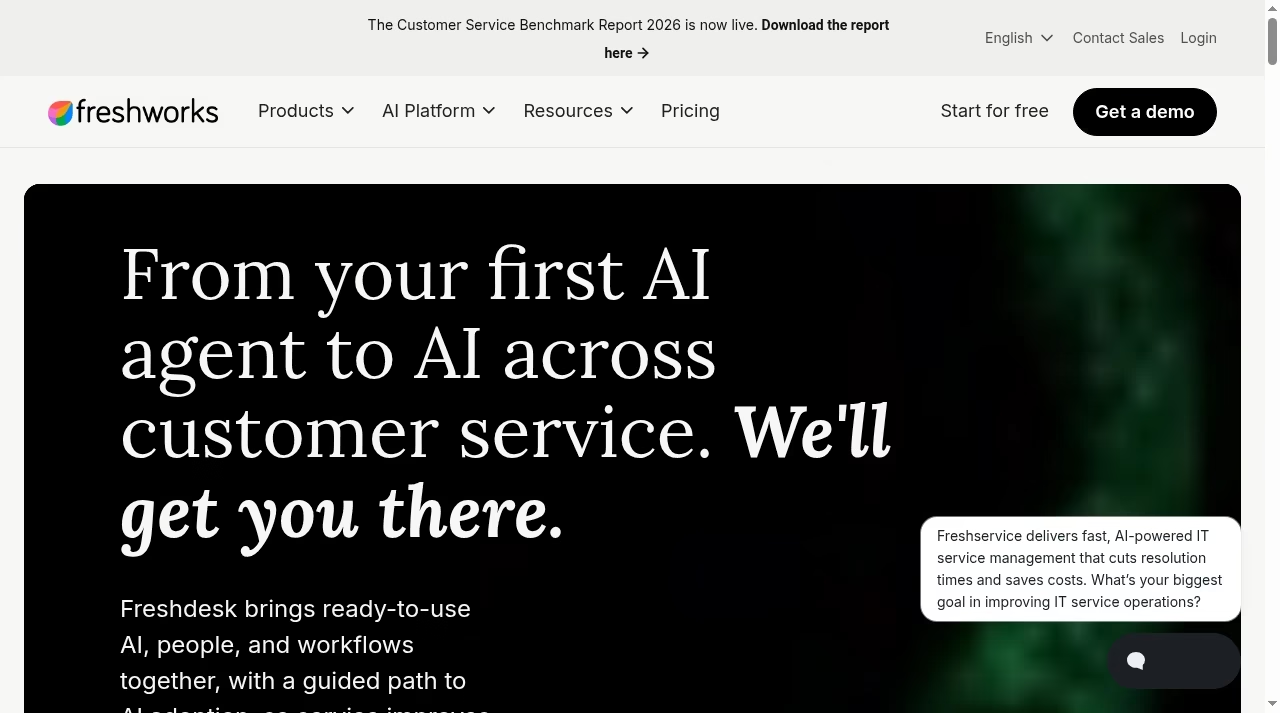
Freshdesk provides ticketing, a shared inbox, a portal and knowledge base. The annual-billed Growth, Pro and Enterprise cards show $19, $55 and $89 per agent/month. Pro adds controls such as multiple SLA policies. Check current plans and pricing.
What to check before choosing
Omni has separate $29/$79/$119 annual-billed tiers. Do not budget messaging-led service from the basic Freshdesk rate. Copilot and extra AI sessions can add charges. Confirm the exact channel and policy scope before comparing totals.
Demo task: Send an email, assign it, apply business-hour response rules, reopen the case and inspect its history.
A sales database serves a different purpose. Our easy CRM shortlist separates contact management from support ownership.
2. Zendesk: a broader service operation
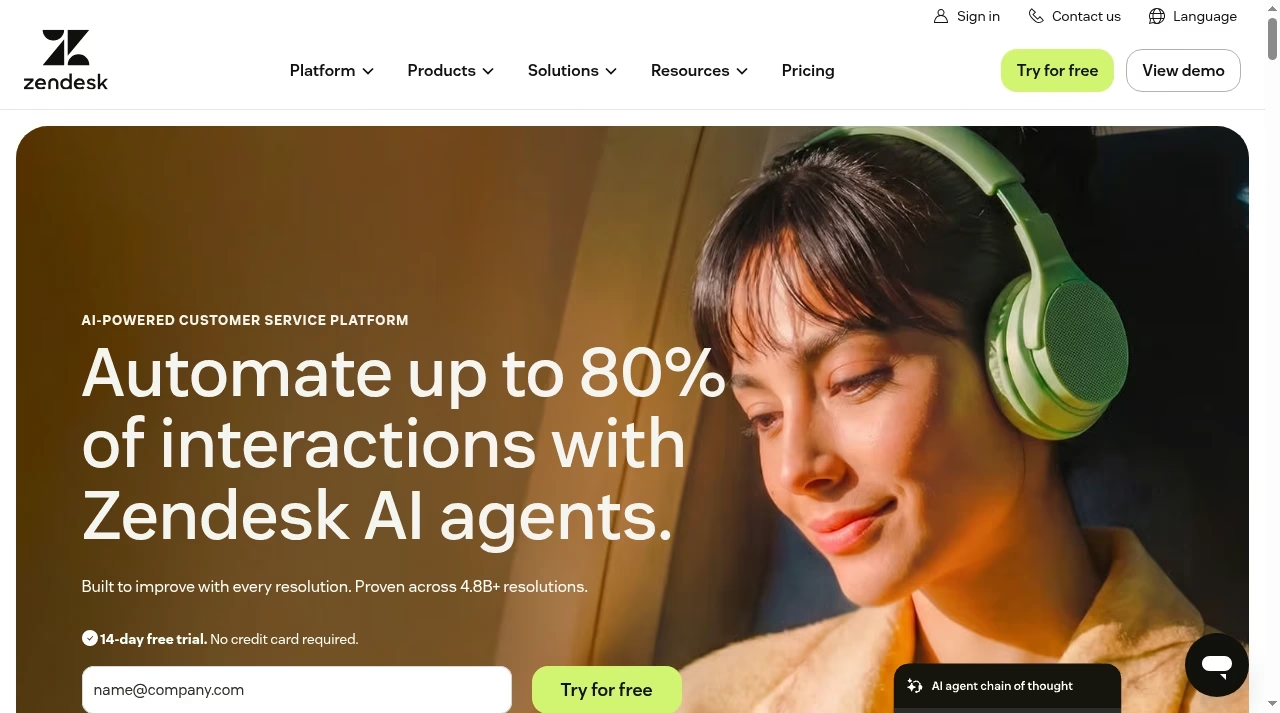
Zendesk positions its platform around customer service, AI agents and agent workflows. Include it when a support team wants to evaluate self-service, several channels and reporting together rather than only replace a shared mailbox.
What to check before choosing
Separate the suite tier, agent licenses, channel services and AI usage in the quote. A feature shown in a polished demo is not proof that the entry subscription includes it. Ask for retention, export and permission controls in writing.
Demo task: Move a case from initial contact through escalation and human handoff; confirm history survives a channel change.
Map every field in the customer-record connection using our Salesforce integration checklist.
3. Help Scout: small-team customer conversations
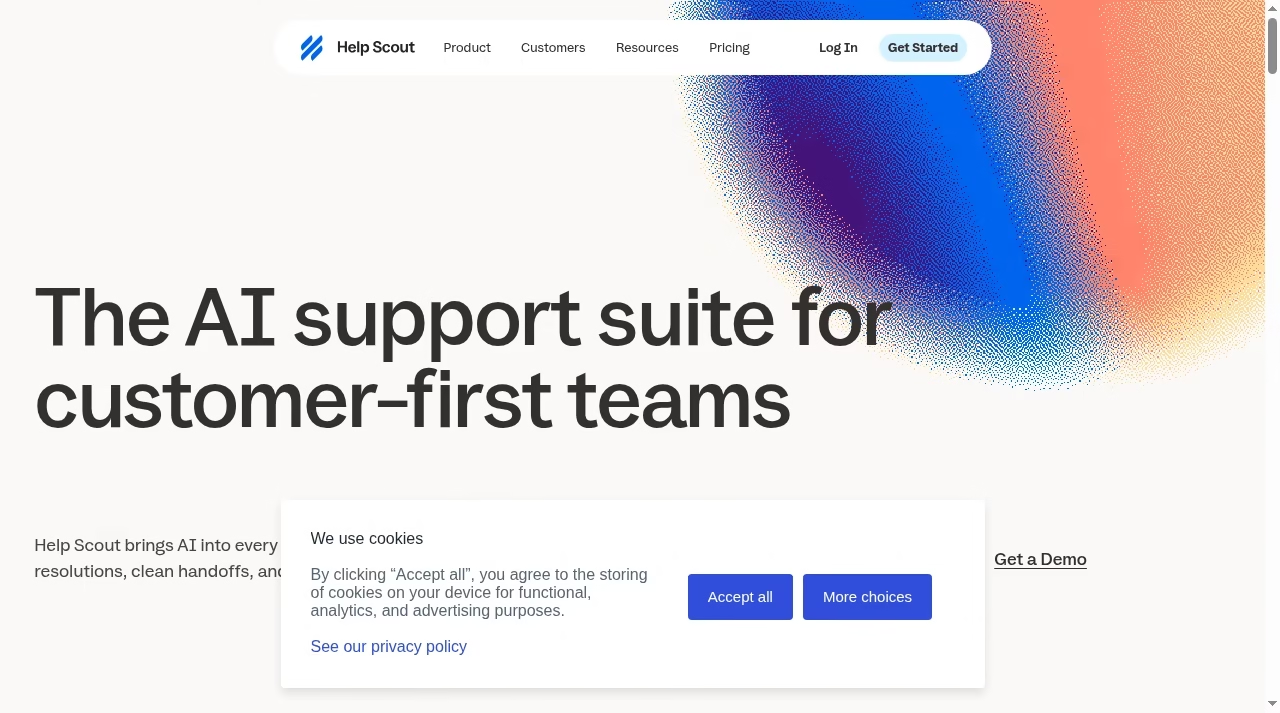
Help Scout organizes support in shared inboxes with Docs and Beacon. Its current Free plan includes five users, one Inbox and one Docs site, making it a concrete candidate for a small email-led team within those boundaries. Check current plans and pricing.
What to check before choosing
Paid-plan inbox counts, reporting and roles still matter. AI Answers is $0.75 per resolution, and the pricing FAQ describes a monthly spending cap that disables it when reached. Confirm the billing selector before comparing base paid rates.
Demo task: Have two teammates view a conversation, assign ownership, leave an internal note and publish an appropriate Docs answer.
A support library differs from a general workspace. Notion alternatives may hold internal notes without replacing the queue.
4. Zoho Desk: service with customer context
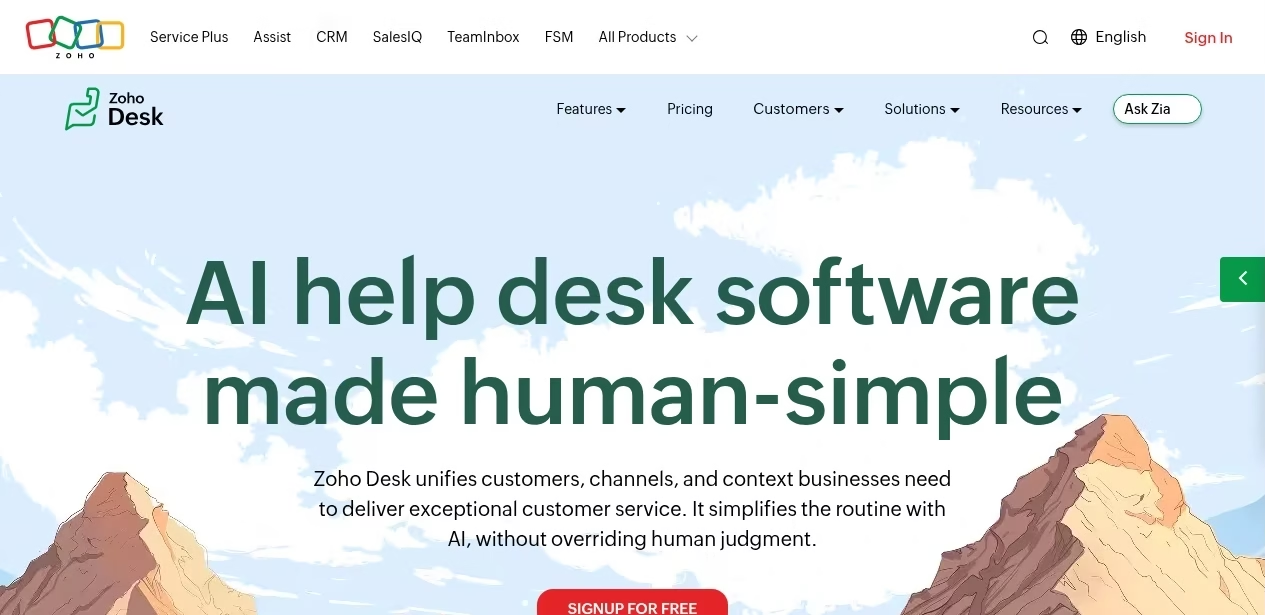
Zoho Desk describes contextual customer-service software with automation and AI. Evaluate it when agents need related business information, not an isolated message. Existing Zoho use makes it worth examining, but does not prove the connection is automatic.
What to check before choosing
Confirm regional tiers, channels and role limits. Test the direction of each integration and what happens when two systems disagree on a contact field. Include administrator time for routing and rule maintenance in the cost.
Demo task: Create a case for an existing customer, inspect context and introduce conflicting contact data to test the sync.
The ownership problem resembles why CRM projects fail: a license does not define a process.
5. HubSpot Help Desk: support inside the CRM
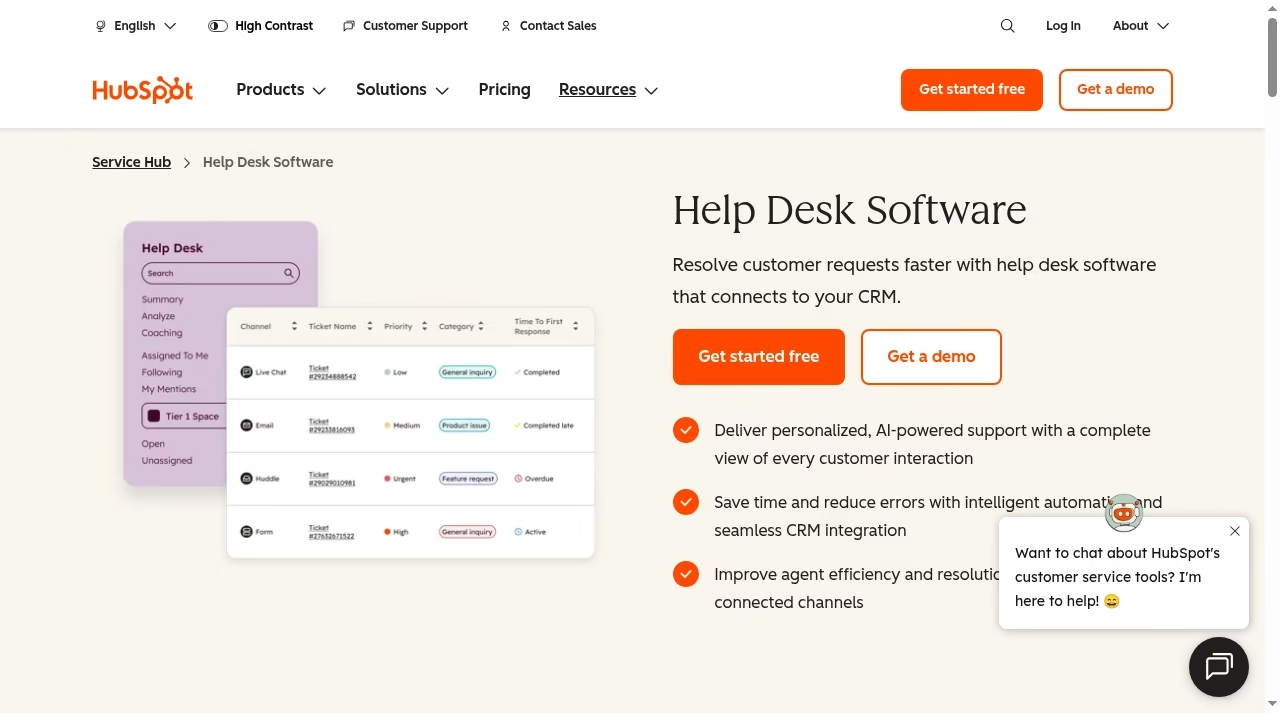
HubSpot Help Desk offers help desk work within the HubSpot service environment. It belongs on a shortlist when sales and service share a customer record and cases often require an account-owner handoff. Test that objective on the exact subscription.
What to check before choosing
Check the required Service Hub tier, service-agent seats, routing and reporting. More shared customer information also means more permission risk. Ask whether every agent should see the same account notes and commercial details.
Demo task: Route a customer issue to service, notify its account owner and inspect which notes each person can see.
For sales-first products, compare our Pipedrive alternatives instead of assuming a help desk replaces the pipeline.
6. Front: customer work across departments
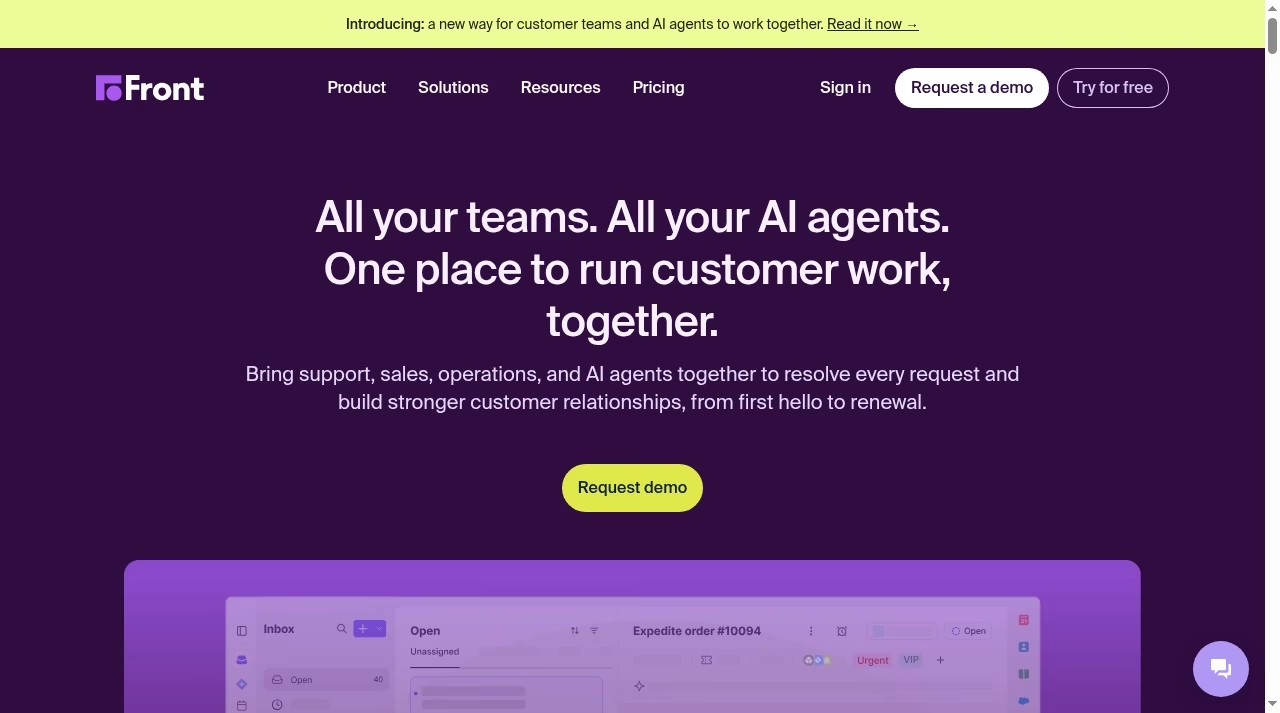
Front brings support, sales and operations together around customer requests. It is a useful candidate where one external reply depends on a private operations discussion, as with logistics updates or a complex account question. Check current plans and pricing.
What to check before choosing
Its pricing FAQ ties channel maxima to licenses and plan: 10 per license on Starter, 30 on Professional and 50 on Enterprise. These are connected channels, not message allowances. Contracts over $25,000 require an onboarding package.
Demo task: Ask operations a private question, transfer ownership and confirm that the customer reply excludes internal notes.
Keep improvement projects on a project board, not mixed into the live customer queue.
7. Gorgias: ecommerce support
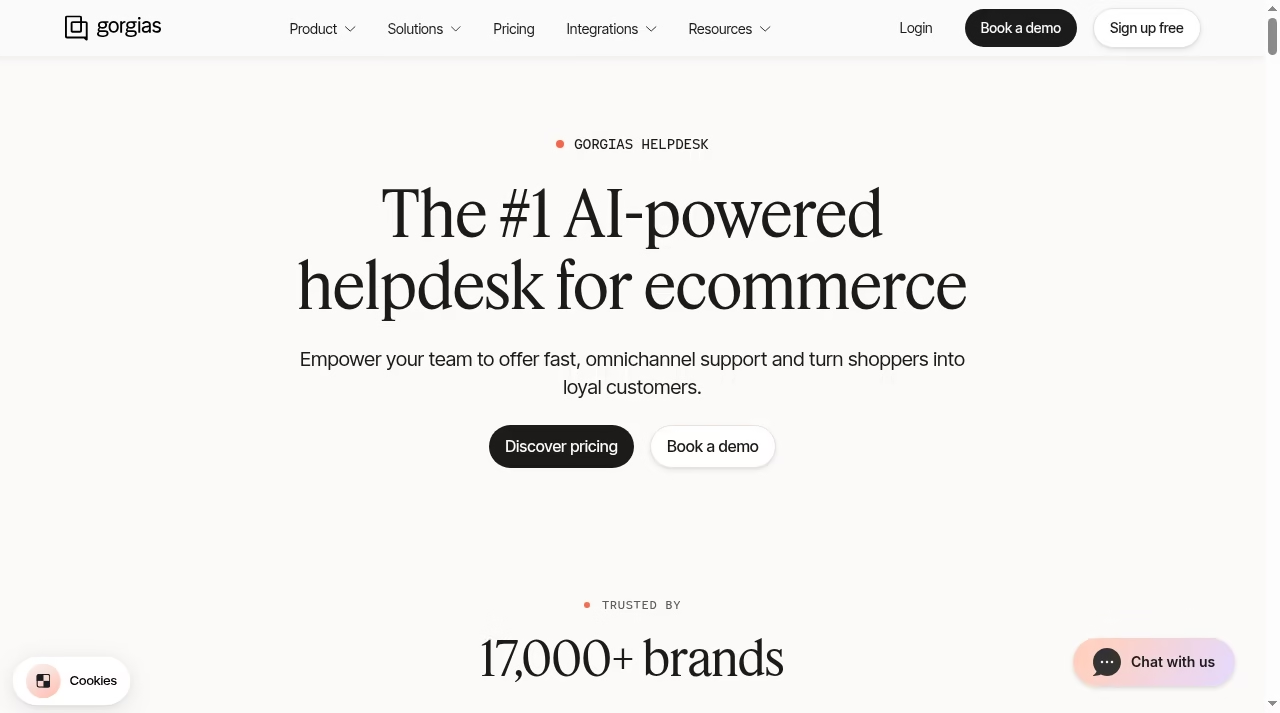
Gorgias focuses its help desk on online stores, bringing support messages beside ecommerce context. That fit matters when most requests concern orders, returns and products rather than enterprise IT changes. The benefit depends on your actual store connection.
What to check before choosing
Model ticket volume and AI costs. Verify supported order actions, refund approval, cancellation permissions and audit history. A convenient button can change money or fulfillment, so restrict sensitive actions rather than treating them like ordinary replies.
Demo task: Use a test order to check lookup, a return question and a restricted refund action.
Store architecture shapes support data; compare Shopify versus custom websites separately.
8. HappyFox: customer and employee queues
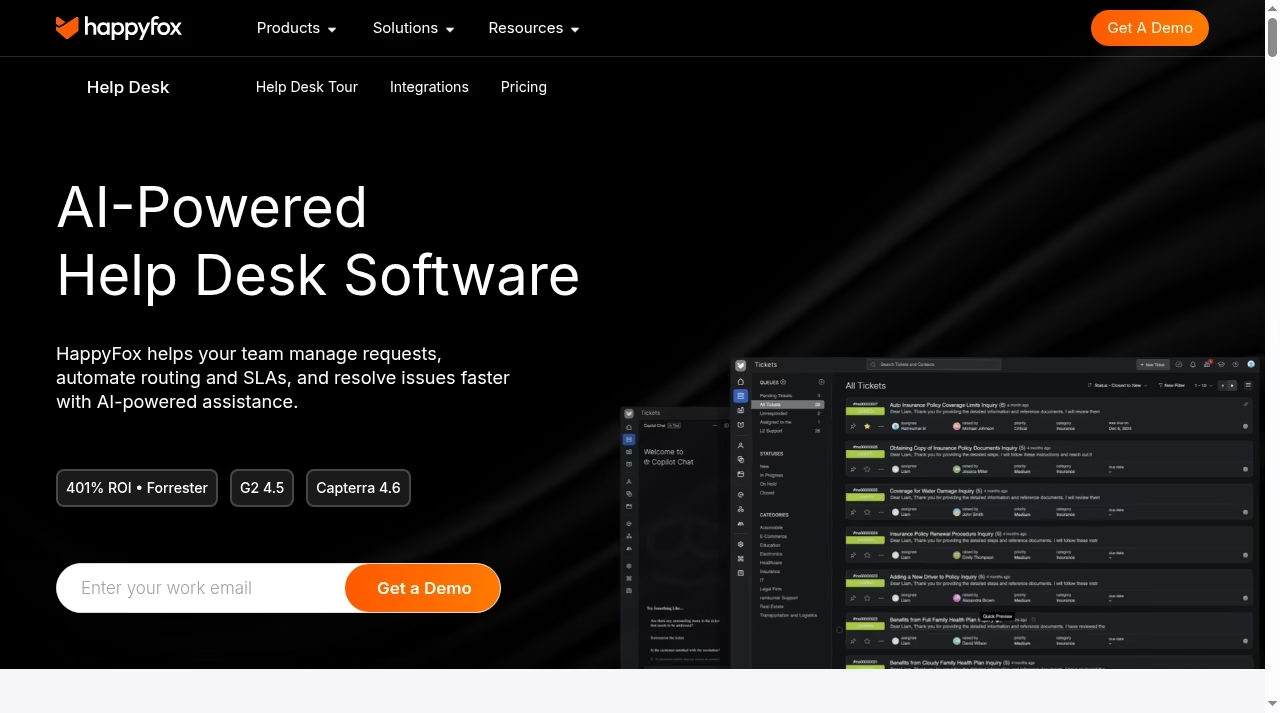
HappyFox describes ticketing, SLAs and self-service for customer service, IT, HR and operations. It is a candidate for several departments wanting a common request approach with different forms, categories and escalation paths.
What to check before choosing
Help Desk, AI Contact Center, Autopilot and Chatbot are separate items in the product menu. Do not count them all as an included bundle. Verify product scope and demonstrate that confidential HR requests stay isolated from other agents.
Demo task: Create customer and HR queues and verify a customer-service agent cannot discover the HR case through search.
If an outside provider runs the queue, compare the operating models in IT outsourcing options.
9. LiveAgent: chat, tickets and calling
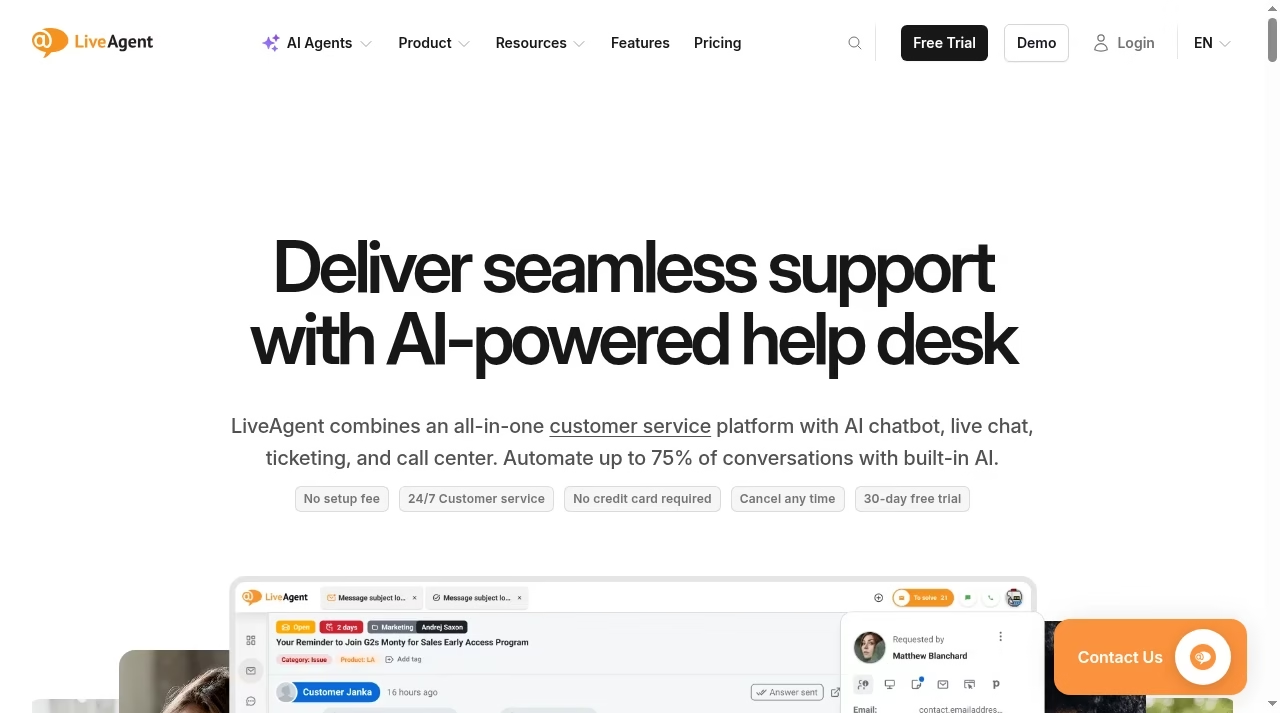
LiveAgent combines ticketing, live chat and call-center capabilities. Include it when phone and website chat are daily requirements and agents need one place to continue the resulting customer request. Test the agent device experience as well as the dashboard.
What to check before choosing
Check the exact channel tier, telephony setup, recording and consent requirements. An all-in-one description does not remove carrier charges or implementation. Require a clear handoff from live chat to follow-up rather than a disconnected transcript.
Demo task: Start chat, hand it to an agent, log a related call and reopen the same issue without losing context.
For a custom integration or bot, distinguish services from products in chatbot development companies.
10. Jira Service Management: IT connected to engineering
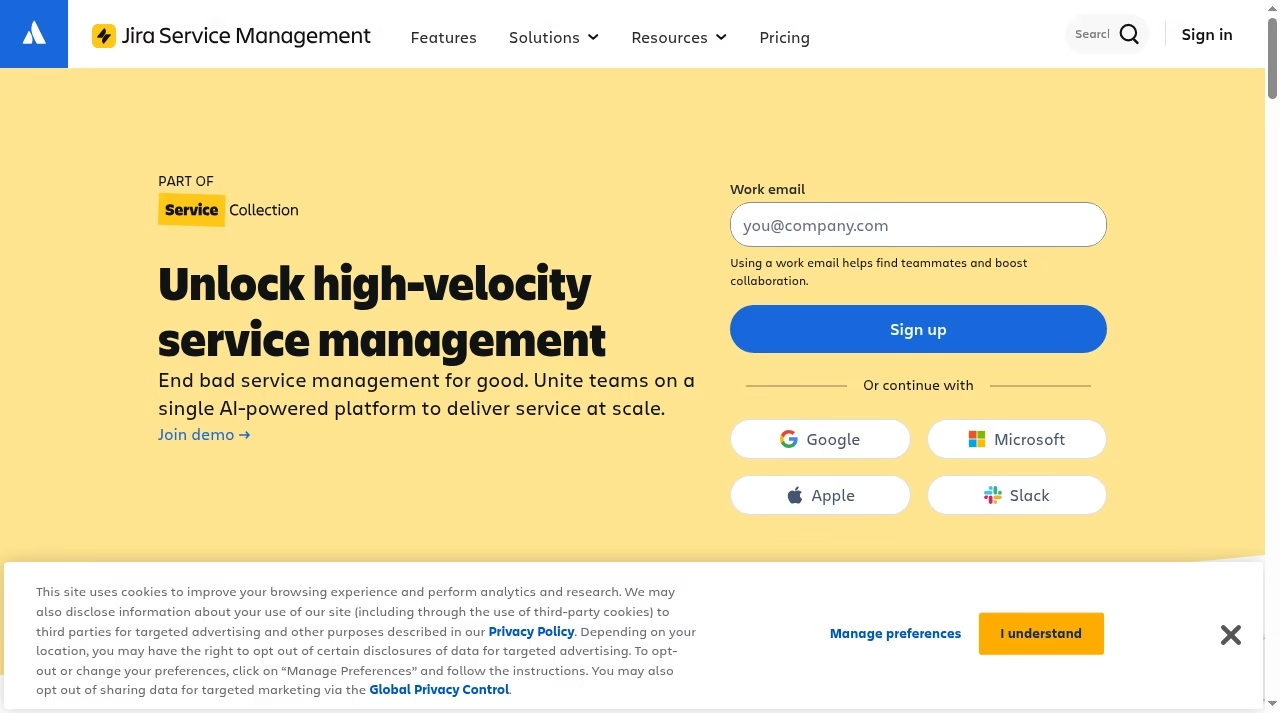
Jira Service Management supports IT, HR, facilities and other service teams. Its current page places it in Service Collection. It is a stronger starting candidate for employee incidents and technical workflows than for a straightforward store order question.
What to check before choosing
Check Service Collection packaging and the tier needed for assets, incidents and change controls. Existing Jira use does not mean service licenses are paid for. Keep requesters distinct from agents and restrict internal engineering details appropriately.
Demo task: Raise a laptop incident, connect engineering work and demonstrate an approval without exposing internal details to the requester.
Cross-system actions need retries and an owner, as discussed in automation tools.
Prove the workflow before comparing dashboards
Use a representative acceptance queue
Run anonymized cases covering an easy answer, missing information, a duplicate, an angry customer, an outside-hours arrival and an escalation. Keep wording and timestamps consistent across candidates. Record ownership, applicable timers and what the customer receives. This prevents sample-data quality from becoming the deciding feature. Include a reopened ticket so that a fast initial closure cannot hide a broken follow-up process.
Measure useful handling, not only first-response speed
Compare useful first response, internal waiting, customer waiting and reopened cases. Review a small sample for answer quality. Ask agents to explain routing and identify where a supervisor can inspect the rule. AI replies need approved policy grounding, human handoff and an incorrect-answer recovery path. Vendor resolution-rate claims are not measured results for your queue.
A booking tool can coordinate an expert call, but the ticket still needs an owner. A task checklist helps the rollout manager without splitting live case history between tools.
Write the expected customer-facing result
For every pilot case, write the useful answer the customer should receive and the next action that should follow. A case can pass routing but fail service if the reply is vague, requests information already provided or promises an action the agent cannot take. Ask a second reviewer to inspect the customer view, including attachments and links. Record the difference between a timer firing, an agent replying and the problem being resolved. Use those distinctions when setting targets and explaining results to managers.
Plan migration and the complete operating cost
Move enough history to serve the next request
Export contacts, ticket IDs, conversations, attachments and knowledge links where supported. Test old URLs and decide whether a read-only archive is needed. Preserve author and timestamp data: a flattened transcript does not always recreate status or SLA history. Choose a cutoff and stop both systems from replying during overlap. Verify a backup can be restored, not merely downloaded.
Budget the workload you actually run
Count full agents, collaborators, inboxes, channels, telephony and AI separately. Add onboarding, migration and the higher tier triggered by a mandatory feature. Ask for a peak-month estimate with overages explained. For a provider supporting several clients, ticketing is not the same as agreements, billing and service delivery; our MSP CRM and PSA comparison explains that distinction.
Rehearse the cutover and a failed integration
Choose a short transition window with a clear sender and a named decision-maker. Send a test message just before and just after the cutoff, and confirm neither is lost or answered twice. Disable a nonessential test connection to see where failure appears and who receives the alert. Reconcile the oldest open cases, not only the total number imported. Keep access to the old history until the new desk has demonstrated retrieval and the agreed retention arrangement is in place.
Frequently asked questions
How is a help desk different from a CRM?
A help desk manages requests with owners, status and response history. A CRM manages customer relationships, accounts and sales activity. They can share data, but a contact note does not supply a ticket timer and a sales stage is not a case status. Decide the primary job before choosing the connection.
Which tool should a small business try first?
For email-led support within five users, one Inbox and one Docs site, Help Scout has a concrete Free plan. Freshdesk is another structured ticketing candidate. Gorgias belongs in an ecommerce-first trial. Those are starting fits, not proof of the lowest total operating cost.
Is Freshdesk Omni included in basic Freshdesk pricing?
Do not assume so. The current pricing pages have separate scopes and agent rates. Specify the channels, routing and AI requirements, then compare the appropriate product. A basic Freshdesk seat price is not an accurate multichannel deployment budget.
Can help desk software replace ITSM?
Basic ticketing can manage requests, but ITSM may require assets, a catalog, incidents, problems and change approvals. Evaluate Jira Service Management or Freshservice for that work. A shared inbox does not establish those capabilities or their plan availability.
What should a trial prove?
Assignment, useful response, private notes, escalation, closure, reopening and exports should work on realistic cases. Include a restricted case and an outside-hours arrival. Write success criteria before the demo so an attractive report does not replace the workflow you need.
Will AI replace our agents?
Do not budget on that assumption. Test source-grounded answers, sensitive-data handling, handoff and error recovery. Measure customer outcomes and review effort on your own queue. AI may also create usage charges, so compare total cost rather than only agent seats.


Leave a Reply