


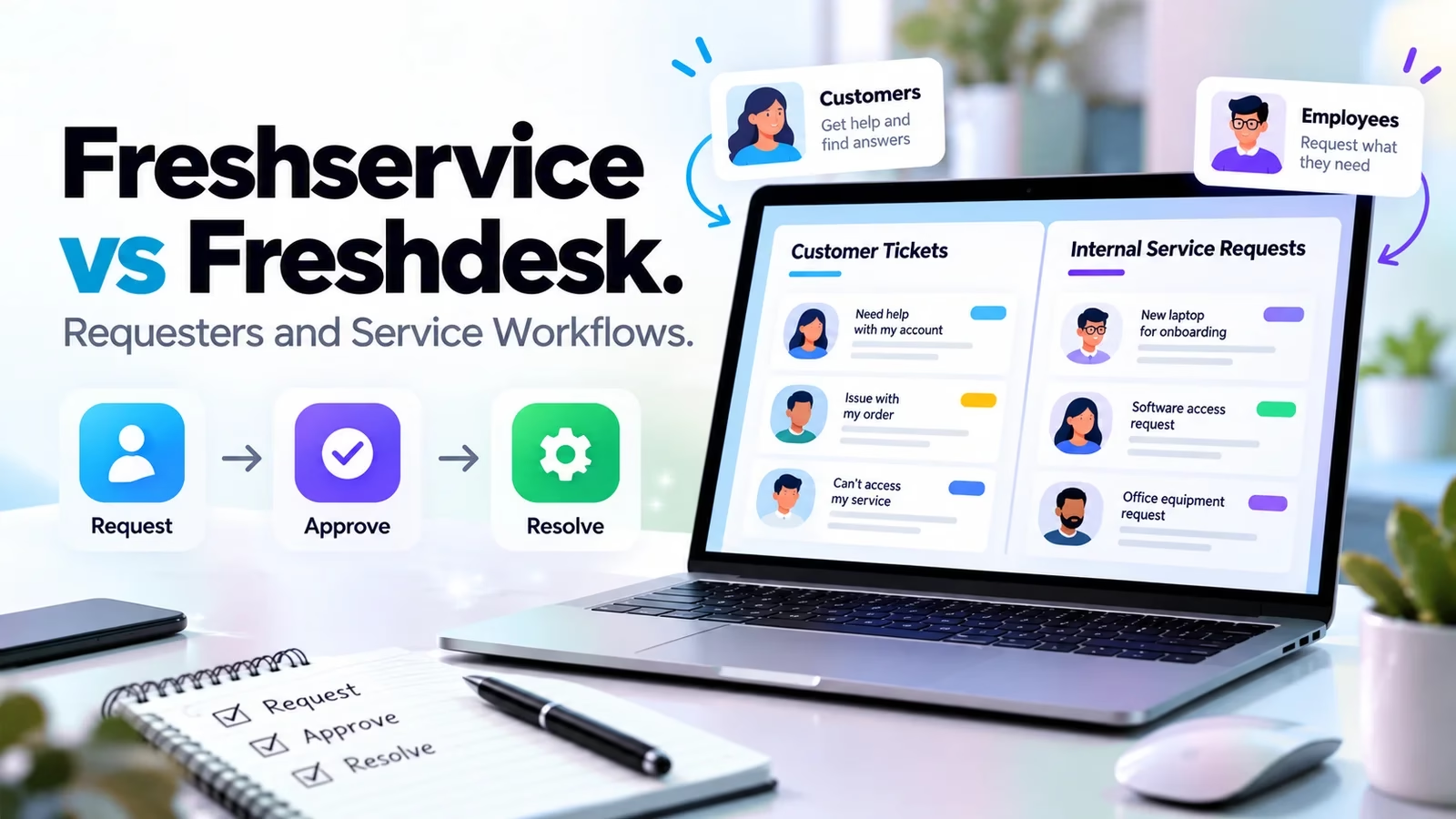

Freshservice and Freshdesk share a logo, a login page style and a ticket list. That is where the similarity ends. One runs internal IT and employee services. The other runs customer support.
I re-checked both product pages and all three pricing pages on October 16, 2026, and the fastest way to choose between them has nothing to do with feature grids: it is one question about who sends you requests.
Both are mature products with 14-day trials, so the risk here is not picking a bad tool. It is picking the right tool for the wrong queue.
This guide gives you the deciding question, current per-agent pricing with the math done for a four-seat team, three realistic requests run through both desks, what Freddy AI actually costs on each side, and a two-week pilot plan you can copy.
If you are weighing internal IT tools more broadly, our ServiceNow alternatives guide covers the rest of that field.
The requester question that settles this choice
Ask this: who opens most of your tickets, and what do they expect back? If the answer is employees asking for laptops, software access, onboarding or help with something broken internally, you are shopping for an IT service desk, and that is Freshservice.
If the answer is customers writing in about orders, accounts and product problems, you are shopping for a support desk, and that is Freshdesk.
The two products overlap in the middle, which is why the choice feels hard. Both show a queue, both assign owners, both track status, both have portals and knowledge bases, and both now sell AI agents. But a laptop request and a delayed order need different data, different permissions and different follow-up.
Treating them as the same workflow is how teams end up paying for the wrong platform, sometimes for years.
| Question | Freshservice | Freshdesk |
|---|---|---|
| Who usually asks? | Employees and internal business teams | Customers and external users |
| What data matters? | Services, assets, incidents, internal ownership | Customer history, order context, conversation |
| What work follows? | Approvals, fulfillment, controlled changes | Reply, collaborate, resolve, follow up |
| What should a trial prove? | Catalog, approval and asset paths in your tier | Routing, replies, knowledge and SLA behavior |
Keep this table in mind through every demo. A polished dashboard proves nothing about fit, and both of these dashboards are polished.
Inside the building
Freshservice: the internal service desk
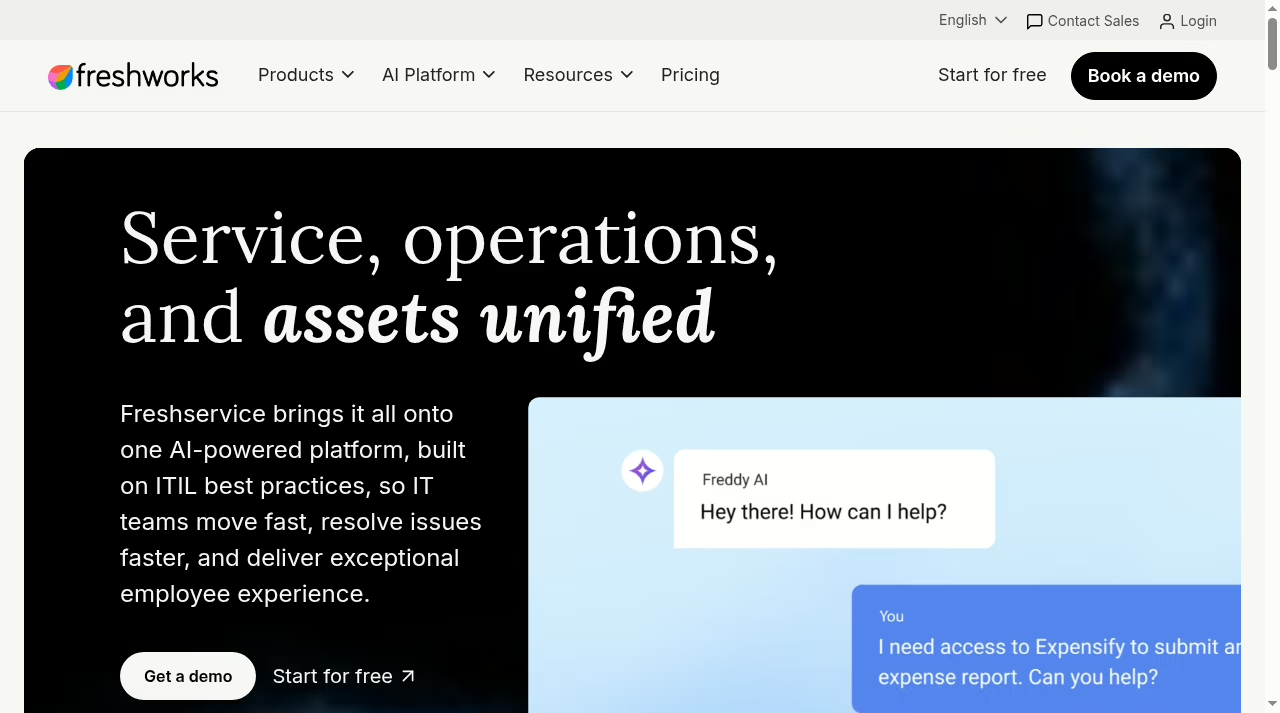
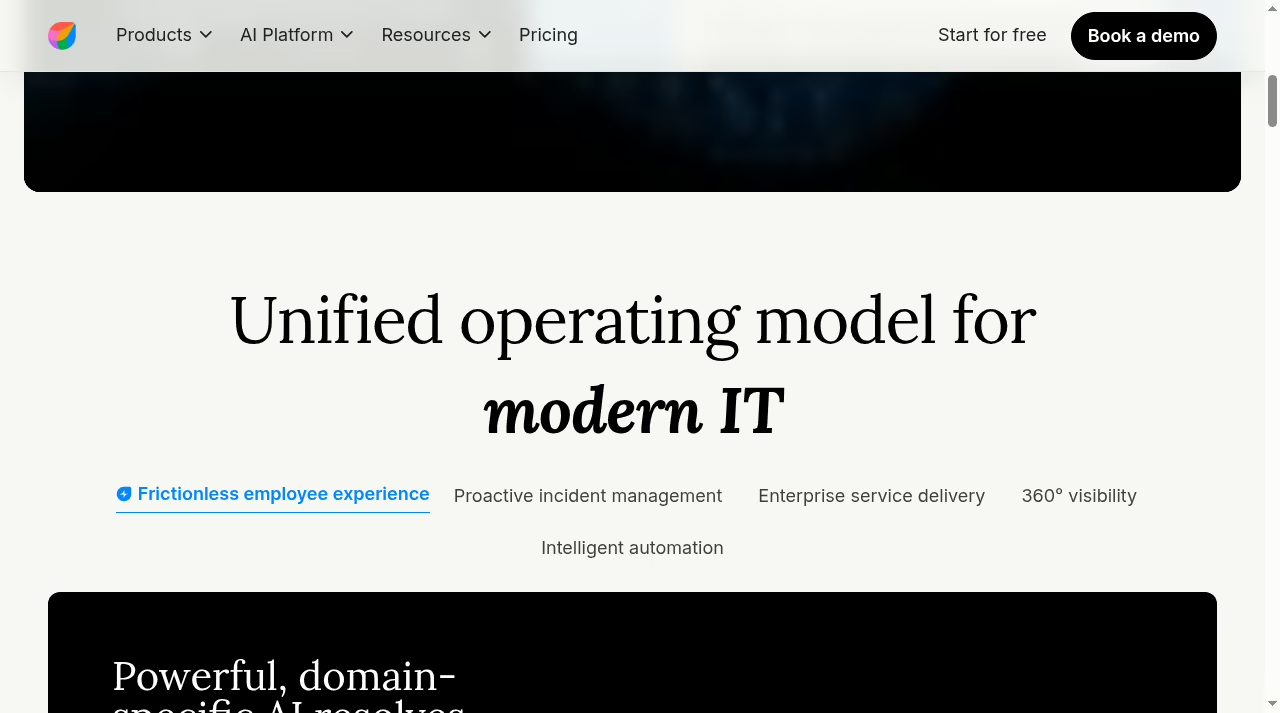
Freshservice positions itself as one platform for service, operations and assets, built on ITIL practices, and it extends service delivery beyond IT to teams like HR, finance and facilities. Freshworks says more than 20,000 businesses use it.
The pitch is that an employee should be able to ask for something in plain language and have the platform route, approve and fulfill it with the right context attached.
The plan structure reflects that operations focus: on-call management arrives at Growth, problem, change, major incident and release management at Pro, and employee journeys for onboarding-style workflows also sit at Pro.
Assets and services change the question
An employee laptop request may need a device record, an assigned user, an approved model, stock information and a fulfillment owner. An incident may need relationships to affected services and related work. That is a different data model from a customer order number.
Freshservice includes ITAM with a Growth package plus 100 asset units in its plans, which is the capability Freshdesk simply does not try to replicate. Ask which sources feed asset and service context, and who corrects that data when the source is wrong, because stale asset records quietly poison every downstream workflow.
Governance is part of the fit
Internal work needs approvals, change control and restricted visibility. A confidential HR request must not be visible to every technical agent. Freshservice builds for that: sandbox and audit logs sit at Enterprise, change and problem management at Pro. Occasional agents are supported on every plan, so part-time approvers do not each need a full seat.
If an MSP runs your IT, note that MSP Mode starts at Growth, and the commercial side of that relationship is a separate question our MSP CRM and PSA guide covers.
Facing customers
Freshdesk: the customer support desk
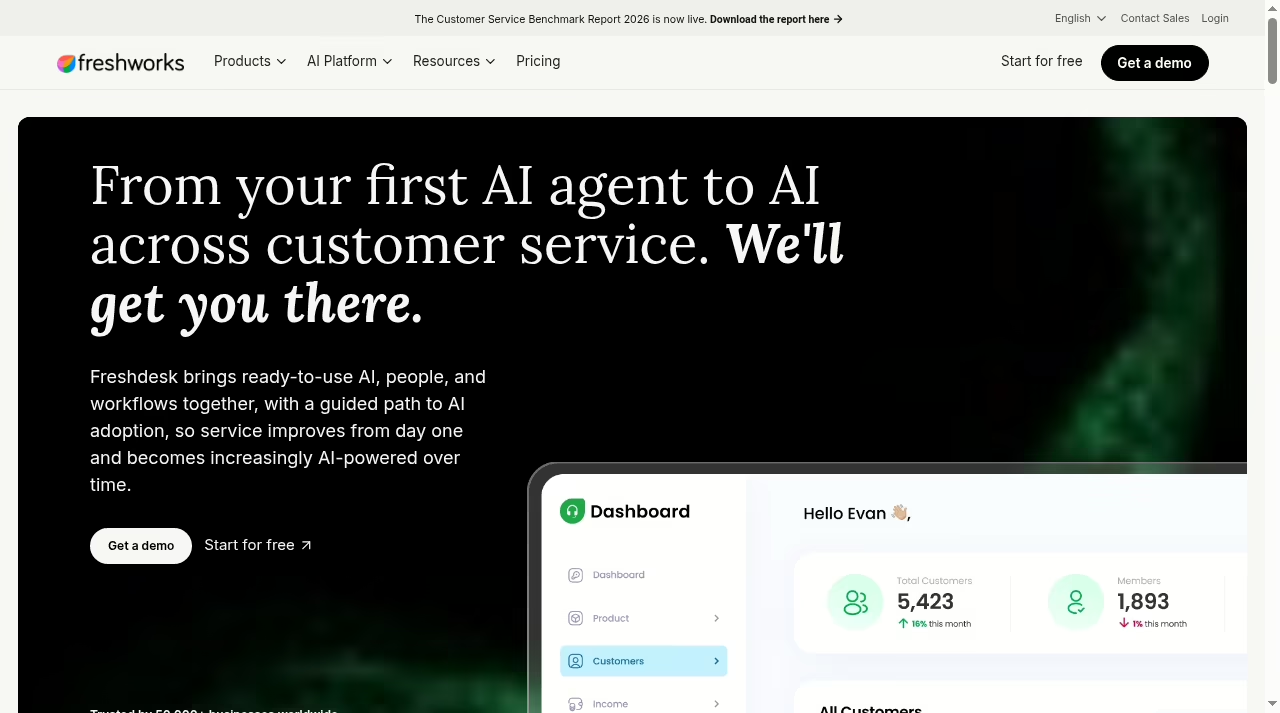
Freshdesk is built around customer conversations. Freshworks says more than 50,000 businesses use it, and its current homepage leads with AI: launch email AI agents that understand customer intent and resolve, with the vendor claiming up to 80 percent resolution rates.
Under the marketing, the core loop is classic and good: a ticket comes in, the queue prioritizes it, an agent replies with full customer context, the team tracks it to resolution.
Collaboration is built in through threads and tasks, and Pro adds external collaborators, so an agent can pull in a supplier or operations partner without handing over a seat.
Customer context is the product
Agents answer faster when they can see who is asking. Decide which customer fields agents need and which commercial notes stay restricted. The sales side of that context lives in your CRM; our small-team CRM comparison and Pipedrive alternatives guide cover that layer, while Freshdesk owns the queue.
Pro also adds a multilingual helpdesk, which matters the moment your customer base crosses a language border.
Channels are a separate buying decision
Base Freshdesk is email-first. If your support is messaging-led, with chat and social channels carrying the load, look at customer messaging tools and at Freshdesk Omni, which I price out below. Do not assume a channel list on a homepage equals a configured workflow; test an actual conversation moving between channels with customer identity intact.
The numbers
Pricing in October 2026, tier by tier
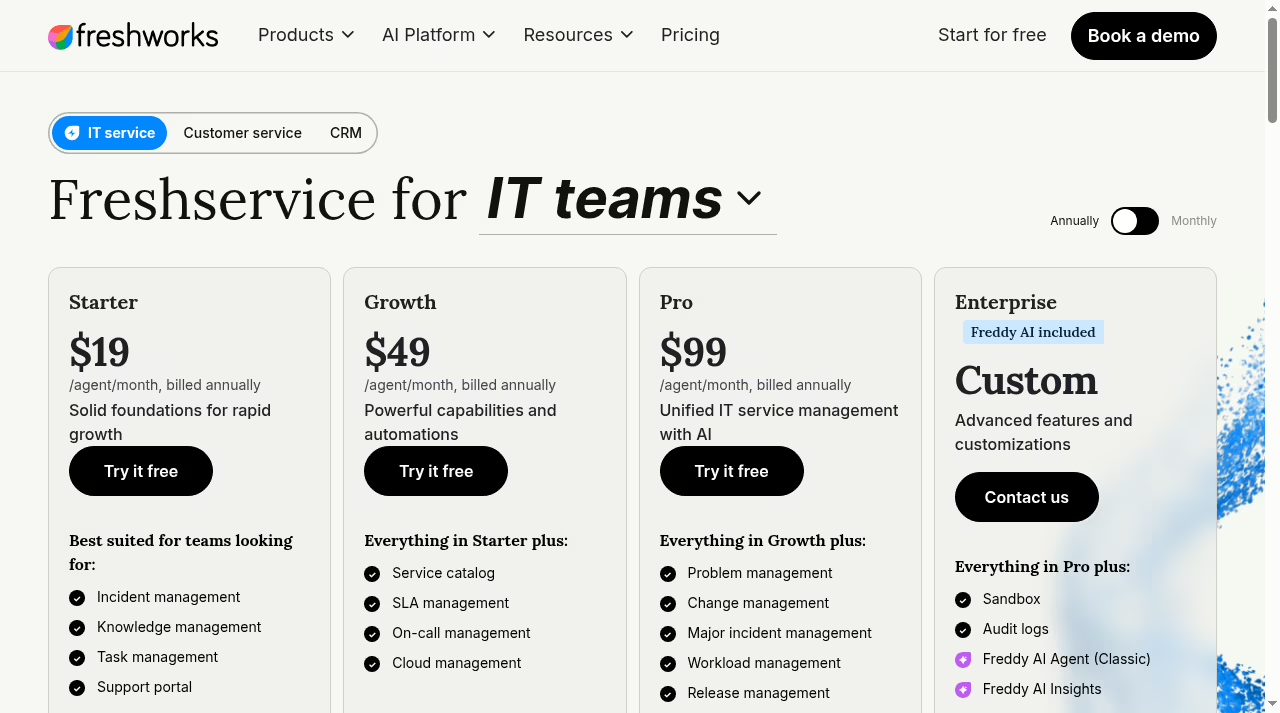
Entry prices look identical. Scope is not. Here is what each page showed on October 16, 2026, all per agent per month on annual billing, which saves 20 percent against paying monthly. Every paid page also offers a monthly toggle if you refuse to commit, but the annual rate is the honest comparison baseline.
| Product | Annual-billed USD rates | Plan boundary to examine |
|---|---|---|
| Freshservice | Starter $19, Growth $49, Pro $99, Enterprise custom | Service catalog and SLA management start at Growth; problem, change and release management at Pro; sandbox and audit logs at Enterprise |
| Freshdesk | Growth $19, Pro $55, Enterprise $89 | Multiple SLA policies and intelligent routing start at Pro; sandbox and audit logs at Enterprise |
| Freshdesk Omni | Growth $29, Pro $79, Enterprise $119 | Omnichannel support across the board; Copilot and extra AI sessions cost extra |
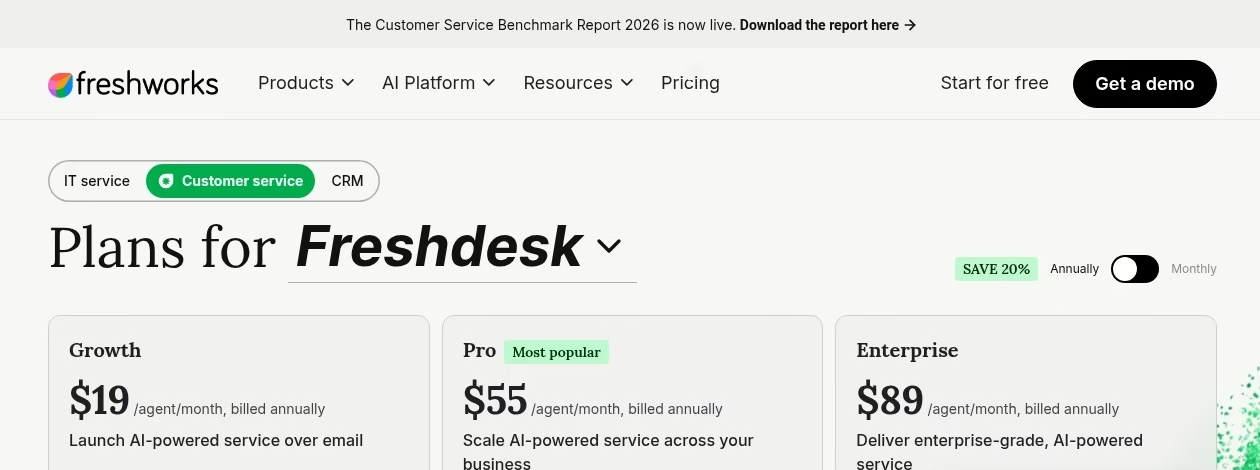
Matching plan names do not mean matching features. Freshservice Growth and Freshdesk Growth are different products at different prices. Compare the exact tier that carries your mandatory feature, then do the seat math:
These are published rates multiplied out, not quotes. Freshservice Enterprise is custom-priced, so if sandbox or audit logs are mandatory for you, treat the sales conversation as part of the cost. Your real number also adds mandatory modules, implementation and usage.
AI is the line item people miss: every Freshdesk and Omni plan includes the first 500 Freddy AI Agent sessions, extra sessions sell at $49 per 100, Copilot is $29 per agent per month on Pro and up, and day passes for occasional agents run $2 to $15 depending on product and tier.
Freshservice packages AI differently again, with Copilot as a $29 add-on on Pro and Freddy AI Agent Classic plus Insights included at Enterprise. We track this category in our small-business AI tools guide because the add-on math now decides as many purchases as the seat price.
The third option
Where Freshdesk Omni fits
Freshdesk Omni is the multichannel edition: same customer-service core, with connected channel history and messaging built in. Growth runs $29, Pro $79 and Enterprise $119 per agent per month on annual billing, roughly a $10 to $30 premium per tier over plain Freshdesk.
Day passes for occasional agents cost a little more here too, at $5, $10 and $15 by tier.
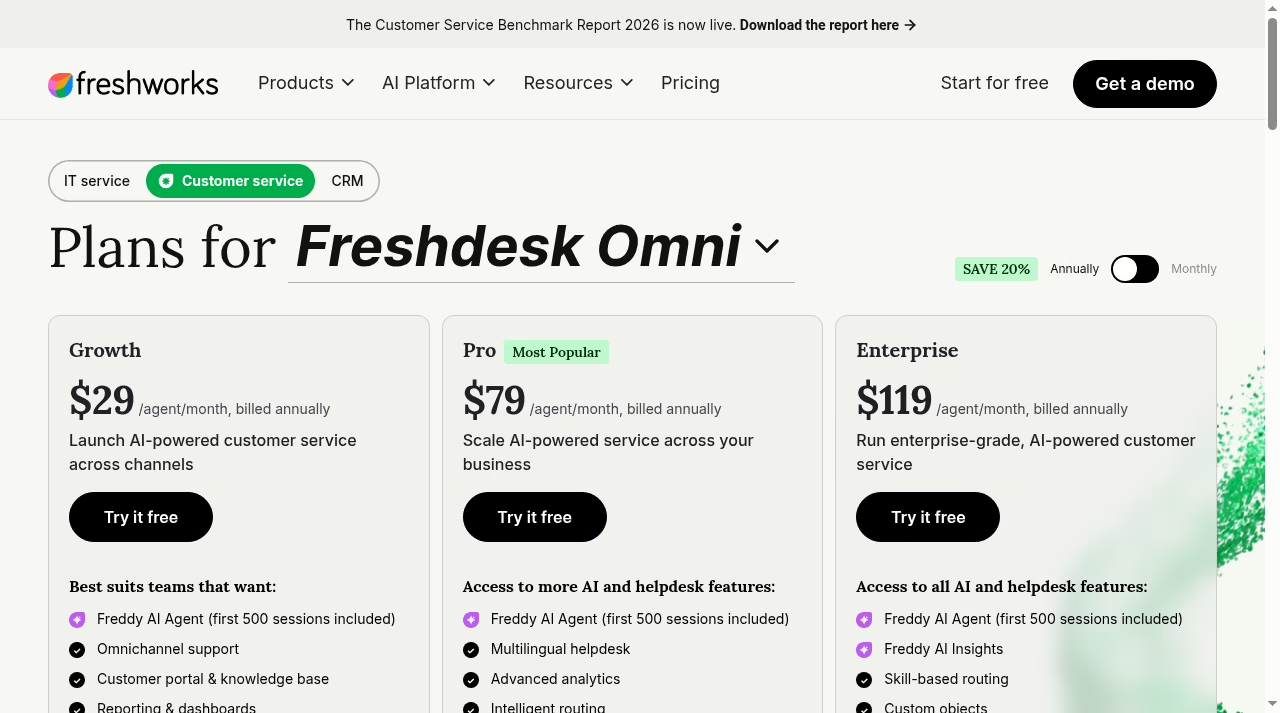
Buy Omni when customer identity across channels is the requirement: the same person writes on chat, then email, and the agent must see one conversation. If your queue is 90 percent email, plain Freshdesk keeps $120 per agent per year in your pocket at the Pro tier.
Our help desk software guide compares both against the wider market if you want alternatives before committing.
Same work, both desks
Three requests, run through both desks
Feature lists blur together. Requests do not. These are the three I run in every demo of these products, and they double as your pilot script later. For each one, the pass condition is ownership plus evidence, not a tidy screen.
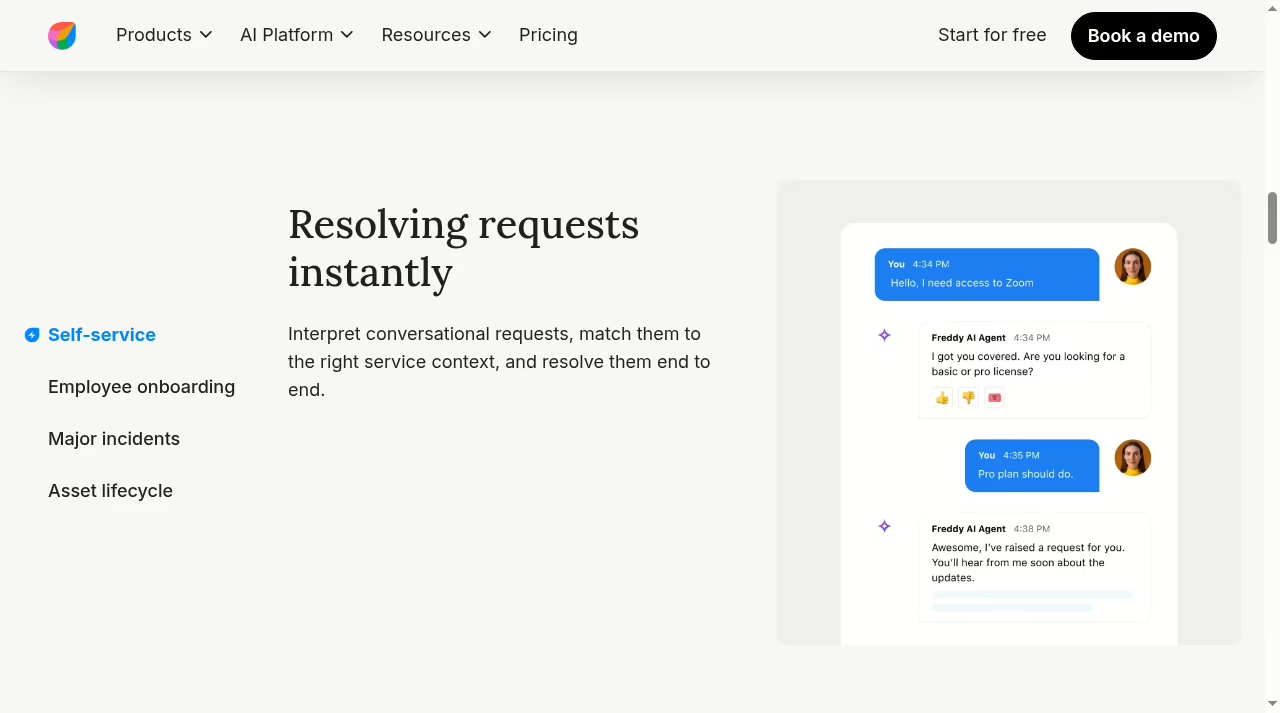
A new employee needs equipment and access. In Freshservice, request a laptop and software through the service catalog, watch the approval fire, and check that the asset record attaches to the right person. In Freshdesk, ask what would need to be bolted on to reproduce that. Both can store a form.
Only one carries the asset, approval and fulfillment chain natively. Pass means a complete trail from request to delivered laptop without side-channel email.
A customer reports a delayed order. In Freshdesk, identify the customer, pull the conversation history, send an approved answer and hand off privately to operations. In Freshservice, ask what it takes to serve an external requester at all.
If order actions are involved, permissions and the commerce connection decide it; our Shopify versus custom build guide explains why that platform layer matters. Pass means the customer gets a correct answer without ever seeing internal back-and-forth.
A customer issue exposes an internal outage. This is the case for running both products. Keep the customer communication owner in Freshdesk and the incident owner in Freshservice, link the records, and decide which status changes cross over.
Freshworks says integration is possible; verify it on your tiers with real fields, the way we approach any connection in our integration tools evaluation. Pass means both owners see what they need and neither sees what they should not.
Score each demo on those pass conditions. The losing product in each scenario is not bad software. It is the wrong tool for that requester.
When a vendor runs the demo for you, insist on driving scenario three yourself. Sales demos love scenario one and two because each product has a favorite. The crossed case, where a customer problem becomes an internal incident, is where integrations, permissions and ownership actually show their seams.
Between the two
Handoffs and service promises between the two
If you run both, write the handoff contract before go-live: the triggering event, the shared identifier, which status is visible where, the next update owner and the escalation path. A linked internal incident does not relieve the customer agent of updating the customer, and a resolved customer ticket does not prove the internal cause got fixed.
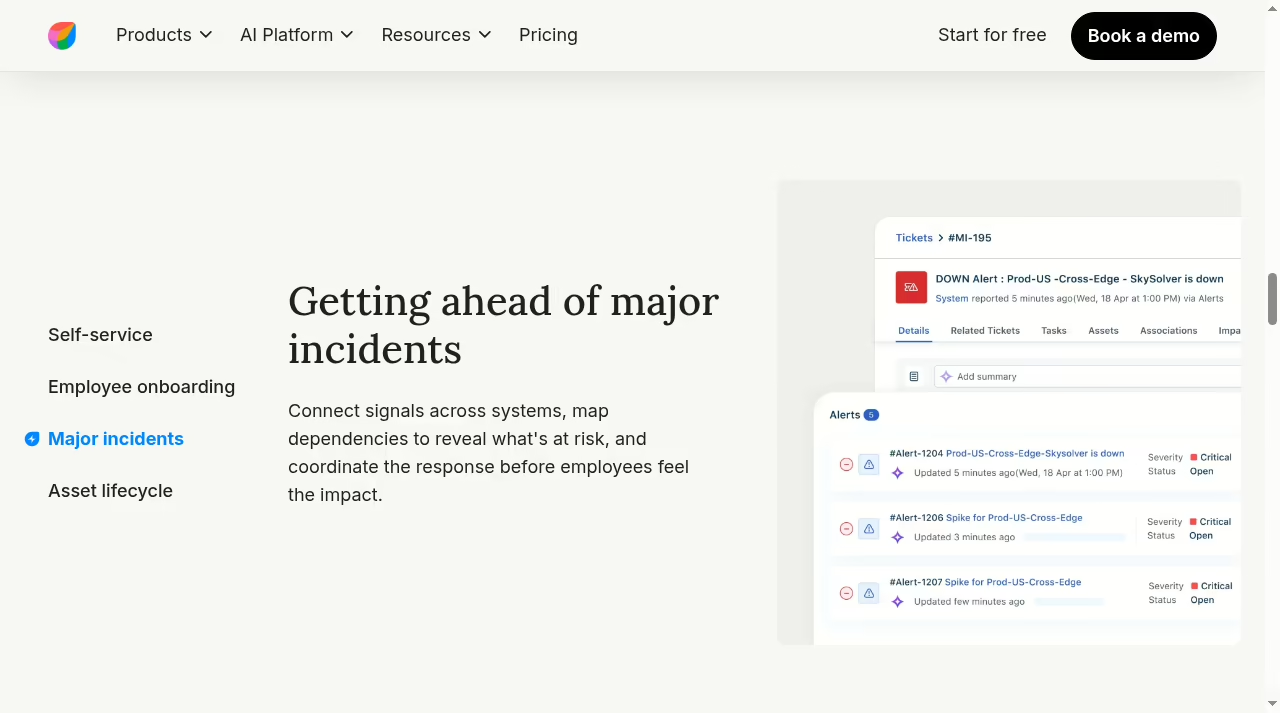
Keep separate identifiers for related work. A customer ticket and an internal incident can be linked without pretending they are one record: both keep their own owner, status and history.
Decide which event should trigger a customer update and which merely informs the internal team, and test the ugly cases: an incident closed as duplicate while the customer ticket stays open, and a customer ticket reopened after the incident was marked resolved. The integration should never blindly mirror every state.
On SLAs, Freshdesk’s documentation distinguishes business hours from calendar hours, and automated Send Reply actions do not count as a first response. Test an outside-hours case in your tier. Do not copy those mechanics into Freshservice and assume they behave identically; check its SLA management configuration, which starts at Growth, on its own terms.
And a call booked through a scheduling tool is a support step, not a resolution.
Automations deserve the same suspicion. A rule that routes or updates across the two systems needs a visible failure path, because a silent drop is worse than no automation at all. The discipline in our automation tools guide applies directly: log failures where a human will see them.
The AI layer
Freddy AI on both sides
Both products now lead with Freddy AI, but the packaging differs. Freshdesk and Omni include the first 500 AI Agent sessions on every plan, sell extra sessions at $49 per 100, and gate Copilot at $29 per agent per month to Pro and above.
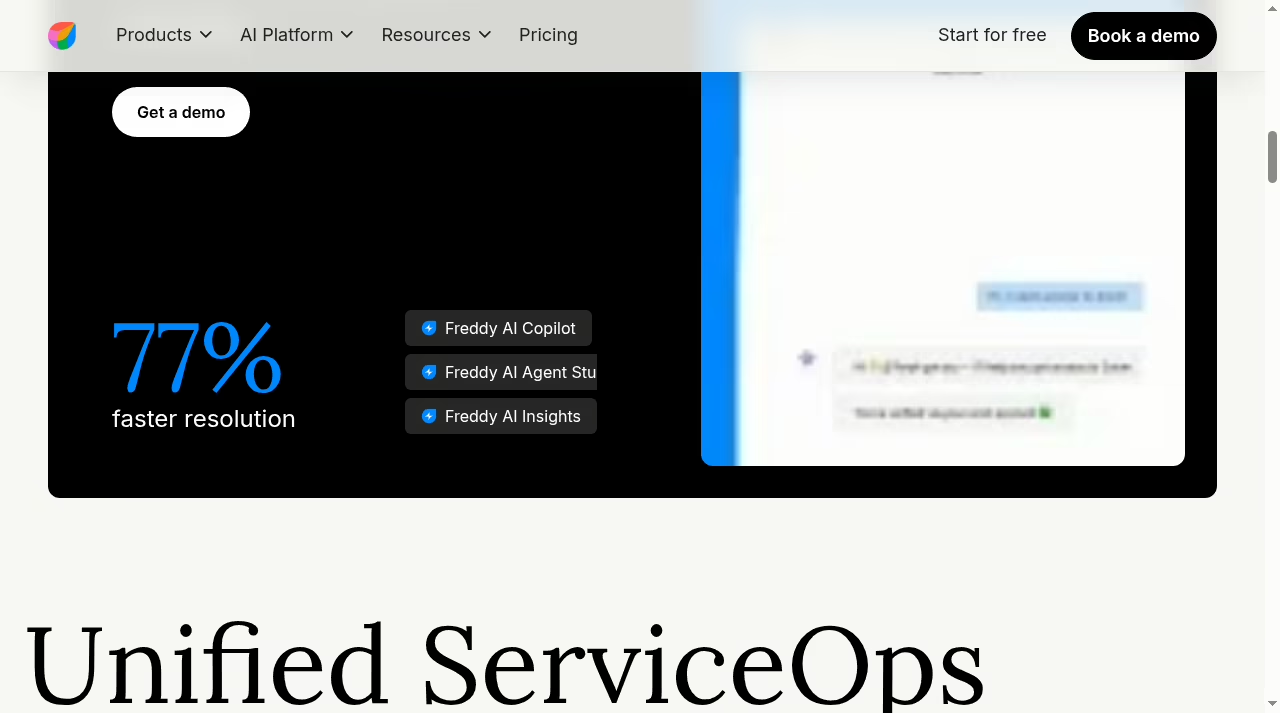
Freshservice includes Freddy AI Agent Classic and Insights at Enterprise, sells Copilot as a $29 add-on on Pro, and quotes 77 percent faster resolution on its page.
Vendor percentages are vendor percentages, and both homepages quote big ones from their own studies. What matters is whether the AI resolves your top ten ticket types, so pull that list from your current queue and test exactly those, including the rude, vague and multi-part ones.
Budget AI as usage, not as a feature checkbox: a busy support queue can burn through the included sessions in weeks, and at $49 per hundred extra sessions the overage belongs in your seat math from day one.
Proof before purchase
A two-week pilot I would actually run
Both products offer a 14-day free trial that starts on the Enterprise plan, and neither charges cancellation fees; cancellation takes effect at the end of the term. Two weeks is enough if you script it.
Run the three tickets above in the tier you would actually buy, not the trial tier, then check four outcomes: restricted records stay restricted, the approval path reproduces, a representative export is usable, and failed handoffs are visible to a human.
Move a handful of representative records rather than chasing import counts: one customer request, one internal incident, one attachment, one restricted item. Preserve an archive wherever history does not survive cleanly, and prove you can retrieve what you stored, the same principle behind our backup strategy comparison.
Set the go or no-go decision before the pilot starts, in writing, with one named person who can accept or reject each outcome.
Do not waive a failed permission test because the interface is otherwise pleasant, and if a required feature only works on a higher tier, revise the total cost before selecting rather than after signing. Budget the administrators, not just the agents: routing rules, catalogs, knowledge and permissions need owners after purchase.
Track the rollout on a real board from our Trello alternatives list, keep internal procedures in a proper knowledge workspace, and remember that vague ownership kills more tool rollouts than bad software does. Our piece on why CRM projects fail makes the same point from the sales side.
The verdict
My pick, by team
Pick Freshservice. Start at Growth if you need the service catalog and SLA management, which most teams do. Pro earns its premium the moment change and problem management become real requirements.
Pick Freshdesk. Growth covers a lean email-first queue at $19 per agent. Move to Pro at $55 when you need intelligent routing, external collaborators and multiple SLA policies. Choose Omni instead only when connected messaging channels are a hard requirement.
Run both, linked. Freshdesk owns the customer conversation, Freshservice owns the incident, and the handoff contract owns the gap between them. Verify the integration on your tiers before promising it to anyone.
Whichever you pick, the wrong choice here is rarely the software. It is buying a customer inbox for an IT problem or an ITSM suite for a support queue. Match the tool to the requester and the workflow, and both products do their job well.
If your honest answer is that half your tickets are internal and half are external, run the three scenarios above before assuming one license can stretch to cover both. You can browse more options in our app directory.
Quick answers
Frequently asked questions
Q1Is Freshservice the same as Freshdesk?
No. Both are Freshworks products and both manage tickets, but Freshservice serves internal IT and employee service delivery while Freshdesk serves customer support. The requester, data model and follow-up work differ, so evaluate them as separate purchases.
Q2Which is better for an internal IT team?
Freshservice. It is the aligned choice when requirements include a service catalog, asset management, incidents or controlled changes. Check that your mandatory feature lands in the tier you are pricing, because catalog and SLA management start at Growth and change management at Pro.
Q3Which should a small customer support team try first?
Freshdesk Growth at $19 per agent per month on annual billing. It covers ticketing, a shared inbox, the customer portal, knowledge base and reporting. If your support is messaging-led, price Freshdesk Omni separately before deciding.
Q4Can a business use both products together?
Yes, and Freshworks describes integration between them. Verify the connector, tier requirements, permissions and sync behavior yourself. Keep a customer communication owner and an internal service owner, and decide deliberately which status changes cross over.
Q5Are the similarly named plans equivalent?
No. Freshservice Growth ($49) and Freshdesk Growth ($19) buy different scope. Never compare plan names or entry rates. Compare the exact tier carrying your mandatory feature, then add modules, AI usage, implementation and tax for a real total.
Q6Is there a free trial, and what happens if I cancel?
Both offer a 14-day free trial that starts on the Enterprise plan, with an alert before expiry. There are no cancellation fees; cancellation takes effect at the end of your paid term. Annual billing saves 20 percent against paying monthly.
Q7How do I avoid paying for the wrong platform?
Write three representative requests with their owners, data, approvals and expected outputs. Make each demo run those exact paths in the tier you would buy. Budget administration and migration honestly, and pick the operating model that fits your requesters over the dashboard that demos best.



Leave a Reply