


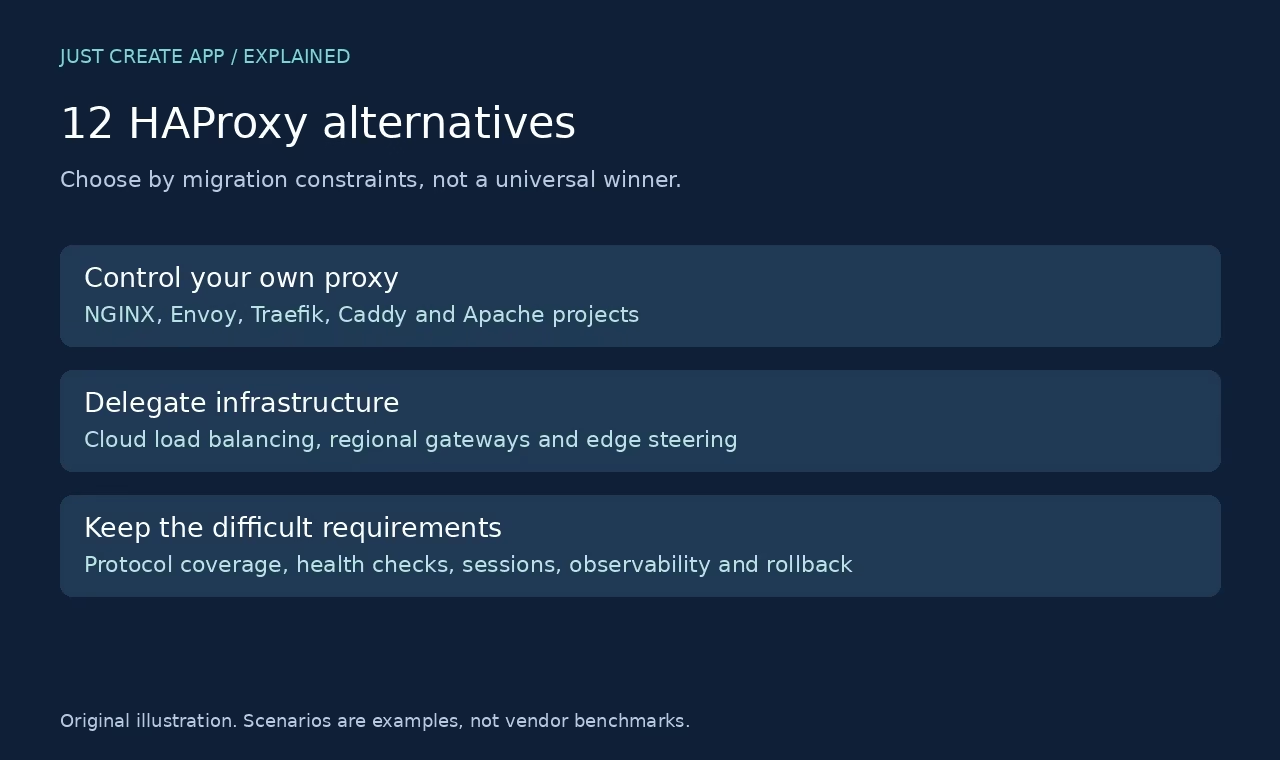

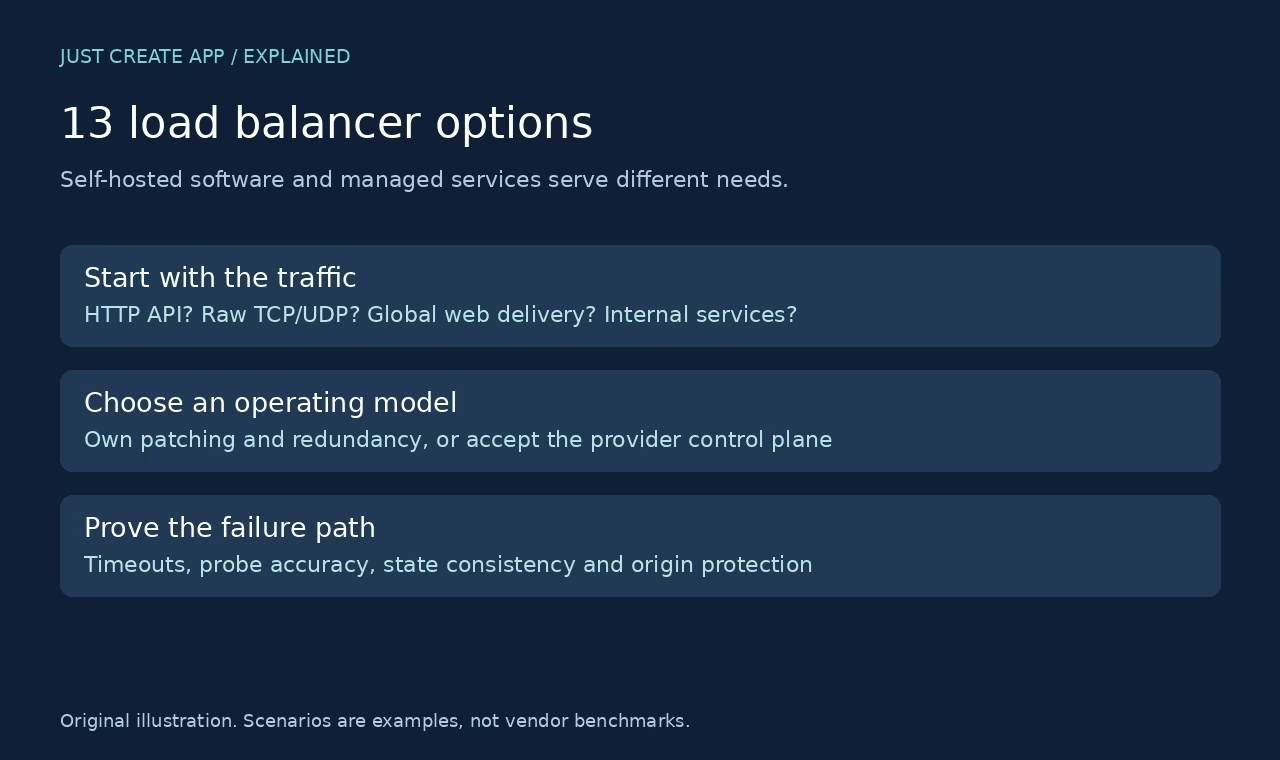
The best HAProxy alternative depends on what you need to change. A simpler HTTP configuration, container discovery, a managed cloud entry point and global origin steering are different problems. This shortlist covers twelve real projects and services, but it does not claim they are all drop-in replacements or that one wins every workload.
How we checked: official project, product and documentation pages were read on 7 October 2026, and the images below are original captures of those public pages. The scenario comparisons are editorial guidance from the documented capabilities. We did not deploy or benchmark these products. Prices and numerical performance rankings are deliberately omitted because they depend on version, edition, traffic and deployment.
Quick selection map
| Option | Starting scenario | Operating model |
|---|---|---|
| NGINX Open Source | Existing NGINX web stacks | Self-hosted |
| Envoy | Service-oriented environments | Self-hosted |
| Traefik Proxy | Container-oriented routing | Self-hosted |
| Caddy | Simple web proxy setups | Self-hosted |
| Apache HTTP Server | Teams already running Apache | Self-hosted |
| Apache Traffic Server | Cache-heavy proxy delivery | Self-hosted |
| AWS Elastic Load Balancing | Applications hosted in AWS | Managed service / commercial product |
| Google Cloud Load Balancing | Google Cloud workloads | Managed service / commercial product |
| Azure Application Gateway | Regional HTTP routing in Azure | Managed service / commercial product |
| Cloudflare Load Balancing | Multi-origin edge steering | Managed service / commercial product |
| DigitalOcean Load Balancers | DigitalOcean deployments | Managed service / commercial product |
| F5 BIG-IP | Enterprise application delivery | Managed service / commercial product |
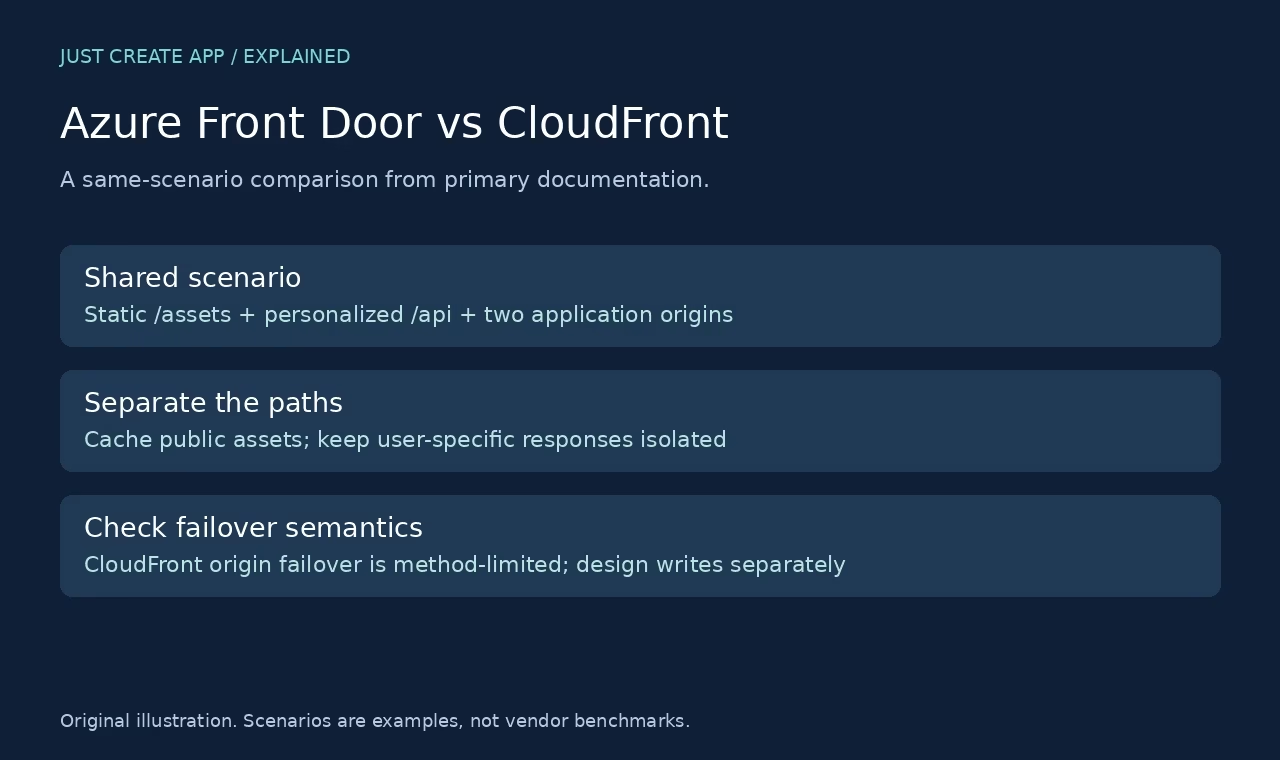
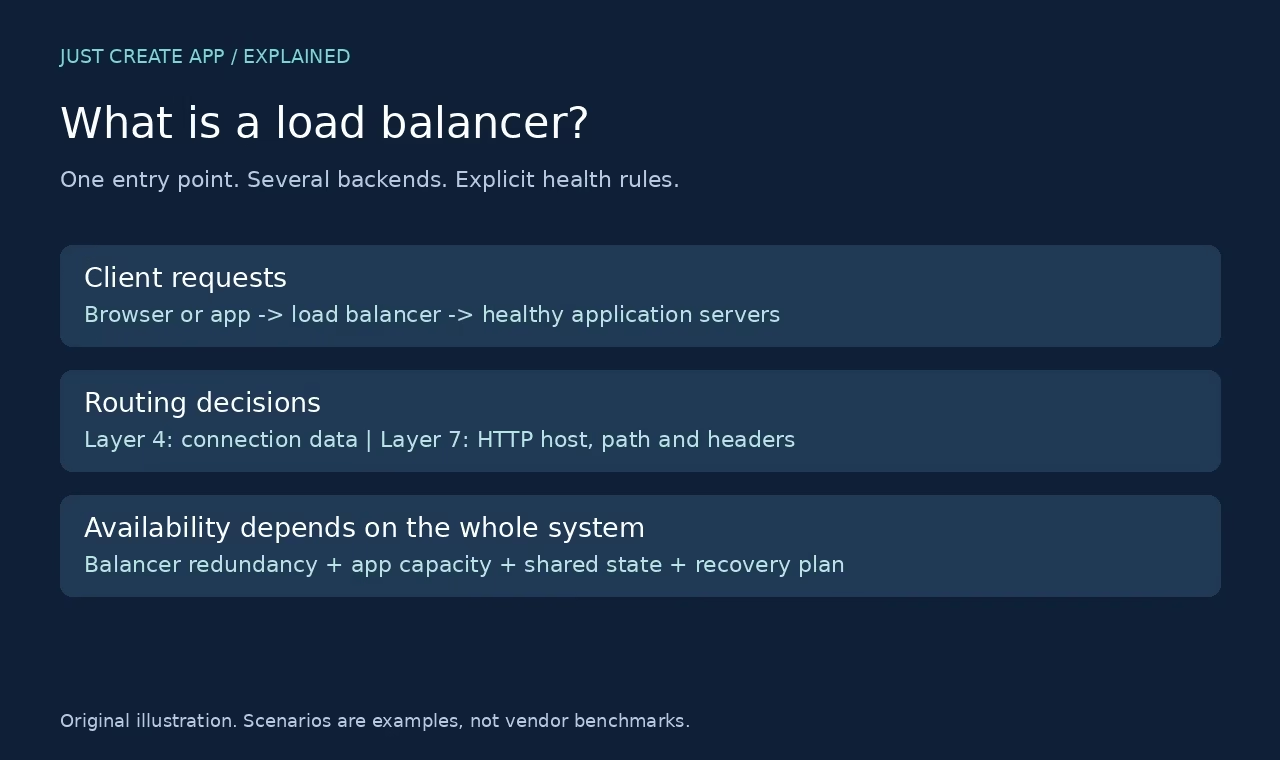
Need the basic terminology first? Read what a load balancer does. For edge caching and two-origin web delivery, use the narrower Azure Front Door vs CloudFront comparison. Neither edge product should be treated as a generic TCP proxy replacement.
1. NGINX Open Source – Existing NGINX web stacks
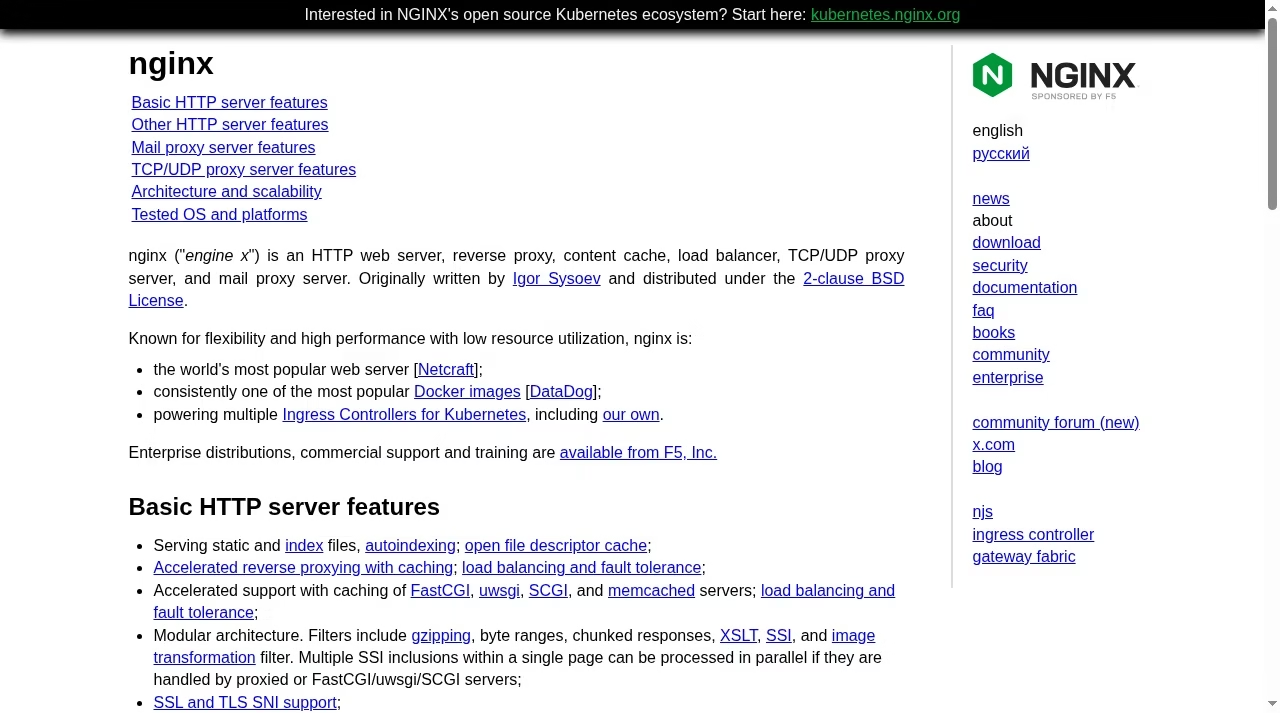
NGINX can serve as an HTTP reverse proxy and distribute traffic across an upstream group. Its documentation covers round robin, weights, least connections, IP hash and generic hashing. It also supports TCP and UDP proxying through its stream functionality. This makes it worth considering when your team already understands NGINX configuration and wants to keep web serving and upstream routing in one operating stack.
Distinguish Open Source from NGINX Plus. The primary HTTP guide marks features such as Plus sticky-session methods as edition-specific. Passive failure detection is not the same as active application probes. Check your exact build and current directives instead of importing an old feature chart.
For a HAProxy migration, inventory ACLs, headers and timeout rules and translate them deliberately. An NGINX configuration is not a drop-in parser for HAProxy configuration. Test client IP handling and the application behavior on a backend change.
Visit NGINX Open Source official page. Treat existing nginx web stacks as a starting scenario, not a guarantee that every edition fits your system.
2. Envoy – Service-oriented environments
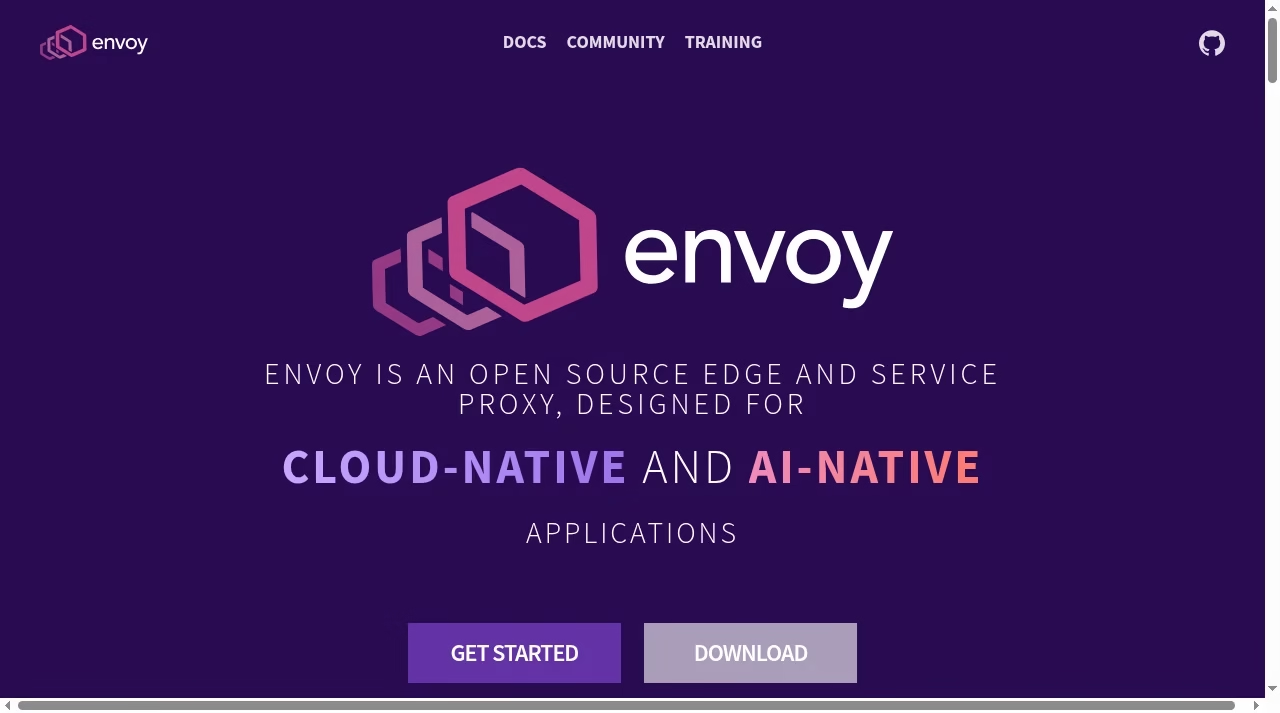
Envoy is an open-source edge and service proxy. Its upstream load-balancing documentation describes policies including round robin, least request, random, ring hash and Maglev. It is a candidate when routing is part of a broader service architecture and you need a proxy that fits that architecture rather than a standalone web server.
A data-plane proxy still needs configuration ownership. If you use a control plane, review how it publishes endpoints and reacts to failure. Do not assume that installing Envoy creates service discovery, a management UI or a complete service mesh by itself.
For migration, reproduce one listener and backend cluster first. Compare request headers, timeouts and error behavior before introducing dynamic configuration. The operational cost is in managing the surrounding design, not simply in the software license.
Visit Envoy official page. Treat service-oriented environments as a starting scenario, not a guarantee that every edition fits your system.
3. Traefik Proxy – Container-oriented routing
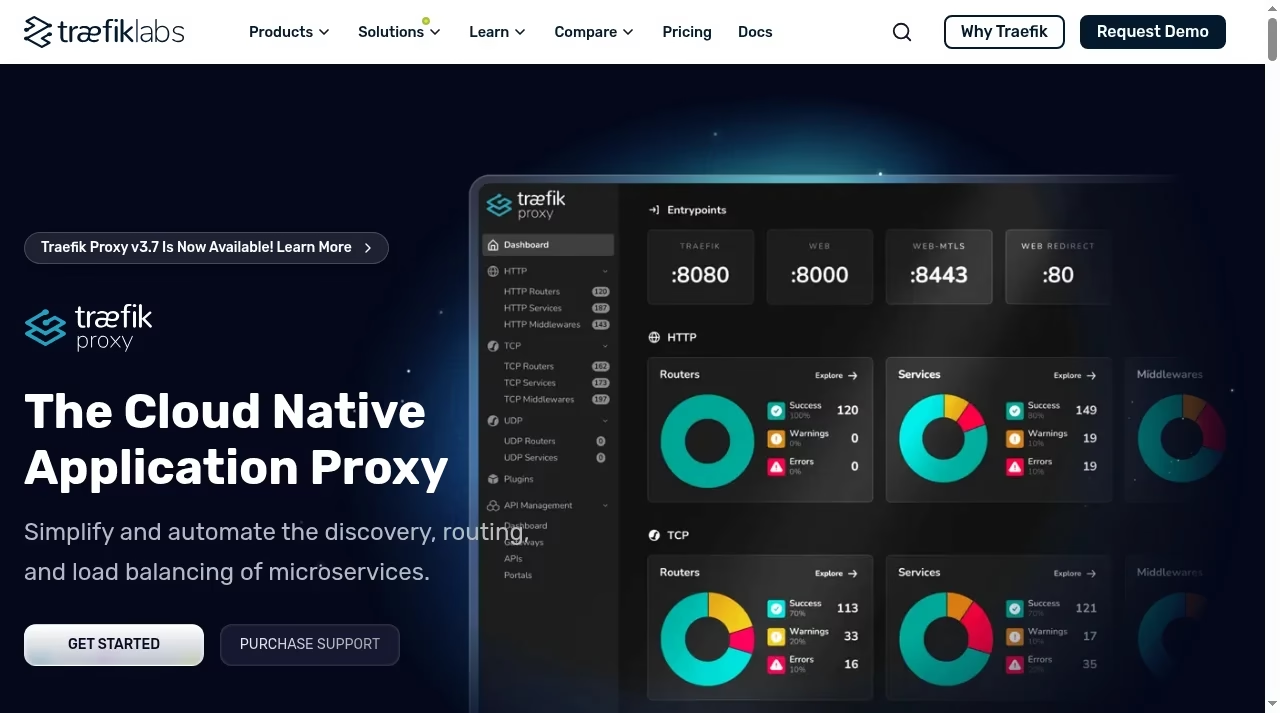
Traefik Proxy presents itself as a cloud-native application proxy with service discovery, routing and load balancing. Its service documentation describes backend server lists and service-level traffic handling. It is worth a look when changing application instances should feed into routing through the platform rather than through hand-edited static files.
Discovery reduces manual endpoint work but does not remove the need to review provider permissions, network exposure and routing labels. Confirm that the specific HTTP, TCP or UDP service and health behavior you need are documented for your release. A dashboard is not a substitute for access controls.
A migration should map entry points, routers, middleware and services to the old configuration responsibilities. Keep a single service trial small and observable. Review how a new container becomes eligible and how a retiring instance is drained.
Visit Traefik Proxy official page. Treat container-oriented routing as a starting scenario, not a guarantee that every edition fits your system.
4. Caddy – Simple web proxy setups
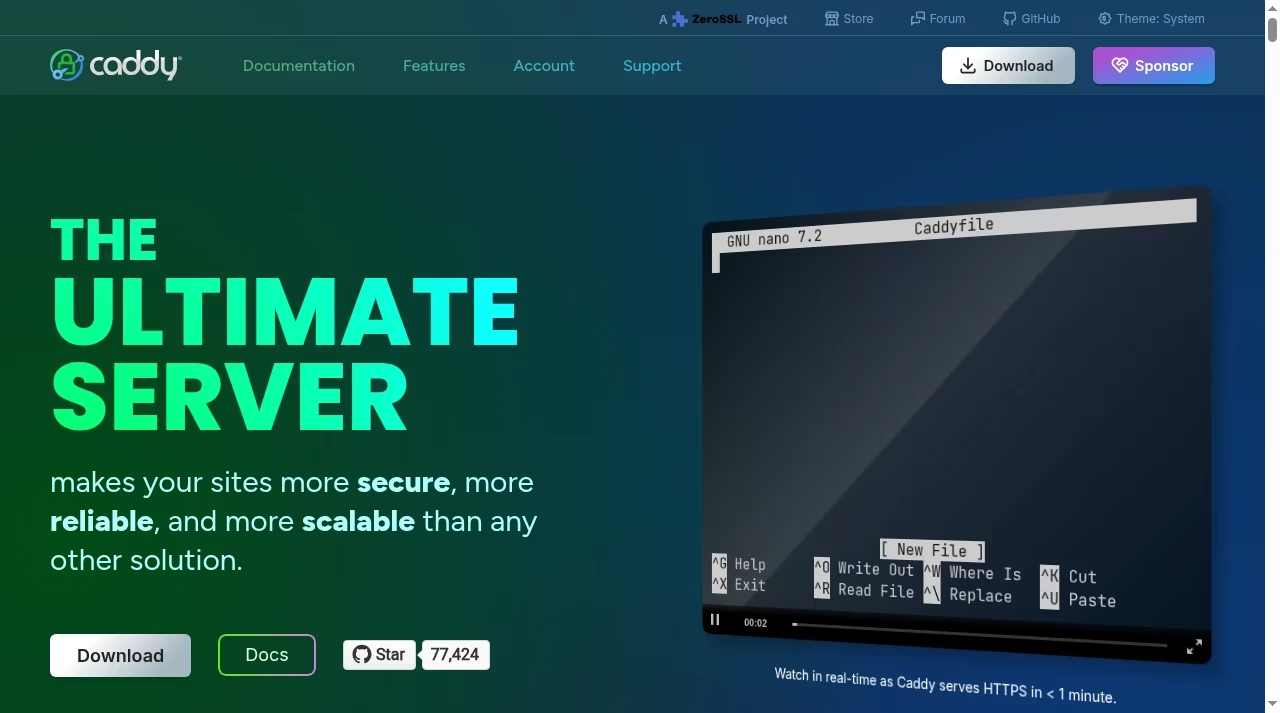
Caddy is a web server with a configurable reverse_proxy directive. Its official directive reference documents upstream selection, load balancing and active and passive health checks. It is a useful candidate for a small web stack where readable configuration and certificate handling are important, provided its documented request behavior meets your workload.
Caddy is not a generic replacement for every transport-layer feature. Check protocol requirements and modules before assuming a standard installation covers a specialized HAProxy deployment. The reverse-proxy guide also documents conditions for active health checks and dynamic upstream behavior that deserve a careful read.
Test the actual application, including redirects, forwarded headers, streaming and retries. A shorter configuration can be easier to maintain, but correctness still depends on timeout choices, eligible upstreams and a safe deployment process.
Visit Caddy official page. Treat simple web proxy setups as a starting scenario, not a guarantee that every edition fits your system.
5. Apache HTTP Server – Teams already running Apache
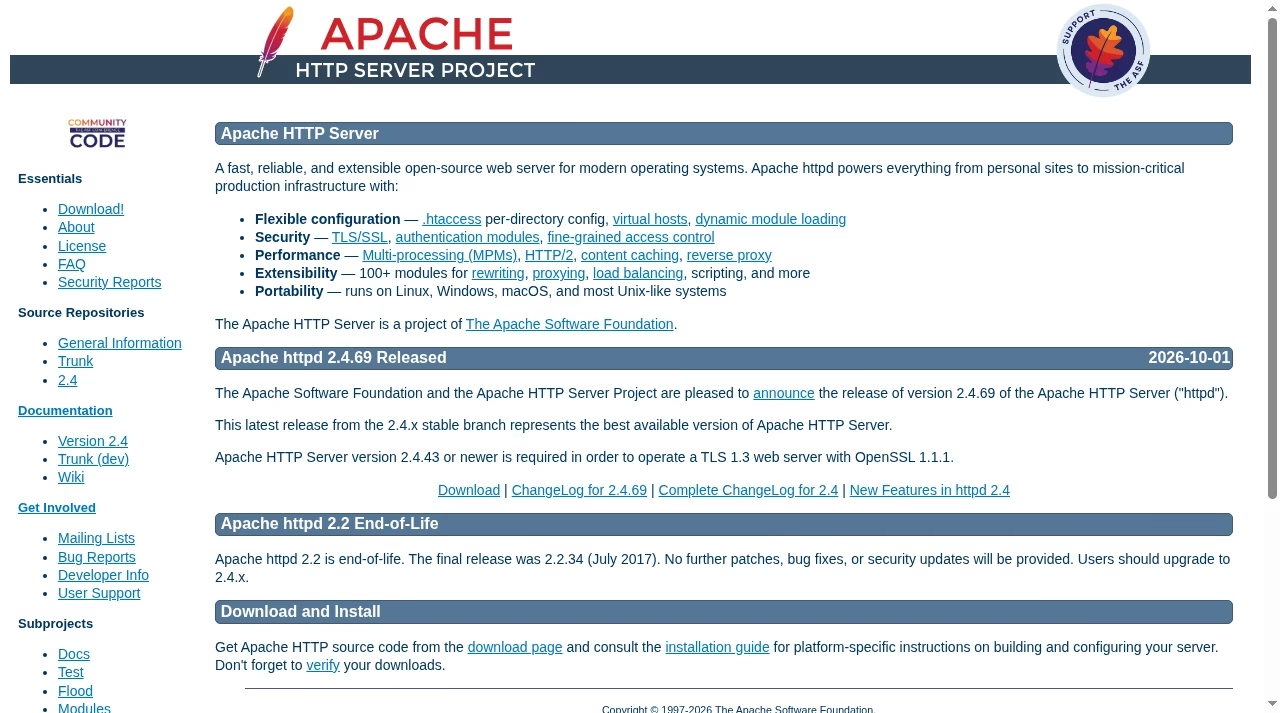
Apache HTTP Server can proxy to backend pools through mod_proxy_balancer. Its module documentation describes balancer workers and algorithms supplied by related load-balancing modules. This is a practical candidate when Apache is already the front-end server and the requirement is HTTP backend distribution, not a wholesale change to the platform.
Required modules must be enabled and configured together. Do not confuse the existence of mod_proxy_balancer with a complete default health-check policy or a secured management endpoint. Review related proxy, protocol and scheduler modules in your own distribution.
Use a small staged backend group and confirm routing, affinity and failure handling. The advantage is reuse of existing operational knowledge. The tradeoff is that configuration and modules still need active maintenance, and a single Apache host remains a single failure point.
Visit Apache HTTP Server official page. Treat teams already running apache as a starting scenario, not a guarantee that every edition fits your system.
6. Apache Traffic Server – Cache-heavy proxy delivery
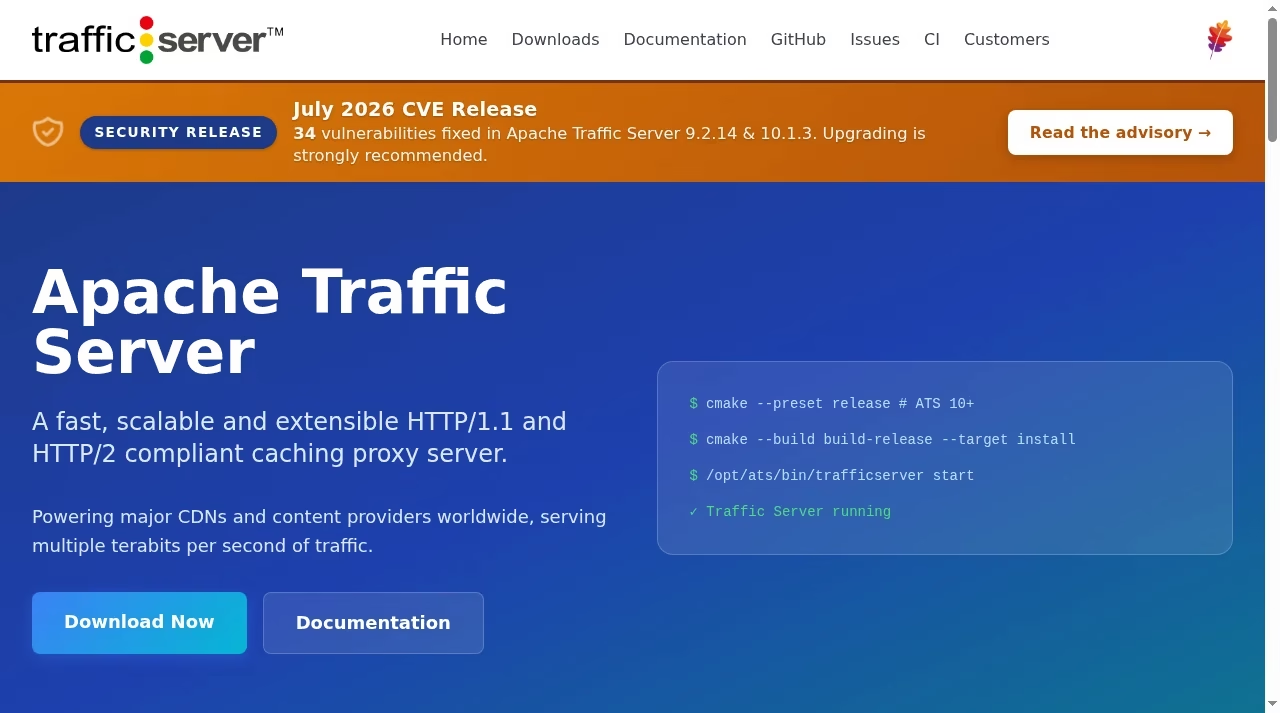
Apache Traffic Server is a caching proxy that can operate as a reverse proxy and Layer 7 HTTP load balancer. Its introduction documents next-hop selection using request attributes and strategies such as weighted round robin and URL consistent hashing. This makes it a relevant option when cache behavior is a major part of the job.
It is a different starting point from a general TCP/HTTP balancer. The documentation discusses TLS tunneling and SNI routing separately from cached HTTP delivery. Traffic that is tunneled without decryption cannot be cached as an HTTP object by that path.
Choose it because you need its proxy and cache architecture, not because every proxy is interchangeable. Plan cache keys, origin headers, invalidation and next-hop policy together. Check the maintained release and security notices before deployment.
Visit Apache Traffic Server official page. Treat cache-heavy proxy delivery as a starting scenario, not a guarantee that every edition fits your system.
7. AWS Elastic Load Balancing – Applications hosted in AWS
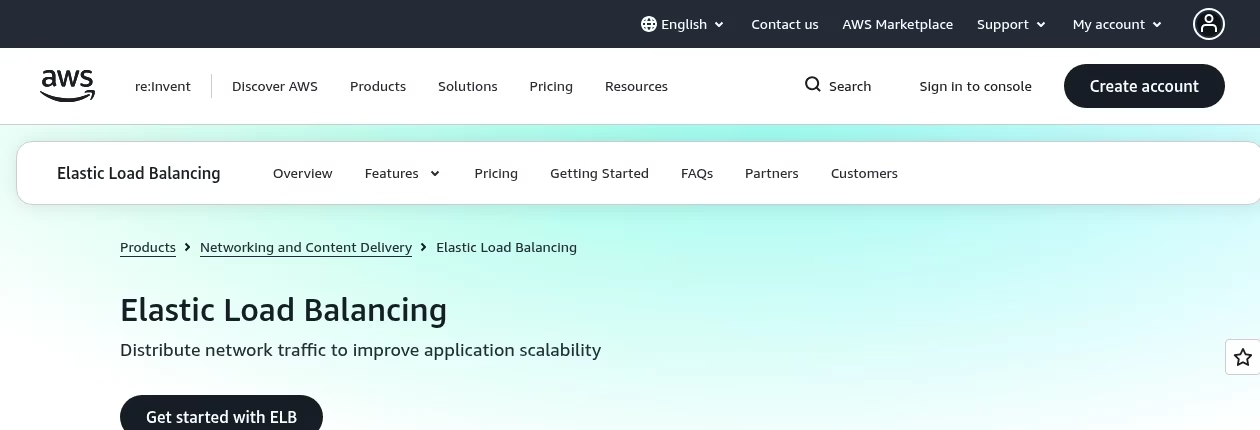
Elastic Load Balancing is a managed service family. The Application Load Balancer guide describes HTTP-aware listeners, rules, target groups and target health checks. Network Load Balancer is a separate choice for different transport requirements. It fits teams that want AWS to operate the balancer infrastructure while they operate the application and targets.
Choose the specific balancer type before comparing features. Application Load Balancer is not an interchangeable raw-UDP proxy. Managed infrastructure also does not solve application-state consistency, target permissions or a failed shared database. Provider quotas and billable usage need review for the selected service.
Migrating from HAProxy changes the configuration model and the operating boundary. Translate routes and health checks into listeners and target groups. Validate security groups, target reachability, TLS termination and the way application logs record the client address.
Visit AWS Elastic Load Balancing official page. Treat applications hosted in aws as a starting scenario, not a guarantee that every edition fits your system.
8. Google Cloud Load Balancing – Google Cloud workloads
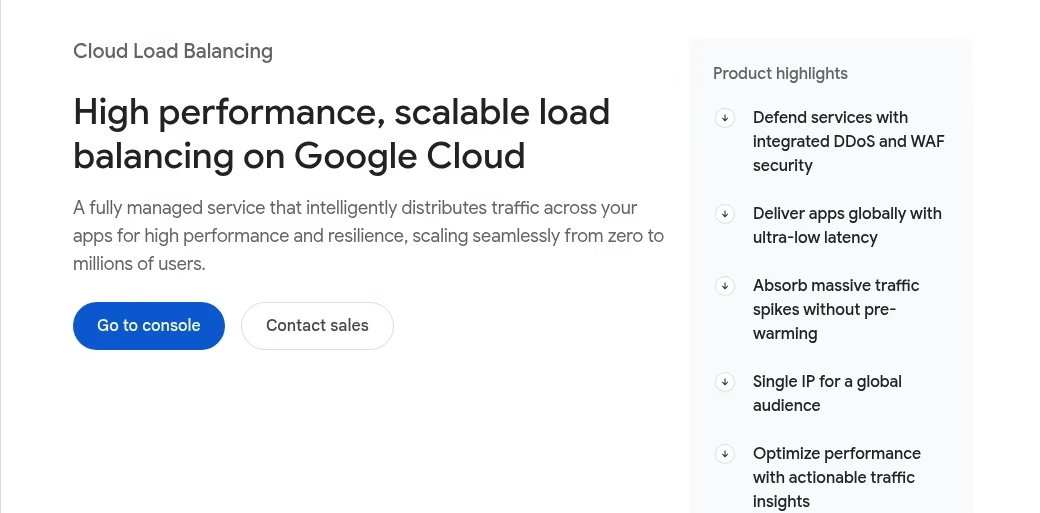
Google Cloud provides application and network load-balancing families with different regional or global and external or internal designs. Its overview distinguishes proxy-based and pass-through choices. This is a candidate when the workload lives on Google Cloud and the intended operating model is managed infrastructure rather than self-hosting a proxy fleet.
Do not describe the whole product family as one protocol and feature set. Select the exact service, scope and backend support from the current decision guide. A global application balancer and a regional network balancer have different jobs and constraints.
Map the traffic path and backend placement before migrating. Review certificates, health checks, firewall rules and how the chosen balancer exposes metrics. Keep the platform dependency and usage-based cost visible in the selection, even when there is no software license to maintain.
Visit Google Cloud Load Balancing official page. Treat google cloud workloads as a starting scenario, not a guarantee that every edition fits your system.
9. Azure Application Gateway – Regional HTTP routing in Azure

Azure Application Gateway is a web traffic load balancer that routes using HTTP attributes such as URL paths and host headers. Its overview lists features such as TLS handling, cookie-based affinity and optional WAF integration. It fits an Azure web application that needs application-aware routing within the relevant deployment architecture.
It is not Azure Load Balancer. The latter is a Layer 4 TCP/UDP service. Nor is Application Gateway the same global edge-delivery product as Front Door. Review the exact tier, deployment model and features rather than treating every Azure networking name as equivalent.
A migration should preserve path routing, certificate boundaries and backend health settings. Review affinity if the application uses local state. Model failover for the backend application and its data dependencies separately from gateway availability.
Visit Azure Application Gateway official page. Treat regional http routing in azure as a starting scenario, not a guarantee that every edition fits your system.
10. Cloudflare Load Balancing – Multi-origin edge steering
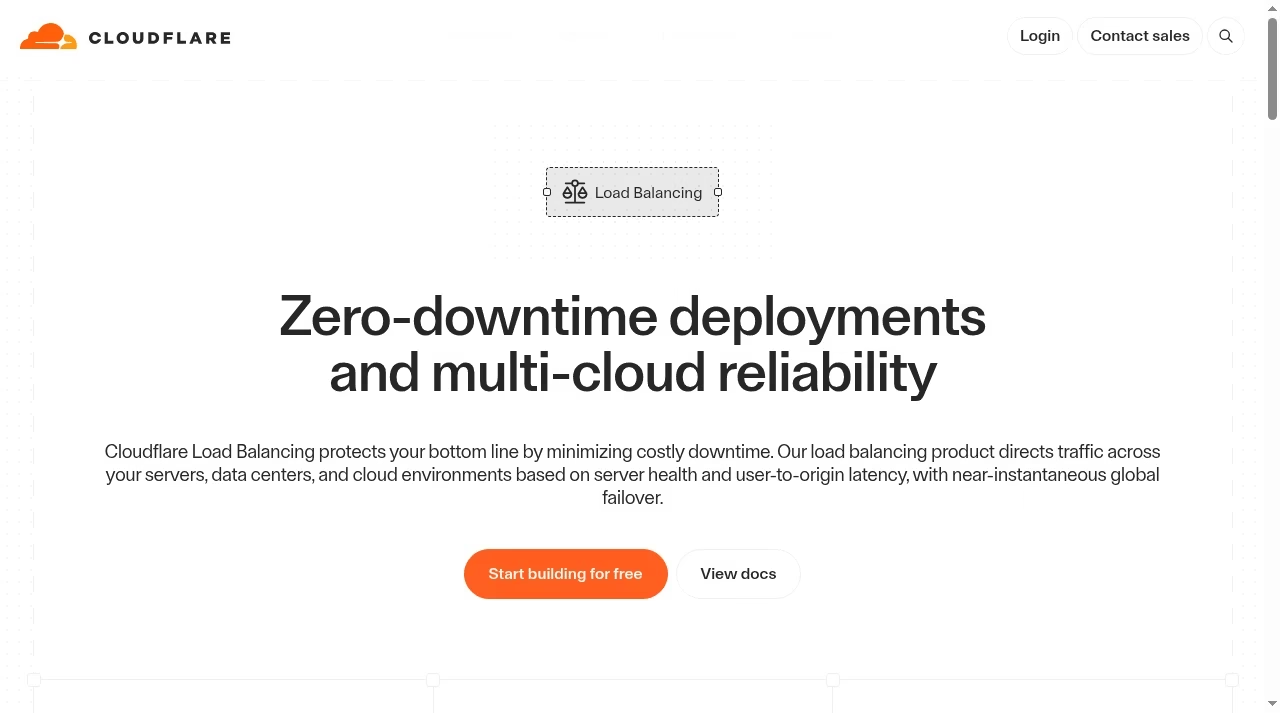
Cloudflare Load Balancing documents pools, endpoints and monitors used to steer traffic across origins. It is relevant when the question is which origin should receive web traffic, including environments spread across providers. The product is an edge or DNS steering choice, depending on configuration, rather than software you install in place of a local HAProxy process.
Review proxied versus DNS-only behavior, available steering policies and the selected plan. DNS changes are affected by caching, while a proxied path introduces its own HTTP behavior. Do not promise identical failover timing or transport support across those modes.
Check origin protection as part of migration. If users can bypass the edge and reach an origin directly, the desired traffic policy may not hold. Evaluate health-monitor paths, certificates and application routing before delegating the public hostname.
Visit Cloudflare Load Balancing official page. Treat multi-origin edge steering as a starting scenario, not a guarantee that every edition fits your system.
11. DigitalOcean Load Balancers – DigitalOcean deployments

DigitalOcean documents load-balancer products and features for its platform. Its regional service includes backend health checks and options such as TLS termination and sticky sessions; its documentation separates product capabilities rather than presenting every configuration as identical. It is a candidate when the application already uses DigitalOcean infrastructure.
DigitalOcean’s current feature guide explicitly says its standard HTTP balancing does not route to specific backends by URL, cookie or HTTP header. Verify the current regional or global product, supported protocols and backend restrictions before committing. The managed service operates the balancer, but you still need suitable application replicas and secure network rules. Do not quote the lowest promotional starting price as the cost of your own workload.
For migration, check how targets are selected and how health settings map to your application. Confirm certificate behavior, session affinity and logging. Consider the cost of moving backends as well as the price of the load-balancer service.
Visit DigitalOcean Load Balancers official page. Treat digitalocean deployments as a starting scenario, not a guarantee that every edition fits your system.
12. F5 BIG-IP – Enterprise application delivery
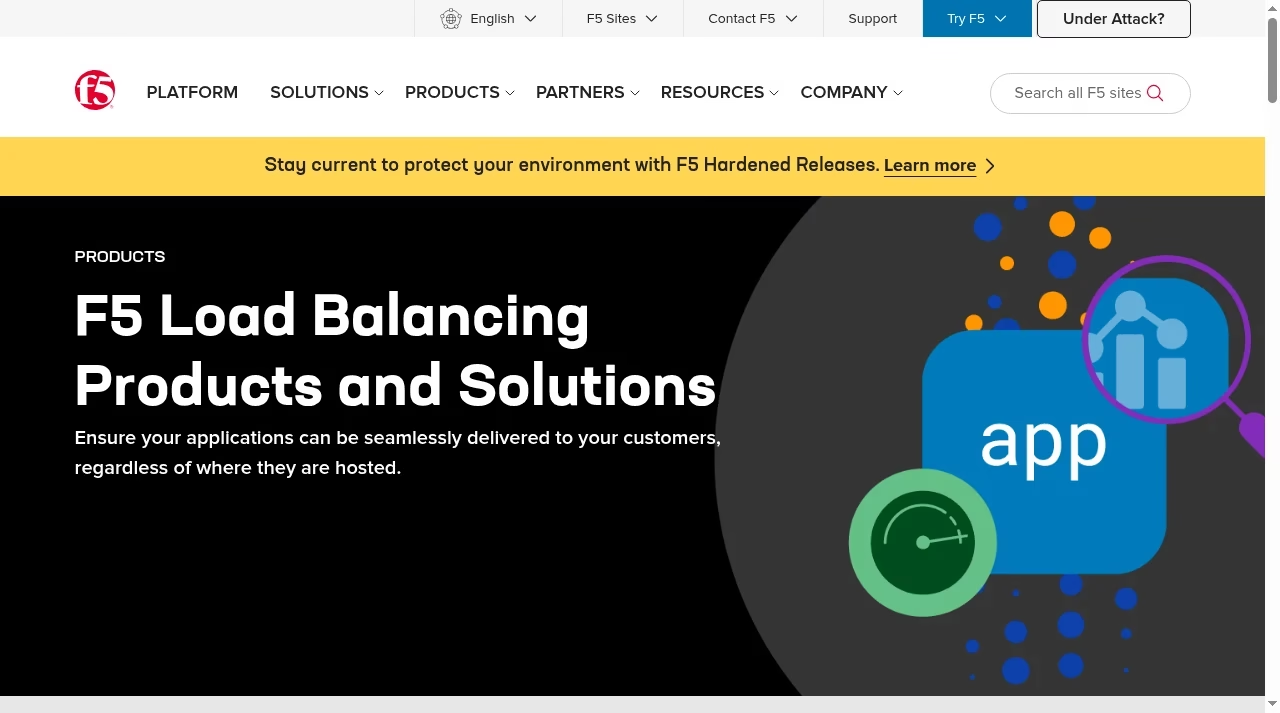
F5 presents application-delivery and load-balancing products, including BIG-IP. This is a candidate when application delivery is part of a larger enterprise environment with established support, policy and operational requirements. The fit is different from choosing a small open-source proxy for a single web application.
BIG-IP is a product family with deployment and licensing choices, not a universal free software substitute. Obtain the exact edition and module requirements from F5 for your target environment. Do not infer a WAF, every protocol feature or an entitlement from the broader family landing page.
A migration needs a feature-level inventory and an ownership plan. Ask the supplier to show how the required routing and failure scenarios work in the proposed configuration. Procurement, support and skills can matter as much as the traffic policy.
Visit F5 BIG-IP official page. Treat enterprise application delivery as a starting scenario, not a guarantee that every edition fits your system.
For the companion view, read managed vs self-hosted options.
Scenario comparison: choose the category before the product
A small HTTP app or a changing service fleet
For a small application, compare readable configuration, certificates, backend checks and the person who will respond to an incident. Caddy, NGINX and Apache may be reasonable starting points when the team already knows them. For changing service fleets, evaluate endpoint discovery and configuration distribution as part of the stack. Envoy and Traefik should be judged with their surrounding control or provider configuration, not as isolated binaries.
A cloud workload or a cache-heavy delivery tier
If the application already sits on a major cloud platform, its managed service may reduce proxy-host maintenance. You still own application health, permission boundaries and usage costs. When caching is central, Apache Traffic Server or an edge delivery design may be more relevant than a connection-only balancer. Document whether you are distributing connections, HTTP requests, or public objects and origins.
Feature limits that deserve a proof check
| Requirement | What to verify | Why it changes the choice |
|---|---|---|
| Raw TCP / UDP | Exact protocol and balancer type | HTTP path routers are not generic transport balancers. |
| Active health checks | Edition, probe conditions, interval and failure policy | Passive request failures are a different detection model. |
| Sticky sessions | Affinity key, lifetime and failure behavior | Local state can still vanish with the backend. |
| Dynamic backends | Discovery source, permissions and refresh behavior | A proxy does not supply a whole control plane by itself. |
| Redundancy | Public entry path and balancer failover | Multiple apps behind one proxy host are not full redundancy. |
A migration plan that protects the behavior you already rely on
Inventory the current traffic path
Write down listeners, certificates, HTTP routes, headers, protocols, timeouts, affinity and health criteria. Include the normal traffic mix and long-lived connections. That inventory is the acceptance checklist for a replacement. A vendor feature label such as health checks is too broad until it matches your probe endpoint, threshold and response conditions.
Prove one path, then expand
Move a representative low-risk path in staging first. Compare successful requests, errors, redirects, client IP logging and backend changes. Test a controlled failure and a rollback. Do not move every public route before learning whether retries or affinity change application correctness. Preserve the old configuration and decide how the public endpoint can return to it.
How to evaluate failure and security before production
Create a controlled failure checklist
Remove one backend, make another slow, and test a dependency failure separately. Watch new and existing connections, timeouts and retries. A green backend check does not prove login, checkout or writes are correct. In particular, make writes safe against duplicate execution before allowing broad retry behavior. Record recovery observations with the same representative traffic for each candidate.
Protect both the public endpoint and the origins
Restrict origin access where the design allows it, and define which proxy can supply trusted client-IP headers. Keep TLS certificates and origin verification in the plan. Secure management interfaces and discovery credentials. A protected edge with an openly reachable origin can leave a bypass path. Revisit these rules when backends, cloud regions or the proxy operating model change.
Frequently asked questions
Which is the best HAProxy alternative?
There is no universal winner in this guide. Select by traffic protocol, backend location, operating skills and required failure behavior. An HTTP reverse proxy, a cloud application balancer and an edge steering service are different categories. Use the shortlist to identify a small set, then run the same staging acceptance checks. We did not rank these options by measured performance.
Can I replace HAProxy without rewriting its configuration?
Do not assume it. Different products use different listener, route, health and timeout models. Migration requires translating behavior and verifying the application. For operating cost, count hosting, updates, redundancy and on-call ownership as well as provider charges. A lower license cost does not establish a lower total cost or a safer deployment.
Is NGINX Open Source the same as NGINX Plus?
No. They share an ecosystem, but the current primary guide distinguishes edition-specific capabilities such as Plus session-persistence methods. Check the exact feature and version you need, including health checks and runtime management. Old comparison tables can become stale. This guide links to the official project and documentation rather than promising that every feature is in every build.
Can Cloudflare replace a local TCP load balancer?
Do not treat the web origin-steering service as a generic raw-TCP replacement. Review the exact Cloudflare service, mode and protocol requirements. DNS-only and proxied choices also behave differently. For a local transport workload, start with a product that documents the required TCP or UDP behavior and test the connection path end to end.
Do managed services remove the need for health checks?
No. Provider-operated infrastructure still needs a way to decide whether your application backends can receive work. Configure a meaningful probe and test its thresholds. A managed balancer cannot infer that a login flow or write operation is correct from a socket opening. Your team remains responsible for suitable backend instances and dependencies.
Should I change the balancer to fix slow database queries?
Not as the first remedy. If all backends wait on the same slow database, distributing requests does not remove that bottleneck. Measure where latency occurs and whether the application tier is actually saturated. The fix may be queries, indexes, cache design or database capacity. A balancer can help with distribution only when there is useful capacity to distribute work to.
How do I avoid session loss during migration?
Identify where session data lives, how the current affinity key works and what happens when the chosen backend disappears. Shared state may reduce the need for affinity, but must itself be reliable. Test sign-in and an actual user workflow across a backend change. Keep rollback available until the new path has proven correct, including certificate and hostname behavior.
Were these products tested hands-on?
No. The product sections use official pages checked on 7 October 2026 and original public-page screenshots. The migration and failure checklists are guidance, not reports of deployed tests. Feature availability depends on version, tier and configuration. Use a staging deployment to validate the specific requirements before a production change.



Leave a Reply