


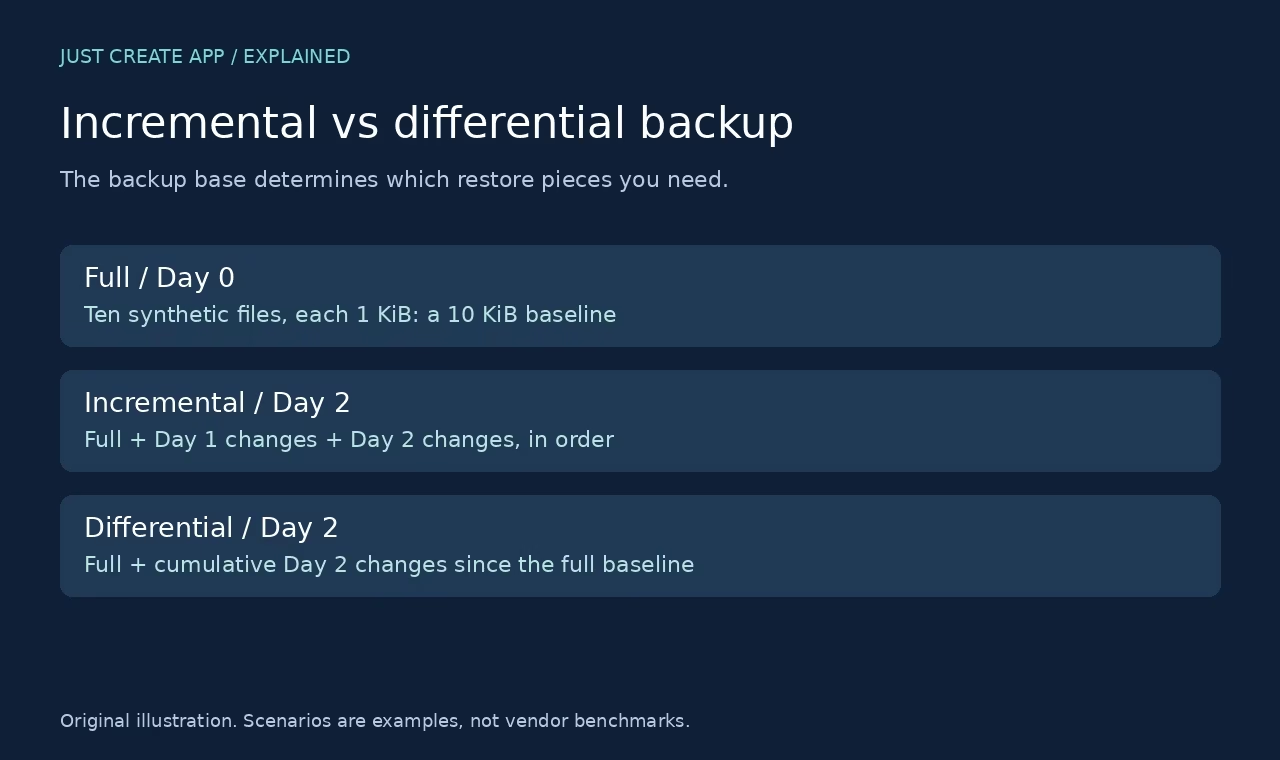
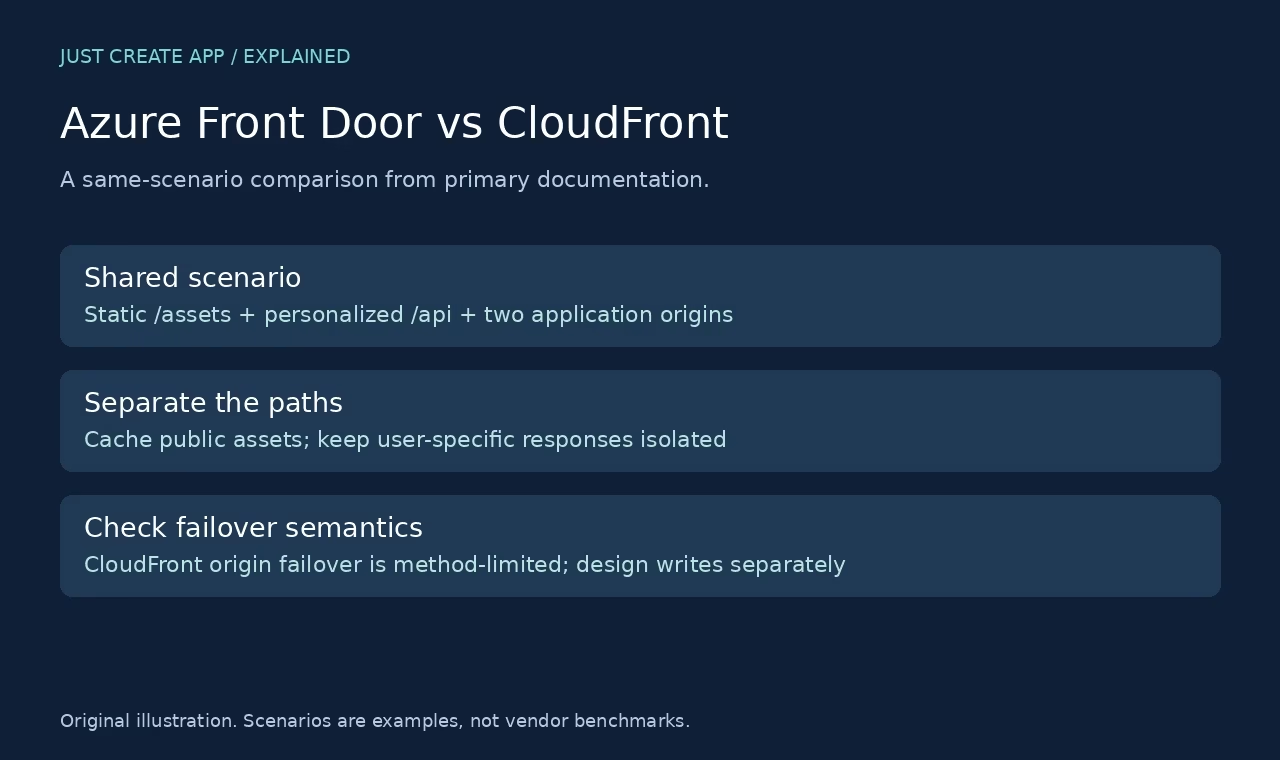

Azure Front Door and AWS CloudFront both sit near the public edge of a web application, but choosing between them is not just a contest about CDN speed. The useful questions are how you route requests to origins, how you separate cacheable assets from personalized API traffic, and what happens when an origin fails. Your cloud environment, security requirements and operating model shape the answer.
This comparison uses one shared scenario against primary Microsoft and AWS documentation checked on 7 October 2026. The screenshots are our captures of public product pages, and the diagrams are original explanations. We did not create cloud resources, run traffic through either service or measure latency. The walkthrough is a documentation-based comparison, not a deployed same-task benchmark.
The short answer: choose the delivery and routing model
Front Door is worth evaluating for global web routing, origin health probes, edge caching and Azure integration. CloudFront is worth evaluating for edge delivery integrated with AWS origins and cache behaviors. Neither statement makes the other service incapable of using non-native origins. Both support broader origin designs, but you should verify origin reachability, certificates and security constraints for the actual deployment.
Do not confuse CloudFront origin failover with general active load balancing across application replicas. AWS documents a primary/secondary origin group and method limits for failover. Front Door documents an origin-group routing model with health assessment. That distinction matters more to a two-origin application than a vague promise of global reliability.
| Dimension | Azure Front Door | AWS CloudFront |
|---|---|---|
| Starting model | Global web delivery plus origin routing | Edge delivery with distributions and cache behaviors |
| Origin health / fallback | Origin groups and health probes | Primary/secondary origin failover with configured failure criteria |
| Write request failure | Design application retry and consistency separately | Origin-group failover does not cover POST or PUT |
| Private origin feature | Private Link is a Premium tier feature | Review the specific private-origin design and current constraints |
| Traffic fit | Web delivery, not a generic TCP/UDP balancer | Web content delivery, not a generic TCP/UDP balancer |
| Proof in this article | Official-doc walkthrough, not a deployment | Official-doc walkthrough, not a deployment |
Azure Front Door: what the documentation supports
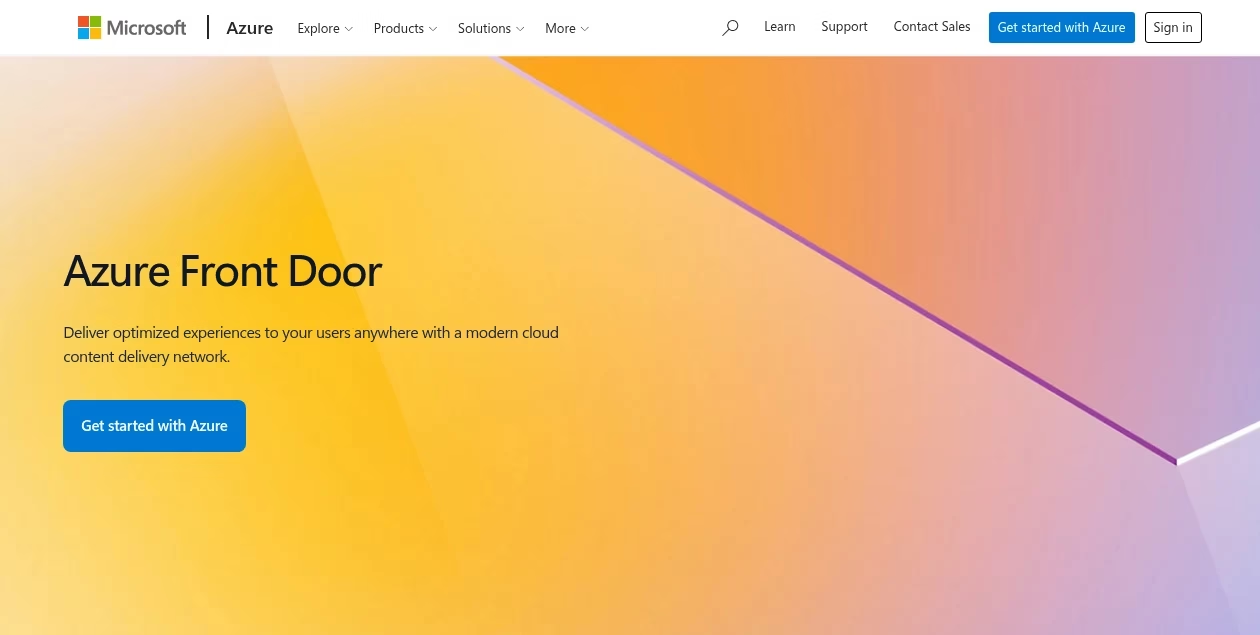
Microsoft describes Front Door as a service combining global delivery, caching and origin routing. Its routing architecture explains matching the hostname to a profile, applying route and rule settings, and choosing the origin path. The operational unit is a configured delivery and routing design, not just an upload location for static files.
Current tier selection matters. The Standard/Premium comparison lists Private Link to origins and Microsoft-managed WAF rules under Premium, while custom WAF rules are listed for Standard and Premium. Do not promise that buying Standard includes every Premium security feature. Keep the exact feature requirement attached to the tier decision.
This article evaluates Standard and Premium rather than recommending Classic for a new deployment. Microsoft documents Classic retirement on 31 March 2027. A legacy migration is a separate project: it must preserve domain validation, certificates and routing behavior. Moving from one product tier to another is not proof that all application settings can be copied unchanged.
AWS CloudFront: distributions, behaviors and origins
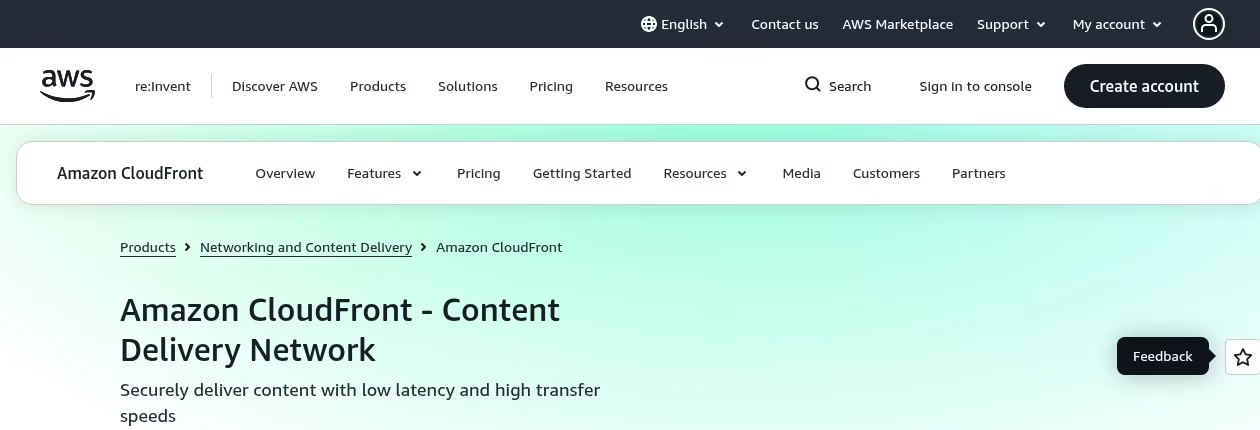
AWS describes CloudFront as an edge delivery service that uses distributions and origins. Cache behaviors associate path patterns with an origin or origin group and define request handling. You can use a static origin for public assets and another origin for the application, but the behavior rules must make that separation explicit.
The cache behavior guide makes clear that a behavior selects one origin for matching requests. Adding multiple origins does not automatically distribute every request across all of them. Put route intent, cache policy and origin request settings in the same review, especially for authenticated or personalized endpoints.
CloudFront origin failover uses a group with primary and secondary origins. On a cache miss, the documented flow requests the primary and may try the secondary under configured failure conditions. AWS states that this failover applies only to GET, HEAD and OPTIONS; OPTIONS also needs the relevant cached-method setting. It does not apply to POST or PUT. A resilient checkout write path therefore needs a separate application and origin design.
Same scenario: public assets and a personalized API
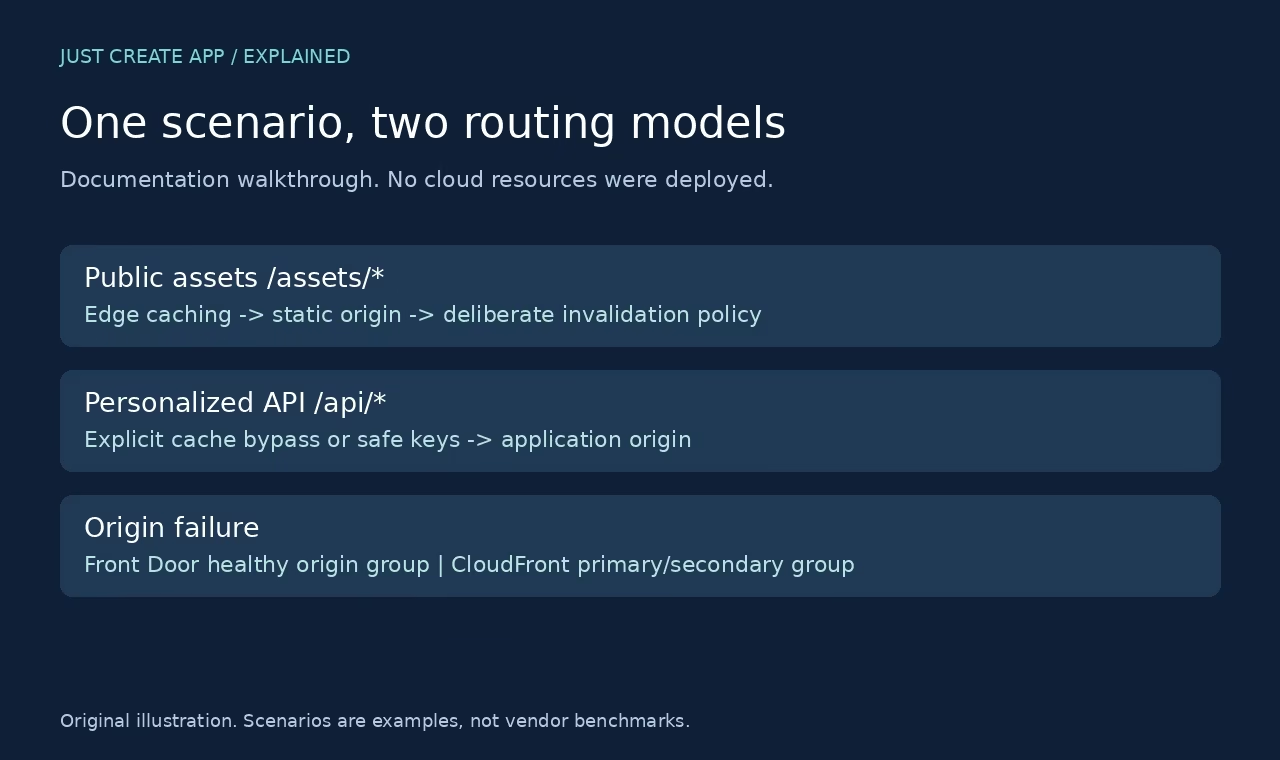
Our reference scenario has a public hostname, versioned static files under /assets/*, user-specific responses under /api/* and two application origins. The application shares the required durable data between its origins. These are design assumptions, not features we verified by deployment. If your origins cannot serve equivalent data or sessions, routing among them does not create correct failover.
Step 1: give public assets their own cache policy
For either service, define a route or behavior for the public asset path and connect it to the static origin. Set a deliberate cache policy. Versioned asset filenames can make rollout behavior easier to reason about, but stale-cache handling still needs a plan. Review origin Cache-Control, compression, query-string treatment and invalidation rather than relying on a product default.
A successful test would request the same object repeatedly, verify response headers, and then change or version the object to confirm the intended update behavior. We did not run that test here. The point of the walkthrough is to make the acceptance criteria explicit before resource creation, so the team compares the same user-visible task on both platforms.
Step 2: isolate personalized responses
Create a distinct API route or behavior. Decide whether those responses must bypass cache, or whether carefully defined keys can safely support any caching. A user-specific response should never be shared merely because two requests have the same URL. Include authentication headers, cookies and origin behavior in the privacy review. An edge cache is not a permission system.
For Front Door, inspect the route and rule settings that control the origin group and cache behavior. For CloudFront, inspect the matching behavior, cache policy and origin request policy together. The conceptual job is the same, but the interfaces and settings are different. Document the actual result: which path goes where and which request properties are forwarded.
Step 3: design origin failure for reads and writes
In the Front Door path, define the origin group and health-probe design, then verify which eligible origin receives traffic under your routing policy. In the CloudFront path, configure the origin group and the chosen failure criteria. The documented primary/secondary failover behavior is not equivalent to a promise that every HTTP method is retried elsewhere.
For writes, define the application consistency boundary and idempotency rules before adding retries. A timeout can leave the client uncertain about whether the first write succeeded. Retrying blindly can duplicate a purchase or task. A load-balancing service cannot decide business-level correctness for you. A production test needs controlled failures and a way to inspect durable outcomes at both origins.
Limits matrix: claims that need care
| Requirement | Documented boundary | Acceptance check |
|---|---|---|
| CloudFront failover for POST | Not supported by origin-group failover | Test the independent write recovery design. |
| CloudFront secondary used after prior failure | Primary is tried again for incoming origin requests in the documented flow | Do not assume a persistent secondary promotion. |
| Front Door private origin connection | Private Link is listed for Premium | Check origin support and tier before deployment. |
| Front Door managed WAF rules | Premium in current tier comparison | Match exact policy needs to tier. |
| Personalized API caching | Requires deliberate configuration on either platform | Confirm no cross-user response reuse. |
| Performance winner | Not measured here | Use the same origins, regions, objects and traffic for a deployed test. |
How to make a fair cost and performance comparison
Hold the workload constant
Use the same object sizes, request counts, cache-hit assumptions, regions and origin architecture. Include requests, transferred data, security features, logs and any fixed charges in the estimate. We do not quote a single monthly price because there is no defined production workload here. A provider starting price is not a total-cost comparison.
For performance, choose representative client locations and separate cached delivery from origin delivery. A cache hit and an uncached API response answer different questions. Measure errors as well as median and tail latency. Keep the result tied to the exact configuration and dates, not to a permanent brand-level claim that one CDN is always faster.
Compare the work your team already knows
An Azure-focused team may operate Front Door policies more comfortably; an AWS-focused team may prefer CloudFront behaviors and AWS origin integrations. Familiarity reduces some setup friction, but should not override an unmet feature requirement. Include incident response, configuration-as-code review and rollback in the evaluation rather than stopping at successful account setup.
A production readiness checklist for both choices
Validate origin protection and observability
Decide whether direct origin access should be blocked and how legitimate edge requests are authenticated or recognized. Verify certificates on both the public and origin-facing paths. Check logging without exposing tokens or personal data. Alert on meaningful errors and origin-health changes. A protected public edge is incomplete if an unprotected origin offers a bypass.
Run the same failure script before launch
Test a failed origin, a slow origin, a cache update and an authenticated API response. Exercise reads and writes separately. Verify the behavior of long-lived connections if your application uses them. Keep the old hostname or routing path ready for rollback where possible, and define who can execute it. For core routing terminology, return to the load balancer explainer. For regional infrastructure selection, use the managed vs self-hosted shortlist.
Frequently asked questions
Is Azure Front Door the same as AWS CloudFront?
No. Both provide edge web delivery, but they have different configuration and origin-routing models. Front Door documents origin groups and health probes alongside delivery settings. CloudFront uses distributions, cache behaviors and origins, with a documented primary/secondary origin failover path. Compare the exact scenario instead of treating the services as name-equivalent products.
Does CloudFront fail over POST requests to a secondary origin?
Not through the origin-group failover documented in the AWS guide. AWS states that failover applies to GET, HEAD and OPTIONS, with a cached-method condition for OPTIONS. POST and PUT are not covered. Design writes with suitable application resilience and idempotency rather than assuming a read-oriented fallback makes checkout writes safe.
Which service is faster?
We did not measure that. A fair test needs the same origin setup, client locations, object sizes, cache state and traffic mix. Cached assets and uncached API responses should be measured separately. Brand-level speed claims without those conditions are not useful evidence. Use the documentation comparison to prepare the test, not to substitute for one.
Can either service cache API responses?
Caching depends on route or behavior configuration and the response properties. Some public API responses may be suitable for caching. Personalized or authenticated responses require special care to prevent one user receiving another user’s content. Verify cache keys, cookies, forwarded headers and origin Cache-Control. Bypassing cache is often the simpler starting design for sensitive personalized paths.
Does Front Door Standard include Premium security features?
Do not assume it. The current Microsoft tier comparison lists features separately. Private Link to origins and Microsoft-managed WAF rules are listed for Premium, while custom WAF rules are listed for Standard and Premium. Confirm the exact feature on the current official page before selecting a tier or preparing a cost estimate.
Can I use these services for raw TCP and UDP?
They are web delivery products, not generic substitutes for transport-level load balancers. If the application needs raw TCP or UDP distribution, select a service that documents those protocols and the required network behavior. Azure Load Balancer, AWS network-balancing services and web edge delivery belong to different parts of a network design.
Was this a hands-on cloud deployment test?
No. It is a same-scenario walkthrough from primary Microsoft and AWS documentation checked on 7 October 2026, with original public-page screenshots and diagrams. No cloud resources were deployed and no performance or failover measurements are claimed. A production choice requires a representative deployed acceptance test.
Which should an Azure or AWS team shortlist first?
Shortlist the service that fits the workload and operating skills, then check hard requirements such as origin routing, private origin access, security policy and write recovery. Native-cloud familiarity is a reasonable starting factor but not a final verdict. If the other service meets a requirement the native choice does not, evaluate that difference explicitly.



Leave a Reply