


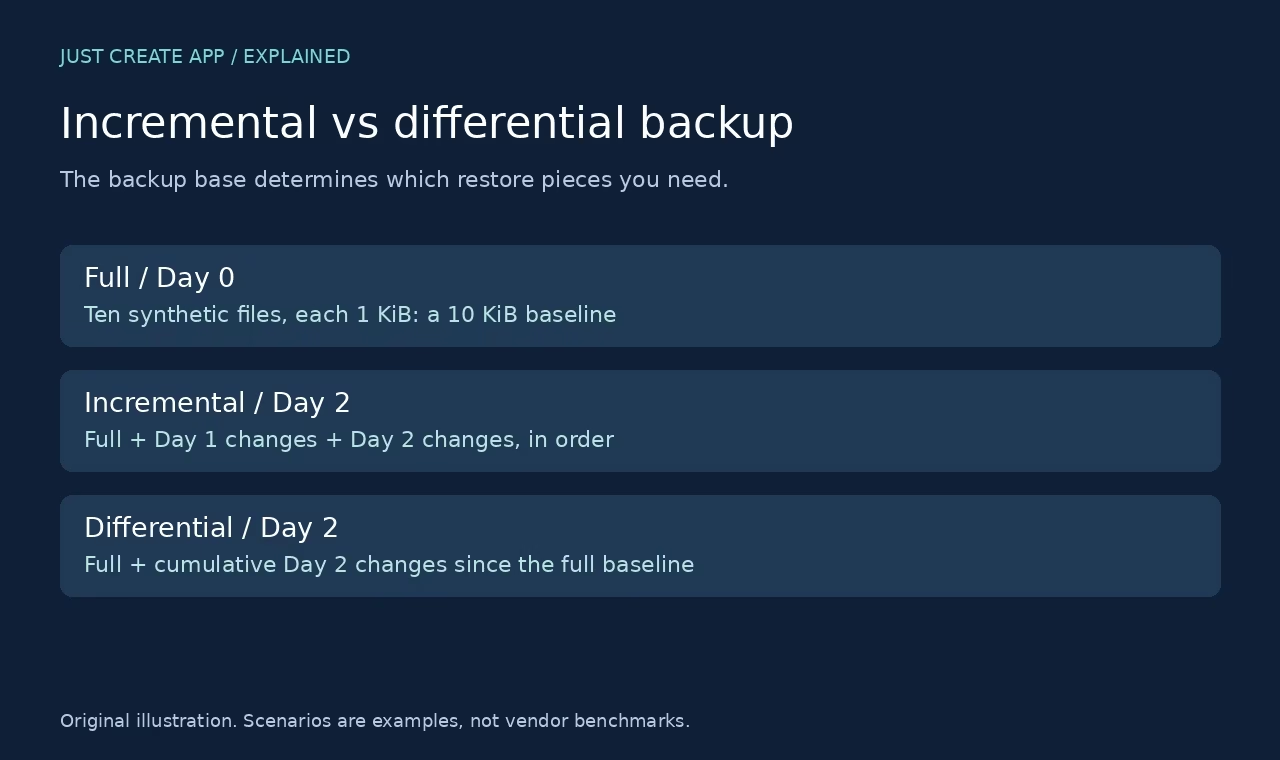

Incremental and differential backups both save changes rather than making a new full copy every time. The difference is the reference point. An incremental backup usually saves changes since the previous backup in its chain. A differential backup saves changes since its full backup base. That one distinction changes storage growth, the pieces needed to restore, and what happens when a backup in the chain is missing.
This guide combines primary database documentation checked on 7 October 2026 with an original local file-level demonstration. We created synthetic files, built change sets, restored both strategies to isolated folders and compared SHA-256 hashes. This was not a test of a commercial backup product, a database-consistent snapshot or a production recovery benchmark. The small example demonstrates dependencies, not performance.
The core difference, in one table
| Question | Incremental | Differential |
|---|---|---|
| Reference point | Usually previous backup in the selected chain | The full backup base |
| Later backup contents | Changes since the preceding point | Cumulative changes since the full |
| Typical logical restore | Full plus each required incremental in order | Full plus selected differential |
| Missing a prior change set | Can break later restore dependencies | Prior differentials are generally not needed for that restore |
| Implementation caveat | Synthetic fulls, merging and product formats can change mechanics | Database base and product rules still matter |
These are conceptual descriptions. Backup software can use forever-incremental storage, synthetic fulls, deduplication, changed blocks and its own restore catalog. The restore interface may hide the chain from the operator. Hidden dependencies still deserve testing. Read the product documentation before assuming the same names imply the same files or recovery steps.
How full, incremental and differential backups build on each other
The full backup creates a recovery base
A full backup captures the baseline required by the later strategy. A real database full backup is more than copying whichever files are convenient while the database is running. The engine or backup tool must produce a recoverable state. Application consistency, transaction logs, encryption keys and the restore procedure matter even when every backup job reports success.
For our example, the full baseline contained ten synthetic text files of exactly 1,024 bytes each, for 10,240 bytes of file content. No user or customer files were involved. This gives a deliberately simple baseline for seeing which changed files must be present. It does not represent a recommended production backup method.
Incremental saves the next delta
After the full baseline, Day 1 changed file-0 and added file-10. The Day 1 incremental held those two files. Day 2 changed file-1 and deleted file-2. The Day 2 incremental held file-1 and a deletion record for file-2. Restoring Day 2 required the full base, the Day 1 delta and the Day 2 delta in sequence.
Differential saves changes from the full base
The Day 2 differential compared the current state with the original full baseline. It therefore included the current versions of file-0, file-1 and file-10, plus the deletion record for file-2. Restoring from the full plus that cumulative change set reached Day 2 without needing a Day 1 differential. This is the logical reason a differential restore can have fewer backup sets to apply.
Our same-dataset local restore demonstration
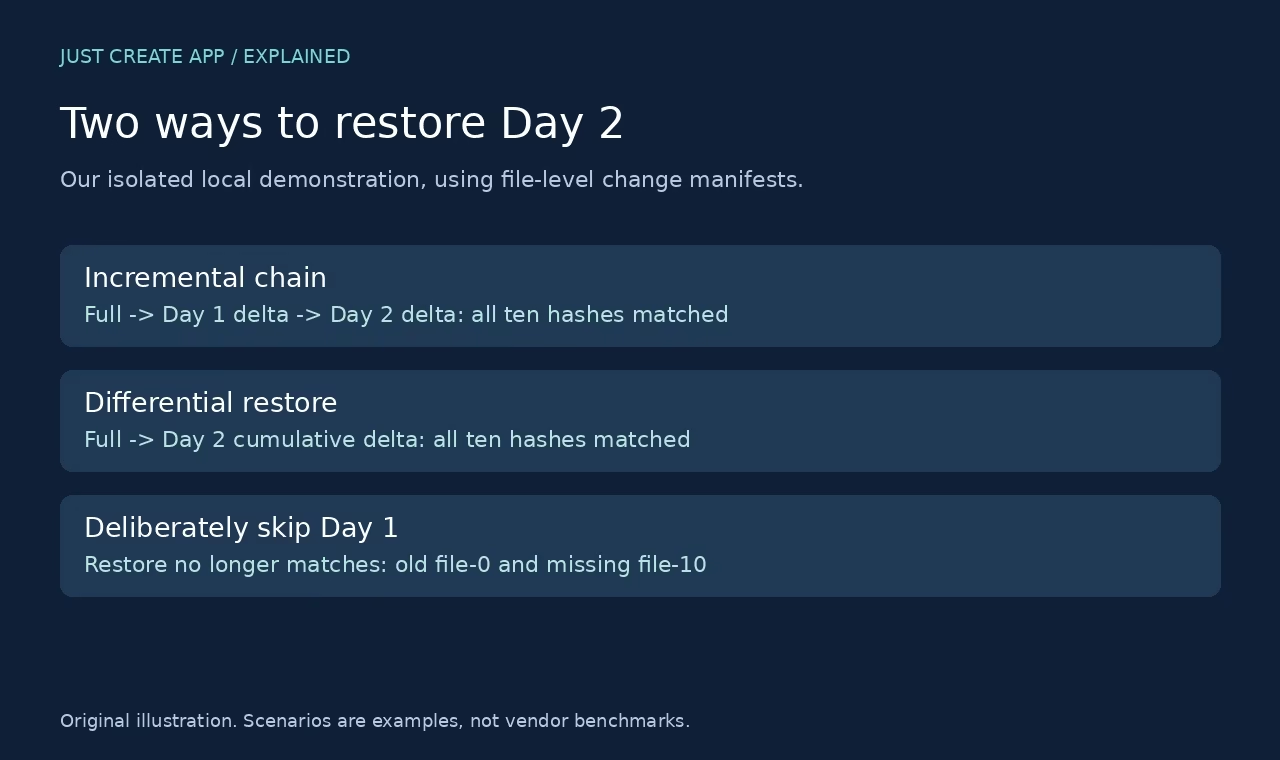
The demonstration used a small Python script and separate scratch directories. The script wrote the full baseline, Day 1 and Day 2 states; compared file hashes to build changed-file and deletion manifests; wrote the delta directories; and restored them into fresh directories. The restored file names and SHA-256 hashes were compared with the Day 2 target state. We also deliberately omitted the Day 1 incremental to show why the chain matters.
| Observed step | File-content bytes | What it means |
|---|---|---|
| Full base | 10,240 | Ten initial files, each 1,024 bytes. |
| Day 1 incremental | 2,048 | One changed file plus one new file. |
| Day 2 incremental | 1,024 | One changed file, plus a deletion manifest. |
| Day 2 differential | 3,072 | Three changed/new files since the full, plus deletion manifest. |
| Correct incremental restore | 10 hashes matched | Full + Day 1 + Day 2 matched target names and content. |
| Correct differential restore | 10 hashes matched | Full + Day 2 differential matched the same target. |
| Full + Day 2 incremental only | Did not match | file-0 stayed old and file-10 was missing. |
Byte counts above include only copied file contents. They exclude the JSON deletion/change manifests, directory metadata and filesystem overhead. We did not use compression or deduplication and did not time the operations. Notice that the two incremental payloads total 3,072 bytes, the same as the final differential payload in this particular example. That does not make all backup strategies equal in size: workload changes and repeated updates decide the result.
The deletion case is important. A restore that copies changed files but ignores deletions can resurrect data that should no longer exist. Our manifests recorded deletion explicitly, and both correct restores removed file-2. Production tools have their own way of representing deletions and retention. Verify their restore semantics instead of assuming that a folder of changed files is a complete backup format.
Worked storage examples: why the workload changes the answer
When each day changes a new part of the dataset
Take a hypothetical 100 GB full base and 5 GB of newly changed data on each of five days, with no overlaps and no compression. Five incremental change sets would be 5 GB each, totaling 25 GB. Daily differentials would be 5, 10, 15, 20 and 25 GB, totaling 75 GB if all five are retained. These are arithmetic examples, not results from a backup engine.
The final differential is 25 GB, but retaining every differential repeats earlier changed material in this model. Retention policy therefore affects the total storage. A product with deduplication or block sharing may store the logical repeats differently. Do not use this simplified calculation to estimate a bill without knowing the product storage model.
When the same small area changes repeatedly
If the same 5 GB changes every day, the latest differential may still contain roughly that changed area relative to the full base, while separate daily incrementals each capture a new version. That is a different workload from disjoint daily changes. Whole-file backup can also behave differently from changed-block backup when a small edit occurs inside a large file.
Measure your own change rate and dataset composition. Databases, virtual machine images and small documents produce different behavior. Keep the size of the source dataset, the logical change set and the physical stored backup separate. Compression, deduplication and retention are distinct inputs, not automatic properties of the words incremental or differential.
Primary documentation shows why engine-specific rules matter
SQL Server documentation describes a differential in terms of changes since its differential base. Its restore guidance requires the relevant full base before the differential. A copy-only full does not become a new differential base in the same way as a conventional full. Do not choose a full by timestamp alone without checking which base the differential actually depends on.
MySQL Enterprise Backup documentation describes incremental methods and base selection using log sequence numbers and backup history. It discusses full scanning, page tracking and redo-log-only approaches with different requirements. The guide also notes that changed InnoDB pages are the unit of incremental change, not simply changed rows. This is why a small logical edit need not produce an equally small physical backup.
Those are engine-specific examples, not a complete compatibility matrix. The local test here deliberately did not emulate those engines. Use the actual backup tool and database documentation for consistency and restore order. For an application with several services, include external objects and secrets required for recovery rather than backing up the database alone.
Limits matrix: what our demonstration proves and does not prove
| Area | What we observed | Limit |
|---|---|---|
| Restore dependency | Both correct chains matched the target | One small file-level model, not a vendor restore engine. |
| Integrity | Names and ten SHA-256 file hashes matched | No metadata, permissions or database consistency claim. |
| Missing set | Omitting Day 1 produced wrong state | Different products may merge chains or synthesize fulls. |
| Storage | Exact content bytes counted | No compression, deduplication or metadata measurement. |
| Recovery speed | Not measured | No claim that one method is faster in production. |
How to choose a strategy around recovery requirements
Start with recovery point and recovery time
Recovery point objective describes the acceptable amount of lost recent data. Recovery time objective describes how quickly the service needs to return. More frequent backups can narrow a data-loss window, but only if they are successful, usable and retained. A shorter restore chain can be useful, but the actual restore time includes transfer, validation, replay and application startup.
Choose a schedule and retention policy that match those objectives. Then prove them with a restore of realistic data on recovery infrastructure. Do not claim a recovery time from the time it takes to create a backup. The restore destination, network speed, encryption keys and operator readiness can dominate the recovery event.
Account for retention, keys and ransomware risk
A backup that depends on a deleted base is unusable. Keep each needed chain intact for the intended retention period and verify expiration rules. Protect the backup account and encryption keys, and consider copies outside the same failure boundary as the production system. Incremental versus differential describes change selection, not whether the copy resists deletion or a compromised administrator.
A restore drill you can repeat before trusting the schedule
Restore into an isolated destination
Use a safe test destination and avoid overwriting production data. Record the chosen recovery point and the backup sets or product restore job used. Confirm file counts, critical content and application-level behavior. For a database, follow the engine consistency process and validate queries or user workflows. Byte integrity alone does not prove the application can operate.
Exercise missing pieces and document the result
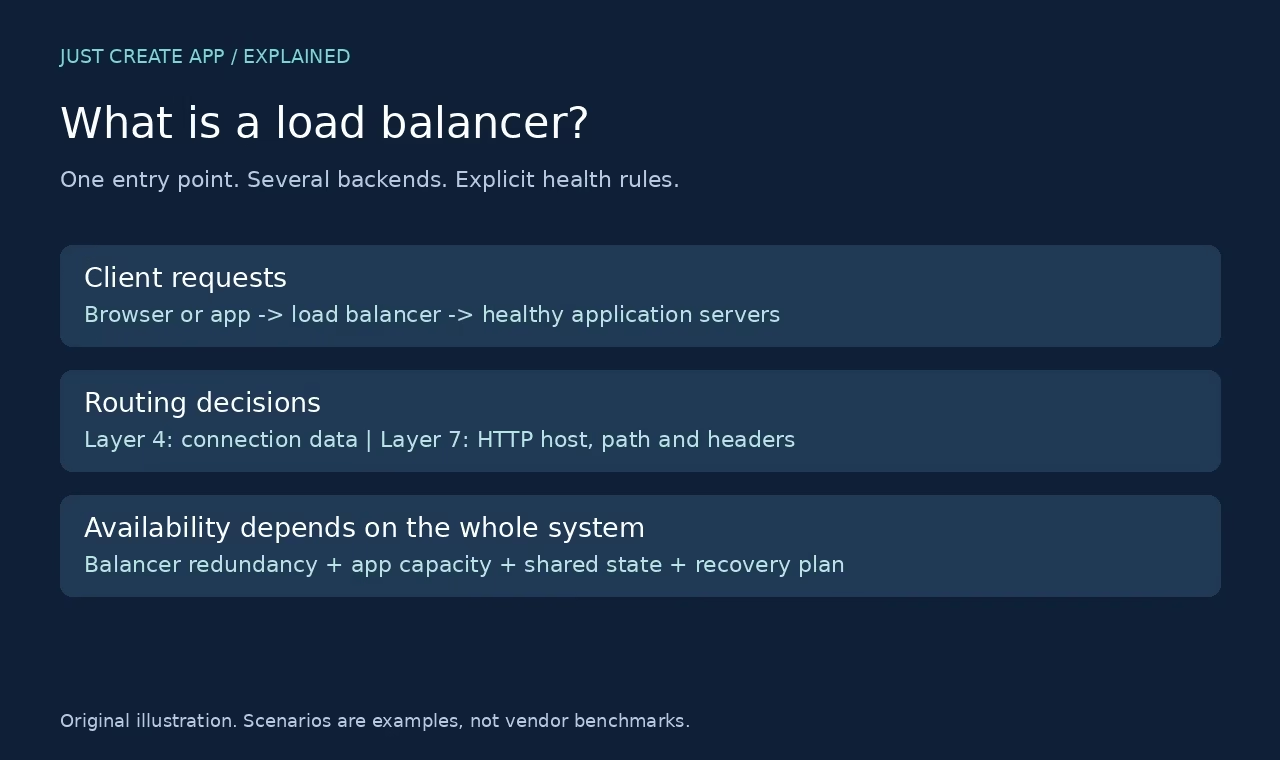
Check the catalog, credentials and encryption keys, then test a controlled missing-set scenario on a disposable copy. Observe how the tool reports the failure. Write down which backups depend on which base and who owns the recovery procedure. Use the load balancer explainer to distinguish live availability from data recovery: redundant application servers do not replace a verified backup.
Frequently asked questions
Which is better, incremental or differential backup?
Neither is best for every workload. Incremental strategies can limit each new change set but may have chain dependencies. Differential strategies use a full base and cumulative changes, often reducing the logical sets needed for a restore. Physical storage and recovery behavior depend on the tool, change pattern and retention. Choose against recovery objectives and a tested restore, not just the method name.
Can I restore the latest incremental without earlier backups?
In a straightforward chain like our demonstration, no. The latest delta contains only changes since its immediate reference point. We deliberately restored the full plus Day 2 while omitting Day 1; the result had an old file and a missing file. Some products merge chains or construct synthetic fulls, so use their documented restore procedure rather than applying this example blindly.
Does a differential need every earlier differential?
In the usual full-base model, a selected differential contains cumulative changes since the full base, so earlier differentials are not needed for that restore. The correct full base is still required. Database tools may track the base through metadata rather than through whichever full file happens to be newest. Keep the base and verify the product restore instructions.
Is differential backup always faster to restore?
We did not measure recovery speed, and it is not guaranteed. Applying fewer logical sets may help, but transfer size, storage throughput, compression, database replay and product design affect the total. A modern backup interface may reconstruct an incremental chain efficiently. Test a realistic restore and include application validation in the measured recovery time.
Why can the differential grow through the week?
It captures cumulative changes relative to its full base. When additional parts of the dataset change, that cumulative set tends to grow. Repeated edits to the same blocks and storage deduplication can change the physical growth. Our disjoint-change calculation is a teaching example, not a universal growth curve. Measure the actual product and workload.
Do incremental or differential backups protect against ransomware?
The change-selection method alone does not establish protection. An attacker who can delete or encrypt the backups can harm either strategy. Account separation, appropriate immutable or isolated copies, retention and tested recovery matter. Keep credentials and encryption keys available for a legitimate recovery while limiting who can change or delete retained backups.
What did your local test actually verify?
We used ten synthetic 1 KiB baseline files, changed and added files on Day 1, changed and deleted files on Day 2, then wrote and restored both strategies to fresh folders. The two correct restores matched all ten target SHA-256 hashes and file names. Skipping Day 1 in the incremental chain failed the comparison. We did not benchmark a backup product or database.
What should I check before changing a backup schedule?
Check recovery objectives, retention, the required full base, storage capacity, encryption-key availability and the tool’s restore instructions. Run a restore drill on isolated infrastructure before relying on the new schedule. Confirm application-level correctness, not only job success. Keep the existing usable recovery path until the new one has been proved.





Leave a Reply