

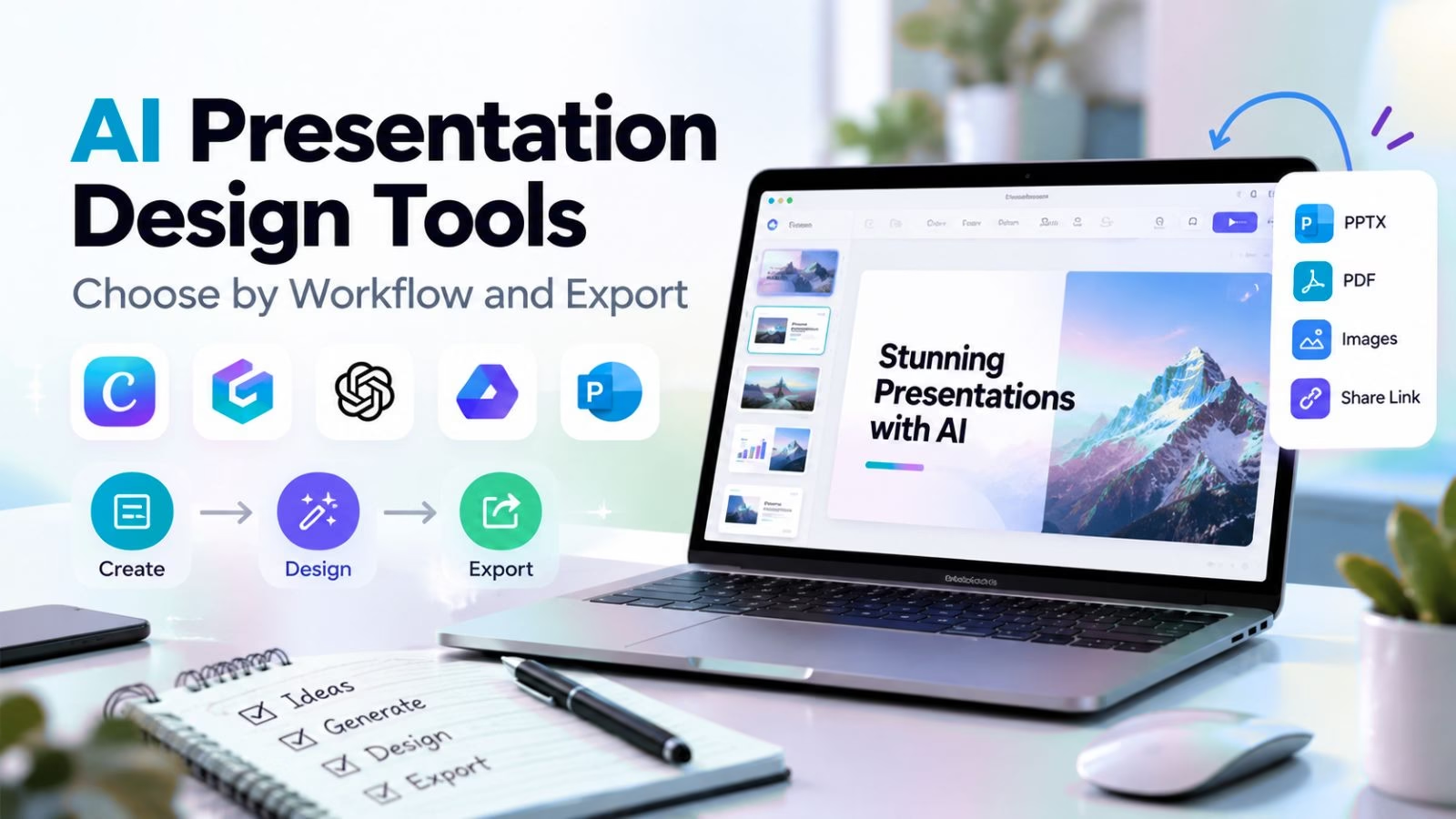

AI presentation tools promise a finished deck from a sentence, and in 2026 the first draft is genuinely the easy part. What separates the ten tools below is everything after the draft: whether the export survives a trip into PowerPoint, whether your brand survives the AI’s taste, and whether the free plan is a trial or a tool.
We re-checked every price and plan on the vendors’ own sites on October 16, 2026. For the wider AI landscape these tools sit inside, our top AI tools to try guide is the bird’s-eye view.
Choose by the handoff, not the first slide
Every tool here produces a decent-looking first deck. The differences appear at handoff time: the sales team that must send an editable .pptx, the founder who presents from a browser link, the teacher who needs Google Slides for a district account.
Decide who touches the deck after you, then pick the tool whose export matches that person. The wrong choice means re-building slides by hand on deadline, which is exactly the work these tools were supposed to remove.
Browse the rest of what we cover in the Apps section, and our AI tools for small business guide covers the budget side of adopting AI across a team.
One more filter before the list: decide who owns the deck after it exists. A tool loved by the person drafting can be hated by the person presenting, the manager approving or the client receiving. The best choice is usually the tool whose weakest stakeholder can still operate, not the one with the flashiest generator.
Tool 01
Gamma: the web-native deck that behaves like a site
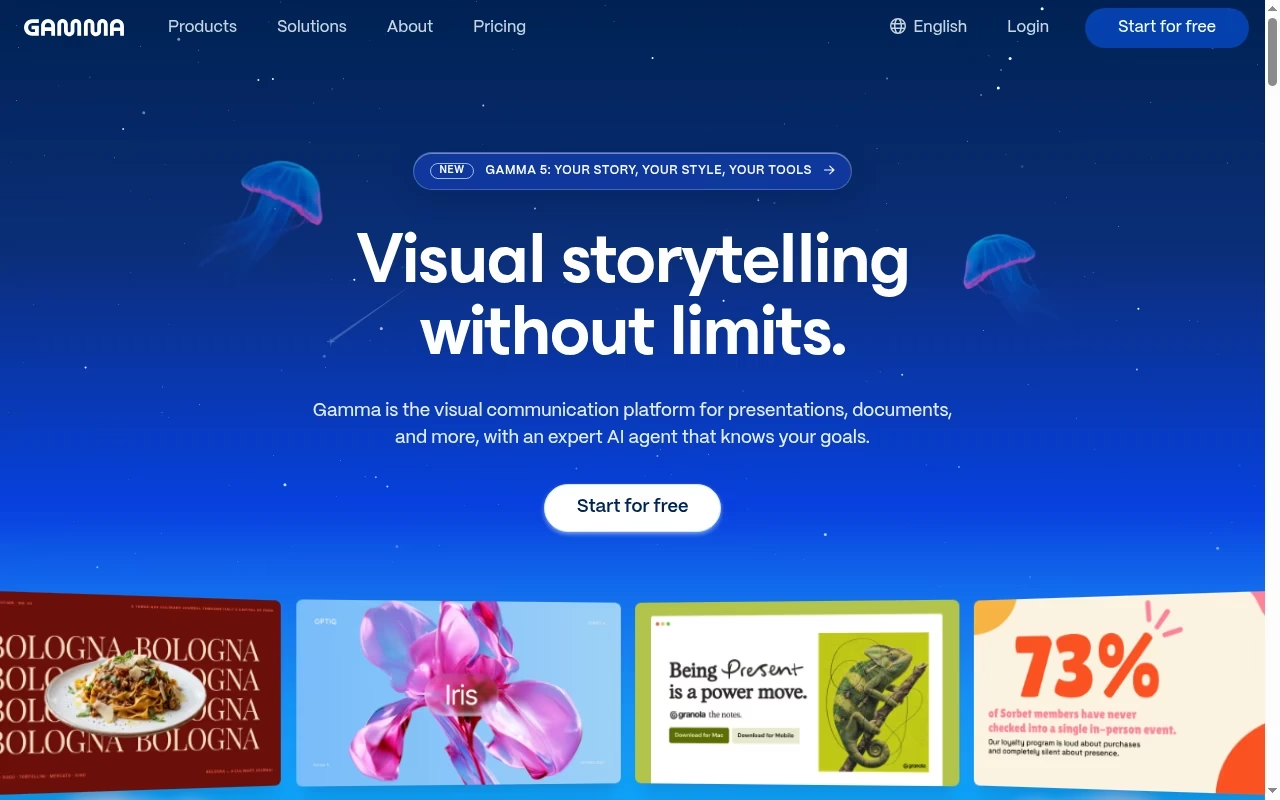
Gamma’s decks are responsive web pages at heart, which is why they look modern with zero effort: cards, columns and media reflow instead of breaking. The AI agent drafts from a prompt, an outline or an imported document, and the free plan is generous enough to judge quality before paying.
Gamma also publishes to custom domains on paid tiers, so a deck can double as a landing page. It slots naturally into a creator workflow; our creator apps guide covers the neighboring tools.
The trade-off is the PowerPoint handoff: PPTX export exists even on the free plan, but complex card layouts flatten into something your PowerPoint purist colleague will reformat. If your audience lives in browsers, Gamma is the pick. If they live in .pptx attachments, keep reading.
Credit math is the other thing to understand before subscribing: every plan meter is credits, and generation, image creation and rewrites all spend them. A heavy drafting week can burn a month of Plus credits in days, so match the tier to how often you generate, not how often you present.
Tool 02
Beautiful.ai: layouts that refuse to break
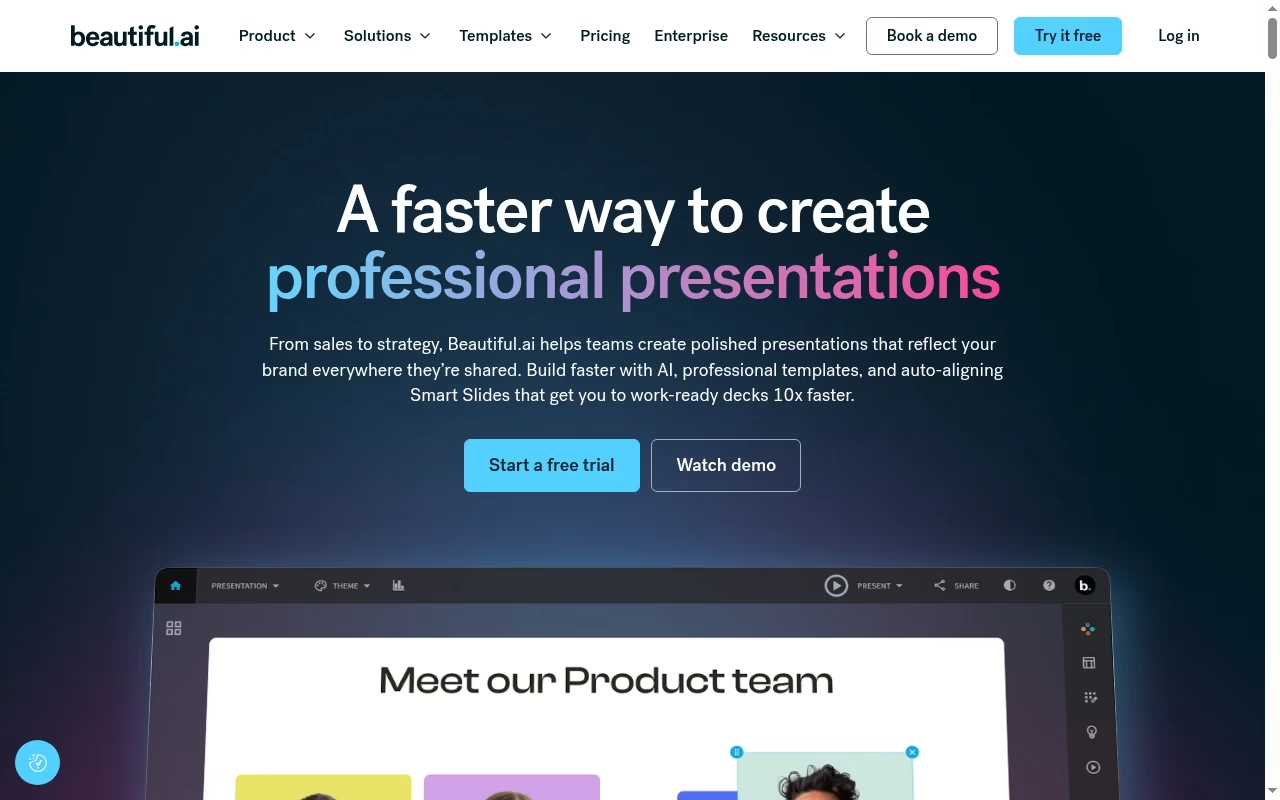
Beautiful.ai’s smart slides enforce design rules as you edit: add a fifth bullet and the layout rebalances instead of overflowing. For organizations where ten people build decks and none are designers, that constraint is the product. Every seat includes unlimited AI content generation and over 300 Smart Slide layouts.
Teams already prototyping product stories elsewhere will recognize the discipline; our app design and prototyping tools guide covers the interactive side.
The pricing shape matters: the $14.50 rate is for individuals on annual billing. A two-to-twenty-person team pays $40 per user per month, so Beautiful.ai makes most sense when consistency across many decks is the actual pain.
Tool 03
Plus AI: the one that lives inside PowerPoint and Google Slides
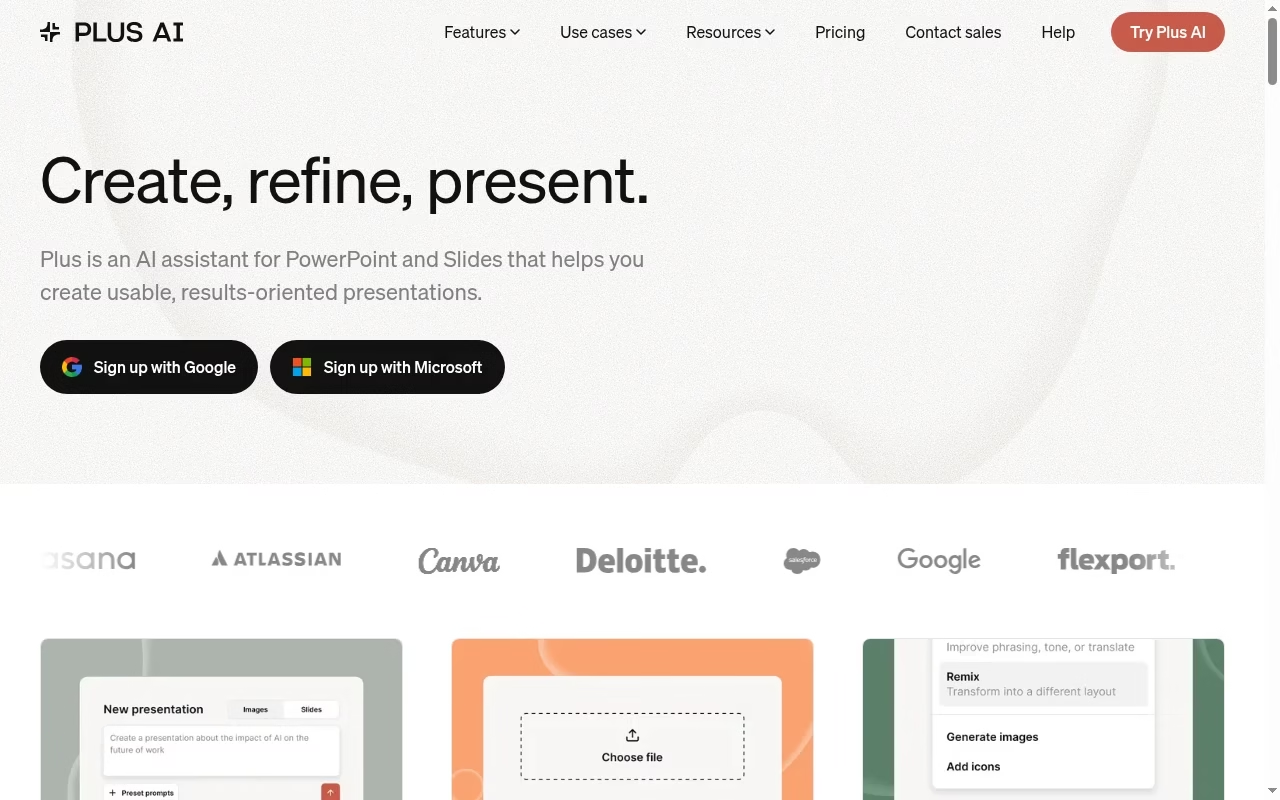
Plus AI takes the opposite approach to every standalone tool here: it installs inside the software your company already pays for, generates drafts there, and remixes existing slides there. That kills the export problem entirely, because the deck never leaves PowerPoint or Google Slides.
Plans scale on AI credits, from 1,500 a month on Basic to power-user volumes on Max. If your documents already live in a structured workspace, the prompt-to-deck flow feels familiar; our Notion alternatives guide covers that document layer.
The catch is the flip side of its strength: Plus AI’s ceiling is the host application’s design ceiling. Drafts inherit whatever template you point them at, which is perfect for brand compliance and less exciting for visual novelty.
Two tiers worth knowing: Pro at $20 adds AI image generation and longer prompts, while Team at $30 unlocks shared brand templates across the whole workspace. For most departments rolling this out, Team is the realistic starting point rather than Basic.
Tool 04
Canva: the deck inside a whole marketing kit
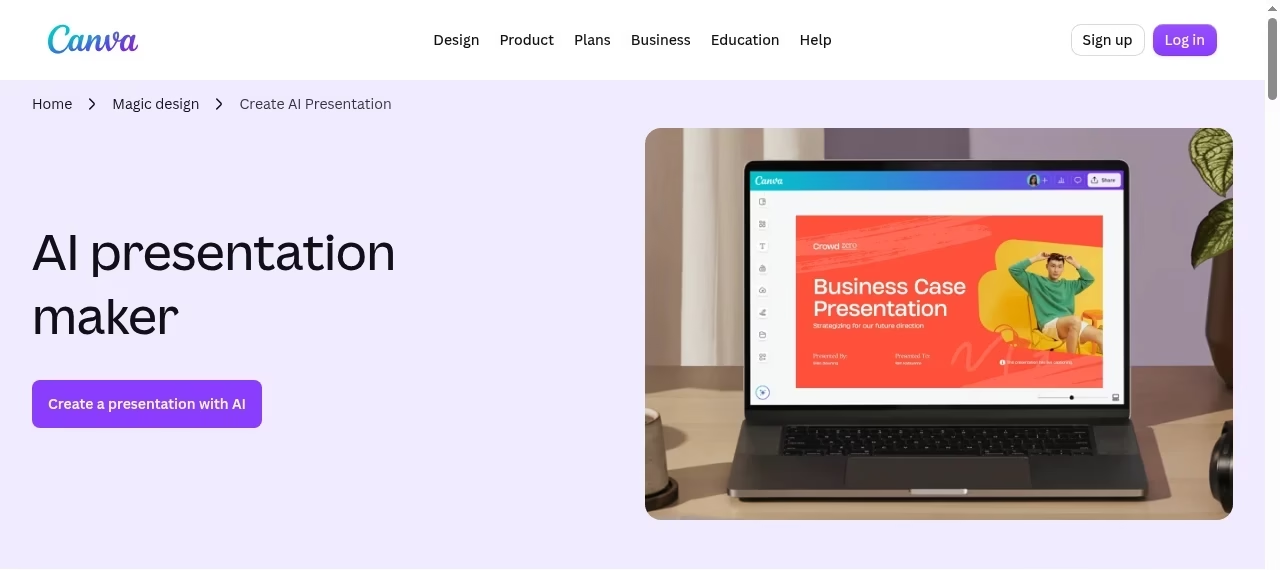
Canva’s Magic Design generates a presentation from a prompt, but the reason to choose Canva over a specialist is everything around the deck: the same brand kit feeds social graphics, print flyers and video, and the asset library is enormous.
If the deck is one of twelve assets a campaign needs, Canva is the only tool here that makes all twelve. Our flyer maker apps guide covers the print-adjacent end, and vector image software covers the design fundamentals behind the assets.
For pure presentation craft, the specialists beat it: speaker notes, rehearsal tooling and AI outline control are thinner. Canva is the generalist that wins on bundle economics, not the deck artist’s choice.
Tool 05
Pitch: collaborative decks with engagement analytics
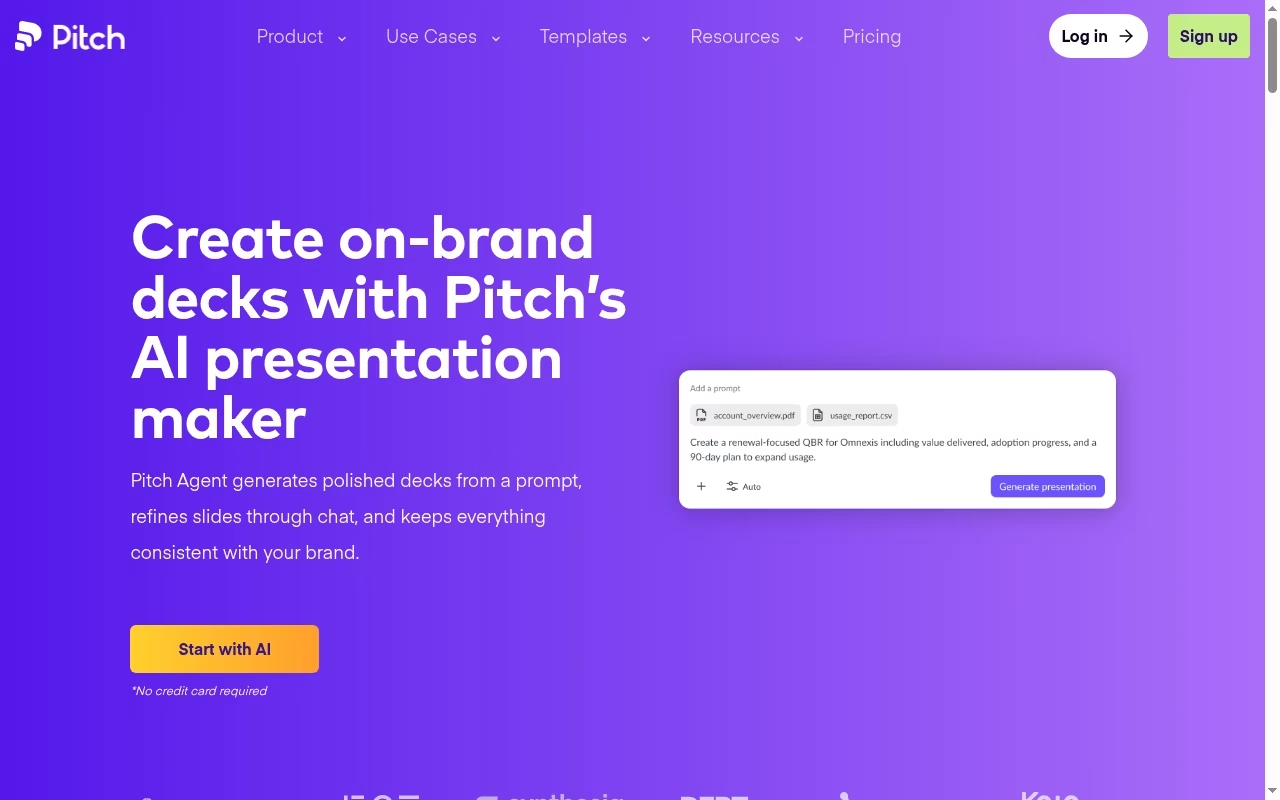
Pitch is built around the team loop: comment, assign, version and share, then watch engagement analytics tell you who opened the deck and which slides held attention. The free tier covers a five-person team, which makes it the cheapest real collaboration test on this list.
Its AI generation is a drafting accelerator inside an already strong editor rather than the headline feature. Internal decks tie into the broader team stack; our Trello alternatives guide covers the project side, and employee engagement tools covers the internal-comms side.
Analytics are the reason to pay: a sales deck that reports its own opens changes follow-up timing. If your decks only ever get presented live in a room, you are paying for instrumentation you will never read.
Tool 06
Prezi AI: the nonlinear canvas for stories that zoom
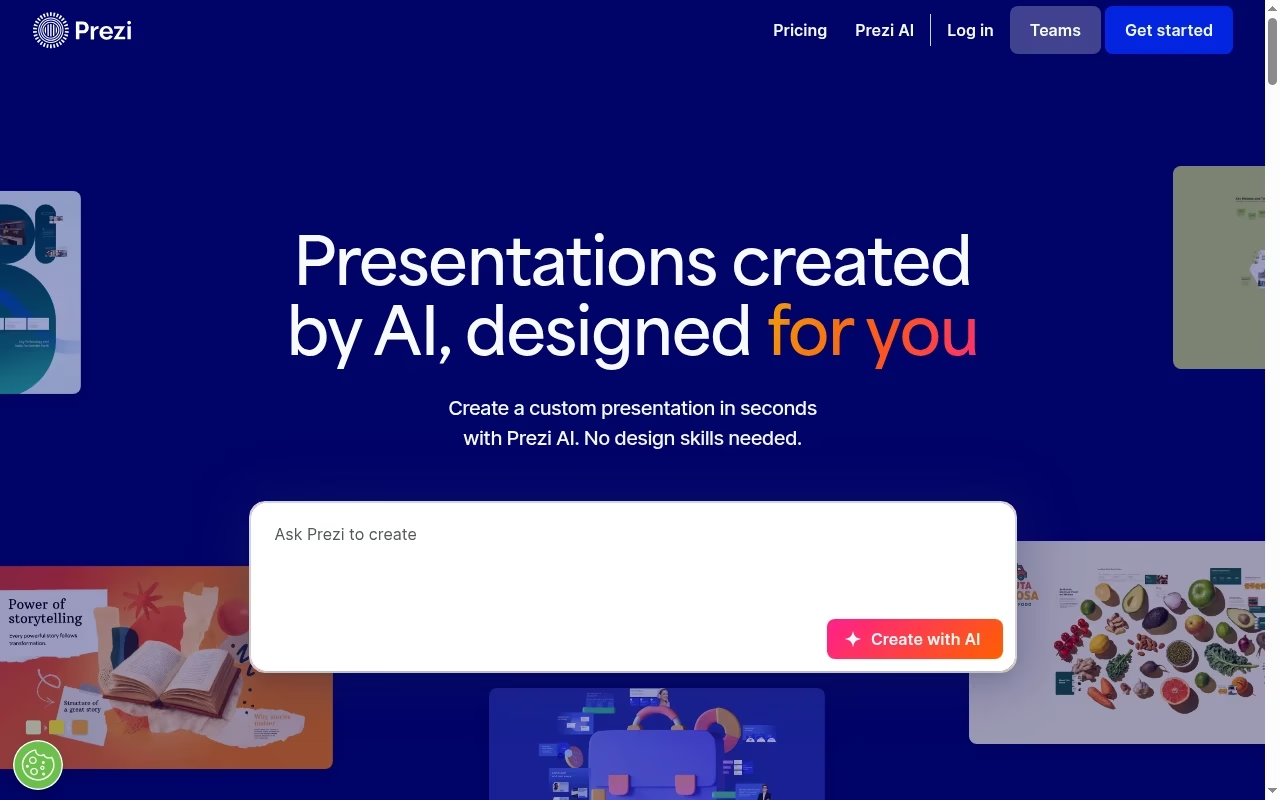
Prezi replaces the slide deck with a zoomable canvas: the talk moves across a visual field, diving into detail and pulling back to context. For teaching systems, strategies and anything with genuine structure, the format lands differently than sixteen: nine rectangles.
Prezi’s AI builds the canvas from a prompt, and the Plus tier advertises AI without limits plus PowerPoint import. Presenters who also make explainer content should see our video editing apps guide, and whiteboard animation tools cover another visual-explanation format.
Two honest cautions: motion-heavy zooming can distract in conservative boardrooms, and the format exports to video or presents best live from Prezi itself. Choose it when the medium is the message.
Practical note on the plans: Standard at $7 covers the basics with advanced privacy, but the AI generation and PowerPoint import that make Prezi competitive in 2026 sit in Plus at $19. Evaluate Standard only if you want the canvas format itself and plan to build manually.
Tool 07
Visme: presentations inside a visual communication suite
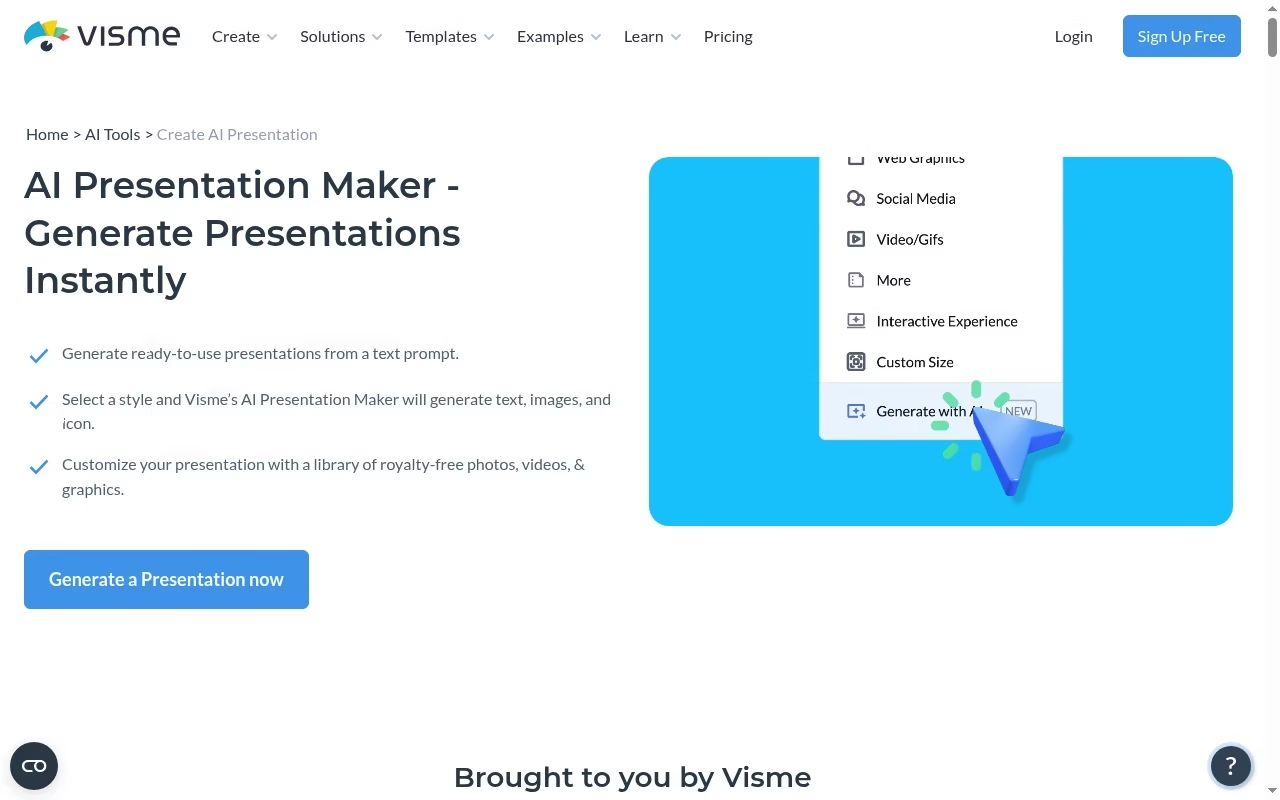
Visme’s presentation tool is one room in a larger house: infographics, reports, charts and branded documents share the same editor and asset library. For a comms team that produces a monthly report deck plus the infographics that feed it, the consolidation is the value.
Training-heavy organizations comparing options should also see our 360Learning alternatives guide for the LMS side. Annotated product shots slot straight into Visme graphics; our screenshot apps guide covers capturing them.
The free Basic plan is genuinely usable for evaluation, and downloads unlock at Starter. As a pure deck tool it is capable rather than exceptional; as a visual suite it has few rivals at this price.
The Business tier is where the brand kit, collaboration and analytics live, so teams should budget $24.75 per person rather than the Starter rate. Solo creators producing the occasional infographic-deck hybrid will find Starter sufficient.
Tool 08
Decktopus: guided drafts for people who hate blank pages
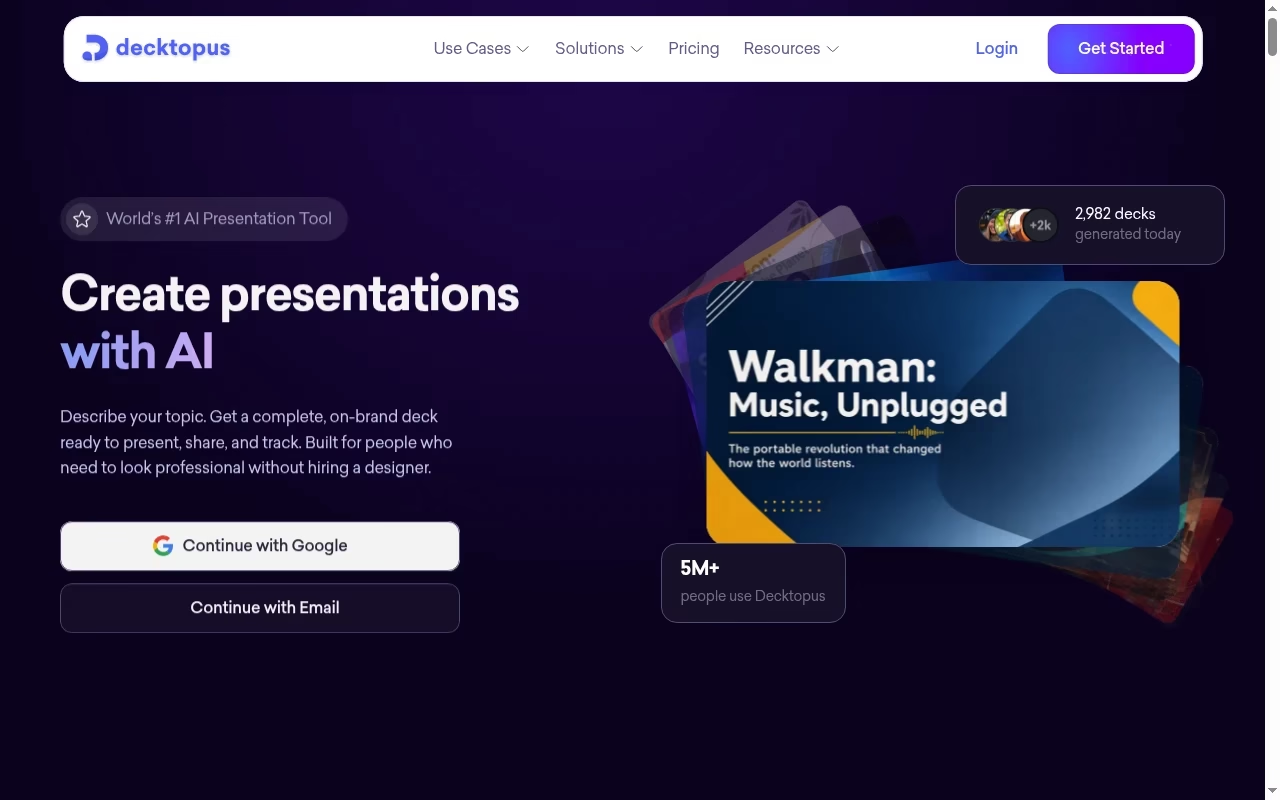
Decktopus walks you from topic to outline to filled slides with an interview-like flow, then adds rehearsal support through its Loop practice feature. The output is clean and conventional, which is exactly right for webinars, internal updates and client check-ins that need to be competent by Thursday. Version history and one-click sharing come standard on Pro.
At $9.99/mo on annual billing it undercuts most of this list. The trade is creative range: Decktopus optimizes for reliable adequacy, and teams wanting distinctive visual identity will hit its template ceiling quickly.
The flexible billing deserves a mention: a 3-month plan at $19.99/mo suits a single event season, like conference or fundraising cycles, without committing to a full year. Few tools on this list offer a middle commitment.
Tool 09
SlidesAI: notes to slides without leaving Google
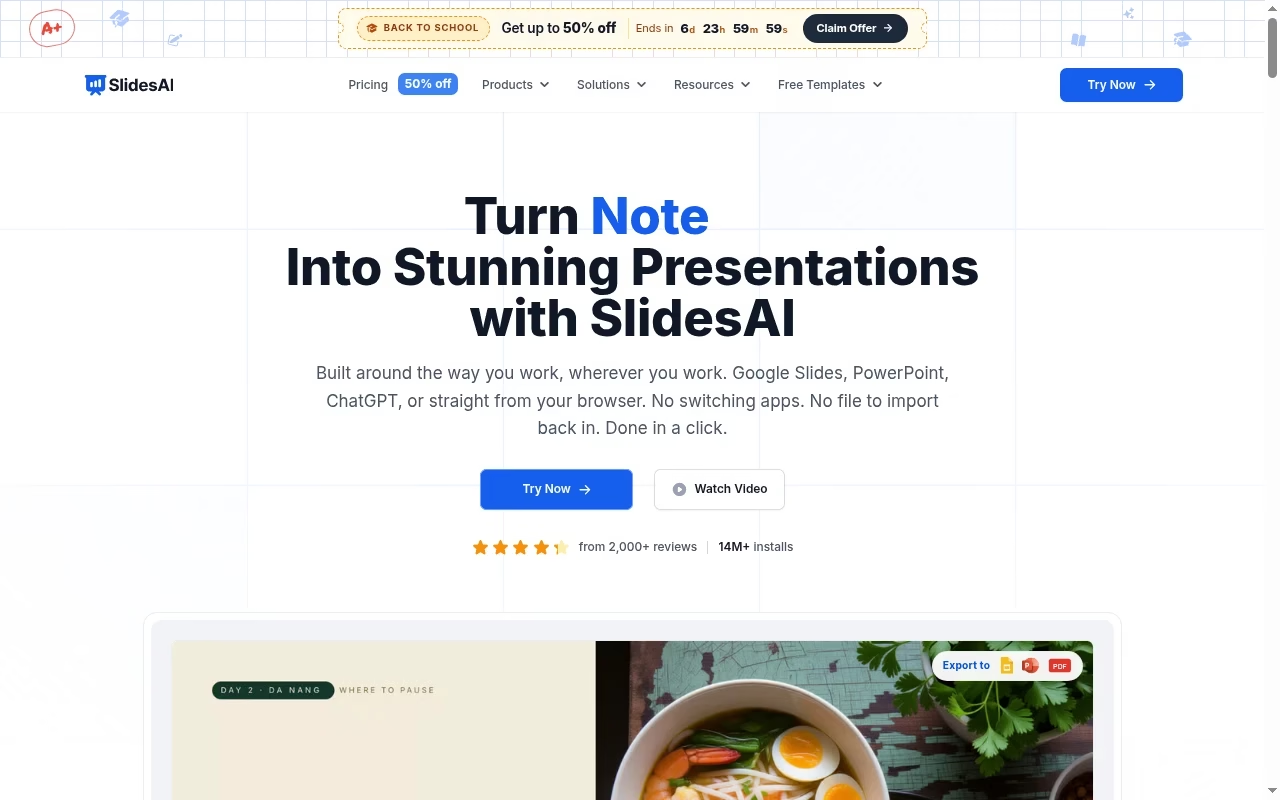
SlidesAI does one job plainly: paste notes or a topic, get a structured slide deck inside Google Slides, then edit normally. Brand kit import on paid tiers keeps school or club templates intact, and the free tier’s 200 monthly credits are enough for occasional use. The current sale pricing makes Pro one of the cheapest paid options on this page.
Set expectations on design ambition: SlidesAI assembles serviceable slides fast, and everything after that is manual Google Slides work. For the audience it targets, that is a feature, since the output lives where teachers and classmates already collaborate.
Tool 10
Presentations.AI: business decks with tracking built in
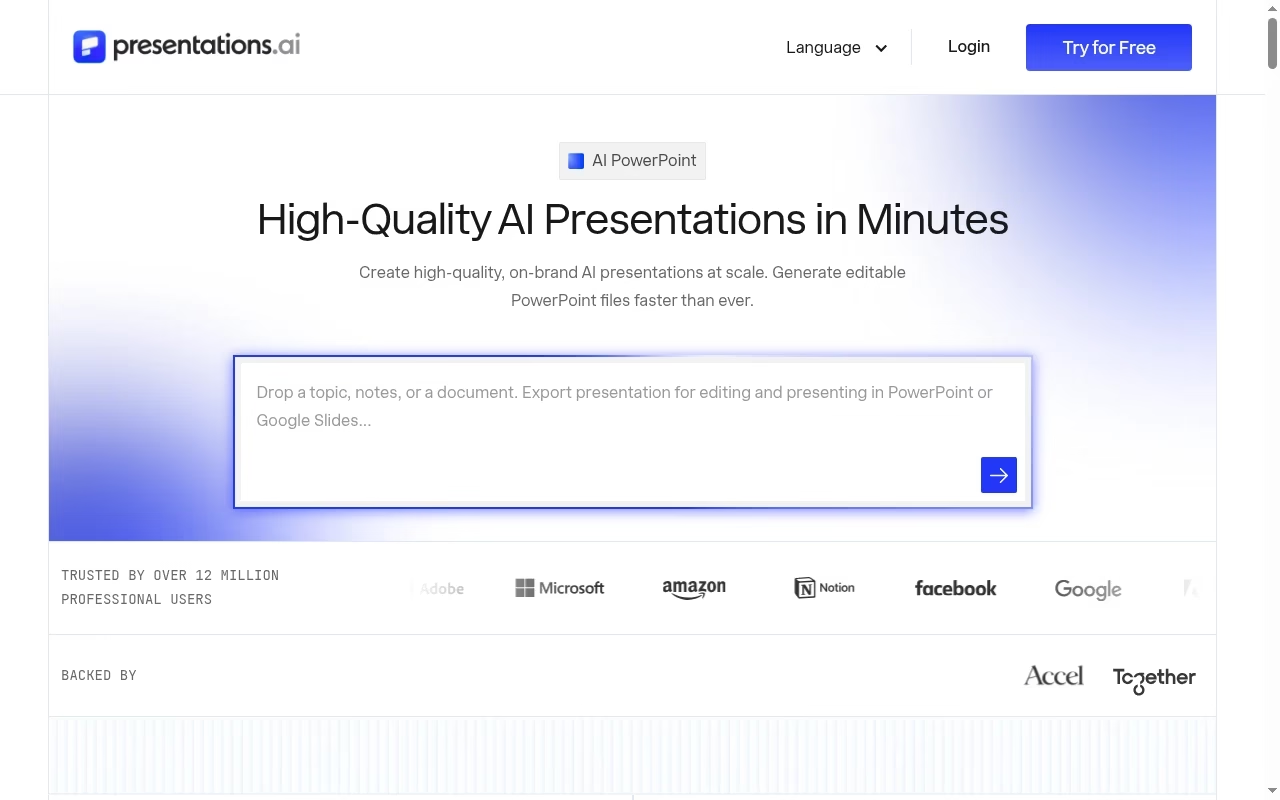
Presentations.AI aims at the business-deck mainstream: prompt to deck, brand customization, then presentation tracking and analytics once you share. The free Starter tier’s 100 credits and 20-slide cap make it a genuine try-before-buy, and Pro unlocks high-quality PowerPoint export, which is the feature most evaluators should test first.
The vendor claims over 12 million customers, and prices adjust by country for purchasing power.
Gold at $100/mo targets teams needing shared knowledge bases and deeper brand systems. For a single user, Pro at $20/mo sits at the premium end of this list, so test the export quality against Plus AI and Gamma before committing.
Workflow
A repeatable deck workflow that survives the AI draft
The teams getting real value from these tools run the same loop: write the narrative as bullets first, generate a draft, then spend the saved time on the three slides that carry the argument. AI is excellent at structure and mediocre at judgment, so give it structure to work from.
Keep a shared prompt library of what good looks like for your organization, including tone, banned phrases and the approved way to show numbers. When a deck goes external, analytics and booking links close the loop; our Calendly alternatives guide covers the scheduling half of that follow-up.
Deck opens should also feed the pipeline, and our Pipedrive alternatives guide compares the CRMs that receive them.
Finally, archive the source. Save the prompt, the outline and the exported file together, because regenerating a lost deck from memory never reproduces the version the client approved. This habit costs nothing and pays off the first time an AI tool deprecates a template you relied on.
Free vs paid
What the free plans actually include
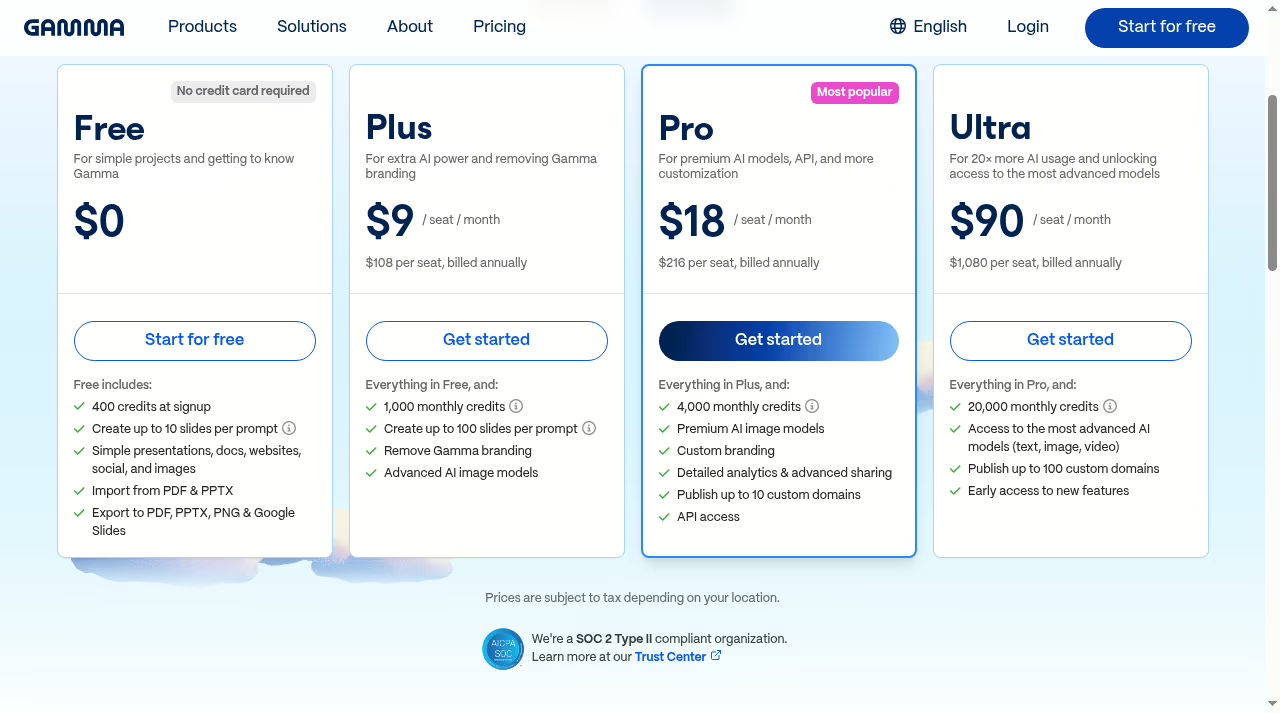
Free tiers here fall into two camps. Genuine free tools: Canva Free, Pitch for five seats, Visme Basic, SlidesAI Basic at 200 monthly credits, Presentations.AI Starter at 100 credits, and Gamma’s 400-credit starter allocation. Time-boxed trials: Beautiful.ai at 14 days, Plus AI at 7 days, and Prezi’s trial on paid plans.
The Gamma credit model is representative: credits are the meter, and AI generation spends them, so a free plan is really a monthly generation budget. Plan on the paid tier the moment the deck matters to revenue or grades, mostly for branding removal and export quality rather than raw generation volume.
Watch the fine print on credits versus seats: Gamma prices per seat with monthly credit allowances, Presentations.AI bundles credits into the plan, and SlidesAI refills monthly even on free. Two tools at the same sticker price can differ threefold in usable generation once you map credits to your actual drafting volume.
The one-week rule we use internally: if a team cannot exhaust a free plan inside a week of real work, it is not ready to evaluate the paid tier. Free plans are test benches, and an idle test bench tells you nothing.
The export test
Run one export rehearsal before you buy
Before any annual plan, run this drill with the free tier: generate a ten-slide deck with your real content, export it the way your audience needs it, and open that file the way they will. Watch for fonts swapped to defaults, charts turned into static images, and layouts that reflowed. Fifteen minutes here prevents the annual-plan regret we see most often.
Run the same drill for the presenter, not just the file: rehearse from the exported version on the machine that will be in the room. Fonts that render perfectly in the browser editor are the ones that vanish on the venue laptop.
| Tool | Free tier | Cheapest paid (annual) | Key export |
|---|---|---|---|
| Gamma | 400 credits | $9/seat/mo | PPTX, PDF, Google Slides, link |
| Beautiful.ai | 14-day trial | $14.50/mo | PowerPoint |
| Plus AI | 7-day trial | $10/user/mo | Native PowerPoint and Google Slides |
| Canva | Yes | $144/yr | PPTX, PDF, video |
| Pitch | 5 seats | $13/mo | Link with analytics, PDF, PPTX |
| Prezi AI | Trial | $7/mo | Live present, video |
| Visme | Yes | $12.25/mo | PDF, JPG, PNG, PPTX |
| Decktopus | Limited | $9.99/mo | PPT, PDF, PNG |
| SlidesAI | 200 credits/mo | $7/mo | Google Slides native |
| Presentations.AI | 100 credits | $20/mo | PowerPoint on Pro |
Quick answers
Frequently asked questions
Q: Which AI presentation tool has the best free plan?
For ongoing free use, Canva Free and Pitch’s five-seat tier are the most durable. Gamma, Visme, SlidesAI and Presentations.AI use credit-based free plans that work as monthly generation budgets. Beautiful.ai, Plus AI and Prezi offer time-limited trials instead.
Q: Can these tools export real PowerPoint files?
Most can, but quality varies. Plus AI is native inside PowerPoint and Google Slides, so there is no conversion loss. Beautiful.ai and Presentations.AI export PowerPoint on paid plans. Gamma, Canva, Decktopus and Visme export PPTX with some layout flattening on complex designs. Always test with your own content before paying.
Q: What is the cheapest AI presentation tool?
SlidesAI Pro at $7/mo billed yearly and Prezi Standard at $7/mo billed annually are the lowest paid entries. Decktopus at $9.99/mo annual and Gamma Plus at $9/seat/mo annual are close behind.
Q: Will the AI keep my company’s branding?
Paid tiers on Gamma, Beautiful.ai, Canva, Pitch, Visme and Presentations.AI include brand kits that lock colors, fonts and logos. Plus AI inherits your existing PowerPoint or Google Slides template, which is the strictest brand control of all. Free tiers rarely enforce branding.
Q: Is it safe to upload confidential material to these tools?
Treat any prompt or upload as data leaving your perimeter. Check each vendor’s data policy: whether content trains their models, retention terms, and compliance certifications. Gamma, for example, advertises SOC 2 Type II compliance on its pricing page. For regulated content, get your security team’s sign-off first.
Q: Can AI tools import my existing PowerPoint decks?
Gamma, Prezi (Plus and up) and Canva import PowerPoint files. Plus AI works directly on your existing PowerPoint and Google Slides files, which is the strongest option for reworking a large deck library. Expect to restyle after import regardless of tool.
Q: Do I still need design skills if the AI builds the deck?
You need narrative skills more than design skills. The AI handles layout competently; it cannot decide which three slides your argument depends on, or whether a number is presented honestly. Budget your time for judgment, not formatting.


Leave a Reply