




Gusto and BambooHR show up on the same shortlists, but they are built to win different jobs. Gusto starts with US payroll and wraps benefits and HR admin around the pay run. BambooHR starts with employee records, hiring and people programs, then sells payroll and benefits administration as add-ons for US teams.
Pick wrong and you feel it every pay cycle: either you pay for an HR platform when you only needed dependable payroll, or you bolt a full HR system onto a payroll tool that was never meant to be one.
This guide compares both on current official pages and pricing, with the same tasks scored against each product. It sits alongside the wider stack decisions in our business-efficiency tools guide.
Every figure below comes from the vendors’ own product and pricing pages, checked today, and the math is worked on plain headcounts so you can rerun it with your own numbers.
Payroll is the purchase. You want unlimited pay runs, tax filings and fast pay options in the base product, with per-person pricing that starts small.
HR is the purchase. You want one system for employee data, hiring, onboarding and performance, and you are happy to add payroll where it fits.
Gusto vs BambooHR at a glance
| Decision | Gusto | BambooHR |
|---|---|---|
| Core product | US payroll with benefits and HR admin around it | HR platform: employee data, hiring, onboarding, people programs |
| Entry pricing | Simple $49/mo + $6/person | Core from $10/employee/mo; flat $250/mo for 25 or fewer |
| Payroll scope | In every plan; one state on Simple, multi-state on Plus | Add-on, quote-priced, US employees only |
| Hiring and ATS | Hiring and onboarding tools tied to the pay setup | Full ATS in every plan: 5 openings Core, 25 Pro, 50 Elite |
| Performance | Not the focus | Pro and up: performance management, community, recognition |
| Contract terms | No contracts, cancel anytime | Month-to-month or extended term, your choice |
The rest of this guide unpacks each row with current figures. For a line-by-line read of Gusto’s side, our Gusto pricing breakdown covers every plan and add-on.
Keep one mental model for the whole guide: Gusto sells you a pay run and attaches HR to it, while BambooHR sells you an employee record and attaches payroll to it. Almost every difference below follows from that choice.
Payroll first
What Gusto is built around
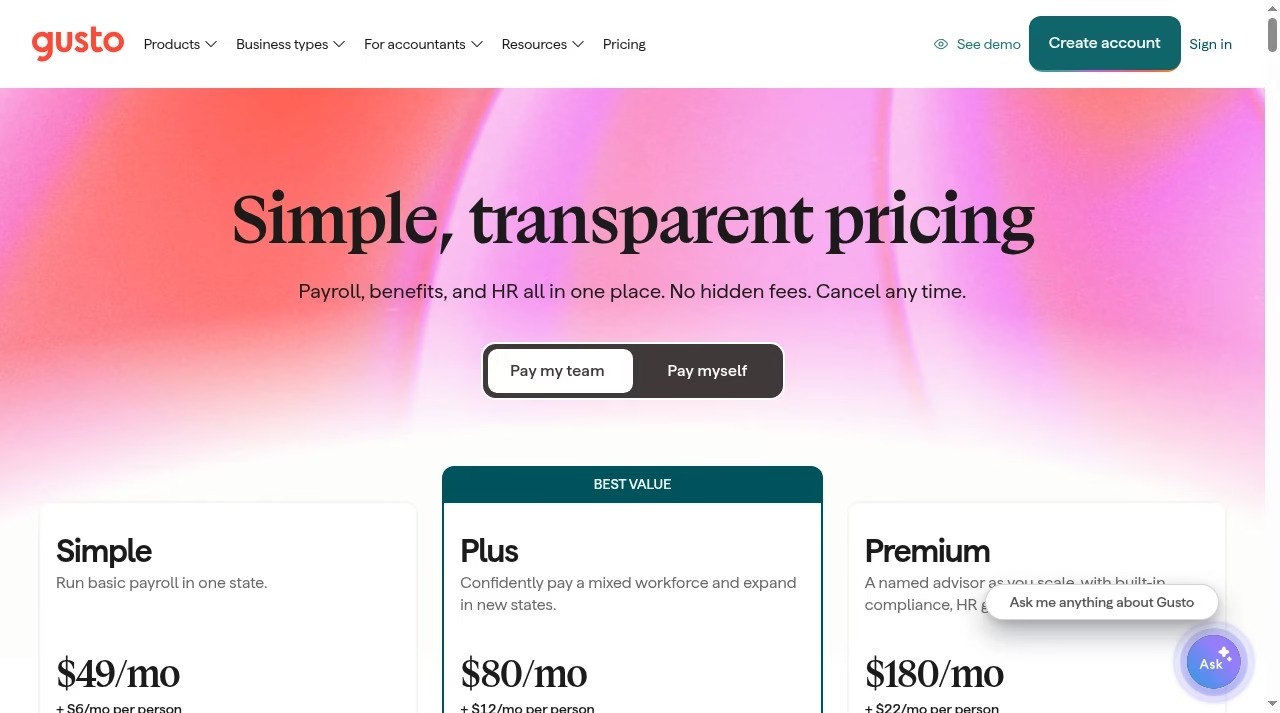
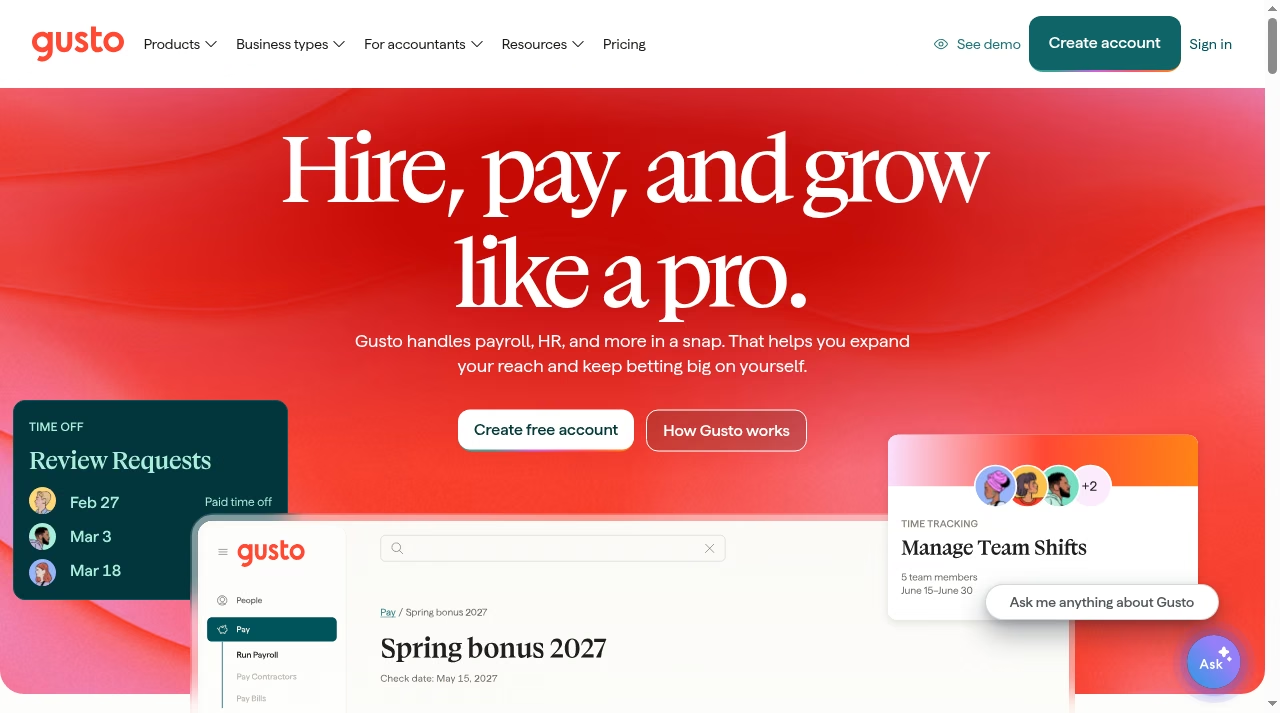
Everything in Gusto hangs off the pay run. The team plans are Simple at $49 per month plus $6 per person, Plus at $80 plus $12, and Premium at $180 plus $22. Simple runs unlimited payroll in one state with tax filings handled.
Plus opens multi-state payroll, adds built-in time tracking and scheduling, and includes next-day pay. Premium layers on a named advisor, HR guidance, compliance support and same-day and instant pay at no extra charge. There is even a Solo plan at $49 plus $6 for S-corp owners paying themselves a compliant salary.
Benefits run through Gusto too: health insurance costs only the premiums with no administration fee, and tax-advantaged accounts like HSAs and FSAs carry small per-participant charges under one annual service charge.
Terms stay simple: no contracts, free account setup, and you can upgrade, downgrade or cancel whenever you want, with unlimited payroll runs on every plan.
That structure suits a small team whose expensive problem is getting people paid correctly across states without touching tax forms. Hiring and onboarding exist, but they feed the payroll record: offer letter, e-signed paperwork, then straight into the pay run.
If your hourly or shift-based staff needs deeper scheduling, pair it with one of the tools from our Shiftsmart alternatives comparison rather than expecting Gusto to stretch. The same goes for layering in the AI tools for small business you already rely on: Gusto plays the payroll role in that stack, not the whole stack.
More than 500,000 businesses run on it, which shows in how polished the pay-first workflow feels.
HR first
What BambooHR is built around
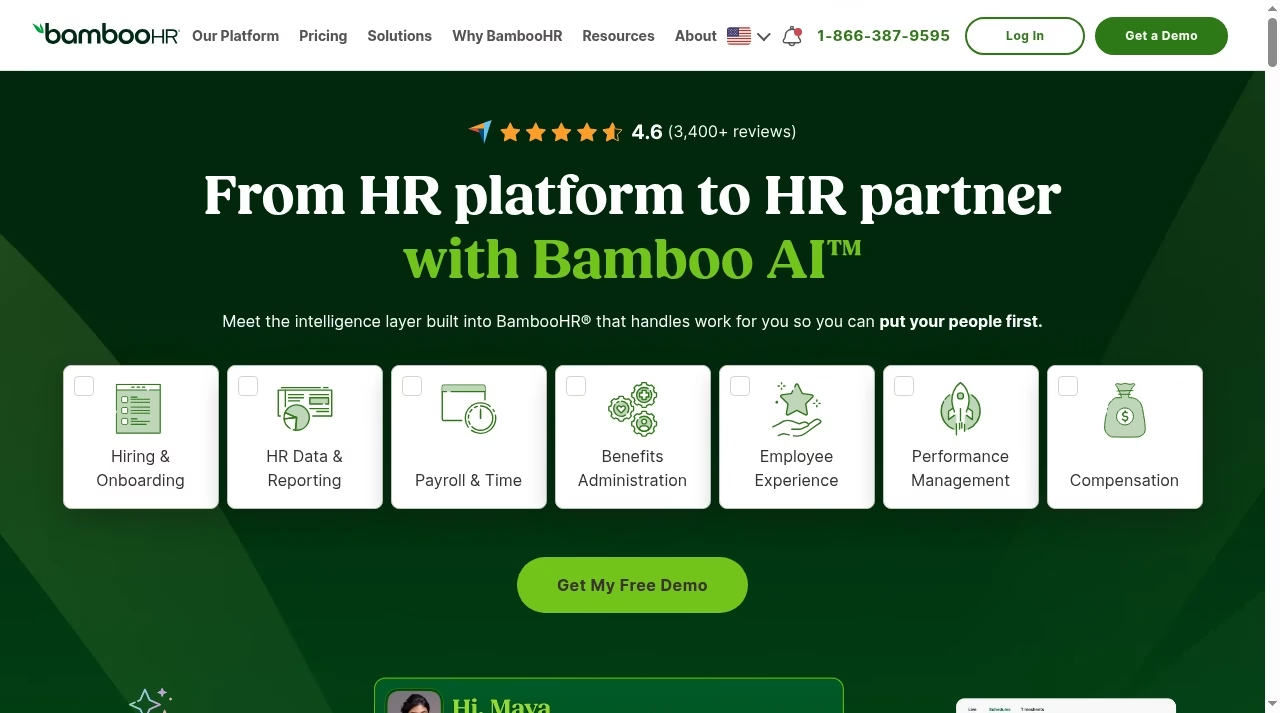
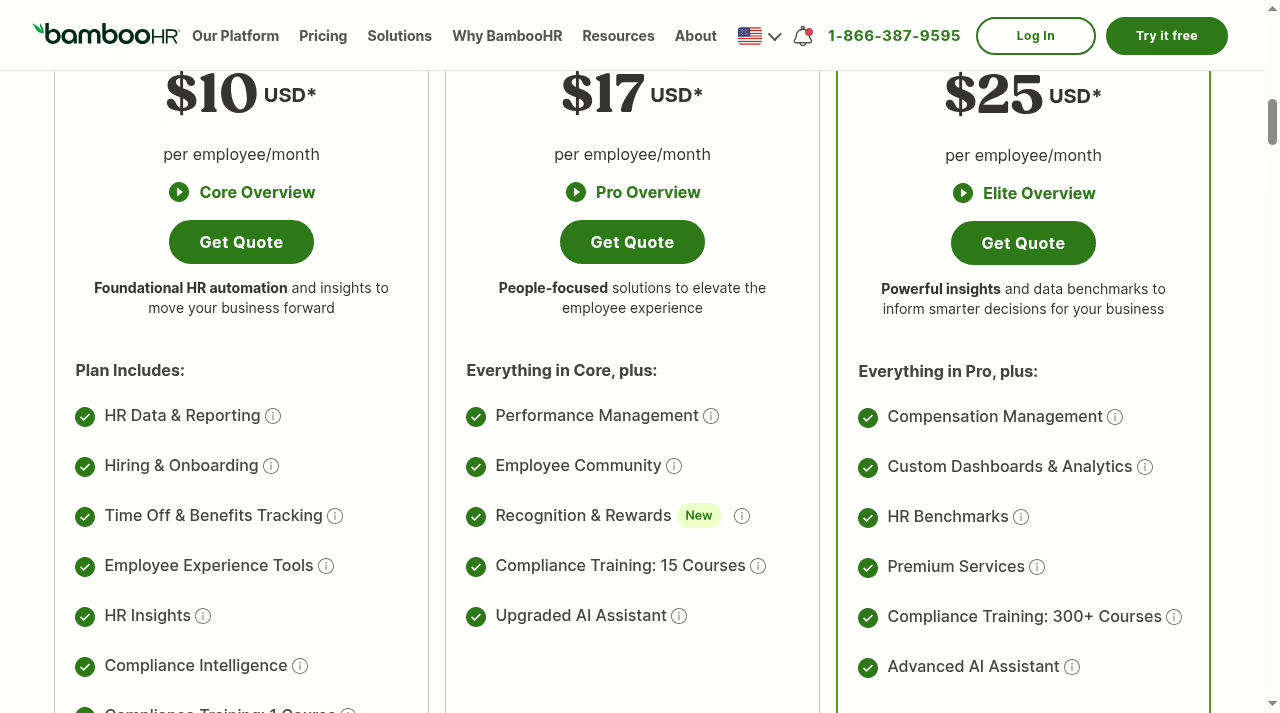
BambooHR starts from the employee record. Every plan, including Core, includes HR data and reporting, hiring and onboarding with a real applicant tracking system, time-off and benefits tracking, employee experience tools, HR insights, compliance intelligence and an AI assistant.
Pro at $17 per employee per month adds performance management, an employee community, and recognition and rewards. Elite at $25 adds compensation management, custom dashboards and analytics, HR benchmarks and premium services.
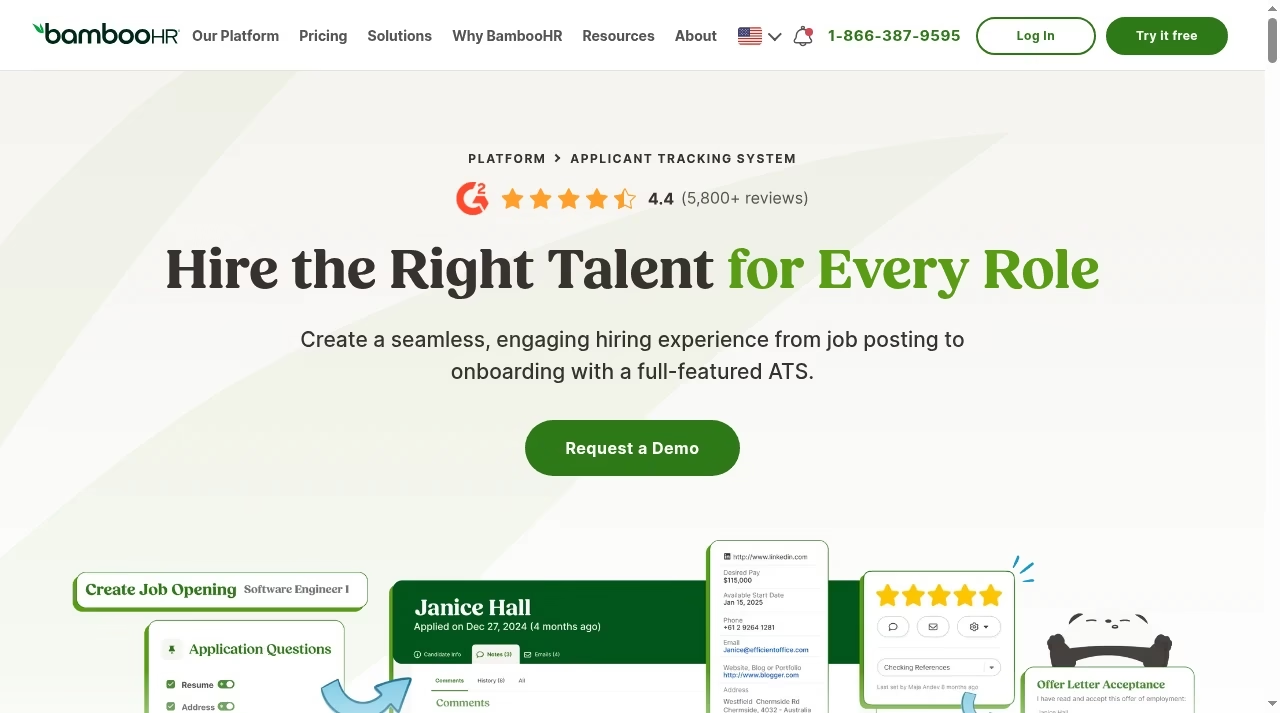
The company reports more than 30,000 customers, carries a 4.6 rating across 3,400+ reviews on its homepage, and its ATS page shows a 4.4 on G2 from more than 5,800 reviews.
The plan ladder is really a scope ladder: Core already covers the employee lifecycle basics, Pro turns it into a performance and culture platform, and Elite adds the analytics and compensation tooling that larger HR teams ask for.
The ATS deserves emphasis because it is not a token feature: Core includes 5 active job openings, Pro raises that to 25 and Elite to 50.
If hiring volume matters to you, that included ATS competes with the dedicated tools in our applicant tracking software guide, and the engagement side overlaps with our employee engagement tools roundup.
Payroll, benefits administration, time and attendance, and global employment sit outside these plans as quote-priced add-ons, which is the mirror image of Gusto’s model. The AI assistant tiers up as you climb plans, and compliance intelligence plus training courses are built in rather than sold as consulting, which smaller HR teams will appreciate.
The numbers
Pricing: model your real monthly bill
The two vendors price so differently that headline numbers mislead. Gusto publishes a base fee plus a per-person rate, so your bill scales predictably with headcount.
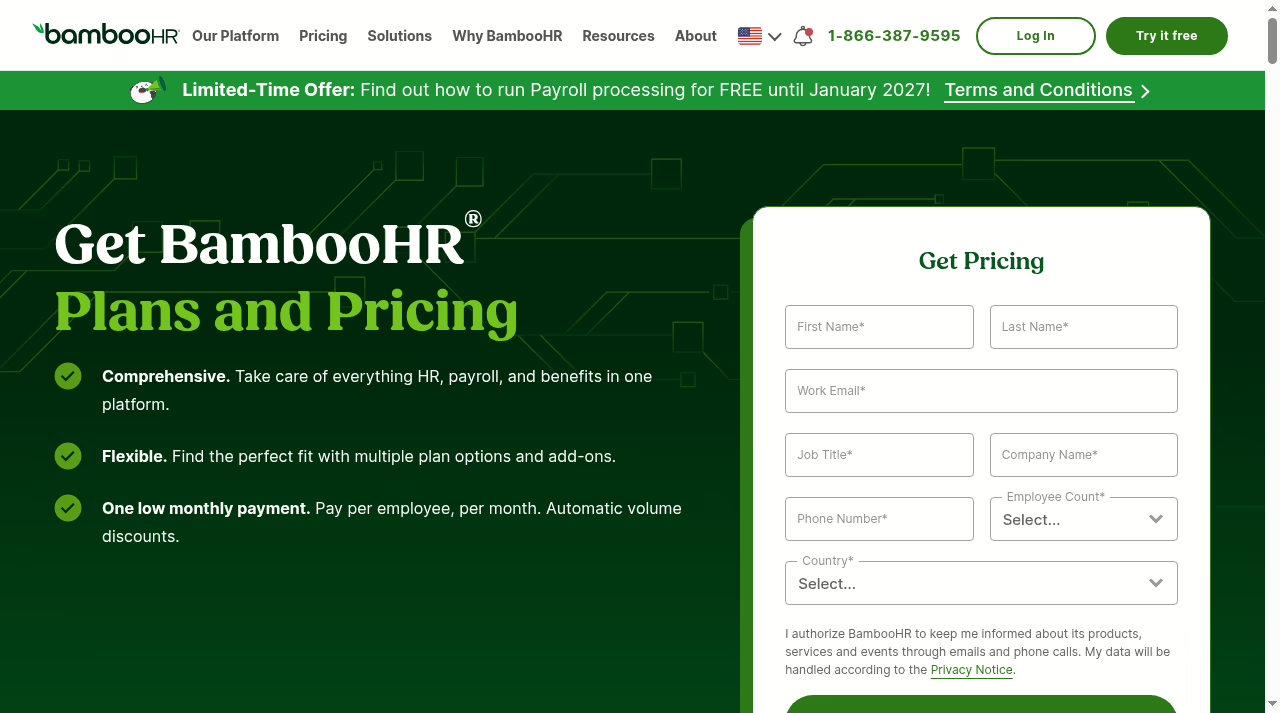
BambooHR charges per employee per month, and its pricing FAQ states two schedules: companies with more than 25 employees pay starts-at rates of $10.25 for Core, $17.50 for Pro and $25 for Elite, with automatic volume discounts as headcount grows.
Companies with 25 or fewer employees pay flat monthly rates: $250 for Core, $425 for Pro and $650 for Elite. Note the plan cards on the same page round Core and Pro down to $10 and $17; budget with the FAQ’s starts-at figures and confirm the quote.
On terms, BambooHR lets you choose flexible month-to-month billing or an extended term, takes cards and ACH for monthly payment, and accepts wire transfers or checks for annual upfront payment. Gusto is simpler here: no contracts at all, and your per-person charges adjust as headcount changes.
Two readings fall out of that math. First, the flat rates make BambooHR cheapest exactly where Gusto is also cheap: at 10 to 25 people, Core at $250 a month buys the whole HR platform for less than 25 times the per-employee rate.
Second, BambooHR’s total still excludes payroll, so a like-for-like comparison needs the payroll add-on quote added to the flat fee. Gusto’s totals already include payroll but exclude benefits premiums and add-ons such as state tax registration. We keep current comparisons like this across the Apps library if you are pricing several categories at once.
One more wrinkle for growing teams: crossing 25 employees moves BambooHR from the flat fee to the per-employee schedule, so a 24-person team on Core pays $250 flat while a 30-person team starts at $307.50.
Neither vendor is trying to trick you here, but the schedules are different enough that only your own headcount math settles it.
Beyond the base
Add-ons: where the models really differ
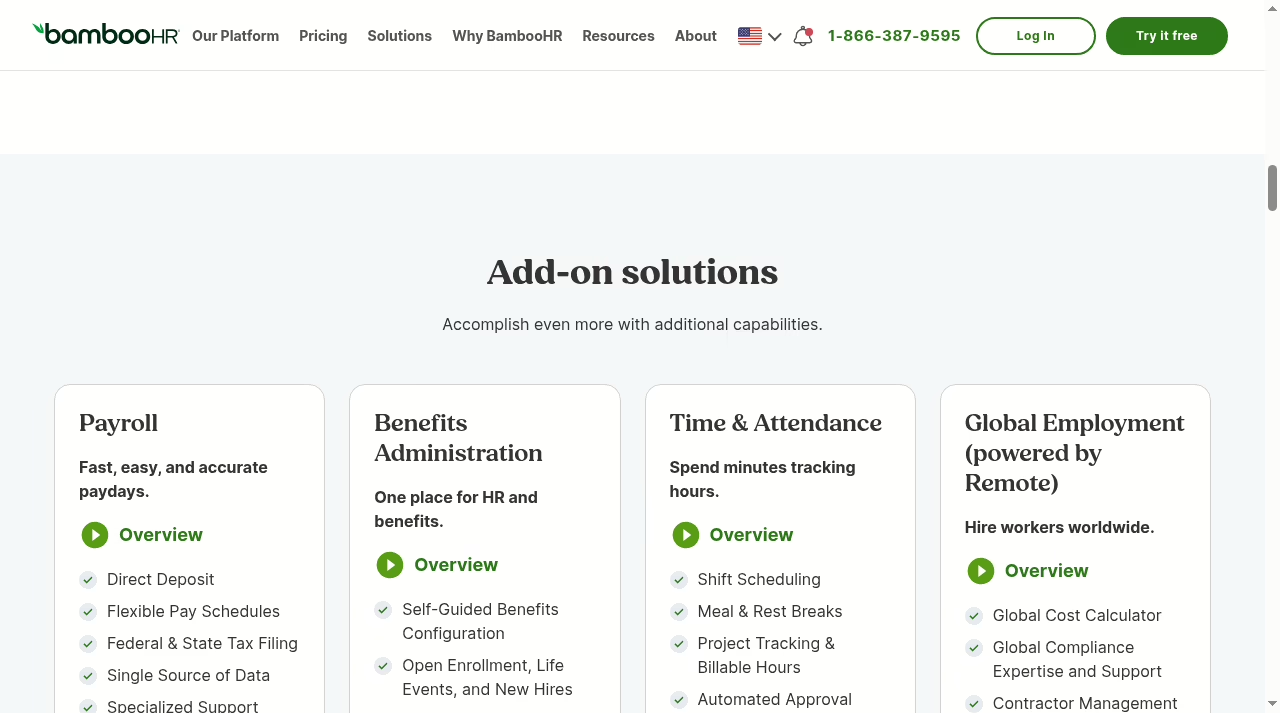
BambooHR sells four add-ons, each quote-priced. Payroll covers US-based employees with federal, state and local tax filing. Benefits administration is also US only. Time and attendance adds shift scheduling, meal and rest breaks, project tracking and overtime with an iPad kiosk option.
Global employment, delivered through Remote, covers employer-of-record hiring and contractor management abroad, which goes well beyond Gusto’s global contractor payments at $5 per payment. BambooHR currently advertises 15% off when you bundle payroll and benefits administration with any plan, and its pricing FAQ adds a 15% nonprofit discount plus automatic volume discounts.
Gusto’s add-ons bolt onto payroll rather than completing an HR suite: state tax registration, global contractor payments at $5 per payment to US bank accounts, faster pay tiers on lower plans, time and attendance plus at $6 per person on Simple, priority support and compliance services.
If your broader automation strategy already includes the tools from our automation tools guide, Gusto’s tighter scope is a feature: it does one job and stays out of the way. And if neither product fits, a custom build from one of the SaaS development companies we reviewed is the expensive but exact alternative.
For most 10 to 100 person teams, though, the honest choice is between Gusto’s payroll-with-extras and BambooHR’s platform-with-add-ons, and the quote puts real numbers on both.
Task test one
Same task: hire someone and create their record
Post and track basic hiring steps, send the offer, then onboard straight into payroll: tax forms, direct deposit, benefits enrollment. Clean when hiring is occasional and the pay record is what matters.
Run a real ATS pipeline: job openings, application questions, candidate profiles, team feedback, offer letters, then onboarding checklists that create the employee record your HR data builds on.
Onboarding follows the same split: BambooHR builds the employee record with checklists, e-signatures and welcome workflows, while Gusto gets the new hire paid correctly with minimal friction. Interview scheduling sits outside both; our Calendly alternatives comparison covers that piece.
If you hire steadily, BambooHR wins this task outright because the ATS is included in every plan. If you hire a few people a year, Gusto’s lighter flow is enough and keeps everything inside the payroll you already run.
Either way, resist the urge to manage candidates in the sales pipeline: the small-team CRM platforms we compared are built for customers, not applicants.
Task test two
Same task: approve hours and run payroll
Time tracking and scheduling are built into Plus, hours flow into the pay run, and unlimited payrolls mean corrections cost nothing. Next-day pay is included on Plus; same-day and instant pay come with Premium.
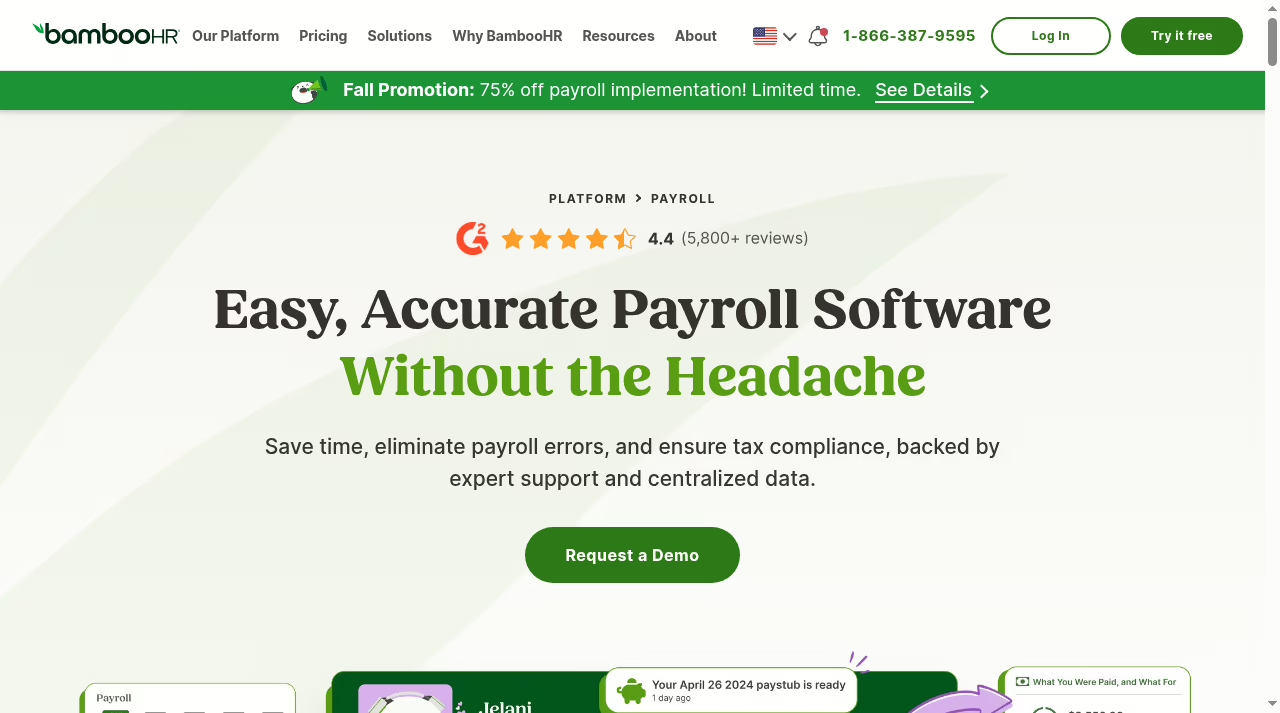
Add Time and Attendance for shifts, breaks and overtime, then add Payroll for the US pay run with all tax filing handled. Employee data syncs automatically, so there is no double entry, but both add-ons are quoted separately. Paystubs and tax documents stay available to employees from any device.
Gusto is the stronger payroll engine for a team that lives on timesheets, especially hourly staff. If scheduling depth matters more than the pay run itself, the dedicated options in our employee scheduling software guide beat both. BambooHR’s pitch here is consolidation: one vendor, one employee record, payroll included for US staff.
Its current fall promotion takes 75% off payroll implementation for new customers with 50 to 2,000 employees who start processing by January 31, 2027, and a site banner offers free payroll processing until January 2027. Promotions change; treat them as a bonus, not a reason to switch.
Where Gusto still pulls ahead for hourly teams is correction runs and off-cycle payrolls: unlimited runs are included in every plan, so a missed timesheet never becomes a billing event.
Task test three
Same task: run a review cycle
Outside Gusto’s focus. You would run reviews in a separate tool and keep Gusto for pay changes that come out of the cycle.
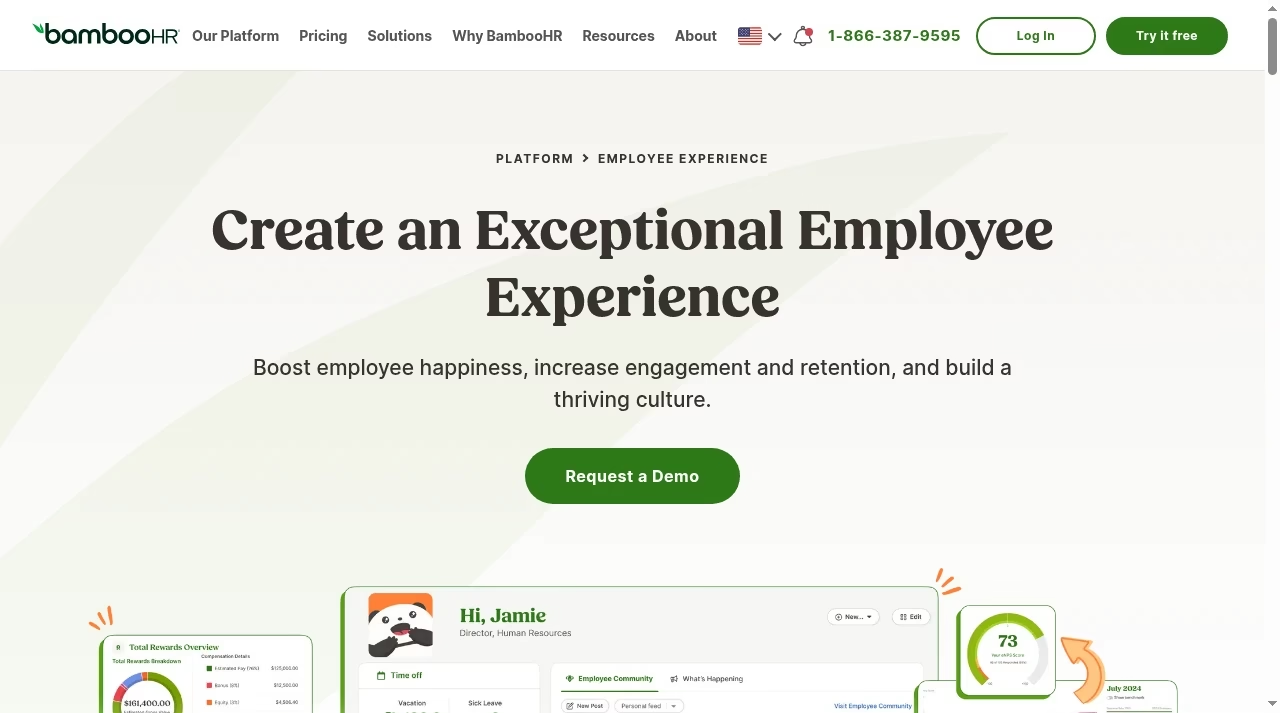
Performance management in Pro covers goals, assessments and feedback, with recognition and rewards plus an employee community alongside it. Elite adds compensation management to tie pay decisions to the cycle.
This is BambooHR’s clearest win, and it is why HR-led teams pick it. A lightweight process tracked in a shared doc or one of the Notion alternatives works for a handful of people; past that, having reviews, recognition and compensation inside the system that already holds the employee record saves real admin time.
Making the call
When one system wins, and when both make sense
Gusto wins when payroll quality is the decision: multi-state pay, hourly teams, fast pay options, contractor payments, and a price that starts at $49 plus $6 per person with no contract.
BambooHR wins when people operations are the decision: one employee record, included ATS, onboarding, performance, engagement and analytics, with payroll added for US staff when you are ready.
Running both is a legitimate setup too: BambooHR as the HR system of record with Gusto running payroll is a combination we see often, and both vendors integrate widely through their marketplaces and partner lists.
The cost is two subscriptions and an integration to maintain, so only pair them when each side is genuinely doing its best job. For the day-to-day coordination around either system, teams usually already have a project board in place, so neither vendor needs to be your task manager.
Buy it right
Build a fair procurement comparison
- Fix the scope before you ask for prices: headcount, states, hourly versus salaried mix, hiring volume, and which of payroll, benefits admin, time tracking and performance you actually need this year.
- Model the full monthly bill from the schedules above, then get BambooHR’s payroll and add-on quote in writing so both totals cover the same scope.
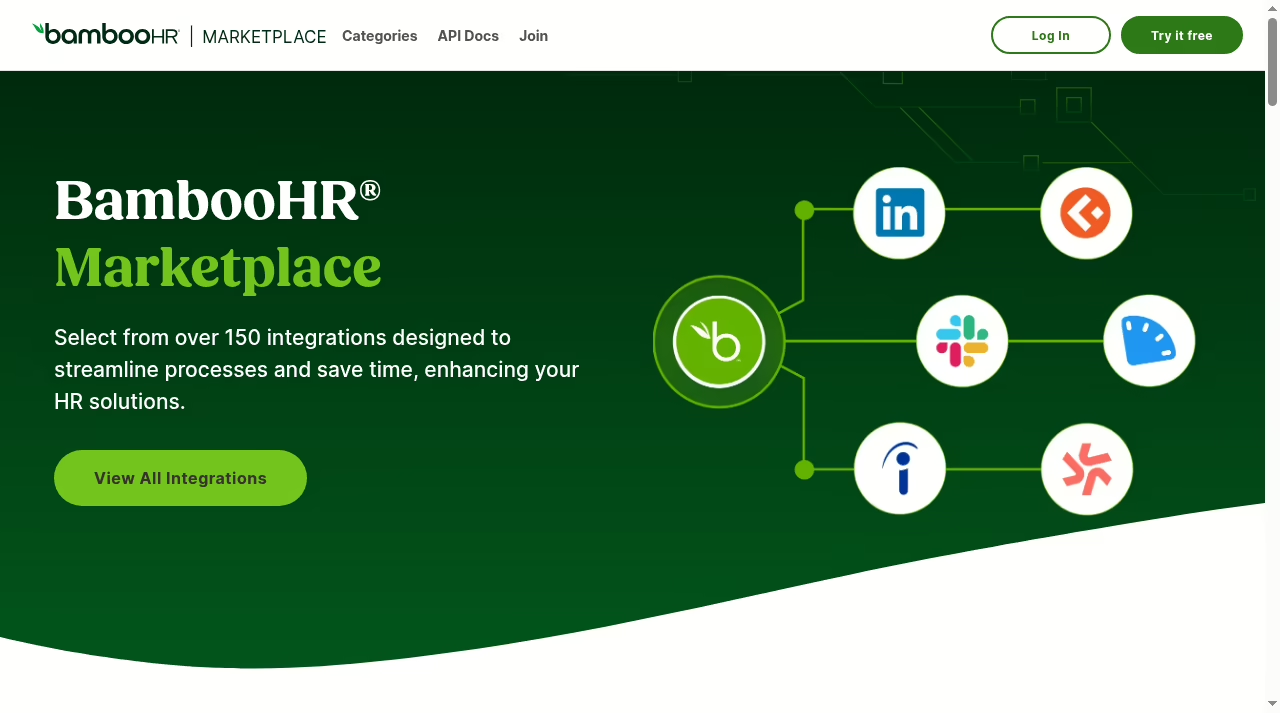
- Inventory your integrations. BambooHR’s Marketplace lists more than 150 partners, and Gusto connects to the common accounting and time tools; check each system you will keep, from accounting to the integration tools your revenue stack uses.
- Run the same three tasks from this guide in each demo and score the steps, not the feature list. Bring a real scenario: an actual job opening, a real pay group, last quarter’s review cycle.
- Failed rollouts follow the same pattern we documented in why CRM projects fail: the tool was fine, the fit was not. Assign one internal owner for the decision and one for the migration before you sign anything.
The move
Plan the switch around payroll risk
Switching HR systems is mostly data work; switching payroll is risk work. Time a payroll move to the start of a quarter so tax filings stay clean, export year-to-date pay history before you cancel anything, and run one parallel pay cycle if you can.
BambooHR assigns a dedicated payroll project manager to set up and run your first payroll, which takes real pain out of the migration. Gusto’s self-serve setup is fast for small teams, and its account is free to open before you commit.
Either way, treat the cutover like a project with owners and dates, tracked the same way you would in one of the task apps we compared, and keep read access to the old system for at least one full tax year.
Export employee records, documents, time-off balances and review history before the cutover, not after; HR data exports are far easier to request while you are still a customer.
Bottom line
Our recommendation
Buy the system that owns your expensive problem. If that problem is paying people correctly and quickly, Gusto is the better product and usually the cheaper bill. If that problem is running hiring, onboarding and performance without spreadsheet sprawl, BambooHR earns its flat fee, and its US payroll add-on turns it into a single-vendor answer.
The worst outcome is paying for both halves twice: an HR platform you only use as an address book, or a payroll tool you fight to make behave like an HR system. Price both on your real headcount before you decide; the numbers above make that a ten-minute exercise.
Answers
Frequently asked questions
Is Gusto or BambooHR better for payroll?
Gusto. Payroll is its core product on every plan, with unlimited runs, tax filings, multi-state support on Plus and next-day or same-day pay options. BambooHR Payroll is a capable US-only add-on, but it requires the HR platform underneath and a separate quote. If payroll is the reason you are shopping, start with Gusto.
Is payroll included in BambooHR’s Core plan?
No. Core covers HR data, hiring and onboarding, time-off tracking, employee experience and reporting. Payroll, benefits administration, time and attendance, and global employment are all quote-priced add-ons. Payroll and benefits administration are US only, so teams paying people abroad should look at the global employment add-on or a payroll-first tool instead.
Which is cheaper for a 20-person team?
On published rates, Gusto Simple costs $169 per month and Plus $320 for 20 people. BambooHR charges flat rates for teams of 25 or fewer: $250 for Core, $425 for Pro and $650 for Elite, before the payroll add-on quote. Gusto is cheaper for payroll alone; BambooHR’s fee buys the full HR platform.
Can Gusto and BambooHR be used together?
Yes, and it is a common stack: BambooHR as the HR system of record with Gusto running payroll. Budget for two subscriptions and keep an eye on the integration between them, but each product then does the job it was built for.
Which is better for hiring and onboarding?
BambooHR. Every plan includes a full applicant tracking system, with 5 active openings on Core, 25 on Pro and 50 on Elite, plus structured onboarding. Gusto’s hiring tools are solid for occasional hires but are built to feed the payroll record rather than run a recruiting pipeline. Teams with constant requisitions will feel the difference in the first week.
Does BambooHR offer discounts?
Yes. Volume discounts apply automatically as headcount grows, nonprofits get 15% off, and bundling payroll and benefits administration with any plan currently takes 15% off. A fall promotion also offers 75% off payroll implementation for qualifying new customers with 50 to 2,000 employees.
What size company is each best for?
Gusto fits solo S-corp owners through mid-size US teams that want payroll handled without HR overhead. BambooHR’s flat rates favor teams of about 10 to 25 building their first real HR foundation, and its per-employee pricing scales from there; more than 30,000 companies use it.



Leave a Reply