

KeystoneJS vs WordPress: choose the content model first
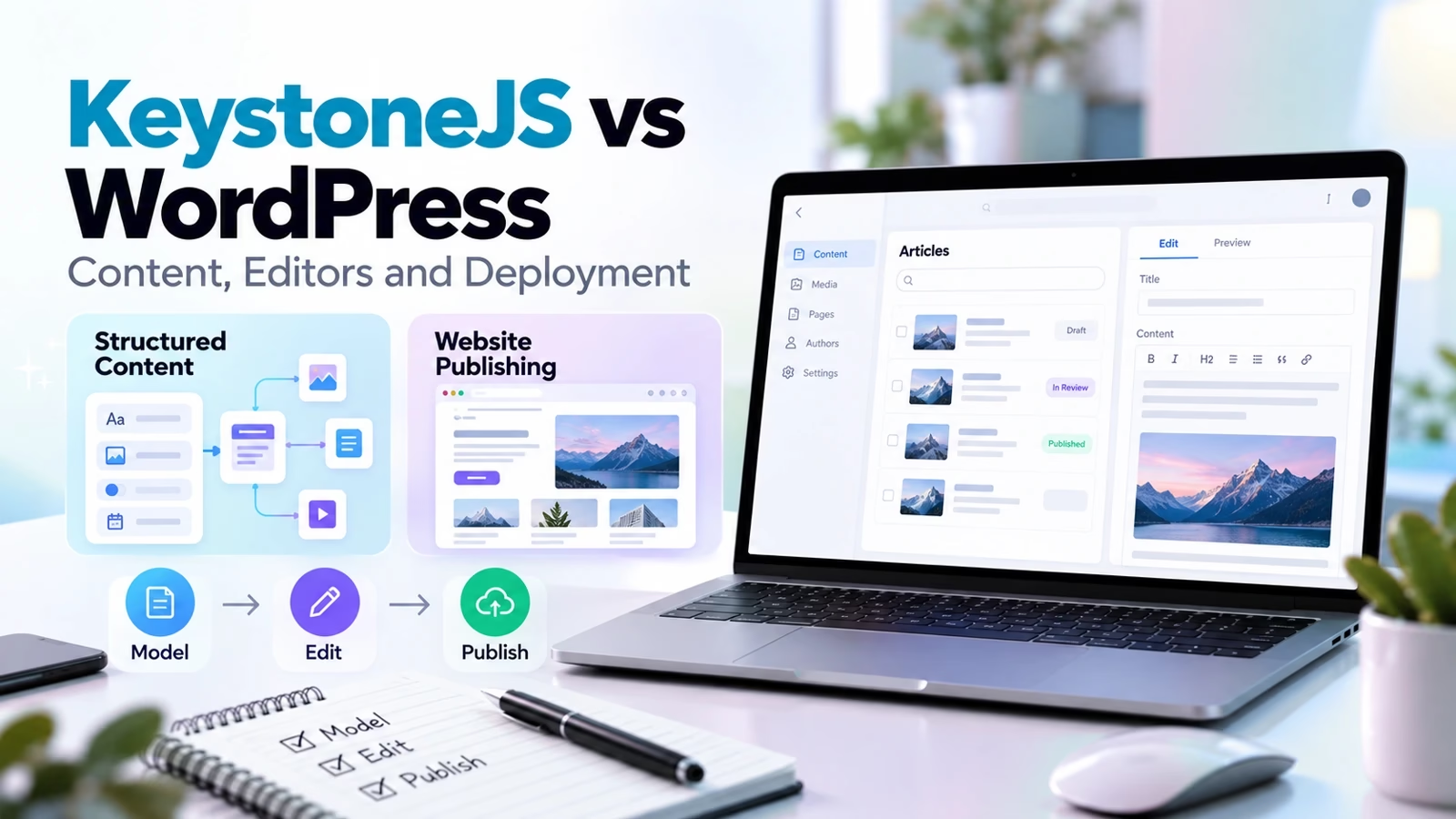
KeystoneJS and WordPress can both manage content, but they begin from different operating models. Keystone is a code-defined backend with a generated GraphQL API and Admin UI. WordPress is a publishing platform with an established editor, themes, plugins and a REST API. Pick the system that matches the team maintaining it, not the one with the more fashionable architecture. Web development partner selection is partly a decision about who owns that maintenance.
Reviewed against current official product pages and documentation on October 10, 2026. Screenshots are original captures of public vendor pages. This is a documented workflow comparison, not a purchased-account benchmark or a claim that a production deployment was tested. Performance, support speed and migration outcomes remain unmeasured.
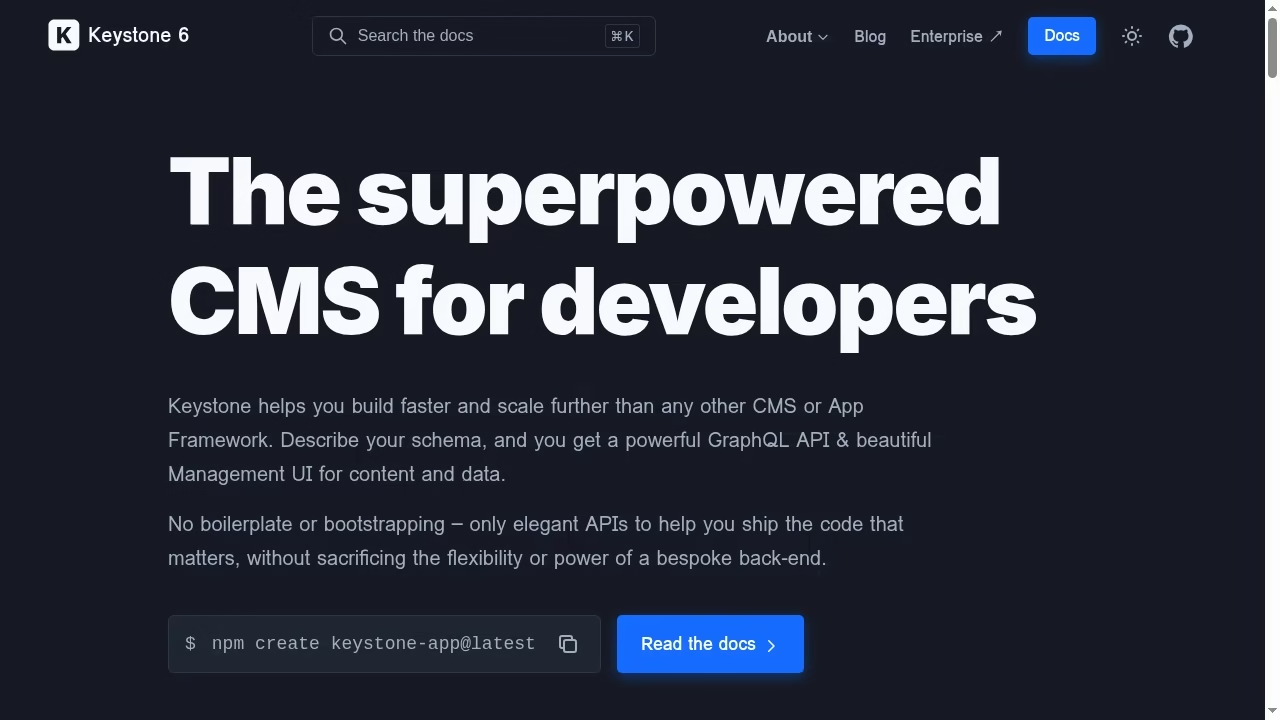
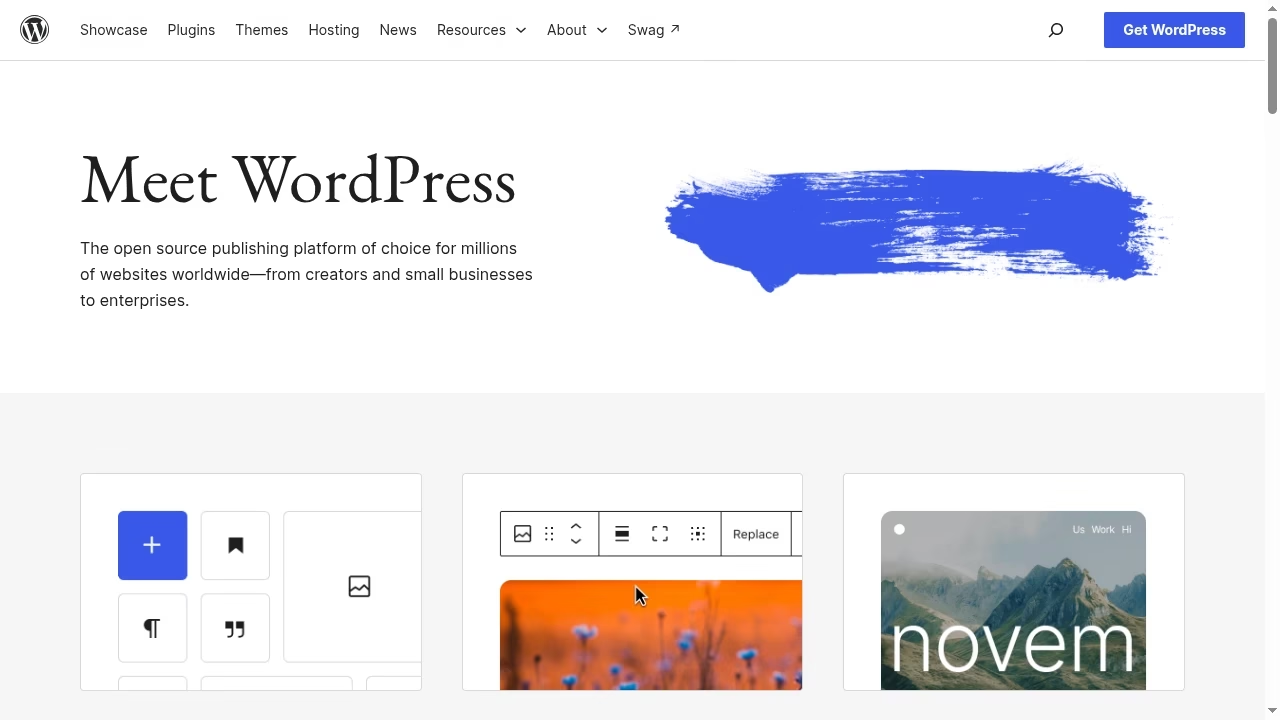
The same task: publish a product catalogue with editorial content
Consider a sample catalogue with Product, Category, Author and Article records. Editors must change product descriptions, connect related articles and keep unpublished records private. A website and mobile app should consume approved content. This is a requirements comparison, not an executed install. It makes the tradeoffs visible without pretending two homepages prove equivalent workflows. SaaS application development often adds similar content relationships.
| Requirement | KeystoneJS | WordPress |
|---|---|---|
| Content schema | Code-defined lists and fields | Posts, pages, taxonomies and custom extensions |
| Content delivery | Generated GraphQL API | Core REST API; other APIs need extensions |
| Authoring experience | Generated, configurable Admin UI | Block editor and publishing tools |
| Frontend | Chosen and implemented separately | Theme or separate frontend |
| Access rules | List and field rules in application code | Roles, capabilities and extension behavior |
| Deployment owner | Node app, database and frontend team | WordPress runtime, database and hosting team |
Keystone starts with explicit relationships and developer control
Define lists and fields in the codebase, then generate the API and admin interface. For a catalogue with custom relationships, that makes the schema visible to the developers reviewing changes. It does not mean the editorial experience is finished. Labels, validation, document components and preview behavior need deliberate design. The official Keystone overview describes this workflow; it is not a benchmark of editor productivity.
WordPress starts with a publishing workflow
WordPress supplies posts, pages, taxonomies, media and an editor. Its REST API handbook documents JSON endpoints for built-in data and extension possibilities. A conventional content site can use a theme rather than build a separate frontend. A bespoke catalogue can use custom post types and fields, but implementation quality depends on the selected extensions and code. WooCommerce implementation is a separate commerce choice, not something Keystone replaces automatically.
GraphQL versus REST is not the whole decision
GraphQL can suit a frontend that needs related records in a shaped response. REST can suit straightforward resource-based content access. Neither API name establishes security, caching or editor usability. Decide what consumers need and verify response contracts. If the website is a separate React frontend, React development skills are required regardless of whether the content comes from Keystone or WordPress.
Access control deserves a written test matrix
Keystone 6 distinguishes operation, filter, item and field access controls. The current access-control reference says operation rules must be configured and explains how list and field checks interact. Avoid copying Keystone 5 examples or assuming a hidden Admin UI field is protected in API output. In WordPress, inspect roles, custom endpoints, custom fields and extension behavior rather than assuming every private object is exposed or hidden in the same way.
Rich content must survive the frontend boundary
Keystone document fields return structured content that the frontend must render. The document-field guide describes the document format and rendering approach. WordPress content also needs care when used outside a theme, especially with custom blocks. Take a representative article with headings, links, images and embedded components; verify the result on every channel. UI and UX design should include those content states.
Deployment responsibilities are different, not absent
Keystone needs an application runtime, durable database, environment configuration and a deployment plan. WordPress needs hosting, database, media storage, updates and backups. Headless WordPress adds a separate frontend and can increase the number of systems to operate. DevOps consulting can help define ownership, while backup and restore planning addresses recovery rather than simply installation.
Cost includes ongoing ownership
The open-source software choice is not the total cost. Compare developer time, hosting, database, plugins or extensions, maintenance, accessibility, preview and migration. A small editorial website may be cheaper to operate with a suitable WordPress stack. A custom application may justify Keystone when its data model and API requirements match the team. MVP scope planning should separate essential workflows from architecture experiments.
Limits that matter in a migration
Do not assume WordPress plugin functionality maps to a Keystone list. SEO metadata, redirects, search, forms, media transforms, revisions and approval rules need explicit replacements. Conversely, a complex application schema does not necessarily map cleanly into a few WordPress custom fields. Digital transformation planning should include content migration and operational handover, not just a new frontend.
Build a content-model pilot before choosing
Use the same five products, three authors and two articles in both designs. Require one-to-many and many-to-many relationships, validation, a draft, a published record and a restricted field. Ask an editor to perform the same changes. Record steps and failure cases. A fair pilot uses identical acceptance conditions rather than presenting one tool with custom development and the other with defaults.
Make the access tests concrete
For each role, test read, create, update and delete through the API, not just the dashboard. Check draft exclusion, field redaction and relationship traversal. Include an unauthenticated consumer. An empty response can be a designed access outcome, so log the expected result. Architecture review can make these tests part of the design contract.
Choose by team and delivery constraints
Prefer WordPress when the existing publishing ecosystem and editor workflow meet the requirements with manageable extensions. Prefer Keystone when the application team wants a code-owned schema and can build and operate the content frontend. Neither is a universal winner. Next.js development can support either a custom content frontend or a hybrid publishing approach.
Use a migration exit criterion
A pilot is ready for a decision when editors can complete tasks, consumers receive correct content, private records stay private and a restore works. Include redirects and metadata for existing URLs. Digital transformation partner evaluation is useful when the team needs help with that transition. Do not call the move successful from API availability alone.
Frequently asked questions
Is KeystoneJS a WordPress replacement?
It can replace content-management functions for some applications, but it is not a drop-in replacement for WordPress themes, plugins or publishing workflows. Model the required features and build a migration plan before assuming equivalence.
Does WordPress support headless websites?
Yes. Its core REST API exposes structured content with authentication restrictions. A separate frontend can consume it, but previews, custom blocks, routing, media and caching still need implementation.
Does Keystone include a frontend website?
Keystone generates an API and an Admin UI from its schema. The public frontend is a separate implementation choice. A working backend does not automatically provide the customer-facing website.
Is GraphQL more secure than REST?
The protocol alone does not settle security. Access controls, field exposure, authentication and query behavior matter. Test the actual endpoints and roles on the chosen stack.
Which platform is cheaper?
There is no universal total. Compare hosting, database, developer time, extensions, maintenance and migration. Free software can still have substantial operating costs.
Were both CMS products installed for this comparison?
No. The article compares an identical proposed catalogue task using current official documentation and original public-page screenshots. It does not report executed editor timings or deployment benchmarks.


Leave a Reply