



FileZilla vs WinSCP: start with operating system and protocol
Choose FileZilla Client when you need a familiar transfer client across Windows, macOS and Linux. Choose WinSCP when you work on Windows and need its scripting, synchronization or wider protocol choices. Neither tool makes plain FTP secure, and neither replaces a backup system. DevOps workflow design should define what a transfer is supposed to accomplish before picking the interface.
Reviewed against current official product pages and documentation on October 10, 2026. Screenshots are original captures of public vendor pages. This is a documented workflow comparison, not a purchased-account benchmark or a claim that a production deployment was tested. Performance, support speed and migration outcomes remain unmeasured.
Compare the free client, not every FileZilla product
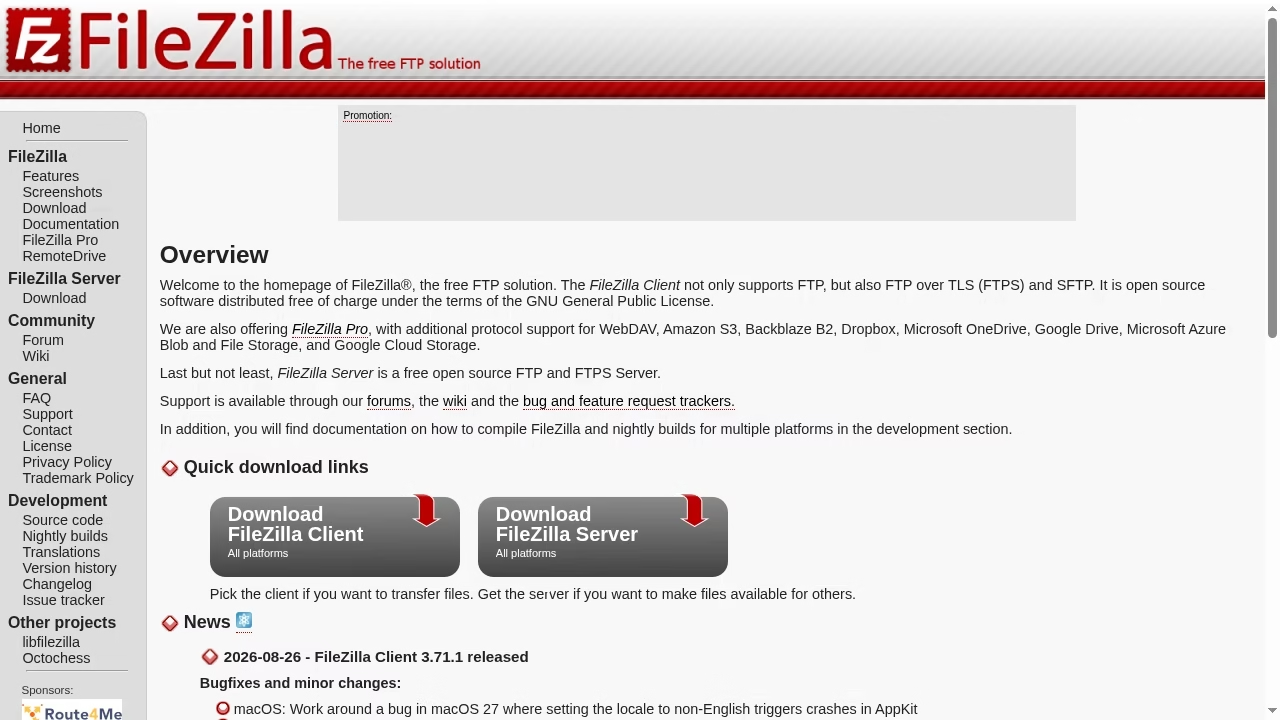
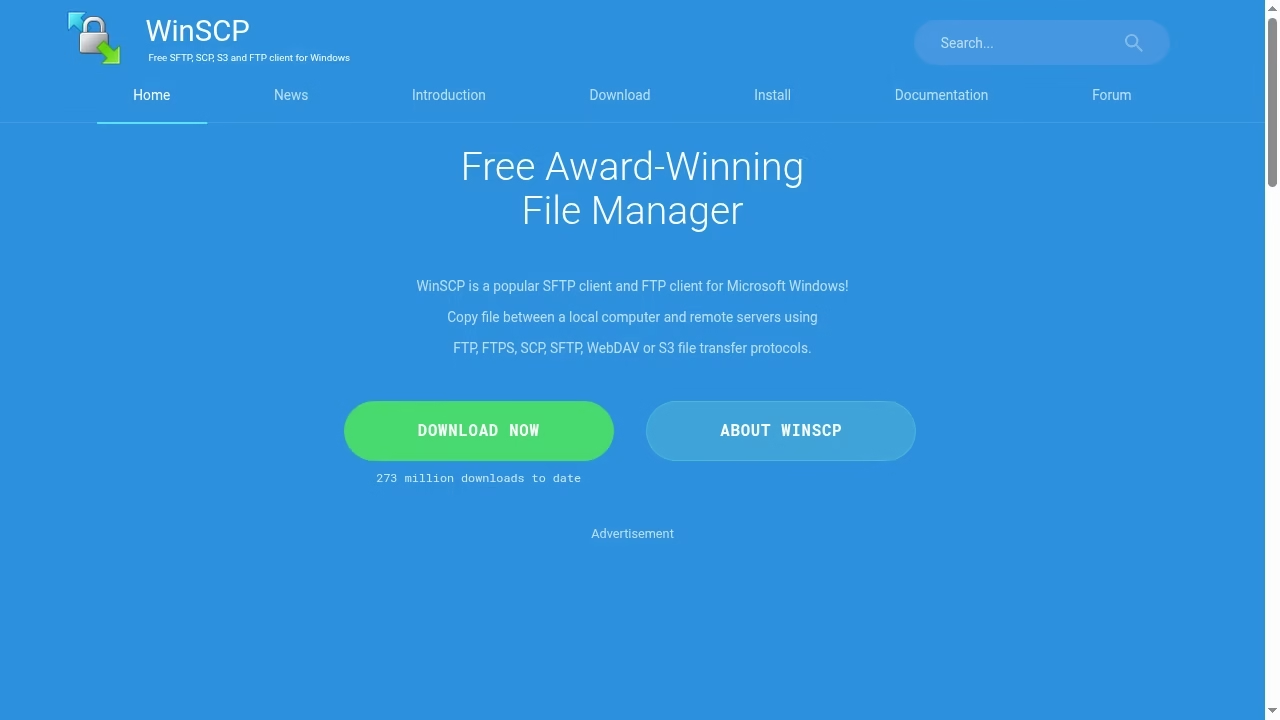
FileZilla Client, FileZilla Server and FileZilla Pro are different products. The Client feature page lists FTP, FTPS and SFTP plus cross-platform support. Cloud-storage capabilities associated with Pro should not be credited automatically to the free client. WinSCP is a Windows client; the official introduction explains its scope.
| Requirement | FileZilla Client | WinSCP |
|---|---|---|
| Operating systems | Windows, macOS and Linux | Windows |
| Secure SSH transfer | SFTP | SFTP and SCP |
| FTP variants | FTP and FTPS | FTP and FTPS |
| Other documented protocols | Do not assume Pro features | WebDAV and S3 also documented |
| Daily graphical transfers | Strong candidate | Strong Windows candidate |
| Windows automation | Evaluate required workflow | Documented scripting and .NET routes |
The same task: upload a staging release safely
Use an isolated staging folder and non-sensitive sample files. Both clients should connect to the same supported server, verify its identity, upload a folder, preserve the intended directory structure and detect a failed transfer. Then download a file and compare it with the original. This is the shared proposed test; no live server transfer or speed benchmark was executed for this article. MVP release planning should include that kind of repeatable acceptance task.
SFTP and FTPS are different protocols
SFTP runs over SSH. FTPS adds TLS to FTP. A server that supports one does not necessarily accept the other, even if the tool lists both. Choose the protocol and port provided by the server administrator. The WinSCP protocol guide explains these distinctions. Plain FTP is not an appropriate choice for credentials and sensitive content sent across an untrusted network.
Verify the server before sending credentials
A first-connect prompt is not an inconvenient box to dismiss. For SSH-based transfer, obtain the expected host-key fingerprint through a trusted administrator channel and compare it. For TLS-based transfer, validate the certificate and server identity. The host-key guide describes why this prevents connecting to the wrong machine. Accepting every fingerprint defeats the protection.
WinSCP has a documented automation route
WinSCP documents command-line scripting with winscp.com and .NET integration. Review its scripting guide, pin the verified host key and handle errors. Avoid placing real passwords in scripts or logs. Automation should fail visibly when the remote directory, key or file changes unexpectedly. Automation-tool selection is about reliable workflow behavior, not just fewer clicks.
FileZilla is useful when the team spans operating systems
Cross-platform availability can simplify a mixed Windows, Mac and Linux team. Its documented features include a transfer queue, directory browsing, drag-and-drop and remote file editing. That does not establish identical installation packaging or performance on every machine. Use the official distribution route and verify the chosen installer. Outsourced IT handoffs should specify the client and protocol instead of telling every contractor to improvise.
Synchronization needs a dry-run mindset
A synchronization direction can overwrite or remove the wrong files. Start in staging, inspect source and destination and keep a recovery copy. Do not assume timestamps alone establish which file is correct, especially across time zones or changed server settings. Backup restore chains explains why a synchronized folder is not necessarily a recoverable backup.
A transfer client is not a deployment strategy
Uploading files directly into production can leave a half-updated application. Where appropriate, use versioned releases, CI and a documented rollback rather than editing live files. Cloud-native application planning and SaaS operating design address the broader release problem. These transfer clients are still useful for diagnostics, controlled uploads and systems without a Git-based deployment route.
Speed claims require the same network and server
A transfer result depends on protocol, latency, encryption, server limits, parallel connections and file size. A thousand tiny files behave differently from one large archive. Do not declare one client faster from unrelated forum reports. Use the same machine, server, network, protocol and dataset, then record retries and total completion time. Traffic-routing fundamentals help explain why client choice is only one part of delivery.
Choose by a short requirements list
For a Mac or Linux workstation, FileZilla Client is the clearer choice of these two. For Windows scripting, WinSCP deserves a pilot. For cloud storage, verify the exact product and protocol rather than assuming the free FileZilla Client includes Pro features. For a one-off transfer, the server protocol and verified identity should decide the connection settings.
Reduce the blast radius
Use a restricted account, a staging path and the minimum permissions required. Do not share a broad administrator credential just because the GUI makes it easy to save a site. Architecture and access review should identify who owns the remote account and when its access ends.
Validate a transfer and its recovery route
Check remote path, permissions, file count and representative content. If integrity matters, compare suitable checksums using an approved workflow. A successful queue entry is useful evidence, but not proof that an application is ready or that every file has the intended permission. Keep the source artifact and logs without secrets.
Keep large deliveries out of manual improvisation
A repeatable release process can avoid remote-edit mistakes and make rollback easier. Web development delivery teams and Next.js implementation teams should explain their artifact and release route. Use a transfer client where it fits, not as an unreviewed replacement for that process.
Frequently asked questions
Is FileZilla available on Mac and Linux?
The official FileZilla Client feature page lists Windows, macOS and Linux support. Use a compatible official build and confirm the requirements for the actual machine.
Can I use WinSCP natively on macOS?
WinSCP is a Windows application. This comparison does not claim native macOS support. FileZilla Client is the cross-platform option of the two.
Are SFTP and FTPS the same?
No. SFTP uses SSH, while FTPS adds TLS to FTP. The server must support the selected protocol, and the appropriate identity verification differs.
Is plain FTP safe for passwords?
Not across an untrusted network. Use a supported secure protocol and verify the server identity. Installing a secure-capable client does not make a plain FTP session encrypted.
Does the free FileZilla Client include every cloud-storage feature?
No assumption should be made from FileZilla Pro marketing. The Client, Server and Pro products have different scopes. Confirm the exact product and protocol before choosing.
Which client is faster?
No controlled transfer test was performed here, so there is no measured speed winner. Compare with the same workstation, protocol, server, network and dataset.
Is file synchronization a backup?
Not by itself. Changes or deletions can propagate, and the latest synchronized state may be wrong. Keep an independent recovery route and test it.



Leave a Reply