




Databox pulls numbers from your marketing, sales and finance tools into dashboards and scheduled reports. Teams look for alternatives for three reasons: they want a different price shape, a different data model, or a tool that fits an agency workflow better. The ten products below cover free and low-cost dashboards, spreadsheet-style tools, agency reporting platforms and business intelligence (BI) suites.
Short version: Looker Studio, Power BI and Metabase are the usual picks for lower-cost analysis, Klipfolio and Geckoboard suit KPI dashboards, AgencyAnalytics, Whatagraph and DashThis suit agencies sending client reports, and Zoho Analytics and Domo suit larger data stacks. Prices come from official pages checked October 13, 2026 and change often, so verify the current plan before buying.
Compare Databox and ten alternatives at a glance
| Product | Best starting fit | Commercial check |
|---|---|---|
| Databox | KPI dashboards from many connected tools | Data source, user and dashboard limits by plan |
| Looker Studio | Free reporting on Google data | Connector limits and governance for teams |
| Klipfolio | Spreadsheet-style metrics and dashboards | Dashboard count per plan |
| Whatagraph | Cross-channel marketing reports for agencies | High entry price, confirm scope |
| AgencyAnalytics | Client reporting at per-client pricing | Client count drives the cost |
| DashThis | Templated marketing reports | Check dashboard and integration limits |
| Geckoboard | Live KPI wall dashboards | Plan limits by dashboard and user |
| Power BI | Microsoft-centred analytics | Licences, capacity and sharing rules |
| Zoho Analytics | Analytics inside the Zoho ecosystem | Free plan limits and row caps |
| Metabase | Open source or hosted SQL analytics | Per-user pricing and hosting choice |
| Domo | Enterprise data platform | Quote-based, check contract scope |
1. Databox: the baseline to measure against
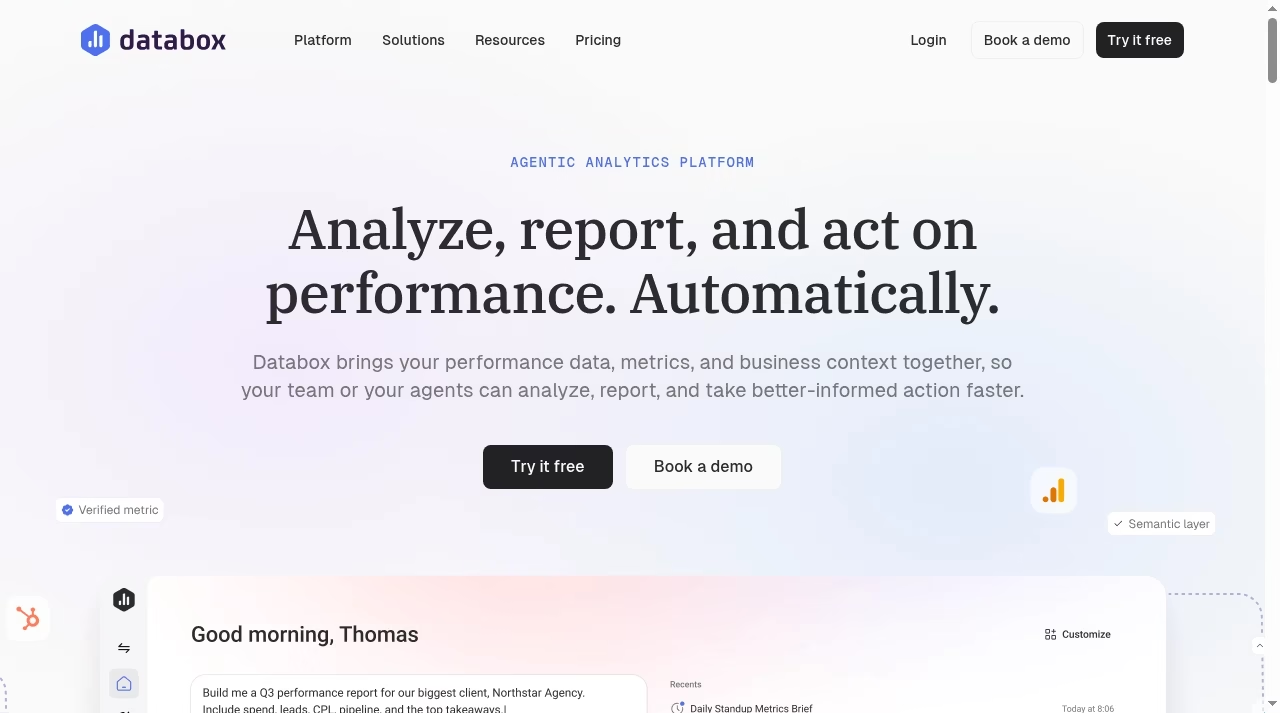
Databox lists a Free plan with one user, three data sources, one dashboard and ten custom metrics, then Analyst at $71 per month on annual billing, Team at $199 and Agency at $319. It connects marketing and sales tools through integrations and adds AI analysis on top.
What to check before choosing
The free plan is a trial in practice, because one dashboard and three data sources go quickly. Count the data sources you actually need, then check whether the tier that allows them also allows the number of users and historical data you need.
Demo task: connect your top three sources, build the one dashboard your team looks at every Monday, and confirm the numbers match the source tools.
2. Looker Studio: free reporting for teams on Google data
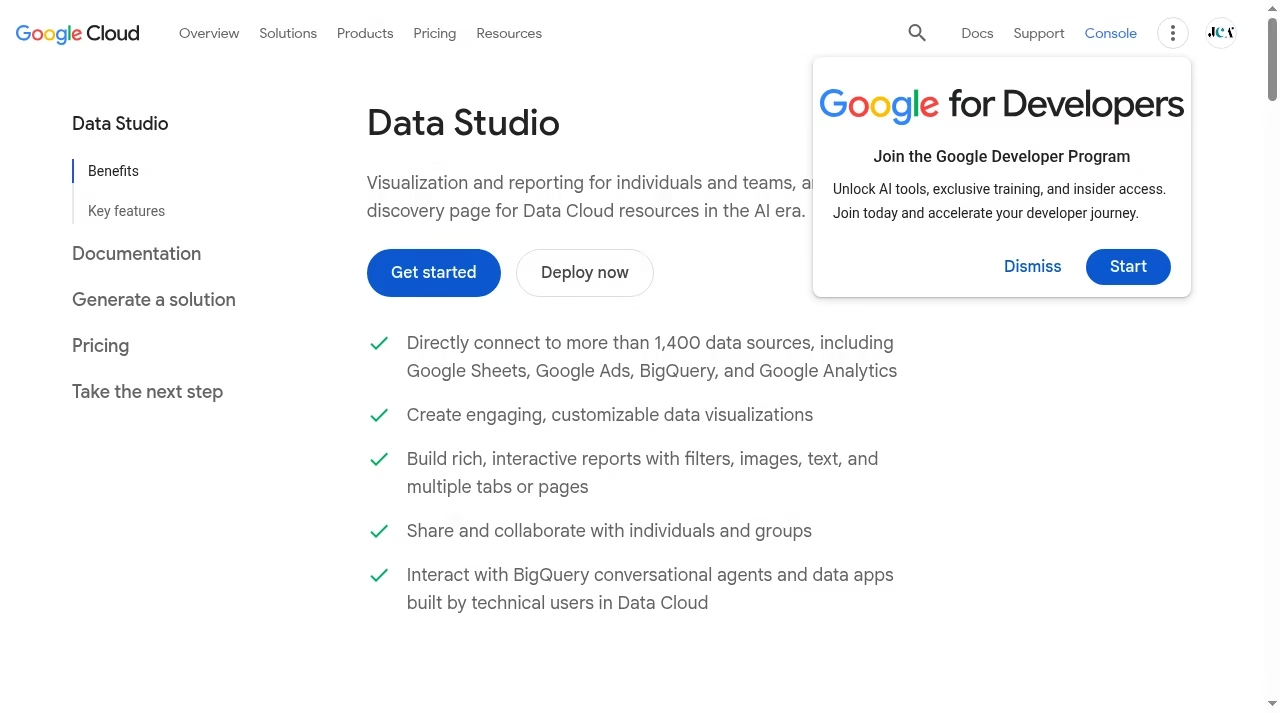
Looker Studio is Google’s dashboard and reporting tool, with connectors to Google Analytics, Google Ads, BigQuery and many other sources. The product page we read advertises connections to more than 1,400 data sources, and the basic product has no per-seat price on that page.
What to check before choosing
Third-party connectors can be paid, and data quality depends on the connector. Check sharing rules, permissions and how fast large reports load before you rely on it for client work.
Demo task: rebuild one Databox dashboard and compare the numbers and load time.
For the data source behind many of these reports, see our Google Analytics 4 guide.
3. Klipfolio: spreadsheet-style metrics and dashboards
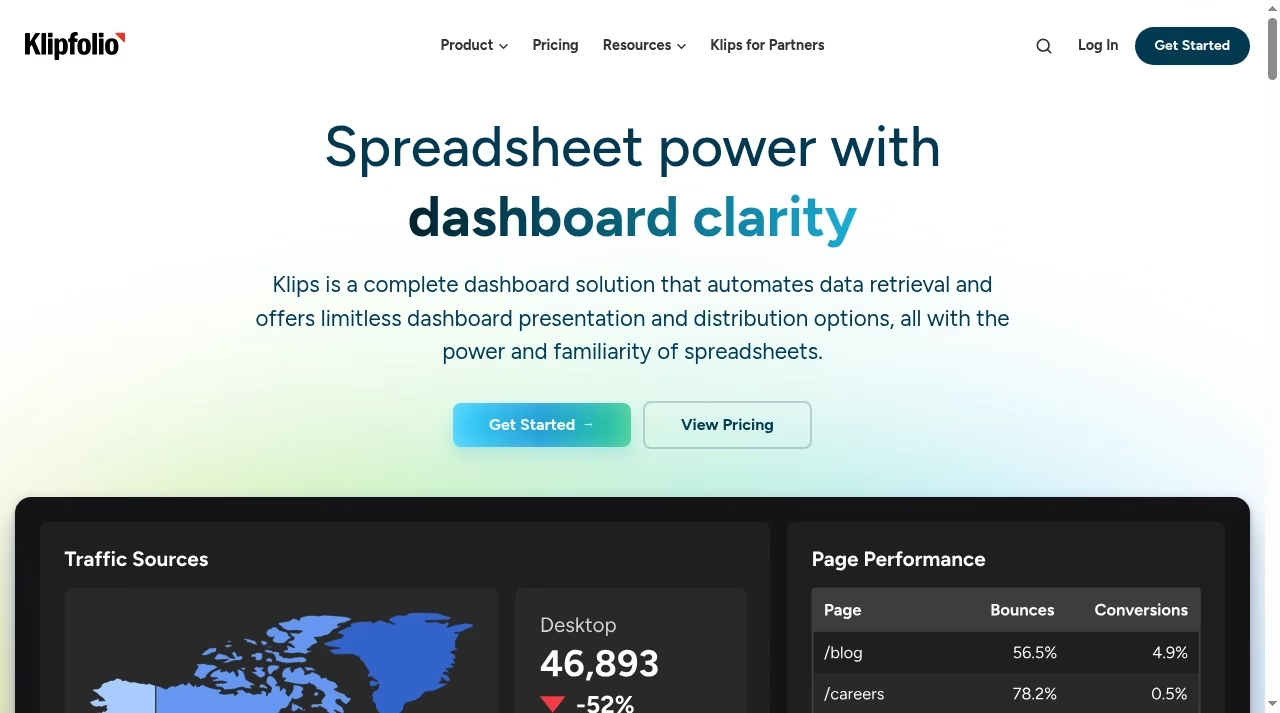
Klipfolio describes itself as a dashboard solution with spreadsheet-like formulas. The pricing page lists Base at $120 per month billed annually with three dashboards and unlimited users, Grow at $190 with ten dashboards and Team at $310 with twenty dashboards.
What to check before choosing
The dashboard counts are the limit that matters. Check how many dashboards you really need and whether the integration list covers your tools, since it advertises 130 plus integrations.
Demo task: build a metric from a spreadsheet and a marketing source, then change a formula and see how long a refresh takes.
4. Whatagraph: cross-channel marketing reports for agencies
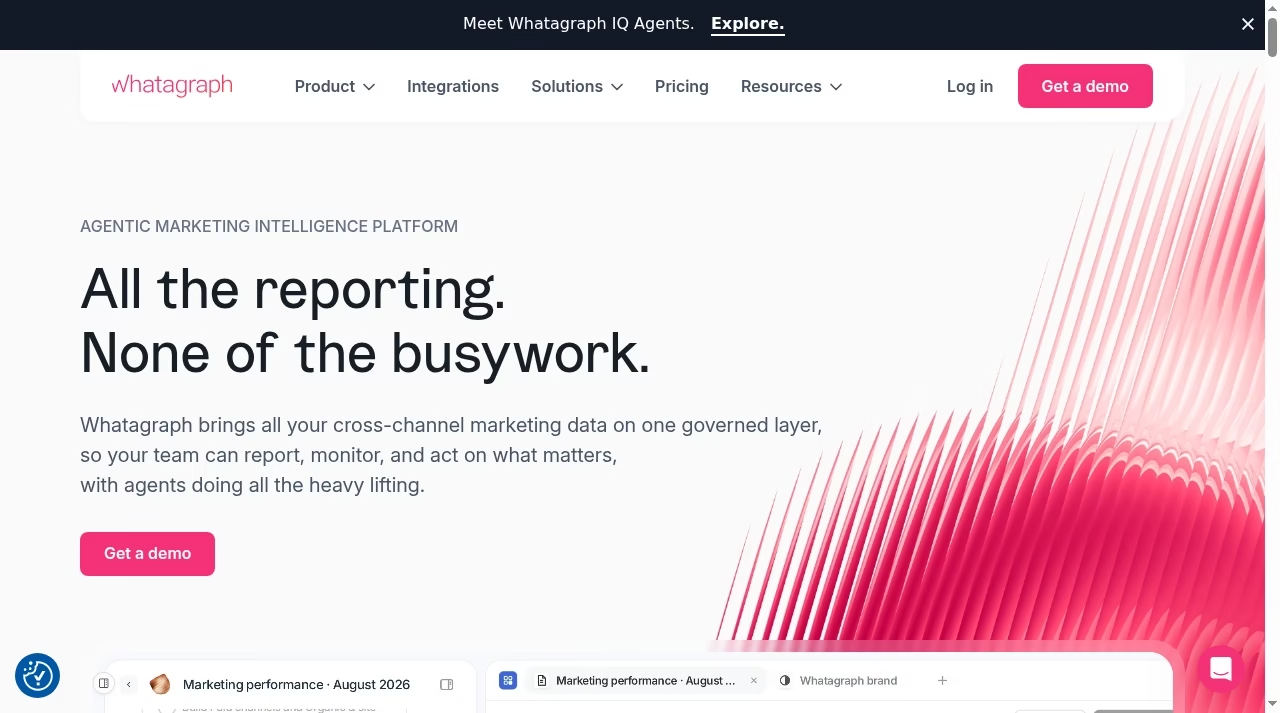
Whatagraph is aimed at marketing agencies that blend channel data into client reports, with AI summaries layered on top. The pricing page we read shows a tier from 999 euros per month, which makes it a premium option.
What to check before choosing
That price suits larger agencies with many clients. A smaller team should compare per-client alternatives and ask exactly which connectors and data refresh rates sit in the plan.
Demo task: create one client report with at least three sources and send it to yourself on a schedule.
Agencies deciding how to automate recurring work can also read our automation tools roundup.
5. AgencyAnalytics: client reporting priced per client
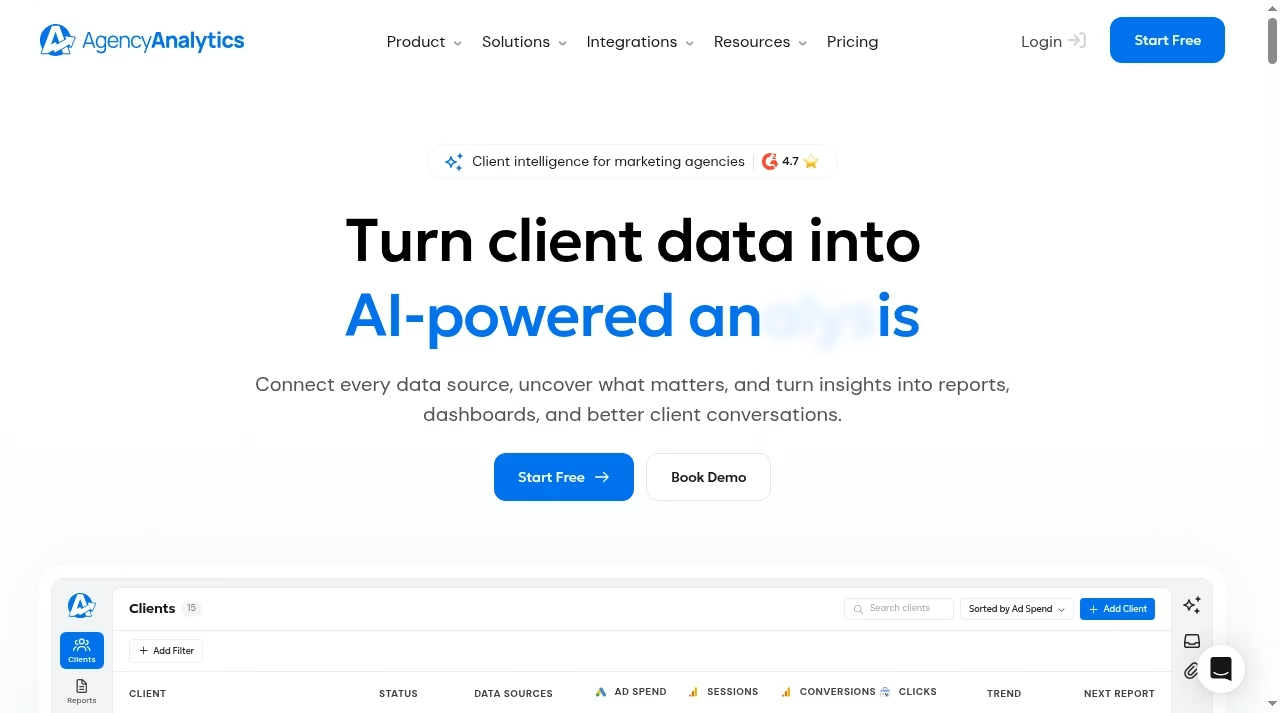
AgencyAnalytics lists $20 per client per month on annual billing. It is a reporting platform for agencies, with white-label dashboards for each client.
What to check before choosing
Per-client pricing is attractive with a few clients and steadily rises as you add more. Check minimums, white-label rules and whether the integrations cover the platforms your clients use.
Demo task: set up two client dashboards and check how long it takes to onboard a new client with a template.
Agencies tracking social channels can pair it with social media automation tools.
6. DashThis: templated marketing reports
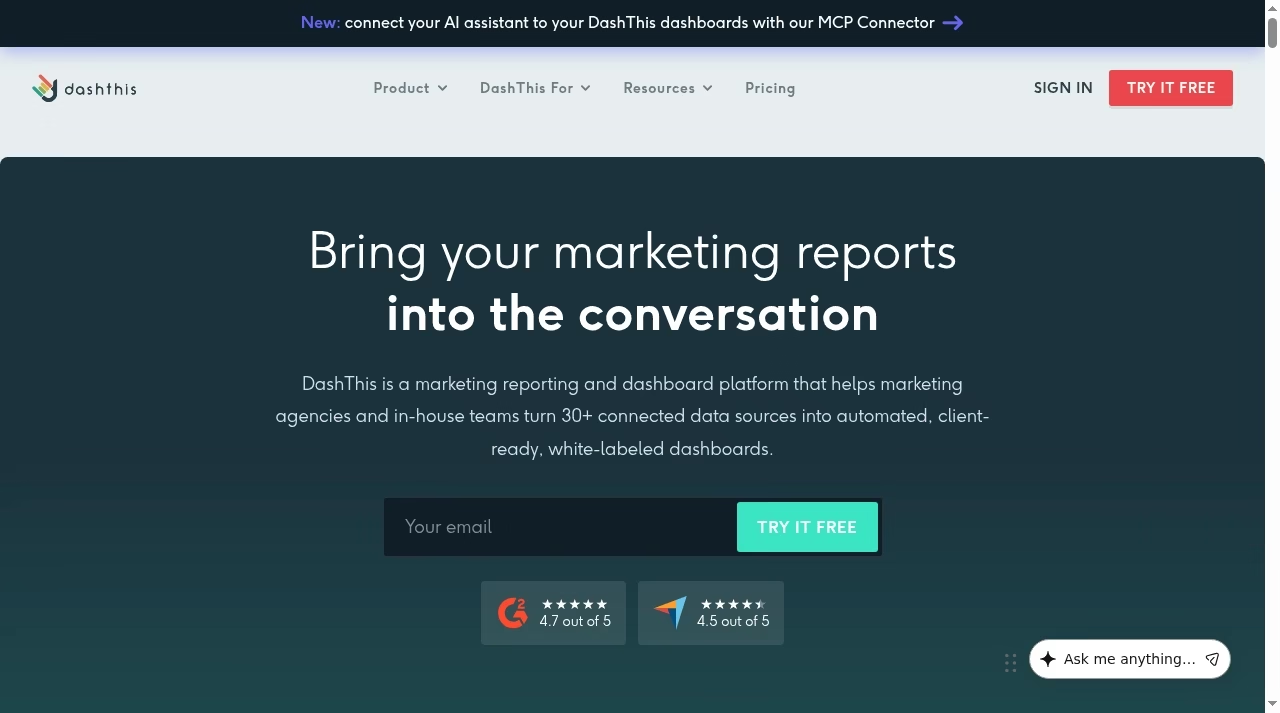
DashThis focuses on automated marketing reports and dashboards, with templates for common channels. The page we read mentions an AI Insights add-on at $19 per month, or $15 per month billed yearly, but we did not confirm the base plan prices.
What to check before choosing
Because we could not verify the base price, ask for it plainly, along with dashboard and integration limits. Check how well custom metrics work for your channels.
Demo task: duplicate a report template for three clients and see how much editing is needed.
Teams working on lead flows can compare it with marketing automation platforms.
7. Geckoboard: live KPI dashboards for team screens
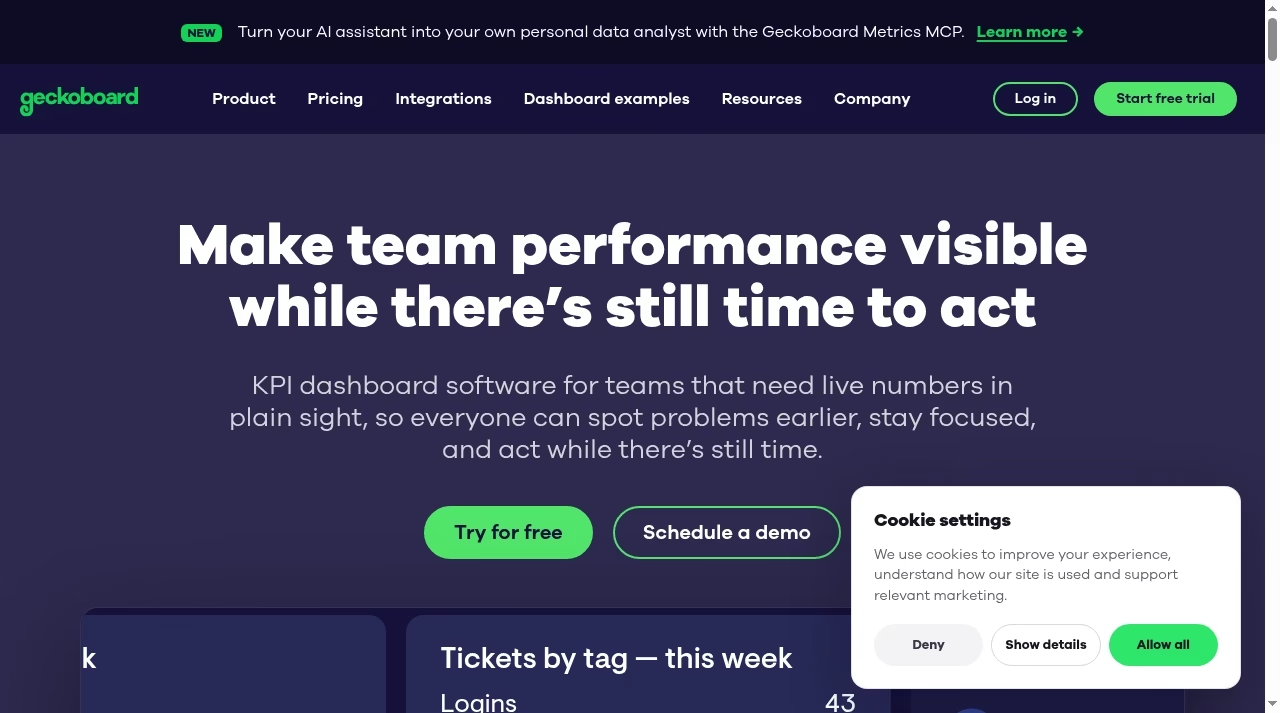
Geckoboard makes KPI dashboards for teams that need a shared live view. The pricing page lists a plan from $79 per month on annual billing and a higher plan at $319.
What to check before choosing
Check how many dashboards, users and data sources are in each plan, and whether the integrations cover your tools. It is a monitoring tool more than an analysis tool.
Demo task: build a wall dashboard of five KPIs and test it on a shared screen for a day.
If your KPIs include stock metrics, see the top inventory metrics and KPIs.
8. Power BI: deeper analytics for Microsoft-centred teams
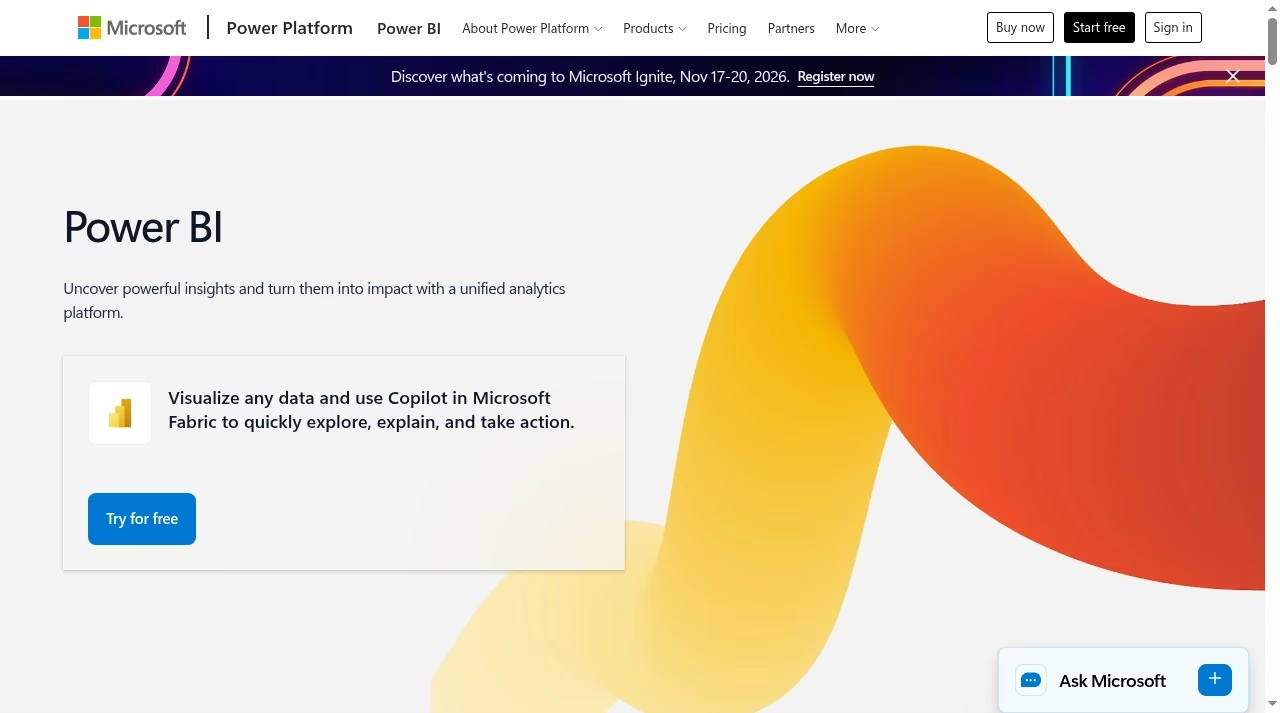
Power BI lists a free account, a Pro licence at $14.00 per user per month and Premium Per User at $24.00 per user per month on the pricing page we read. It handles modelling, large data sets and governance better than most dashboard tools.
What to check before choosing
The learning curve is steeper than a template tool. Check licence rules for sharing reports with people outside your organisation, and whether you need capacity rather than per-user licences.
Demo task: import a sales file, build a model with two tables and share the report with a colleague on a Pro licence.
For the broader context, see ERP and business intelligence.
9. Zoho Analytics: analytics for teams already on Zoho
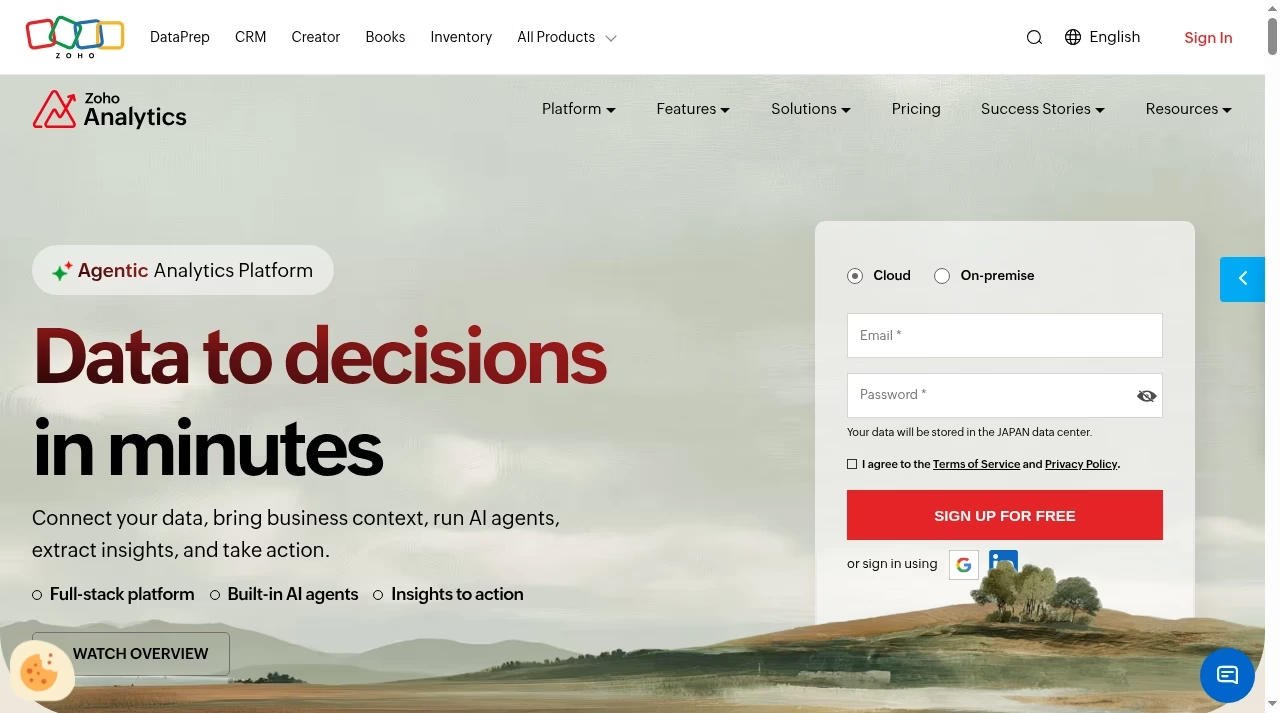
Zoho Analytics offers a free plan and connects to Zoho apps and many outside sources, with AI analytics features advertised on its home page.
What to check before choosing
Check the row, user and data refresh limits of the free plan and how connectors outside the Zoho family behave. It is most useful when much of your data already sits in Zoho.
Demo task: connect one Zoho app and one outside source and build a cross-source report.
CRM-heavy teams can also read easy CRM platforms for small sales teams.
10. Metabase: open source and hosted SQL-friendly analytics
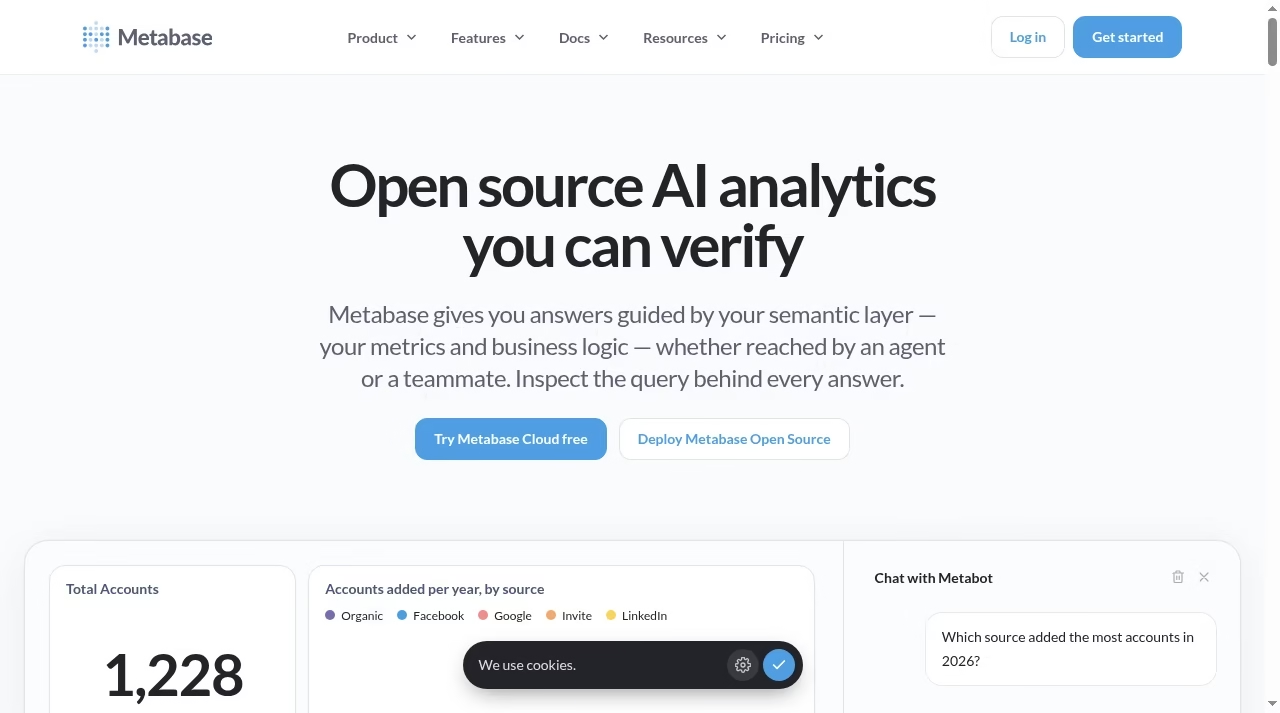
Metabase offers an open source edition and a hosted cloud. The pricing page lists Starter at $12 per user per month, or $130 a year, for the cloud product.
What to check before choosing
Open source means you take on hosting and upgrades. Check how its permissions model and embedded analytics options suit your team and whether you need a data warehouse first.
Demo task: connect a database, let a non-technical colleague answer a question without SQL and time how long it takes.
Teams that sell Salesforce-based services should see Salesforce integration tools.
11. Domo: enterprise data platform
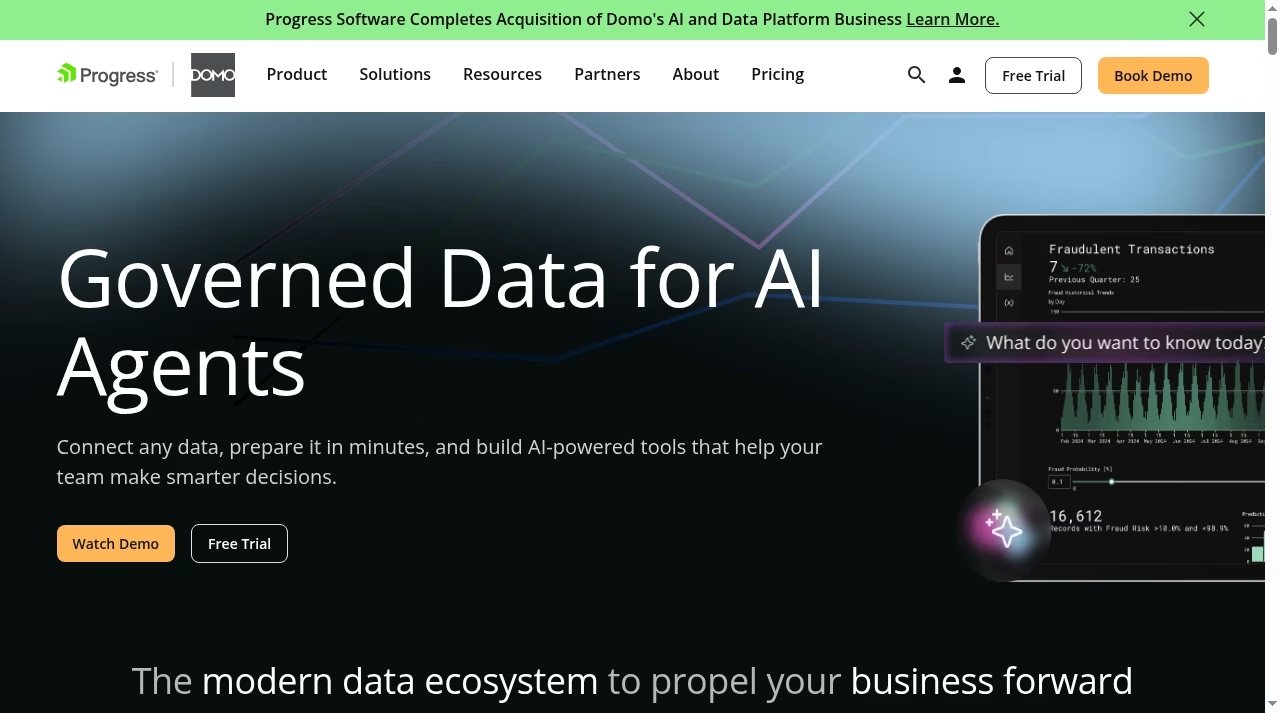
Domo is a broad data and analytics platform with governed data and AI agents, according to its home page. The page we read gave no price list, and the product is sold through a sales process.
What to check before choosing
Check which parts you need, since a platform of this scope costs more than a dashboard tool. Ask for the contract length, data volume limits and professional services costs.
Demo task: ask for a pilot using your real data and the dashboard you need most.
For a lighter dashboard comparison, see our Core app dashboard review.
Reporting for agencies and in-house teams: different needs
Agencies need repeatable reports for many clients, white-label output and scheduled delivery. In-house teams need a few accurate dashboards, fast answers and sensible permissions. AgencyAnalytics, Whatagraph and DashThis are designed around the first job, while Looker Studio, Power BI and Metabase are designed around the second, and Databox and Klipfolio sit between them.
Before choosing, write down the three reports you must send every month, who receives them and which sources they use. A tool with 130 integrations is no help if the one you need is missing, and a tool with a polished dashboard is no help if the numbers disagree with your source system. Connect real accounts during the trial, not sample data, and compare totals against the source for a full month. Our guides to Google Analytics 4 and marketing automation platforms show where most reporting data starts.
Price models and the total cost of reporting
Dashboards are priced four ways: by plan with limits on dashboards (Klipfolio, Geckoboard), by user (Power BI, Metabase), by client (AgencyAnalytics) and by quote (Domo). Databox uses plan tiers with limits on data sources and users. A tool that looks cheap per user can cost more once everyone needs access, and a per-client price can climb when your agency grows.
Add the cost of time. A tool with a free plan still costs hours if someone must build and fix every report. Estimate the build time for your three key reports, the monthly maintenance time and the cost of mistakes. Teams that need deeper modelling may also need a data warehouse, and ERP and BI planning helps with that choice. For lighter workflows, automation tools can push numbers into a spreadsheet at low cost, and why CRM projects fail is a useful warning about data quality. If your reports include pipeline numbers, check Pipedrive alternatives for CRM sources.
How to choose in five steps
List your sources, count your clients or users, pick three must-have reports, test two tools with live data for a full reporting cycle and ask for cancellation terms. Teams with logistics or store data can read custom logistics software for the data side.
Frequently asked questions
What is the best free alternative to Databox?
Looker Studio and the free tiers of Power BI and Zoho Analytics are the usual starting points. Databox itself has a Free plan with one user, three data sources and one dashboard, so compare the limits against what you need.
Which Databox alternative is best for agencies?
AgencyAnalytics, Whatagraph and DashThis are built for client reporting. AgencyAnalytics lists $20 per client per month on annual billing, while Whatagraph shows a plan from 999 euros per month, so the right one depends on how many clients you serve.
Is Power BI better than Databox?
Power BI is stronger for modelling, large data sets and governance, and its Pro licence is listed at $14.00 per user per month. Databox is easier for marketing and sales teams that want ready-made dashboards without building a data model.
Can I build the same dashboards in Looker Studio?
Often yes, especially for Google data. The trade-off is that some connectors cost money, sharing and governance need setup, and large reports can be slow. Rebuild one key dashboard to test before moving.
Do I need a data warehouse for these tools?
Not for the basic dashboard tools, which connect to apps directly. A warehouse becomes useful when you need to join data from many systems, keep long history or let several teams query the same numbers.
How long does it take to switch from Databox?
A small set of dashboards can move in a few days, but plan a full reporting cycle to compare numbers side by side. Keep the old tool until the new one matches your source totals.
Which tool is best for a live office dashboard?
Geckoboard is designed for team screens and lists a plan from $79 per month on annual billing. Klipfolio and Databox can also be used on a shared screen, so test the refresh rate you need.





Leave a Reply