


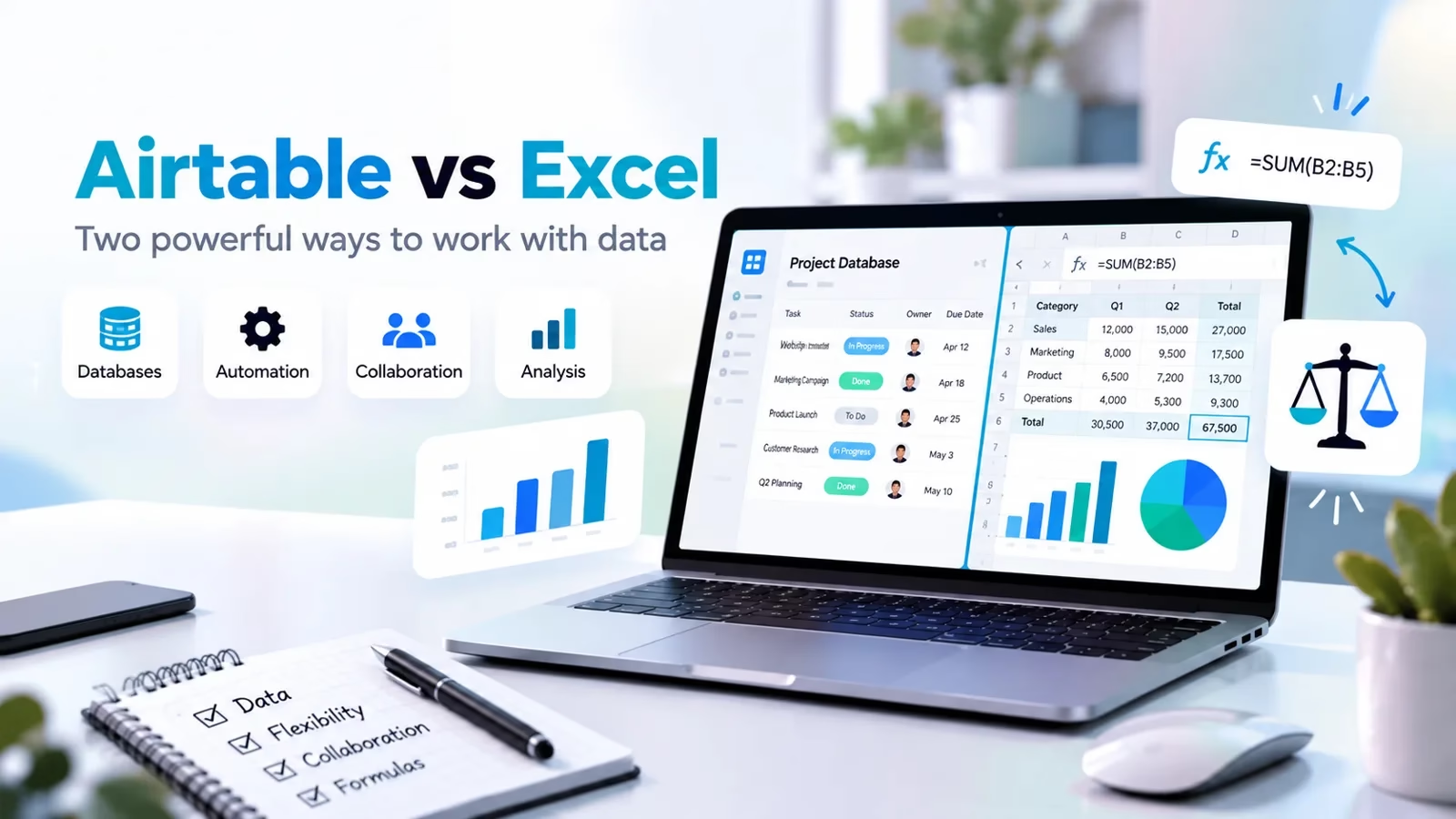

Excel is the default answer whenever numbers come up. Airtable looks like a spreadsheet but behaves like a database underneath. I see the same story over and over: a team runs its whole operation out of a workbook until one person too many edits it, and then someone asks whether Airtable would fix things.
Sometimes it would. Sometimes it would just trade one problem for another. This guide walks through where each tool genuinely fits, what the plans actually cost right now, and a quick test you can run yourself before moving anything.
If your team weighs Google Workspace instead of Microsoft 365, our Excel vs Google Sheets comparison covers the spreadsheet-only version of this decision.
Short version: Excel wins for calculation, pivots, models and offline depth. Airtable wins when many people maintain the same records and you need linked tables, views, forms and automations. Every price and limit below comes straight from the Airtable and Microsoft pages as listed on Oct 16, 2026.
At a glance: Excel vs Airtable
| Area | Excel | Airtable |
|---|---|---|
| Core model | Spreadsheet with deep analysis tools | Database with spreadsheet-like grids |
| Free route | Excel for the web, free online | Free plan, 1,000 records per base |
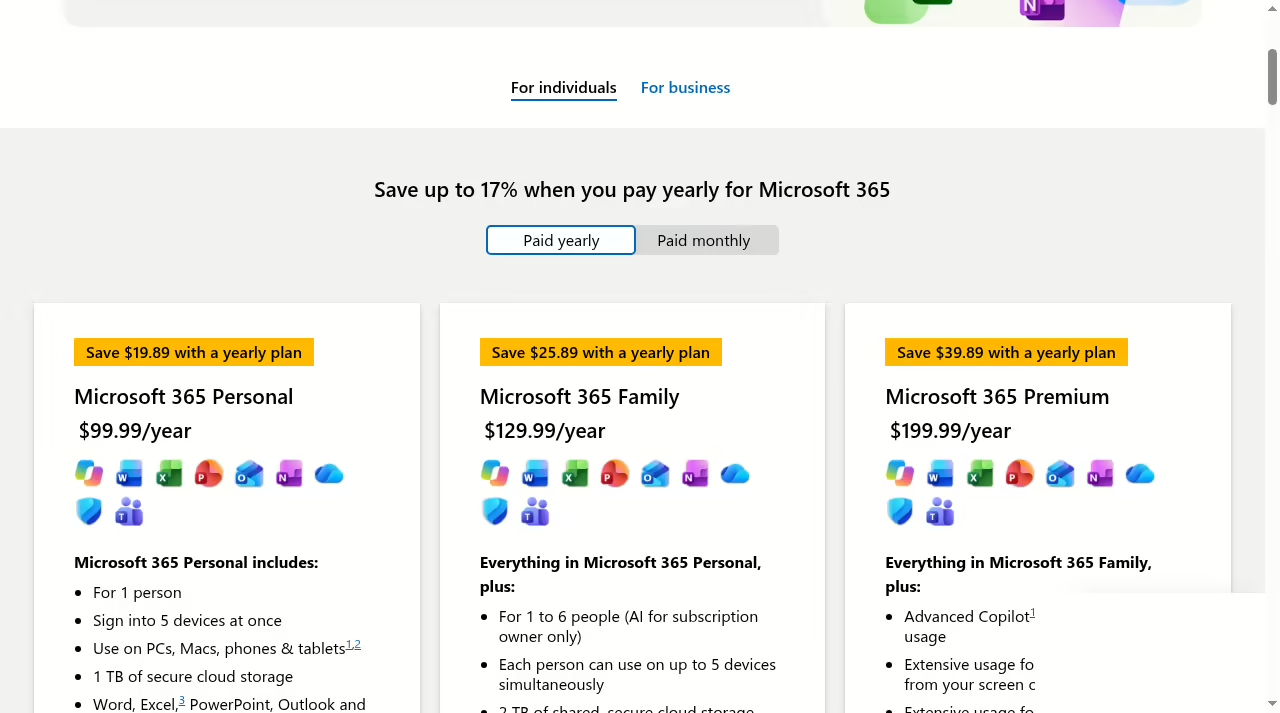
| Paid entry | Microsoft 365 Personal at $99.99/year | Team at $20 per seat/month, billed annually |
| AI | Copilot in Excel | AI credits and AI-powered workflows |
| Sharing | Files plus Microsoft 365 co-authoring | Bases with permissions, forms and share links |
| Data ceiling | 1,048,576 rows per sheet | 1,000 to 125,000 records per base by plan |
| Best fit | Finance, analysis, models | Trackers, pipelines, inventories, content calendars |
What each tool is built for
Excel: a calculation engine first
Excel is Microsoft’s spreadsheet, and it has spent decades becoming the deepest calculation tool most people will ever touch. The grid is the interface, but the real product is everything behind it: several hundred built-in functions, PivotTables, Power Query for importing and reshaping data, charting, conditional formatting, solver and goal-seek style analysis, and macros for anyone who wants to automate the boring parts.
Power Query deserves a special mention: it pulls data out of folders, databases, web pages and PDFs, cleans it with repeatable steps, and refreshes on a click, which quietly replaces hours of manual reformatting every month.
When the data starts life inside PDFs, our PDF editor apps roundup compares the tools that make extraction less painful. Microsoft now pushes Copilot in Excel hard as well, and the Excel page leads with the fact that the web version is free to use online.
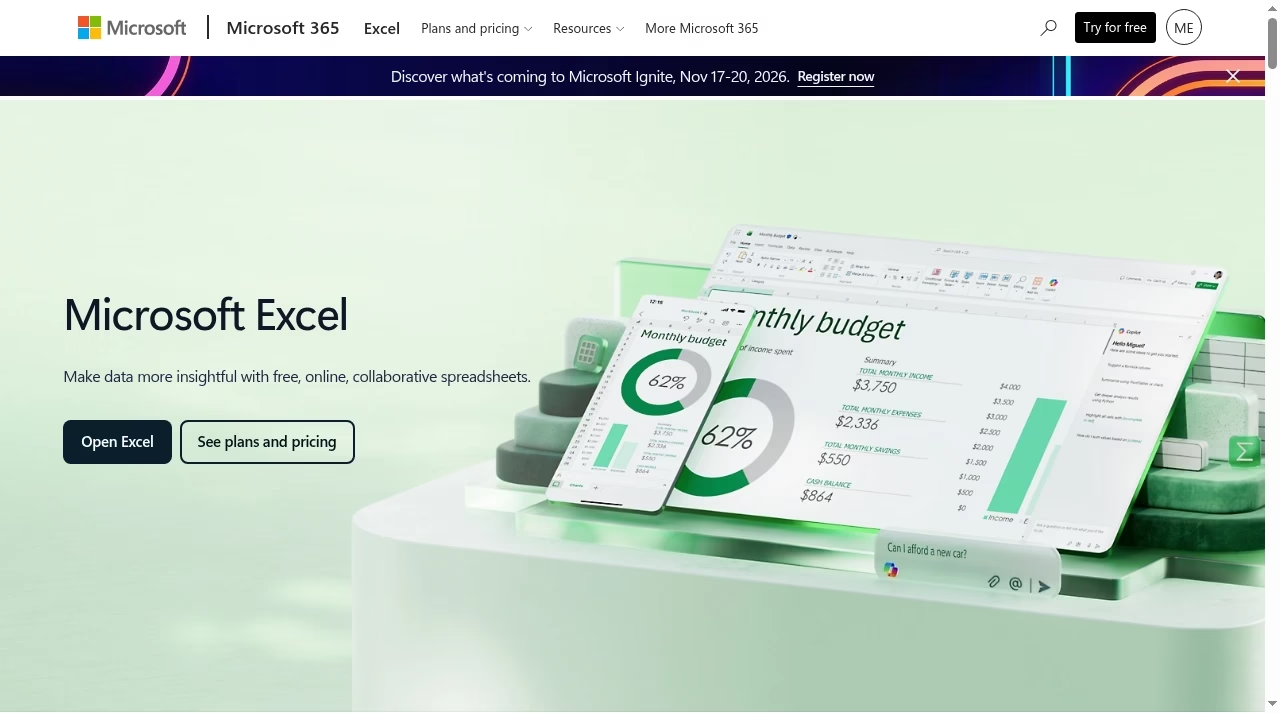
The mental model is simple: a workbook is a file, and a file belongs to someone. You can share it through OneDrive and co-author in real time, but the unit of work is still the file.
That is Excel’s strength when one or two people own a model, and its weakness when fifteen people all need to update the same rows every day.
Airtable: a database wearing a spreadsheet’s clothes
Airtable is a no-code database. Each table has typed fields (text, number, date, attachment, checkbox, single select), and the field type enforces itself: a date column refuses “next Friday-ish”, a single-select refuses typos.
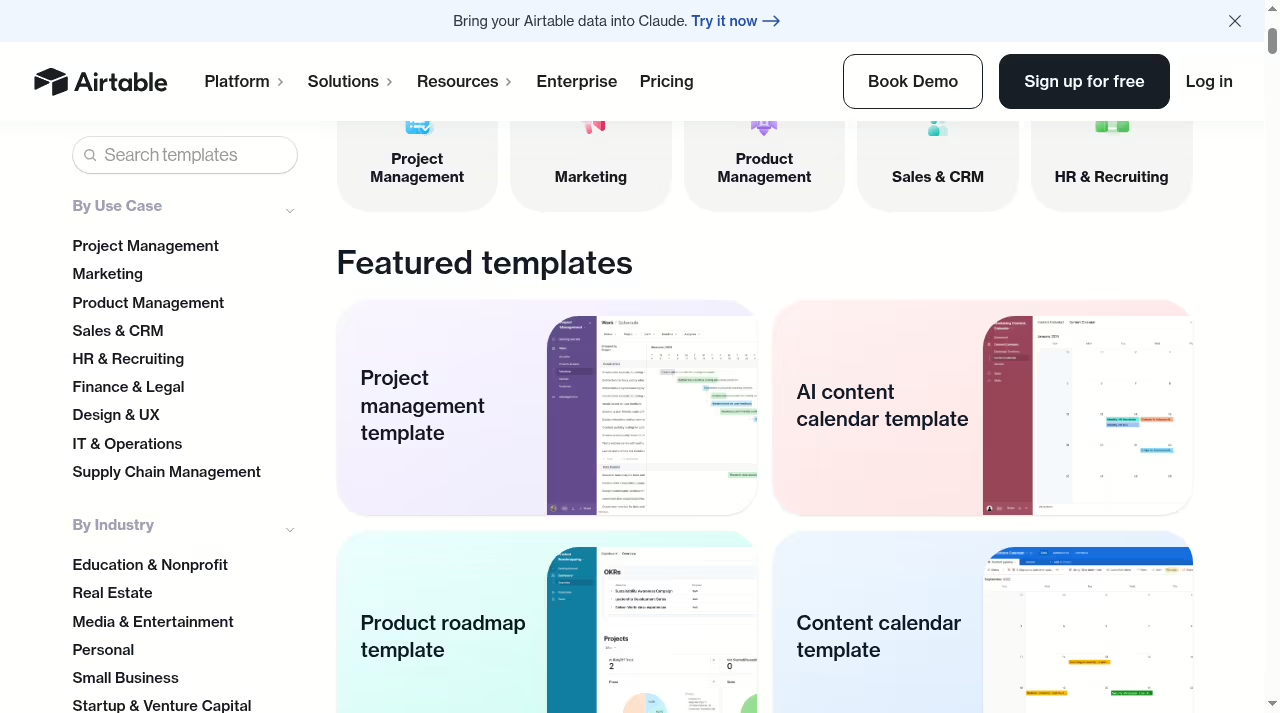
The features that define it are linked records between tables, multiple saved views of the same data (grid, calendar, Gantt, timeline, kanban), forms that feed rows straight into a table, automations that fire when records change, and Interface Designer for building simple dashboards on top of a base.
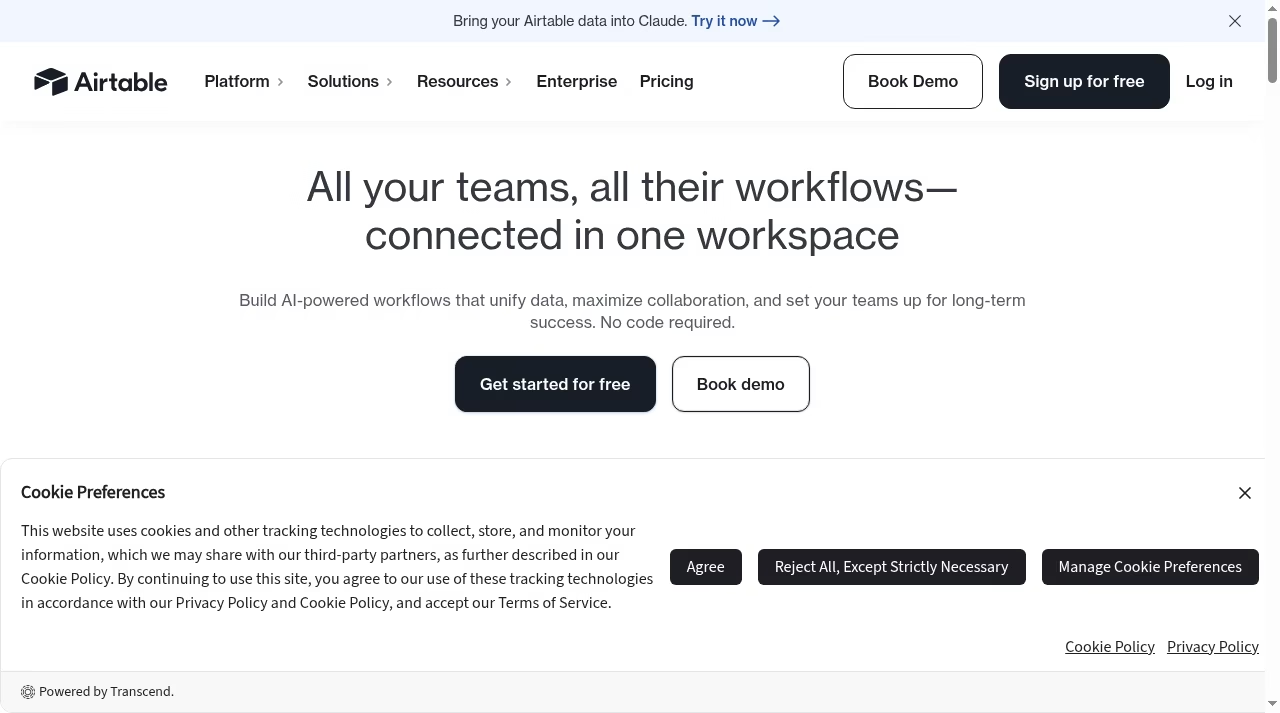
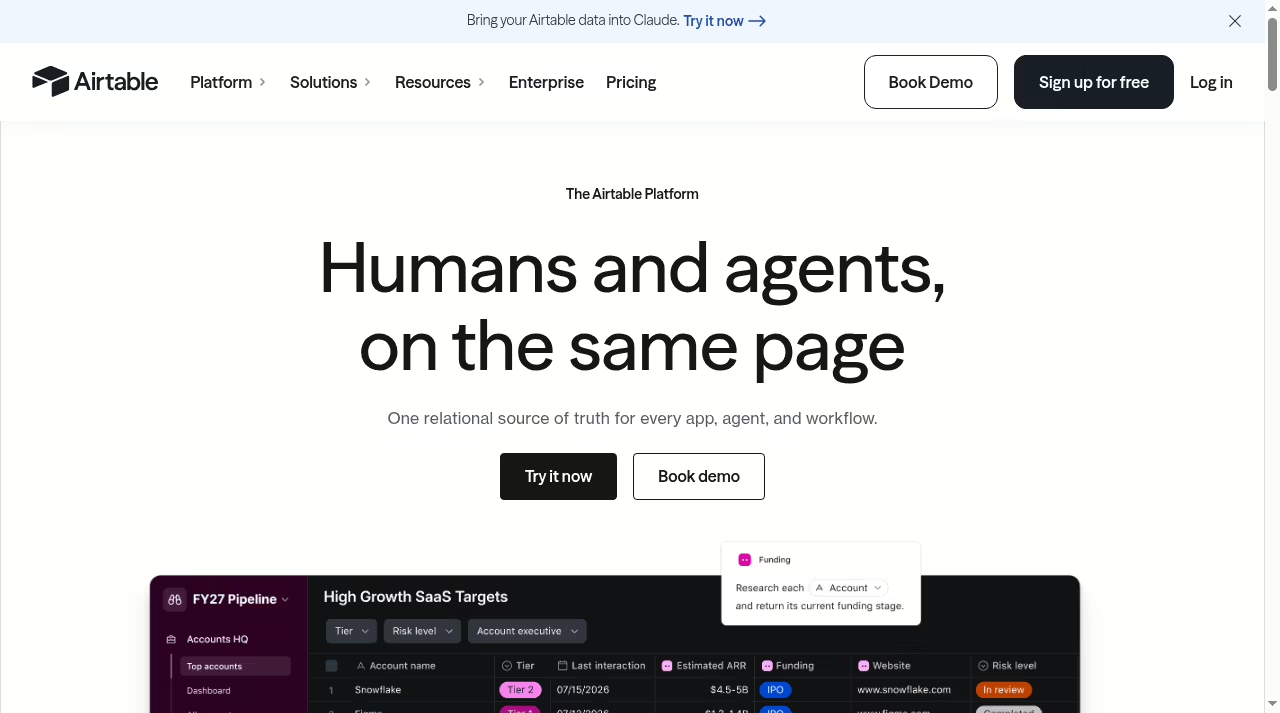
Its pricing page lists four tiers: Free, Team, Business and Enterprise Scale. The product page pitches it as one relational source of truth for apps, agents and workflows, which is marketing language for something real: instead of copying a customer list into twelve sheets, you keep one customers table and link everything else to it.
Most serious teams end up running both. Excel handles the model and the analysis, Airtable holds the shared records that feed it, and an automation tool can move rows between them on a schedule. The handoff matters more than the choice: decide who owns the data, where the export lives, and how often it refreshes.
Where Excel wins
Deep calculation and financial modeling
If your work is a model, meaning assumptions flow into calculations that flow into outputs, Excel is the right home and it is not close. Nested formulas, named ranges, scenario tables, what-if analysis, array formulas: this is what the tool was built for, and every finance, ops and analytics hire already speaks the language.
Airtable’s formula field covers everyday math, concatenation, dates and conditionals, but it is a single computed column, not a free-form calculation grid. You do not build a three-statement model or a pricing scenario workbook in Airtable.
PivotTables and ad-hoc analysis
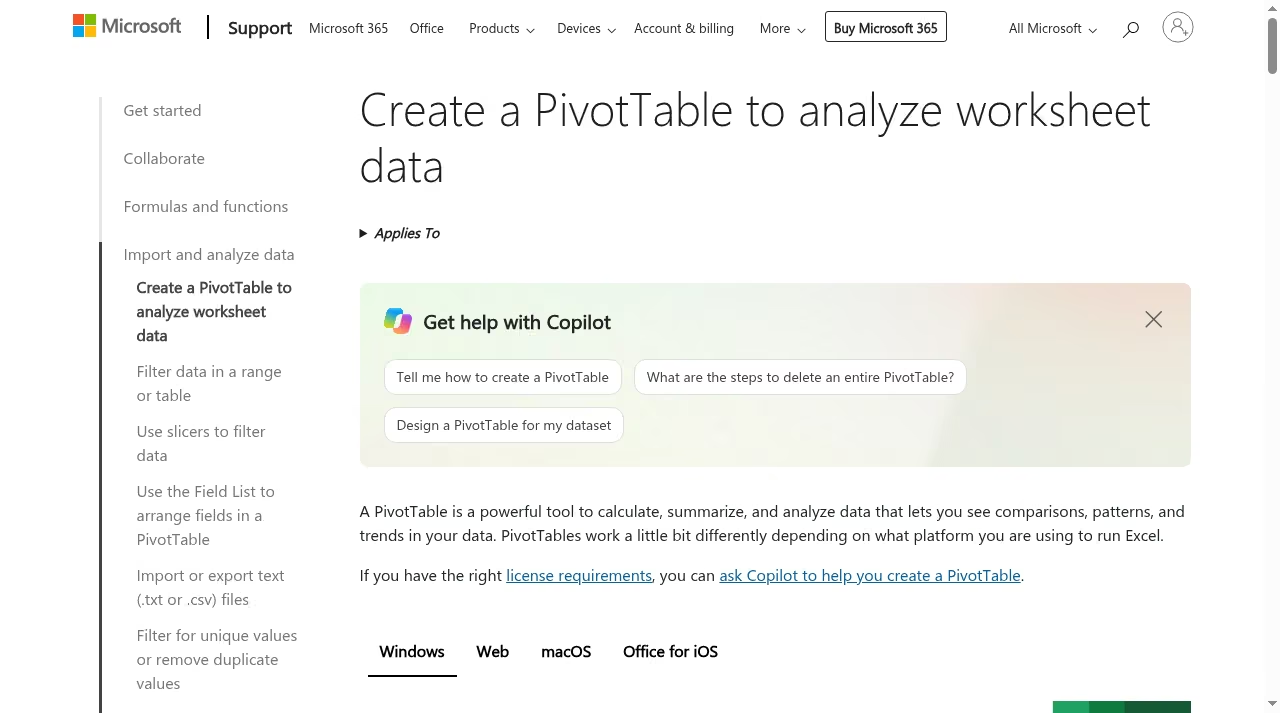
Drop 50,000 rows of transactions into Excel and a PivotTable gives you revenue by region by month in about a minute, with grouping, calculated fields and drill-down.
Airtable’s grouped views and summary fields cover some of the same ground, and its chart extensions are fine for standing dashboards, but for the “let me slice this fifteen different ways right now” kind of analysis, a pivot is faster and far more flexible.
If the numbers later feed a dashboard or report, that output pairs well with the reporting tools in our Databox alternatives roundup and our Core App dashboard review.
Row capacity, offline work and file control
An Excel worksheet holds up to 1,048,576 rows and 16,384 columns. Airtable caps a base at 1,000 records on the Free plan and 50,000 on Team, and even Business tops out at 125,000.
Excel also works fully offline, opens files from a decade ago, and lives wherever you put the file: a shared drive, an email attachment, a USB stick. For audit trails, regulated environments, or just sending someone a self-contained file, that control matters.
And if “free and offline” is the whole brief, the desktop suites in our LibreOffice vs OpenOffice comparison cover that corner too.
Where Airtable wins
Linked records instead of VLOOKUP chains
The classic Excel failure mode is a workbook where the customer name lives in six tabs and someone renames it in three of them. In Airtable you fix that structurally: a customers table, an orders table, and a linked record field between them. Change the name once and every view, form and interface reflects it.
For pipelines, inventories, content calendars, applicant tracking and CRM-style trackers, this is the difference between maintaining data and chasing it. Teams running a hiring pipeline this way will recognize the same patterns we cover in our applicant tracking systems guide, and the sales version shows up in our easy CRM platforms for small sales teams picks.
Views, forms and interfaces on the same data
One Airtable table can show as a grid for the ops person, a kanban for the manager, a calendar for the scheduler and a Gantt for the project lead, all live, all reading the same records.
Forms let anyone submit rows without touching the base, which is how teams collect requests, applications and shift availability without giving away edit access. If scheduling is the use case, our employee scheduling software guide shows how dedicated tools handle the same intake problem.
Support inboxes run on the same intake pattern, and our help desk software comparison covers the tools built for it. Interface Designer then turns the base into something closer to a small internal app: filtered dashboards, record detail pages and buttons, without code.
Automations and permissioned sharing
Airtable’s automations watch for triggers (a record created, a date reached, a status changed) and act on them: send an email, post to Slack, update a linked record, call a webhook. Team plan and up also get extensions and more view types.
Sharing is granular: you can expose a single read-only view or form publicly, keep the rest of the base private, and pay only for people who actually edit. When a workflow outgrows what Airtable has built in, dedicated automation platforms connect it to the rest of the stack.
Excel’s sharing story is simpler: the file is either shared or it is not, and co-authoring assumes everyone works the same way in the same grid.
Pricing and plan limits as listed on Oct 16, 2026
Airtable’s pricing page lists four plans. Only users with edit permissions are billed; read-only collaborators, form submitters and share-link viewers are free, and charges are prorated when someone joins mid-cycle. The per-plan limits below come from Airtable’s plan documentation.
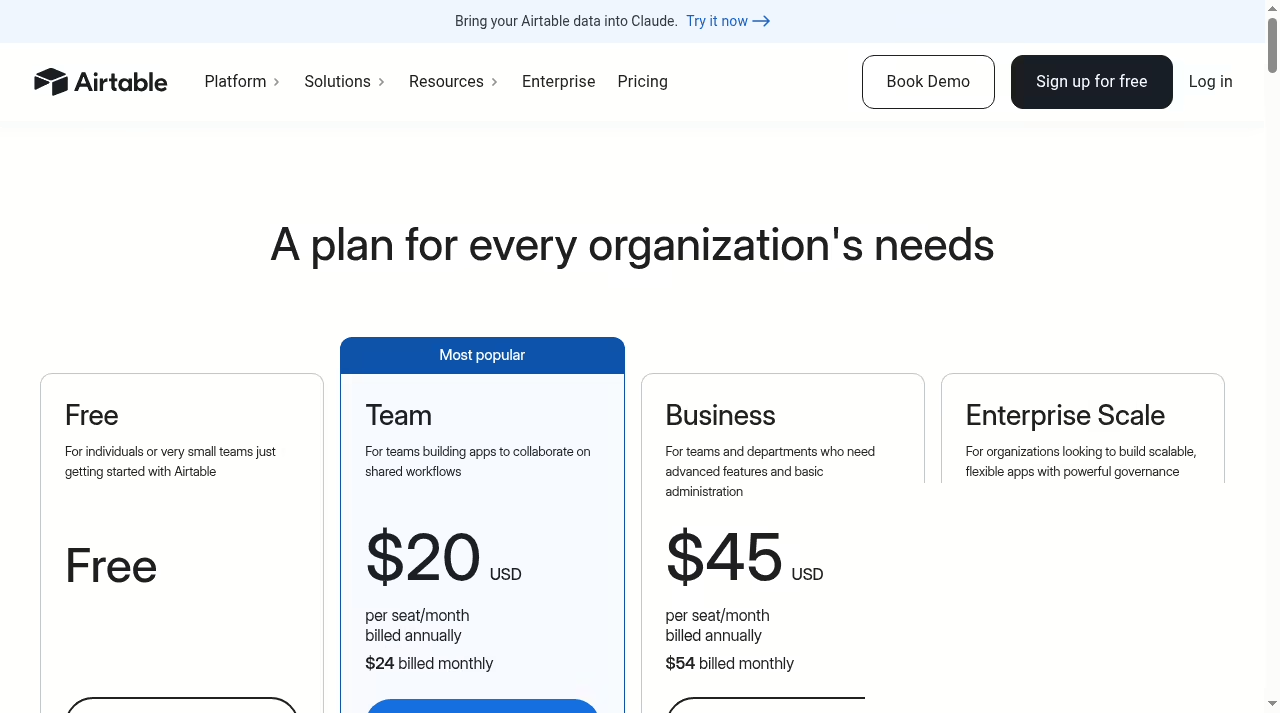
| Airtable plan | Price (annual billing) | Records per base | Attachments | Revision history |
|---|---|---|---|---|
| Free | $0 | 1,000 | 1 GB per base | 2 weeks |
| Team | $20 per seat/month ($24 monthly) | 50,000 | 20 GB per base | 1 year |
| Business | $45 per seat/month ($54 monthly) | 125,000 | 100 GB per base | 1 year |
| Enterprise Scale | Custom | Custom scale | Custom | Custom |
Team adds automations, extensions, Interface Designer, timeline and Gantt views, locked and personal views, and 100,000 API calls per workspace per month. Business adds two-way sync, the admin panel and unlimited API calls. Airtable also offers 50% off the Team plan for qualifying nonprofits and free Team workspaces for students for 6 to 24 months.
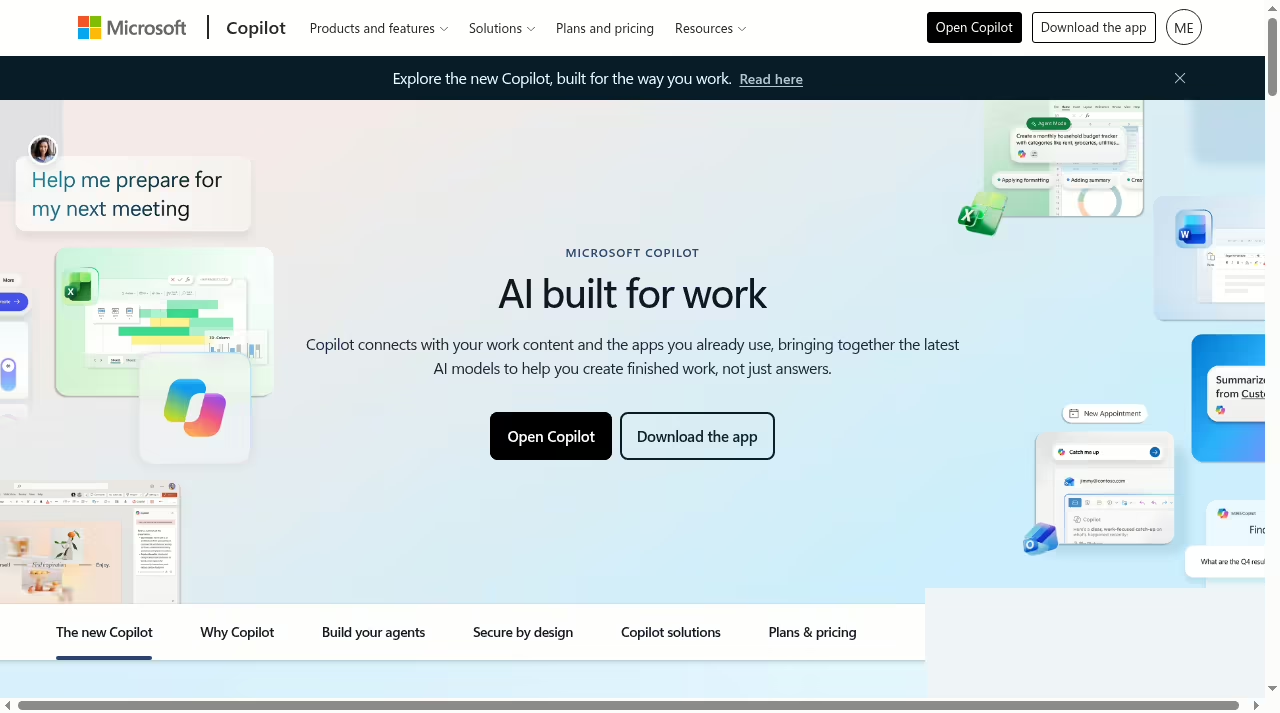
Microsoft’s plan page is simpler. Excel for the web is free to use online with a Microsoft account, which covers browser editing and basic collaboration.
The desktop apps come with Microsoft 365: Personal is $9.99 per month or $99.99 per year for one person with the desktop versions of Word, Excel, PowerPoint, Outlook and OneNote, Copilot features and 1 TB of OneDrive storage.
Family is $12.99 per month or $129.99 per year for up to six people, and a Premium tier at $199.99 per year raises the Copilot usage limits. The same per-seat math decides the rest of the ops stack too – our Gusto pricing guide runs the same kind of numbers for payroll.
The honest cost comparison: a solo analyst pays Microsoft about $100 a year and is done. A team of ten editors on Airtable Team pays $2,400 a year, and that is before anyone touches Business.
Airtable’s per-seat math punishes big edit-heavy teams, so keep the editor list tight and lean on forms and read-only links for everyone else. One more angle worth pricing in: Microsoft 365 bundles the rest of the Office apps, OneDrive storage and Copilot into that $99.99, while Airtable’s fee buys only Airtable.
If your team already pays for Microsoft 365 for email and Word, the marginal cost of Excel is zero, and that changes the comparison completely.
AI in both tools: Copilot vs Airtable AI
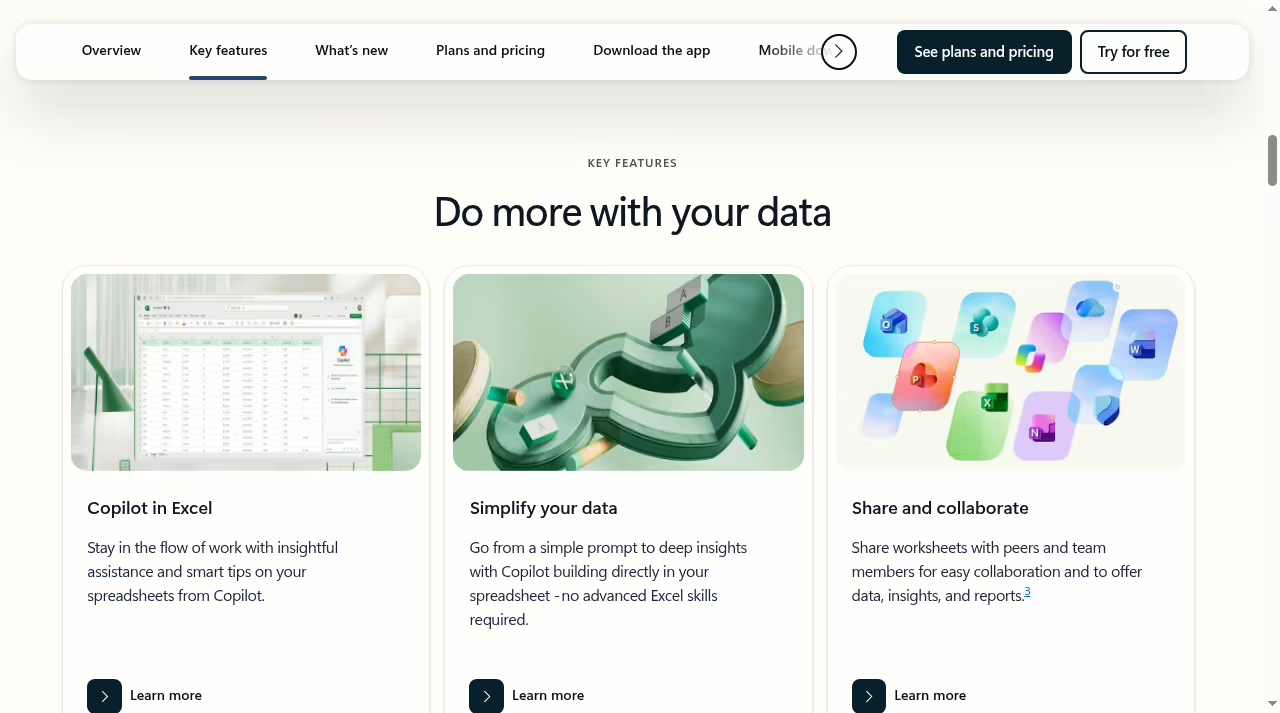
Microsoft builds Copilot directly into Excel for Microsoft 365 subscribers. The Excel page describes three entry points: ask Copilot to edit (it writes formulas, builds tables and applies formatting from a prompt), get help finding the right formula for a problem, and format data conversationally.
The pitch is “no advanced Excel skills required”, and for routine work like cleaning a column or building a summary table, that is about right.
Airtable goes a different route: AI credits are bundled into every plan (500 per editor per month on Free, 15,000 per billable collaborator on Team, 20,000 on Business), and the AI features are aimed at workflows rather than single cells: categorizing records, drafting text into fields, summarizing what changed, and powering automations.
Copilot helps you work the spreadsheet; Airtable AI helps the database work itself. I ask the same “does the AI earn its keep” question in other categories too, like AI presentation design tools.
A same-task test you can run in one afternoon
Before you move anything, run the same real dataset through both tools. One afternoon tells you more than a week of reading reviews, mine included.
Step 1. Take 500 rows of something you know cold, like orders or leads. In Excel, build a table, a PivotTable and a chart for revenue by month. Note how long it takes and how it feels.
Step 2. In Airtable, import the same rows as a CSV, link customers to a second table, and build a grouped view plus a chart. Watch what happens to your formulas: they arrive as static values, and anything computed needs to be rebuilt as an Airtable formula field.
Step 3. Change a customer name in one place. In Airtable every linked view updates. In Excel you find out how many tabs you actually copied that name into.
Step 4. Share both with a colleague. In Excel, watch what they can edit by accident. In Airtable, notice that a read-only link or a form keeps them out of the structure entirely.
Step 5. If you chose Airtable, set up one automation before you decide: a Slack or email notification when a status changes. That single workflow is usually the moment people understand why they moved.
Whichever tool made step 3 and step 4 boring is the one your team should live in. Boring is the goal. The same one-afternoon method settles other head-to-heads on this site, like Freshservice vs Freshdesk: same data, both tools, one winner.
Moving from Excel to Airtable: what actually changes
The import itself is easy: any Airtable base accepts a CSV, and you can export one from any grid view later if you ever leave. The work is everything around the import.
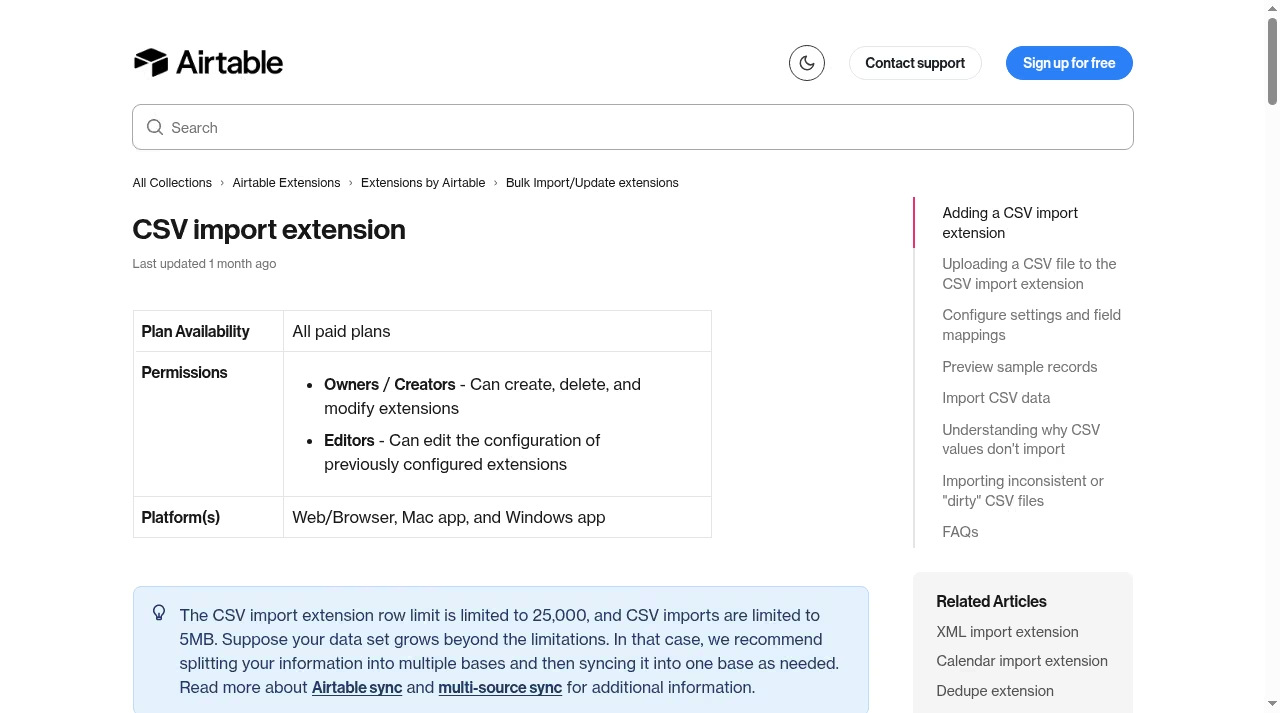
Formulas become values. Your VLOOKUPs, SUMIFs and nested IFs arrive frozen. Linked records replace the lookups, and formula fields rebuild the rest, so budget a few hours to re-think the sheet as tables rather than copy-paste it.
Types get enforced. Columns become typed fields. Dates must be dates, selects must come from the list. Messy source data surfaces immediately, which is painful once and useful forever after.
Attachments move differently. Files embedded in cells become attachment fields on records, and big libraries eat the per-base storage limit (1 GB on Free, 20 GB on Team), so keep heavy file archives elsewhere and link them.
Habits change. The team stops sending files and starts working in one place. That is the real migration, and it is why the process lessons in why CRM projects fail apply here just as much as the features do.
Limits matrix: what to confirm before you commit
| Question | Excel | Airtable |
|---|---|---|
| Strength | Formulas, pivots, charts, offline work | Linked records, views, forms, automation |
| Free option | Excel for the web | Free plan, 1,000 records per base |
| Paid entry | Microsoft 365 Personal, $99.99/year | Team, $20 per seat/month annually |
| Data ceiling | 1,048,576 rows per sheet | 50,000 records per base on Team |
| AI | Copilot in Excel with Microsoft 365 | Monthly AI credits on every plan |
| Data integrity | Depends on how you build the sheet | Typed fields and links built in |
| Works offline | Yes, desktop app | No, it is a cloud product |
| Best at | Calculation and analysis | Structured shared data |
One warning in both directions. Do not move a sheet into a database just to look modern: if nobody links records and formulas are the main work, keep Excel.
And do not keep a shared tracker in Excel because “we have always done it this way”: if duplicate rows and broken copies are the daily pain, that is exactly what Airtable’s structure fixes.
Who should choose which
Choose Excel if you build financial models, run pivots, work offline, handle datasets with hundreds of thousands of rows, or send self-contained files to clients and auditors. A solo analyst or a finance team of three will never outgrow it.
Choose Airtable if many people update the same records daily, if you need intake forms, if the same row must appear in a grid, a calendar and a kanban at once, or if “who changed this and when” matters. Ops teams, agencies, content teams and recruiters land here.
If your tracking need is really customer conversations across email and chat rather than records, look at our customer messaging software for small businesses instead.
If your team lives in Google files rather than Microsoft ones, the same logic plays out in Airtable vs Google Sheets, and Excel vs Google Sheets covers the spreadsheet-only version of this decision.
For documents that follow the numbers (proposals, contracts, sign-offs), PDF editor apps and free e-signature software finish the paperwork, and the JustCreateApp directory lists more tools worth a look.
The bottom line
Pick Excel when the work is calculation: models, pivots, big datasets, offline files, and anything an accountant or analyst will ever touch. Pick Airtable when the work is coordination: shared records, intake forms, pipelines, calendars and trackers that a whole team edits every day.
Run the one-afternoon test above with your own data before you commit, keep Excel for analysis either way, and let the structure of your problem, not the marketing, make the call. If the coordination problem turns out to be projects rather than records, Airtable vs monday.com is the next read.
Frequently asked questions
Is Airtable better than Excel?
Not for every job, and anyone who tells you otherwise is selling something. Excel is stronger for calculations, PivotTables, financial models, huge datasets and offline work. Airtable is stronger when data is shared, linked and alive: many people editing the same records, forms feeding a pipeline, one record showing in six different views.
The honest answer is that they solve different problems that happen to look similar from a distance. If your pain is “my analysis is hard”, that is Excel’s territory. If your pain is “my team keeps breaking the sheet”, that is Airtable’s.
Can Airtable replace Excel?
For lists, trackers, pipelines, inventories and content calendars, yes, and it will probably serve you better because of typed fields, linked records and forms. For financial modeling, scenario analysis or anything where the formula grid is the product, no: most teams keep Excel for that even after Airtable takes over the operational data.
The common end state is Airtable as the system of record and Excel as the analysis layer on top of exports, with an automation moving data between them.
Is Excel free?
Yes, in the browser. Microsoft says Excel for the web is free to use online with a Microsoft account, and it covers everyday editing and collaboration.
The desktop app, the full feature set, Copilot in Excel and the 1 TB of OneDrive storage come with Microsoft 365, which runs $99.99 per year for Personal or $129.99 per year for Family as listed on Oct 16, 2026.
For most individuals the Personal plan is the one that makes sense; families sharing across six people get more from Family.
Is Airtable free?
Airtable has a genuine Free plan: unlimited bases, 1,000 records per base, 1 GB of attachments per base and two weeks of revision history, which is enough to build a real tracker and find out if the tool fits.
The catch arrives with scale: past 1,000 records you need Team at $20 per seat per month billed annually ($24 month to month), and remember that seats mean editors. Read-only viewers and form submitters never cost anything on any plan.
Which is better for teams?
It depends what the team shares. If the team edits the same records daily (a pipeline, an inventory, a content calendar), Airtable’s permissions, forms and views end the duplicate-file problem outright, and only editors are billed.
If the team passes a model between a few experts and everyone else just reads the output, Excel plus OneDrive sharing is simpler and much cheaper: Microsoft 365 Family covers six people for $129.99 a year, while six Airtable Team editors cost about $1,440 a year. Structure versus price, and only you know which one your team is short on.
Can I import Excel files into Airtable?
Yes: save the sheet as a CSV and import it into a new table, or paste rows directly. Plan for three adjustments. First, formulas arrive as static values, so rebuild anything computed as an Airtable formula field or a linked record.
Second, columns become typed fields, so clean your dates and dropdown values before importing or you will clean them after. Third, big attachment libraries count against per-base storage limits, so link large files from cloud storage instead.
Always run the first import into a test base, and keep the original workbook untouched until the new system has survived a full week of real work.
What should I compare next?
If you are still mapping the spreadsheet landscape, read Excel vs Google Sheets for the classic head-to-head and Airtable vs Google Sheets for the Google-side version of this decision. If Airtable’s database approach appeals but you want to see the work-management category it overlaps, Airtable vs monday.com is the natural next read.
And if the underlying need is a full client or sales database, our easy CRM platforms guide covers the purpose-built options.





Leave a Reply