



Every growing team I work with hits the same wall. The spreadsheet that held the client list, the content calendar or the project tracker starts to creak, and someone says: we need a real tool. Nine times out of ten the shortlist comes down to Airtable and monday.com.
They look similar in ads and very different once you build in them. Airtable is a database you shape into whatever your team needs. monday.com is a work management platform that hands you the structure on day one.
Pick the wrong one and you will either drown in setup work or fight a rigid board that cannot model your data. This guide walks through what each tool is actually built for, what the plans cost as listed on Oct 16, 2026, and a same-afternoon test you can run before your team commits.
Short version: Airtable wins when your work revolves around structured data: linked records, many views of the same information, interfaces and portals on top. monday.com wins when your work revolves around people and tasks: owners, statuses, deadlines, dashboards and automations that keep projects moving.
We have tested both against simpler tools too: Airtable vs Excel covers the spreadsheet upgrade path, and Airtable vs Google Sheets covers the free-collaboration angle. Every price and limit below comes straight from the Airtable and monday.com pricing pages as listed on Oct 16, 2026.
At a glance: Airtable vs monday.com
| Area | Airtable | monday.com |
|---|---|---|
| Core model | Relational database with apps, views and interfaces on top | Work management platform with boards, dashboards and automations |
| Free plan | $0, up to 5 editors, 1,000 records per base | $0, up to 2 seats, 3 boards |
| Entry paid plan | Team at $20 per seat per month, billed annually ($24 monthly) | Basic at $9 per seat per month, billed annually, 3-seat minimum |
| Automations | 100 runs on Free, 25,000 on Team, 100,000 on Business | 250 actions per month on Standard, 25,000 on Pro |
| Data limits | 50,000 records per base on Team, 125,000 on Business | Board-based items; limits sit in action quotas and API calls per day |
| Views | Grid, calendar, form, Kanban, gallery, Gantt and timeline on paid tiers | Table, Kanban, calendar, Timeline and Gantt from Standard up |
| Guests and viewers | Read-only and form links free; portals add-on from $120 for 15 guests | Unlimited free viewers; guest access from Standard |
| AI | Airtable AI credit bundles per plan, Omni and Field Agents | AI features from Basic up, monthly AI credit tiers |
| Best fit | Teams whose work is data: content ops, product catalogs, lightweight CRMs | Teams whose work is projects: campaigns, client delivery, operations |
What each tool is built for
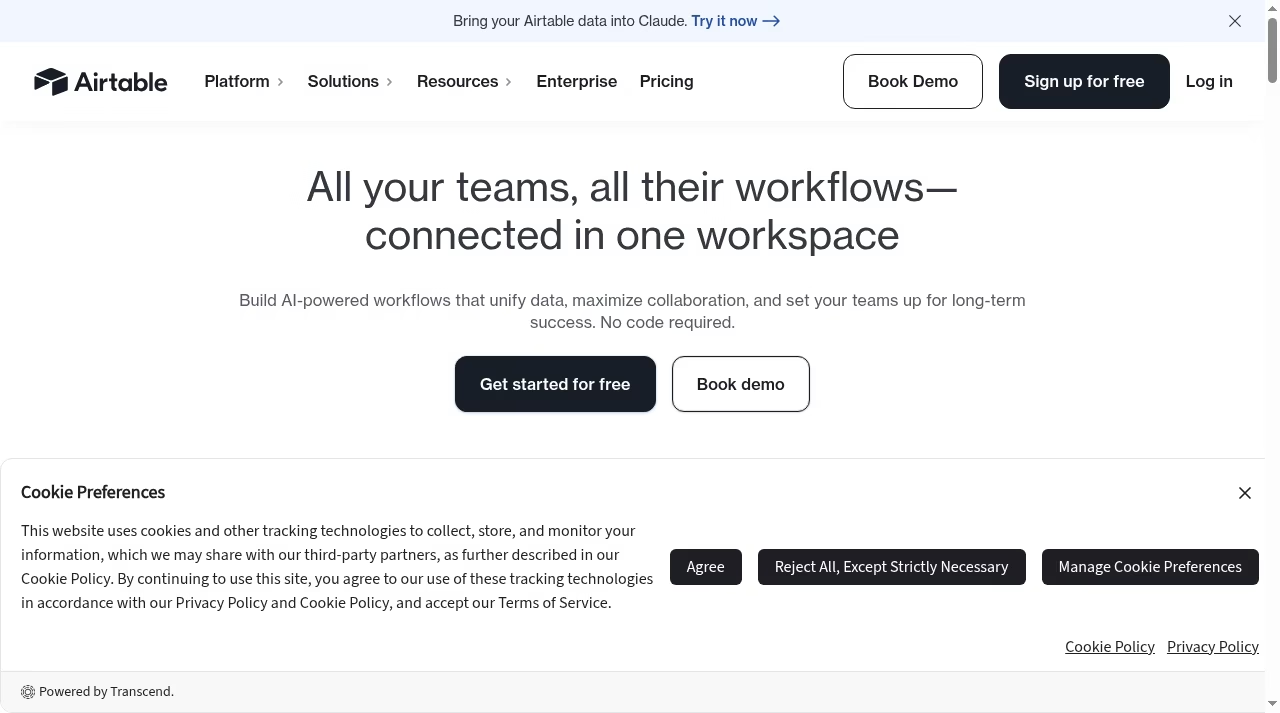
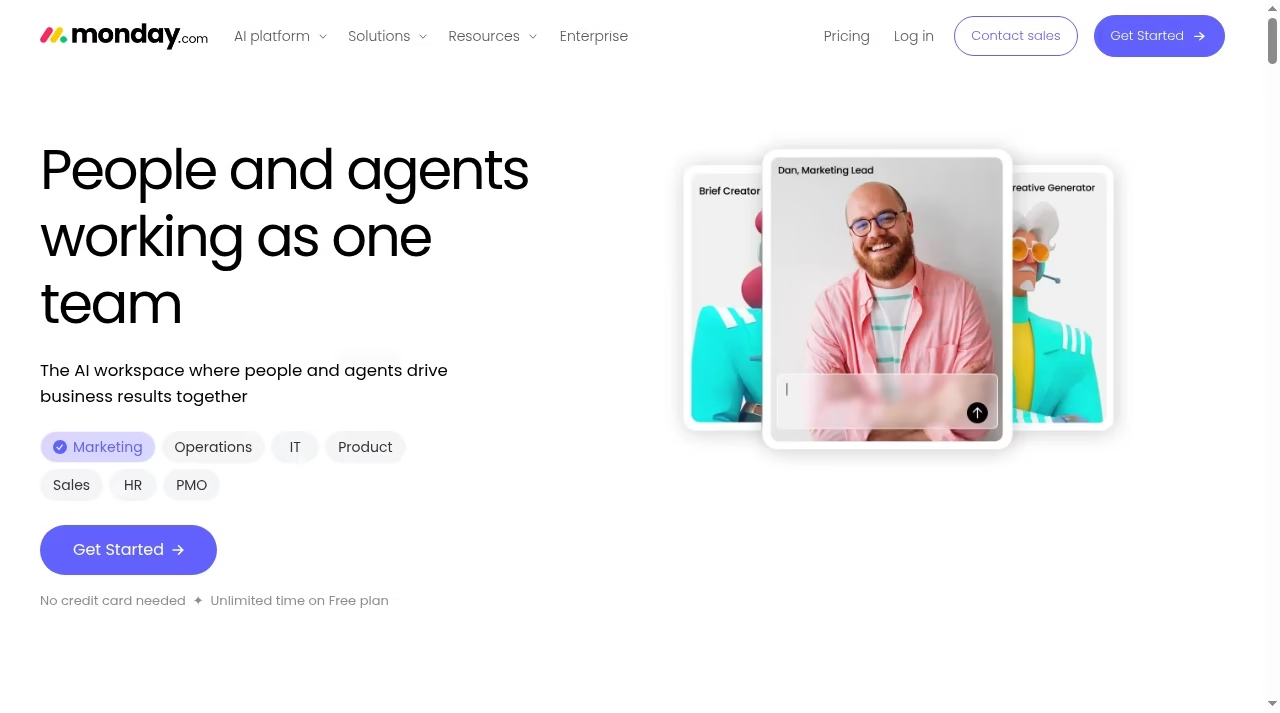
Two homepages, two philosophies. Airtable sells “one relational source of truth.” monday.com sells a workspace where people and agents get work done. Neither is wrong; they are answering different questions. Teams coming from a pure task manager should skim our Todoist alternatives guide first to confirm they need this much tool.
If you are still mapping which category fits at all, our app directory is a decent place to browse the options by use case.
Airtable: a database you build into an app
Airtable starts with records, not tasks. A base holds tables, tables hold records, and records link to each other: clients to projects, projects to deliverables, deliverables to the people doing them.
On top of that data layer you stack views (grid, Kanban, calendar, gallery, form, Gantt and timeline on paid plans), interfaces you design for people who should never see the raw tables, automations that fire when records change, and sync that pulls data from other bases and tools.
The mental model is: model your data once, then build as many windows into it as your team needs.

That flexibility is the point and the price. Airtable gives you almost no structure for free. There is no built-in notion of “this is a task with an owner and a status” until you create those fields yourself. Teams that think in spreadsheets and databases love this.
Teams that just want to assign work and see progress often spend their first week building what monday.com hands them on day one.
If your data is mostly tabular and shared with a small team, Excel vs Google Sheets is worth a read first, because sometimes the honest answer is that you do not need a database yet.
monday.com: work management that ships pre-assembled
monday.com starts with boards, and a board is a project made visible: items as rows, columns for owner, status, date, priority, budget or whatever the work needs.
Around boards it wraps the machinery of delivery: dashboards that roll numbers up across boards, automations that move work and notify people when statuses change, docs, forms, guest access for clients, and workload views for capacity.
The free plan includes 200+ templates, so most teams start from a board that already matches their process instead of a blank grid.
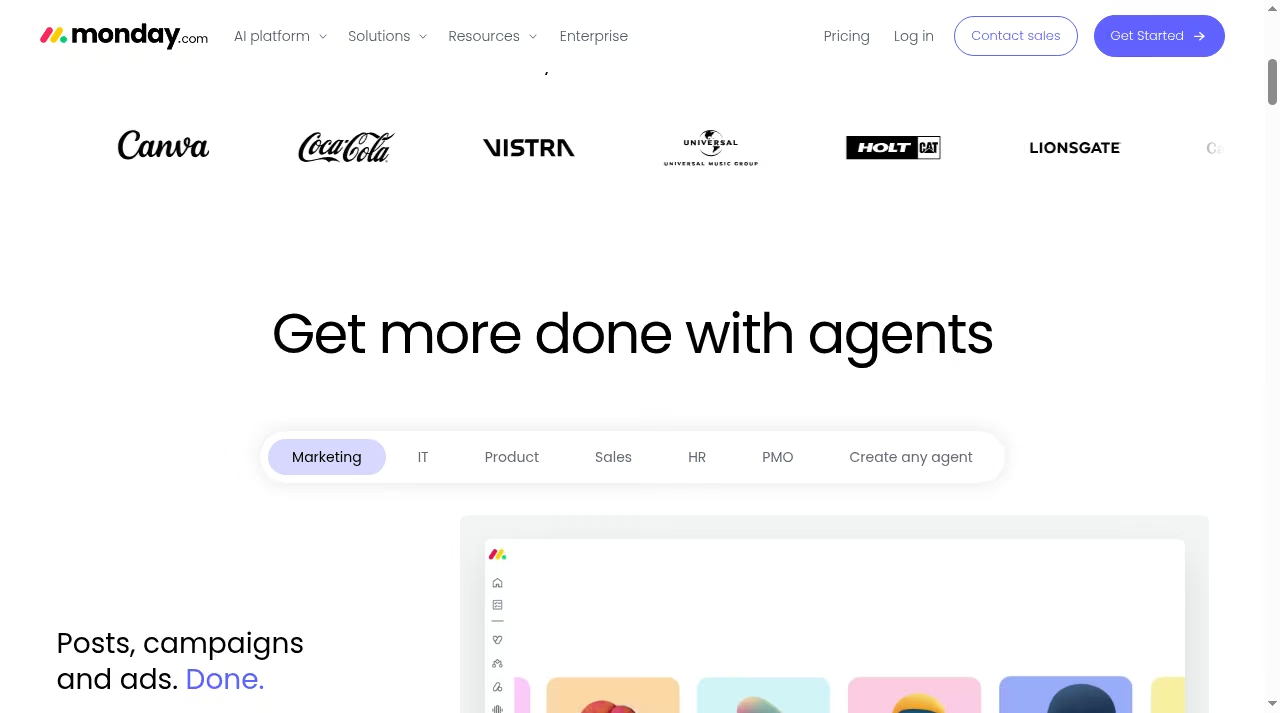
The trade-off is rigidity at the data layer. monday boards connect to each other through connect-boards columns and mirrored data, which works for straightforward relationships but strains when you try to model something genuinely relational, like a product catalog with variants or a content library with many-to-many tagging. monday also sells adjacent products (monday CRM, monday dev, monday service) that share the platform, which is handy if your needs grow in those directions.
If you are weighing simpler task tools instead, TickTick vs Todoist covers the lightweight end of the same decision.
Where Airtable wins
Data modeling that monday cannot match. Linked records are Airtable’s spine. A client record links to their projects, those projects link to invoices, and every table can look up and roll up fields across those links: total invoiced per client, open deliverables per project, that kind of thing. monday’s connect-boards columns approximate one layer of this, but multi-hop relationships and rollups are where Airtable pulls away.
If your process is really a database wearing a workflow costume, Airtable is the honest tool.

Interfaces and portals for the people who should not see the plumbing. Interface Designer lets you build clean screens (a review queue, an intake dashboard, an executive summary) on top of your tables, so the intern and the CFO each get a view built for them.
For external collaborators, Airtable’s portals add-on starts at $120 per month for 15 guests and gives clients a branded way to see and update only their slice. That pattern, giving customers a window into their own data, pairs naturally with the practices in our guide on how to improve customer relationships.
Generous data ceilings on paid plans. The Team plan holds 50,000 records per base and 25,000 automation runs per month; Business takes that to 125,000 records and 100,000 runs. For most small and mid-size teams, that means you will outgrow the seat price long before you outgrow the capacity.
Free collaboration for readers. Airtable only bills for people who edit. Read-only users, shared-view links and form submissions cost nothing on any plan, so a 30-person company might pay for 8 editors and let everyone else consume data free.
If you run a content pipeline, pairing Airtable as the backend with the schedulers in our top social media automation tools roundup is a setup we see work well.
Where monday.com wins
Work management that works out of the box. Statuses, owners, due dates, priorities, dependencies, workload capacity, time tracking on Pro: monday treats these as first-class citizens instead of fields you wire up yourself. A project manager can import a template on Monday morning and run a real standup off the board by lunch. With Airtable, the same standup view is a build project.
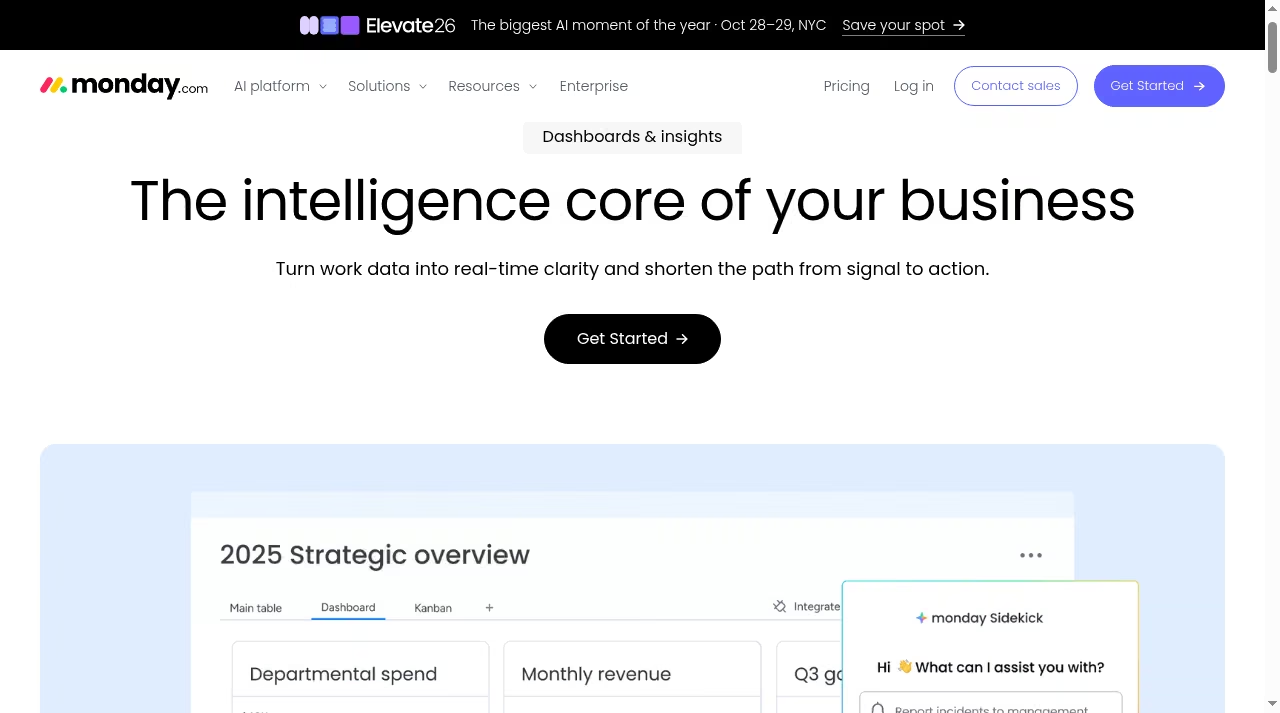
Dashboards that roll up the whole company. monday dashboards pull widgets (charts, numbers, battery gauges, timelines) from up to 50 boards on Pro, which turns scattered team boards into one leadership view. Airtable’s interfaces can approximate this, but it takes design work; monday’s dashboards are drag, drop, done.
Teams that live in reporting tools should also look at our Databox alternatives piece for dedicated dashboarding.
Automations aimed at humans, not just data. Both tools automate, but monday’s recipes read like management: “when a status changes to stuck, notify the owner and move the item to this group.” Standard includes 250 automation and integration actions per month, Pro jumps to 25,000.
Airtable’s automations are powerful but think in records; monday’s think in workflows. For heavier cross-app plumbing, our best automation tools guide covers the middleware layer, and best marketing automation platforms covers the campaign-specific side.
Guests and viewers without invoice anxiety. monday gives unlimited free viewers on paid plans and guest access from Standard, so pulling a client into one board does not spawn a billing conversation. Airtable matches this for read-only sharing, but editable external collaboration pushes you toward the paid portals add-on.
Pricing and plan limits as listed on Oct 16, 2026
Both vendors quote per-seat prices with annual billing, and both charge more if you pay monthly. I list the annual numbers first because that is the default both pricing pages show; monthly figures are noted where the vendor lists them. If you are comparing SaaS pricing pages generally, our Calendly pricing and Gusto pricing breakdowns use the same annual-first convention.
Airtable’s pricing page bills per editor seat. Read-only users, form submissions and shared links are free on every plan, which matters a lot for wide teams.

| Airtable plan | Price per seat | Key limits | What it adds |
|---|---|---|---|
| Free | $0 | 1,000 records per base, 5 editors, 100 automation runs, 500 AI credits per editor | Unlimited bases, grid, calendar, form, Kanban and gallery views |
| Team | $20 per month annual, $24 monthly | 50,000 records per base, 25,000 automation runs, 20GB attachments, 15,000 AI credits | Gantt and timeline views, standard sync, interface designer, extensions |
| Business | $45 per month annual, $54 monthly | 125,000 records per base, 100,000 automation runs, 100GB attachments, 20,000 AI credits | Two-way sync, SAML SSO, admin panel, verified data controls |
| Enterprise Scale | Custom pricing | 500,000 records per base, 500,000 automation runs, 1TB attachments, 25,000 AI credits | HyperDB, audit logs and DLP, enterprise Hub, dedicated support |
The catch with Airtable’s model: every person who needs to edit costs a seat. Ten editors on Team is $200 per month on annual billing. External editable access beyond share links and forms means the portals add-on, from $120 per month for 15 guests.
If most of your client contact is conversation rather than structured updates, customer messaging software for small businesses may cover that need for less. Overages on records cap the base rather than deleting data, but you will feel the ceiling when you hit it.
monday.com’s pricing page bills per seat too, with a 3-seat minimum on paid plans and 18% off for annual billing. The tier gate that matters most is automations: none on Basic, 250 actions per month on Standard, 25,000 on Pro. Our automation tools guide explains what those actions actually buy when you outgrow them.
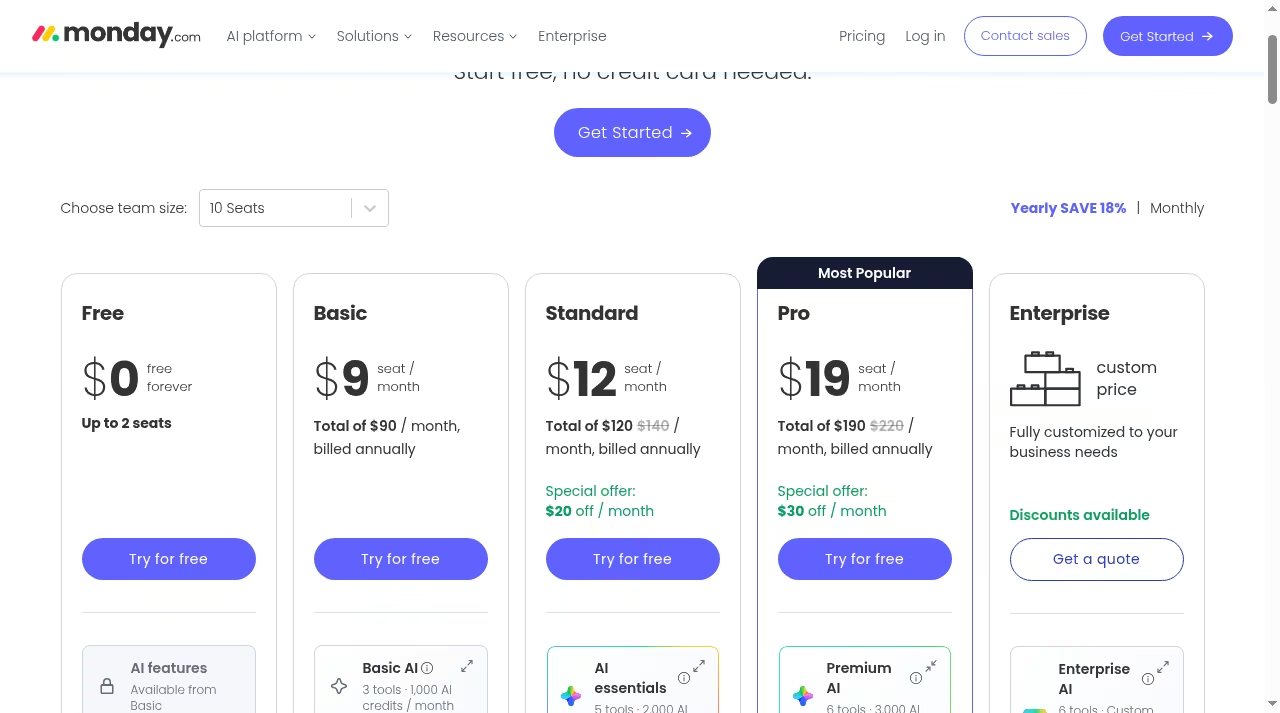
| monday.com plan | Price per seat | Key limits | What it adds |
|---|---|---|---|
| Free | $0, up to 2 seats | 3 boards, 8 column types | 200+ templates, docs, mobile apps |
| Basic | $9 per month, billed annually | Unlimited boards and viewers, 1,000 AI credits per month | Unlimited items, 5GB storage, prioritized support |
| Standard | $12 per month, billed annually | 250 automation and integration actions per month, 1,000 API calls per day, 2,000 AI credits | Timeline and Gantt views, calendar view, guest access |
| Pro | $19 per month, billed annually | 25,000 automation and integration actions per month, 10,000 API calls per day, 3,000 AI credits | Private boards, time tracking, chart view, formula column |
| Enterprise | Custom pricing | Higher quotas, enterprise-grade security | Advanced permissions, audit log, SAML, premium support |
Three wrinkles to budget for. First, monday’s paid plans start at 3 seats, so a solo user pays for three. Second, the pricing page shows special-offer strikethroughs on multi-seat totals, so the number you see may be a promotion rather than list.
Third, monday CRM, monday dev and monday service are priced separately from work management (Basic CRM starts at $12 per seat per month, billed annually), so “we already pay for monday” does not mean the CRM is included.
If a sales CRM is the real reason you are shopping, our Pipedrive alternatives roundup compares the dedicated route.
Head to head at 10 seats on annual billing: Airtable Team runs $200 per month against monday Standard at $120. That gap is real, but it flips if half your team only reads data, since Airtable charges nothing for viewers while monday’s per-seat count includes anyone who needs to move items. Price the team you actually have, not the seat count on the pricing page.
AI in both tools
Both vendors have gone all-in on AI this year, and both meter it with credits. Airtable bundles AI credits per editor per month: 500 on Free, 15,000 on Team, 20,000 on Business and 25,000 on Enterprise Scale.
The flagship pieces are Omni, which builds apps, interfaces and workflows from a plain-language description, and Field Agents, which run AI across every record in a table: researching accounts, summarizing call notes, drafting copy per row.

monday includes AI features from the Basic plan up, with monthly credit tiers of 1,000 on Basic, 2,000 on Standard and 3,000 on Pro, and sells its agent angle as digital workers that take on tasks like reporting and ticket routing.
In practice, Airtable’s AI is strongest when it can chew on structured records at scale; monday’s is aimed at summarizing status, generating updates and unblocking project work. Neither replaces the dedicated tools in our best AI presentation design tools roundup for deliverables, but both are genuinely useful for shaving admin time off the workday.
A same-task test you can run in one afternoon
Feature pages will not settle this for your team; building the same small workflow in both tools will. Here is the test I recommend, using the free tier of each. Pick something real but small: a client project tracker, a content calendar or a hiring pipeline.
If hiring is genuinely the job, dedicated applicant tracking system software will beat both tools, but it makes a good test case here.
Step 1: model five real items. Take five actual projects or clients and enter them in both tools. In Airtable, split them into two linked tables (clients and projects). In monday, make one board with the columns you need. Notice which tool made you think about structure earlier: that is the philosophy difference in miniature.
Step 2: build the view your team would open daily. A Kanban by status, or a calendar by deadline. Both tools do this; time yourself. In monday this is a template click. In Airtable it is a view plus a grouped field, plus a decision about which table owns the view.
Step 3: add one automation. “When something is marked done, notify the person who asked for it.” monday’s recipe picker gets you there in about a minute on Standard. Airtable’s automation builder is nearly as fast, but remember the free plan only allows 100 runs per month, so test gently.
Step 4: invite one other person. Have them comment on or update an item. This exposes the seat math immediately: in monday free you get exactly 2 seats; in Airtable free you get 5 editors and unlimited read-only sharing.
Step 5: roll it up. Build one small dashboard or interface that answers “what is late and who owns it.” monday’s dashboard widgets make this a five-minute job. Airtable’s Interface Designer can produce something nicer looking, but budget half an hour and a little patience.
If the dashboard itself is the deliverable, the dedicated tools in our Databox alternatives roundup do more than either.
Whichever tool felt like it was helping rather than hosting is your answer. If the test reveals your process is really a sales pipeline, stop here and read our easy CRM platforms for small sales teams guide or the Pipedrive alternatives roundup instead, because a real CRM will beat both of these for that job.
Running both, and migrating between them
Plenty of teams end up with both, and that is a legitimate end state, not a failure. A common split: Airtable holds the structured data (content library, product catalog, partner directory) while monday runs delivery (sprints, campaigns, client projects), with a sync or an automation tool passing key records between them.
The cost is two subscriptions and an integration to babysit; the payoff is each team working in the tool shaped for its job.
Migrating is easier in one direction. Airtable to monday is a CSV export per table, an import, and then manual re-creation of links as connect-boards columns, which is where the pain lives. monday to Airtable is similar in reverse: items export cleanly, but statuses and owners become single-select and collaborator fields you re-map by hand.
Budget a day for a small workspace, a week for a messy one, and expect to rebuild automations from scratch on either side. Teams moving toward a fuller service stack often fold the migration into a wider tooling review, like the ones in our help desk software and customer messaging software guides.
Limits matrix: what to confirm before you commit
These are the ceilings that actually bite, pulled from the pricing pages on Oct 16, 2026. Both vendors adjust plan details, so confirm the current numbers before you sign an annual term.
| Limit | Airtable | monday.com |
|---|---|---|
| Free tier ceiling | 1,000 records per base, 5 editors, 100 automation runs | 2 seats, 3 boards |
| Records or items | 50,000 per base on Team, 125,000 on Business | Unlimited items from Basic up |
| Automation volume | 25,000 runs per month on Team, 100,000 on Business | 250 actions per month on Standard, 25,000 on Pro |
| External sharing | Free read-only and forms; editable portals from $120 per month | Unlimited viewers; guests from Standard |
| Seat math | Only editors are billed | 3-seat minimum on paid plans |
| Advanced views | Gantt and timeline from Team | Timeline and Gantt from Standard |
Who should choose which
Choose Airtable if your work starts from data. Content operations with a calendar, assets and channels linked together. Product or inventory catalogs. A lightweight CRM where accounts, deals and deliverables need real relationships. Research repositories.
Any workflow where five different people need five different views of the same records, or where external partners should fill forms and portals instead of emailing spreadsheets.
If client relationships are the core of the business, our piece on CRM for real estate client relationships shows what a data-first setup looks like in one industry, and why CRM projects fail is required reading before you hand Airtable to a sales team.

Choose monday.com if your work starts from tasks and people. Marketing campaigns with owners, statuses and deadlines. Client delivery where a dashboard for leadership matters as much as the board. Operations and PMO work where automations replace nagging.
Any team that wants structure on day one and would rather configure than build. monday also grows sideways into CRM, dev and service products on one platform, which suits companies standardizing on a single vendor.
Choose both if you have one team living in structured data and another living in project delivery, and the budget for two subscriptions plus a sync. Choose neither if your real need is a dedicated CRM, a help desk or a simple to-do list, because specialist tools beat generalists inside their specialty.
The bottom line
Airtable vs monday.com is not really a feature checklist; it is a question about whether your team thinks in records or in tasks. Airtable rewards the builders: model your data properly and it becomes the most flexible tool in your stack. monday.com rewards the movers: open a template and your project has structure before lunch.
Run the one-afternoon test above with real work, check the seat math against your actual team, and the right choice usually makes itself obvious. For another head-to-head in a different category, our AccuRanker vs Ahrefs comparison uses the same framework on SEO tooling.
Frequently asked questions
Is Airtable cheaper than monday.com?
It depends on how your team is shaped. At 10 editors on annual billing, Airtable Team costs $200 per month against monday Standard at $120.
But Airtable never charges for read-only users, while monday bills every seat that touches items, so a team with a few editors and many viewers often pays less with Airtable. monday’s paid plans also carry a 3-seat minimum.
Which is better for project management?
monday.com, for most teams. It ships with statuses, owners, dependencies, workload views and dashboards already wired together, and its automations are written for project workflows. Airtable can be built into a strong project tracker, but you are building it yourself.
Which is better as a database or CRM?
Airtable. Linked records, rollups, interfaces and portals make it a genuine lightweight database, and it holds up as a CRM for teams with unusual pipelines. monday sells a separate monday CRM product for sales work, and its core boards strain on many-to-many data.
If a real CRM is what you need, our CRM picks for small sales teams are a better stop.
Does monday.com have a free plan?
Yes, but it is tight: up to 2 seats, 3 boards and 8 column types, with 200+ templates included. It works for a solo user or a pair evaluating the platform, not for a team.
Does Airtable have a free plan?
Yes, and it is the more usable free tier for teams: up to 5 editors, unlimited bases, 1,000 records per base, 100 automation runs per month and 500 AI credits per editor. The record ceiling is the first wall most teams hit.
Can I use Airtable and monday.com together?
Yes, and many teams do: Airtable as the data layer, monday for delivery, connected by sync features or a third-party automation tool. It costs two subscriptions and some integration maintenance, so make sure each tool earns its seat count. The middleware options in our automation tools guide cover the glue.
What are the record and item limits?
Airtable caps records per base by plan: 1,000 on Free, 50,000 on Team, 125,000 on Business and 500,000 on Enterprise Scale. monday.com lists unlimited items from Basic up and instead meters automation actions, API calls and storage by plan. Confirm both vendors’ current pages before an annual commitment.


Leave a Reply