

Which AI presentation tool should you try first?
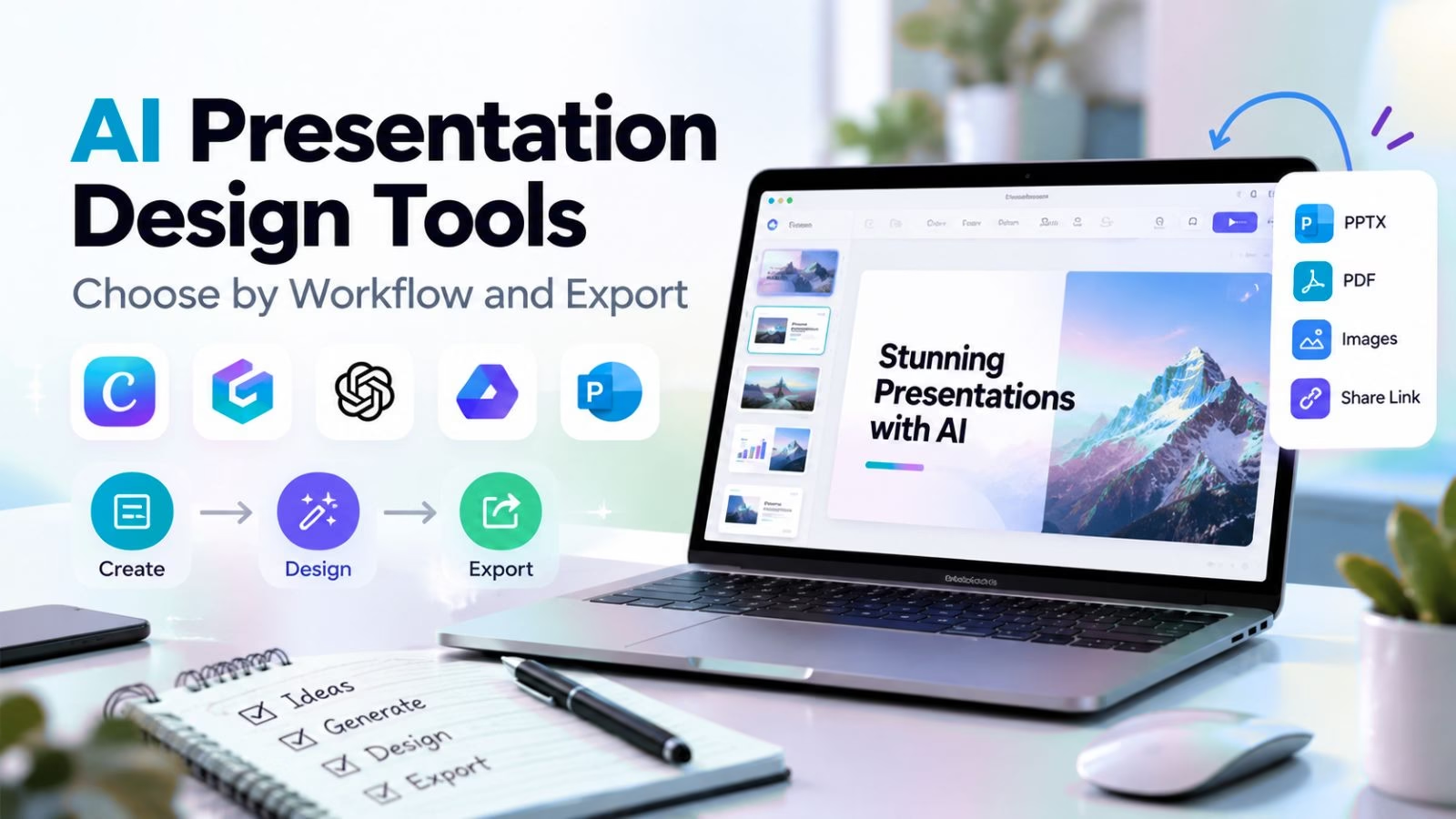
The best AI presentation design tools depend on where the deck will be edited and presented. Start with Plus AI for native PowerPoint or Google Slides work, Gamma for web-first sharing, Beautiful.ai for layout consistency, and Canva when slides are one part of a wider marketing job. Our broader AI-tool comparison is useful if the presentation is only one step in your production workflow.
This comparison uses current official product pages, documentation and vendor hero screenshots checked on October 9, 2026. It is a workflow-based shortlist, not a paid-account benchmark. Recommendations are editorial judgments; export fidelity, plan limits and performance should be checked with your own files. Prices and AI allowances change, so compare the live plan before paying.
Compare the handoff, not just the generated cover slide
Give each finalist the same short brief. Require one editable chart, one dense comparison and one clear closing action. Score the output on fact accuracy, visual hierarchy, editable export, accessible contrast and time spent fixing it. Creator apps cover adjacent publishing jobs, while AI tools for small businesses can help with the research and planning around a deck.
| Need | First trial | Deciding check |
|---|---|---|
| Existing office template | Plus AI or SlidesAI | Editable native handoff |
| Share a visual story by link | Gamma or Prezi | Audience can open and follow it |
| Repeated branded decks | Beautiful.ai or Pitch | Brand controls and collaboration |
| Marketing assets beyond slides | Canva or Visme | Asset rights and export options |
| Guided business draft | Decktopus or Presentations.AI | Structure matches the decision |
1. Gamma: web-first storytelling
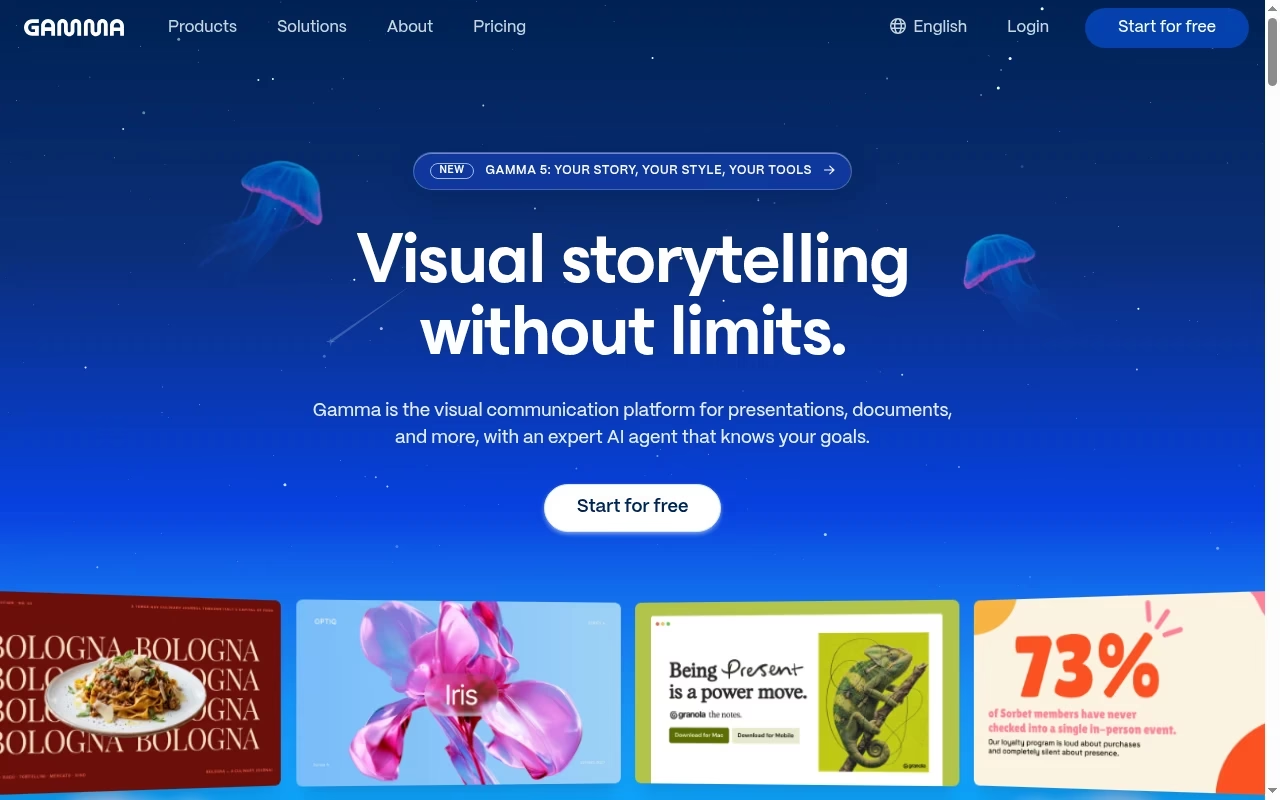
Gamma turns an idea into a visual deck and also supports documents, sites and graphics. It is a sensible first trial when the result will be shared as a link and the author wants to reshape a story without manually laying out every slide. Its product page also lists presentation export to PowerPoint and PDF.
Watch for: A web-native deck may not behave identically after export. A downloadable file is not proof that every object remains independently editable.
Try before choosing: Generate a six-slide client proposal, export it and open it in the exact presentation app the client uses.
2. Beautiful.ai: layout consistency
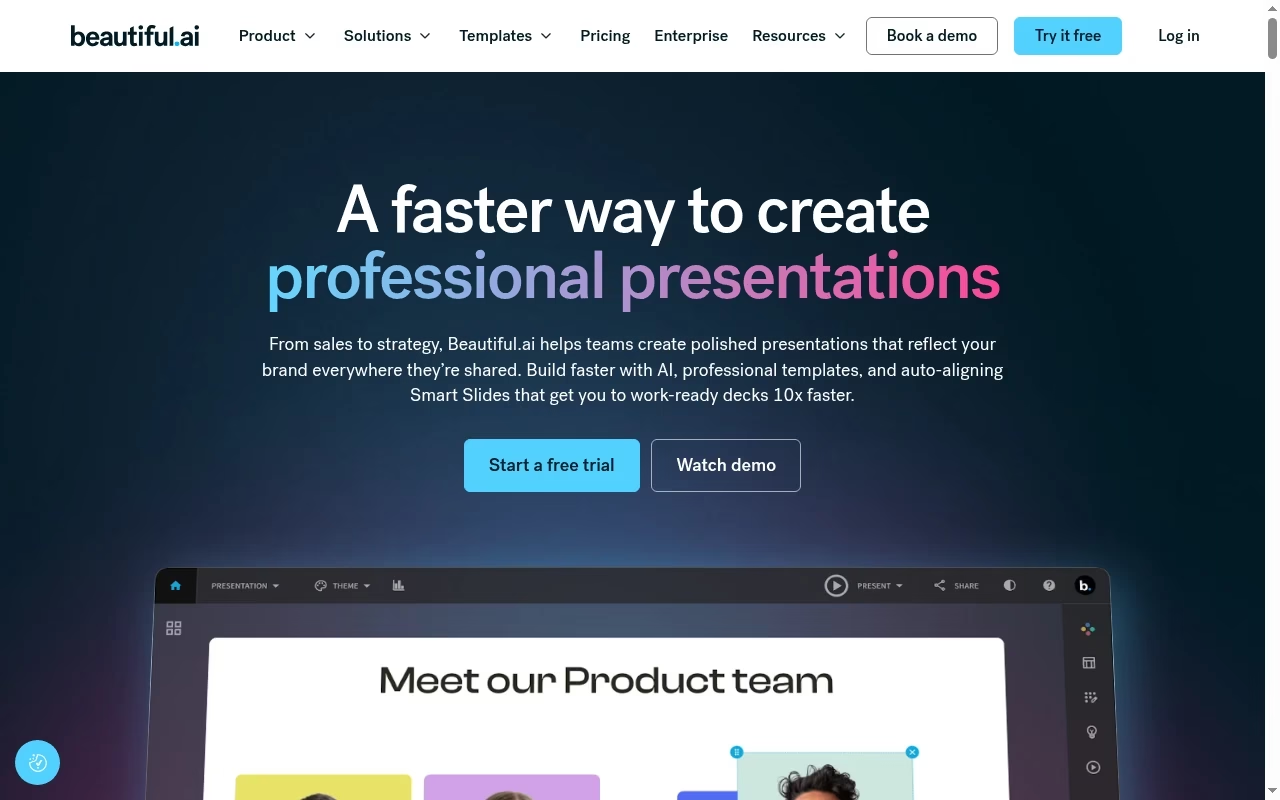
Beautiful.ai puts its design system at the center of deck creation. It fits teams whose main bottleneck is aligning content and keeping slides tidy, rather than making highly experimental visuals. Treat the layout assistance as a way to enforce a house style, not as an authority on the message.
Watch for: A constrained design system can become frustrating if you want unusual compositions. Check which collaboration, branding and export features belong to the plan you are considering.
Try before choosing: Add an unusually long headline, a five-column comparison and a dense chart. See whether the system improves readability or merely makes the text smaller.
3. Plus AI: PowerPoint and Google Slides workflows
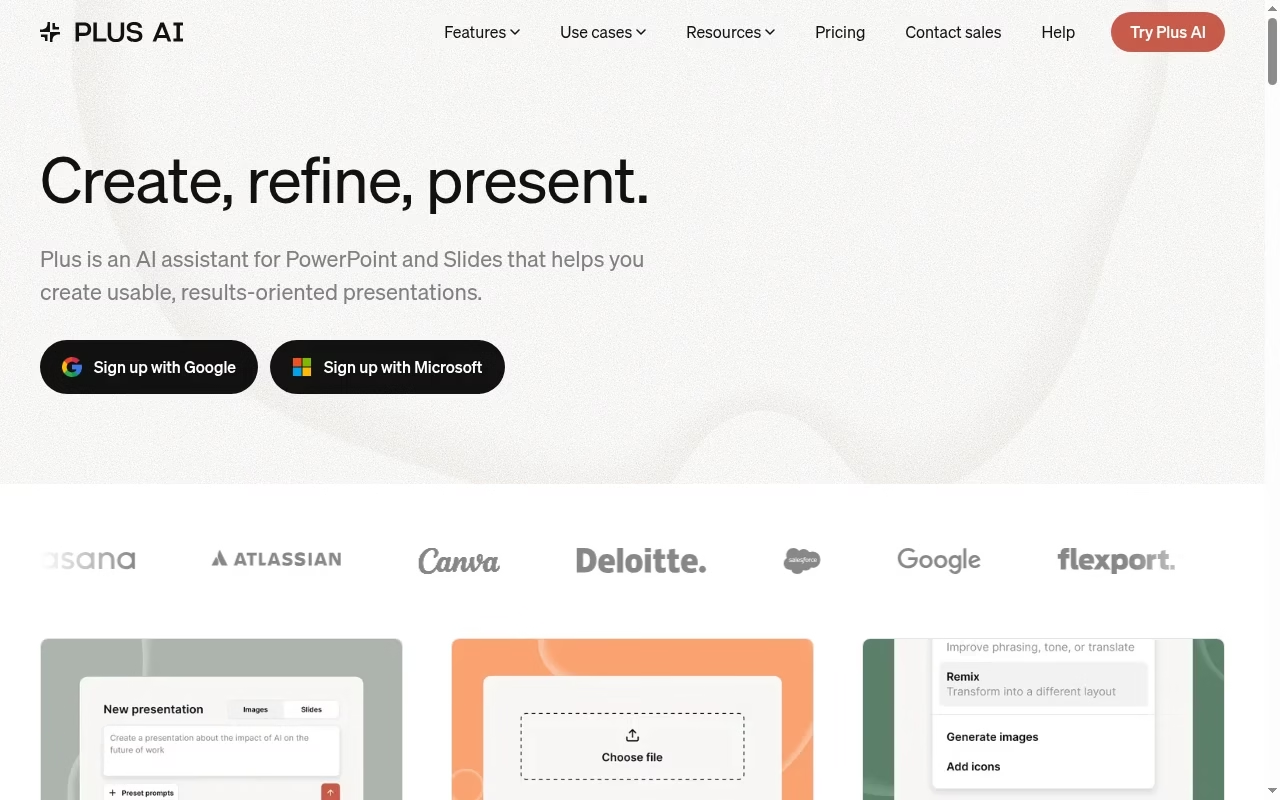
Plus AI works inside PowerPoint and Google Slides. Its official workflow includes starting from a prompt, uploading a file and refining or remixing slides. It is the strongest starting point in this list when the team already edits and comments in those apps and does not want another presentation destination.
Watch for: The assistant still needs clean source material and a human edit. Check installation permissions with your organization before depending on an add-in.
Try before choosing: Use the existing company template and ask it to turn a short approved memo into slides. Test typography and the handoff to a colleague.
4. Canva: mixed marketing assets
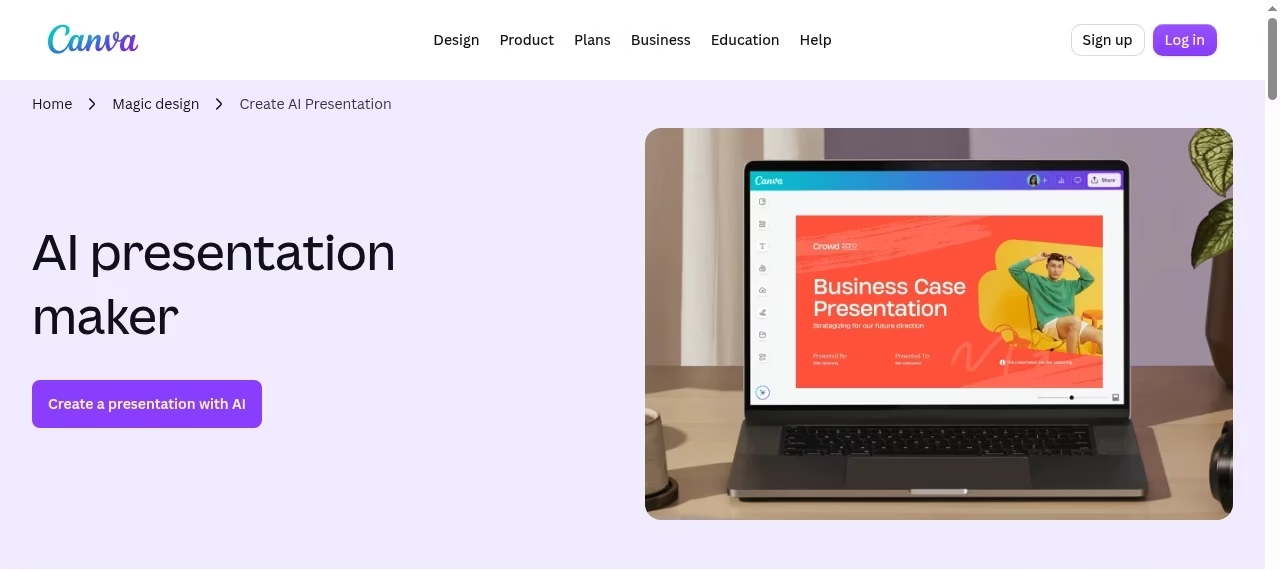
Canva has an AI presentation maker within a broader visual-content environment. Choose it when slides sit beside social graphics, flyers and other brand assets. The advantage is less switching between tools, especially for a small marketing team with reusable templates.
Watch for: Do not assume every stock asset or AI feature is included in the free tier. Exported decks need a font and layout check, especially when delivered to someone outside Canva.
Try before choosing: Make a launch deck and a matching one-page graphic. Export both and check licensed assets, brand colors and text wrapping.
5. Pitch: collaborative on-brand decks
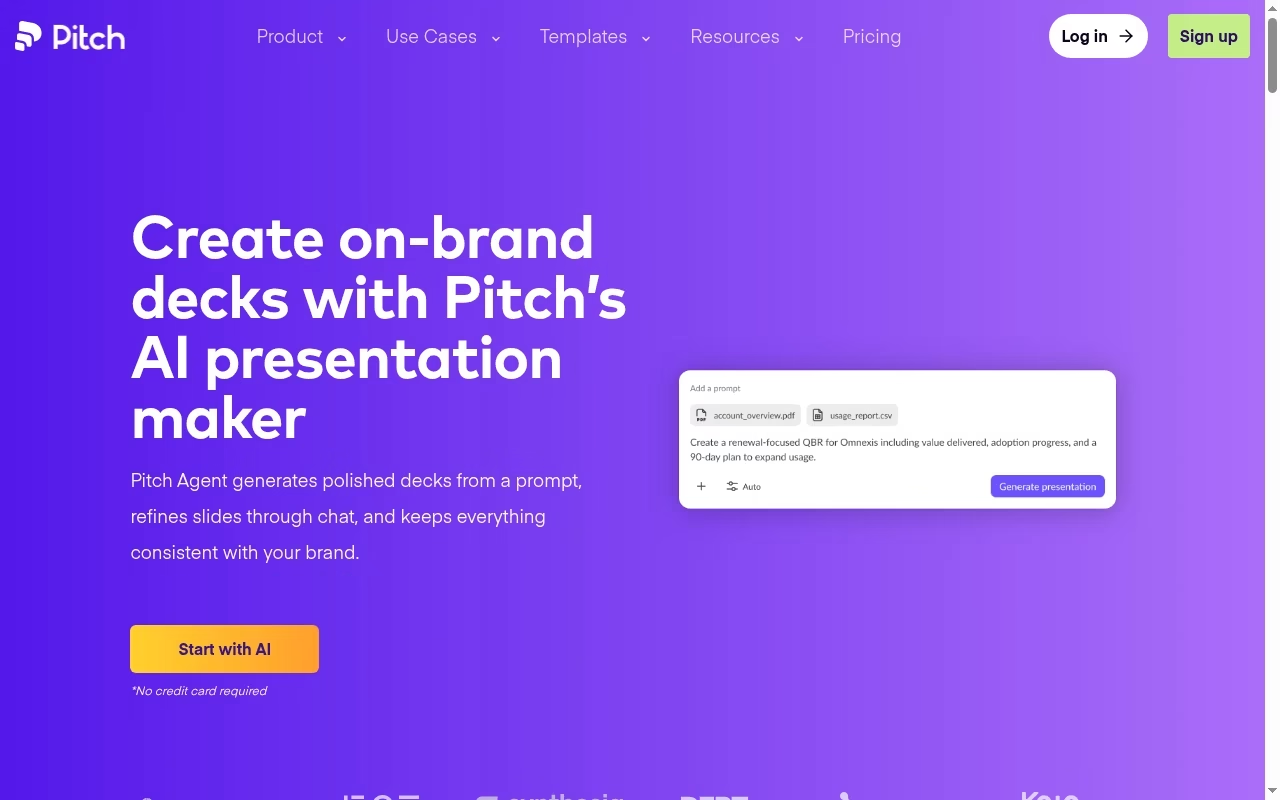
Pitch describes an AI presentation maker that generates decks from prompts and emphasizes on-brand presentations. It is a good candidate for teams that build repeated sales or startup decks and need a shared place to improve them.
Watch for: AI can produce a plausible deck that is still missing your actual customer evidence. Sharing and export capabilities should be checked on the chosen plan rather than assumed from the headline.
Try before choosing: Have two colleagues revise the same draft and confirm how comments, versions and final delivery work.
6. Prezi AI: nonlinear visual stories
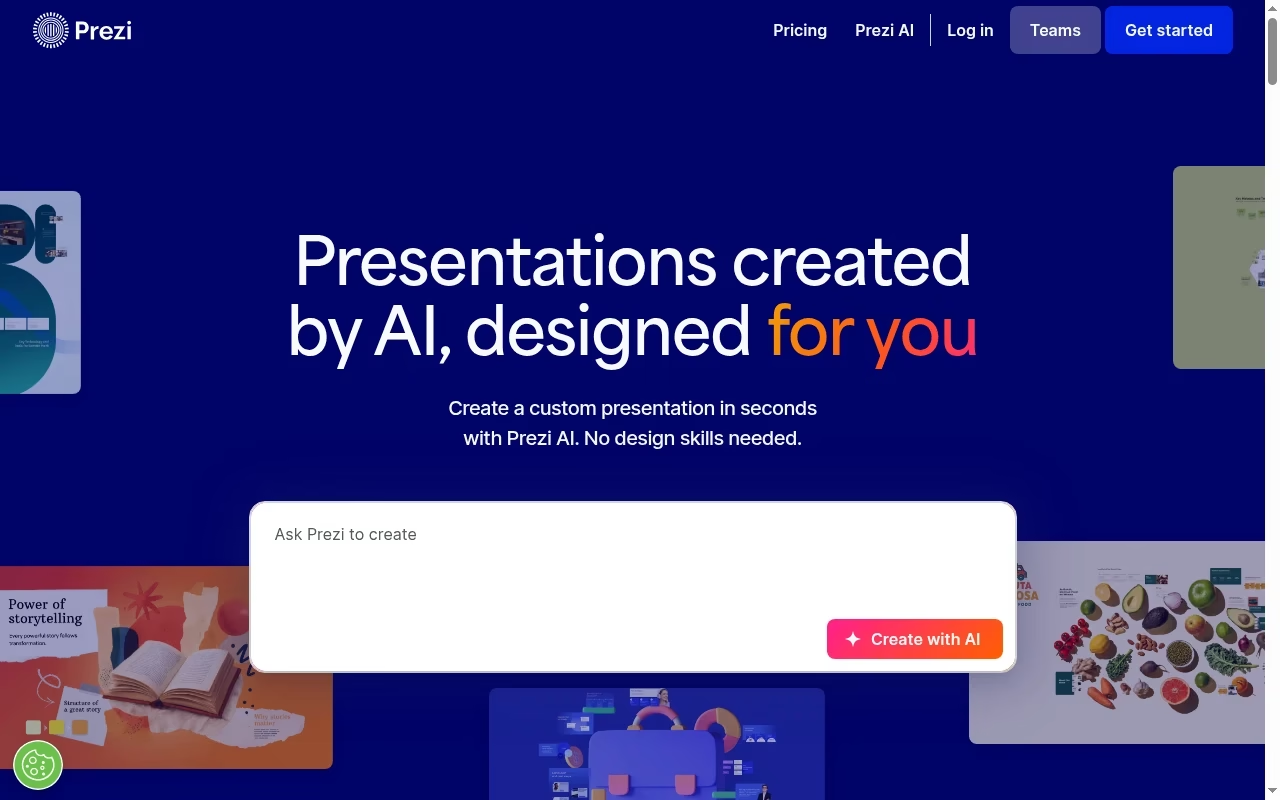
Prezi AI creates a presentation from a request and supports refining the result. Consider it when the story benefits from a visual overview and movement between ideas instead of a conventional sequence of independent slides.
Watch for: A nonlinear format is not always right for a financial review or a deck someone will read without you. Movement should explain relationships, not distract from evidence.
Try before choosing: Present the same three-minute explanation in Prezi and a simple slide deck. Ask a viewer which structure they can recall more accurately.
7. Visme: presentations plus visual communication
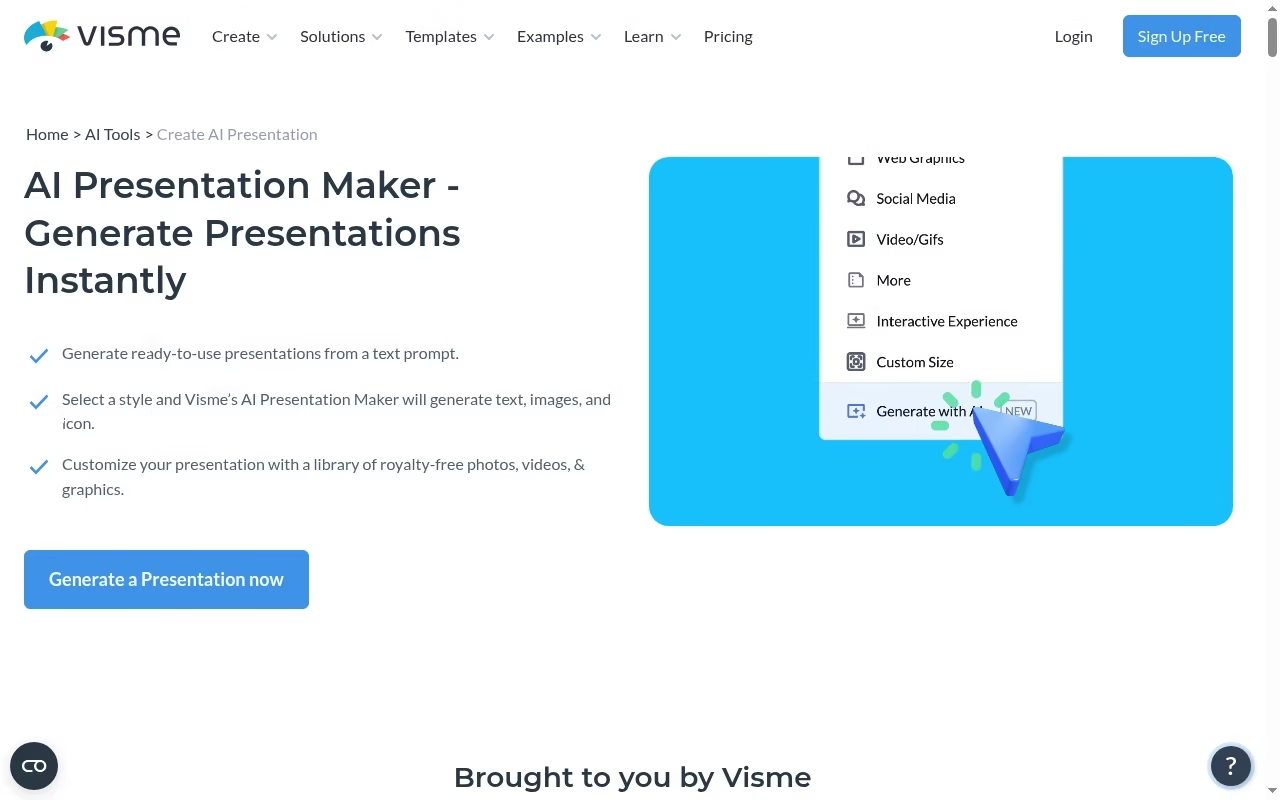
Visme offers an AI presentation maker as part of its design environment. It is worth considering when the team also needs visual reports or other designed communication and wants the deck to follow the same visual language.
Watch for: Plan-specific download formats and branding controls matter. A visually attractive mock chart must never substitute for a chart built from verified numbers.
Try before choosing: Build a short data-heavy report, replace every placeholder metric and check the exported chart labels at normal viewing size.
8. Decktopus: guided first drafts
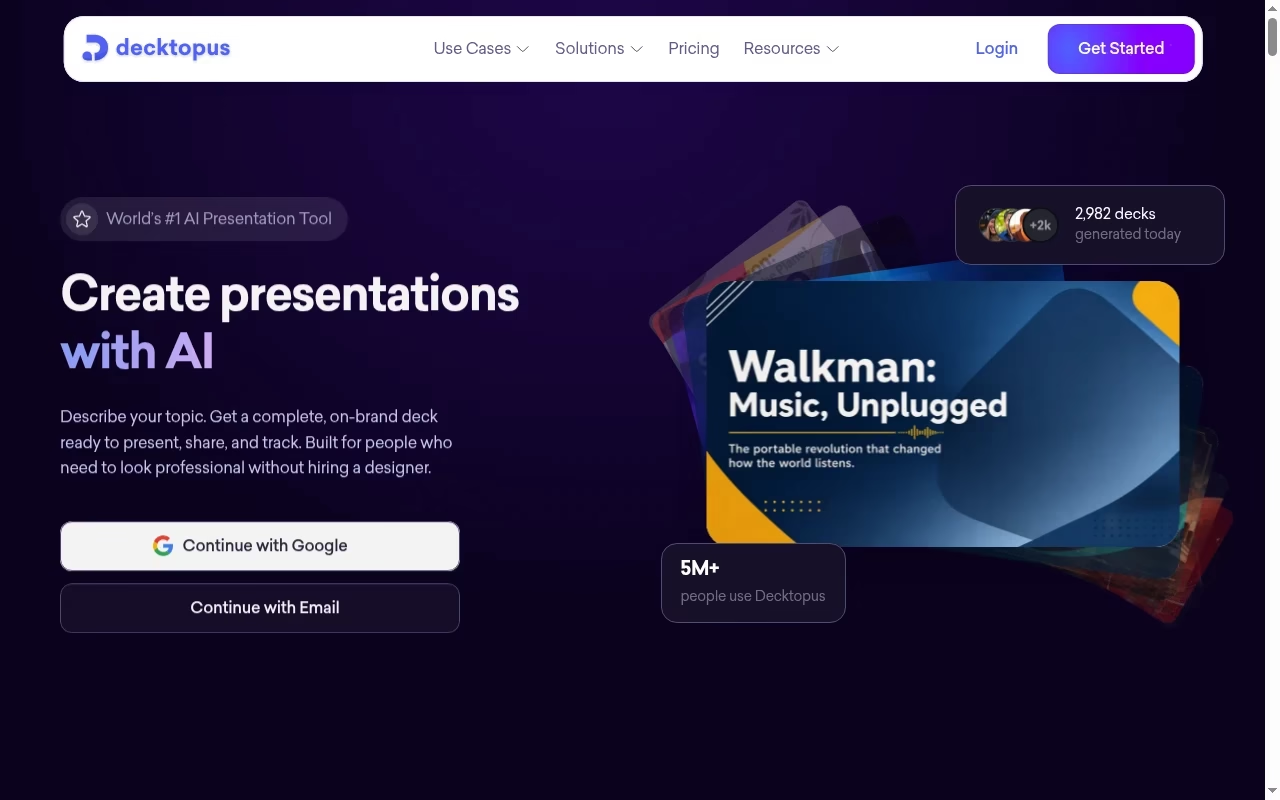
Decktopus promotes creating presentations with AI from a description of what you are presenting. It is a practical trial for people who need a structured starting point rather than a blank canvas.
Watch for: A fast draft may over-generalize the audience or skip the evidence needed for a serious decision. Check the exact export and brand controls offered before moving a team onto it.
Try before choosing: Give it an audience, objective, length limit and source notes. Check whether the proposed order follows the decision you actually want the audience to make.
9. SlidesAI: notes-to-slides in familiar apps
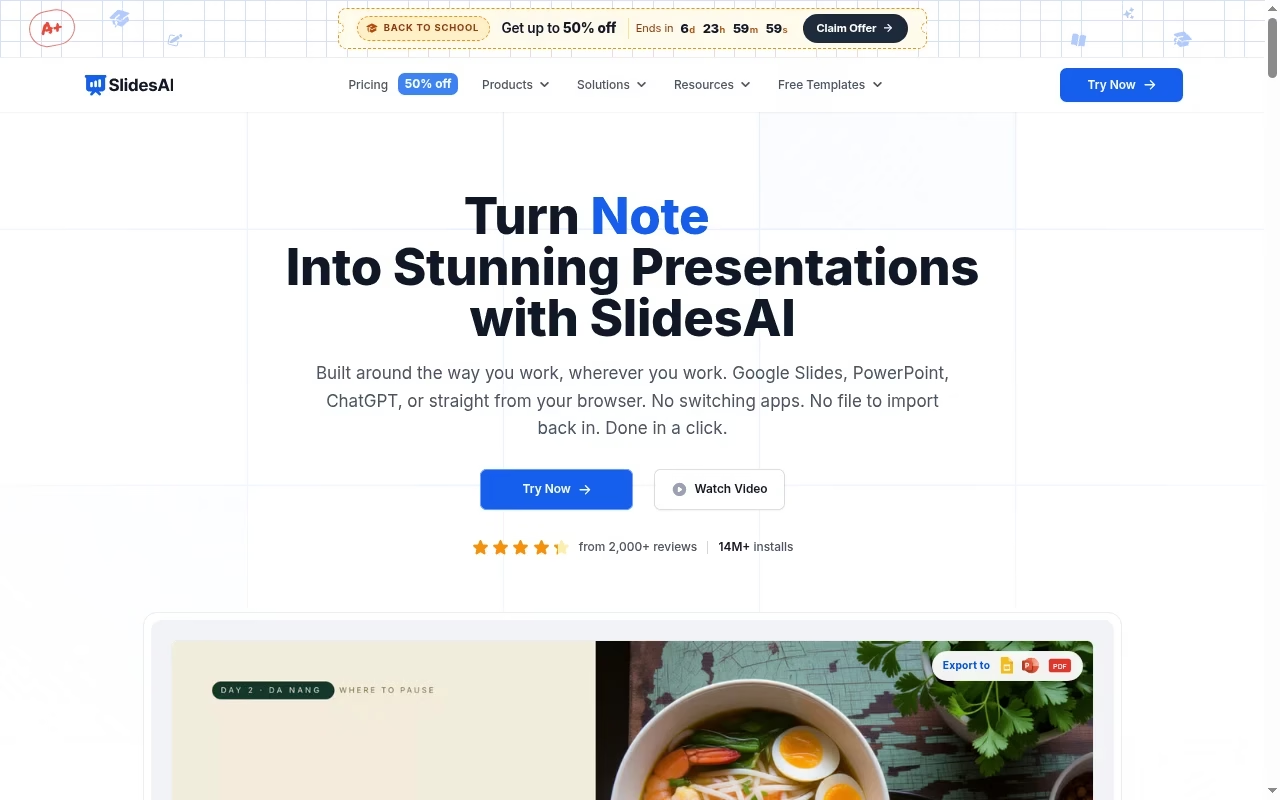
SlidesAI now advertises PowerPoint, Google Slides, web and ChatGPT workflows. Its input options include notes, prompts, documents and text. It belongs on the shortlist when the raw material is already written and the job is converting it into a usable deck.
Watch for: Older descriptions that call it Google Slides-only are incomplete. Verify the particular integration and its plan limits; platform availability does not make every workflow identical.
Try before choosing: Convert one memo in your preferred integration, then compare the draft against the original for omitted caveats and changed numbers.
10. Presentations.AI: business-deck generation
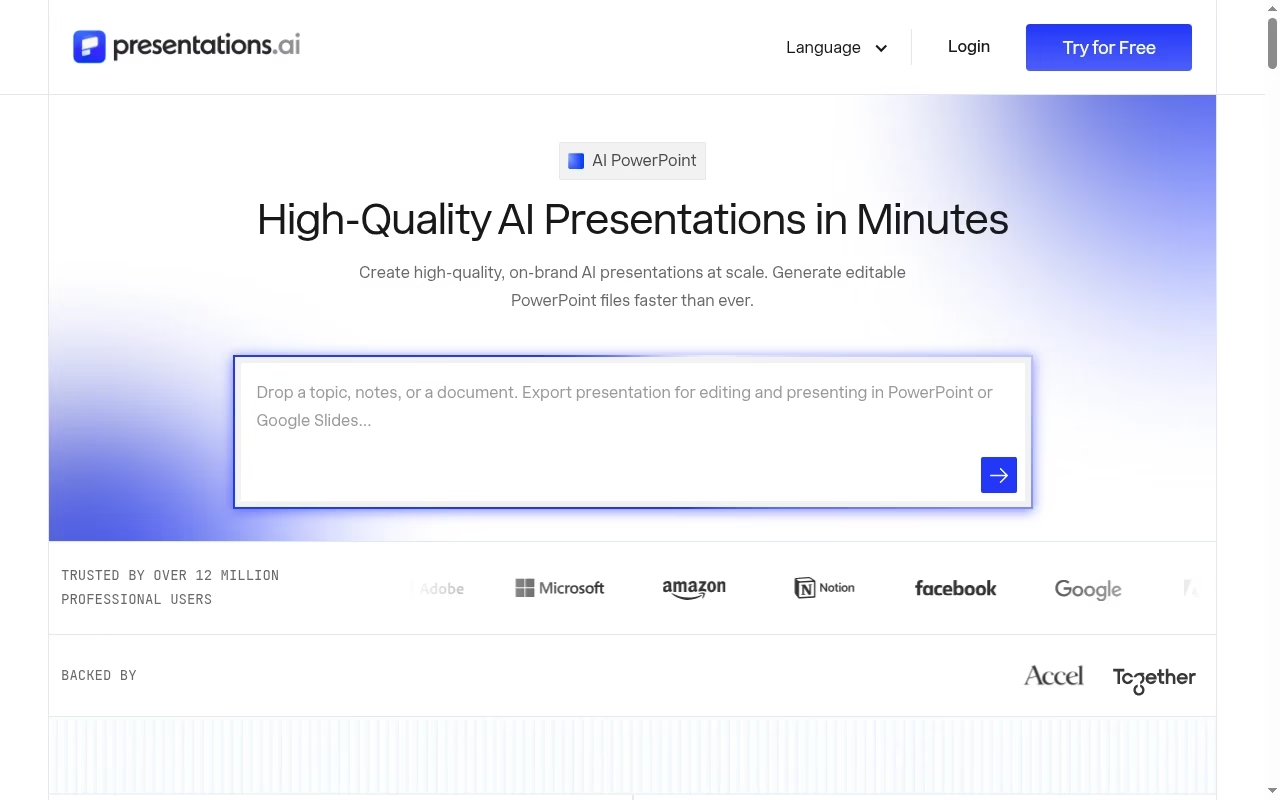
Presentations.AI focuses on high-quality AI presentations and lists presentation, slide and pitch-deck generation. It is a useful business-oriented candidate for teams that want an initial narrative and design together.
Watch for: Marketing claims about quality are not independent evidence of accuracy. Brand handling, privacy and editable export are gating checks for a client-facing workflow.
Try before choosing: Use a fictional business brief first, then test a non-confidential real outline after reviewing the data terms.
What to check before uploading company material
A presentation brief can contain strategy, customer names or unpublished financial results. Check the vendor data policy, workspace access, retention and any enterprise controls before uploading it. Use fictional numbers in your first trial. Keep claims and citations in a separate evidence document so a teammate can check them. Shared notes and wiki tools can hold that evidence, and Project-tracking tools can make review ownership explicit.
Build a repeatable deck workflow without losing the message
A useful deck starts with an audience and a decision. Write the closing action first, then list the evidence needed to earn it. Have the generator propose an outline before it designs slides. Reject any slide whose headline does not make a point. App design and prototyping tools are better for interface flows that need real interaction; a screenshot in a slide cannot demonstrate product behavior.
Separate writing, visuals and delivery
Use a fact pass before a design pass. Replace invented figures, rewrite vague claims and label estimates. Then check titles, contrast and chart units. If a deck needs a short supporting clip, use a video editor; for a narrated explainer, whiteboard animation tools may fit better than a crowded slide. A launch that needs posters or handouts can use flyer design tools rather than forcing slide dimensions onto print.
Run an export and presentation rehearsal before buying
Open the exported file on another computer, without your custom fonts if that matches the audience. Check animations, line breaks, chart labels, speaker notes and image quality. Test the sharing link signed out. A tool that generates a draft in one minute but needs an hour of repair may not save time. Record correction time rather than trusting a promotional speed claim.
Use a small acceptance checklist
Require verified numbers, readable text from the back of the room, meaningful alt text where the delivery format supports it, and no private material in public links. Capture layout problems with screenshot and annotation tools. Keep a final PDF fallback for situations where interactive presentation features are unavailable. Buy only after the required delivery format works.
Frequently asked questions
Can AI presentation tools create an accurate deck automatically?
They can create an outline and design, but accuracy still needs a human check. Compare every factual statement with approved source material, verify chart data and inspect citations. A polished layout makes incorrect claims easier to miss, not less likely.
Which is best if my team uses PowerPoint?
Start by testing Plus AI and the PowerPoint workflow advertised by SlidesAI. Use your actual company template and have another person edit the result. Native integration is helpful, but it does not prove your fonts, notes and complex objects will survive unchanged.
Are free AI presentation plans enough?
Often they are enough to test a workflow, but AI credits, download formats, branding removal and team features can be limited. Check the live plan and make one end-to-end export before treating the free tier as a production solution.
Can I use these tools for confidential client work?
Only after reviewing the applicable data policy and your own client or company rules. Trial the tool with synthetic material first. Confirm who can access the workspace, how links behave and whether the required administrative controls exist.
How do I avoid generic AI slides?
Provide audience, objective, constraints and source notes. Ask for a short outline, reject repeated ideas and write a specific claim for each slide headline. Replace decorative charts and generic images with evidence that supports the decision.
Does exporting to PowerPoint mean everything stays editable?
No. Export availability is different from editability and fidelity. Open the file in the receiving app and check text, charts, grouped objects, animations and notes. If editable delivery is mandatory, make that a pass-or-fail test before paying.


Leave a Reply