


Quick answer (updated October 2026): if you want the industry-standard route for studio-style work, start with Toon Boom Harmony or Adobe Animate. If you want free, start with Pencil2D, OpenToonz, Synfig Studio or Krita. If you want to animate characters from images without drawing every frame, look at Cartoon Animator. The sections below explain who each one suits.
Best 2D Animation Software at a Glance
| Software | Best for | Cost model |
|---|---|---|
| Toon Boom Harmony | Studio and freelance production, rigging and cut-out animation | Paid, three versions (Essentials, Advanced, Premium) |
| Adobe Animate | Interactive animation, web banners, game assets, cartoons | Paid (Adobe plan) |
| TVPaint Animation | Hand-drawn, paper-style frame-by-frame animation | Paid |
| Pencil2D | Beginners and simple hand-drawn animation | Free, open source |
| OpenToonz | Production-grade hand-drawn animation at no cost | Free, open source |
| Synfig Studio | Vector tweening and cut-out style animation | Free, open source |
| Krita | Artists who already paint digitally and want to add frame-by-frame animation | Free, open source |
| Cartoon Animator | Turning images into talking, moving characters | Paid |
Check each vendor’s site for current prices, since plans and bundles change.
Free vs Paid 2D Animation Software: Which Should You Pick?
- Learning or hobby projects: Pencil2D is lightweight and free to use, even commercially, and switches between raster and vector drawing. It is a gentle first tool.
- Free but serious: OpenToonz is open-source animation production software, and Synfig Studio is open-source 2D animation software for Windows, Linux and macOS that calculates in-between frames from your key positions.
- Professional pipelines: Toon Boom Harmony covers drawing, rigging and compositing in one program. Adobe Animate publishes to HTML5 Canvas, WebGL and other formats, which suits interactive content.
- Character animation without frame-by-frame drawing: Cartoon Animator is built around rigging images into characters, lip-sync from audio and 2D motion capture.
Newer Options Worth Adding to Your Shortlist
OpenToonz is an open-source animation production tool and a strong free alternative to paid studio software. Krita is a free, open-source digital painting program that also includes animation tools, so painters can animate without learning a new app. Cartoon Animator from Reallusion focuses on character animation, including 360-degree head creation, talking facial animation and 3D motions applied to 2D characters. If you also draw on a tablet, see our guide to the best drawing apps for iPad, and for animated explainers see whiteboard animation software.
The Full Guide: Criteria and the Original Top 8
2D animation has been a popular medium of storytelling and entertainment for decades. Whether it’s bringing to life your favorite childhood cartoons or creating new and innovative animations, the right software can make all the difference. With so many options, it can be hard to decide on the best 2D animation software.
In this article, we will provide a comprehensive overview of the top 2D animation softwares and help you select the one that best fits your needs. From ease of use and features, to cost and support, this guide will help you can choose the right software for your next 2D animation project.
Also read: Top Flyer Maker Apps
Criteria for Selecting the Best 2D Animation Software
When selecting the best 2D animation software, there are several factors to consider.
- It’s important to consider the level of experience you have with animation and the complexity of the projects you want to create. User-friendliness and ease of use are also key factors, especially if you’re just starting out.
- Additionally, it’s important to consider the software’s features, such as its animation tools, supported file formats, and level of customization.
- Cost is also a consideration, with some high-end software having a steeper price tag.
- Lastly, support and community resources, such as online tutorials and forums, can play a crucial role in ensuring the success of your animation projects.
By taking these factors into consideration, you can select the best 2D animation software for your needs and take your animation projects to the next level.
Also Check: Free Drawing Apps
Top 8 Best 2D Animation Softwares
Experts at Just Create App has specially curated the list of best 2D animation software which you can use in your project. Please take a look at each one of them and choose as per your specific need.
1. Adobe Animate
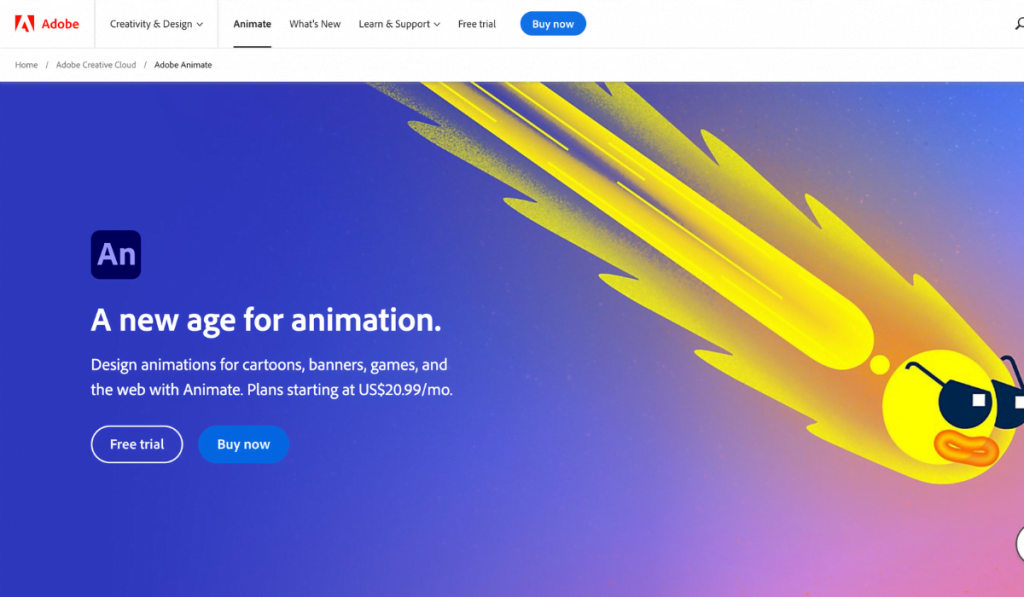
Adobe Animate is a powerful and versatile 2D animation software that is widely used by professional animators. It offers a wide range of tools and features, including vector art brushes, layer-based animation, and support for multiple file formats.
2. Toon Boom Harmony
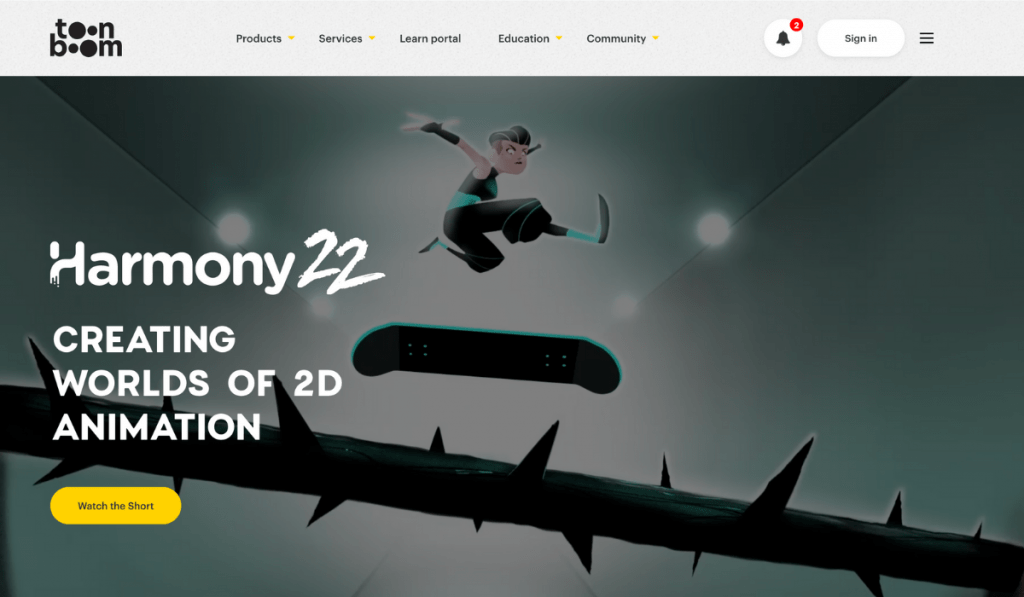
Toon Boom Harmony is a top-of-the-line 2D animation software that is known for its robust feature set and high level of customization. It is widely used in the television and film industries and offers advanced tools such as motion capture and 3D camera movement.
3. Flipbook Studio
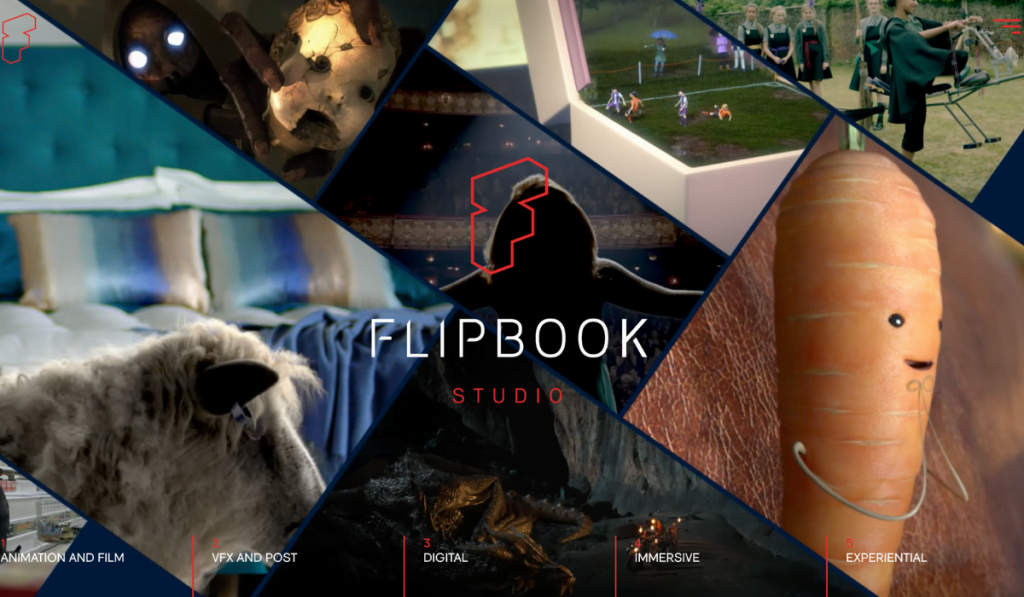
Flipbook Studio is a user-friendly 2D animation software that is ideal for beginners. It is known for its easy-to-use interface and intuitive tools, making it a great option for those just starting out in animation.
4. TVPaint Animation
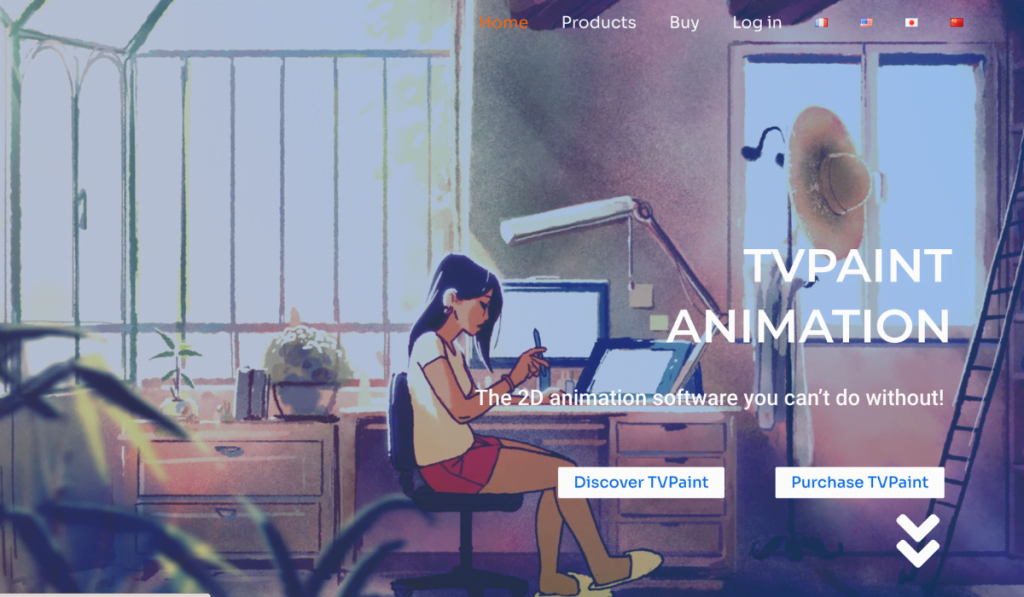
TVPaint Animation is a professional-level 2D animation software that is widely used by experienced animators. It offers a wide range of tools and features, including advanced color correction, motion graphics, and multi-layer compositing.
5. Synfig Studio
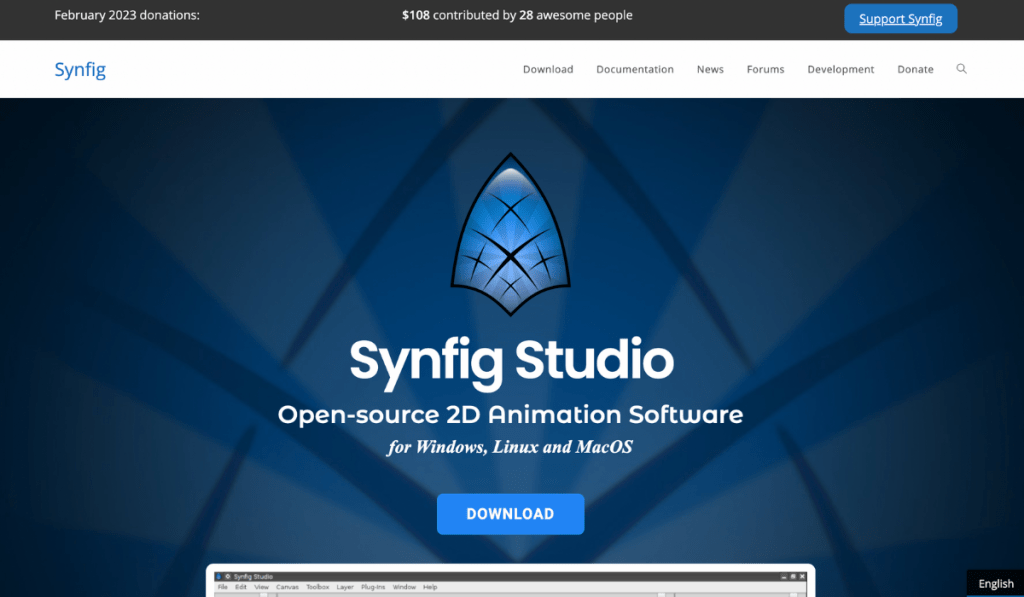
Synfig Studio is a free and open-source 2D animation software that is known for its high level of customization and advanced features. It is a great option for those who are comfortable with using open-source software and want a more hands-on approach to animation.
6. Moho (Anime Studio)
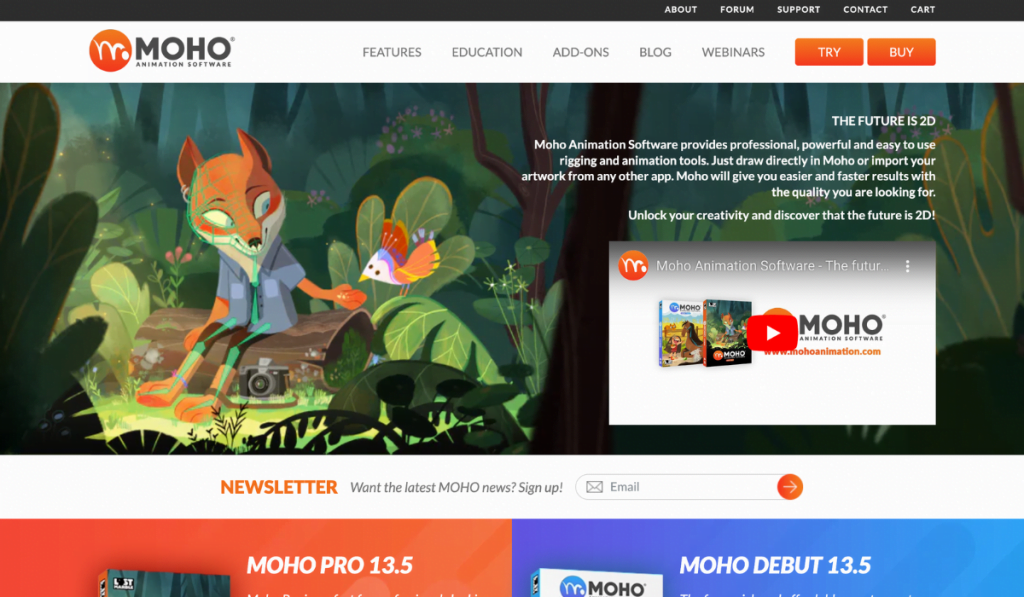
Moho, also known as Anime Studio, is a 2D animation software that is known for its intuitive interface and ease of use. It offers a range of tools and features, including vector-based animation, lip syncing, and multi-layer compositing.
7. CrazyTalk Animator
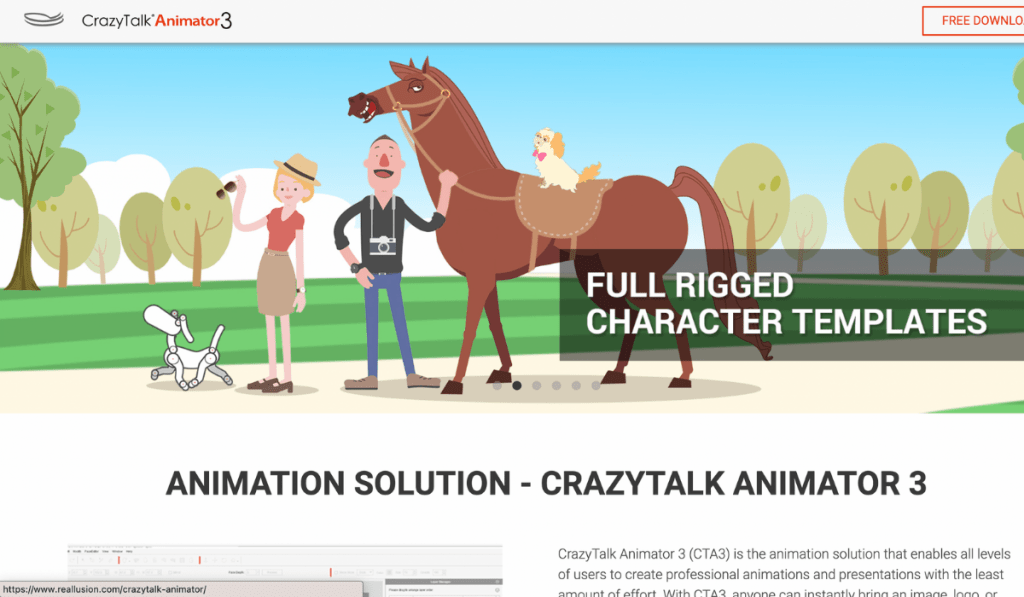
CrazyTalk Animator is a 2D animation software that is known for its ability to animate 2D characters and images. It offers a range of tools and features, including motion graphics, lip syncing, and multi-layer compositing.
8. Pencil2D
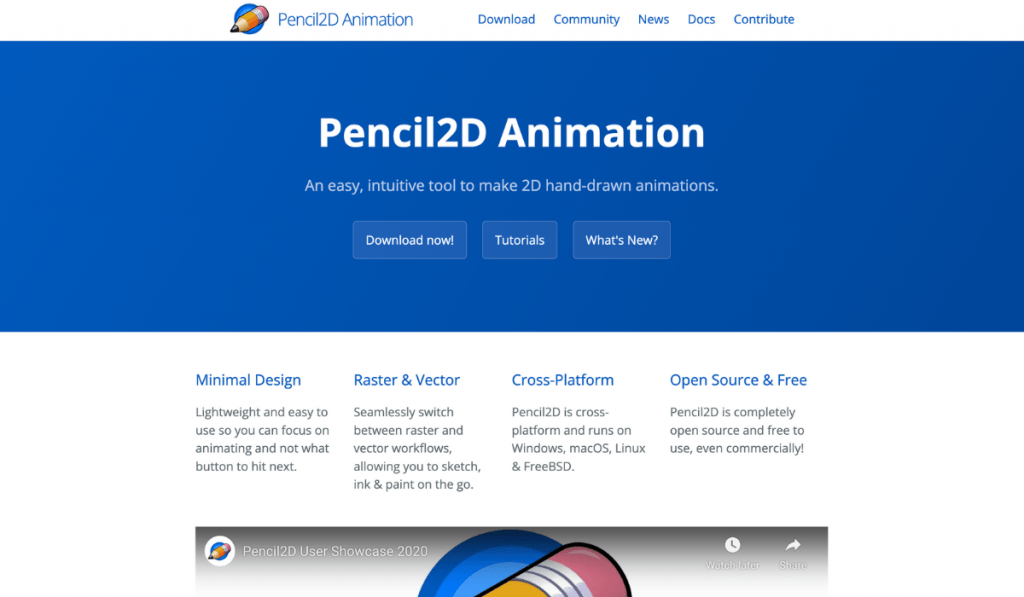
Pencil2D is a free and open-source 2D animation software that is known for its simplicity and ease of use. It offers a basic set of tools and features, making it a great option for beginners who are just starting out in animation.
These were top 8 best 2D Animation Softwares which can help you in creating best 2D animated videos.
Final Thoughts
In conclusion, Choosing the right 2D animation software is crucial for bringing your animation projects to life. From Adobe Animate’s versatility and robust feature set, to Flipbook Studio’s user-friendliness and simplicity, there is a 2D animation software that is perfect for every level of experience and project type. When selecting the best software for your needs, it’s important to consider factors such as user-friendliness, features, cost, and support. By taking these factors into consideration, you can select the best 2D animation software that fits your needs and bring your creative vision to life.
Faq’s related to 2D Animation Software
When choosing a 2D animation software, you should consider factors such as user-friendliness, features, cost, and support. Additionally, consider your level of experience with animation and the complexity of the projects you want to create.
For beginners, a user-friendly software such as Flipbook Studio or Moho (Anime Studio) may be a good option. These softwares have intuitive interfaces and are designed to be easy to use.
For professionals, a powerful and versatile software like Adobe Animate or Toon Boom Harmony may be the best option. These softwares have robust feature sets and are widely used in the animation industry.


Leave a Reply