
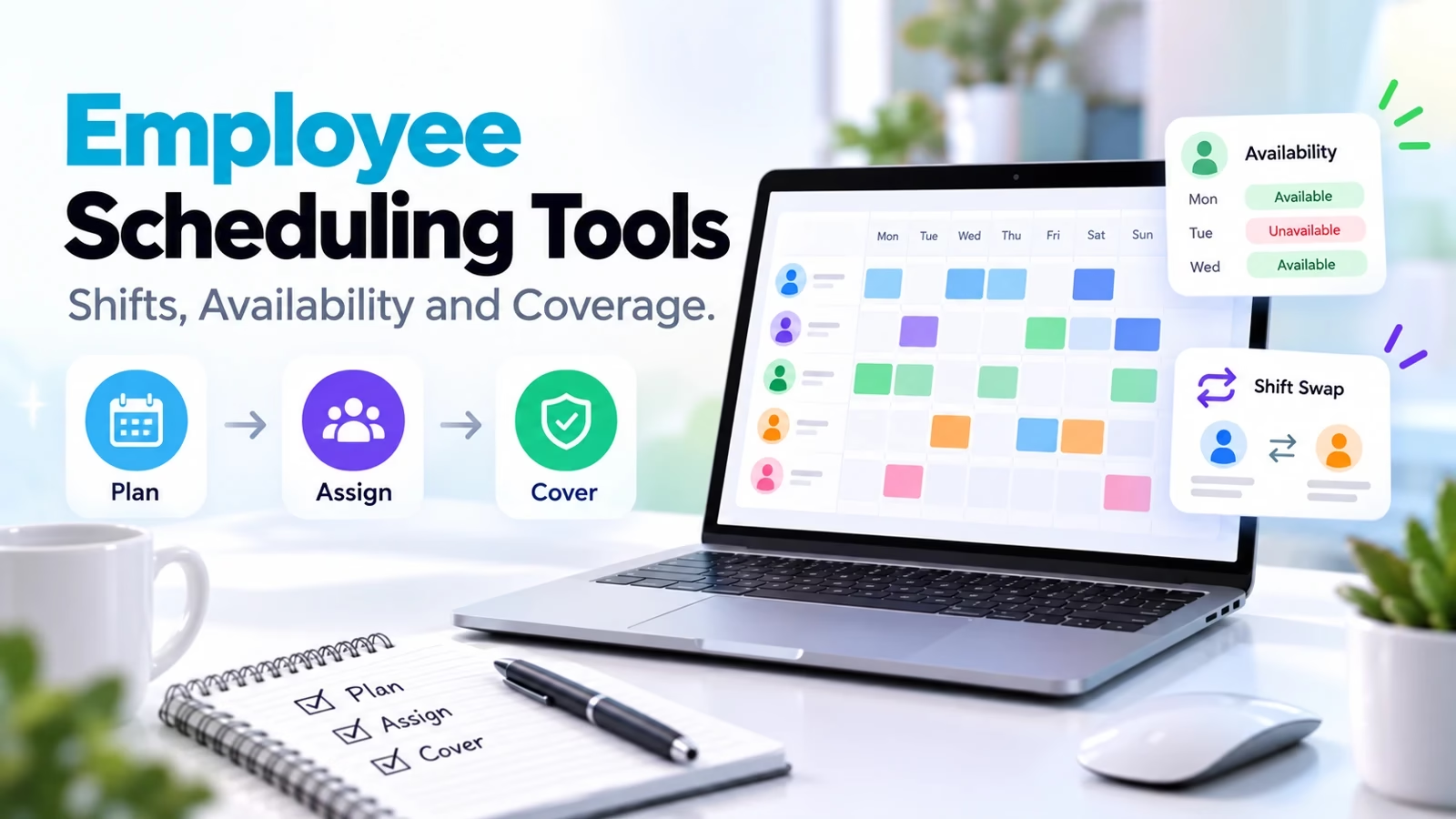

Employee scheduling software should do more than draw a rota. It needs to match availability, skills and labor budgets, then keep the published schedule, employee requests and worked hours aligned. Start with Homebase or Sling for a small-team shortlist, consider 7shifts for restaurant-specific operations, and include UKG Shiftboard when complex coverage rules are the main problem. These are fit-based recommendations, not a speed ranking.
This comparison uses official product descriptions and plan pages checked October 11, 2026. We captured each vendor’s public page, but did not configure ten live workforces, test payroll exports or certify legal compliance. The acceptance tasks below explain what to prove in your own trial. Meeting-booking products in our Calendly alternatives guide solve a different problem: booking a slot is not assigning a qualified worker to a shift.
Compare 10 scheduling products by the work you need covered
| Product | Best starting scenario | Commercial check |
|---|---|---|
| Homebase | Small hourly team at one location | Free Basic: one location, up to 10 employees |
| Deputy | Coverage, labor costs and workforce rules | Per-user tiers and monthly minimums |
| When I Work | Scheduling, attendance and messaging together | Single-location and multi-location tiers differ |
| Sling | Low-cost shared rota | Free scheduling up to 30 users; paid extras differ |
| Connecteam | Field teams with forms and tasks | Small-business free plan up to 10; hub scope matters |
| 7shifts | Restaurant scheduling and team operations | Confirm POS, payroll and tip-management scope |
| Planday | Rotas, communication and workforce reporting | Region, plan and payroll integration matter |
| ZoomShift | Straightforward schedule/time-off workflow | Compare scheduling and attendance requirements |
| Findmyshift | Browser-based rota and shift requests | Check planning horizon and paid-plan boundaries |
| UKG Shiftboard | Complex high-compliance operations | Scoped quote, implementation and rule configuration |
1. Homebase: one-location hourly teams
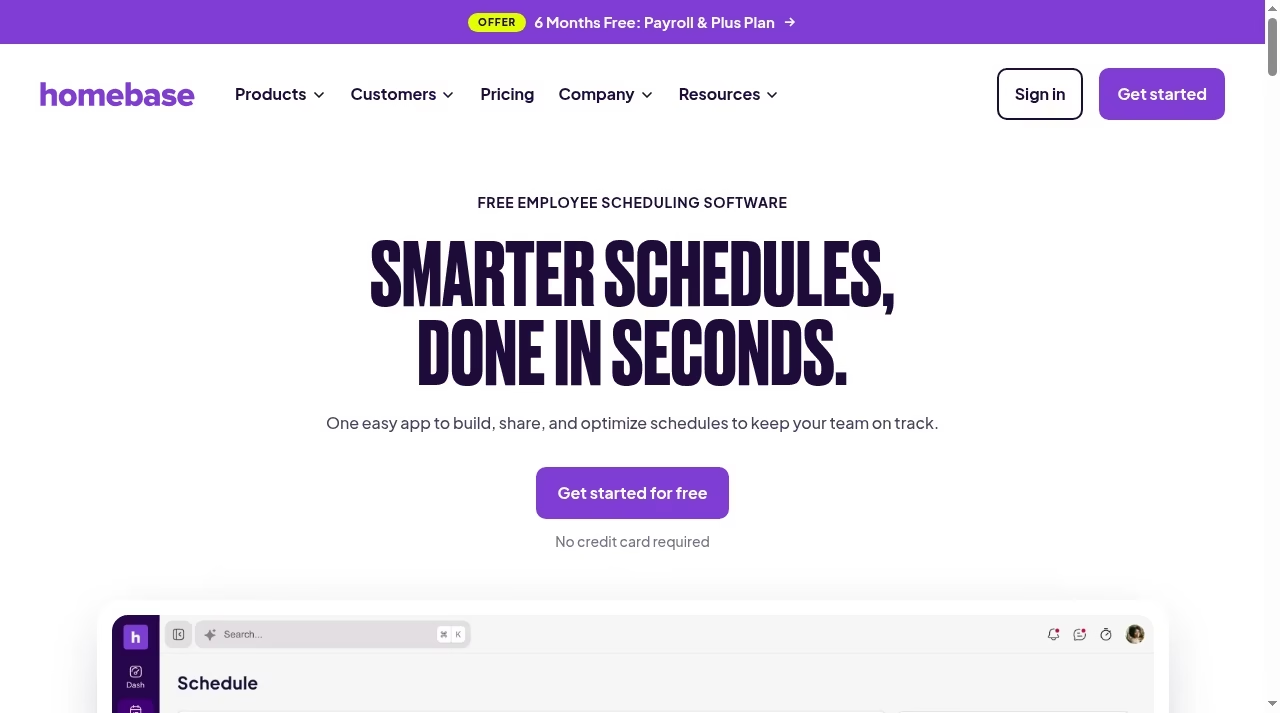
Homebase combines scheduling with shift coverage, employee availability, notifications and labor-cost controls. Its broader suite includes time tracking and payroll, which can reduce the number of handoffs between a manager and the person preparing wages.
What to check before choosing
The official free Basic plan covers one location and up to 10 employees. Paid plans are priced per location, and payroll is an add-on rather than a free benefit of every scheduling plan. Count each physical address when estimating cost.
Demo task: Add 10 workers, publish a seven-day rota, process one availability change and compare scheduled hours with the timesheet export.
Do not confuse a workforce marketplace with an employer rota. Our Shiftsmart alternatives comparison covers the worker-facing side of finding shifts.
2. Deputy: rules and labor-cost visibility
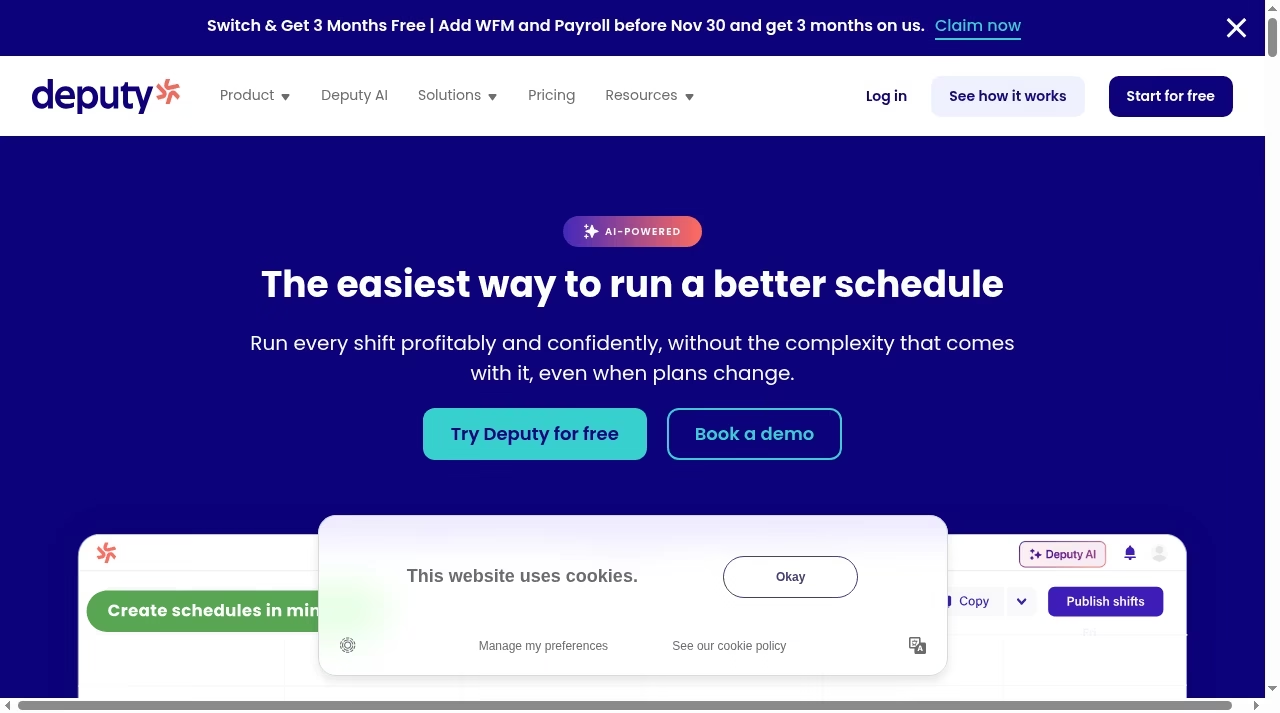
Deputy describes schedule creation, leave and availability, shift swapping, demand coverage and cost visibility before publication. Its current page also advertises AI-assisted changes that are presented for review before going live. That review step matters when a generated schedule could ignore a worker’s preference or qualification.
What to check before choosing
Evaluate the relevant regional plan and minimum invoice amount, not just the headline per-user price. The US monthly Lite, Core and Pro plans have a $30 minimum per invoice on the official pricing page. Compliance tools still need correct local rules.
Demo task: Create a shift requiring a specific skill, introduce an unavailable employee and an overtime risk, and see which conflicts are blocked versus merely warned about.
Use the same skeptical standard as our AI tools for small businesses guide: a suggested schedule needs human accountability.
3. When I Work: a single mobile workflow
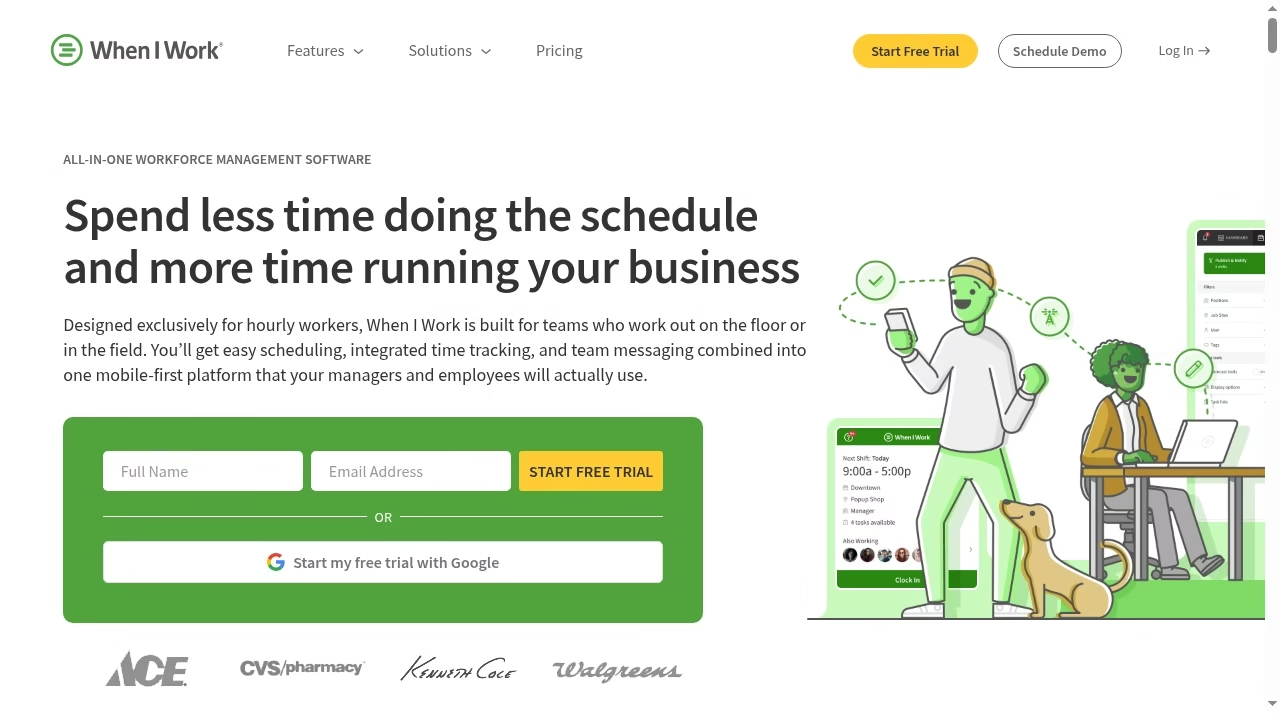
When I Work puts scheduling, time and attendance, and team messaging in one workforce platform. OpenShifts, time-off requests and attendance visibility make it a practical candidate when managers are filling gaps from the floor rather than sitting at a desktop all day.
What to check before choosing
The official pricing page distinguishes single-location and multi-location plans. A trial is not a permanent free plan. Check how administrators, seasonal workers and archived people are counted, and verify the payroll integration your accountant actually uses.
Demo task: Have a worker request leave, offer an open shift to eligible coworkers and check that the accepted change appears consistently for the manager and employee.
Separate recurring operational duties from coverage planning; task apps such as Todoist alternatives are useful for the duties but not proof of staff coverage.
4. Sling: free shared scheduling
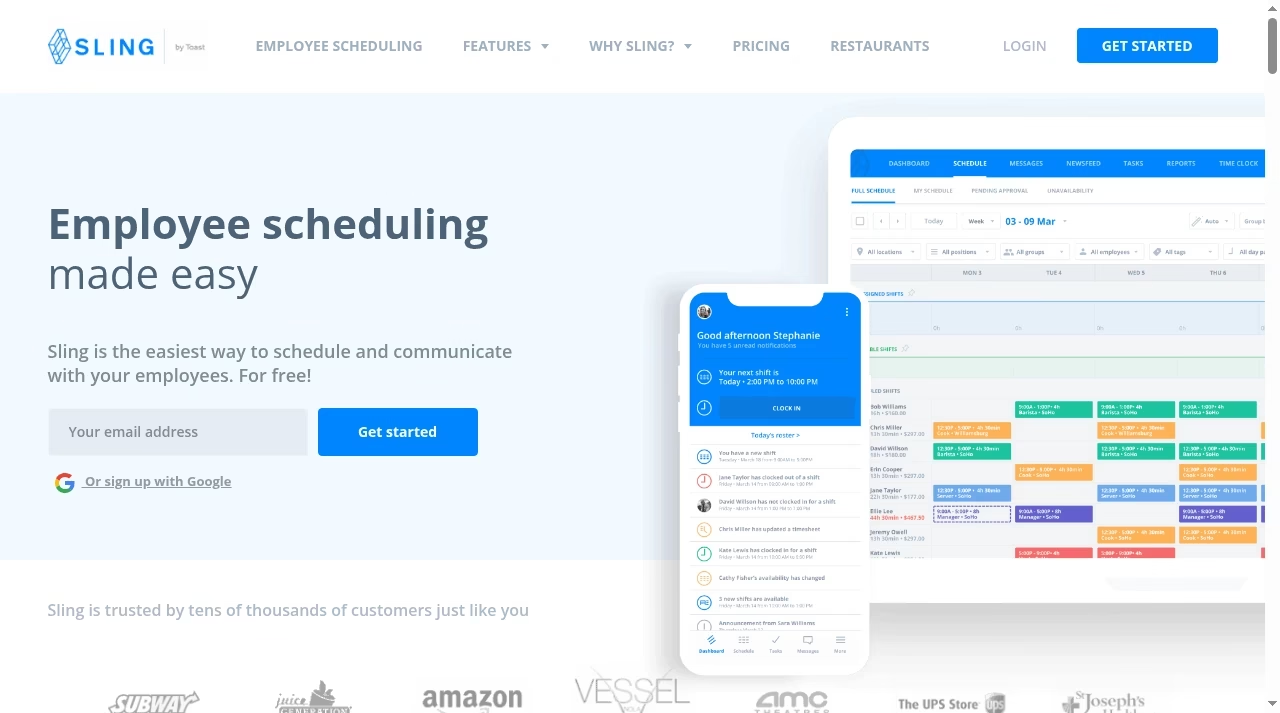
Sling supports employee schedules, availability, time-off and shift-trade requests, plus team communication. The broader product includes time tracking and labor-cost features, but the free scheduling promise should not be read as every workforce feature being free.
What to check before choosing
Free shift scheduling is available for up to 30 users on the official page. Compare Free, Premium and Business at the feature level, particularly attendance, reporting and payroll exports. A free account stops being economical if managers still reconcile separate spreadsheets every payday.
Demo task: Import a small team, publish a rota, request a swap and confirm which approvals and notifications are available in the exact free tier.
For handover notes and written rules, our Notion alternatives guide is a separate knowledge-work shortlist.
5. Connecteam: deskless operations beyond the rota
Connecteam combines scheduling, time tracking, communication, tasks and mobile forms. A field-service team can therefore assess coverage alongside proof-of-work forms rather than treating a calendar event as evidence that a job was completed.
What to check before choosing
Its Small Business plan is free for up to 10 users. Outside that scope, pricing is organized by hubs and tiers. Operations, communications and HR requirements can lead to different purchases, so map each required function to its actual hub before comparing totals.
Demo task: Schedule a site visit, attach instructions, collect a photo-backed form and inspect the permissions available to a supervisor at another location.
Cross-system notifications belong in a controlled automation workflow, with a named owner when something fails.
6. 7shifts: restaurant teams
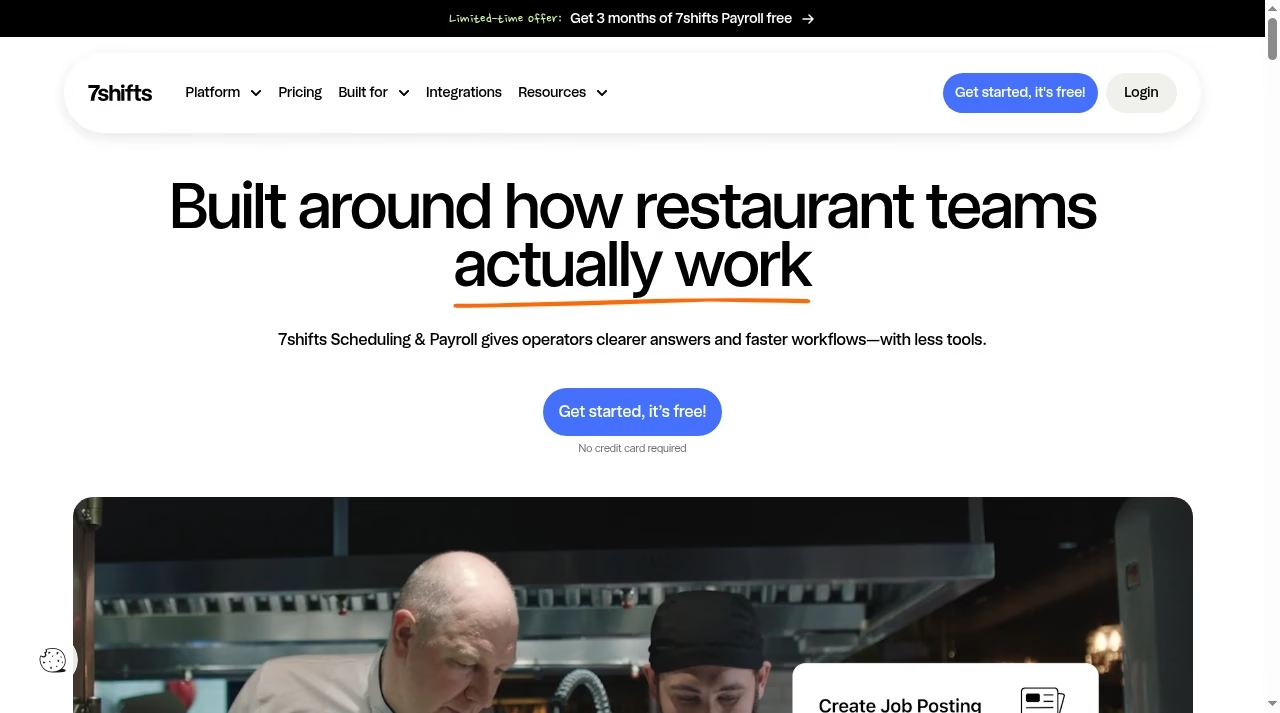
7shifts positions its platform around restaurant scheduling, payroll and team operations. That industry focus makes it worth evaluating where sales demand, kitchen and front-of-house roles, and tip-related workflows affect staffing decisions.
What to check before choosing
Ask which POS integrations and labor inputs are supported in your region and selected tier. Payroll, tip management and other modules should be itemized rather than assumed included. A restaurant-specific interface is useful only if its data matches how your business closes each day.
Demo task: Build a lunch-and-dinner schedule by role, introduce a changed sales forecast and confirm how the manager reviews costs before publishing.
Keep improvement work in a project board rather than burying implementation tasks in the daily staff rota.
7. Planday: rotas and workforce communication
Planday offers scheduling, mobile team management, messaging and reporting in a workforce-management platform. Its public pages emphasize hospitality, healthcare, hotels and retail, where managers need both daily coverage and a view across departments.
What to check before choosing
Confirm local payroll exports, contractual-hours handling and any plan limits affecting reporting or access control. A payroll connection in another country does not establish support for your provider. Include rollout and manager training in the budget.
Demo task: Create two departments, give each supervisor limited access and move one employee between them without losing availability or duplicating hours.
Software rollout has the same ownership risks discussed in why CRM projects fail: buying a license does not assign process responsibility.
8. ZoomShift: clear scheduling and time-off steps
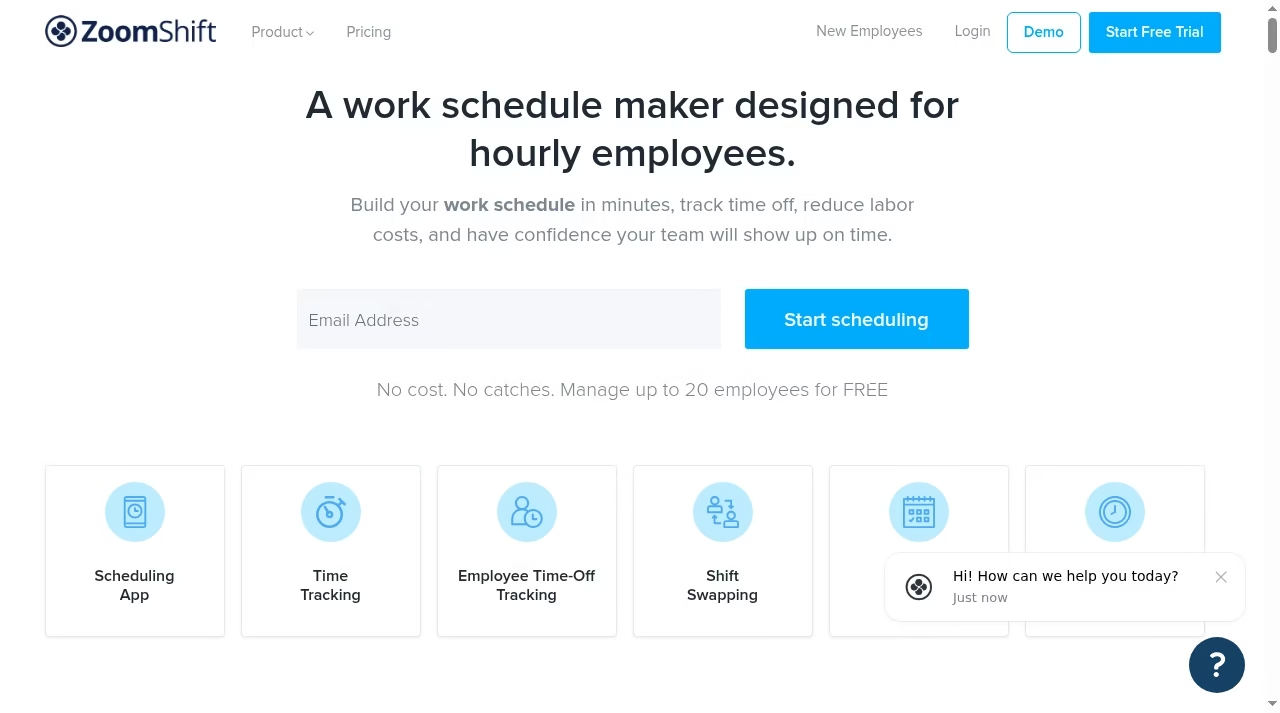
ZoomShift advertises a schedule builder, time tracking, time-off requests and team communication. It is a sensible demo candidate when the main requirement is a readable rota and an understandable approval path rather than a wide HR suite.
What to check before choosing
Check whether the chosen tier includes the attendance and overtime controls you need. Ask how recurring availability, PTO accrual and payroll exports behave when people change departments or employment status. Keep the comparison focused on your workflow, not vendor productivity claims.
Demo task: Give a worker a repeating availability rule, process one PTO request and compare the revised schedule with the manager’s original version.
Our business-efficiency tools guide explains why overlapping apps can add administration instead of removing it.
9. Findmyshift: browser-based rota management
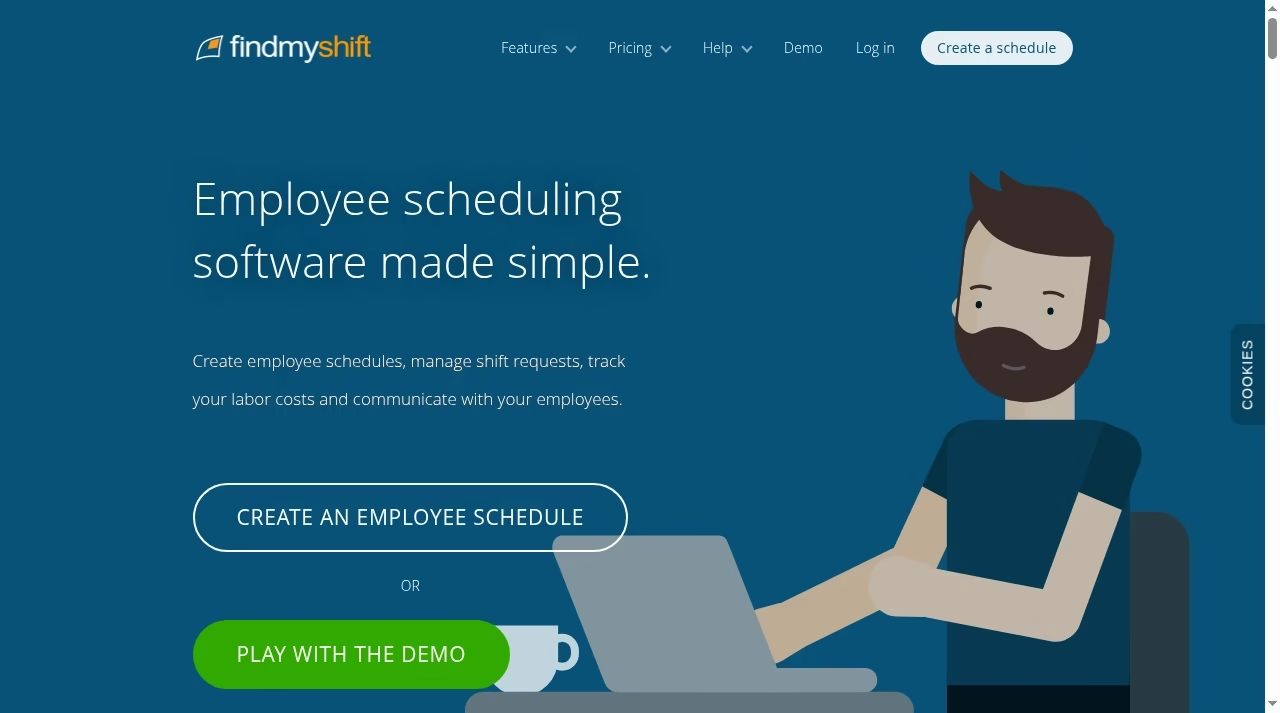
Findmyshift supports employee schedules, shift requests, labor-cost tracking and communication through a browser-based service. Its time-clock offering lets managers compare worked hours with the planned rota, which is more useful than assuming assigned hours were actually worked.
What to check before choosing
Inspect the free and paid planning horizons, reporting access and team-size conditions before treating it as a long-term free option. Check who can view other employees’ schedules and whether historical records can be exported in a usable form.
Demo task: Recreate an existing rota, ask a worker to request a change and retrieve last month’s schedule and attendance data without rebuilding it manually.
If you need a bespoke connector, distinguish configuration from the development services in our SaaS development companies guide.
10. UKG Shiftboard: complex coverage and compliance rules
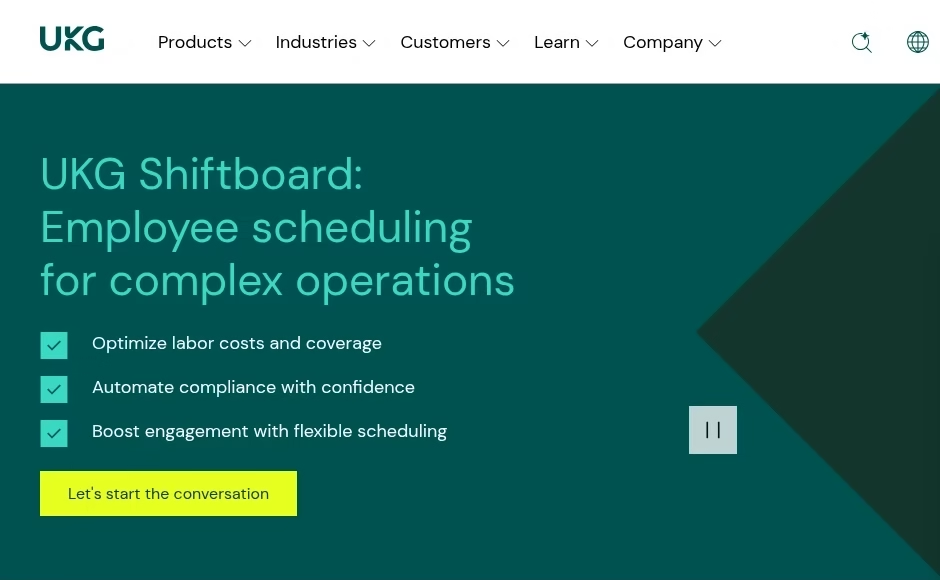
UKG Shiftboard is now presented on UKG’s website as employee scheduling for complex operations. The current product page discusses high-compliance environments and balancing operational constraints, including union rules and fatigue management. The former Shiftboard homepage redirects to UKG customer information.
What to check before choosing
This is a scoped procurement and implementation decision, not a free small-team calendar. Require a demonstration using your actual qualification, rest, overtime and assignment rules. Software can help apply configured rules; it cannot decide which legal interpretation your organization should adopt.
Demo task: Model a continuous operation with a qualified-worker shortage, a fatigue constraint and an overtime escalation. Require an auditable explanation for the resulting assignment.
For wider systems change, compare the service scopes in our digital transformation companies guide before assuming implementation is included.
Build a coverage test before committing
Use the awkward week, not the quiet week
A useful pilot includes a late absence, a worker at two sites, a required certification, a pending leave request and a shift nobody wants. Record the correct outcome before running the trial. Otherwise, a polished interface can appear successful while quietly assigning the wrong person. Start with anonymized sample records, then add real employees only after permissions and retention are agreed.
Make the payroll handoff explicit
Compare planned hours, clocked hours, approved hours and exported payroll hours as separate values. Ask who fixes an error discovered after approval. Verify worker identifiers and pay codes rather than only checking that a CSV downloads. A connector catalog, like the options in our integration tools comparison, is a lead for investigation, not evidence of a completed connection.
Roll out a schedule people can trust
Agree the publication and change rules
Tell employees when a rota becomes final, how to request changes and who can approve swaps. Decide whether an unfilled shift is escalated to a manager or offered broadly. Require a clear notification trail, particularly if employees do not have company email. Measure missed shifts, time spent preparing the rota and payroll corrections against a baseline rather than quoting the vendor’s customer averages.
Review cost and compliance at renewal
Count active people, locations, hubs, add-ons and minimum charges. Include time spent maintaining rules. Recheck permissions when managers leave, remove unnecessary location collection and document retention for attendance records. Have a qualified adviser verify local requirements; an overtime warning is not a legal guarantee.
Frequently asked questions
What is employee scheduling software?
It assigns workers to shifts and helps manage availability, leave, coverage changes and, depending on the product, attendance and labor costs. It differs from a meeting-booking calendar.
Which scheduling tools have free plans?
Homebase Basic covers one location and up to 10 employees; Sling offers free scheduling for up to 30 users; Connecteam has a Small Business plan for up to 10 users. Feature scope and current eligibility still need checking.
Does scheduling software run payroll?
Some products have their own payroll module and others export to a provider. Scheduling, time tracking and payroll can be separate paid functions.
Can software guarantee labor-law compliance?
No. It can apply configured rules and flag conflicts, but local requirements, interpretation and configuration remain the employer’s responsibility.
How should a small team choose?
Trial two products with the same difficult week, inspect employee permissions and compare the complete cost. Favor a reliable coverage and payroll handoff over unused features.
What should a scheduling trial test?
Use a week with real coverage constraints: an unavailable worker, a required skill, a shift swap and an overtime risk. Check approvals and notifications, then compare planned hours with an approved timesheet export.


Leave a Reply