

A 360Learning alternative should fix a defined training problem: simpler administration, stronger recertification evidence, a different authoring workflow or support for external learners. These eleven products solve different parts of that problem. None is presented as a drop-in replacement, and a longer feature list does not automatically mean a better learning program.
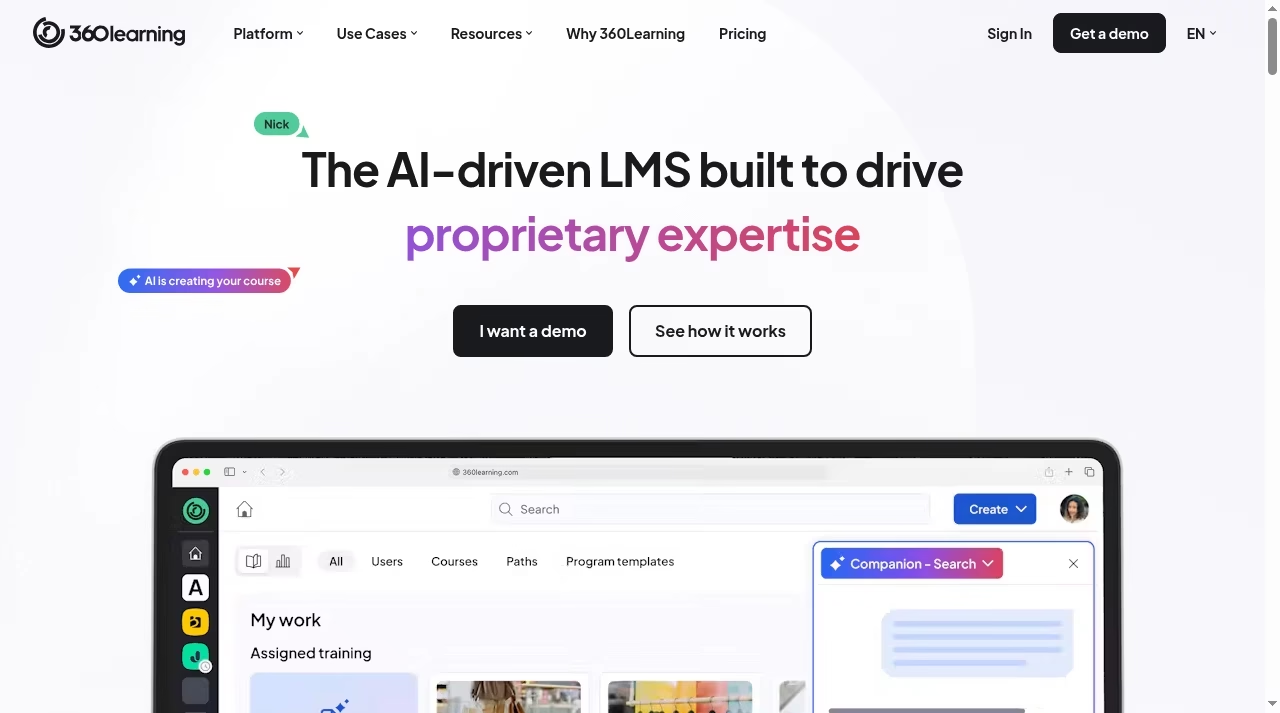
The baseline still matters. 360Learning centers collaborative learning, internal expertise, SME content creation and HR integrations. Its Team plan lists $8 per user/month for up to 100 users, with a monthly commitment. This guide uses official product pages checked October 12, 2026; public screenshots are not evidence of private learner-account tests.
Compare alternatives by the learning work
| Alternative | Starting fit | Main tradeoff |
|---|---|---|
| TalentLMS | Small and growing programs | User model and tier limits |
| Docebo | Enterprise audiences | Modules and implementation |
| LearnUpon | Agentic learning operations | Availability and human control |
| Absorb LMS | Employee and external learning | AI and module scope |
| MoodleCloud | Hosted Moodle | Managed-service limits |
| iSpring LMS | Onboarding and job skills | Authoring scope |
| Litmos | Operational learning | Content and recurring evidence |
| D2L Brightspace | Formal assessment | Deployment context |
| Cornerstone LMS | Enterprise talent/compliance | Suite administration |
| LearnWorlds | Learning businesses | Commerce and client audiences |
| Totara | Configurable enterprise needs | Hosting and maintenance ownership |
1. TalentLMS: structured training without a large rollout
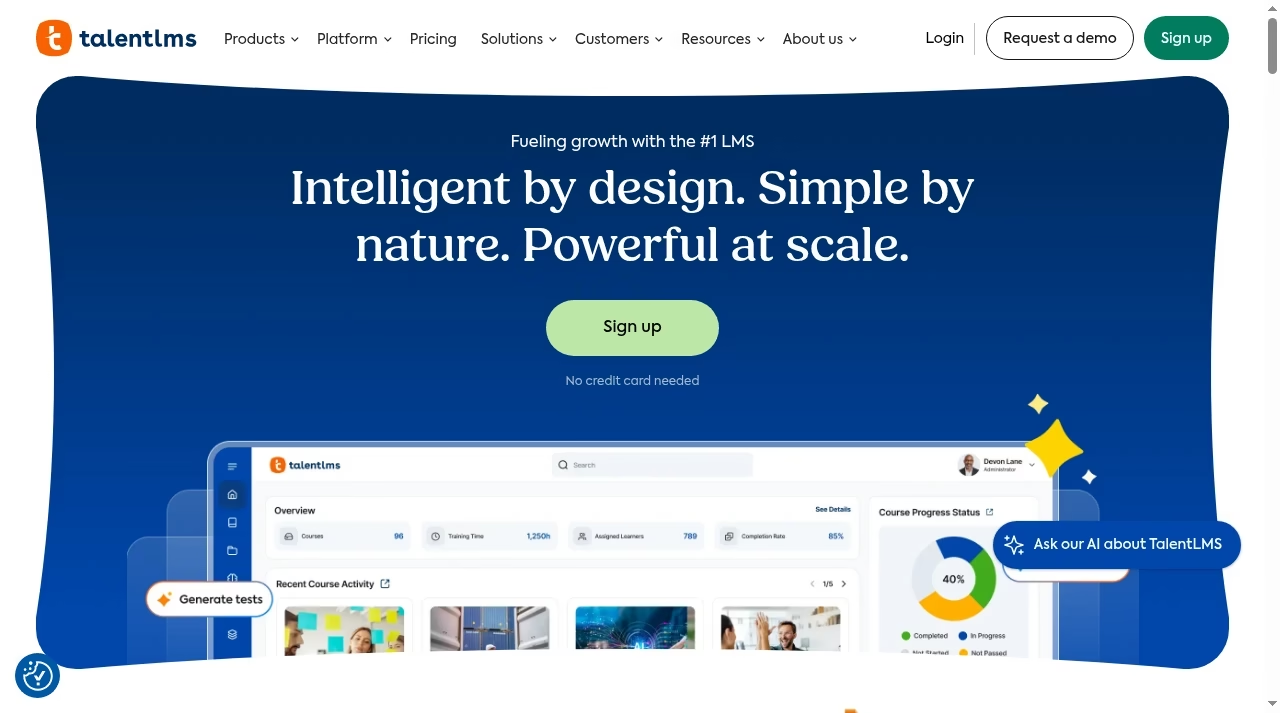
TalentLMS offers course creation, learning paths, automation and separate training portals for employee, partner and customer audiences. It is a reasonable first demo for a team wanting a structured learning environment without immediately designing an enterprise implementation. Check current plans and pricing.
What to check before choosing
Pricing is configurable by user count and billing choice. Flexible-user pricing counts unique monthly logins where applicable. Record the selected allowance rather than copying a starting rate. Branches, paths, AI credits and reports vary by tier, so build the quote around your actual audience.
Demo task: Create an onboarding path, enroll a small audience and export a completion report after one learner leaves.
Keep reference notes distinct from the learning record using Notion alternatives.
2. Docebo: several enterprise learning audiences
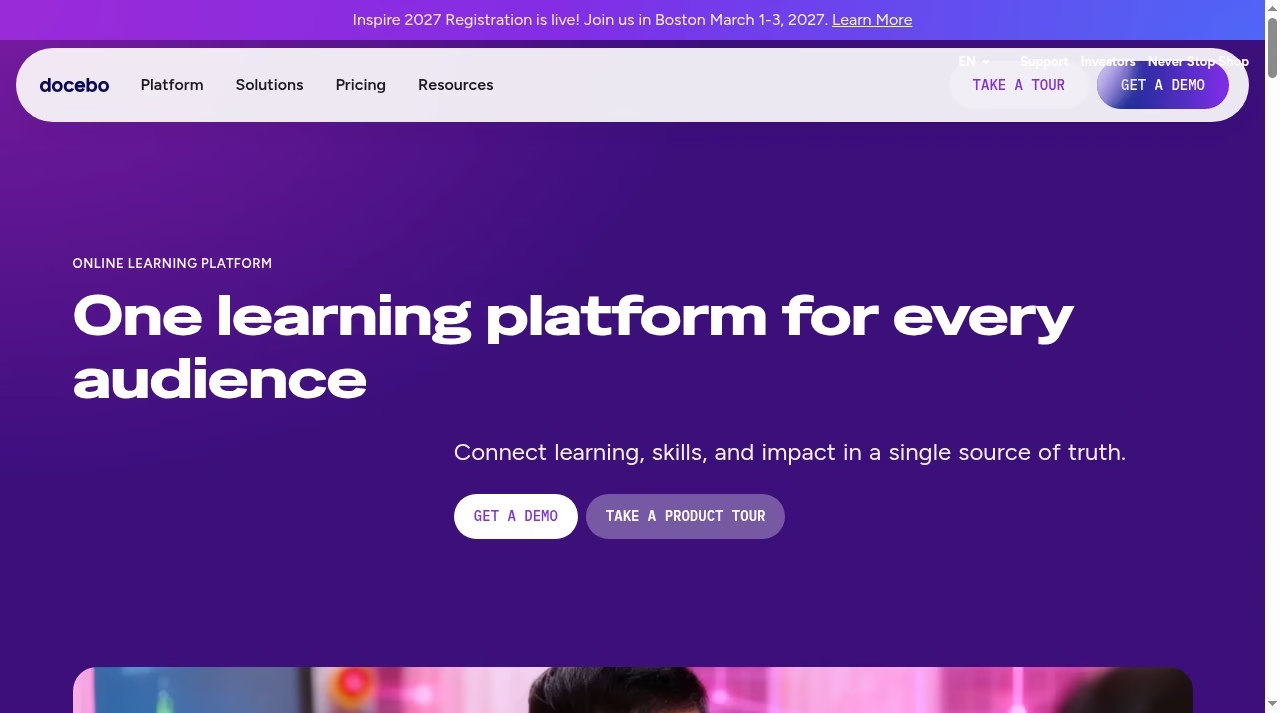
Docebo positions one platform for employees, customers and partners, connecting learning, skills and business impact. Its public page identifies integrations including Salesforce and Teams. Evaluate each learner audience separately; one attractive employee demo does not prove partner segregation.
What to check before choosing
Get a scoped quote for modules, integrations, support and implementation. A connector logo is a lead, not evidence of exact sync behavior. Verify who sees external learner data and which system owns the account, assignment and completion records.
Demo task: Use employee and partner accounts to inspect enrollment, visibility and reports, then trace the data feeding each report.
Map the data handoff with the questions in our Salesforce integration guide.
3. LearnUpon: AI-assisted learning operations
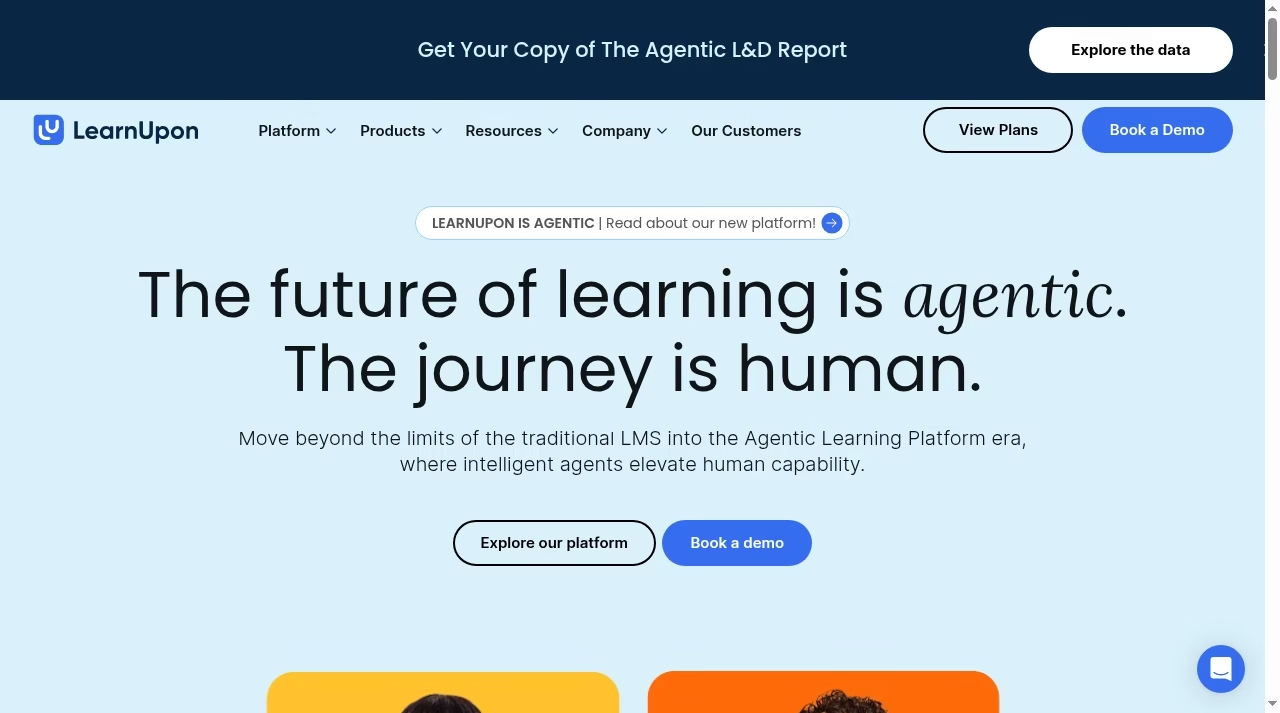
LearnUpon now describes an Agentic Learning Platform around LearnUpon IQ and hubs for content, profiles and related learning work. This current positioning is more specific than an old generic LMS checklist. The evaluation should focus on how those capabilities preserve administrator control.
What to check before choosing
Ask which capabilities are generally available in the offered scope and which need staged rollout or configuration. Automated content freshness is not a substitute for approvals, version history and a policy owner. Establish the data sources used for learner profiles.
Demo task: Change a training policy, inspect the proposed update and show who approves it before learners receive revised content.
The transition needs process ownership, as discussed in why CRM projects fail.
4. Absorb LMS: employee and external-audience outcomes
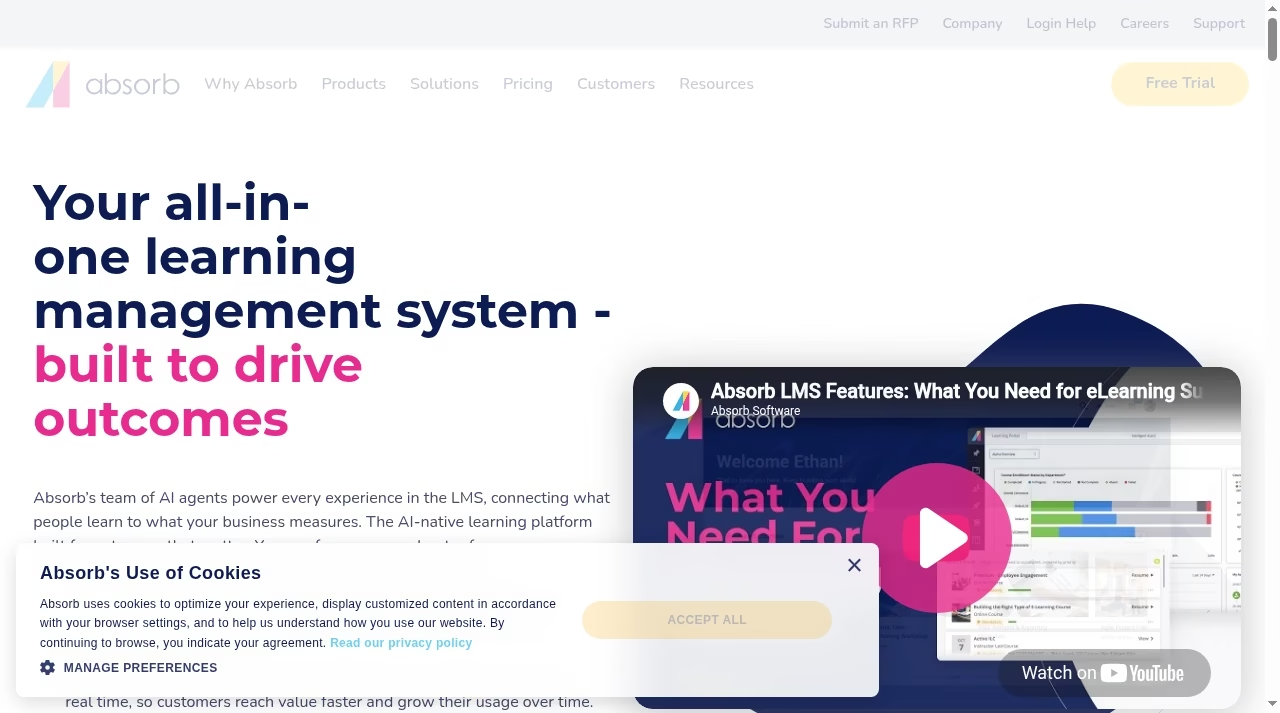
Absorb LMS uses current AI-native positioning on absorbai.com. Its LMS page covers employees, customers, members and partners, linking learning with business outcomes. Include it when your requirements extend beyond a single employee course catalog.
What to check before choosing
Separate the LMS, AI experiences and additional offerings in the quote. Ask how source content and learner data are used and how recommendations are reviewed. Marketing performance claims are not forecasts for your program. Require an export and clear visibility boundaries.
Demo task: Assign distinct paths to an employee and a customer, inspect access and export each learning record.
Define the outcome before the AI feature, as in AI tools for small businesses.
5. MoodleCloud: managed Moodle course delivery
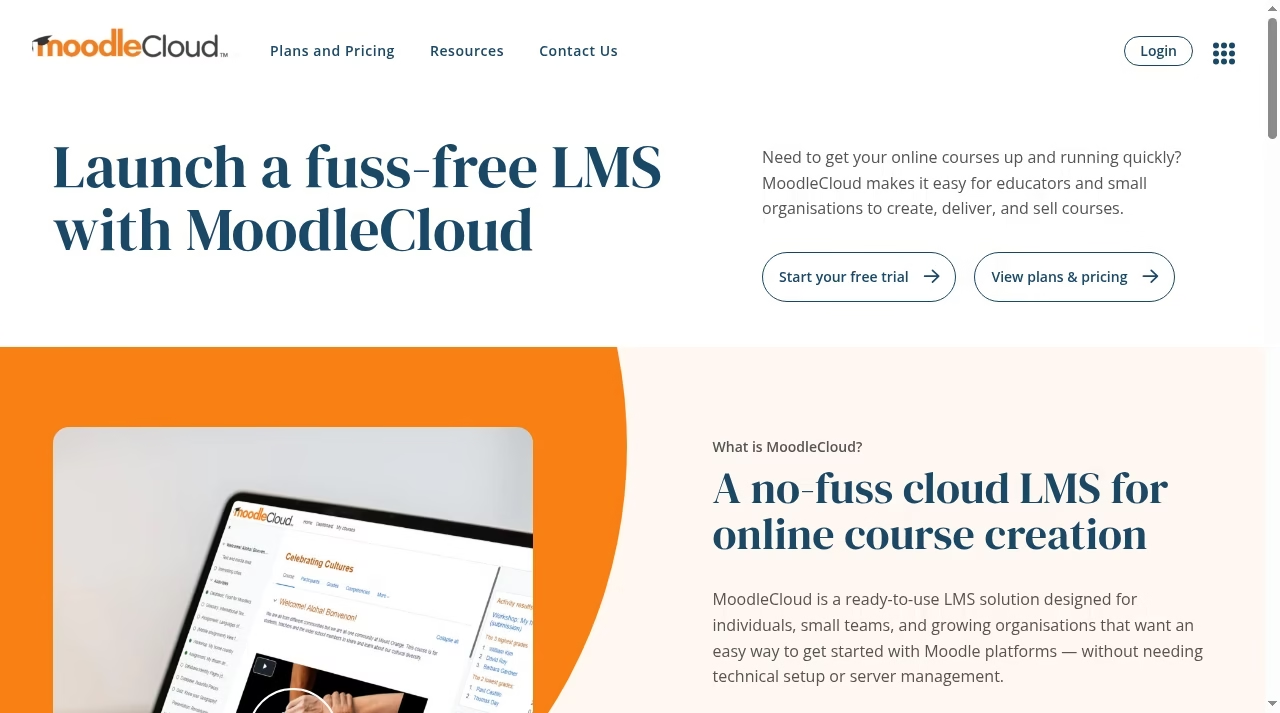
MoodleCloud offers a ready-to-use hosted LMS for individuals, small teams and growing organizations. Its current page lists unlimited courses and activities, integrated conferencing, basic branding and course-selling options. The standard service avoids running your own server.
What to check before choosing
Managed MoodleCloud is not a freely customized self-hosted Moodle deployment. Verify users, storage, domain options and extensions. A mandatory plugin or custom integration needs explicit confirmation; a familiar Moodle interface does not prove it is supported in this hosting model.
Demo task: Upload an actual course, run an assessment and inspect completion, storage and the learner experience on a phone.
A custom community front end is a separate requirement; see no-code community builders.
6. iSpring LMS: onboarding and observable job skills
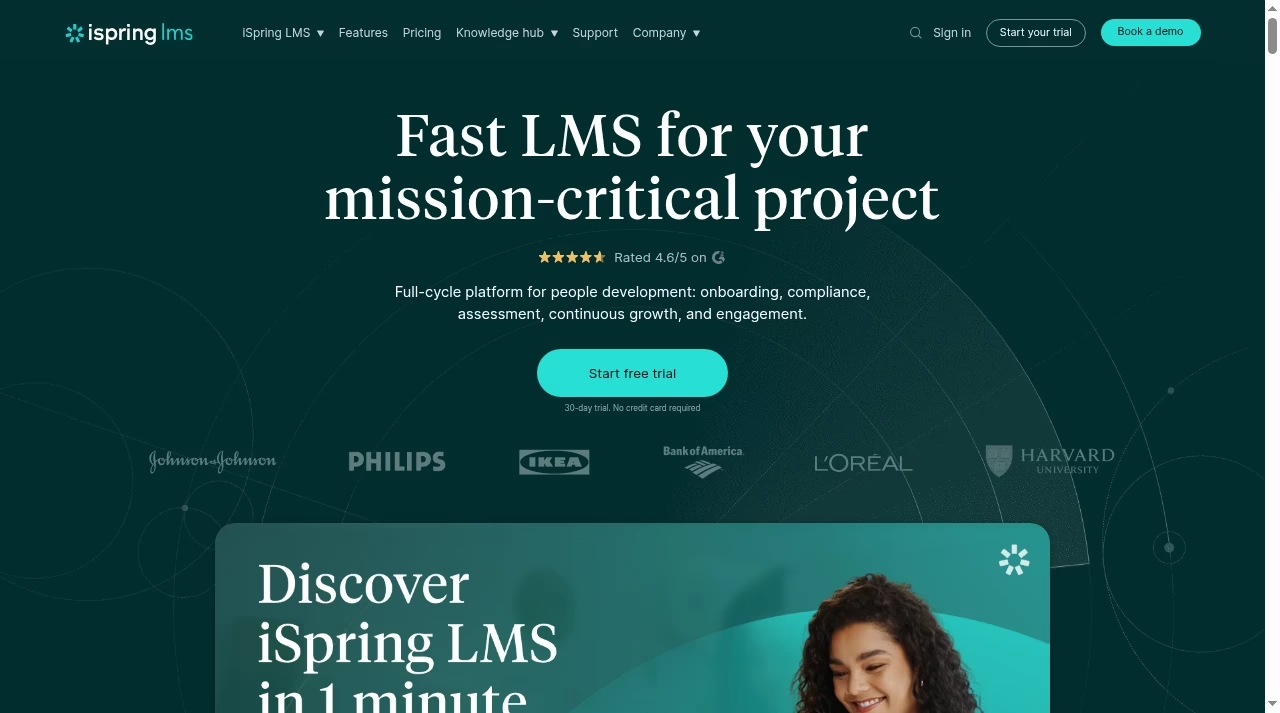
iSpring LMS uses the current iSpring LMS name and describes onboarding, compliance, assessment and continuous development. Its page discusses observation checklists for seeing whether learners apply knowledge at work. That is useful when video completion alone is too weak a readiness measure.
What to check before choosing
Clarify what authoring software is included and what needs another license. Test manager roles, recurring assignments and record export. Older comparisons using the iSpring Learn name may not describe the present commercial package. Demonstrate how an observed skill is recorded and reviewed.
Demo task: Assign onboarding, complete a course and have a supervisor record an observed skill with a pass or follow-up result.
Use task apps for rollout reminders, not certified learning records.
7. Litmos: repeatable operational training
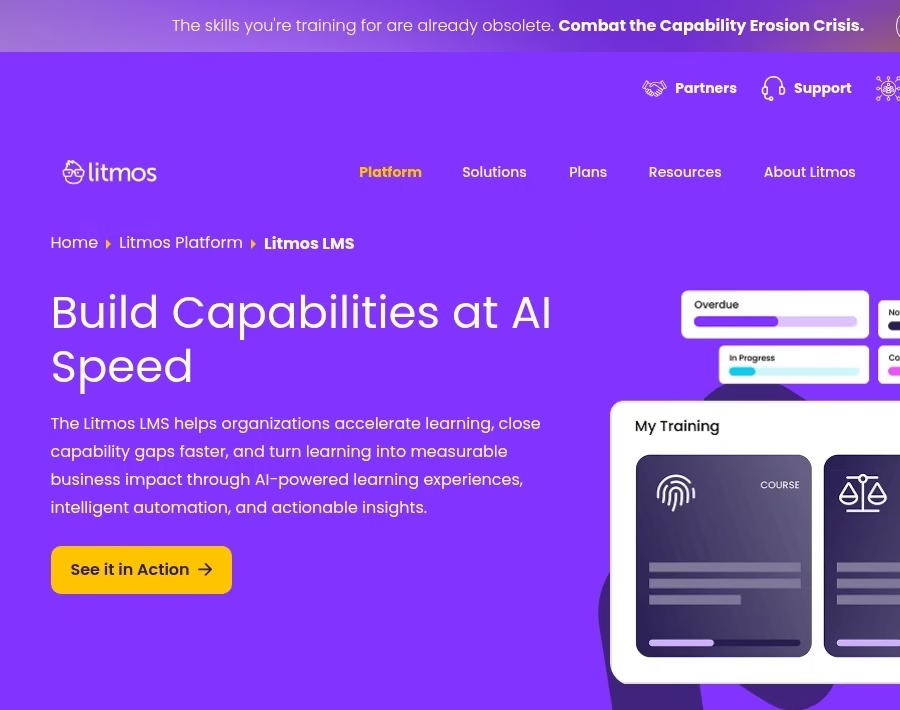
Litmos describes enrollment, certifications, compliance workflows and content-management automation. Its current LMS positioning covers mobile delivery, workforce readiness and capability reporting. Include it when recurring training currently creates repeated administrative work.
What to check before choosing
Clarify content-library, authoring and AI scope. Ask whether a course revision invalidates an earlier completion and how recertification is scheduled. A vendor statement about compliance cannot establish your organization’s legal rules or evidence-retention requirements.
Demo task: Let a recurring certification expire, inspect reminders and manager visibility, then export the historical record.
Track the implementation separately on a project board.
8. D2L Brightspace: formal learning and assessment
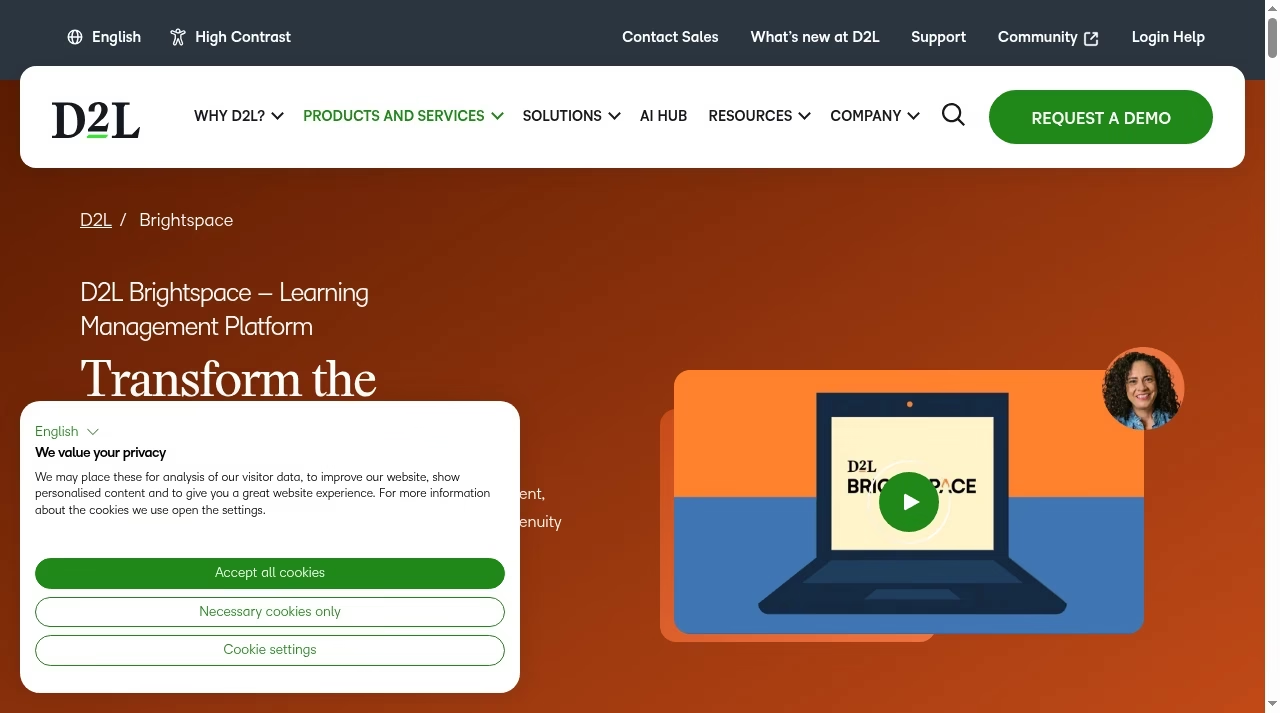
D2L Brightspace serves higher education, schools, training organizations, associations and business. Its broad formal-learning focus makes it a useful comparison when assessment design, feedback and learner progress need more attention than a basic employee video library.
What to check before choosing
Select the deployment context first. A university case study does not prove the correct business package. Ask about grading, prerequisites, accessibility and external audiences in the offered scope. Include instructional-design and administrator effort, not only license cost.
Demo task: Deliver a prerequisite lesson and assessment, test an accessible format and inspect the resulting progress report.
Our interactive story tools can inspire practice activities but are not automatically certified LMS integrations.
9. Cornerstone LMS: enterprise learning and talent processes
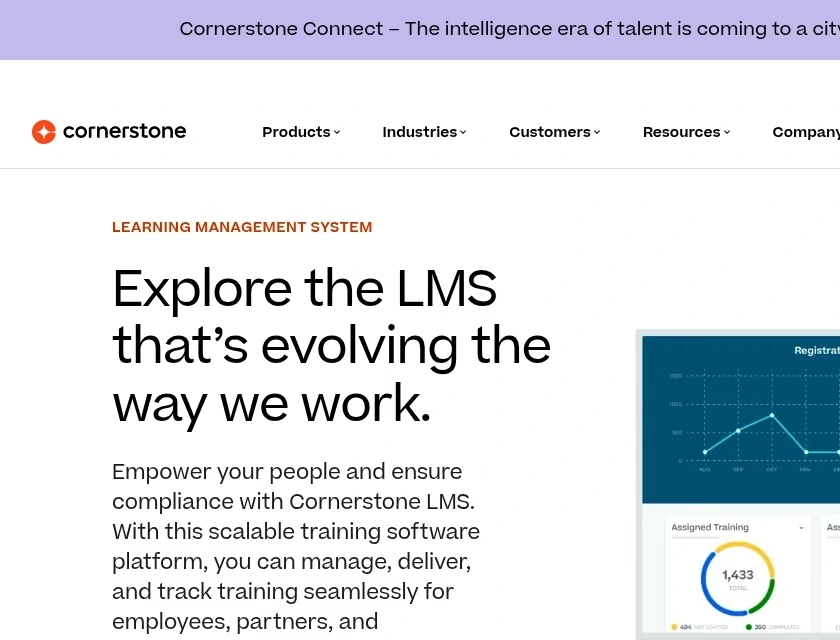
Cornerstone LMS describes personalized paths, centralized content and learning tracking for employees, partners and customers. Include it where learning connects with wider talent processes and multiple departments need consistent controls and reporting.
What to check before choosing
Separate LMS scope from the rest of the suite. Define HR data, role hierarchy, content versions and reporting before implementation. A larger suite may reduce some integration boundaries while increasing administration if your required workflow is vague.
Demo task: Change a learner role in the source system, inspect new assignments and confirm prior completions stay visible to authorized managers.
If specialists run the rollout, compare actual responsibility in IT outsourcing delivery models.
10. LearnWorlds: selling and delivering learning
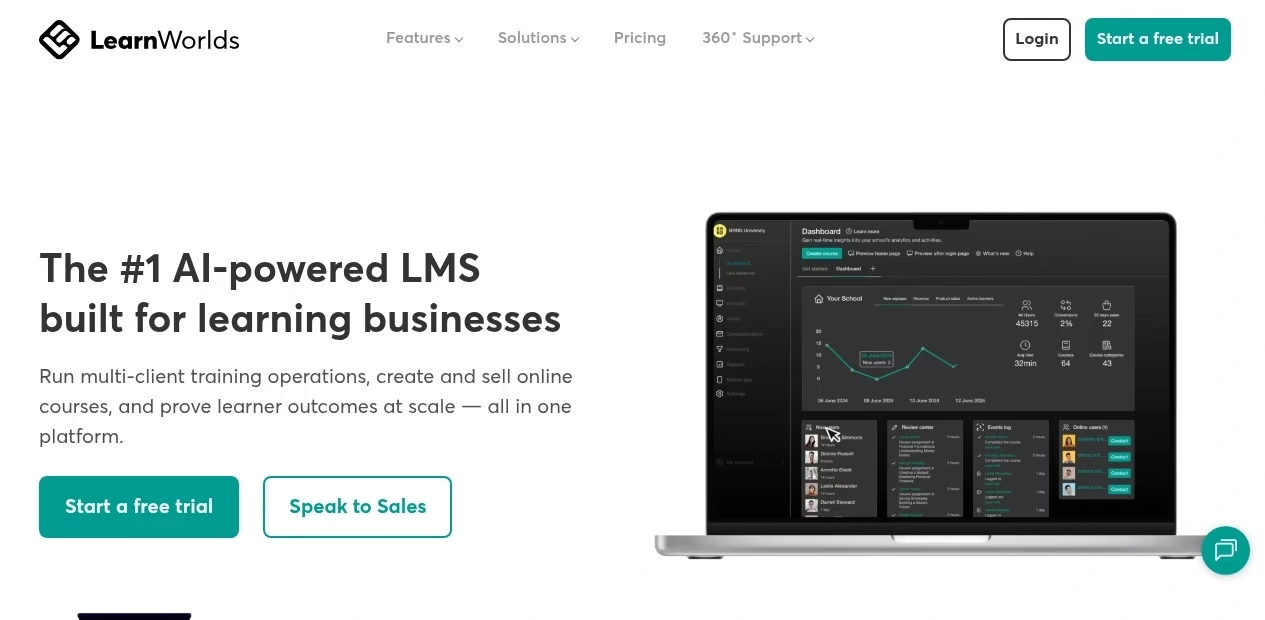
LearnWorlds now positions itself as an LMS for learning businesses, including multi-client training and online courses. That makes commerce, communities and client delivery central evaluation topics rather than treating it only as an employee compliance portal.
What to check before choosing
Check fees, website requirements, audience separation and reporting in the selected tier. Selling a course and retaining an employee certification are different jobs. Confirm who owns learner accounts and what happens when a client contract or paid subscription ends.
Demo task: Create a sample course, restrict one client audience and export its progress without revealing another client.
Compare the storefront separately using Shopify versus custom websites.
11. Totara: complex configurable learning rules
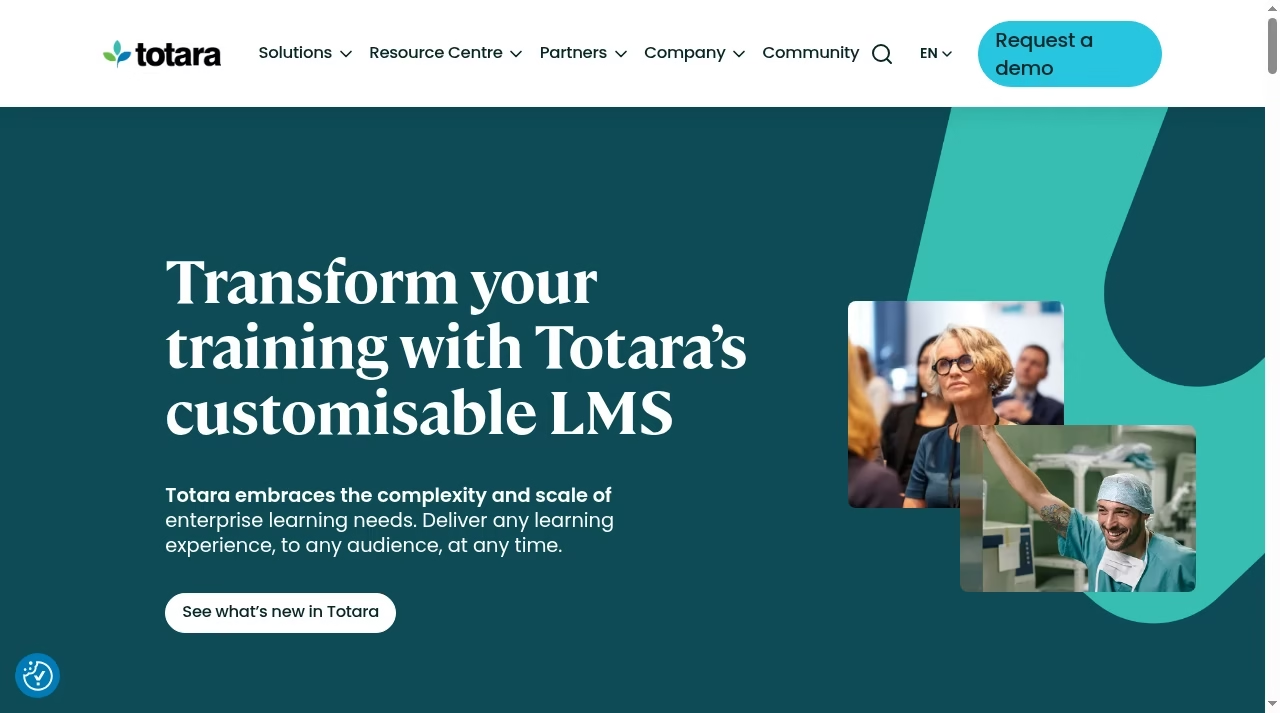
Totara describes customizable enterprise learning, recurring assessments, recertification, audience rules and multi-tenancy. This is a different buying conversation from a small self-service LMS: adapting to complexity rather than accepting a standard portal unchanged.
What to check before choosing
Name who owns hosting, implementation, upgrades and custom development. Ask which version and modules are proposed and how extensions are maintained. Flexibility helps only when its lifecycle is owned and upgrades preserve custom workflows and learning evidence.
Demo task: Model two business units with different certifications, add a new hire and prove the audience-based assignment rules.
Cross-system enrollment requires an owner and failure handling; see automation tools.
Preserve collaborative learning without losing control
Test the expertise loop, not just course authoring
List your current steps: request a lesson, invite an expert, review content, release a version and collect learner feedback. Ask each alternative to show those steps. AI draft speed does not replace SME review, and a forum does not automatically recreate collaborative authoring. Count L&D review hours and the time needed to update outdated material. An option that saves an author ten minutes but adds two approval handoffs may increase the operating burden.
Define evidence for each training program
Onboarding, product education and regulated training may need completion, assessment, observed skill or manager sign-off. Specify retention, export and course-version expectations. A dashboard total can hide what a learner actually completed. Consumer products in our Headway alternatives guide are a separate category, not an employer learning record. For instructor sessions, a booking tool can arrange availability while the LMS records attendance.
Show how an expert updates a live course
Ask a subject-matter expert to change a policy sentence in a released lesson. Inspect review, approval, version history and learner notifications. Confirm what happens to people already enrolled or marked complete, and whether the revised content changes a certification requirement. This small task often exposes more than a generic content-builder tour. Also check how the expert finds learner feedback and whether the L&D team can distinguish an unresolved suggestion from an approved change.
Pilot migration before committing to the replacement
Move representative courses and records
Choose a packaged course, native lesson, assessment and recurring certification. Export from the old system and document what imports intact. Native authoring, discussions and feedback may need rebuilding even when a SCORM package transfers. Keep historic completion evidence in a controlled archive. Distinguish imported records from learners newly completing the replacement. Reconcile a small sample before trusting a bulk migration count.
Compare total learning cost and administrative effort
Use the same learner population and billing term. Record registered versus active users, branches, storage, authoring, content libraries, AI allowances, integration and support. Ask how seasonal and external learners are counted. Budget the administrator who manages assignments after launch. Pilot a small group on phones and desktops, ask managers to answer real reporting questions and retain a rollback or read-only archive until records reconcile.
Reconcile identity and historical evidence
Match a small sample of learners across the old platform, HR source and new system. Include someone who changed department, someone who left and an external learner with no employee ID. Inspect names, identifiers, scores, completion dates and the content version attached to each result. Define which historical record is authoritative if imports cannot preserve every field. Assign an owner to resolve discrepancies before managers use the new report for certification or access decisions.
Frequently asked questions
Which alternative is closest to 360Learning?
Closest depends on the workflow. If SME collaboration is decisive, test it directly. For straightforward structured training, TalentLMS is a useful first demo; for enterprise audiences, compare Docebo, Absorb and Cornerstone. None is certified here as a drop-in replacement for native courses, feedback or history.
Should we switch because another LMS has AI?
No. 360Learning also advertises AI-supported learning and content. Define a missing capability, administrative problem or cost issue first. Compare approvals, source grounding and learner outcomes instead of counting AI labels. A switch has migration and retraining costs even if the new homepage looks simpler.
Is MoodleCloud equivalent to self-hosted Moodle?
No. MoodleCloud is a managed service with supported configuration and limits. Self-hosted or partner-hosted Moodle may offer a different customization model while adding maintenance. Verify required plugins, storage and integrations before assuming a familiar product name means the same deployment.
Can our courses and learning history move automatically?
Packaged courses may transfer more easily than native lessons, comments and reports. Completion history can require separate export and reconciliation. Test content, attachments, scores and versions. A successful import count is not proof that every historic learning record remains meaningful.
Which option suits course-selling businesses?
LearnWorlds explicitly focuses on learning businesses, courses and multi-client delivery. MoodleCloud also describes course commerce. Evaluate fees, design, access after purchase, support and reporting. A strong employee LMS is not automatically a strong storefront or external-client environment.
How should LMS prices be compared?
Fix the population, billing term and required scope. Record registered or active-user charging, administrators, authoring, content, AI, storage and implementation. One mandatory integration or a rebuild of native courses can outweigh a lower starting subscription rate.


Leave a Reply