
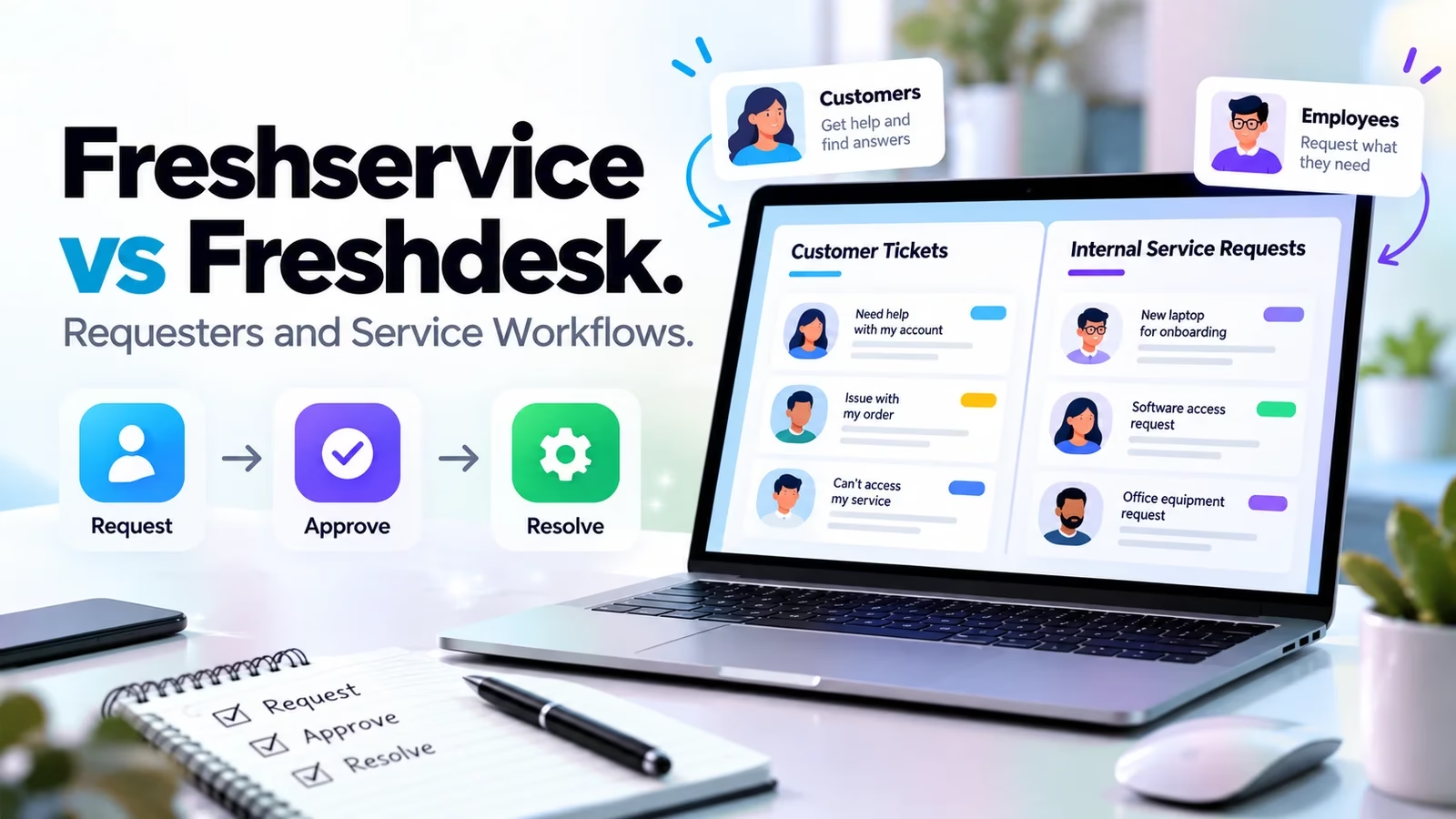
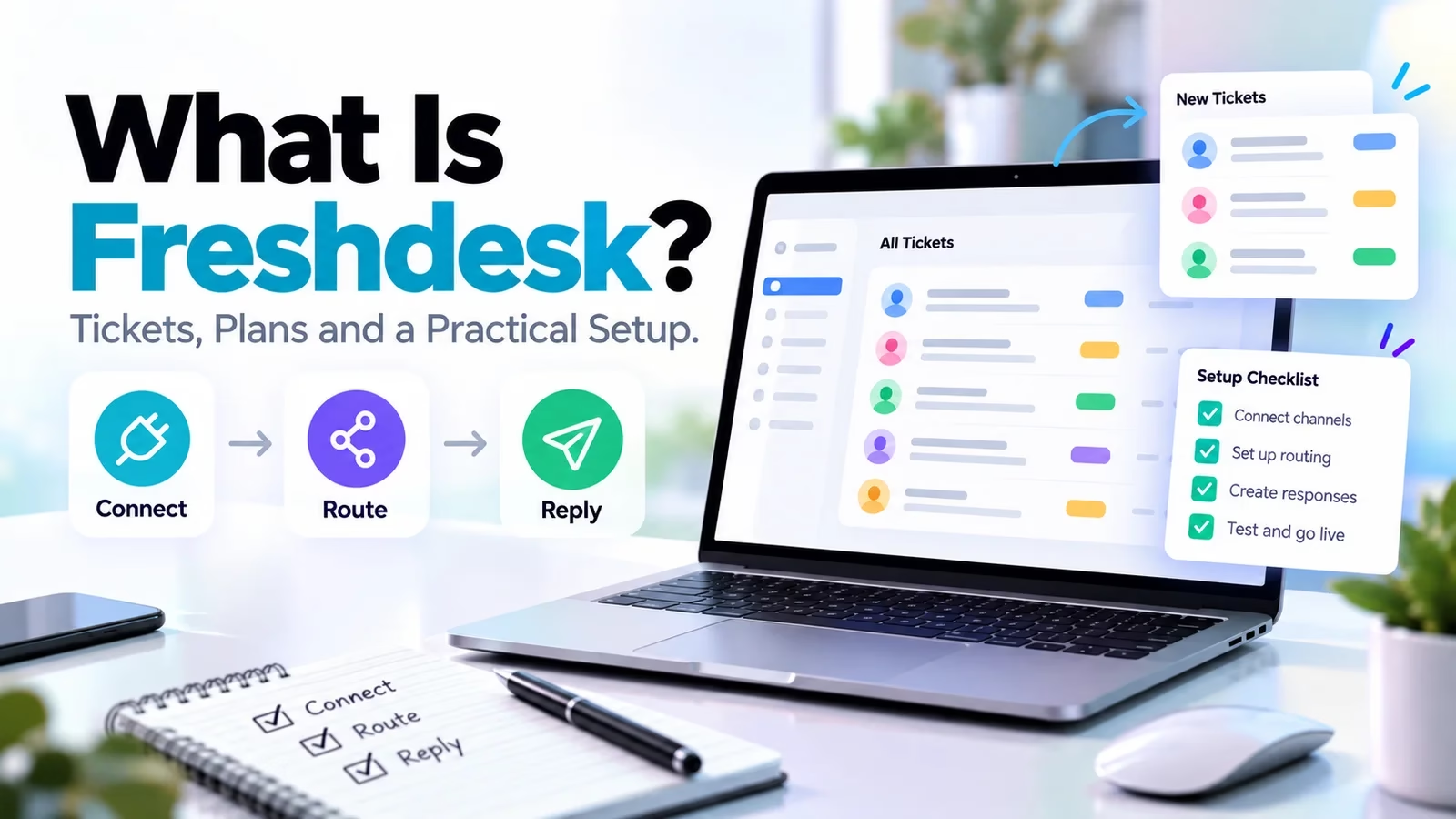

Freshdesk is Freshworks customer-support software for organizing requests into tickets, assigning agents and tracking replies and resolution. It gives a team more structure than a shared mailbox: each issue can have an owner, priority, status and history. Freshservice is a different product for internal IT and employee services, and Freshdesk Omni has its own multichannel scope and pricing.
This explainer is based on official pages and SLA documentation checked October 12, 2026. The workflow below is an illustrative setup plan, not a report from a deployed customer account. If your priority is sales rather than service, begin with our small-team CRM guide.
What Freshdesk does with a customer request
Turns a message into owned work
A ticket gives the support team a durable place for the request, conversation and status. The agent can prioritize work, collaborate and keep an answer connected to its context rather than lose it in a personal inbox. The useful outcome is accountability: one team knows who must respond and what remains unresolved. A ticket should not be marked complete merely because it has been assigned. Check current plans and pricing.
Adds self-service and repeatable rules
Freshdesk includes a customer portal and knowledge base in its listed Growth scope. Automation can reduce repeated triage and help route cases, but rules need a named owner and clear conditions. Begin with a small set of categories that lead to different actions. Too many fields make agents guess, while too few hide the reason a customer is waiting.
A general workspace such as the products in our Notion alternatives guide can hold team notes, but it is not proof of ticket routing or response targets. Keep service knowledge linked to the queue and assign an owner to every policy page.
Freshdesk, Omni and Freshservice are different scopes
| Product | Main work | Current commercial reference |
|---|---|---|
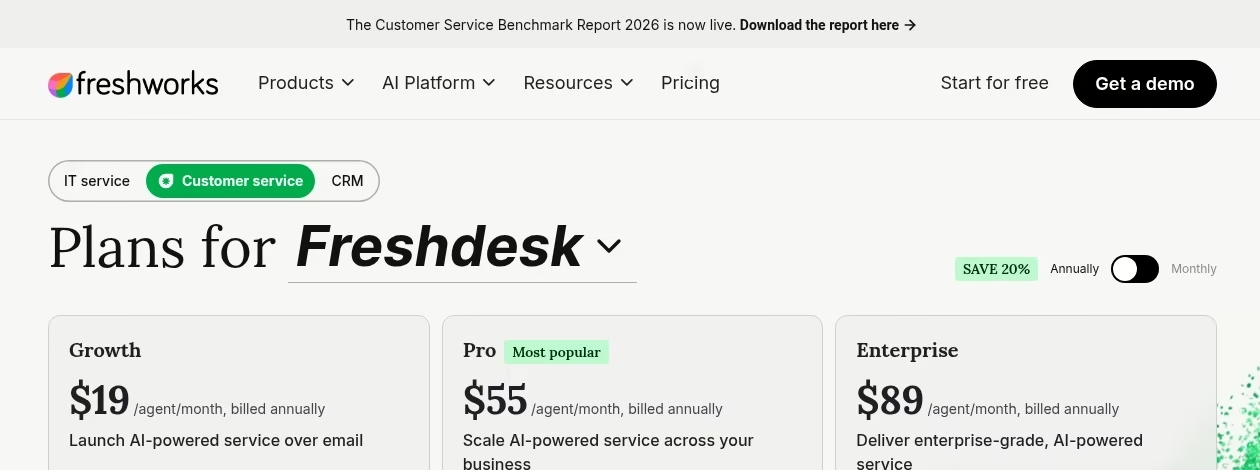
| Freshdesk | Customer support ticketing | Growth $19, Pro $55, Enterprise $89 per agent/month annually |
| Freshdesk Omni | Connected multichannel customer service | Growth $29, Pro $79, Enterprise $119 per agent/month annually |
| Freshservice | Internal IT and employee services | Starter $19, Growth $49, Pro $99 per agent/month annually; Enterprise custom |
These are USD plan-card rates on official pages, checked October 12, 2026, not tax-inclusive quotes. See Freshdesk pricing, Omni pricing and Freshservice pricing. A multichannel requirement should be mapped to Omni rather than silently priced at a basic Freshdesk rate. Internal asset, incident and change work belongs in the Freshservice evaluation.
For a wider internal-service shortlist, compare our ServiceNow alternatives. For an MSP, customer records, agreements and service delivery may also need a PSA connection; see MSP CRM and PSA workflows.
How Freshdesk response targets work
The official SLA documentation separates first response, subsequent response and resolution targets. It also distinguishes business hours from calendar hours. Those choices change how a Friday-evening request is evaluated. The target should match the service promise, not whichever setting produces the best-looking dashboard.
Do not confuse an acknowledgement with an agent response
The documentation says replies sent through the automation-rule Send Reply action do not count toward first-response SLA. They are system messages. An agent reply or public note counts, including supported API responses using an agent key. That distinction matters when a team sends instant receipt confirmations but customers still wait hours for useful help.
Use the correct plan for several policies
The default policy scope differs between Freshdesk and Omni, and multiple policies and escalations are available from Pro in the documented plan coverage. If VIP, urgent and ordinary customers need distinct response promises, confirm the selected tier and policy ordering. Test the matching rule on a sample case before announcing the promise publicly.
Design a controlled automation workflow around the human owner. If a case needs an expert call, a scheduling link may help, but the ticket must remain open until the customer issue is actually handled.
An illustrative Freshdesk setup for a small support team
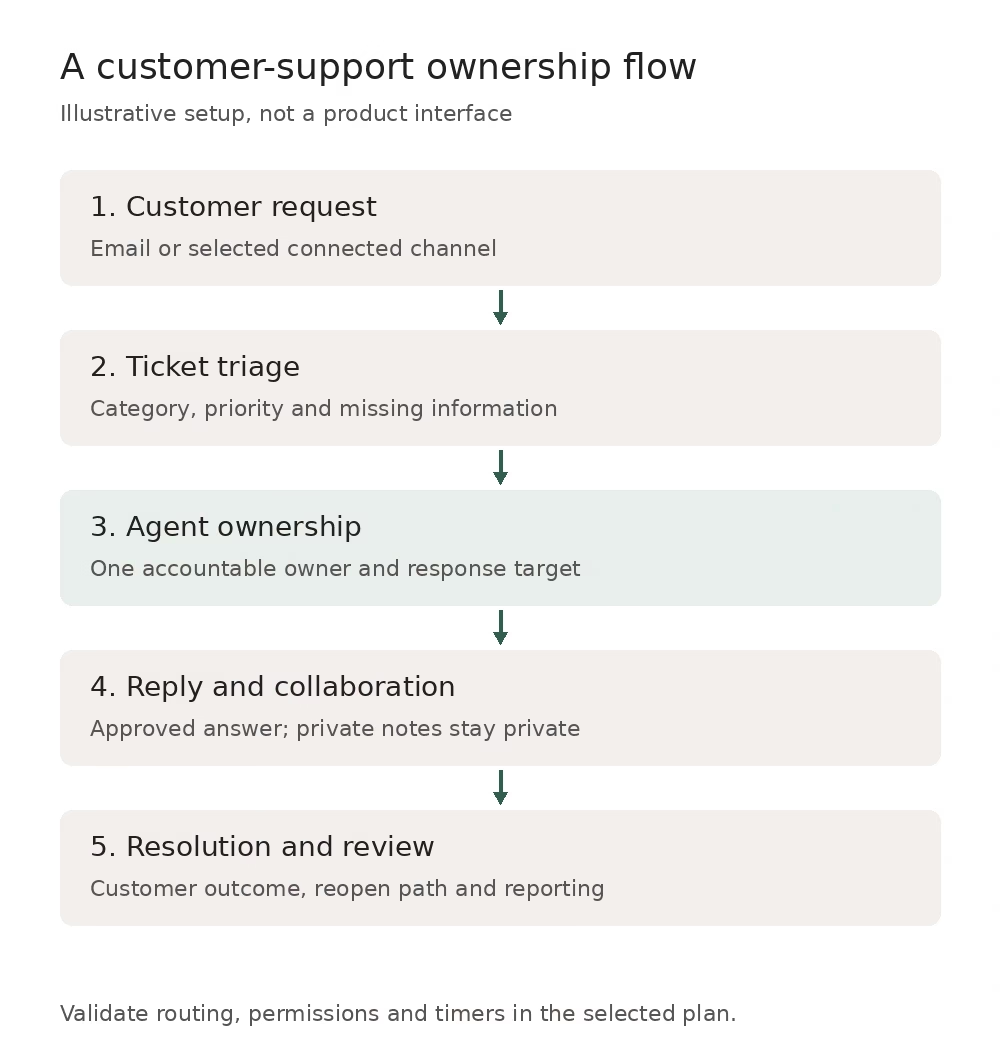
Suppose a small online business has three agents handling order questions and account access. Begin with one support address, two groups and a short list of categories. Use fictional or anonymized cases for the pilot. The diagram shows the intended ownership flow; it is not a Freshdesk interface screenshot.
Start with identity, routing and permissions
Name the support address and customer-facing sender, check who can reply and restrict admin privileges. Define an order group and an account-access group only if different people or rules handle them. Document which fields route a ticket and what happens if information is missing. Do not give every agent broad customer-system access merely to make a demo easier.
Then add policy and knowledge
Write a few approved answers for common questions and link them to the relevant process. Create response targets that fit staffing hours, assign escalation owners and inspect one outside-hours case. Keep money-changing actions such as refunds behind the required approval. The commerce integration depends on the underlying platform, explained in our Shopify versus custom websites guide.
Finally test before turning on the whole queue
Send cases that are ordinary, urgent, duplicated and reopened. Have two agents view the same case and verify assignment and internal notes. Inspect the customer-facing reply, then export enough data to prove the archive is usable. Keep the pilot small until you can explain every routing and timer result. Our project-board comparison can help track rollout work without creating a second live support queue.
What Freshdesk AI and occasional access can add to cost
The current Freshdesk pricing FAQ says the first 500 Freddy AI Agent sessions are included once per account, not every month. Additional packs are $49 per 100 sessions. Session definitions differ for chat and email, so do not treat a session as automatically equivalent to a single message. Copilot is listed at $29 per agent/month as an add-on. These amounts need to be modeled alongside seats, not presented as unlimited included AI.
Freshdesk day passes are tier-specific: $2 on Growth, $7 on Pro and $12 on Enterprise in the current cards. Omni uses different day-pass rates. Confirm eligibility and expected use before replacing regular agent seats with passes. The cost of a technical connection may also include task or action allowances. For customer-record sync, the questions in our Salesforce integration guide help distinguish a connector from a maintained workflow.
Validate the queue before measuring success
Run a documented acceptance test
Create a small case sheet with input, expected group, owner, priority, timer and customer result. Add an incomplete request, a duplicate and a reopened problem. Check that an acknowledgement does not make the team report a useful response too early. Inspect access from an ordinary agent account, not only the administrator view. Keep the results and configuration together so another manager can reproduce the behavior after a rule change.
Measure service rather than cosmetic ticket closure
Review useful first response, resolution, reopening and time waiting on another team. Sample answers for accuracy and policy fit. Do not copy a vendor AI resolution rate into your staffing plan. Test grounded answers and handoffs using the principles in our small-business AI guide. If a custom bot is needed, scope it separately with our chatbot providers comparison.
Inspect a case from both sides
Open a pilot case as the agent and as the customer. Confirm that private notes stay private, the displayed sender is correct and the reply asks only for missing information. Have the customer answer and verify that the intended owner is notified. Then change priority and reopen the case. Compare the status and target against the written expectation rather than assume every green dashboard metric is meaningful. This is also the right time to test a teammate who should not have access.
Prepare migration and assign long-term ownership
Preserve the record customers may need later
Before leaving a shared mailbox or another desk, decide what history to import and what to archive. Preserve attachments, authors, timestamps and old ticket references where possible. Reconcile a small sample and test retrieval. A download without a restore or lookup test is weak evidence; our backup and restore guide explains that distinction for data protection.
Give every rule a maintenance owner
Appoint someone to review routing, SLA promises, knowledge pages and integration failures. Document who approves new AI answers and who handles changes when an employee leaves. Many adoption failures start with unclear responsibility rather than missing features, as in why CRM projects fail. Maintain a review log and pause a broken automated path instead of letting customers discover it first.
Keep a small configuration and review log
Record the purpose of each routing rule, its conditions, the responsible person and the last tested case. When changing a policy, update the knowledge answer and the acceptance case together. Review errors and reopened requests at a cadence the support manager can sustain. Retire rules that no longer map to actual work. Give a backup administrator enough documentation to maintain the queue without guessing, and remove access promptly when a teammate leaves or no longer needs customer data.
Frequently asked questions
What is Freshdesk used for?
Freshdesk organizes customer requests into tickets with owners, replies and status. It supports a portal, knowledge and repeatable service work. It is a customer-support product, not the same internal IT and employee-service scope as Freshservice.
Is Freshdesk free?
The current pages show paid tiers and trial calls to action. A Start for free button does not establish a permanent free plan. Verify the exact offer and limits in the current pricing or signup flow rather than repeat an older free-plan description.
Does Freshdesk include WhatsApp and every support channel?
Do not assume all Freshworks channels are in basic Freshdesk. Freshdesk Omni has separate multichannel positioning and pricing. Map each required channel, feature and integration to the selected product and tier before budgeting or committing.
Do the 500 AI sessions renew monthly?
The pricing FAQ says the 500 free Freddy AI Agent sessions are limited to once per account. Additional session packs are paid. The relevant session definition and validity also matter, so a message count alone is not a complete AI budget.
Does an automated acknowledgement meet first-response SLA?
Not when it is sent by the automation-rule Send Reply action described in the SLA documentation. It is a system message, not an agent response. Test the timer on your configured case so receipt acknowledgements do not become misleading service performance.
Can we integrate Freshdesk with a CRM?
Freshdesk offers integration paths, but verify the exact connector, fields, direction and tier. Define which system owns customer identity and how failures are handled. A successful contact lookup does not prove attachments, status and permissions synchronize correctly.
Is Freshdesk suitable for internal IT?
It can organize requests, but do not infer an ITSM feature set from ticketing. If you need a service catalog, asset context or incident and change workflows, evaluate Freshservice or another internal-service platform with the required tier and operating model.



Leave a Reply